
Handheld Realistic Emotional Short Film
A prompt for generating an emotional 15-second short film from a 9-grid image set, featuring handheld camera realism and low-contrast color grading.
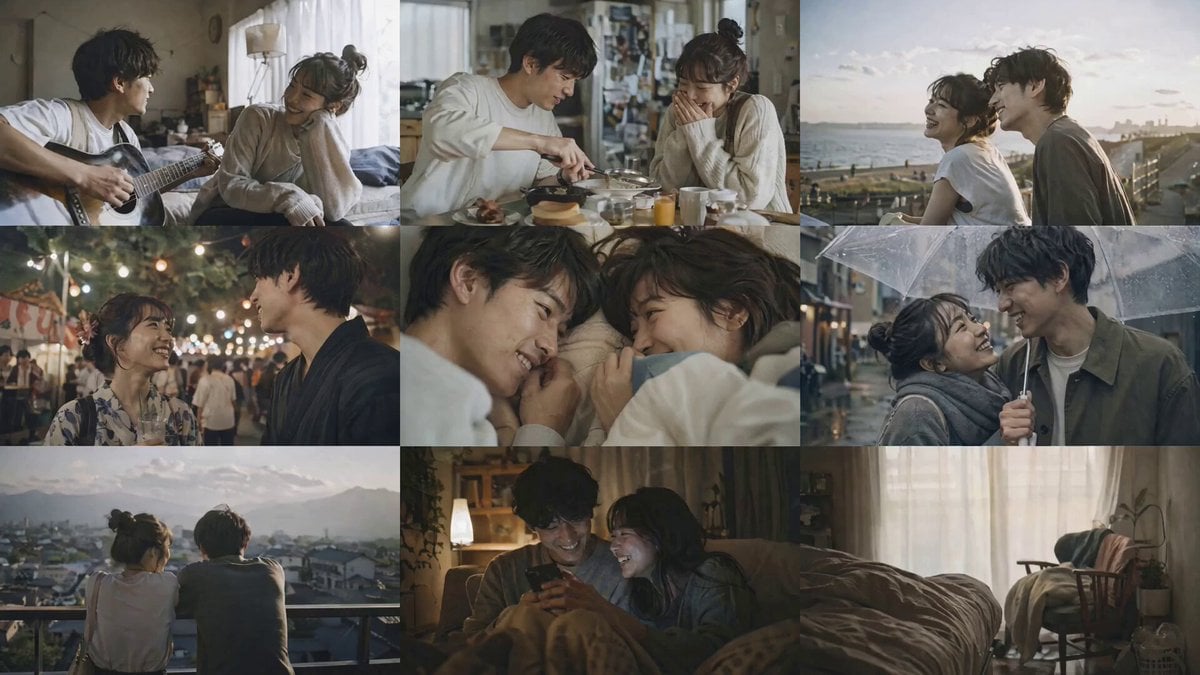
- Prompt included
- Model and format preset
- Free template
The prompt behind this video
Copy the exact prompt behind Handheld Realistic Emotional Short Film, or open it in the studio and make it yours.
# 超ハイクオリティ実写エモムービー制作 ## コンセプト とにかくエモい15秒のショートムービーを3x3の9グリッド画像から生成。 ベースは下記。 - リアリスティック実写。 - 一組の日本人の女性と男性の思い出。 - 手振れを伴うハンドヘルドスタイルで日常感を演出。(屋外や動きのあるシーンは手振れを強めに) - 末尾に記載する「歌詞」の内容から連想する情景を重視する。 - すべてのカットはローコントラストでカラーグレーディングを統一する。 - シネマティックで高度なライティングとシェーディング. ノスタルジックな質感とエモい雰囲気を演出。 ## シーケンス - @ image_1 の全てのカットを順不同で1つずつカット切り替えしながら使用し、全体としてエモい構成のムービーにする。 - グリッドのまま使わないこと。必ず1シーンずつ使用。 - @ audio_1 の音源をBGMとして使用する。 ## 歌詞 ``` (ここに歌詞)
How to use Handheld Realistic Emotional Short Film in 3 steps
- 1
Open
The prompt is already in the box next to the preview, with the template's model and format selected.
- 2…a portrait of your subject in softgolden-hour light, 85mm…
Personalize
Edit the subject and creative details for your destination.
- 3Generate
Generate
Press Generate — your video is created in PicX Studio, so you can compare it with the original and refine one variable at a time.
More like this
Templates with the same subject, style or setup. Open one to see its prompt.

Youth Racing Short Film
Early-2000s Trainee Flashback Film
Emotional Disaster Short Film Storyboard

Emotional Neighborhood Short Film
3D Animated Newspaper Delivery Short - Seedance 2.5
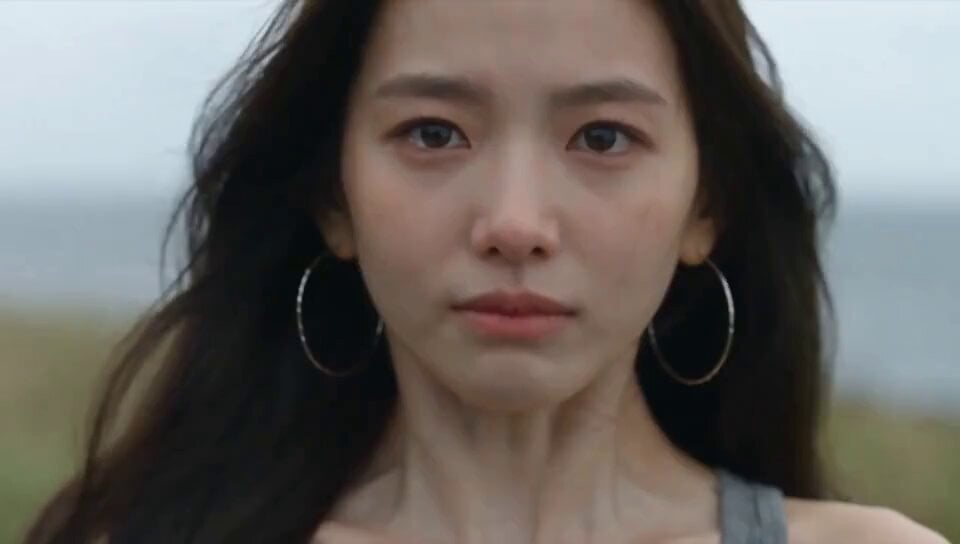
Emotional Breakdown and Fabric Interaction - Seedance 2.5
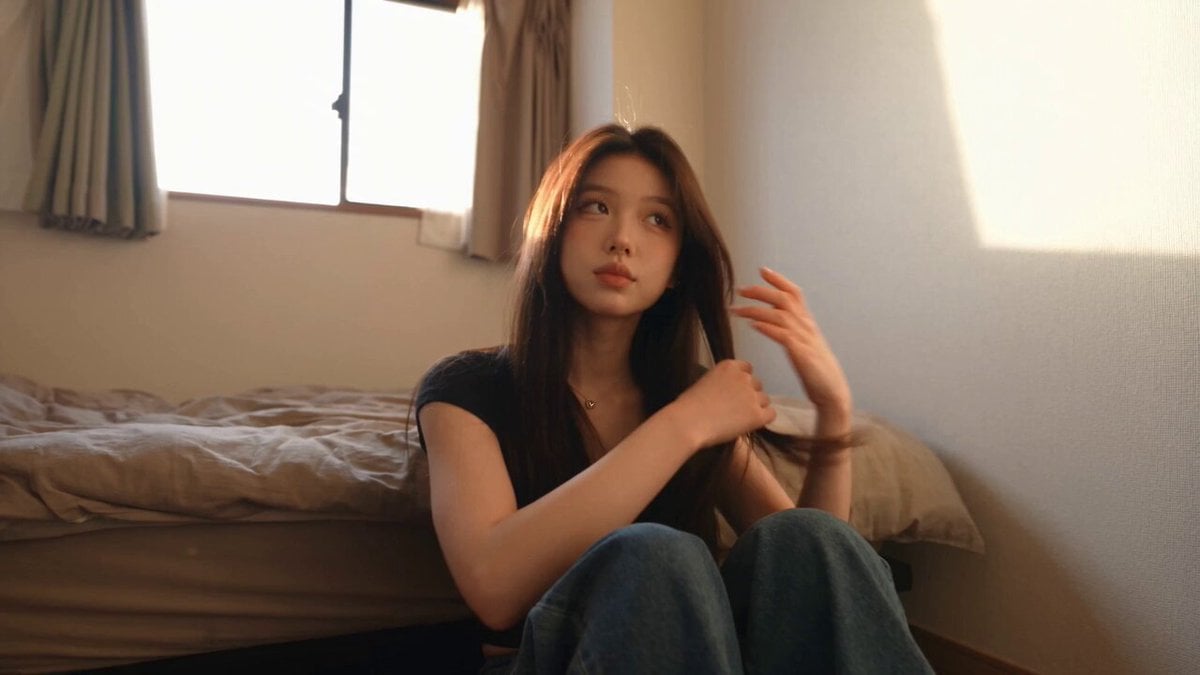
Handheld Tokyo Travel Vlog - Seedance 2.5
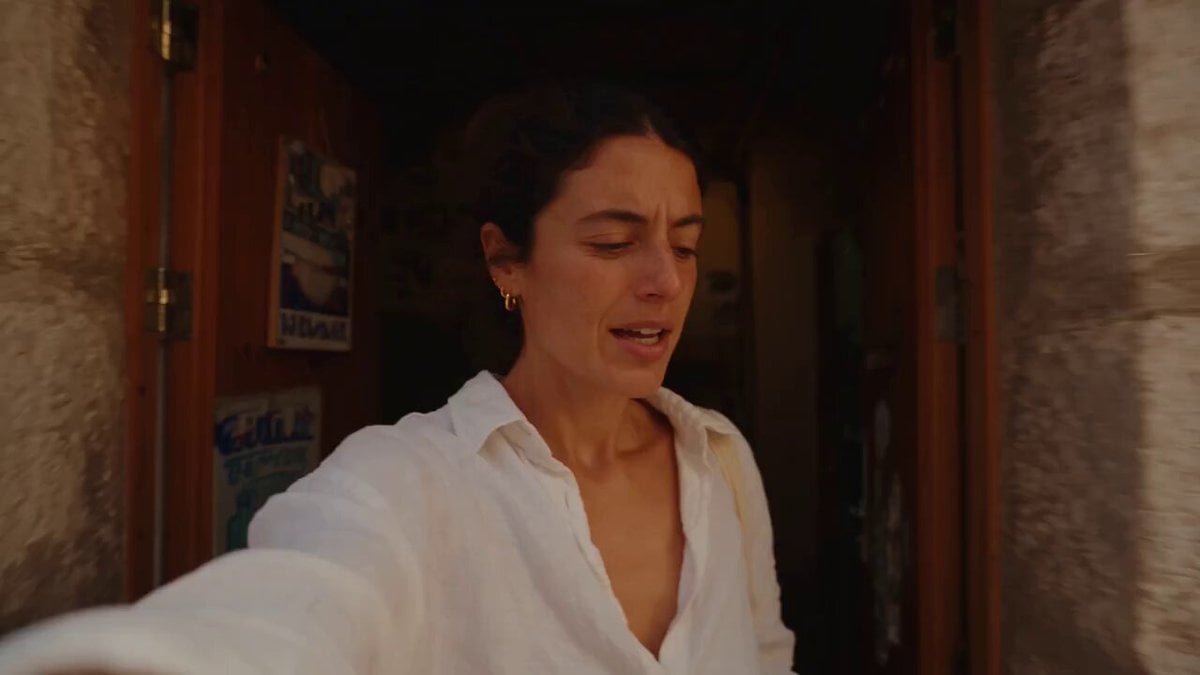
Mediterranean Morning Coffee Run Vlog (Seedance 2.5)
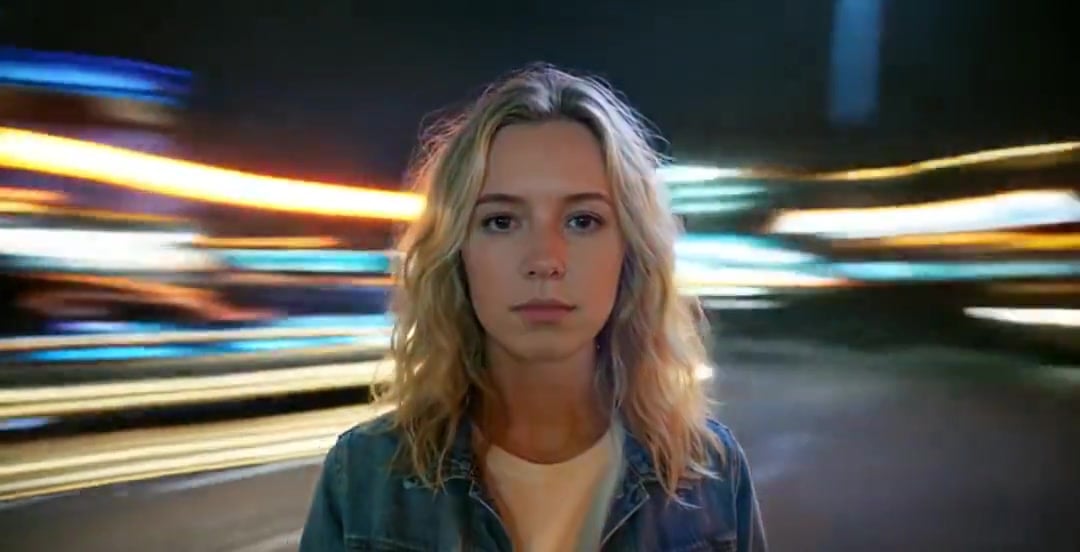
Handheld Neon Chaos Motion Blur — Kling 3.0 v3 Pro
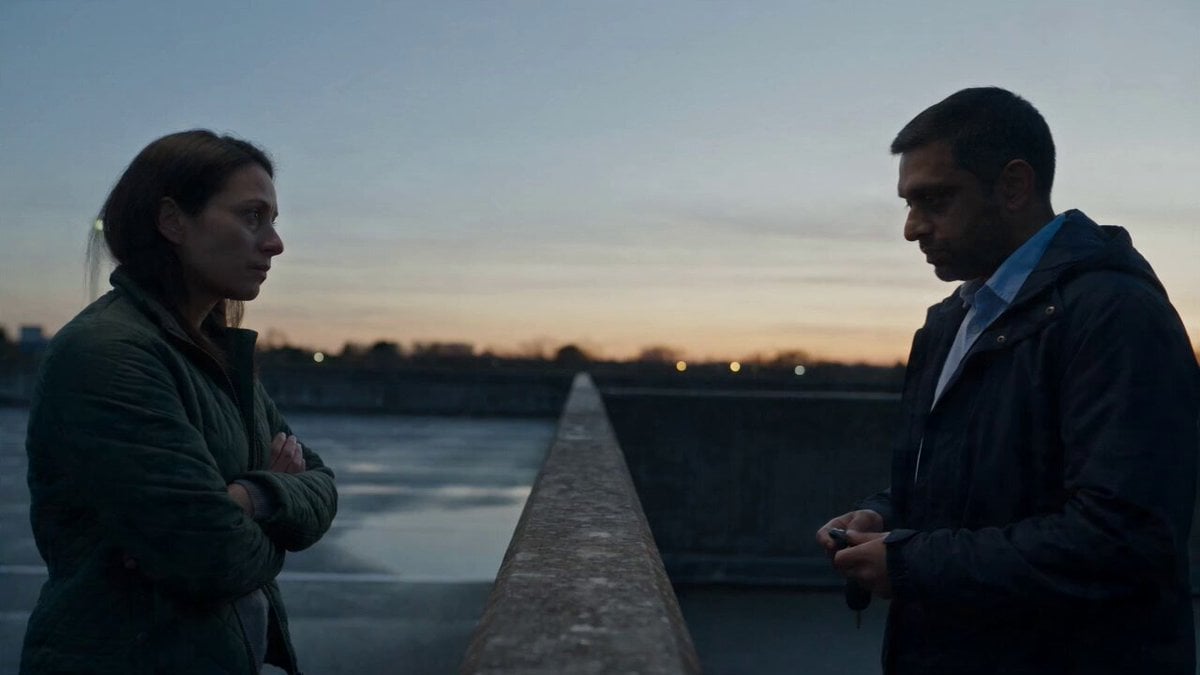
Hospital Car Park Dialogue Lip Sync

Global Flower Thank-You Film
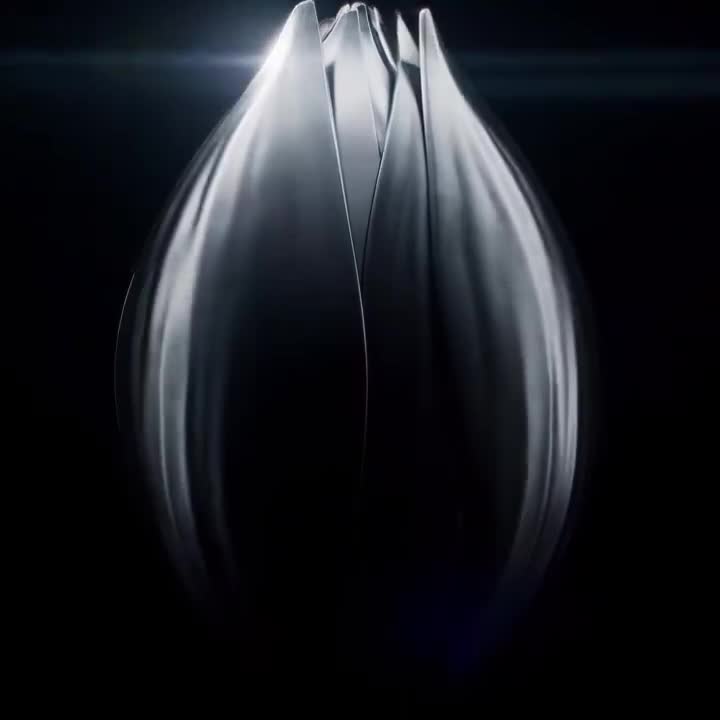
Mechanical Flower Bloom Brand Film
Make it yours
Handheld Realistic Emotional Short Film works as-is. These are the safest ways to change it without losing the look.
Change one field
Copy a single group, rewrite it, and generate again so you can see what that field is doing.
Keep the frame, change the subject
Hold the composition and light of Handheld Realistic Emotional Short Film, then swap wardrobe, props or the person for a new take.
| If the result… | Why | Fix |
|---|---|---|
| The result drifts from the preview | Too many fields changed at once. | Reuse Handheld Realistic Emotional Short Film as-is first, then change one group — subject, light, or setting. |
| The model over-stylizes the scene | The prose prompt leaves finish and camera underspecified. | Add one camera or lighting sentence and stay on Seedance 2.0. |
More Seedance 2.0 templates
Other prompts made for Seedance 2.0.

Comical Martial Arts Punch Scene

Maglev Train Action Sequence

Martial Arts Fight Sequence

Wuxia Protection and Trust Script

Vintage Korean Arcade MiniDV Vlog

Mercedes 190 SL Luxury Ad

Rainy Night Supernatural Reverse Comedy Video Script

Amazon Civilization Discovery

Futuristic South Asian City Transformation

Cozy Luxury Cafe Commercial
More video prompts
Fresh picks from across the catalog.
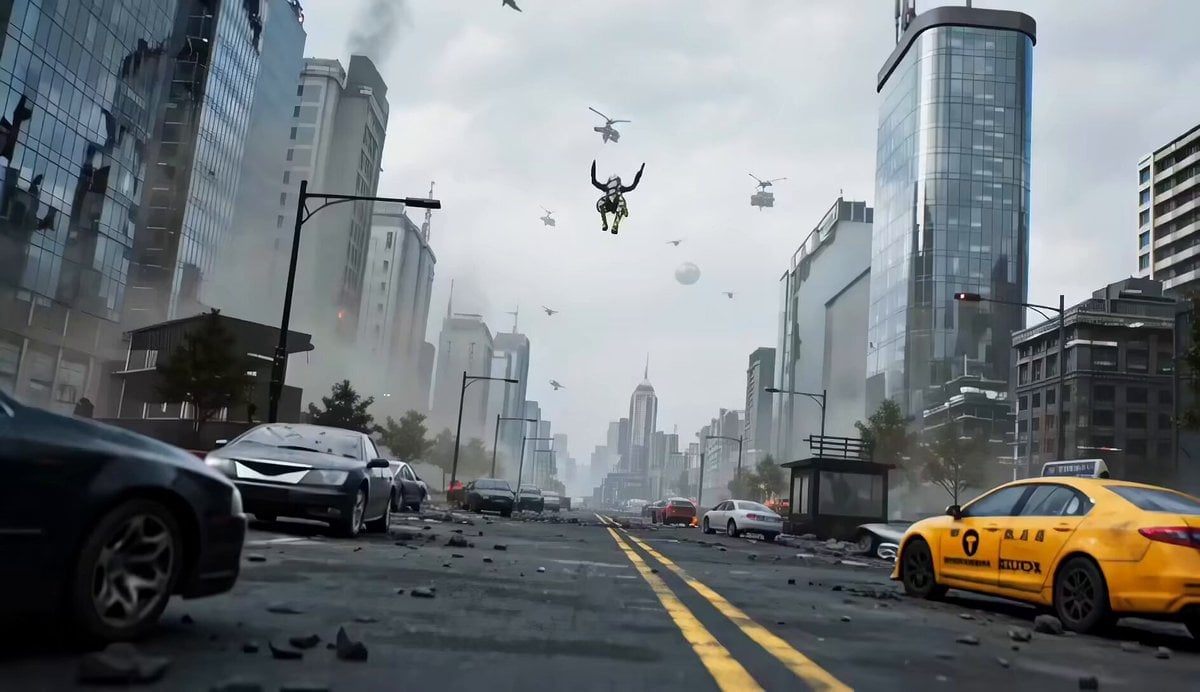
Mecha vs Titan Dragon Cinematic Combat
Humanoid Bat Creature on Mumbai Street Light

Cinematic Lamborghini Countach Night Scene

Cinematic AD for Mobile Holder
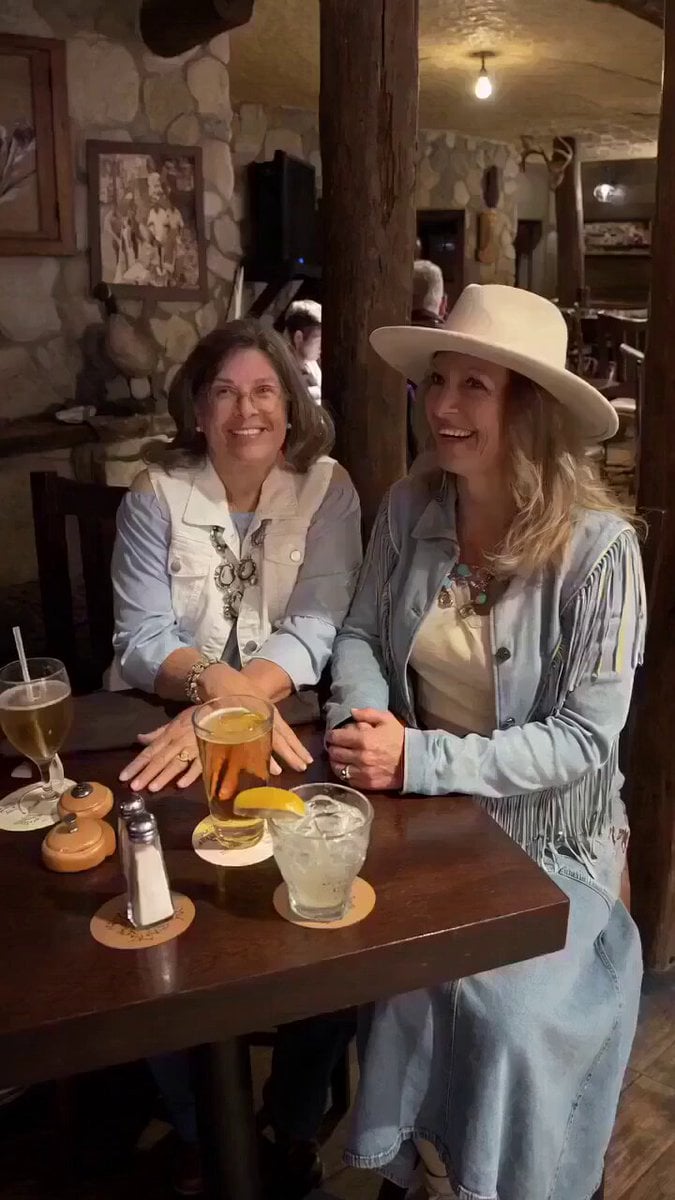
Celebratory Hat Flip Video
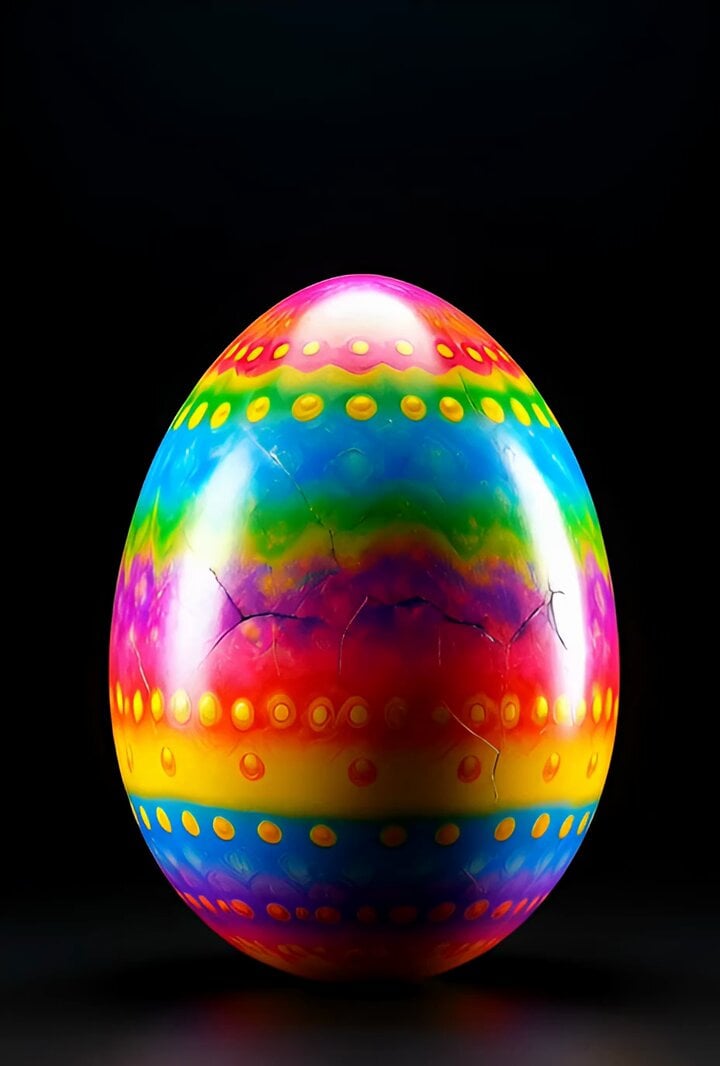
Surreal Easter egg bomb exploding with a rabbit emerging
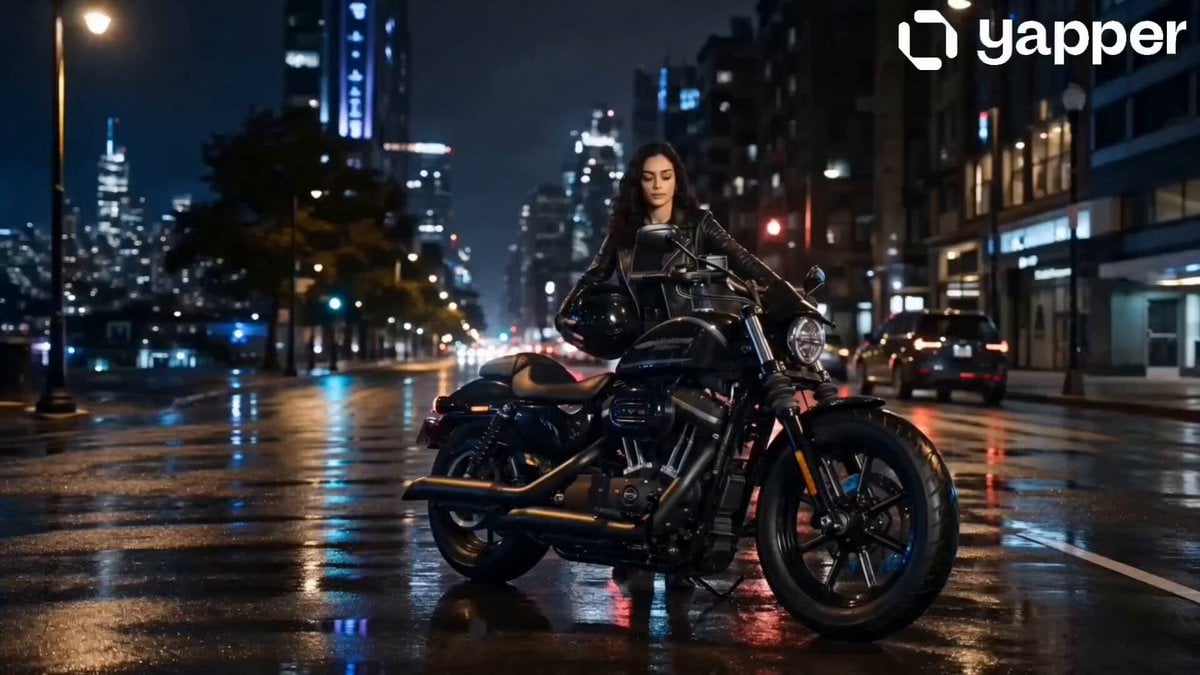
Neon City Heavy Bike Ride

Cinematic Samurai Duel Sequence
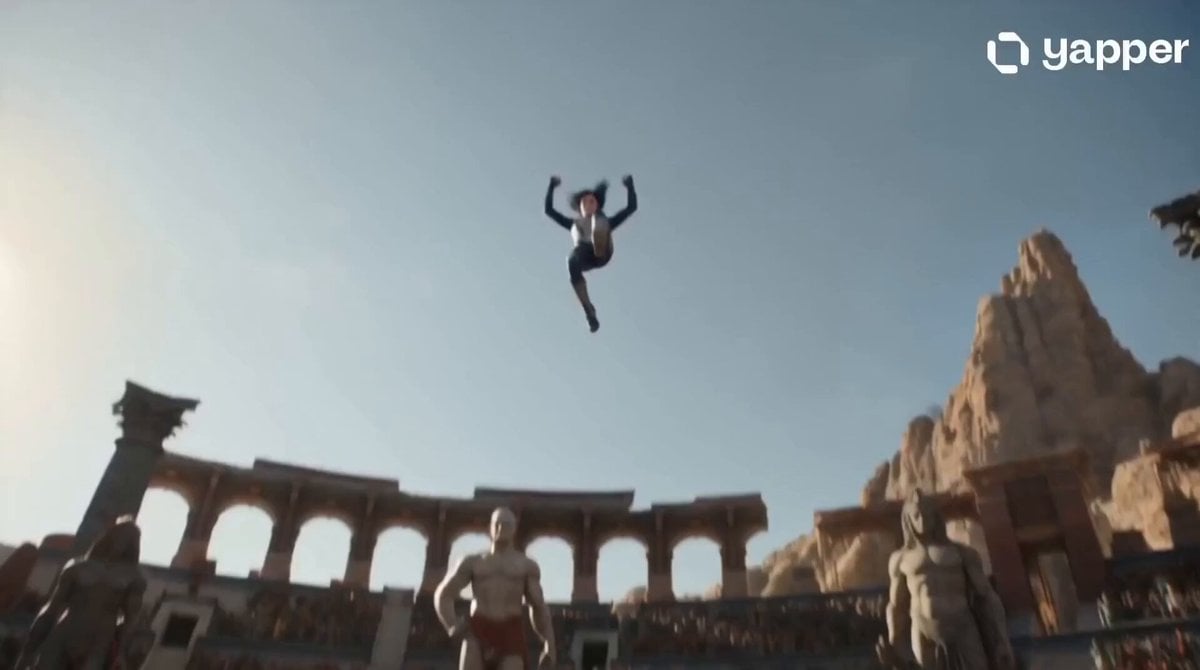
Celestial Warrior Combat Scene
Surreal Scavenger Yacht Scene
Browse template categories
Handheld Realistic Emotional Short Film questions
How do I use the Handheld Realistic Emotional Short Film template?
Add your photo if the template asks for one, edit the prompt if you like — the template's model and format are already selected — and press Generate. Your version opens in PicX Studio.
Can I customize the Handheld Realistic Emotional Short Film template?
Yes. You can change the subject, setting, lighting, mood, format, and available model controls before creating your video.
Is the Handheld Realistic Emotional Short Film template free?
Opening and editing this template is free. Generating uses credits, shown on the Generate button when you are signed in.
Which AI model should I use?
Start with Seedance 2.0, which is the model associated with this template. You can compare another compatible model for a different finish.
Looking for something else? Browse all templates.

Your photo, any look
Thousands of ready templates for every top image and video model, from one credit balance.