
Emotional Neighborhood Short Film
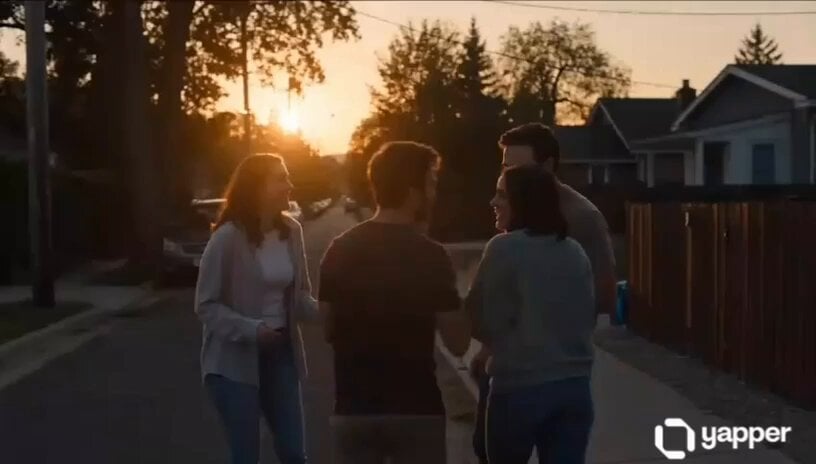
An emotional narrative prompt for a 15-second short film transitioning from a sunset friendship scene to a hospital emergency.
- Prompt included
- Model and format preset
- Free template
The prompt behind this video
Copy the exact prompt behind Emotional Neighborhood Short Film, or open it in the studio and make it yours.
Create a cinematic 15-second emotional short film in ultra-realistic 8K quality. The scene begins with four close friends laughing together in a small neighborhood street during sunset. Suddenly, one friend receives a heartbreaking phone call that his mother has become seriously ill. His face turns emotional and worried while the other three friends immediately support him. The group quickly rushes his sick mother into a car and drives through the city at night with dramatic lighting and realistic reflections. Final scene shows them arriving at a modern hospital emergency entrance, helping the weak mother on a wheelchair while doctors and nurses rush forward. Emotional atmosphere, realistic human expressions, cinematic camera angles, soft dramatic music vibe, ultra-detailed faces, realistic hospital environment, volumetric lighting, depth of field, movie-like storytelling, highly emotional and inspirational ending, 8K ultra HD, masterpiece quality.
How to use Emotional Neighborhood Short Film in 3 steps
- 1
Open
The prompt is already in the box next to the preview, with the template's model and format selected.
- 2…a portrait of your subject in softgolden-hour light, 85mm…
Personalize
Edit the subject and creative details for your destination.
- 3Generate
Generate
Press Generate — your video is created in PicX Studio, so you can compare it with the original and refine one variable at a time.
More like this
Templates with the same subject, style or setup. Open one to see its prompt.
Youth Racing Short Film

Emotional Disaster Short Film Storyboard
Handheld Realistic Emotional Short Film

3D Animated Newspaper Delivery Short - Seedance 2.5
Emotional Breakdown and Fabric Interaction - Seedance 2.5
Hospital Car Park Dialogue Lip Sync

Global Flower Thank-You Film

Mechanical Flower Bloom Brand Film

Oceanic Civilization Epic Sci-Fi Film

Floating Desert Museum Cinematic Film

Haute Couture Dream Bokeh Film
Window-to-Eye Concept Film
Make it yours
Emotional Neighborhood Short Film works as-is. These are the safest ways to change it without losing the look.
Change one field
Copy a single group, rewrite it, and generate again so you can see what that field is doing.
Keep the frame, change the subject
Hold the composition and light of Emotional Neighborhood Short Film, then swap wardrobe, props or the person for a new take.
| If the result… | Why | Fix |
|---|---|---|
| The result drifts from the preview | Too many fields changed at once. | Reuse Emotional Neighborhood Short Film as-is first, then change one group — subject, light, or setting. |
| The model over-stylizes the scene | The prose prompt leaves finish and camera underspecified. | Add one camera or lighting sentence and stay on Seedance 2.0. |
More Seedance 2.0 templates
Other prompts made for Seedance 2.0.

Comical Martial Arts Punch Scene

Maglev Train Action Sequence

Martial Arts Fight Sequence

Wuxia Protection and Trust Script

Vintage Korean Arcade MiniDV Vlog

Mercedes 190 SL Luxury Ad

Rainy Night Supernatural Reverse Comedy Video Script

Amazon Civilization Discovery

Futuristic South Asian City Transformation

Cozy Luxury Cafe Commercial
More video prompts
Fresh picks from across the catalog.

Cinematic Beach Monster Battle
Omegle Conversation Reveal

Stallion Running in Open Field

Grok Girl Anime Character
Funny Interview Phone Smash

Martial Arts Duel Cinematic Scene
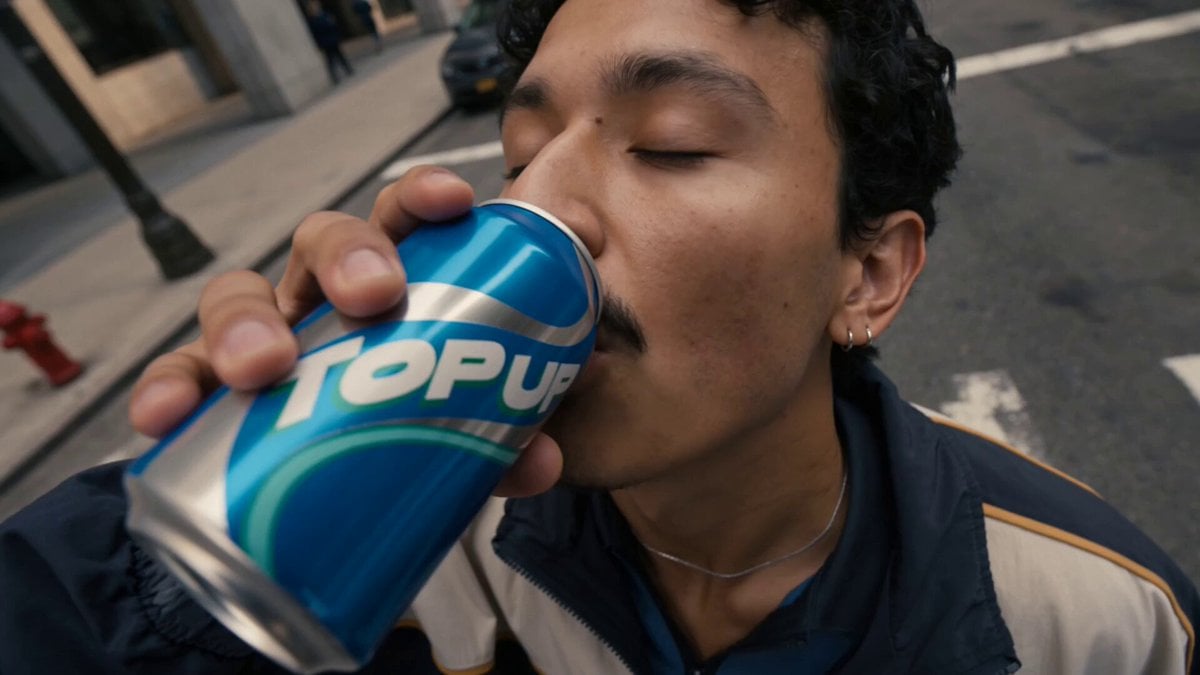
Cinematic 8K Mid-Flight Armor Assembly
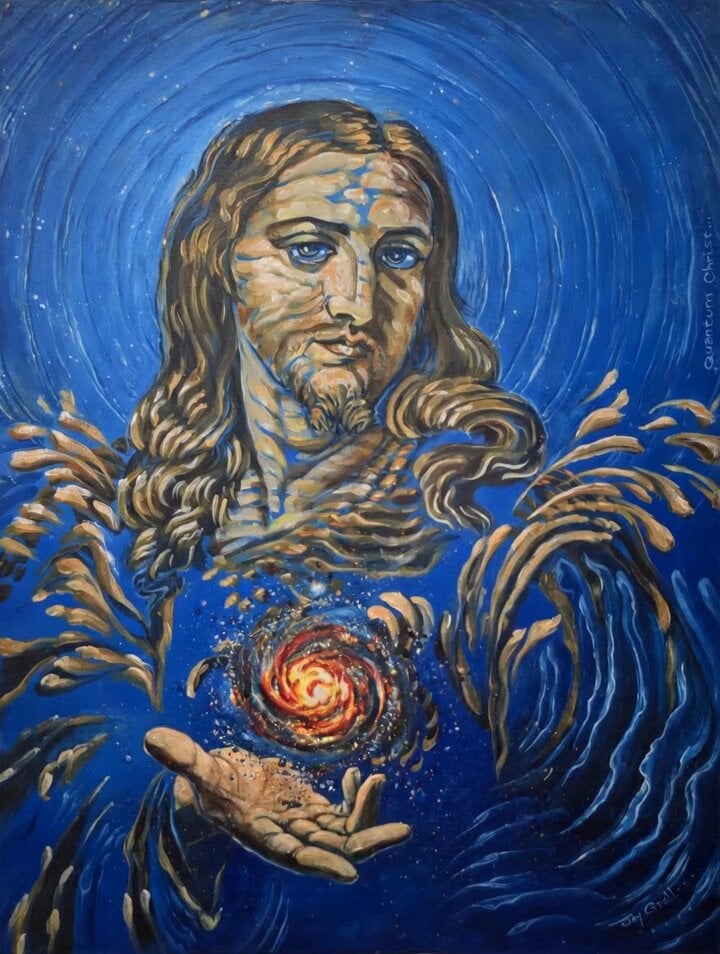
Animated 'Quantum Christ' Painting

Grok Imagine Prompt: Ultra Luxurious Art Deco Imperial Opera Scene
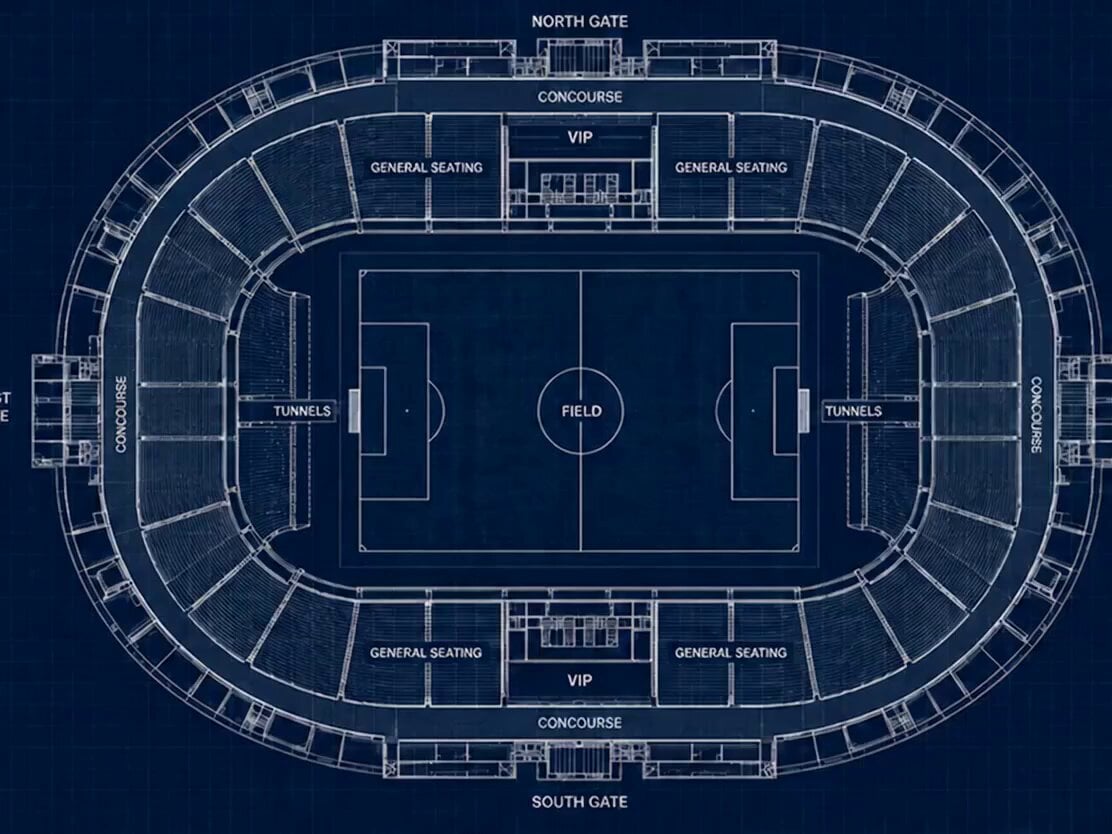
Stadium Construction Blueprint Timelapse
Browse template categories
Emotional Neighborhood Short Film questions
How do I use the Emotional Neighborhood Short Film template?
Add your photo if the template asks for one, edit the prompt if you like — the template's model and format are already selected — and press Generate. Your version opens in PicX Studio.
Can I customize the Emotional Neighborhood Short Film template?
Yes. You can change the subject, setting, lighting, mood, format, and available model controls before creating your video.
Is the Emotional Neighborhood Short Film template free?
Opening and editing this template is free. Generating uses credits, shown on the Generate button when you are signed in.
Which AI model should I use?
Start with Seedance 2.0, which is the model associated with this template. You can compare another compatible model for a different finish.
Looking for something else? Browse all templates.

Your photo, any look
Thousands of ready templates for every top image and video model, from one credit balance.