
Martial Arts Duel Cinematic Scene
A detailed cinematic prompt for a high-intensity martial arts battle in a ruined temple, featuring realistic combat mechanics and dynamic camera work.
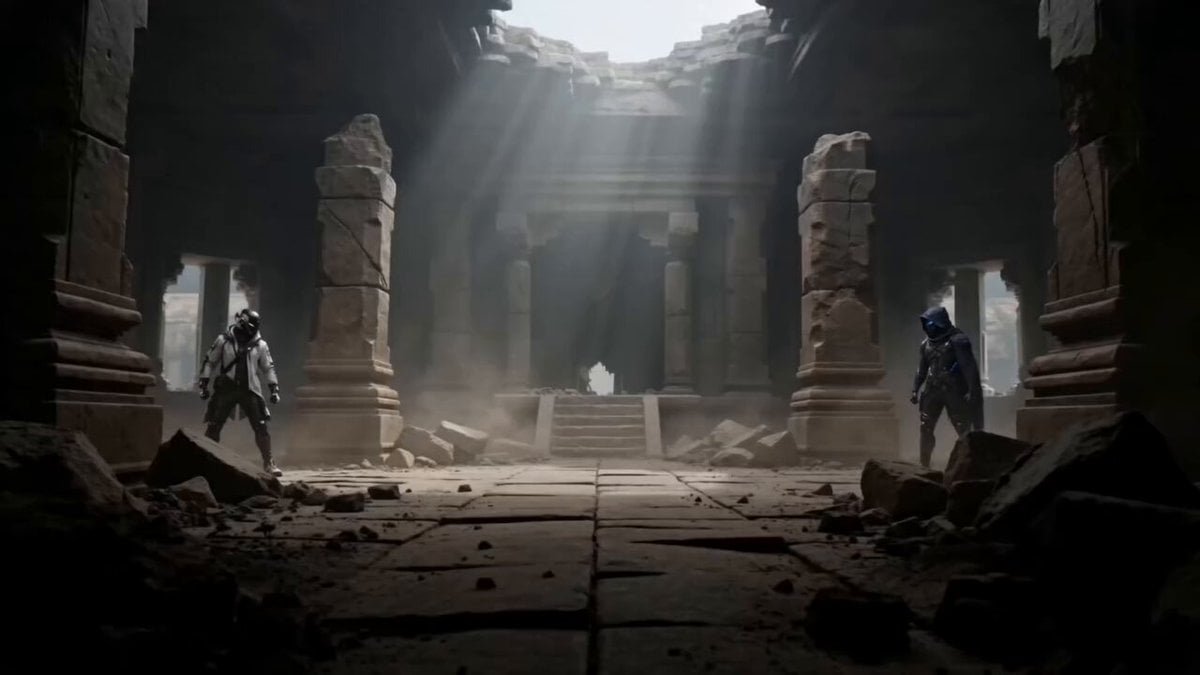
- Prompt included
- Model and format preset
- Premium template
The prompt behind this video
Copy the exact prompt behind Martial Arts Duel Cinematic Scene, or open it in the studio and make it yours.
Style: Brutal martial arts duel, no weapons, realistic combat, elite warrior level, lightning-fast choreography, readable action, no comedy, no floating, no anime physics, every hit carries weight and momentum. Cinematic Style: ARRI Alexa Mini LF, anamorphic lens, professional action cinematography, dynamic camera language, layered composition, deep composition, high-speed action film pacing, cinematic motion blur, dramatic volumetric lighting, dust, debris, realistic body mechanics. Shot 1 (0s-2s) Extreme wide shot, ruined stone temple interior, foreground broken pillars framing both fighters on opposite sides of the frame using rule-of-thirds composition. Low-angle push-in. Wind blows through the temple. Both warriors instantly explode into motion and sprint toward each other at full speed. Shot 2 (2s-4s) Tracking side shot. @image1 launches a flying spinning kick. @image2 ducks underneath at the last second. Camera whip-pans with the movement. Dust erupts from the floor. Fast but readable action. Shot 3 (4s-6s) Dynamic orbit shot. @image2 grabs @image1's leg mid-air, pivots his hips, and throws him across the temple floor. @image1 lands on one hand, uses the momentum to perform a full backflip recovery without stopping. Camera follows continuously. Shot 4 (6s-8s) Split lens composition. @image1 sharp in foreground charging forward while @image2 remains equally sharp in the distant background preparing a counterattack. Both collide in a rapid exchange of punches, elbows, knees, and spinning strikes. Camera aggressively pushes through the action. Shot 5 (8s-10s) Low-angle tracking shot. @image2 attempts a devastating spinning heel kick. @image1 slides underneath the kick, grabs the supporting leg, lifts, rotates, and slams @image2 into a stone pillar. Debris explodes across the foreground creating strong depth layers. Shot 6 (10s-12s) Handheld-style combat intensity without excessive shake. Both fighters unleash a relentless combination of punches, elbows, knees, shoulder strikes, sweeps, and acrobatic counters. Backflip evasion, spinning recovery, rapid footwork. Every strike narrowly misses or lands with visible impact. Shot 7 (12s-14s) Heroic orbit shot around both fighters. They sprint toward each other simultaneously. One launches a jumping knee strike while the other performs a rotating aerial kick. Both attacks collide in mid-air. Shockwave bursts outward through dust and debris. Shot 8 (14s-15s) Extreme low-angle hero shot. Both land several meters apart. Silence. Dust falls from the air. Camera slowly pushes in. Neither fighter breaks eye contact. End before revealing the winner.
How to use Martial Arts Duel Cinematic Scene in 3 steps
- 1
Open
The prompt is already in the box next to the preview, with the template's model and format selected.
- 2…a portrait of your subject in softgolden-hour light, 85mm…
Personalize
Edit the subject and creative details for your destination.
- 3Generate
Generate
Press Generate — your video is created in PicX Studio, so you can compare it with the original and refine one variable at a time.
More like this
Templates with the same subject, style or setup. Open one to see its prompt.
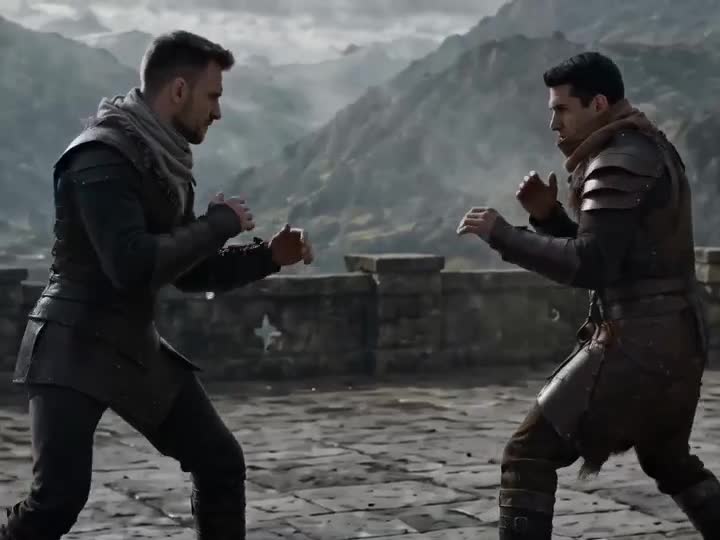
Medieval Duel Style Transfer
Fantasy Martial Arts Live Action

Comical Martial Arts Punch Scene

Martial Arts Fight Sequence
Martial Arts Comedy Verbal Guidance
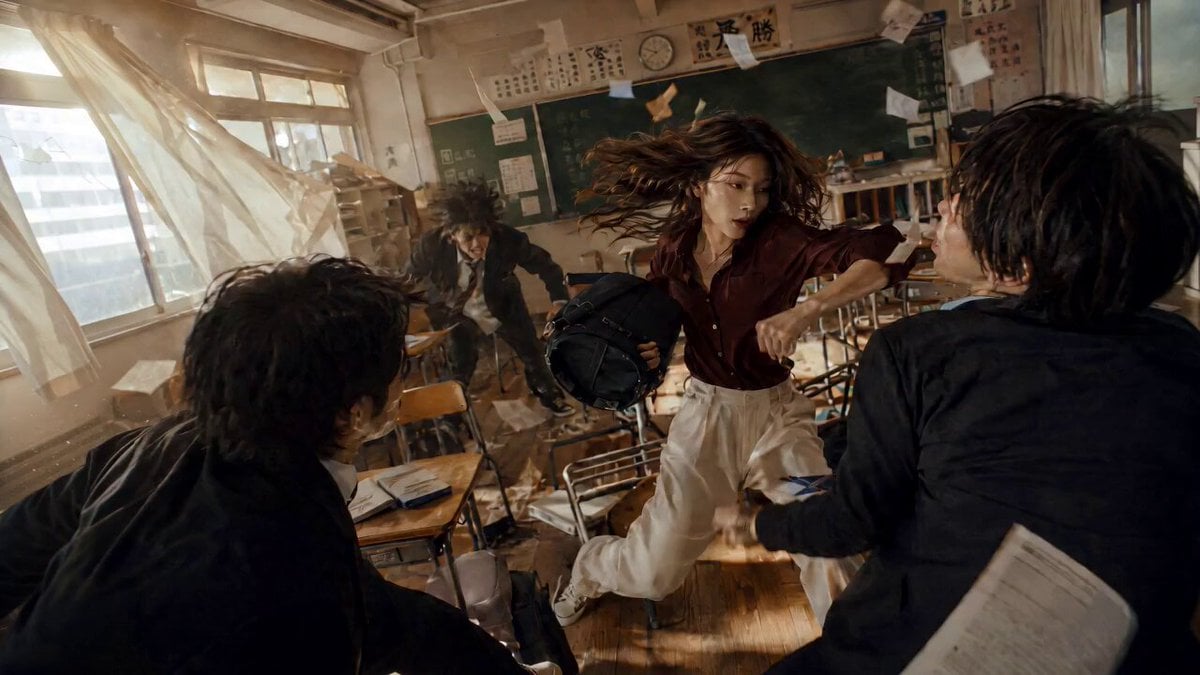
High School Martial Arts One-Shot
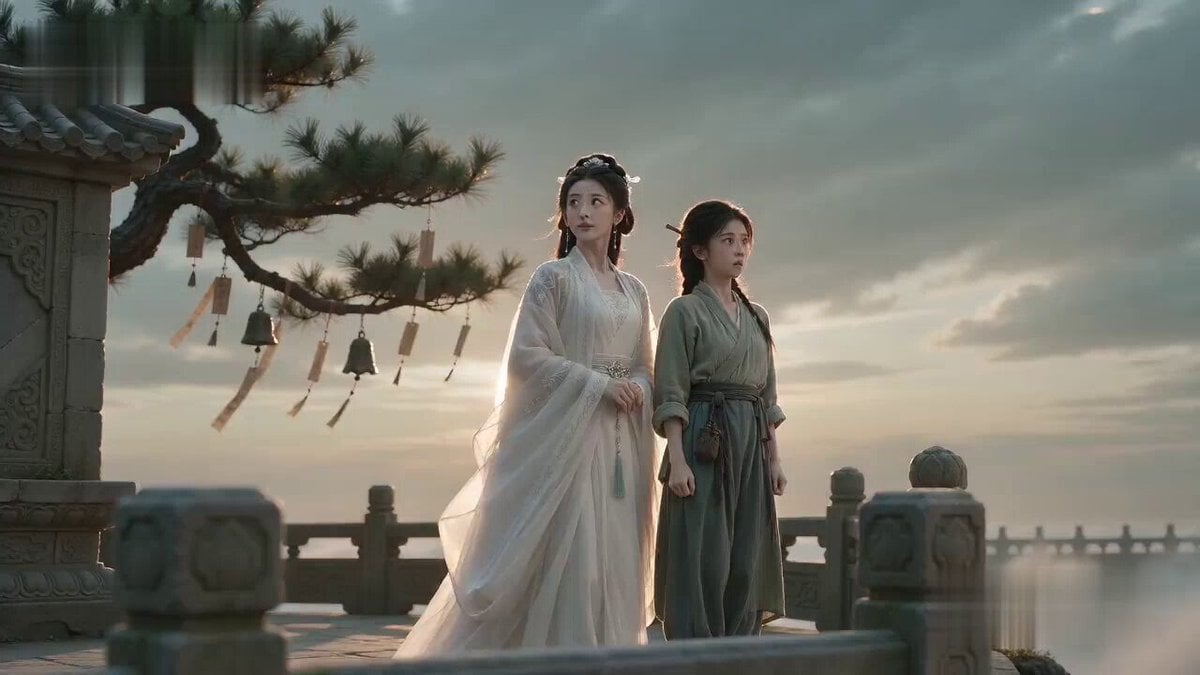
Martial Arts Comedy: The Echoing Secret
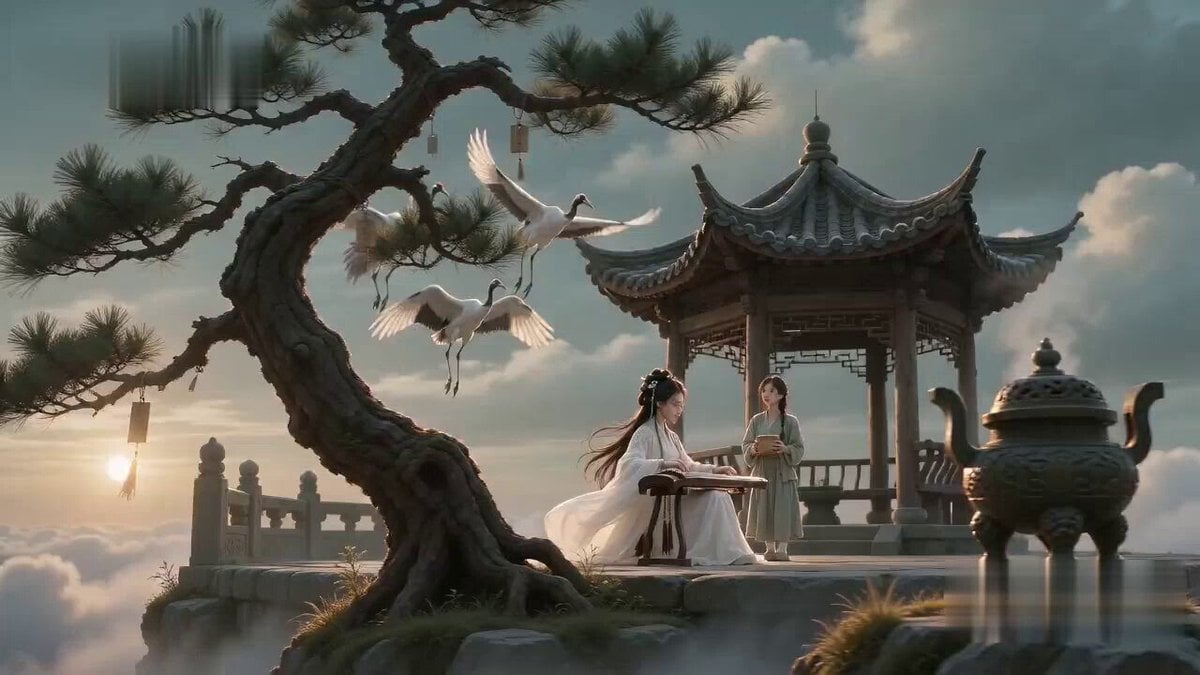
Poetic Martial Arts Comedy: Zither and Cranes
Martial Arts Cyborg Battle and Transformation
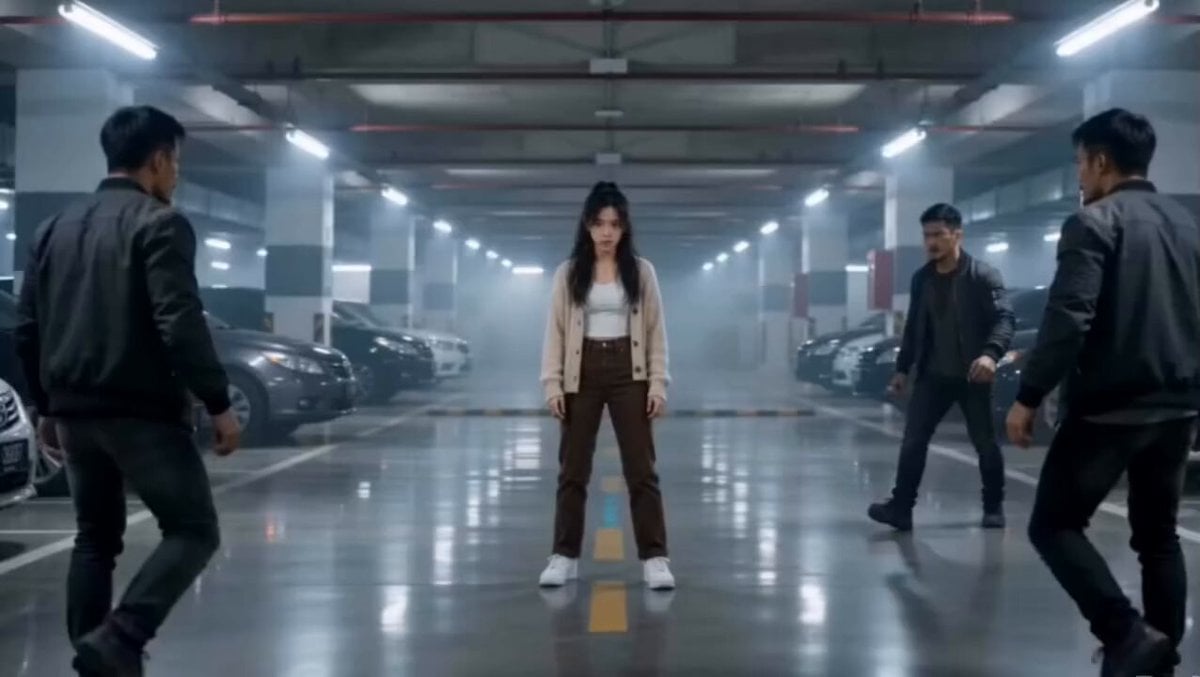
Martial Arts Parking Garage Fight
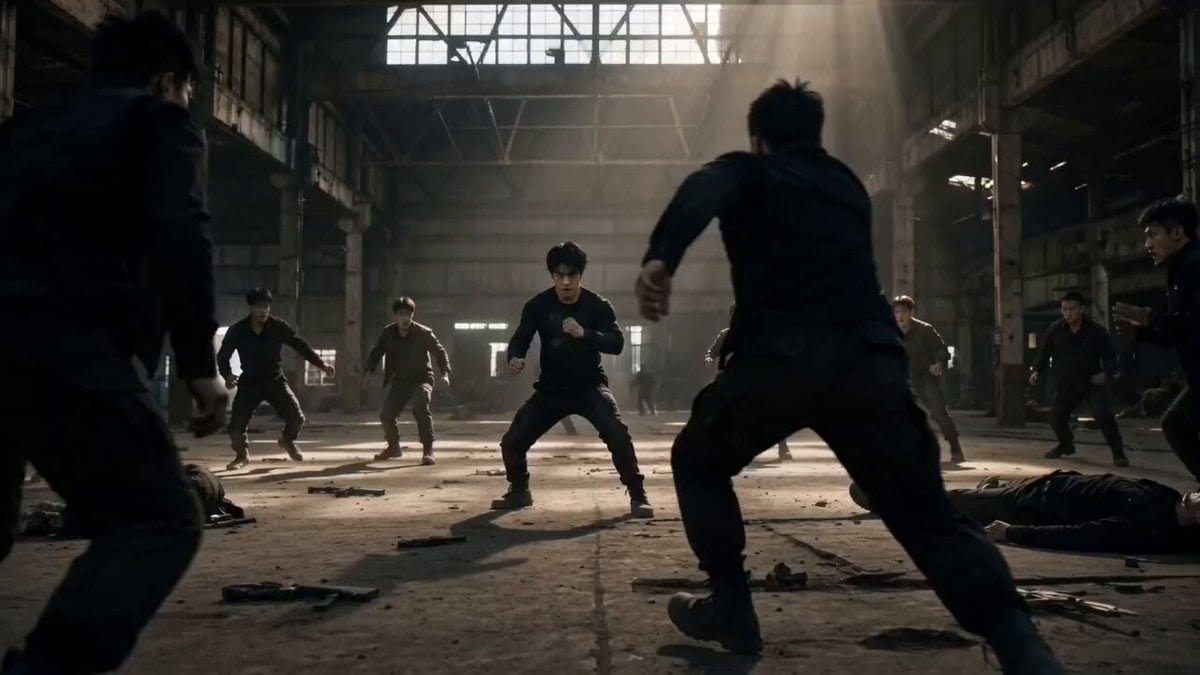
Martial Arts Warehouse Combat Sequence
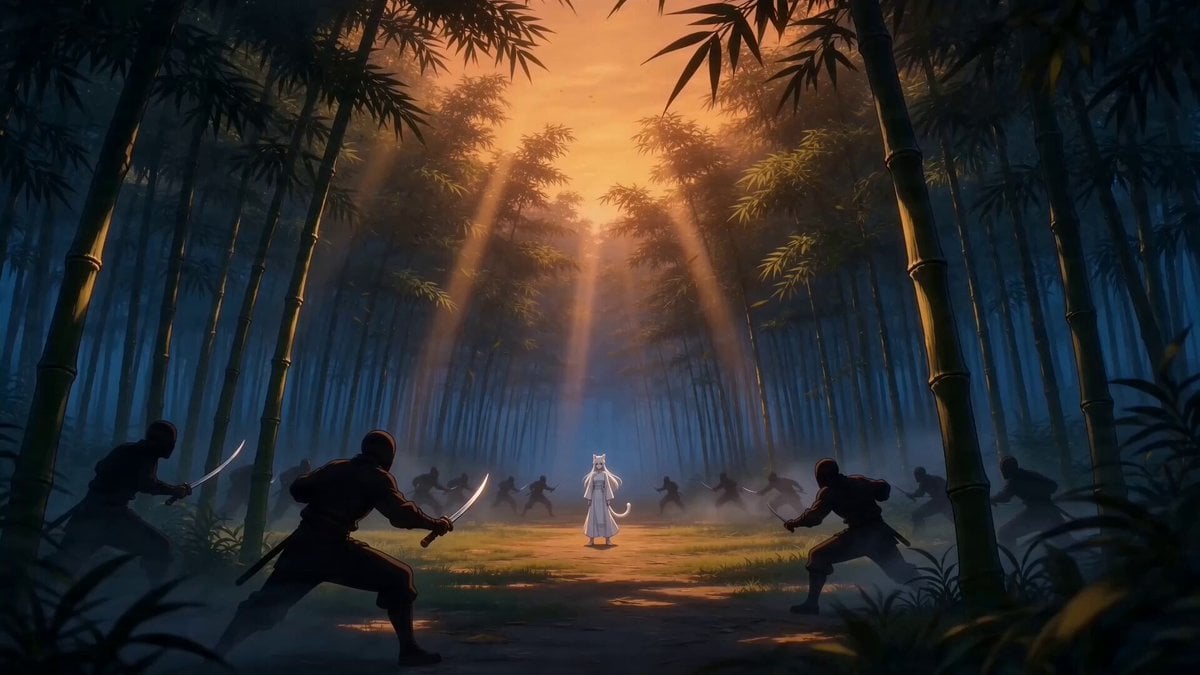
Taiqi Martial Arts Fight Sequence
Make it yours
Martial Arts Duel Cinematic Scene works as-is. These are the safest ways to change it without losing the look.
Change one field
Copy a single group, rewrite it, and generate again so you can see what that field is doing.
Keep the frame, change the subject
Hold the composition and light of Martial Arts Duel Cinematic Scene, then swap wardrobe, props or the person for a new take.
| If the result… | Why | Fix |
|---|---|---|
| The result drifts from the preview | Too many fields changed at once. | Reuse Martial Arts Duel Cinematic Scene as-is first, then change one group — subject, light, or setting. |
| The model over-stylizes the scene | The prose prompt leaves finish and camera underspecified. | Add one camera or lighting sentence and stay on Seedance 2.0. |
More Seedance 2.0 templates
Other prompts made for Seedance 2.0.

Maglev Train Action Sequence

Wuxia Protection and Trust Script

Vintage Korean Arcade MiniDV Vlog

Mercedes 190 SL Luxury Ad

Rainy Night Supernatural Reverse Comedy Video Script

Amazon Civilization Discovery

Futuristic South Asian City Transformation

Cozy Luxury Cafe Commercial
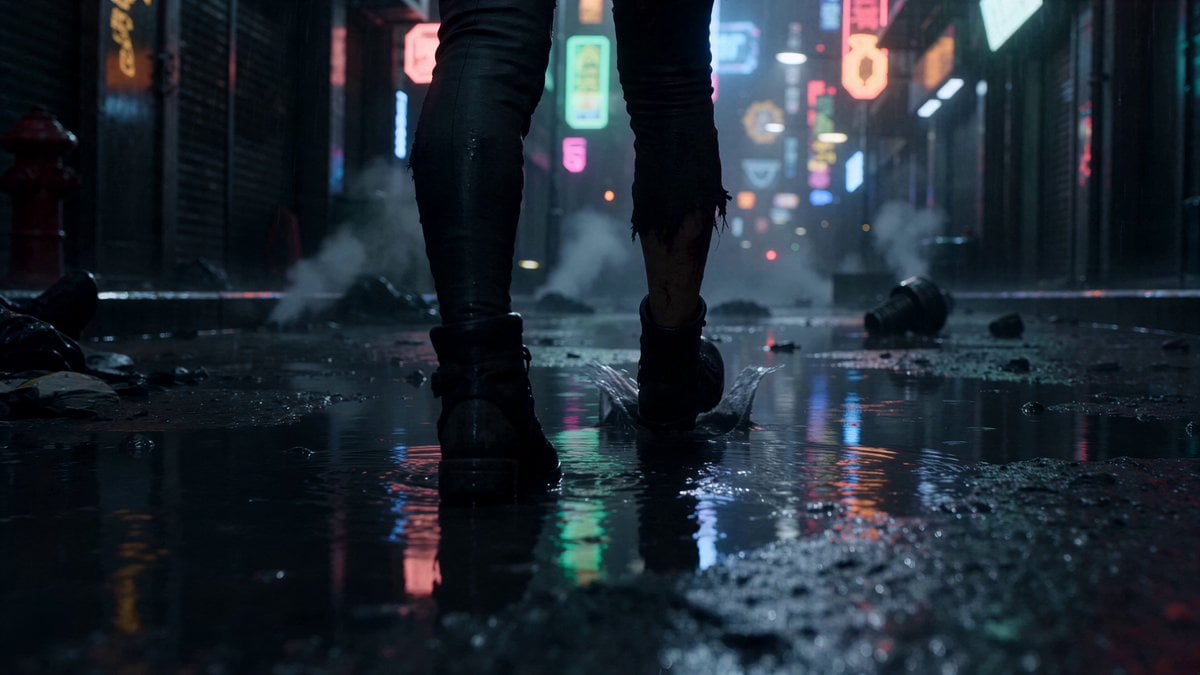
Cyber Ronin Nanotech Transformation Video
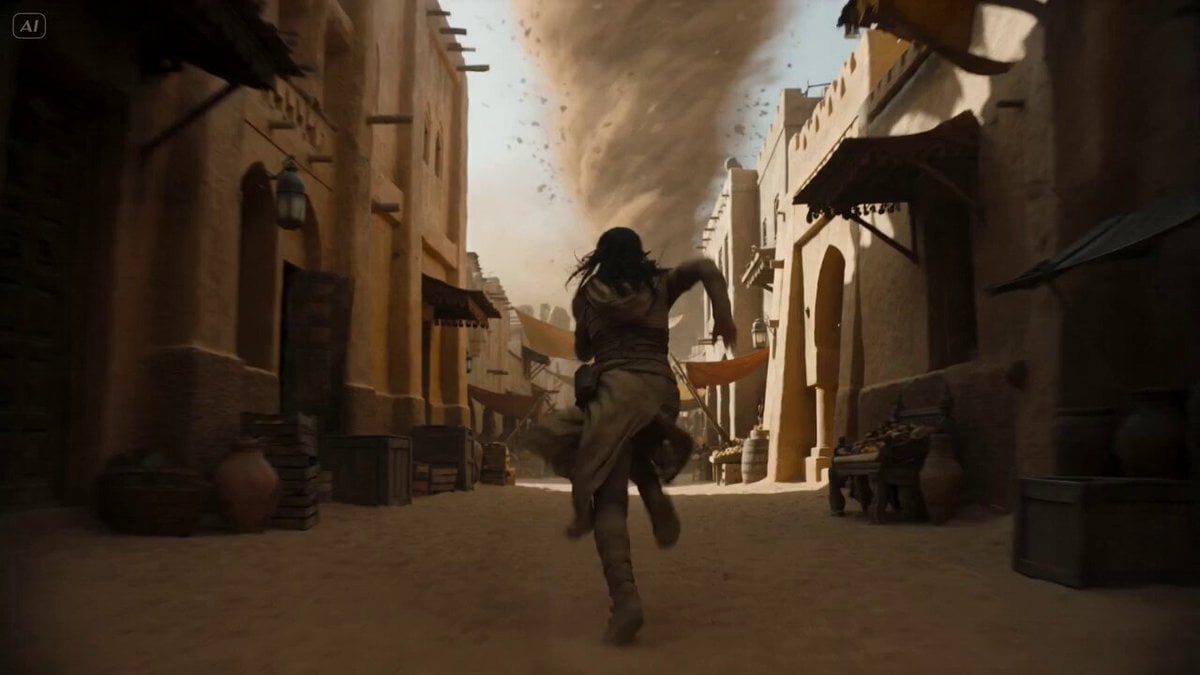
Desert Courier and Sandstorm Leviathan Chase
More video prompts
Fresh picks from across the catalog.
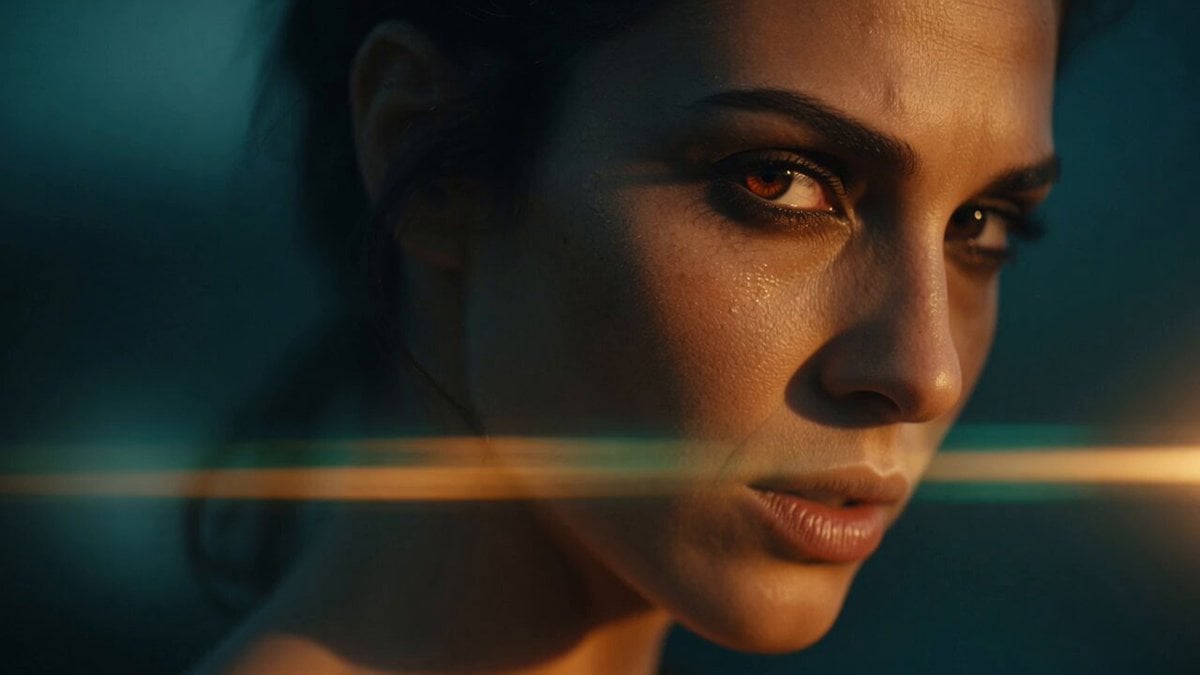
Neruda Poetry Cinematic Dolly Zoom

World Cup 2026 Fan Experience
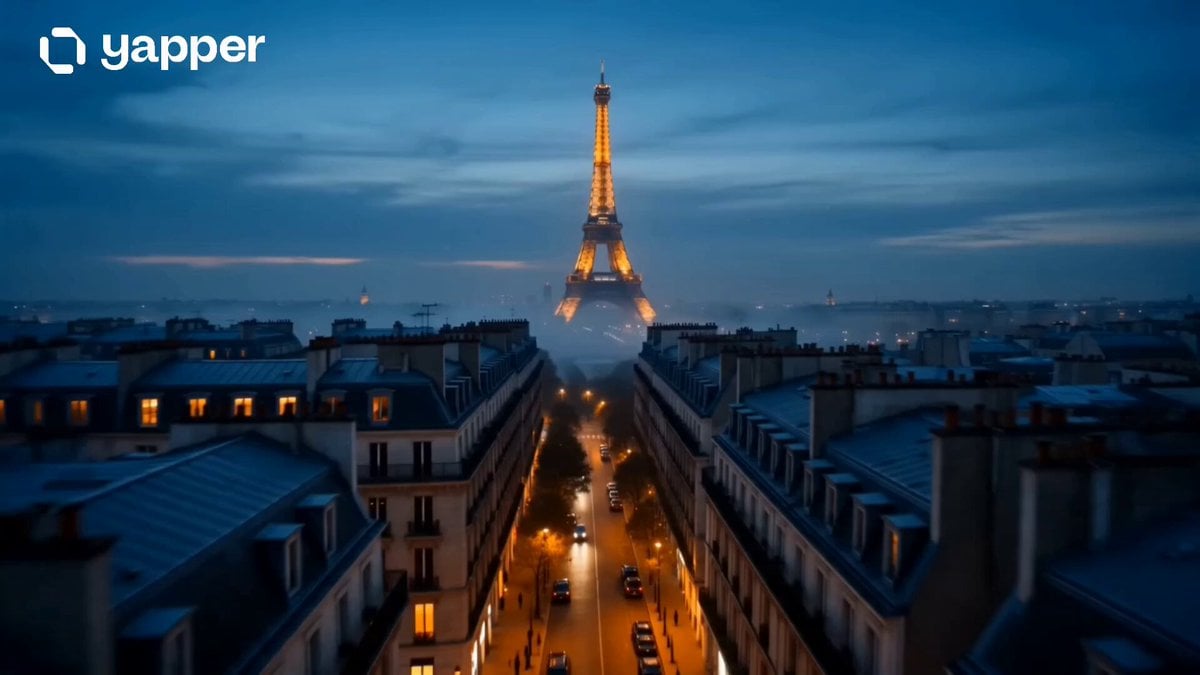
Cinematic Paris Travel Sequence
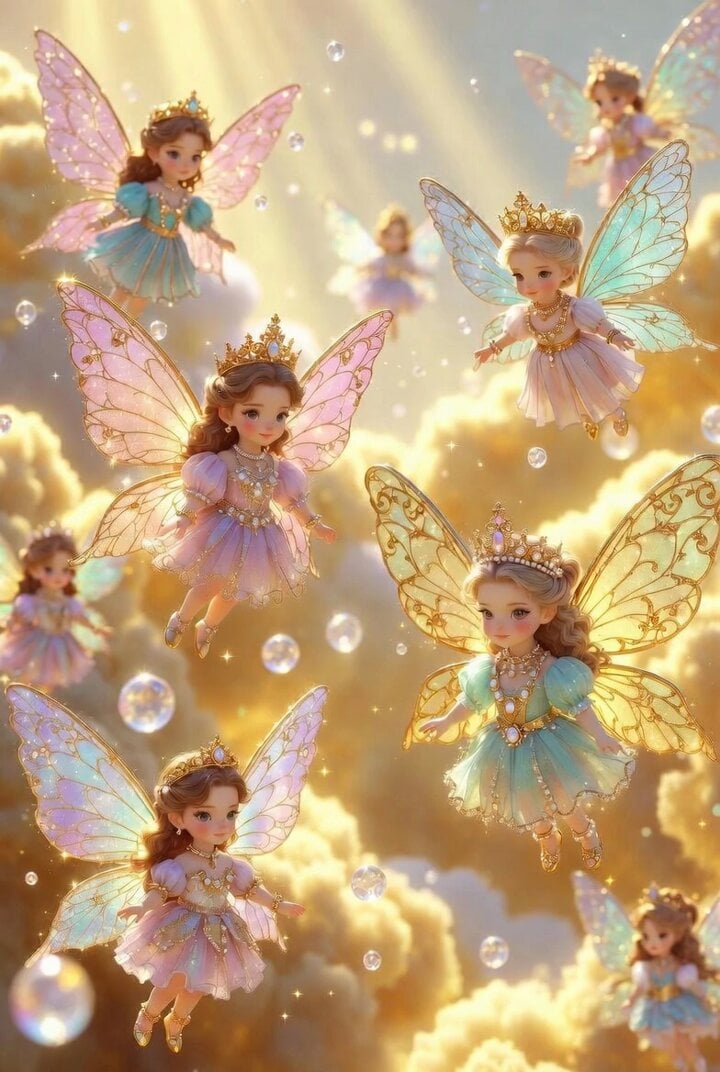
Chibi Fairy Superheroes in Golden Clouds
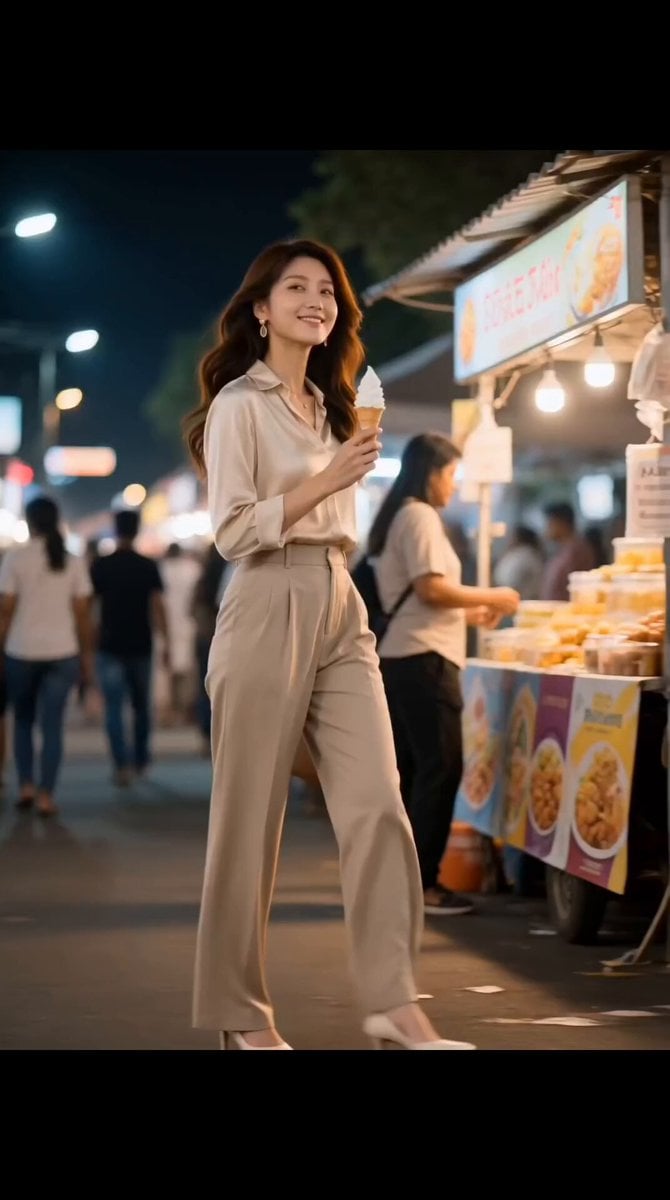
Market Kidnapping Action Drama Script

Quirky Character with Pistachio Tree
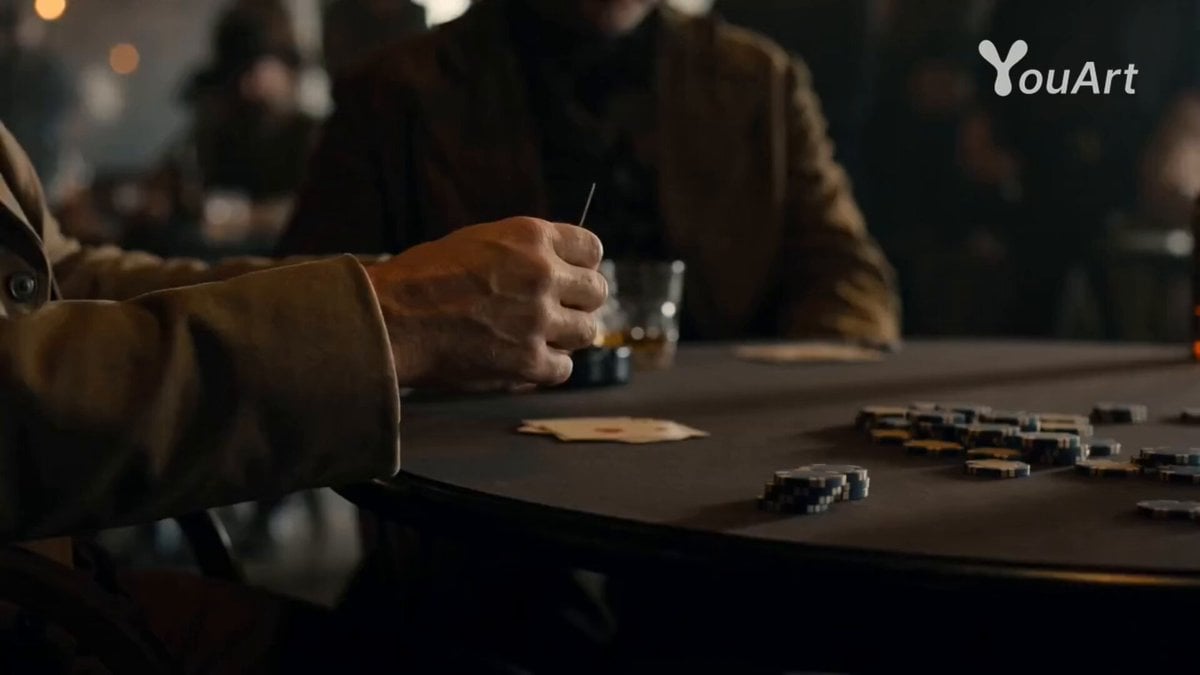
Live-Action Cinematic Western Scene Prompt
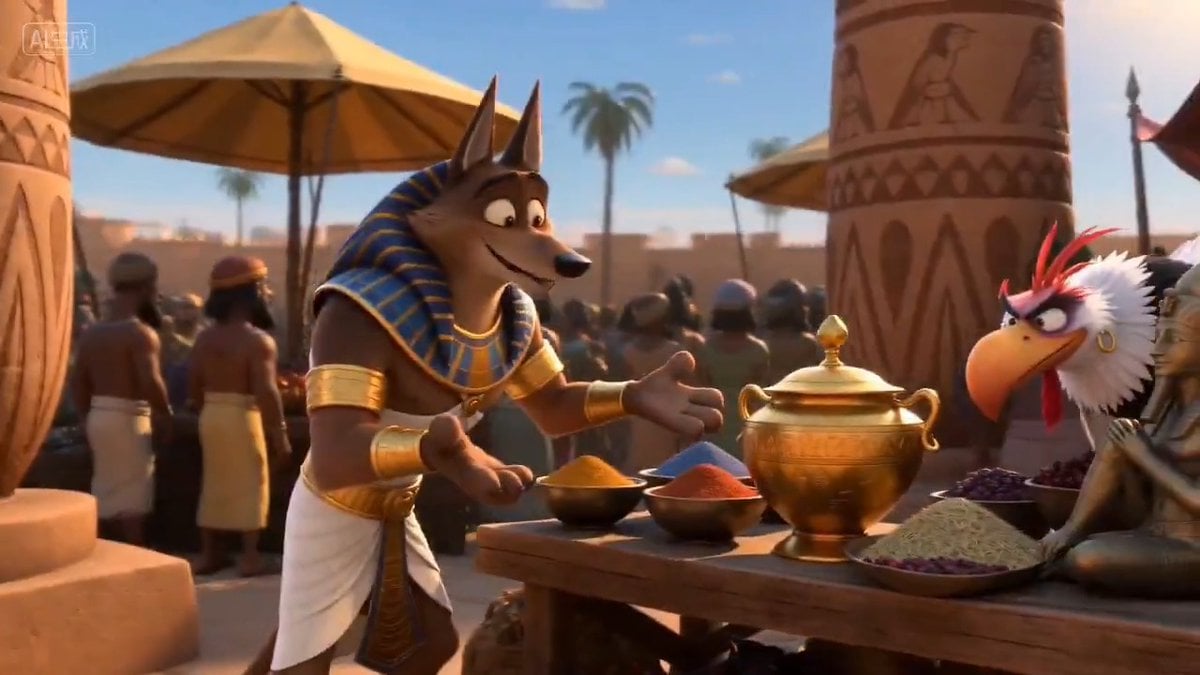
Egyptian Bazaar Anubis Merchant Animated Story
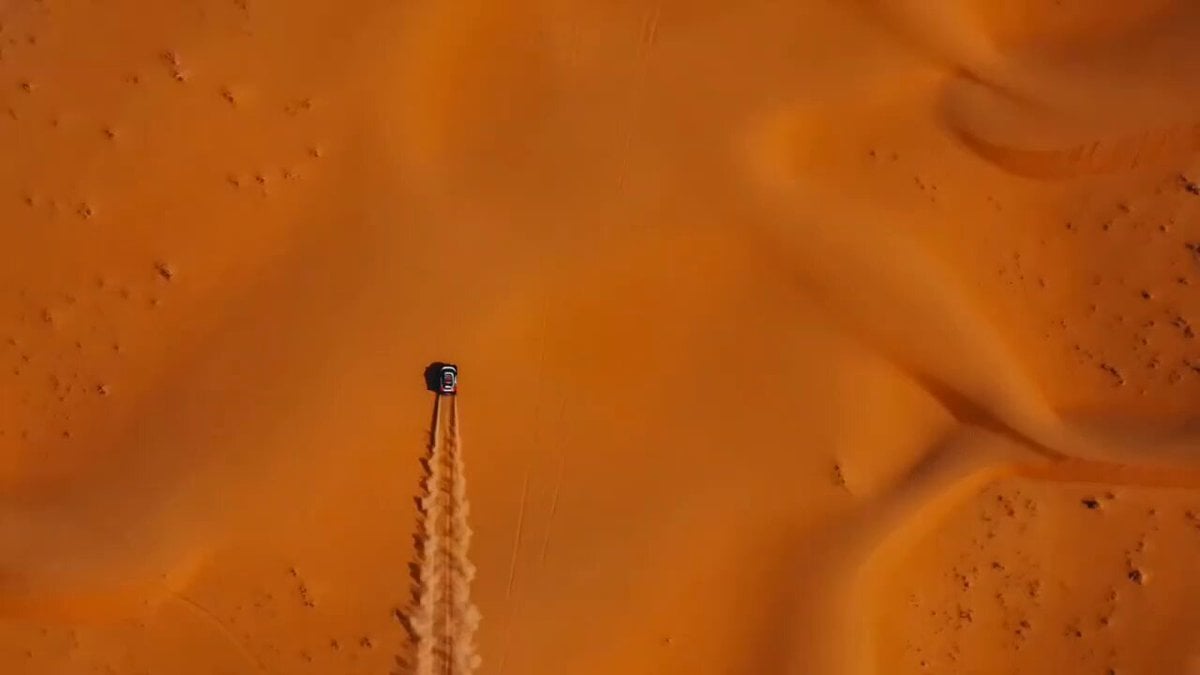
Moroccan Desert Rally Race
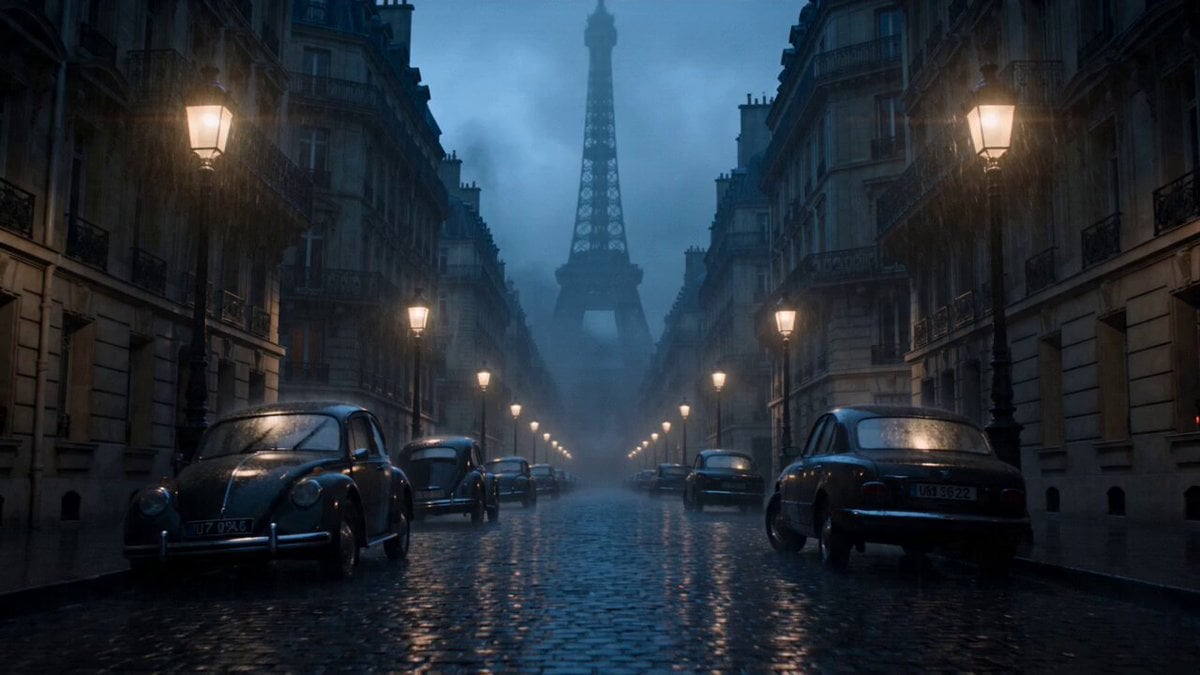
Paris Zombie Summoning Sequence
Browse template categories
Martial Arts Duel Cinematic Scene questions
How do I use the Martial Arts Duel Cinematic Scene template?
Add your photo if the template asks for one, edit the prompt if you like — the template's model and format are already selected — and press Generate. Your version opens in PicX Studio.
Can I customize the Martial Arts Duel Cinematic Scene template?
Yes. You can change the subject, setting, lighting, mood, format, and available model controls before creating your video.
Is the Martial Arts Duel Cinematic Scene template free?
Opening and editing this template is free. Generating uses credits, shown on the Generate button when you are signed in.
Which AI model should I use?
Start with Seedance 2.0, which is the model associated with this template. You can compare another compatible model for a different finish.
Looking for something else? Browse all templates.

Your photo, any look
Thousands of ready templates for every top image and video model, from one credit balance.