
High School Martial Arts One-Shot
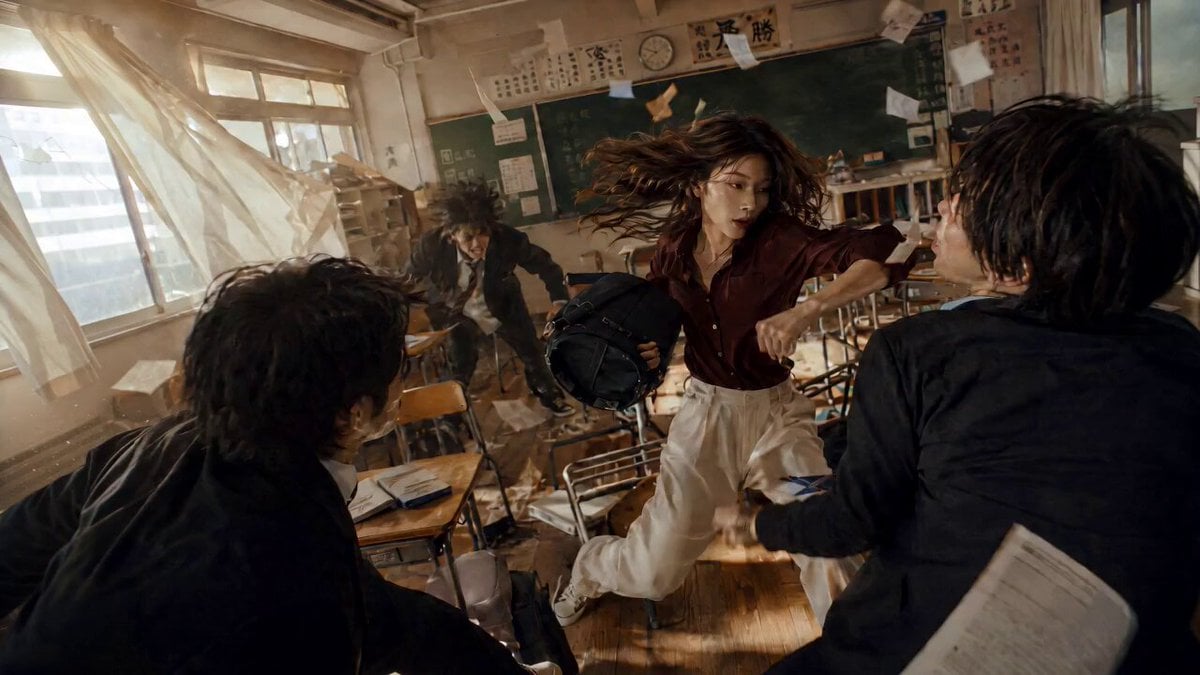
A detailed prompt for creating an intense, continuous martial arts fight scene within a Japanese classroom environment, emphasizing realistic physics and lighting.
- Prompt included
- Model and format preset
- Premium template
The prompt behind this video
Copy the exact prompt behind High School Martial Arts One-Shot, or open it in the studio and make it yours.
takes on three opponents inside a Japanese high school classroom during an intense, uninterrupted one-shot martial arts sequence. The room is packed with wooden desks, chairs, school bags, a chalkboard, sliding windows, curtains, fluorescent lights, posters, books, and loose papers. Every part of the environment becomes part of the fight. She weaves through narrow rows of desks with incredible agility, avoiding attacks from all sides. She leaps across desks, slides over tabletops, sends chairs flying into enemies, uses classroom objects to block strikes, catches a backpack to absorb a blow, and redirects momentum through the tight classroom layout. Papers scatter everywhere, desks overturn, chairs scrape loudly, curtains sway from the action, and warm afternoon sunlight streams through the windows, highlighting dust in the air. The camera stays close throughout the entire continuous shot, constantly tracking the action. It circles around the fighter, ducks between desks, rushes backwards as opponents advance, drops low for sweeping kicks, rises with her jumps, and rapidly swings to reveal each new attacker. The framing feels handheld, urgent, immersive, and as though the viewer is standing inside the classroom. The choreography should feel fast, realistic, and impactful with believable reactions, fluid close combat, and seamless movement from beginning to end. Present it as a premium martial arts action scene filmed in one uninterrupted take. Use authentic classroom lighting blended with warm afternoon sunlight, natural shadows, subtle motion blur, grounded textures, and real-world imperfections. Avoid an overly polished AI or CGI appearance. Negative prompts: fixed camera, sluggish pacing, poor handheld footage, soft focus, body distortion, unrealistic physics, cartoon visuals, flat illumination, muted colours, blown-out skies, damaged architecture, empty environments, low detail, awkward edits, broken continuity, glossy AI finish, excessive CGI polish, plastic or wax-like skin, hyper-smooth textures, fake shine, heavy bloom, extreme lens flare, unrealistic HDR, oversaturated colours, game-engine rendering, synthetic lighting, studio look, unnaturally clean reflections, oversharpened images, fake depth of field, exaggerated bokeh, harsh contrast, unnatural motion smoothing, floating physics, rubber-like movement, incorrect anatomy, warped limbs, inconsistent proportions, blurred face, melted features, duplicated body parts, broken hands, stiff poses, poor frame interpolation, ghosting, smeared motion blur, unstable tracking, unnecessary camera shake, artificial city layouts, repeated vehicles, duplicated buildings, warped skyscrapers, fake traffic, low-detail backgrounds, superhero costumes, comic-book style, stylised animation, excessive VFX, unrealistic shadows, fake god rays, unnatural haze, clipped highlights, crushed blacks, sterile environments, and a lack of real-world imperfections.
How to use High School Martial Arts One-Shot in 3 steps
- 1
Open
The prompt is already in the box next to the preview, with the template's model and format selected.
- 2…a portrait of your subject in softgolden-hour light, 85mm…
Personalize
Edit the subject and creative details for your destination.
- 3Generate
Generate
Press Generate — your video is created in PicX Studio, so you can compare it with the original and refine one variable at a time.
More like this
Templates with the same subject, style or setup. Open one to see its prompt.
Japanese School Martial Arts Sequence
Epic Marvel Studios Tone Martial Arts Scene
Fantasy Martial Arts Live Action

Comical Martial Arts Punch Scene

Martial Arts Fight Sequence
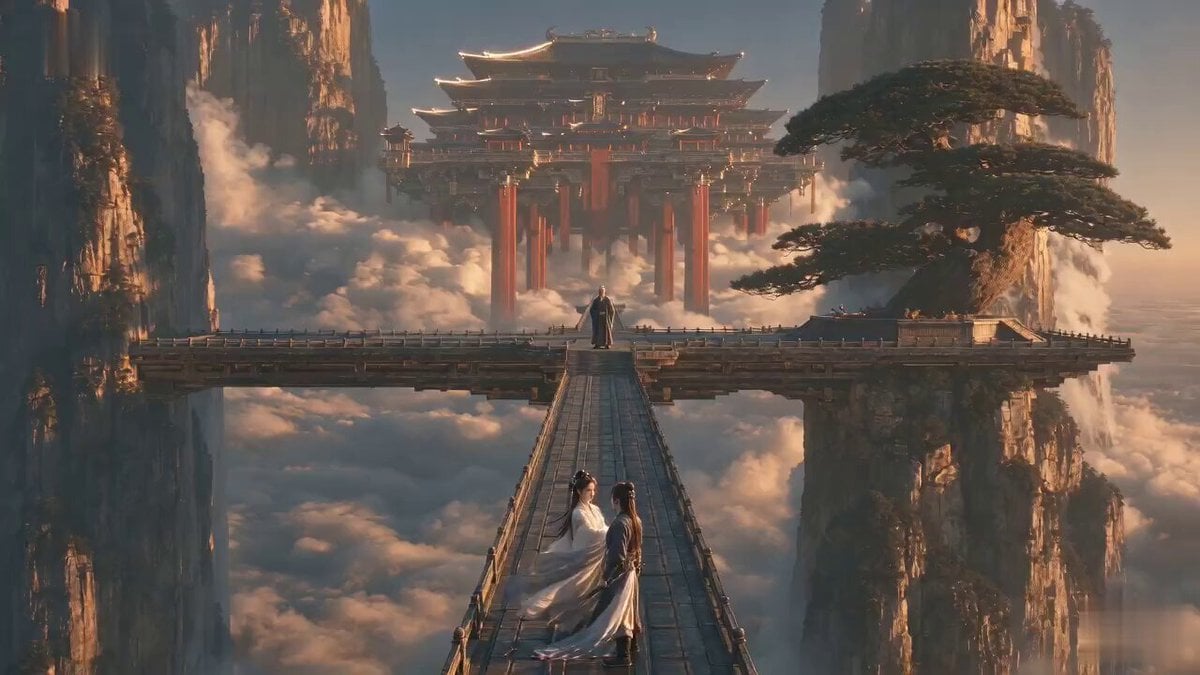
Martial Arts Comedy Verbal Guidance
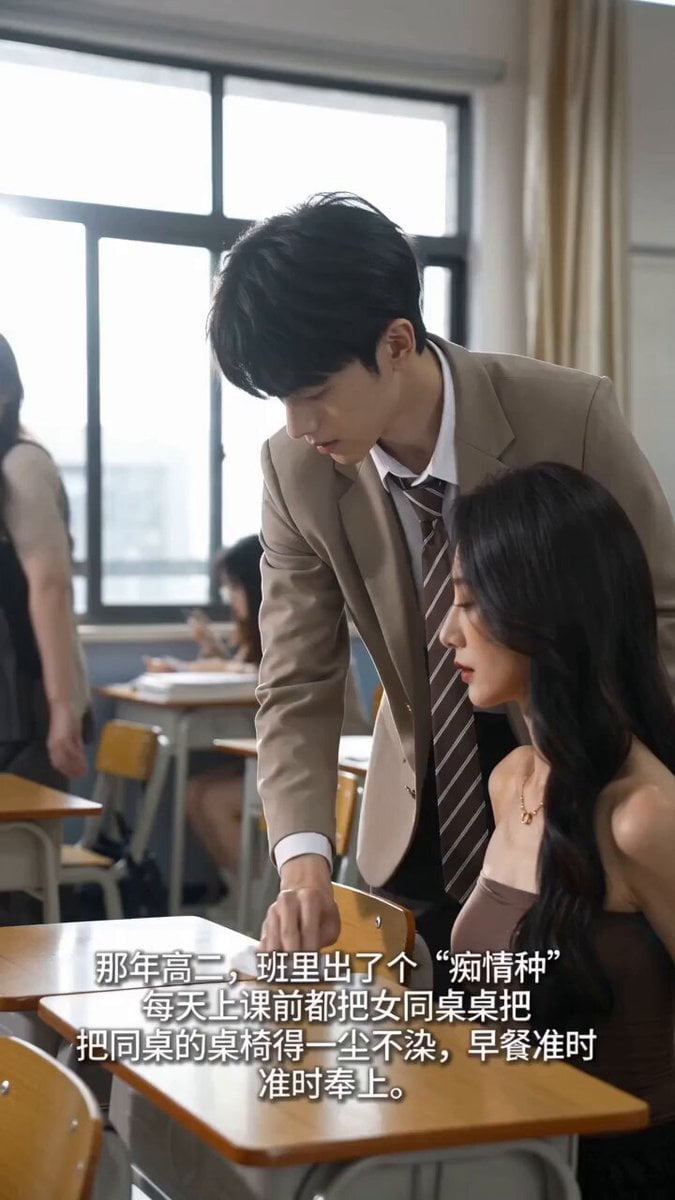
Handheld iPhone Style School Romance
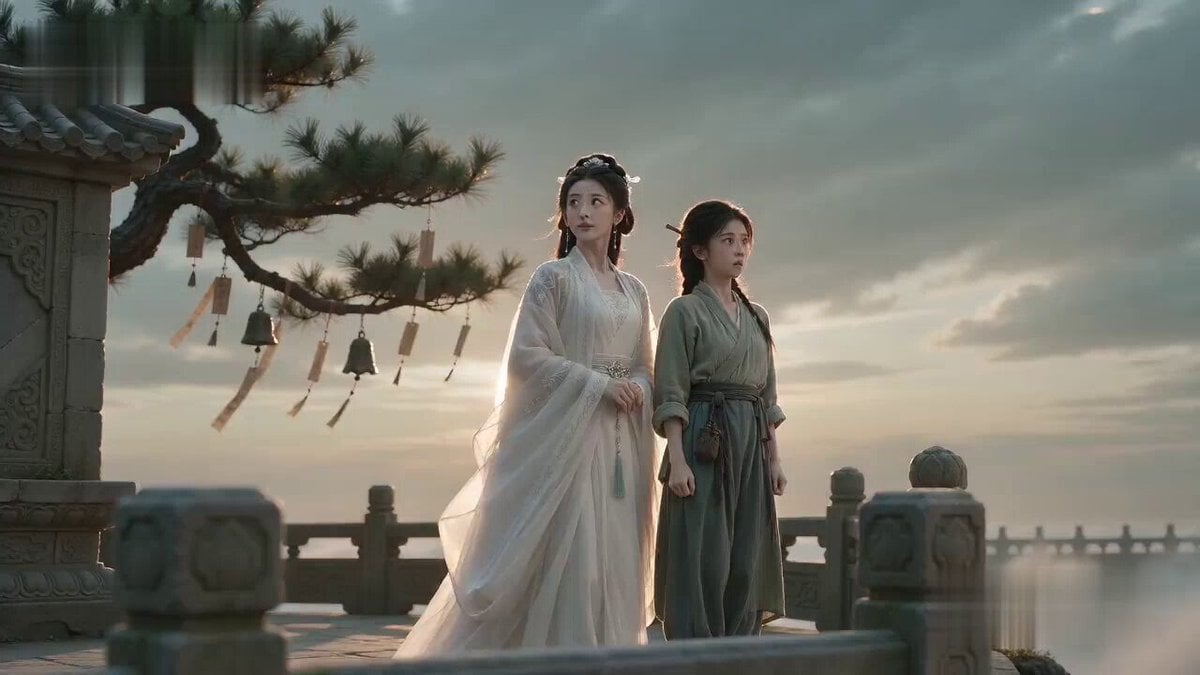
Martial Arts Comedy: The Echoing Secret
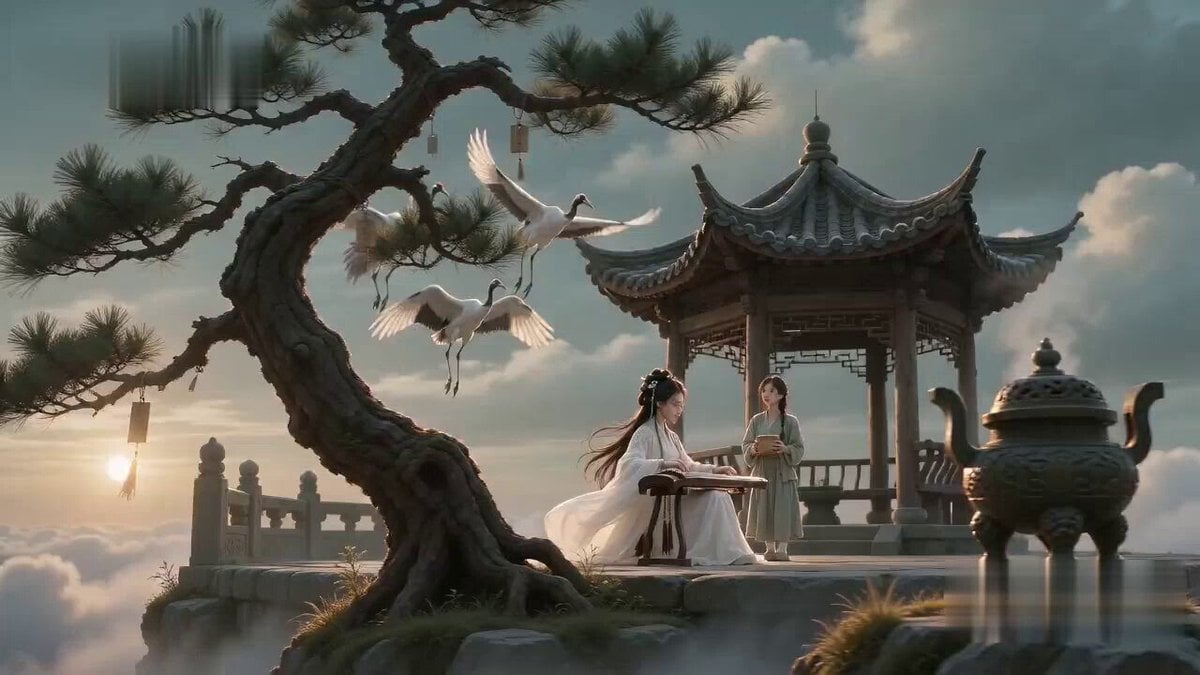
Poetic Martial Arts Comedy: Zither and Cranes
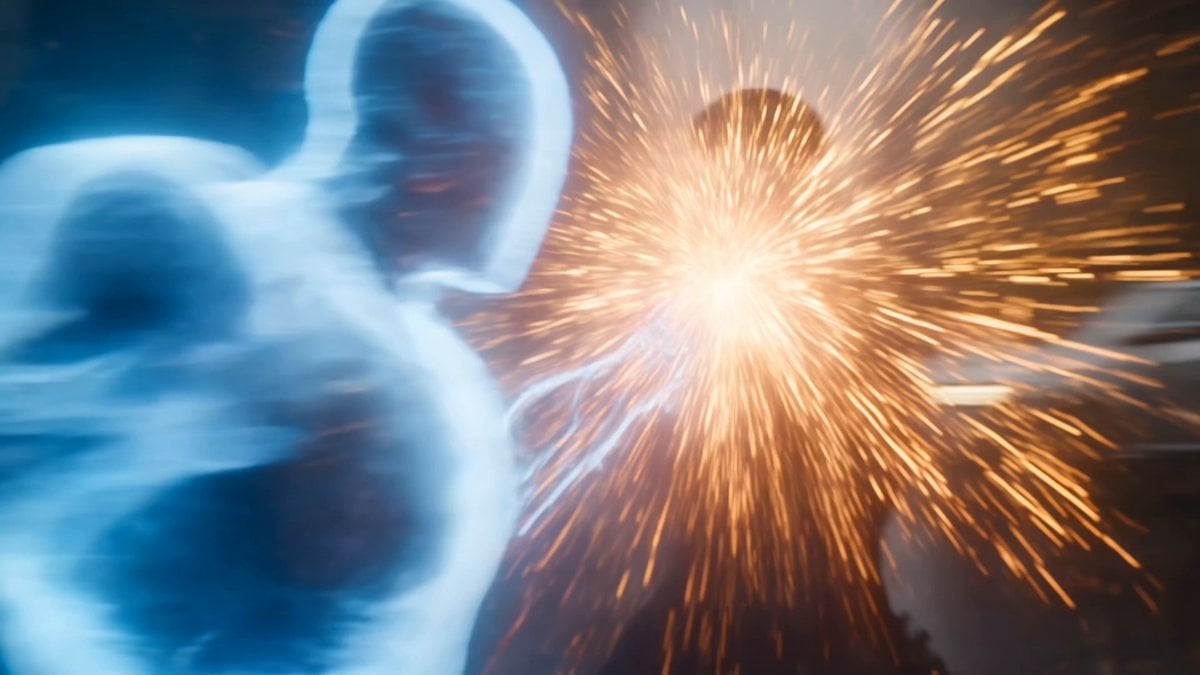
Martial Arts Cyborg Battle and Transformation
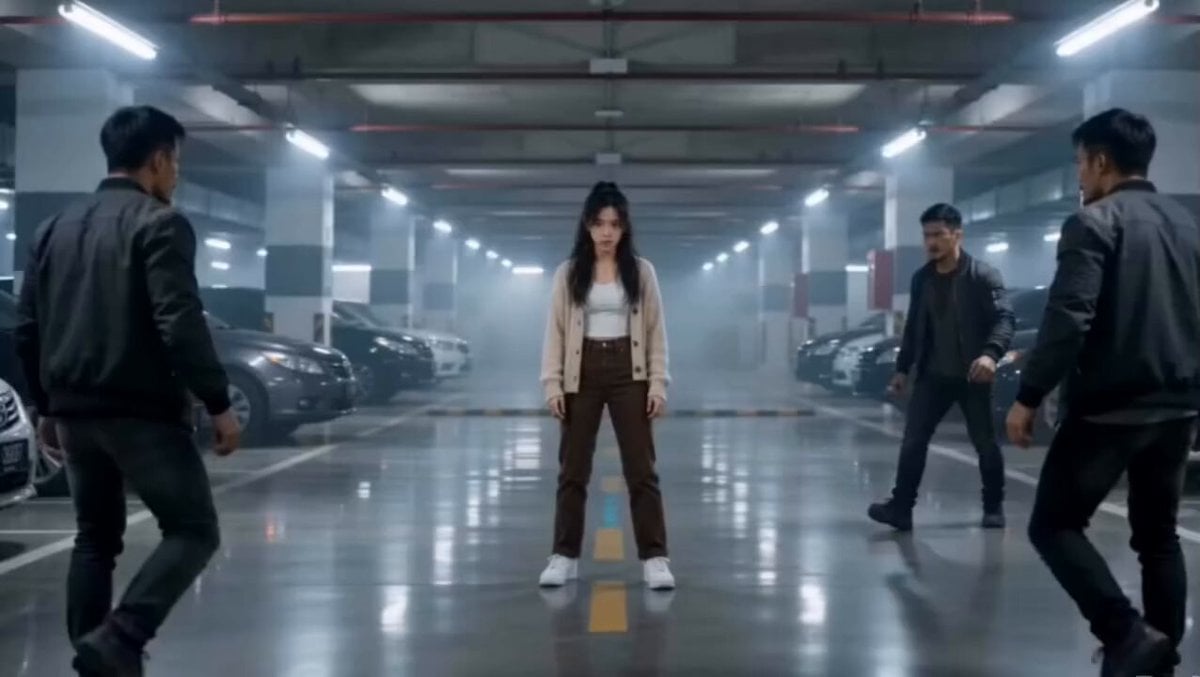
Martial Arts Parking Garage Fight
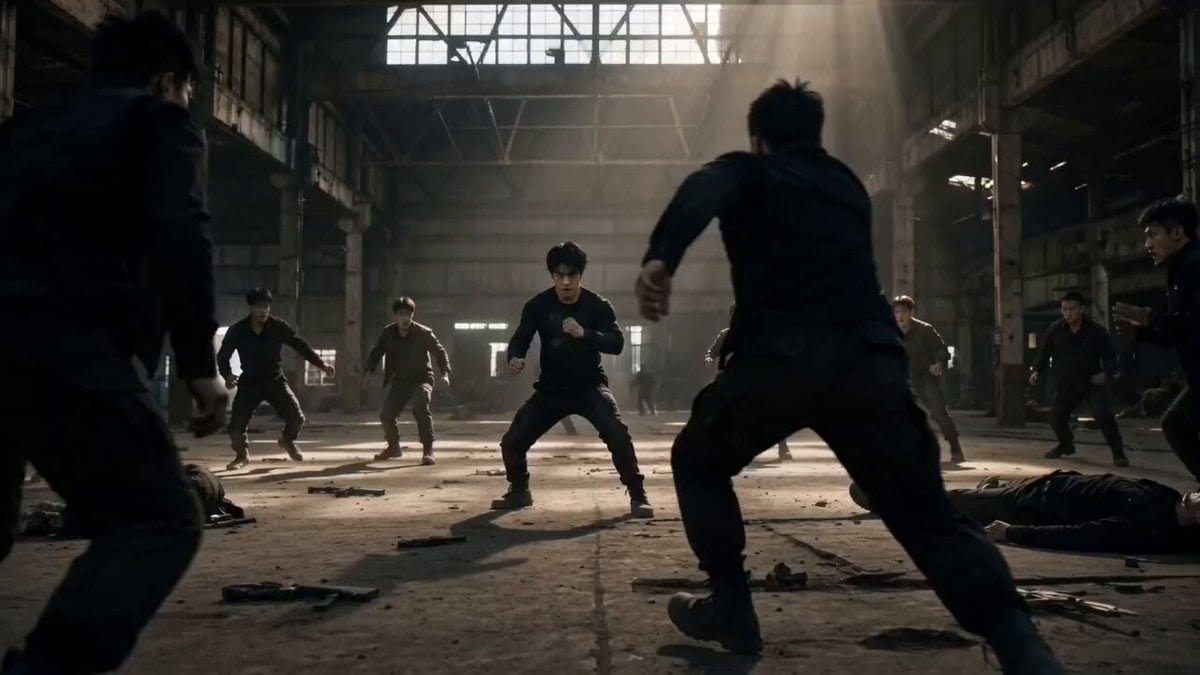
Martial Arts Warehouse Combat Sequence
Make it yours
High School Martial Arts One-Shot works as-is. These are the safest ways to change it without losing the look.
Change one field
Copy a single group, rewrite it, and generate again so you can see what that field is doing.
Keep the frame, change the subject
Hold the composition and light of High School Martial Arts One-Shot, then swap wardrobe, props or the person for a new take.
| If the result… | Why | Fix |
|---|---|---|
| The result drifts from the preview | Too many fields changed at once. | Reuse High School Martial Arts One-Shot as-is first, then change one group — subject, light, or setting. |
| The model over-stylizes the scene | The prose prompt leaves finish and camera underspecified. | Add one camera or lighting sentence and stay on Seedance 2.0. |
More Seedance 2.0 templates
Other prompts made for Seedance 2.0.

Maglev Train Action Sequence

Wuxia Protection and Trust Script

Vintage Korean Arcade MiniDV Vlog

Mercedes 190 SL Luxury Ad

Rainy Night Supernatural Reverse Comedy Video Script

Amazon Civilization Discovery

Futuristic South Asian City Transformation

Cozy Luxury Cafe Commercial
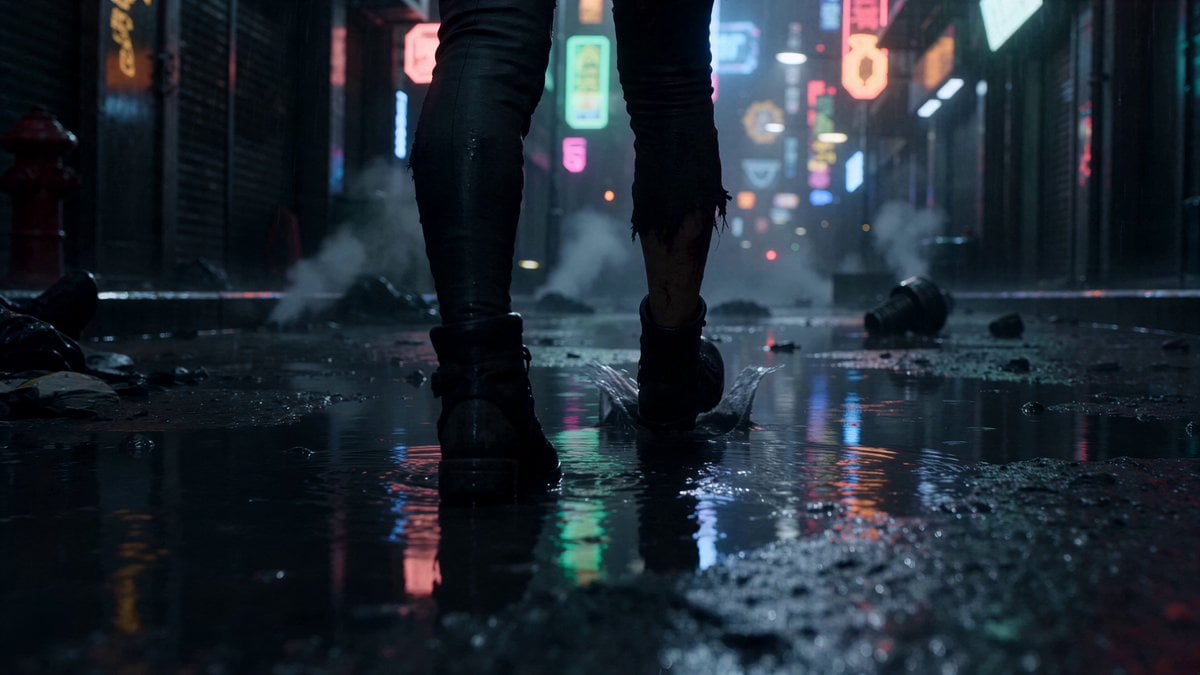
Cyber Ronin Nanotech Transformation Video
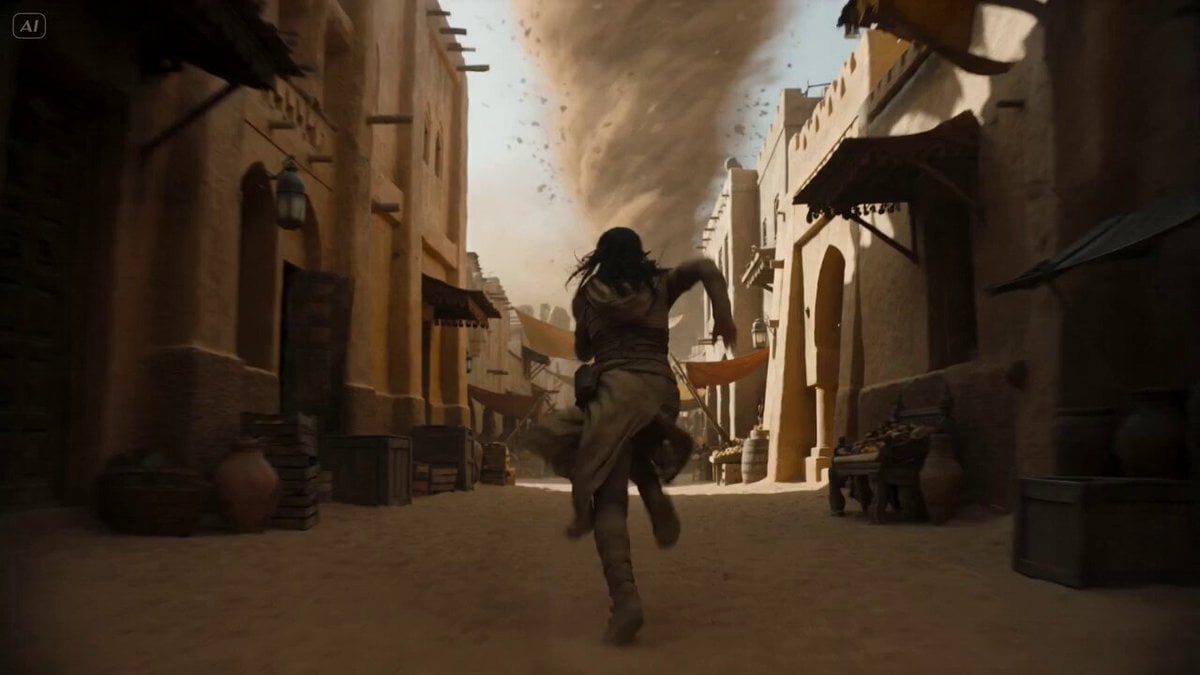
Desert Courier and Sandstorm Leviathan Chase
More video prompts
Fresh picks from across the catalog.
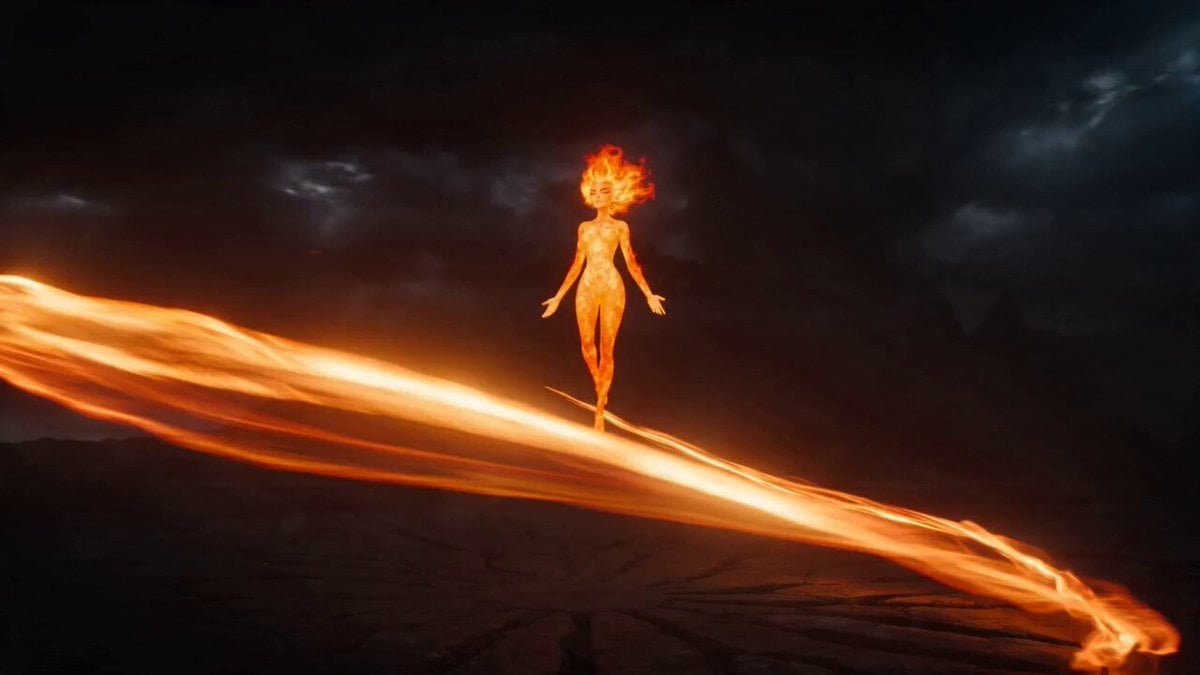
Magical Transformation Sequence
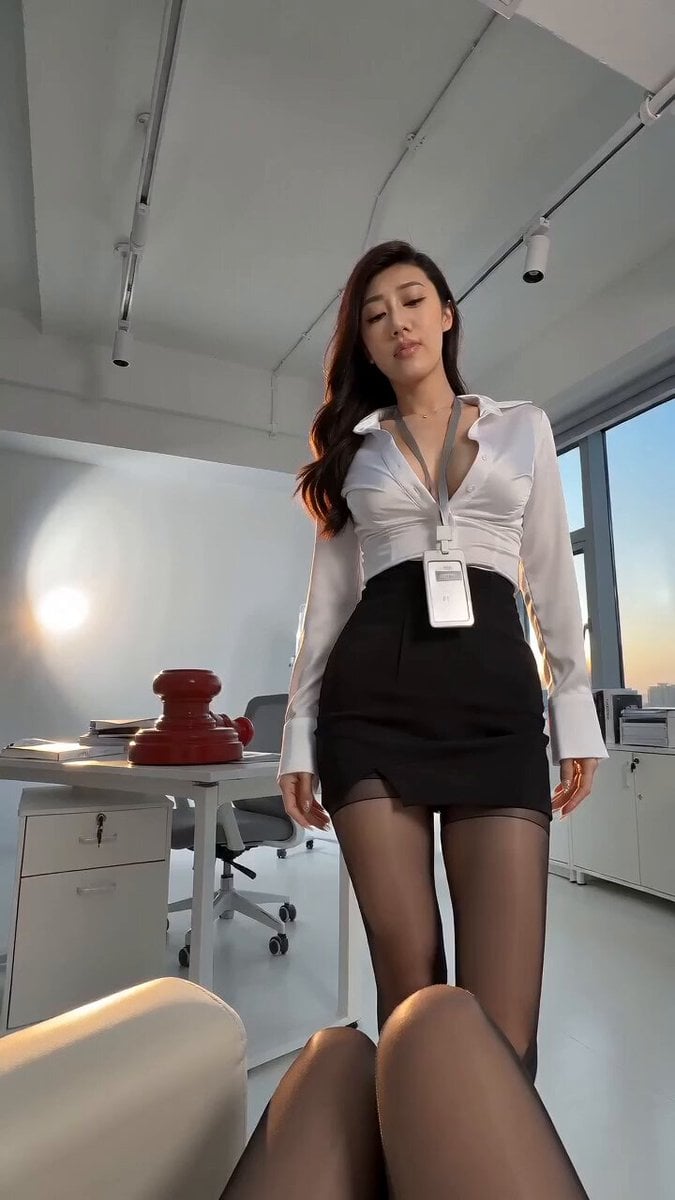
Siren Pose office drama with apocalyptic twist
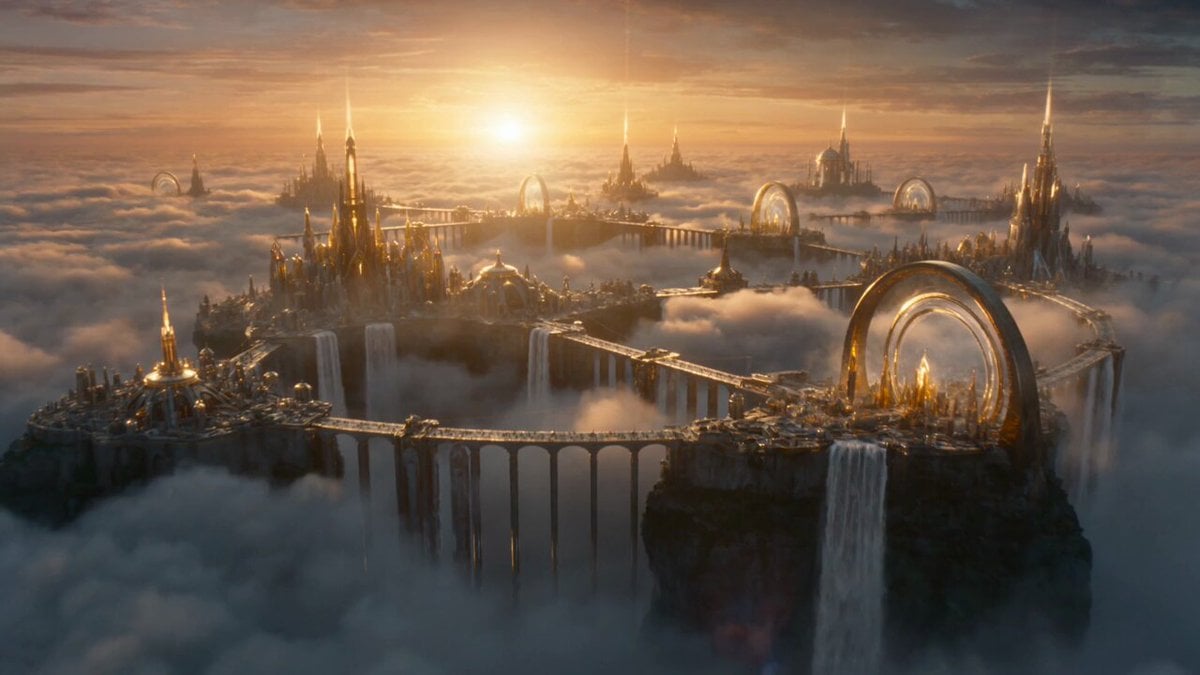
Celestial Phoenix Sky Empire
Oriental Fantasy Martial Arts Masterpiece
Golden Garuda Flight Over Ayodhya
Harajuku Street Fashion GRWM Video
Adventurous Anime Character Protagonist
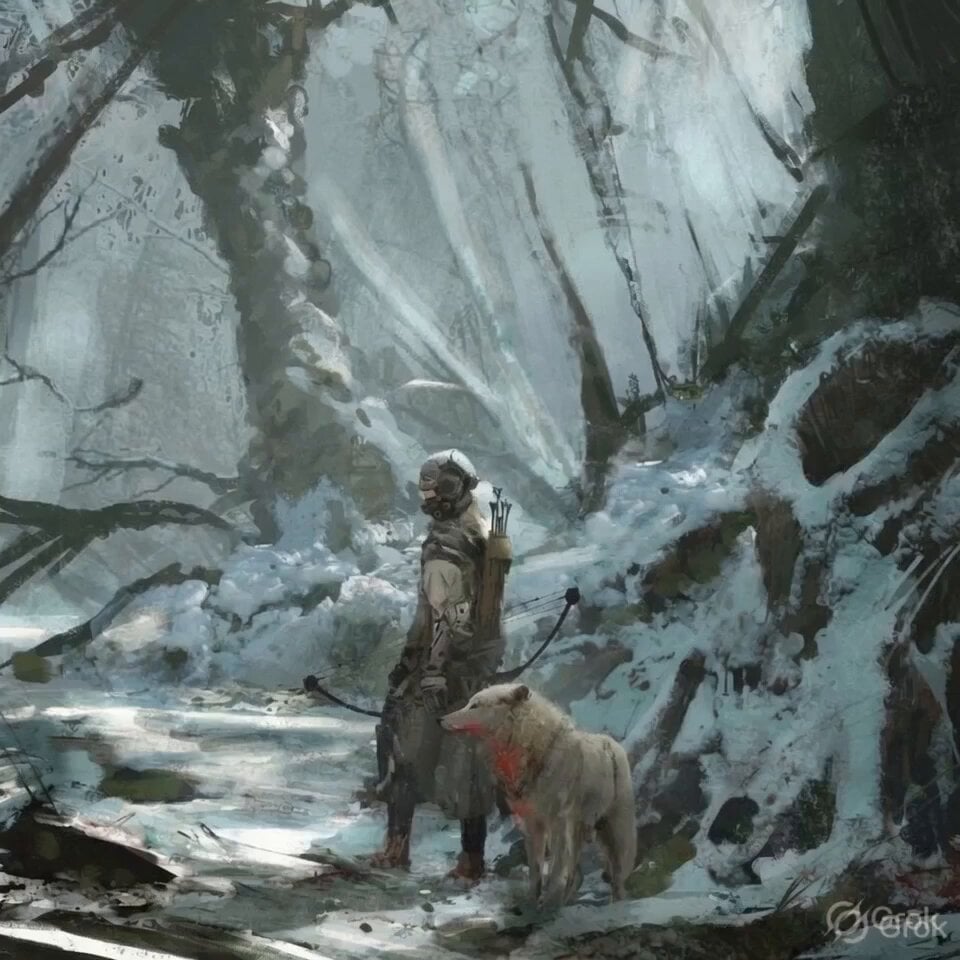
Warrior and Wolf in Snow
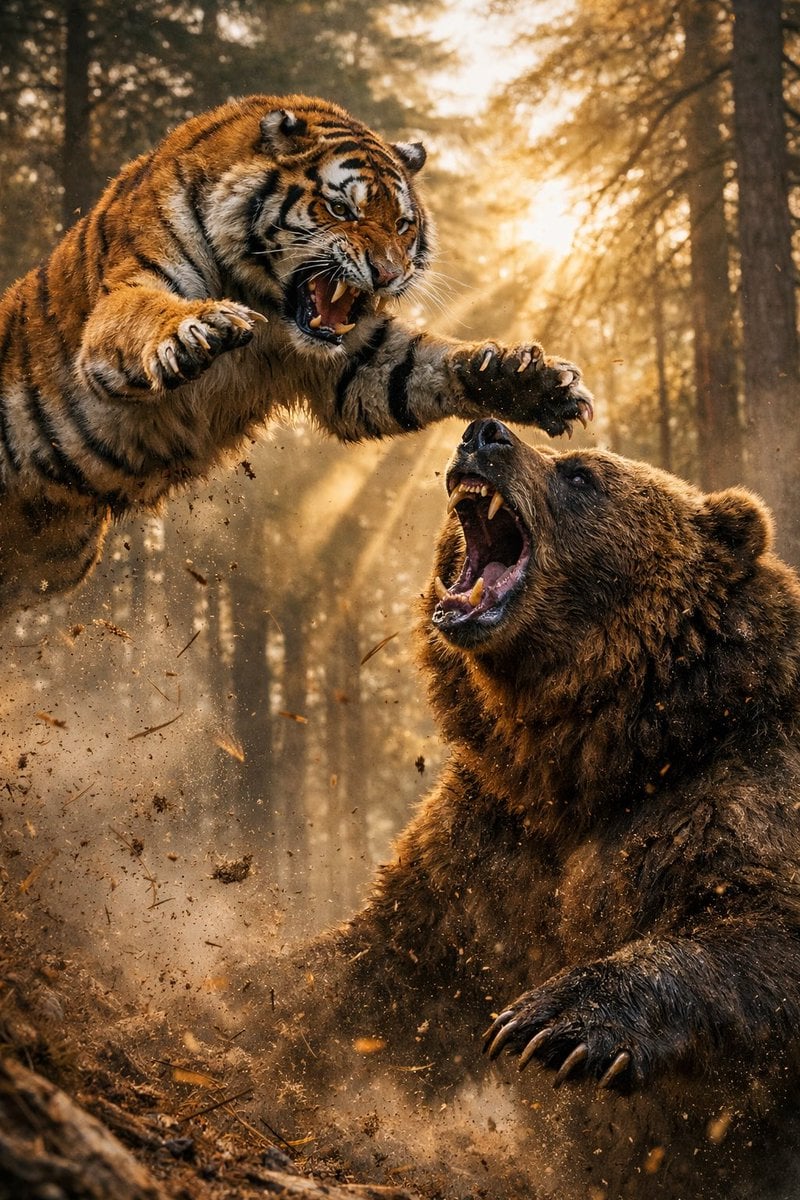
Hyperrealistic Action Photography Prompt
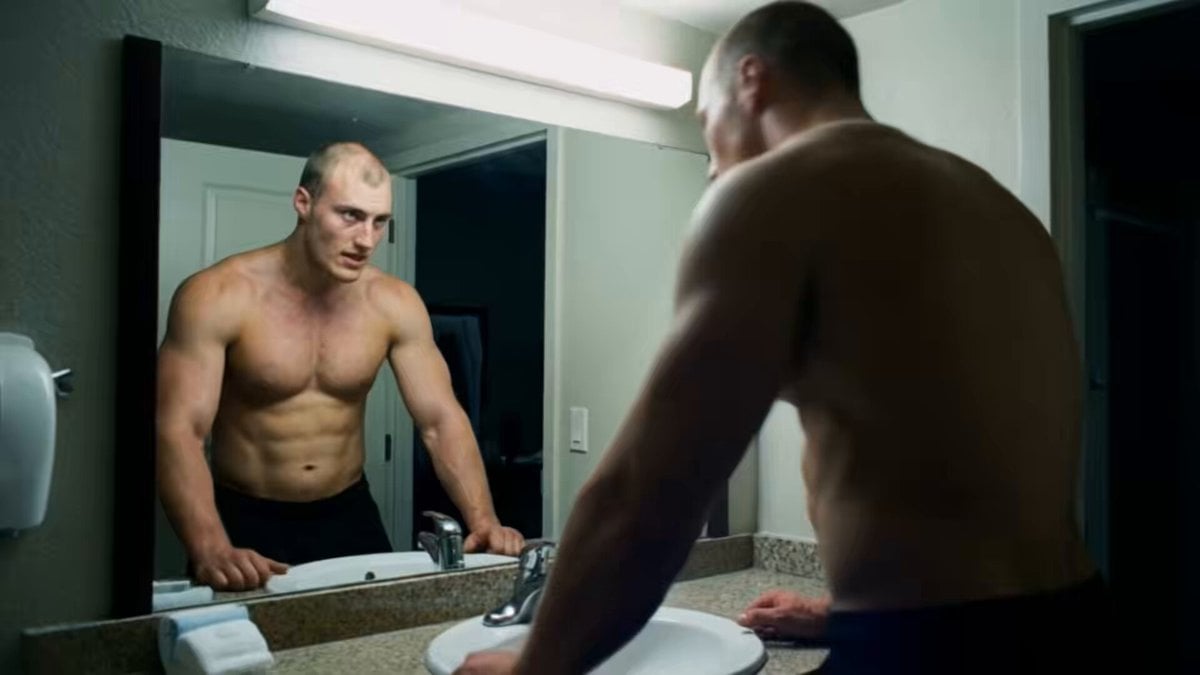
Androgenic Revenge Plot Prompt
Browse template categories
High School Martial Arts One-Shot questions
How do I use the High School Martial Arts One-Shot template?
Add your photo if the template asks for one, edit the prompt if you like — the template's model and format are already selected — and press Generate. Your version opens in PicX Studio.
Can I customize the High School Martial Arts One-Shot template?
Yes. You can change the subject, setting, lighting, mood, format, and available model controls before creating your video.
Is the High School Martial Arts One-Shot template free?
Opening and editing this template is free. Generating uses credits, shown on the Generate button when you are signed in.
Which AI model should I use?
Start with Seedance 2.0, which is the model associated with this template. You can compare another compatible model for a different finish.
Looking for something else? Browse all templates.

Your photo, any look
Thousands of ready templates for every top image and video model, from one credit balance.