
Harajuku Street Fashion GRWM Video
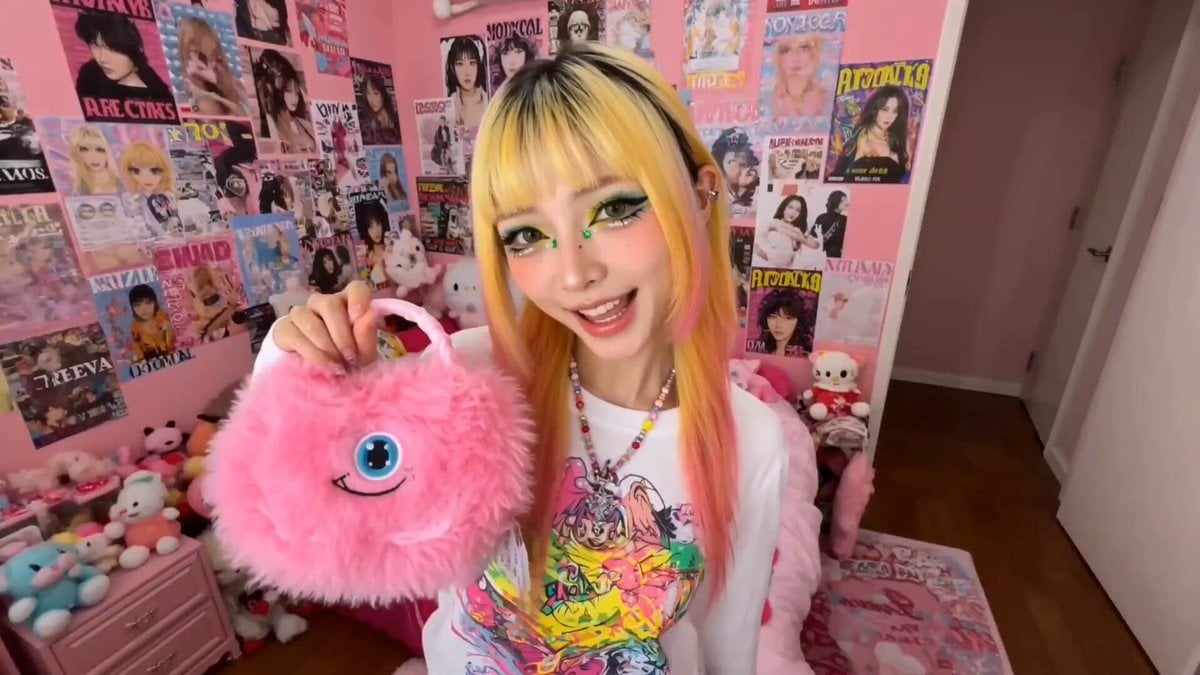
A detailed prompt for generating a vertical 'Get Ready With Me' style video featuring a trendy Japanese fashion creator in Shibuya, with high-energy editing and Harajuku aesthetics.
- Prompt included
- Model and format preset
- Free template
The prompt behind this video
Copy the exact prompt behind Harajuku Street Fashion GRWM Video, or open it in the studio and make it yours.
Stylized Japanese Harajuku street fashion “Get Ready With Me” vertical video featuring a trendy Japanese fashion creator preparing for a day out in Shibuya. Bright colorful bedroom filled with posters, plushies, neon signs, accessories, and stacked fashion magazines. She energetically talks in Japanese while applying glitter makeup, colored eyeliner, glossy lips, and styling layered Harajuku outfits. Include fast-paced cuts of oversized jackets, fishnet sleeves, platform sneakers, rings, dyed hair streaks, kawaii handbags, and mirror selfies. Dynamic camera angles, quick zoom transitions, spinning outfit reveals, flashing photo booth effects, VHS overlays, animated Japanese text graphics, energetic J-pop inspired pacing. Neon pink and cyan lighting mixed with daylight from the window. Scenes of her checking outfits in front of a full-length mirror, taking selfies, spraying perfume, grabbing headphones, then leaving the apartment into busy Tokyo streets. Highly detailed fashion textures, youthful trendy atmosphere, anime-inspired realism, social media reel aesthetic Japan
How to use Harajuku Street Fashion GRWM Video in 3 steps
- 1
Open
The prompt is already in the box next to the preview, with the template's model and format selected.
- 2…a portrait of your subject in softgolden-hour light, 85mm…
Personalize
Edit the subject and creative details for your destination.
- 3Generate
Generate
Press Generate — your video is created in PicX Studio, so you can compare it with the original and refine one variable at a time.
More like this
Templates with the same subject, style or setup. Open one to see its prompt.

Fashion GRWM Smartphone Vlog

Realistic City Street Story Cinematic Video - Seedance

Sneaker Product Commercial

Cinematic Short Film Scene

Luxury Lifestyle Day Vlog
Cinematic GRWM Fashion Editorial

Nano Banana Seedance Time Control Streets
Luxury Handbag Commercial — Hollywood VFX Ad
Fashion Runway Couture Walk
Fashion Outfit Transformation Office Vlog

Cinematic GRWM Office Routine
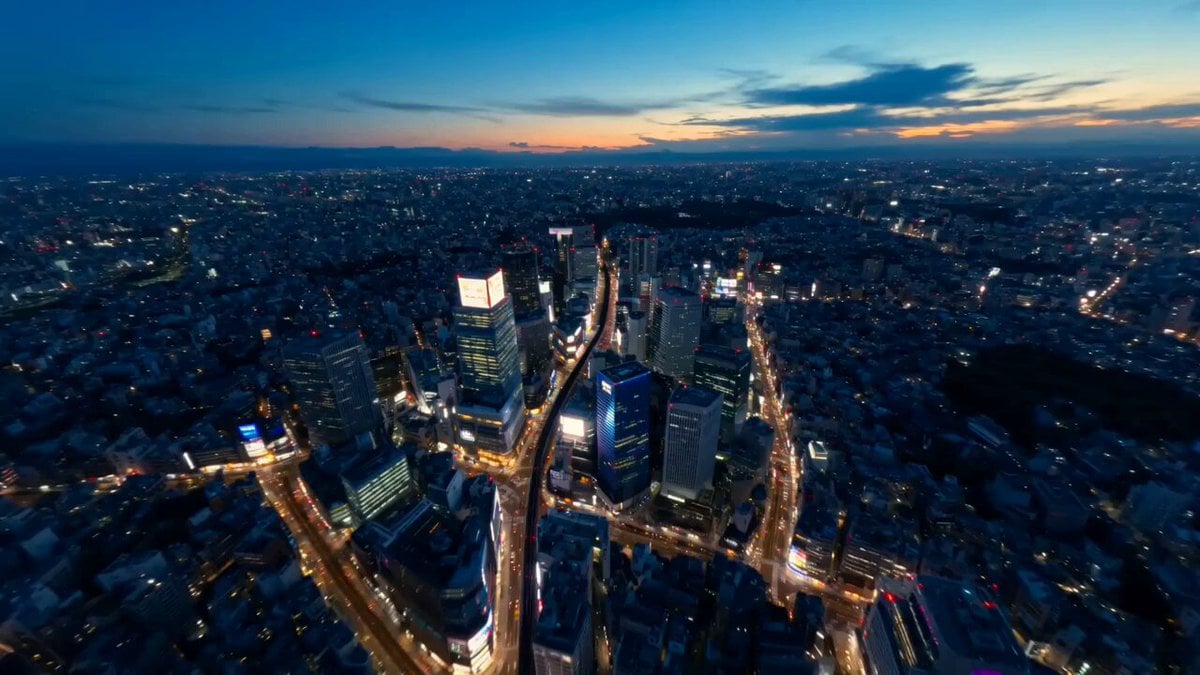
Tokyo Street Style Travel Film
Make it yours
Harajuku Street Fashion GRWM Video works as-is. These are the safest ways to change it without losing the look.
Change one field
Copy a single group, rewrite it, and generate again so you can see what that field is doing.
Keep the frame, change the subject
Hold the composition and light of Harajuku Street Fashion GRWM Video, then swap wardrobe, props or the person for a new take.
| If the result… | Why | Fix |
|---|---|---|
| The result drifts from the preview | Too many fields changed at once. | Reuse Harajuku Street Fashion GRWM Video as-is first, then change one group — subject, light, or setting. |
| The model over-stylizes the scene | The prose prompt leaves finish and camera underspecified. | Add one camera or lighting sentence and stay on Seedance 2.0. |
More Seedance 2.0 templates
Other prompts made for Seedance 2.0.

Comical Martial Arts Punch Scene

Maglev Train Action Sequence

Martial Arts Fight Sequence

Wuxia Protection and Trust Script

Vintage Korean Arcade MiniDV Vlog

Mercedes 190 SL Luxury Ad

Rainy Night Supernatural Reverse Comedy Video Script

Amazon Civilization Discovery

Futuristic South Asian City Transformation

Cozy Luxury Cafe Commercial
More video prompts
Fresh picks from across the catalog.
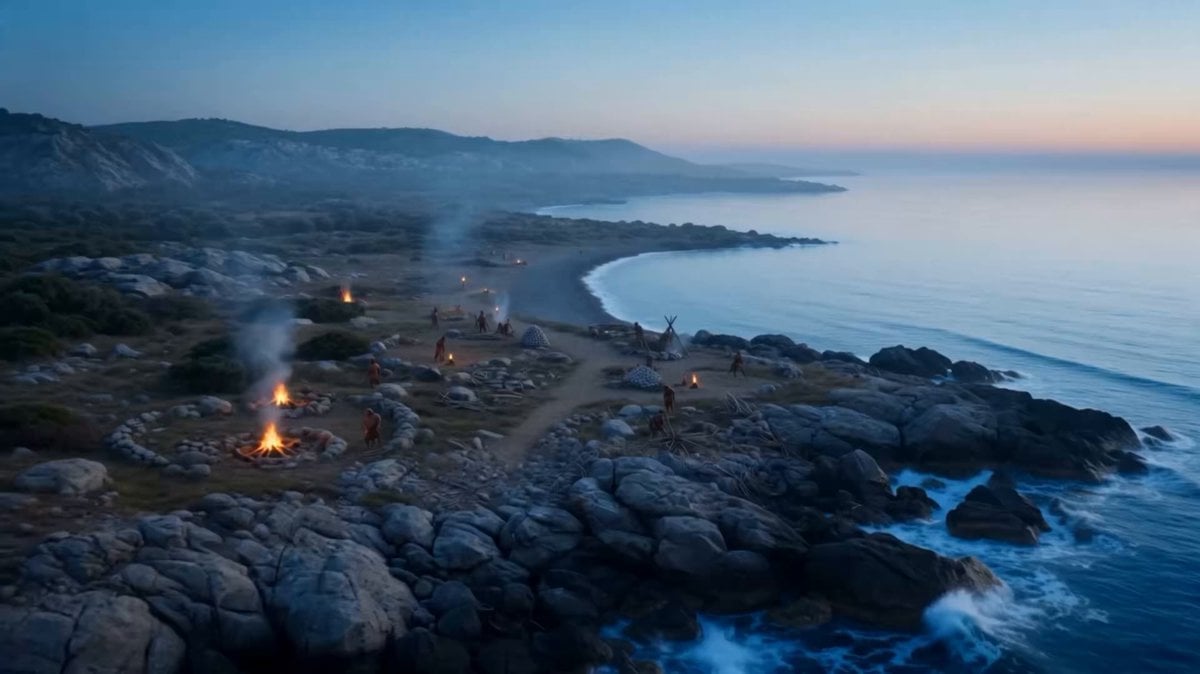
Time-Lapse City Evolution in 8K IMAX
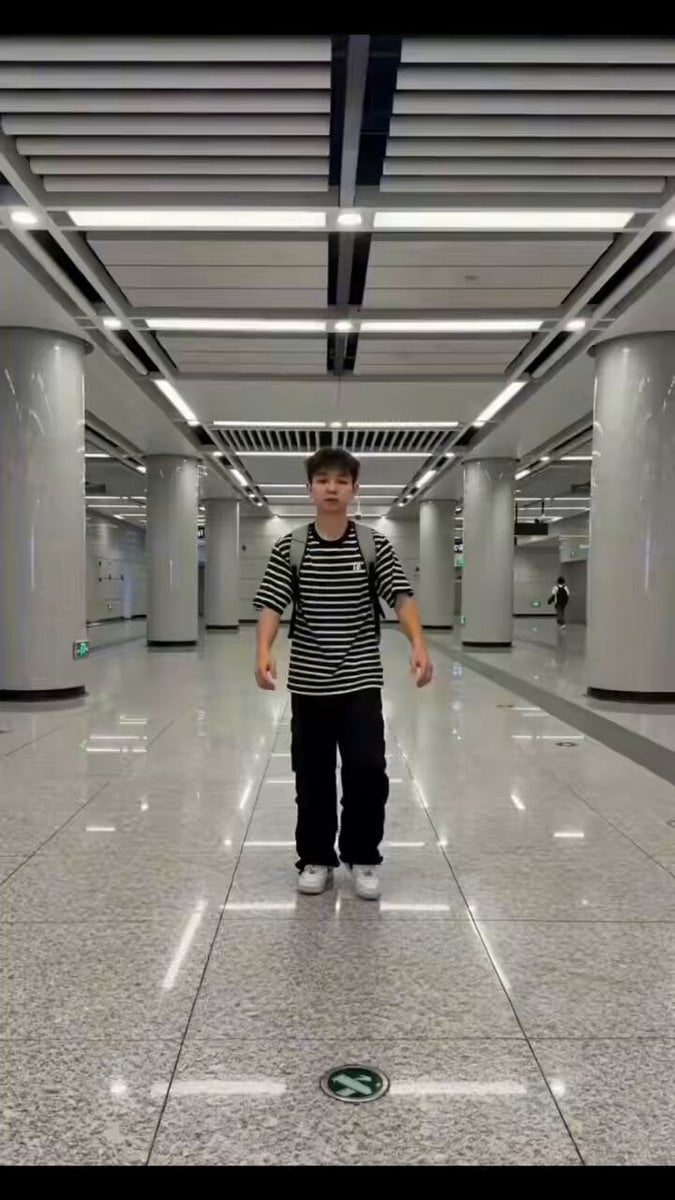
Seedance 2.0 Street Dance Video Generation
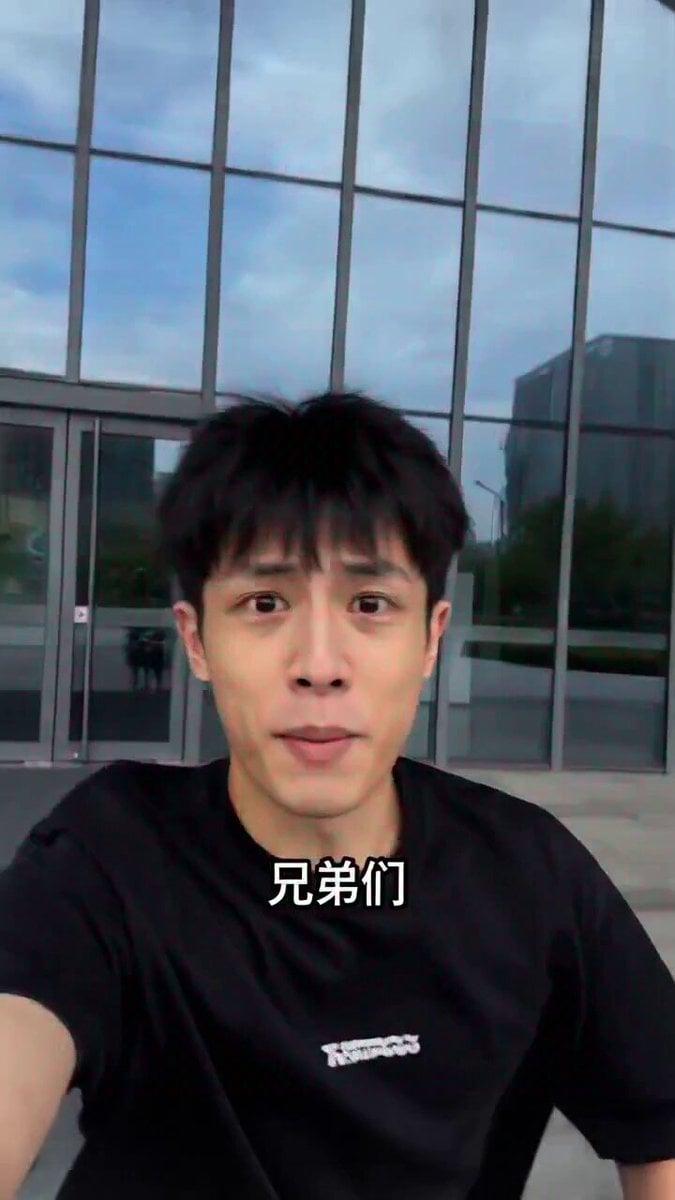
Seedance 2.0 Prompt for 'Lobster' Scam Vlog
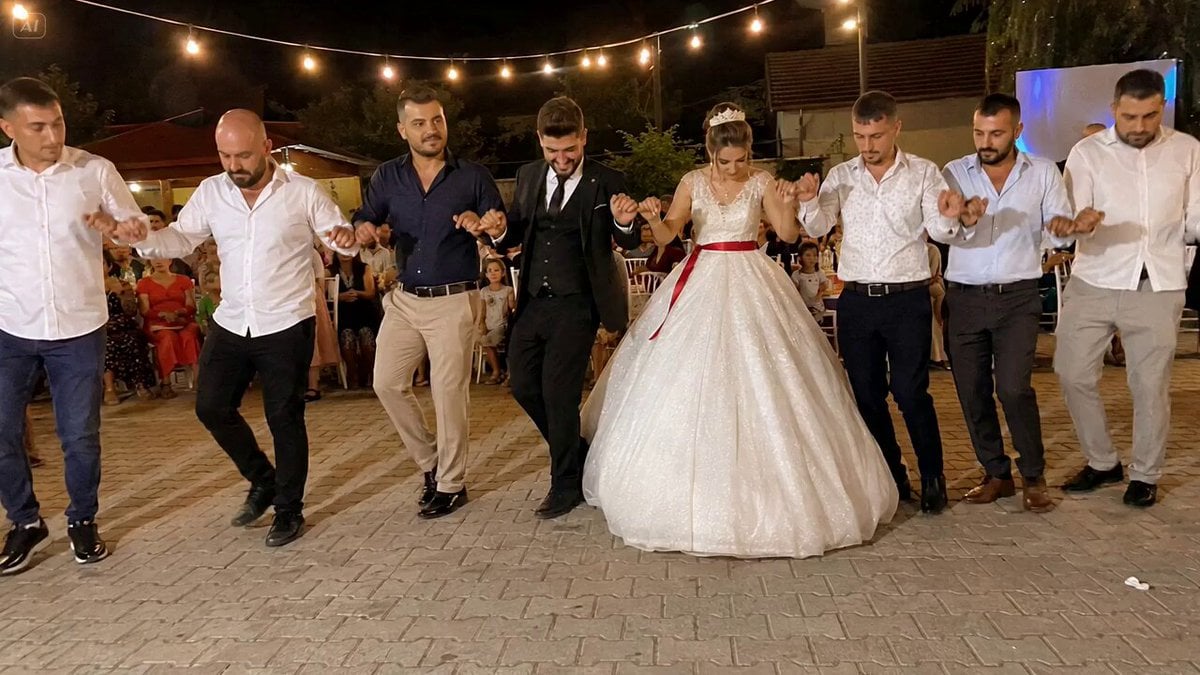
Cinematic Turkish Wedding Celebration
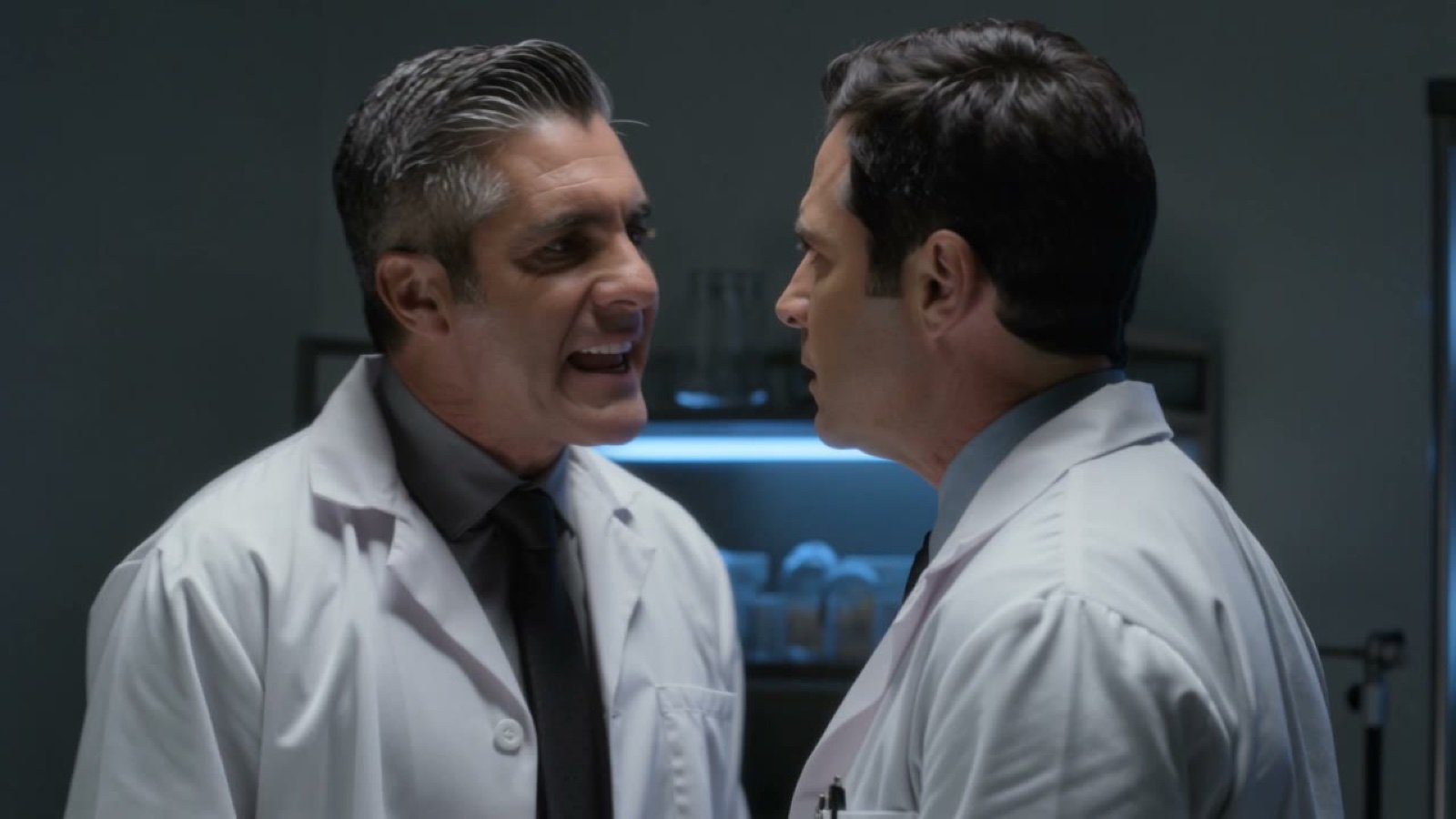
Spanish dialogue prompt for video generation
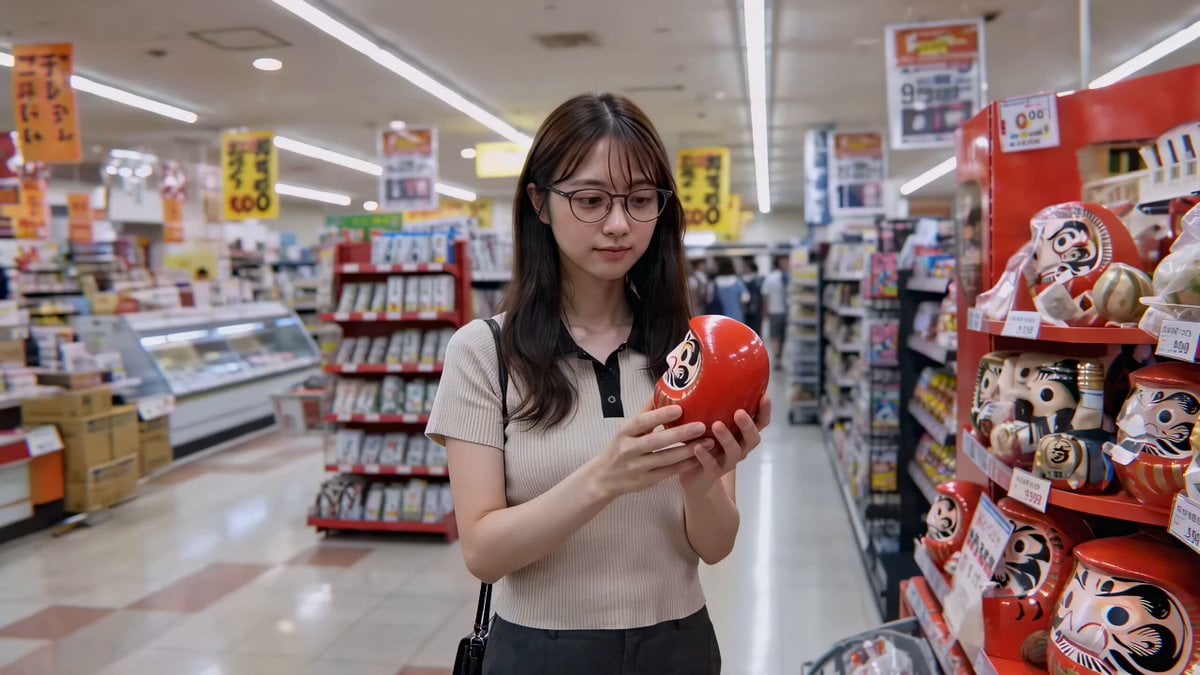
Cute Character and Daruma Doll Interaction
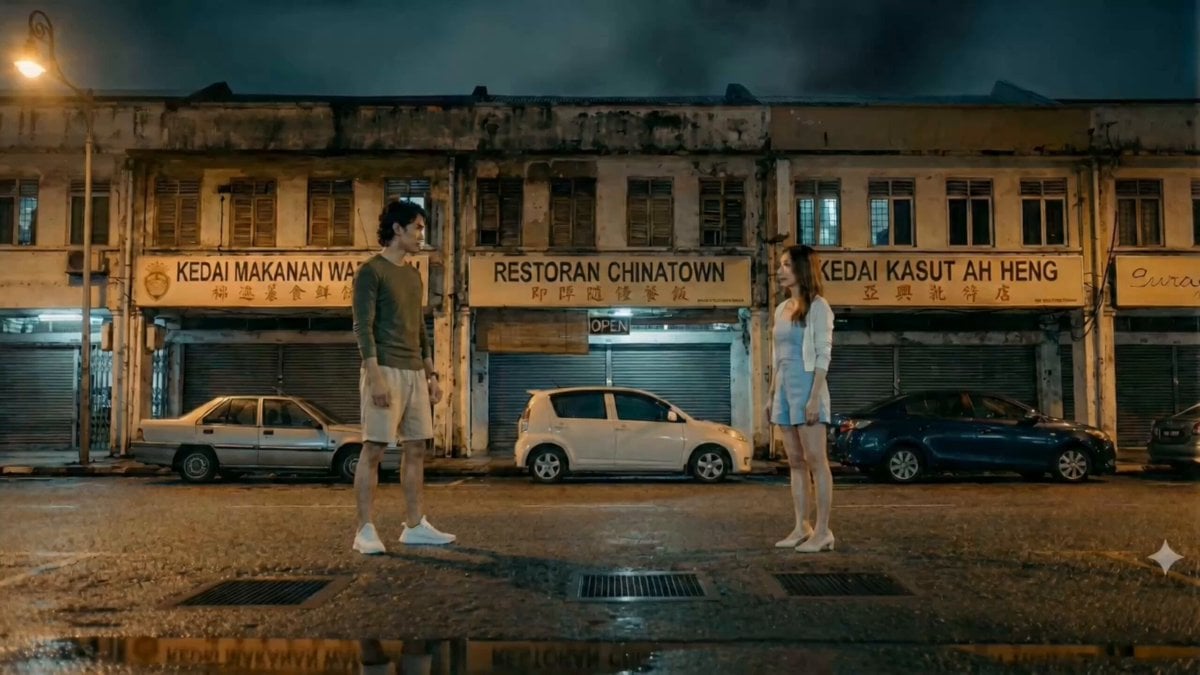
Hand-to-Hand Skill Clash Cinematic Prompt
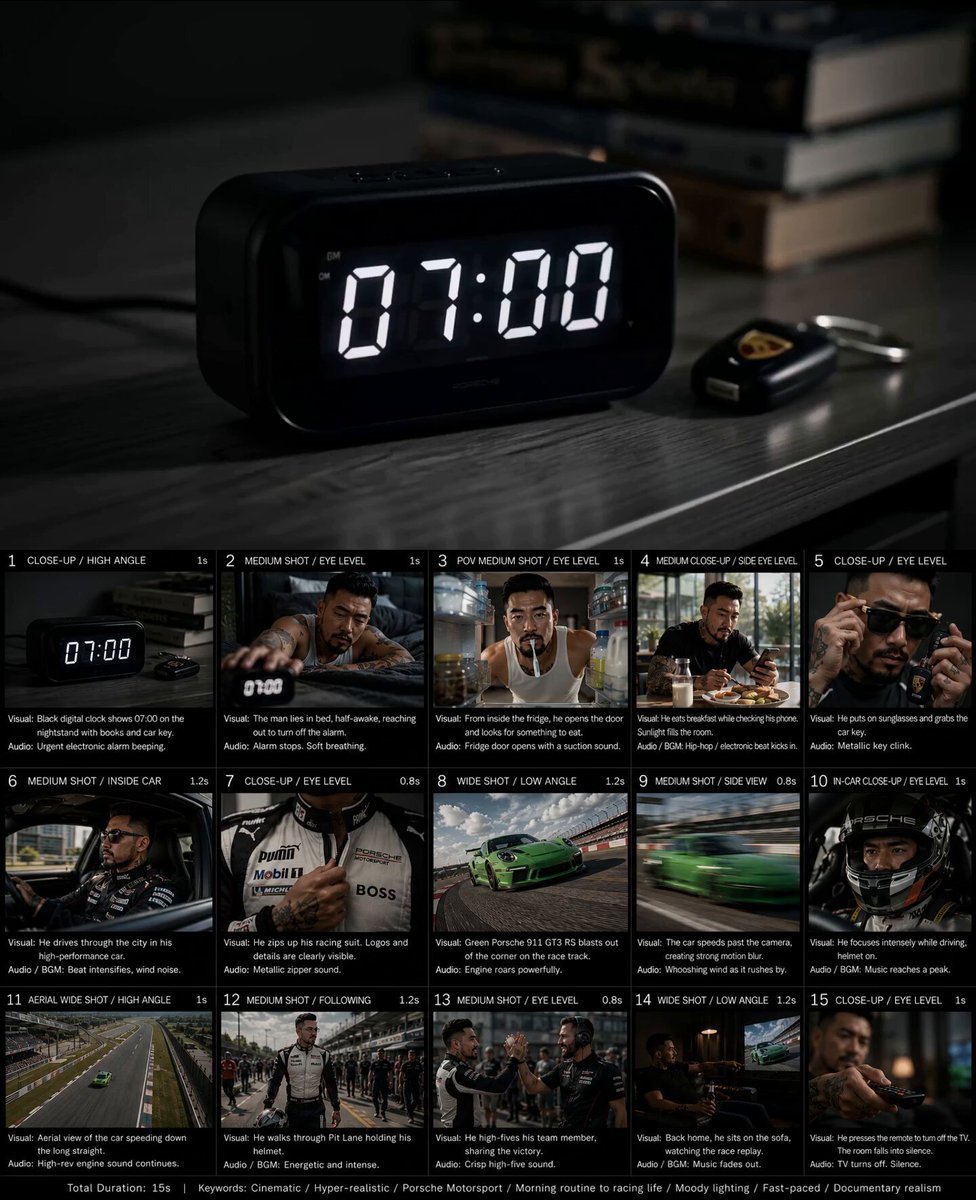
Created storyboard with GPT Image 2 then animated
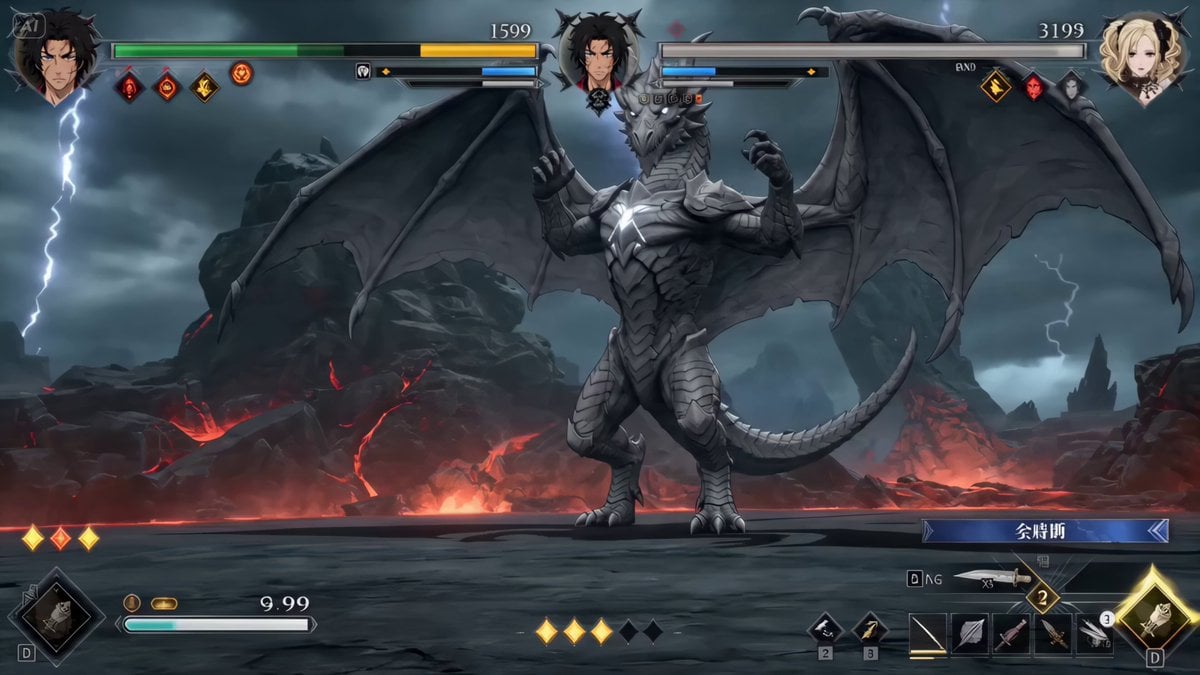
High-End RPG Boss Battle Sequence
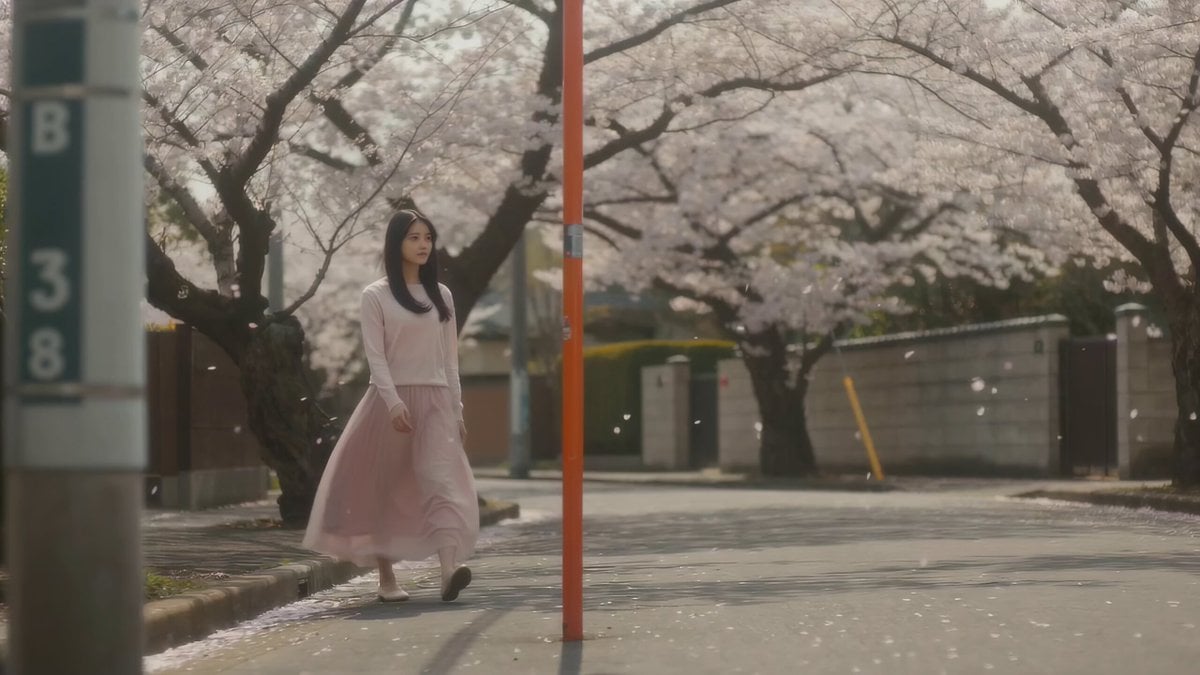
Cinematic Spring Scene: Japanese Student in Cherry Blossoms
Browse template categories
Harajuku Street Fashion GRWM Video questions
How do I use the Harajuku Street Fashion GRWM Video template?
Add your photo if the template asks for one, edit the prompt if you like — the template's model and format are already selected — and press Generate. Your version opens in PicX Studio.
Can I customize the Harajuku Street Fashion GRWM Video template?
Yes. You can change the subject, setting, lighting, mood, format, and available model controls before creating your video.
Is the Harajuku Street Fashion GRWM Video template free?
Opening and editing this template is free. Generating uses credits, shown on the Generate button when you are signed in.
Which AI model should I use?
Start with Seedance 2.0, which is the model associated with this template. You can compare another compatible model for a different finish.
Looking for something else? Browse all templates.

Your photo, any look
Thousands of ready templates for every top image and video model, from one credit balance.