
Oriental Fantasy Martial Arts Masterpiece
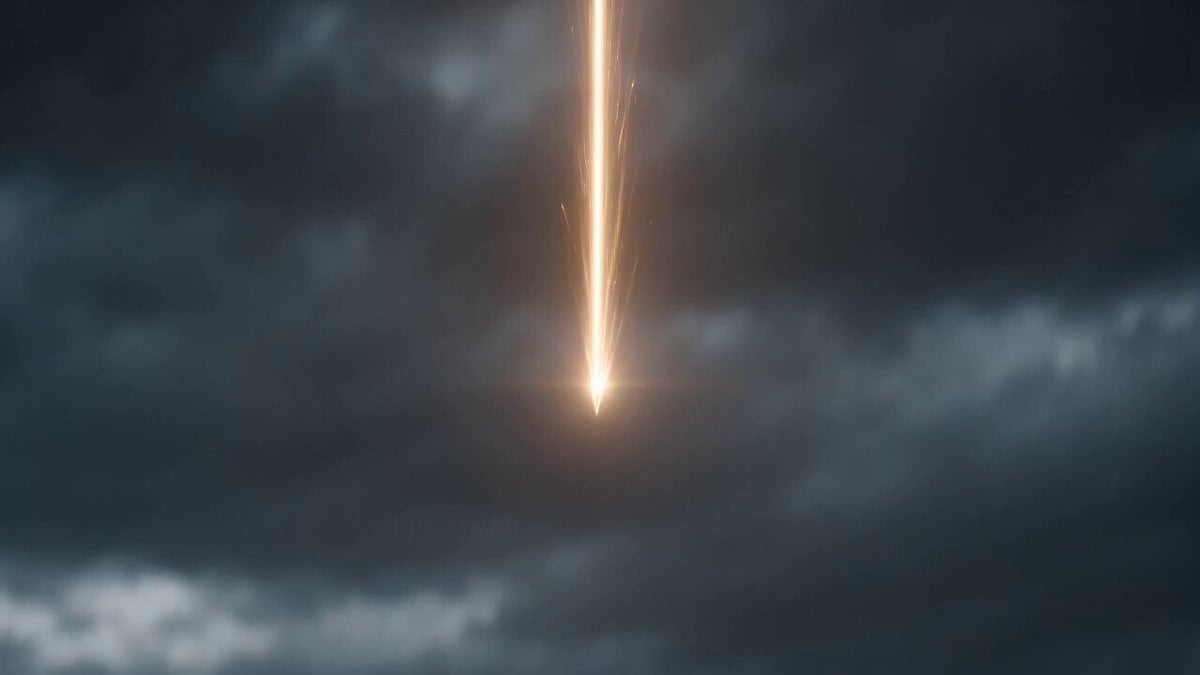
An epic cinematic sequence of a female warrior in white using a folding fan to defeat an army.
- Prompt included
- Model and format preset
- Free template
The prompt behind this video
Copy the exact prompt behind Oriental Fantasy Martial Arts Masterpiece, or open it in the studio and make it yours.
【风格】东方玄幻真人特效大片(Oriental Fantasy Live-Action Blockbuster),IMAX电影画质,8K超清,真实摄影(Photorealistic),虚幻引擎5写实渲染,达芬奇高级调色,暗黑战场氛围,无动漫感、无塑料感 【时长】15秒 【场景】末世焦土战场,龟裂的暗红色焦土,阴霾的暗灰色天空,背景千军万马的杂兵剪影(无需逐个描述) 【角色】白衣女侠(一袭白衣,手持折扇,绑带高跟鞋,长发,气质清冷孤傲,脸部毛孔与发丝清晰可见) [00:00-00:01] 镜头1:天降神兵(Crash Landing / Speed-Ramp) 大远景:一道金色发光粒子光柱从阴霾天空极速下坠。 落地瞬间切入极致慢动作(Super Slow-mo),特写穿绑带高跟鞋的足部重重踏在龟裂焦土上,扬尘炸开、地面碎裂向四周辐射。 [00:01-00:02] 镜头2:折扇起手式(Power Burst / Wide) 全景固定机位:白衣女子在千军万马前单腿旋转,折扇横扫扫出一道巨大的金色环形冲击波,四周沙尘被掀起。暗黑战场被金光照亮。 [00:02-00:05] 镜头3:横扫千军(Tracking + Motion Blur) 中景转全景,镜头紧跟人物流畅移动,强烈动态模糊。 白衣女子如舞蹈般在敌阵中穿梭挥扇,身姿轻盈,扇影带出金色气刃轨迹。杂兵接连被气浪掀飞腾空,击飞瞬间局部切入慢动作。灰暗战场中白衣与金光是绝对视觉中心。 [00:05-00:07] 镜头4:分身压制(Bullet-time / Low-angle Push-in) 全景低角度仰拍,镜头极慢向前推进(子弹时间)。 女子单腿傲立、折扇张开,身后幻化出多个同步动作的白衣残影分身。背景大量杂兵被定格悬浮在半空,空间出现轻微扭曲感. 神明降临般的压迫感。 [00:07-00:09] 镜头5:神女法相(Epic Scale / Slow Tilt-up) 大远景轻微上摇:女子立于画面正中,背后拔地而起一尊巨大的半透明发光神女法相,双手合十后凝化出一柄巨剑。杂兵如蝼蚁冲向法相。 特效:全息半透明粒子法相,神圣的蓝白与幽蓝能量光辉。色调由金灰转为冷白幽蓝。 [00:09-00:11] 镜头6:火龙吞噬(Hollywood VFX / Handheld Shake) 远景转大远景,镜头随爆炸剧烈震动(手持碎震)。 地面炸开红色裂纹,多头烈焰火龙从地裂中喷涌而出,瞬间引发核爆级爆炸,掀起震天动地的巨大蘑菇云. 女子立于爆炸中心前,身姿渺小却岿然不动。火红与黑灰浓烟交织。 [00:11-00:14] 镜头7:废墟漫步(Slow Push-in) 大远景转中全景,平稳缓慢推镜,与前段激战形成反差。 女子手持折扇,在燃烧的废墟与漫天红黑浓烟中向镜头从容走来,空气中漂浮的火星与灰烬缓缓飘落. 胜利者的孤傲。 [00:14-00:15] 镜头8:清冷回眸(Near Shot / Subtle Breathing) 中景转近景,固定机位近乎静止,仅微风拂动。 女子直视镜头,表情平静清冷,毫无战后波澜. 逼真的衣物与发丝物理风动模拟,背景烟雾柔化. 冷灰冷蓝主导,空灵收尾。
How to use Oriental Fantasy Martial Arts Masterpiece in 3 steps
- 1
Open
The prompt is already in the box next to the preview, with the template's model and format selected.
- 2…a portrait of your subject in softgolden-hour light, 85mm…
Personalize
Edit the subject and creative details for your destination.
- 3Generate
Generate
Press Generate — your video is created in PicX Studio, so you can compare it with the original and refine one variable at a time.
More like this
Templates with the same subject, style or setup. Open one to see its prompt.
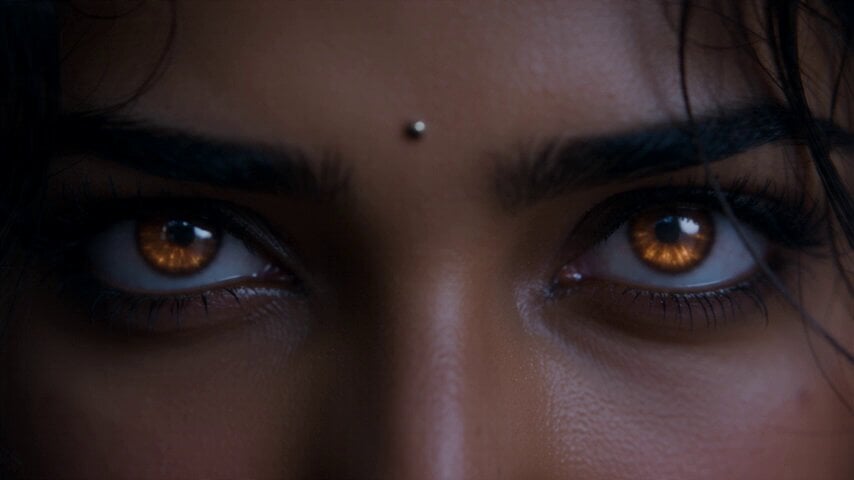
Fantasy Martial Arts Live Action
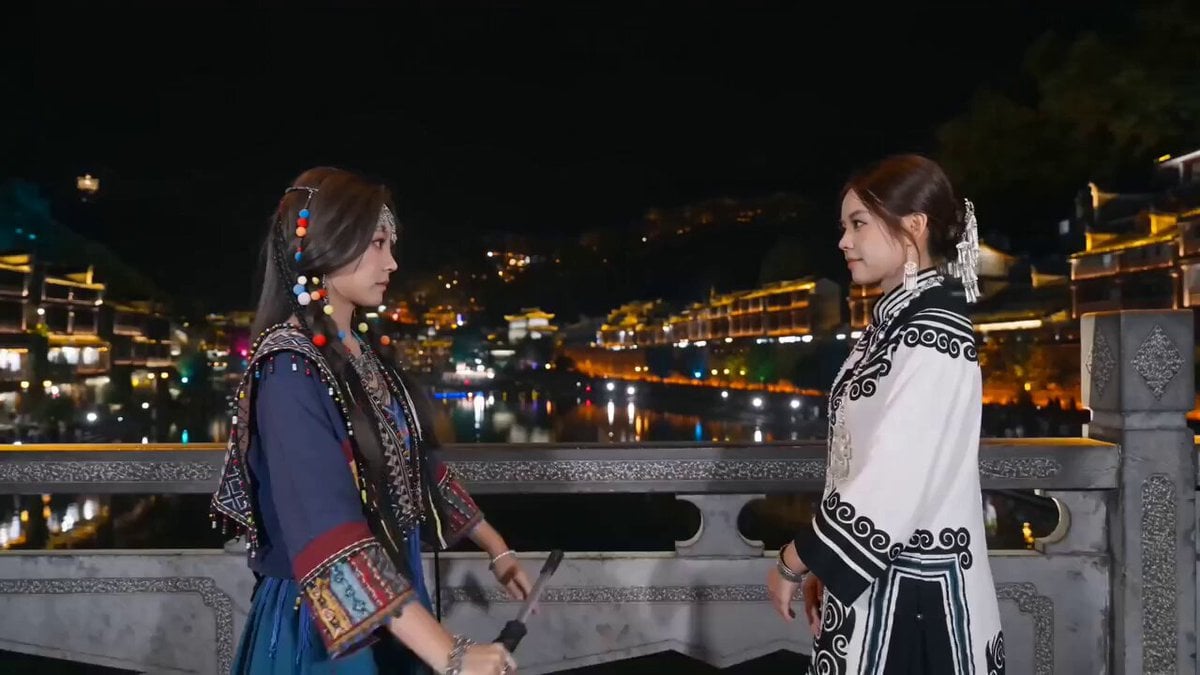
Fantasy Martial Arts Fight Scene

Comical Martial Arts Punch Scene

Martial Arts Fight Sequence
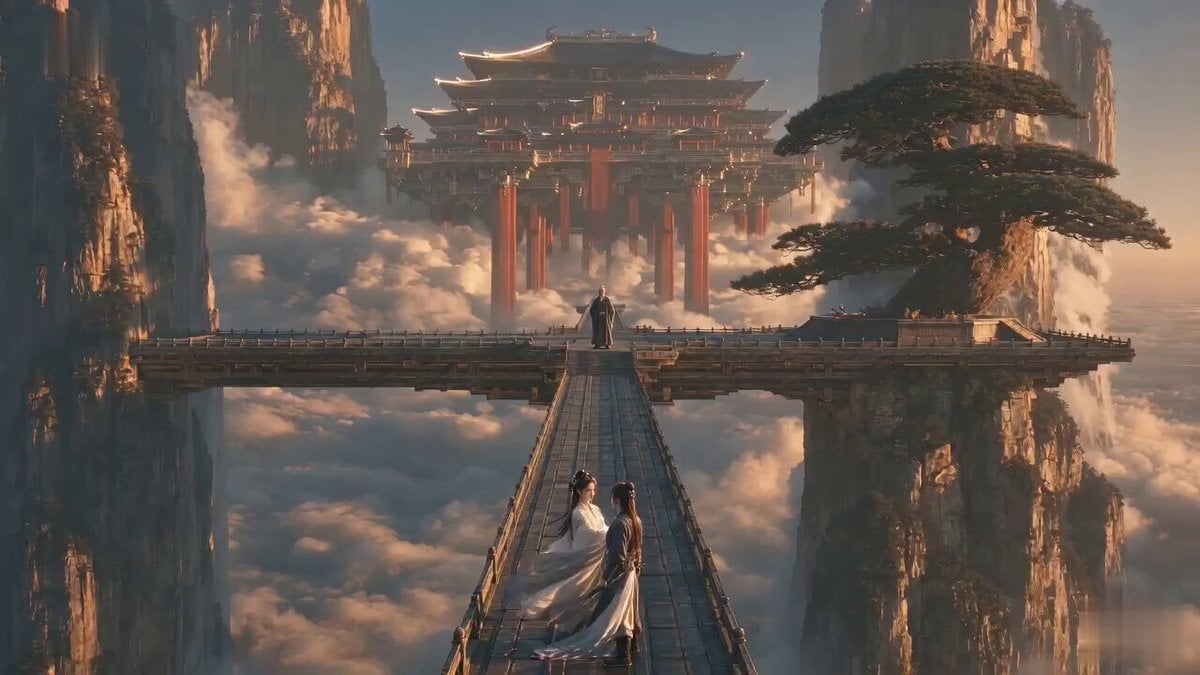
Martial Arts Comedy Verbal Guidance
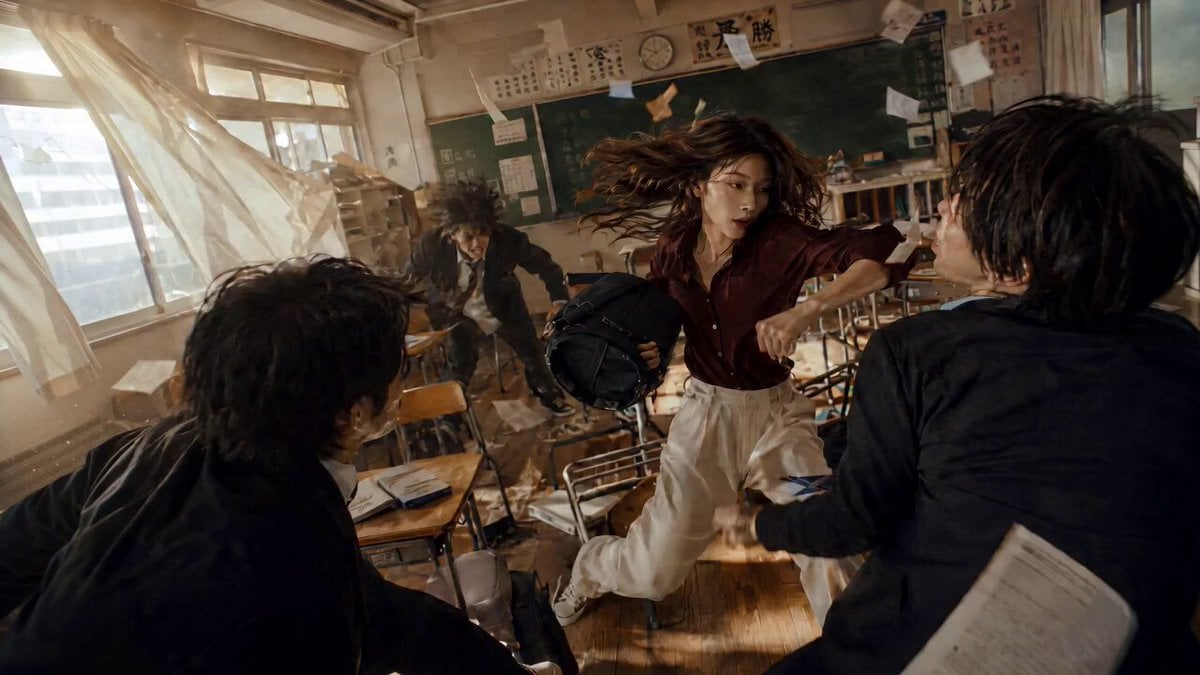
High School Martial Arts One-Shot
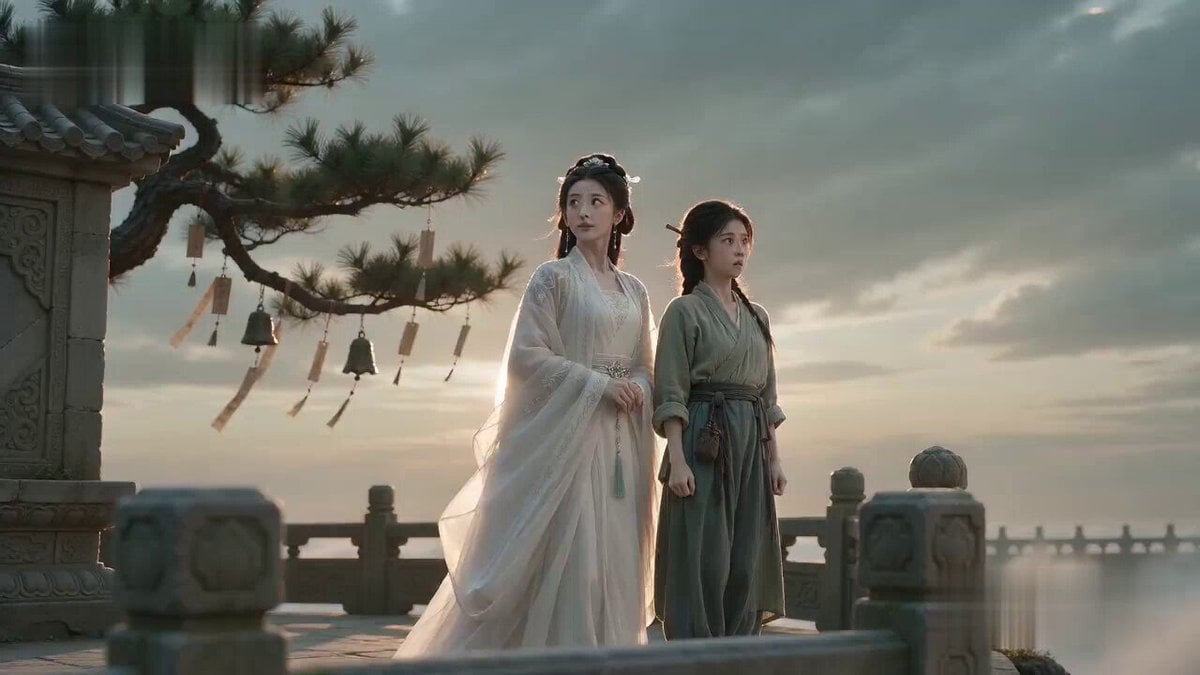
Martial Arts Comedy: The Echoing Secret
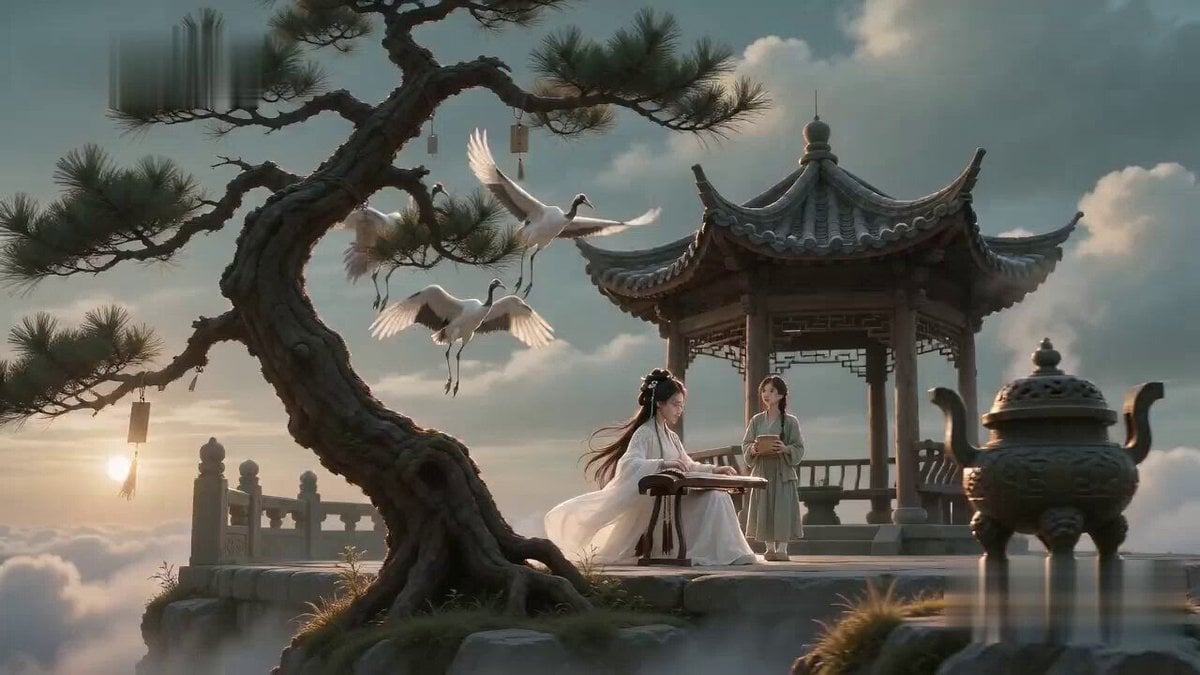
Poetic Martial Arts Comedy: Zither and Cranes

Dragon Rider Cinematic Flight — Seedance 2.5

Forest Fantasy Girl Short Film

Necromancer Battlefield Orbit
Martial Arts Cyborg Battle and Transformation
Make it yours
Oriental Fantasy Martial Arts Masterpiece works as-is. These are the safest ways to change it without losing the look.
Change one field
Copy a single group, rewrite it, and generate again so you can see what that field is doing.
Keep the frame, change the subject
Hold the composition and light of Oriental Fantasy Martial Arts Masterpiece, then swap wardrobe, props or the person for a new take.
| If the result… | Why | Fix |
|---|---|---|
| The result drifts from the preview | Too many fields changed at once. | Reuse Oriental Fantasy Martial Arts Masterpiece as-is first, then change one group — subject, light, or setting. |
| The model over-stylizes the scene | The prose prompt leaves finish and camera underspecified. | Add one camera or lighting sentence and stay on Seedance 2.0. |
More Seedance 2.0 templates
Other prompts made for Seedance 2.0.

Maglev Train Action Sequence

Wuxia Protection and Trust Script

Vintage Korean Arcade MiniDV Vlog

Mercedes 190 SL Luxury Ad

Rainy Night Supernatural Reverse Comedy Video Script

Amazon Civilization Discovery

Futuristic South Asian City Transformation

Cozy Luxury Cafe Commercial

Cyber Ronin Nanotech Transformation Video

Desert Courier and Sandstorm Leviathan Chase
More video prompts
Fresh picks from across the catalog.
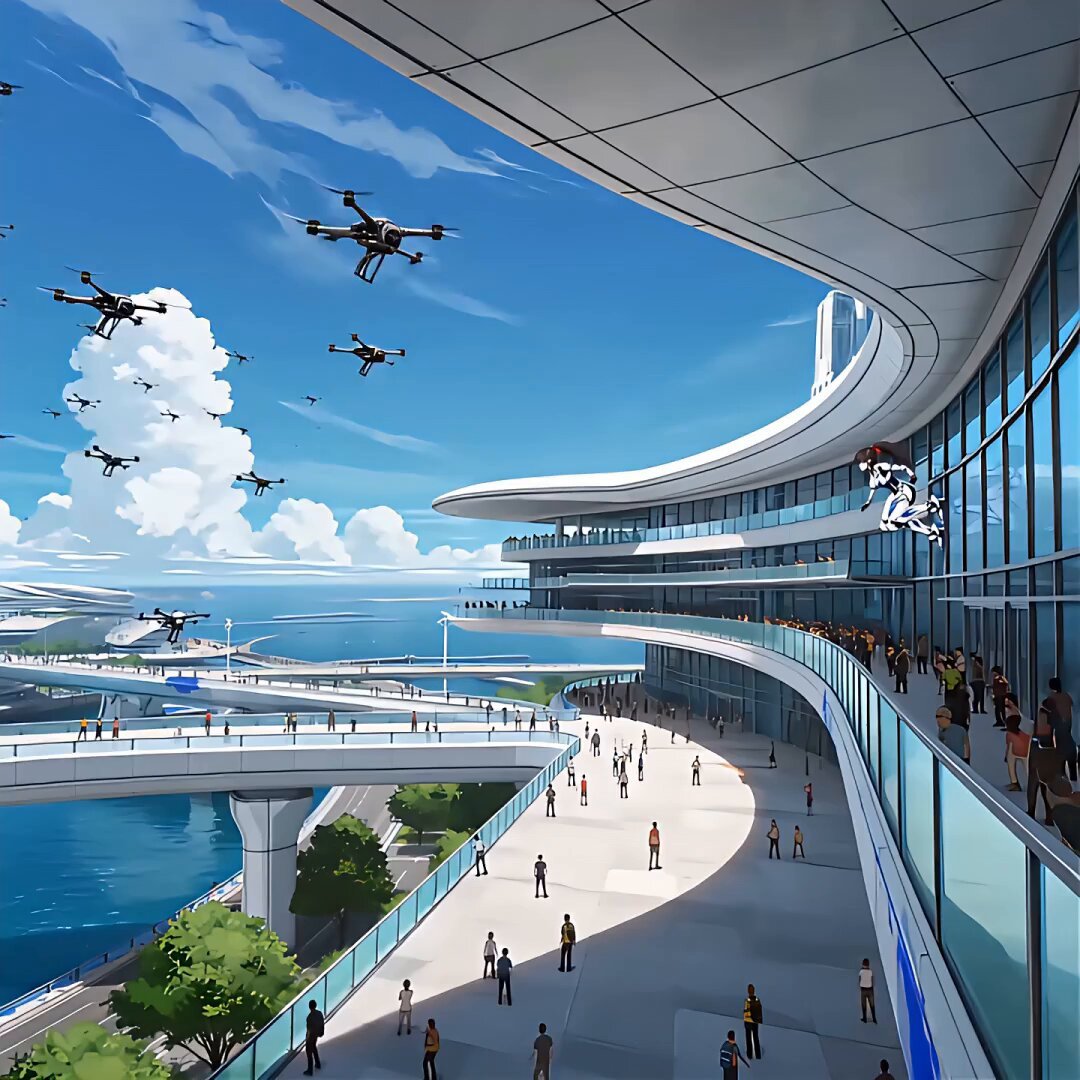
Futuristic Anime Aerial Combat
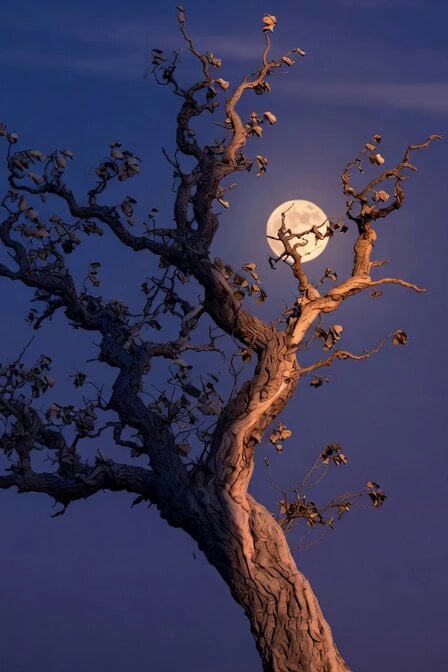
Tree of Hearts and Crows

Anime Opening Scene Video Prompt
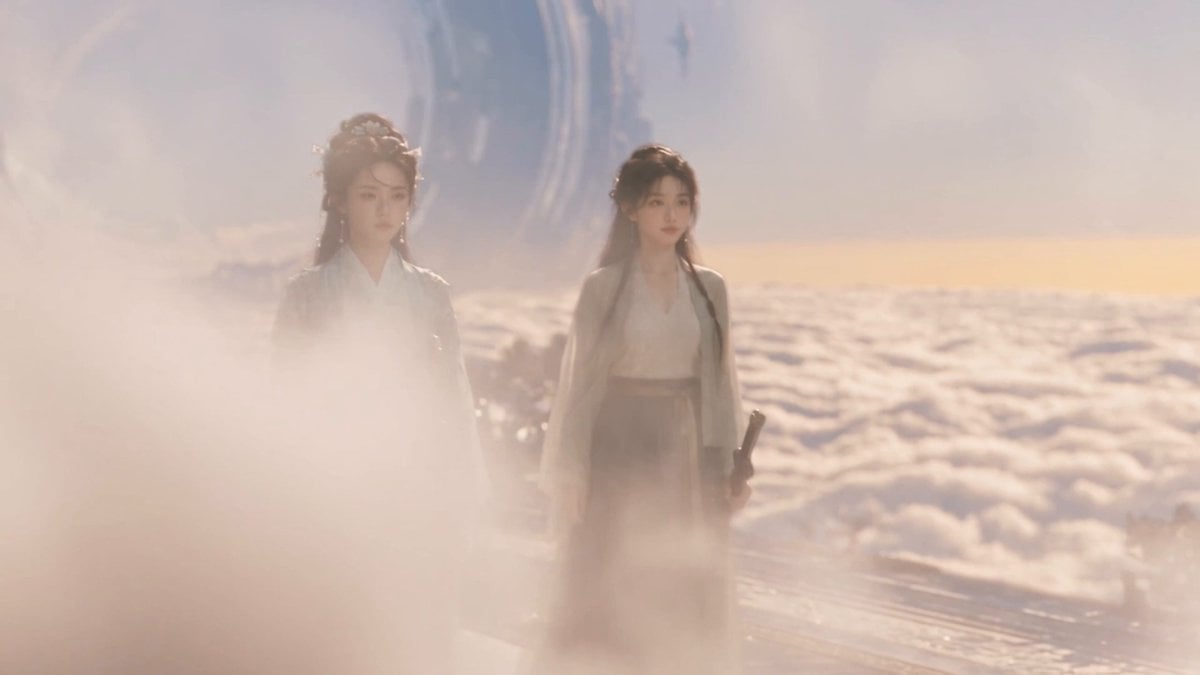
Wuxia micro-expression comedy prompt
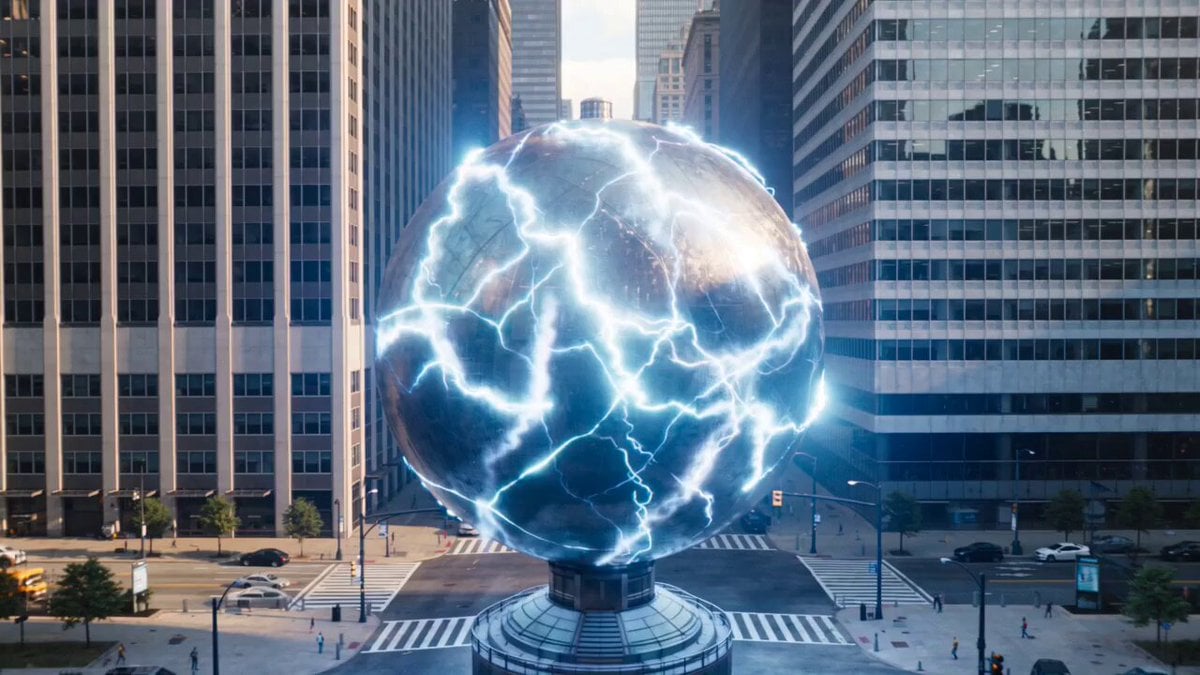
Urban destruction energy core detonation
Seedance 2.0 Prompt: Tired Woman in a Cluttered Room
Global Football Cinematic Journey
Child in Space with Voiceover
Fantasy Warhorse Aqueduct Action Shot
Anime Character Ultimate Skill PV
Browse template categories
Oriental Fantasy Martial Arts Masterpiece questions
How do I use the Oriental Fantasy Martial Arts Masterpiece template?
Add your photo if the template asks for one, edit the prompt if you like — the template's model and format are already selected — and press Generate. Your version opens in PicX Studio.
Can I customize the Oriental Fantasy Martial Arts Masterpiece template?
Yes. You can change the subject, setting, lighting, mood, format, and available model controls before creating your video.
Is the Oriental Fantasy Martial Arts Masterpiece template free?
Opening and editing this template is free. Generating uses credits, shown on the Generate button when you are signed in.
Which AI model should I use?
Start with Seedance 2.0, which is the model associated with this template. You can compare another compatible model for a different finish.
Looking for something else? Browse all templates.

Your photo, any look
Thousands of ready templates for every top image and video model, from one credit balance.