
Anime Character Ultimate Skill PV
A dramatic anime-style prompt for a cinematic ultimate skill scene featuring dynamic camera work, double exposure, and high-quality production effects.
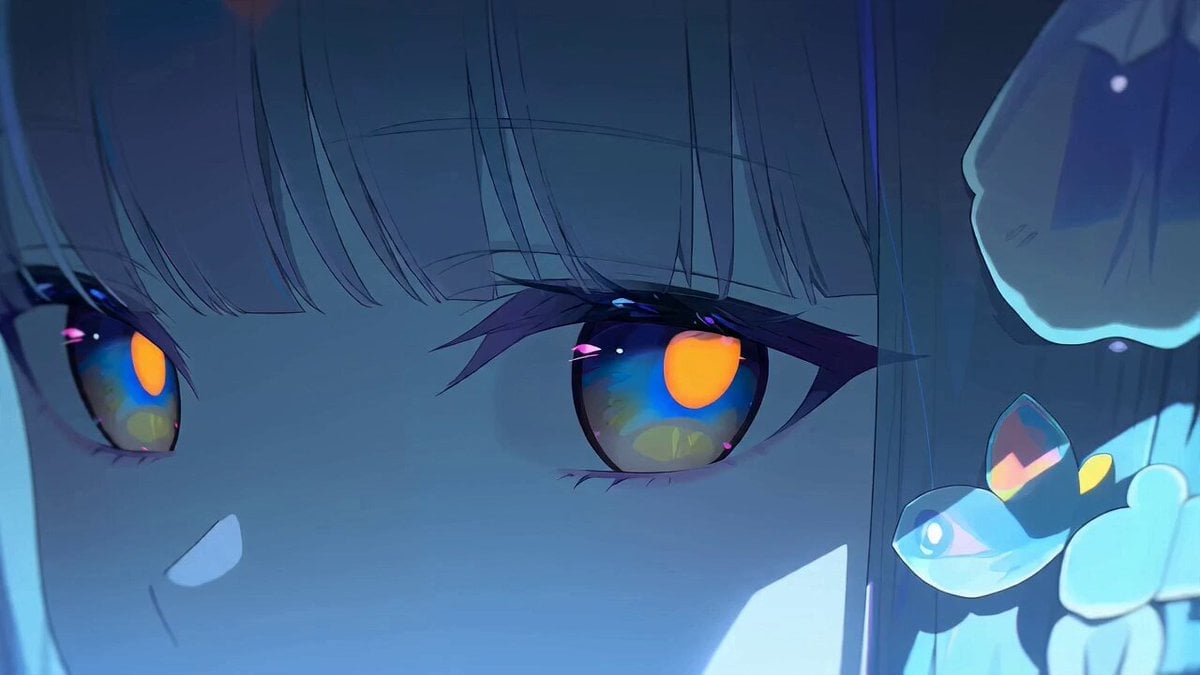
- Prompt included
- Model and format preset
- Free template
The prompt behind this video
Copy the exact prompt behind Anime Character Ultimate Skill PV, or open it in the studio and make it yours.
[@キャラA]と[@キャラB]の連携必殺技。ダイナミックなカメラワーク、ドラマチックショット、手持ちカメラ、急激な画面奥へのエクストリームドリーイン、二重露光、二倍速、四倍速、必殺技にあったライティング処理、過剰に派手な必殺技の演出、日本のフルカラーアニメ、カット割、セリフなし、エクストリームクローズアップとエクストリームロングショットの連続、ライティング処理、高画質、1000万ドルの大作映画アニメ、クライマックスシーン、全シリーズで一度しか使われなかった最高の大技。
How to use Anime Character Ultimate Skill PV in 3 steps
- 1
Open
The prompt is already in the box next to the preview, with the template's model and format selected.
- 2…a portrait of your subject in softgolden-hour light, 85mm…
Personalize
Edit the subject and creative details for your destination.
- 3Generate
Generate
Press Generate — your video is created in PicX Studio, so you can compare it with the original and refine one variable at a time.
More like this
Templates with the same subject, style or setup. Open one to see its prompt.

MiniMax H3 Character Introduction
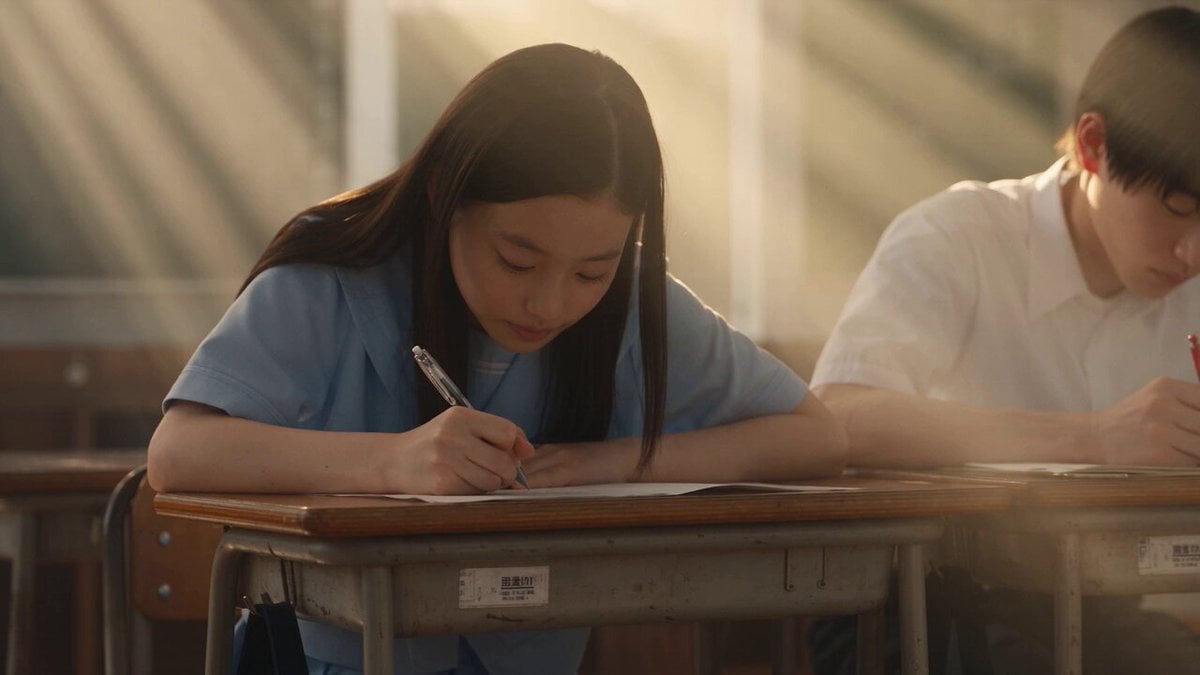
Japanese Pure Love Short Film
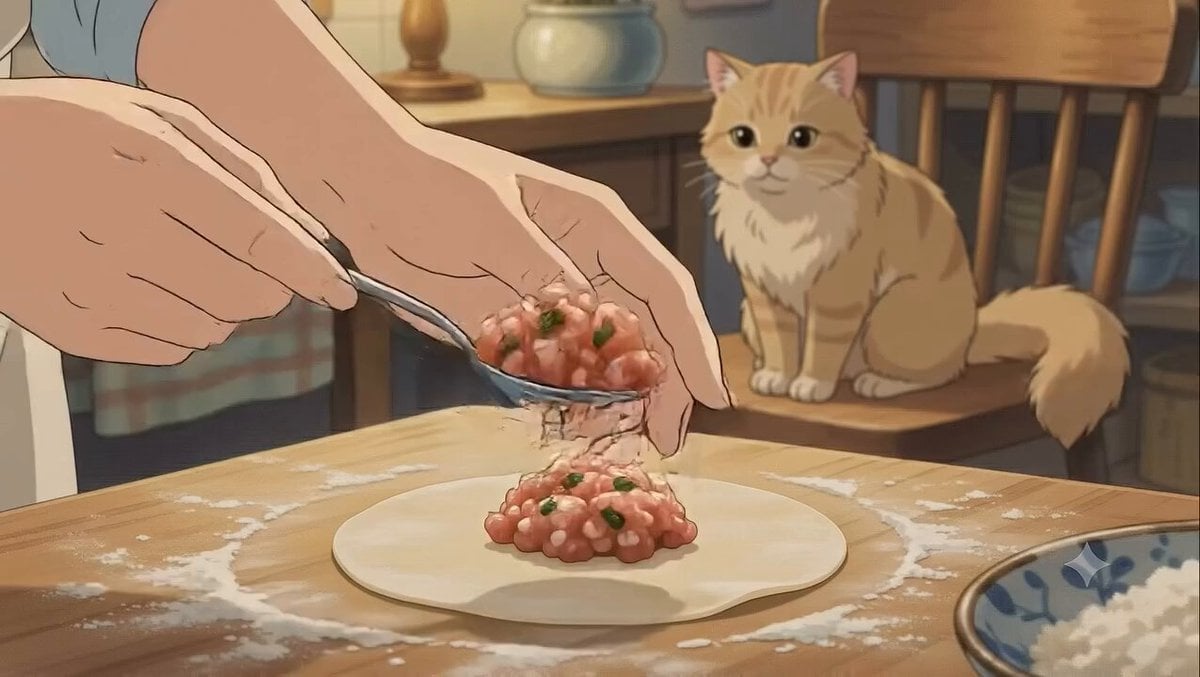
Studio Ghibli Dumpling Kitchen Cooking Scene
Swordsman vs Shadow Monster — Bamboo Forest Battle
Mecha Transformation vs Kaiju — 4-Scene Epic
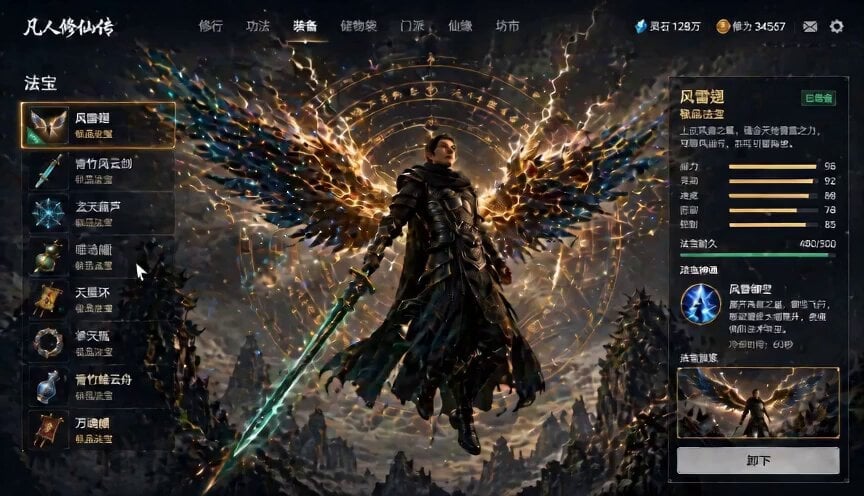
Game UI Skill Selection Animation
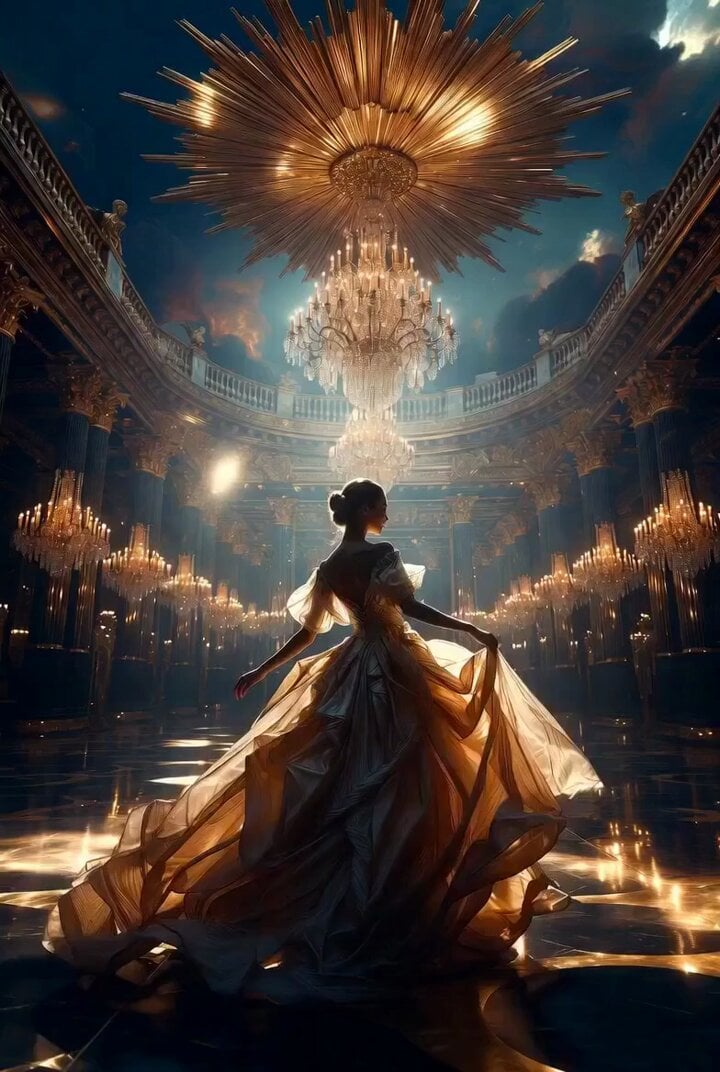
Ultimate Masterpiece Ballroom Scene Video Prompt
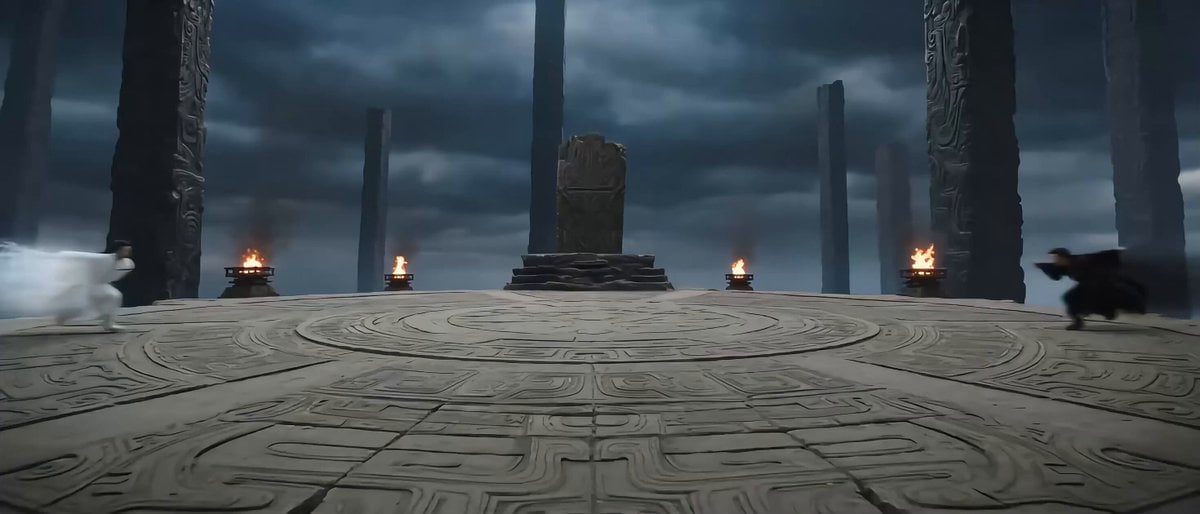
Eastern Wuxia Ultimate Showdown with Extreme Kinetic Energy
Claude prompt for generating a weekly report skill
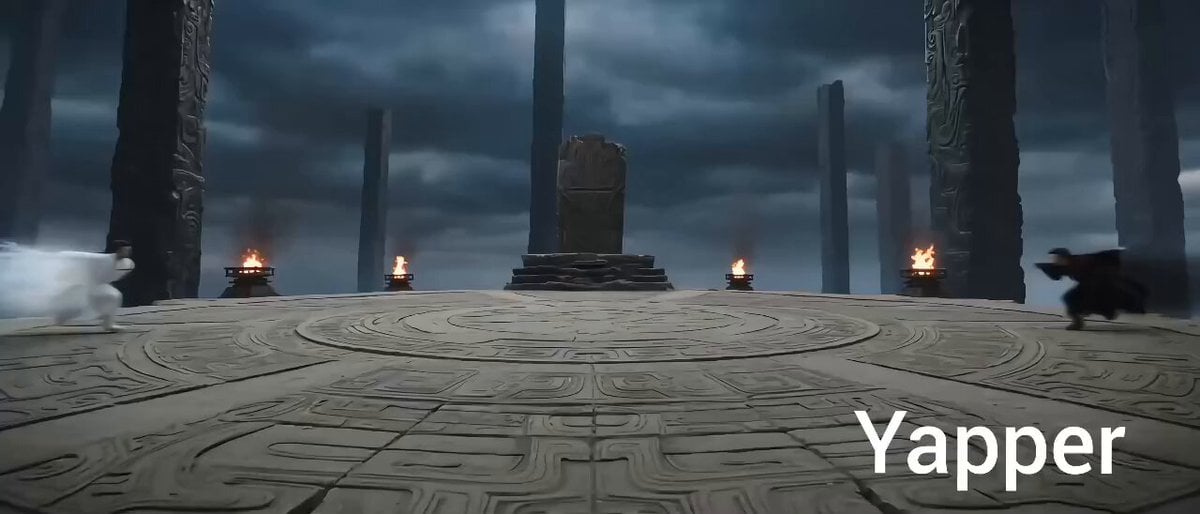
Eastern Wuxia Ultimate Showdown
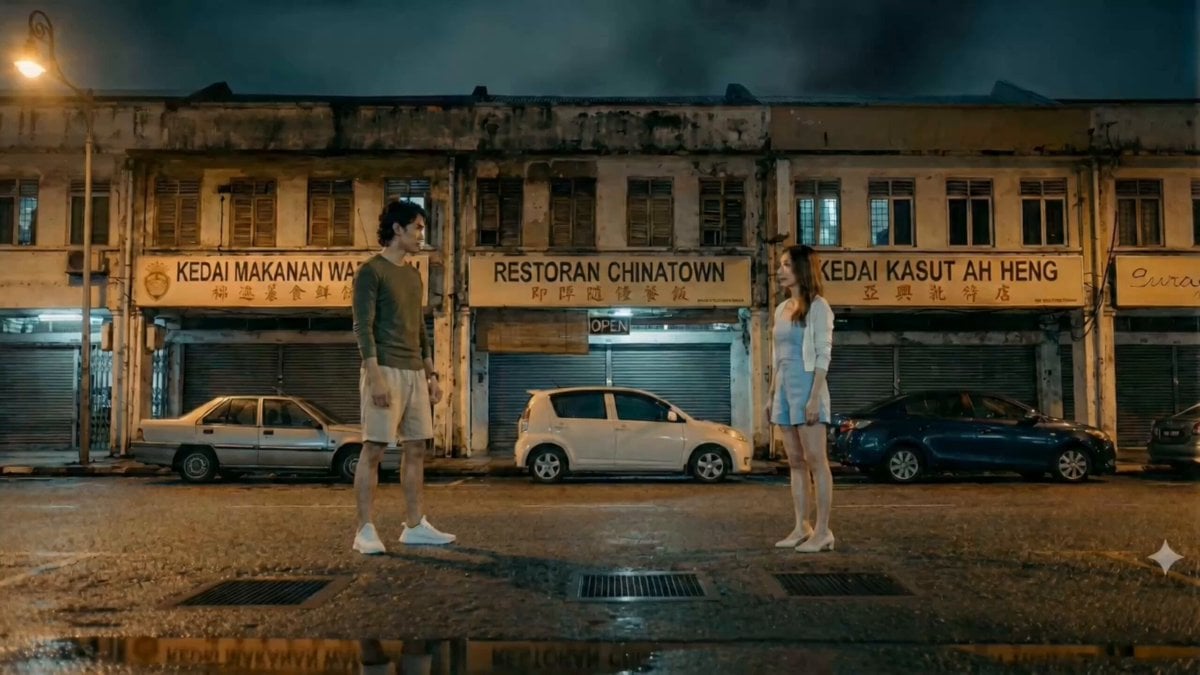
Hand-to-Hand Skill Clash Cinematic Prompt
Cinematic Anime Cyborg Running Scene
Make it yours
Anime Character Ultimate Skill PV works as-is. These are the safest ways to change it without losing the look.
Change one field
Copy a single group, rewrite it, and generate again so you can see what that field is doing.
Keep the frame, change the subject
Hold the composition and light of Anime Character Ultimate Skill PV, then swap wardrobe, props or the person for a new take.
| If the result… | Why | Fix |
|---|---|---|
| The result drifts from the preview | Too many fields changed at once. | Reuse Anime Character Ultimate Skill PV as-is first, then change one group — subject, light, or setting. |
| The model over-stylizes the scene | The prose prompt leaves finish and camera underspecified. | Add one camera or lighting sentence and stay on Seedance 2.0. |
More Seedance 2.0 templates
Other prompts made for Seedance 2.0.

Comical Martial Arts Punch Scene

Maglev Train Action Sequence

Martial Arts Fight Sequence

Wuxia Protection and Trust Script

Vintage Korean Arcade MiniDV Vlog

Mercedes 190 SL Luxury Ad

Rainy Night Supernatural Reverse Comedy Video Script

Amazon Civilization Discovery

Futuristic South Asian City Transformation

Cozy Luxury Cafe Commercial
More video prompts
Fresh picks from across the catalog.
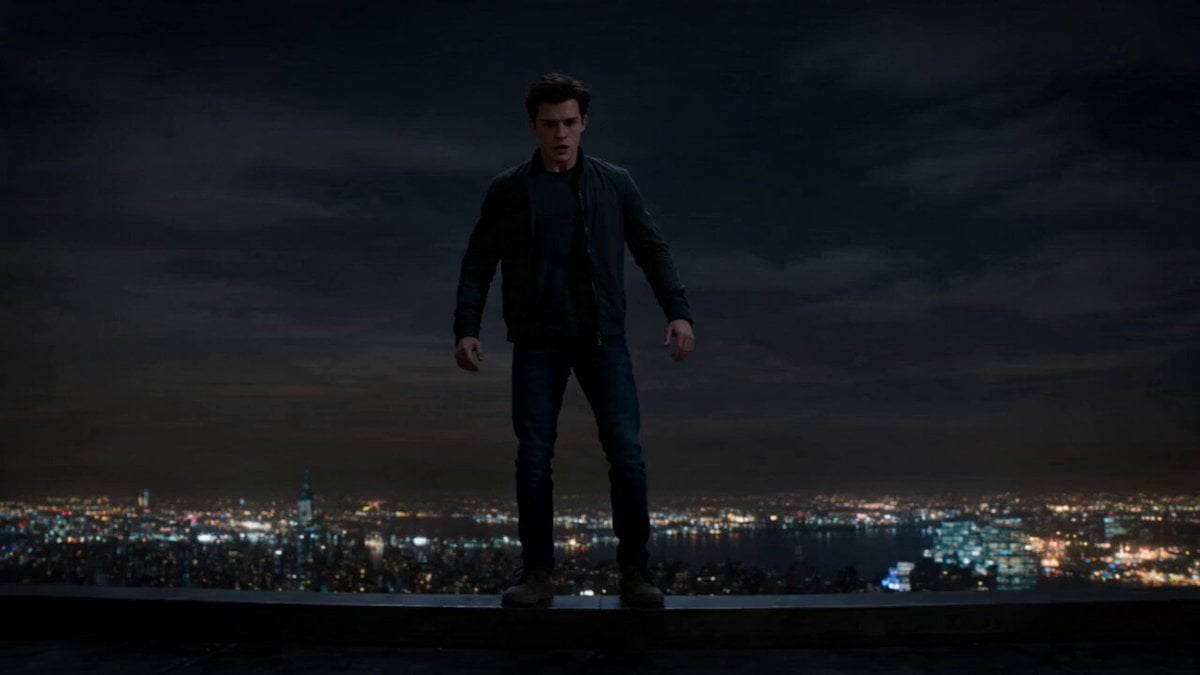
Surreal Rooftop Fall Abyss
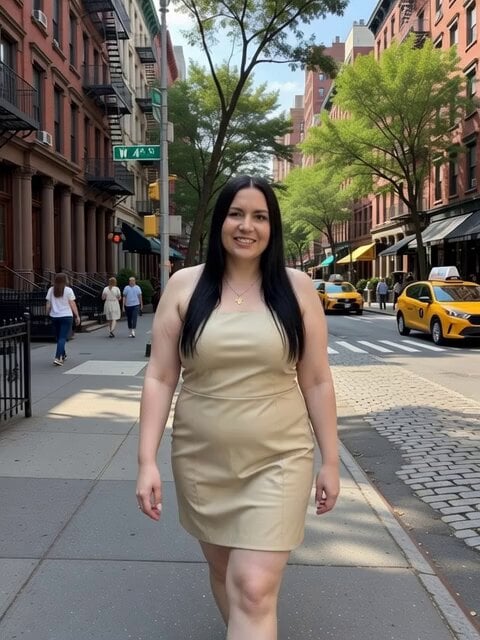
Weight Management and Bipolar Medication
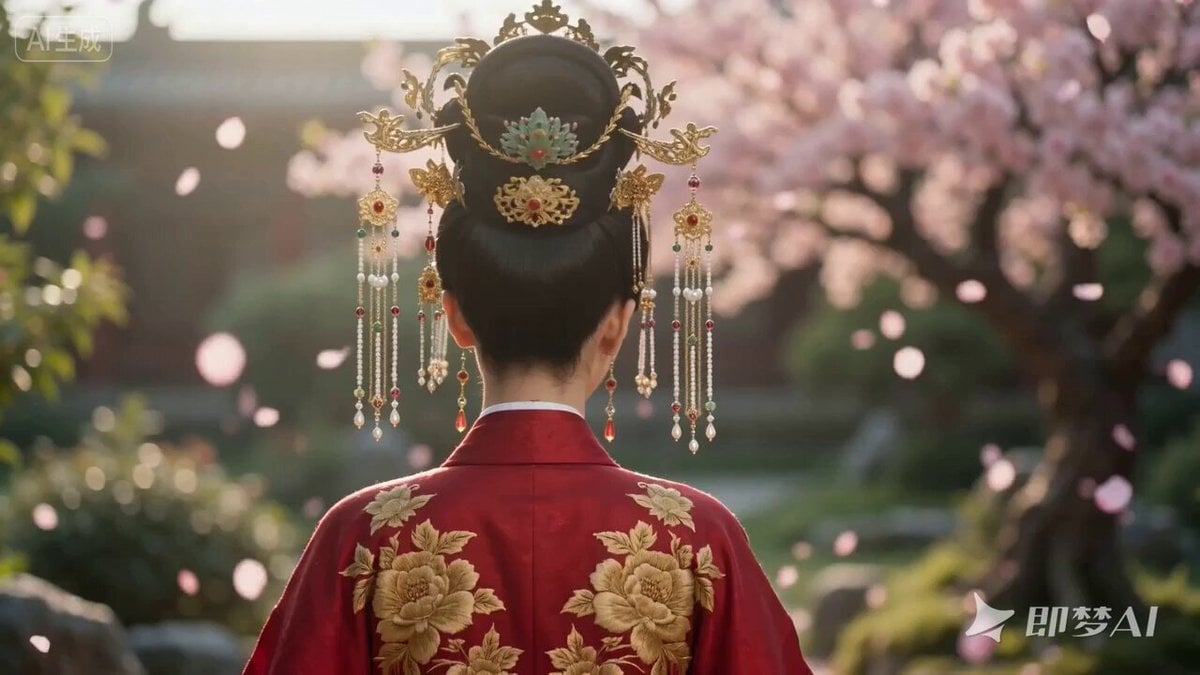
Chinese Hanfu Character Video Prompt for Seedance 2.0
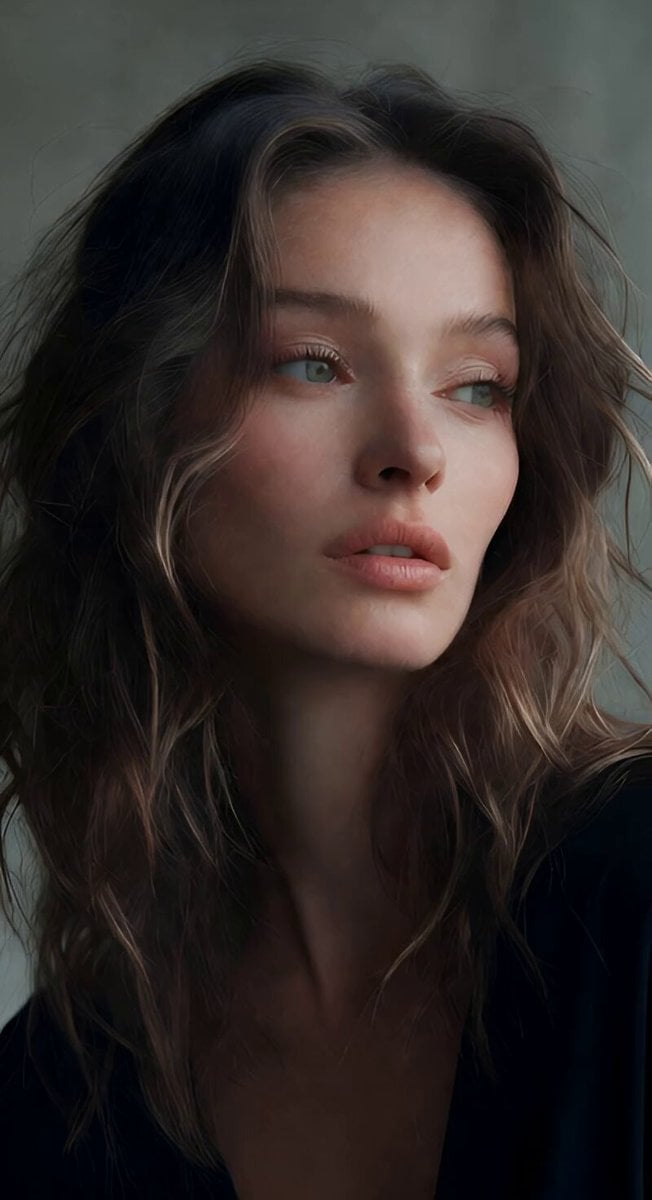
Soft Spoken Fashion Model Video
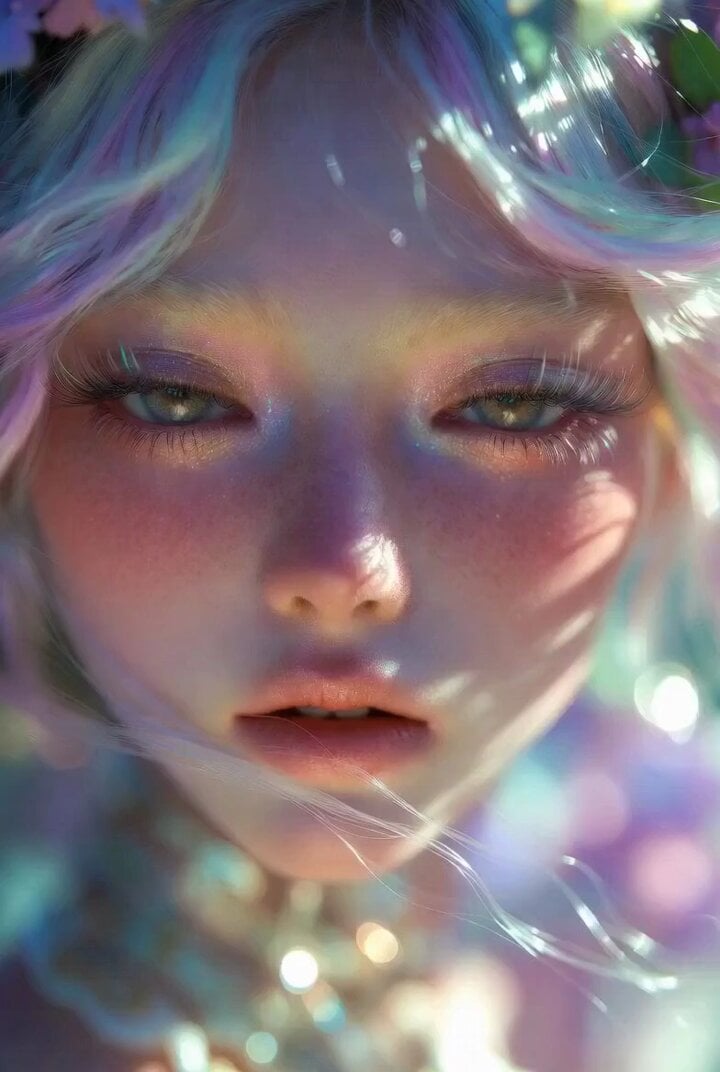
Ultra Close-up Pastel Character in Rococo Kawaii Surrealism Style
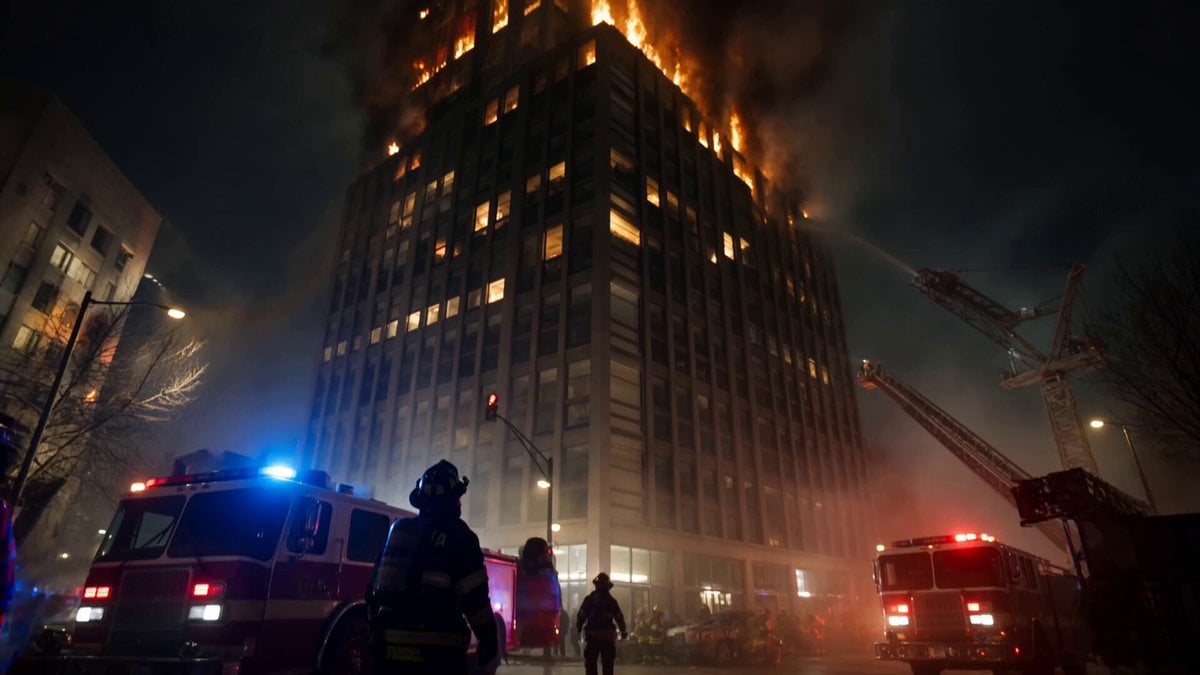
Live-Action Firefighter Rescue Night Scene
Knitting in Nature Video Prompt
FPV Macro Fae Battlefield Drone Oner
Sci-Fi Desert Dunes Monster Prompt
Gourmet Burger Vlog Selfie Style
Browse template categories
Anime Character Ultimate Skill PV questions
How do I use the Anime Character Ultimate Skill PV template?
Add your photo if the template asks for one, edit the prompt if you like — the template's model and format are already selected — and press Generate. Your version opens in PicX Studio.
Can I customize the Anime Character Ultimate Skill PV template?
Yes. You can change the subject, setting, lighting, mood, format, and available model controls before creating your video.
Is the Anime Character Ultimate Skill PV template free?
Opening and editing this template is free. Generating uses credits, shown on the Generate button when you are signed in.
Which AI model should I use?
Start with Seedance 2.0, which is the model associated with this template. You can compare another compatible model for a different finish.
Looking for something else? Browse all templates.

Your photo, any look
Thousands of ready templates for every top image and video model, from one credit balance.