
FPV Macro Fae Battlefield Drone Oner
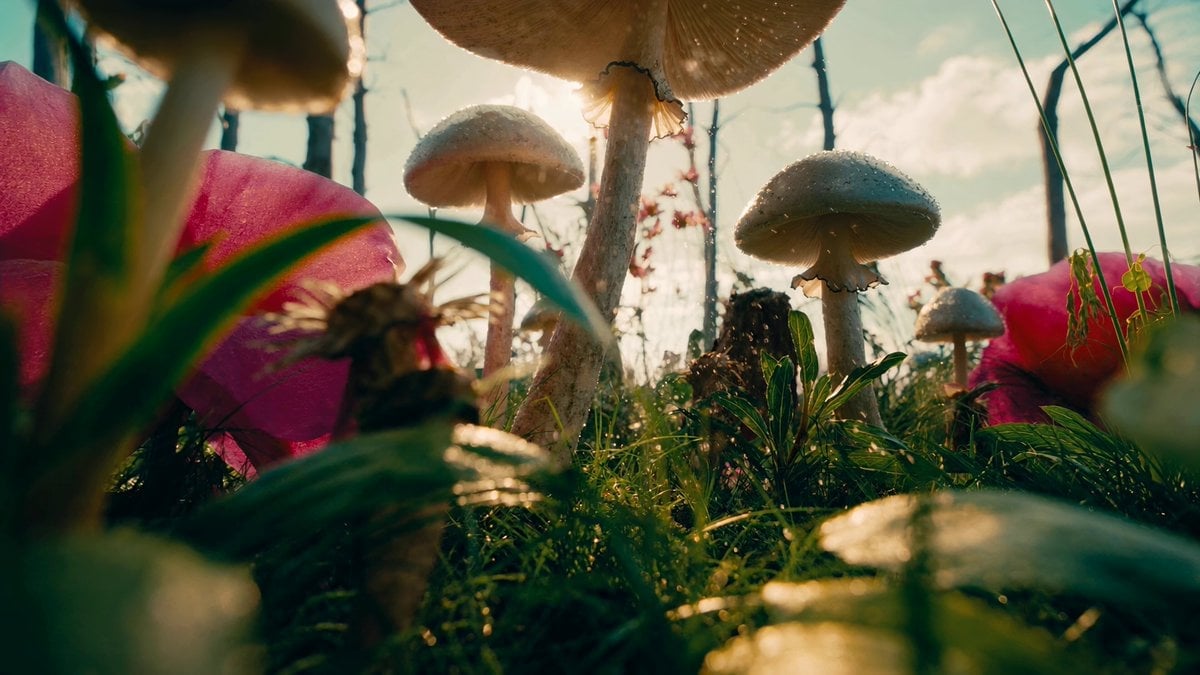
A dynamic FPV drone-style video prompt featuring a macro-scale fantasy battle between fae warriors and a giant beetle.
- Prompt included
- Model and format preset
- Premium template
The prompt behind this video
Copy the exact prompt behind FPV Macro Fae Battlefield Drone Oner, or open it in the studio and make it yours.
Single continuous shot, one take no cuts, cinematic FPV oner, photorealistic macro detail, anamorphic film look, cinematic lighting, professional color grading, sharp focus, hyper-detailed texture, film grain, depth of field mastery, fluid drone flight A sunlit macro battlefield at high noon, where towering acid-bright flowers and mushrooms rise like skyscrapers and a cavalry of tiny winged fae warriors — mounted on darting dragonflies and armored beetles, glowing spears, bows and lances raised, leaf-sized banners snapping — wage war against a colossal armored beetle with snapping mandibles. The world is rendered in hyper-detailed macro: dewdrops glint like glass boulders, pollen drifts as luminous motes, and every petal vein and chitin ridge stays crisp in vivid candy color — hot pink, violet, yellow and lush green under hard high-key midday sun, no golden hour. The camera is an FPV presence flying nonstop and low through the stems, building from a weaving approach into the swarming clash and a spiraling assault on the beetle's shell, the environment escalating from pristine petals to exploding blossoms and swirling pollen-and-magic haze. The single unbroken take earns its arc through pure flight choreography — accelerating into the battle, orbiting the climax, then weaving back into the petals without ever pulling up or back. Single continuous shot 15s: The camera flies in fast and low, threading between enormous flower stems where dewdrops hang like glass boulders and pollen drifts as glowing motes, a cavalry of tiny fae warriors on darting dragonflies and armored beetles flanking the lens with glowing spears and snapping leaf-sized banners. Accelerating forward, it bursts into the clash
How to use FPV Macro Fae Battlefield Drone Oner in 3 steps
- 1
Open
The prompt is already in the box next to the preview, with the template's model and format selected.
- 2…a portrait of your subject in softgolden-hour light, 85mm…
Personalize
Edit the subject and creative details for your destination.
- 3Generate
Generate
Press Generate — your video is created in PicX Studio, so you can compare it with the original and refine one variable at a time.
More like this
Templates with the same subject, style or setup. Open one to see its prompt.
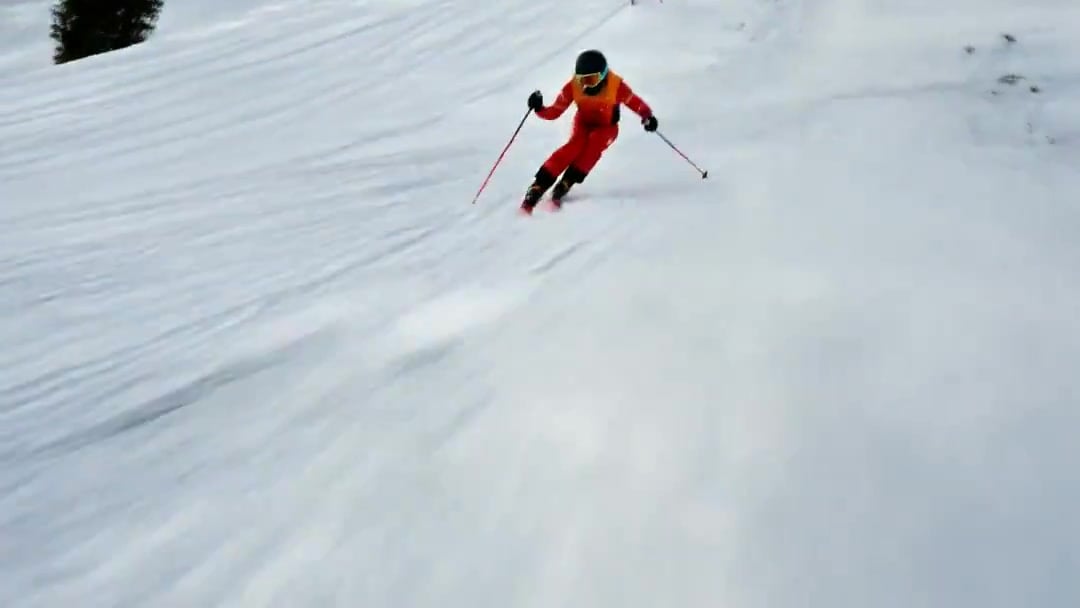
FPV Drone Skier Tracking — Kling 3.0 O3 Pro
Amazon FPV Drone Chase — Seedance 2.0
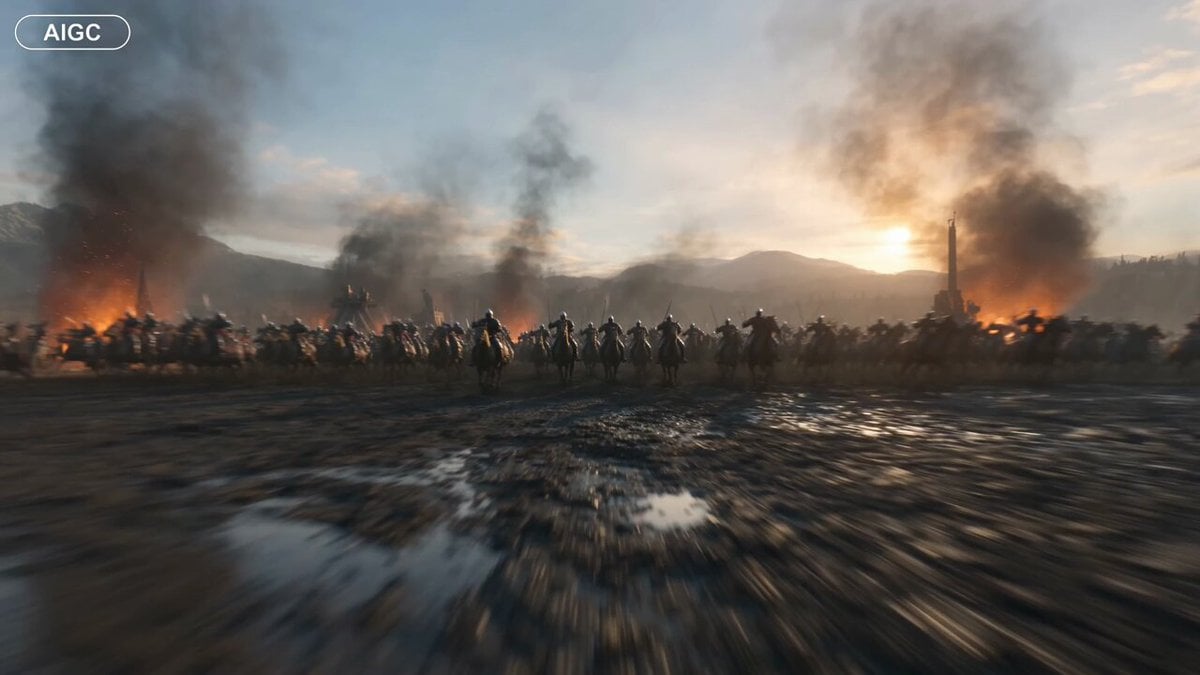
Medieval Battlefield FPV Drone Flight
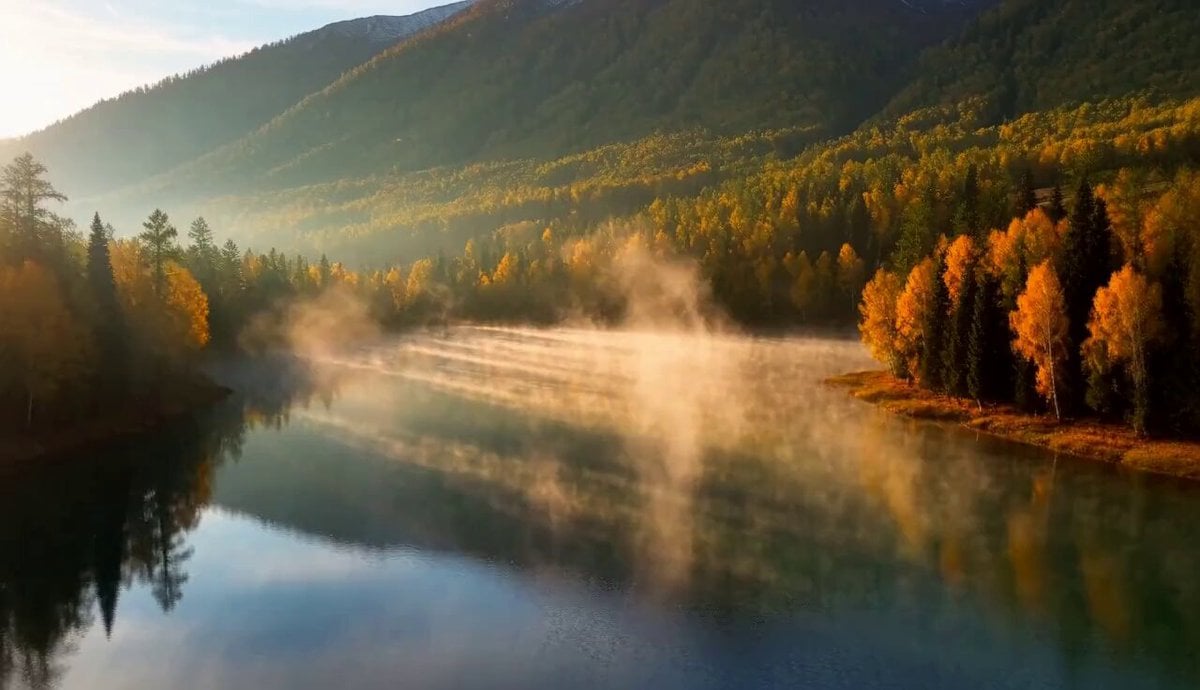
Cinematic Xinjiang Drone Landscapes - Seedance 2.5
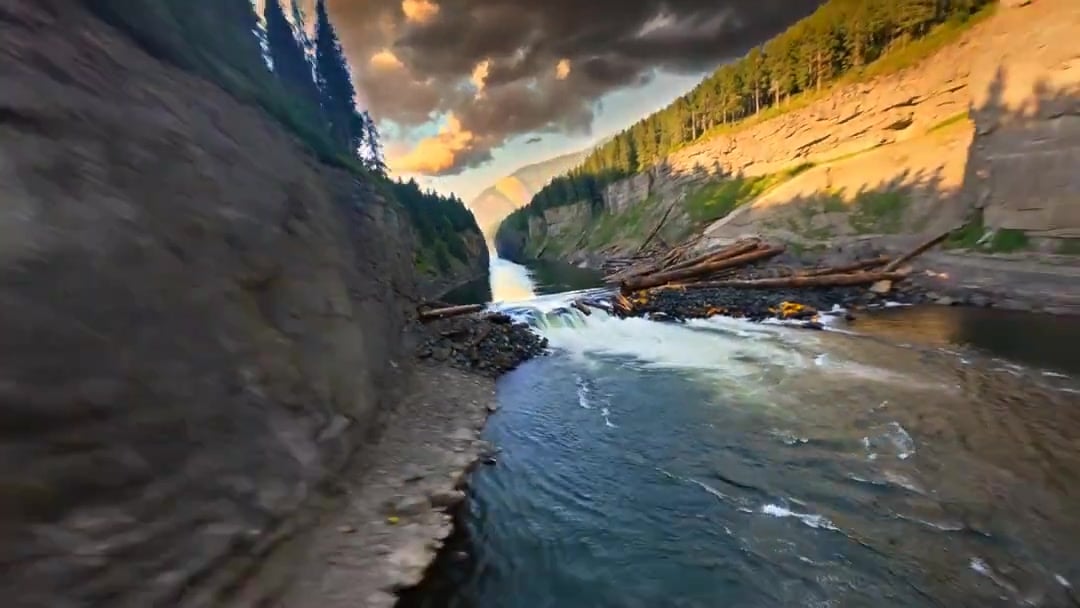
Cinematic Drone Specs Canyon — Kling 3.0 v3 Pro
Product Ad Drink Can 110° Orbit
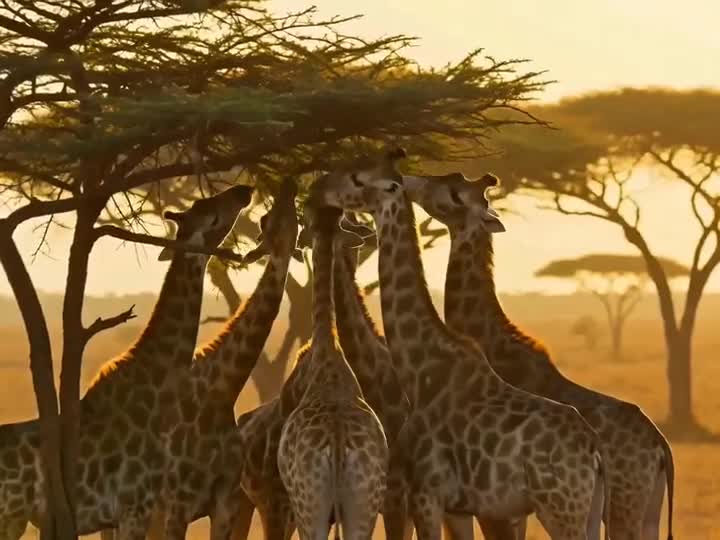
Drone Removal Safari Cleanup
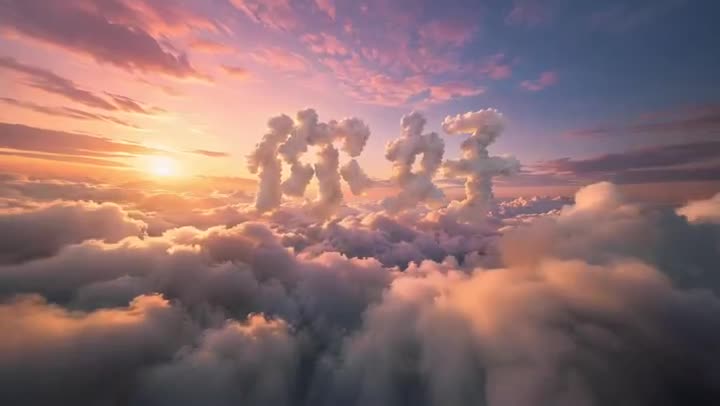
FPV Multilingual Landscape Flight
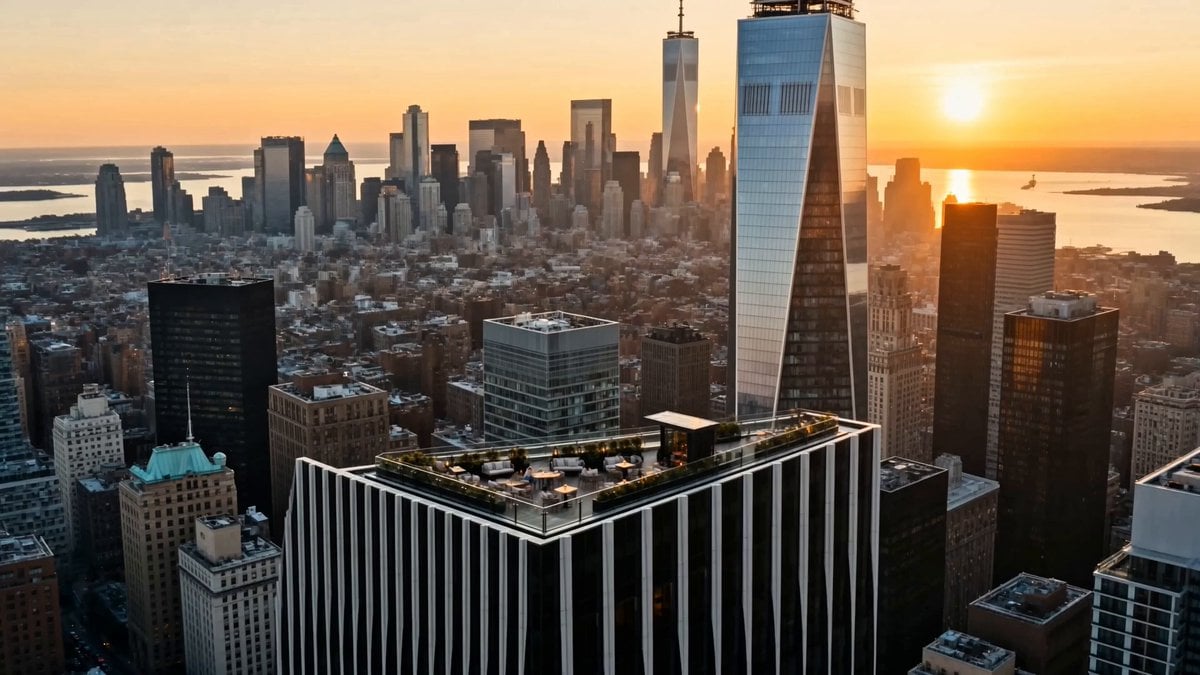
Luxury Lifestyle Day Vlog
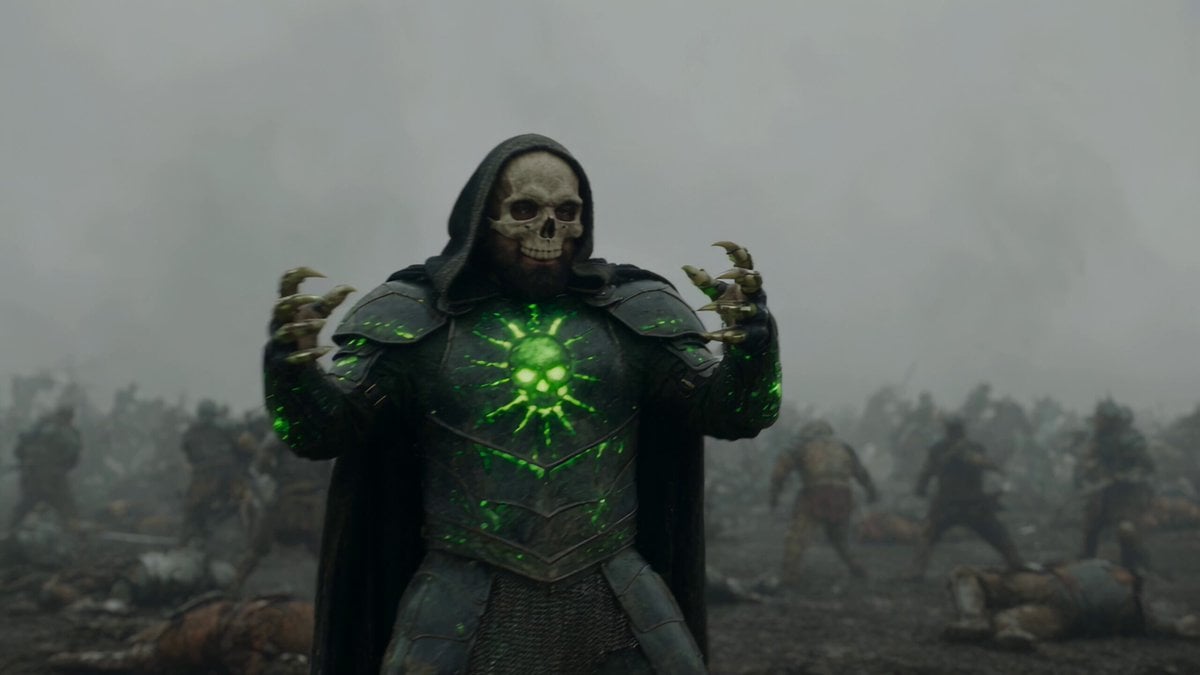
Necromancer Battlefield Orbit
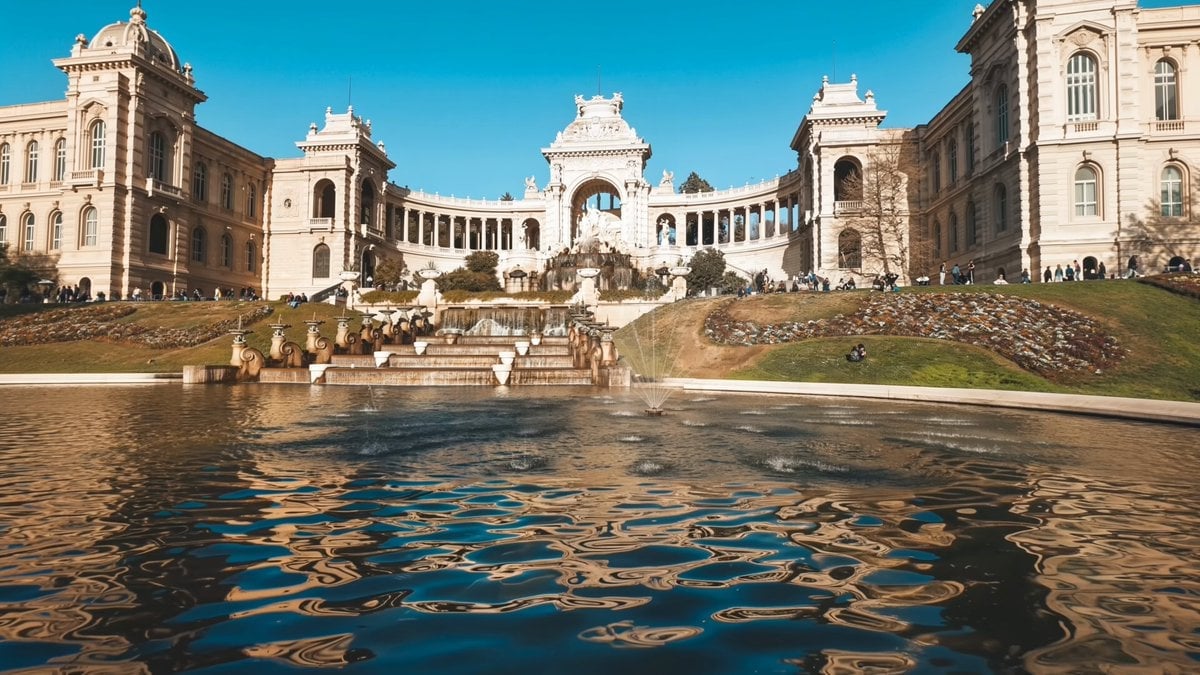
Continuous FPV Drone Architecture Shot
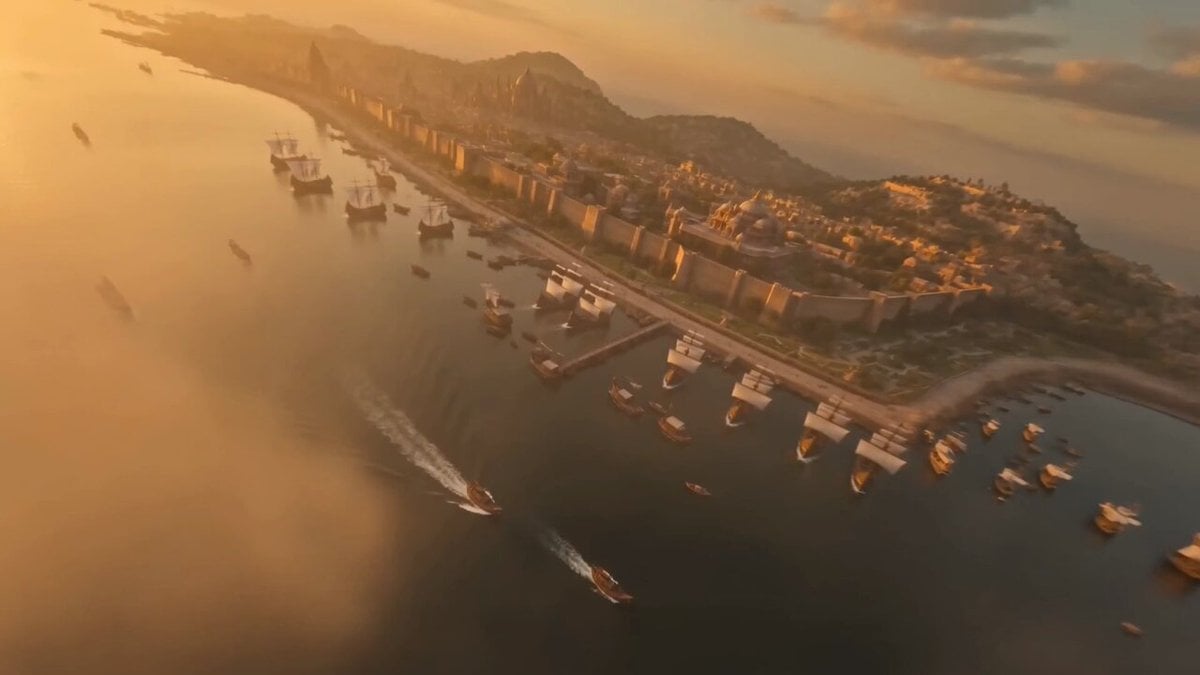
Ancient Indian Kingdom FPV Drone Shot
Make it yours
FPV Macro Fae Battlefield Drone Oner works as-is. These are the safest ways to change it without losing the look.
Change one field
Copy a single group, rewrite it, and generate again so you can see what that field is doing.
Keep the frame, change the subject
Hold the composition and light of FPV Macro Fae Battlefield Drone Oner, then swap wardrobe, props or the person for a new take.
| If the result… | Why | Fix |
|---|---|---|
| The result drifts from the preview | Too many fields changed at once. | Reuse FPV Macro Fae Battlefield Drone Oner as-is first, then change one group — subject, light, or setting. |
| The model over-stylizes the scene | The prose prompt leaves finish and camera underspecified. | Add one camera or lighting sentence and stay on Seedance 2.0. |
More Seedance 2.0 templates
Other prompts made for Seedance 2.0.

Comical Martial Arts Punch Scene

Maglev Train Action Sequence

Martial Arts Fight Sequence

Wuxia Protection and Trust Script

Vintage Korean Arcade MiniDV Vlog

Mercedes 190 SL Luxury Ad

Rainy Night Supernatural Reverse Comedy Video Script

Amazon Civilization Discovery

Futuristic South Asian City Transformation

Cozy Luxury Cafe Commercial
More video prompts
Fresh picks from across the catalog.
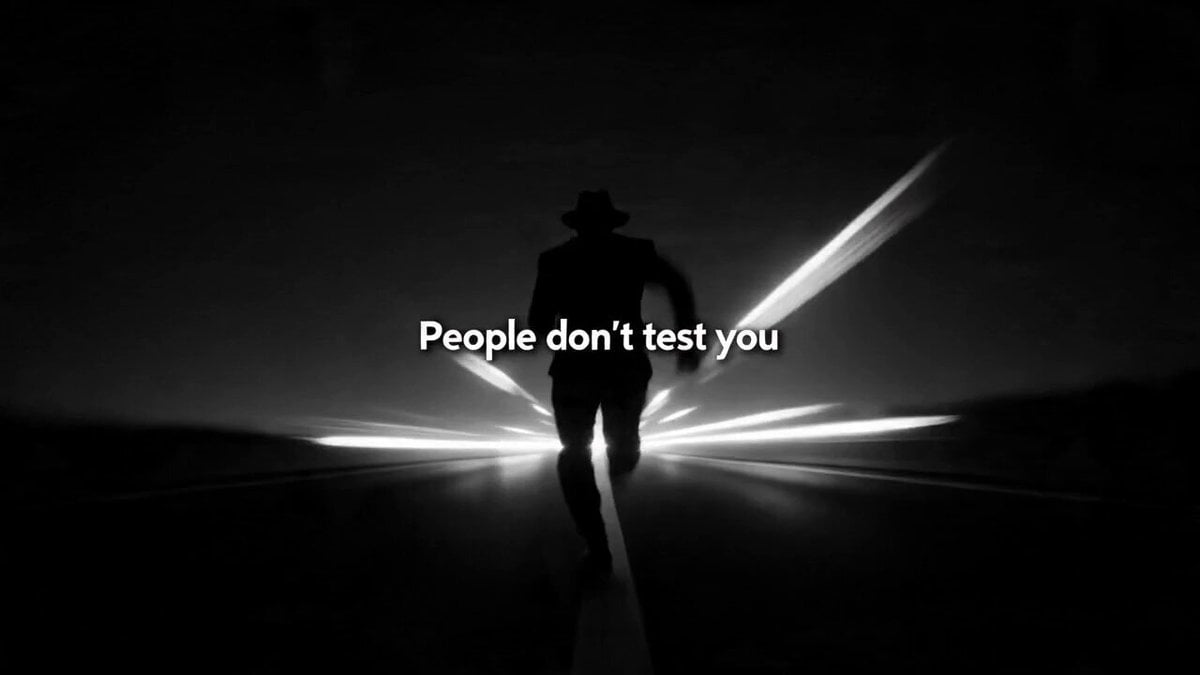
Motivational Noir Silhouette Run

Serene Ghibli-esque Riverside Picnic Prompt
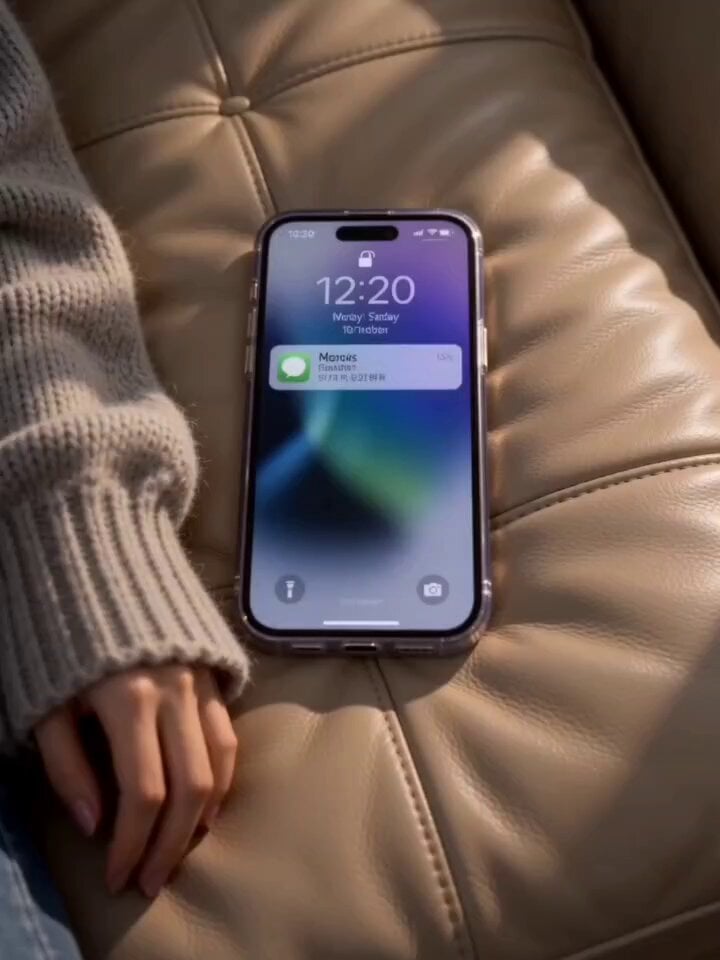
Seedance 2.0 Video Generation Prompt: Routine with Multiple Scenes and Outfits
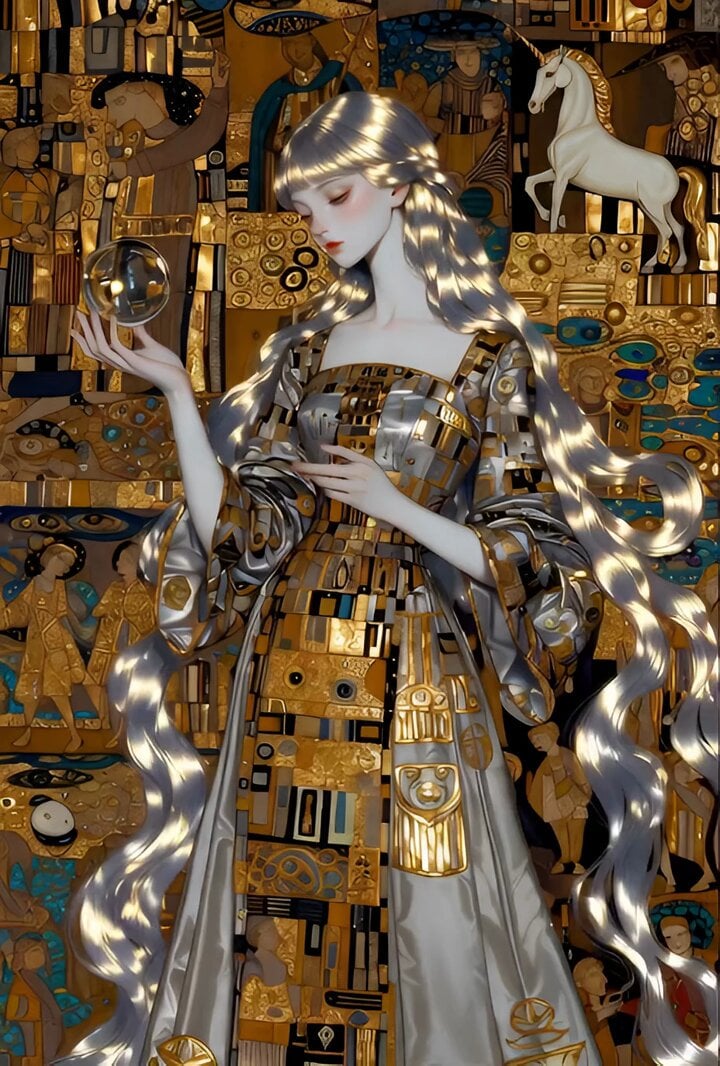
High Voltage Klimt style video prompt with medieval elements
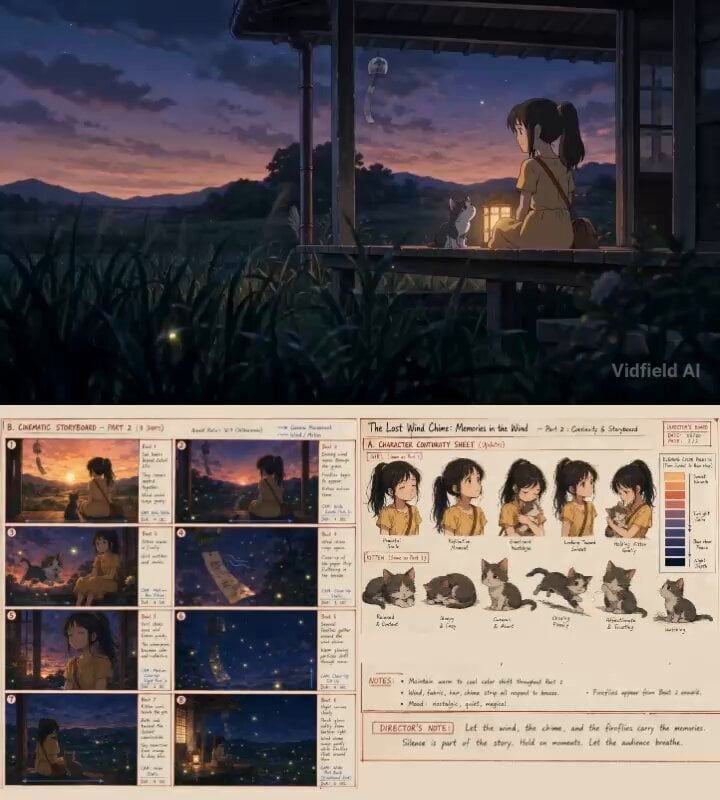
Emotional Anime Short Film Prompt
Glow Mask Rebirth
Egyptian Paper Art Queen
Cyborg Serenity Cradle Video Prompt
Grok Imagine Mechanical and Ethereal Creature Prompts
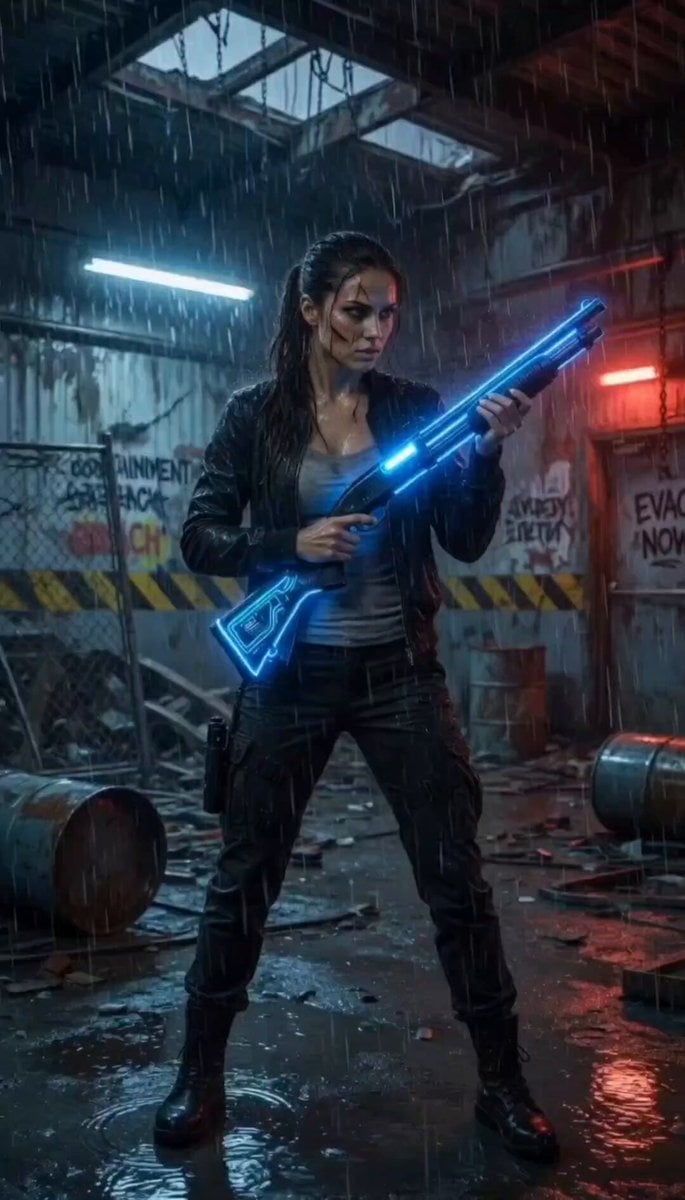
Cinematic Abandoned Warehouse Horror Scene
Browse template categories
FPV Macro Fae Battlefield Drone Oner questions
How do I use the FPV Macro Fae Battlefield Drone Oner template?
Add your photo if the template asks for one, edit the prompt if you like — the template's model and format are already selected — and press Generate. Your version opens in PicX Studio.
Can I customize the FPV Macro Fae Battlefield Drone Oner template?
Yes. You can change the subject, setting, lighting, mood, format, and available model controls before creating your video.
Is the FPV Macro Fae Battlefield Drone Oner template free?
Opening and editing this template is free. Generating uses credits, shown on the Generate button when you are signed in.
Which AI model should I use?
Start with Seedance 2.0, which is the model associated with this template. You can compare another compatible model for a different finish.
Looking for something else? Browse all templates.

Your photo, any look
Thousands of ready templates for every top image and video model, from one credit balance.