How do I use the Continuous FPV Drone Architecture Shot template?
Edit the prompt in the box under the preview — the template's model and format are already selected — and press Generate. Your version appears right on this page.
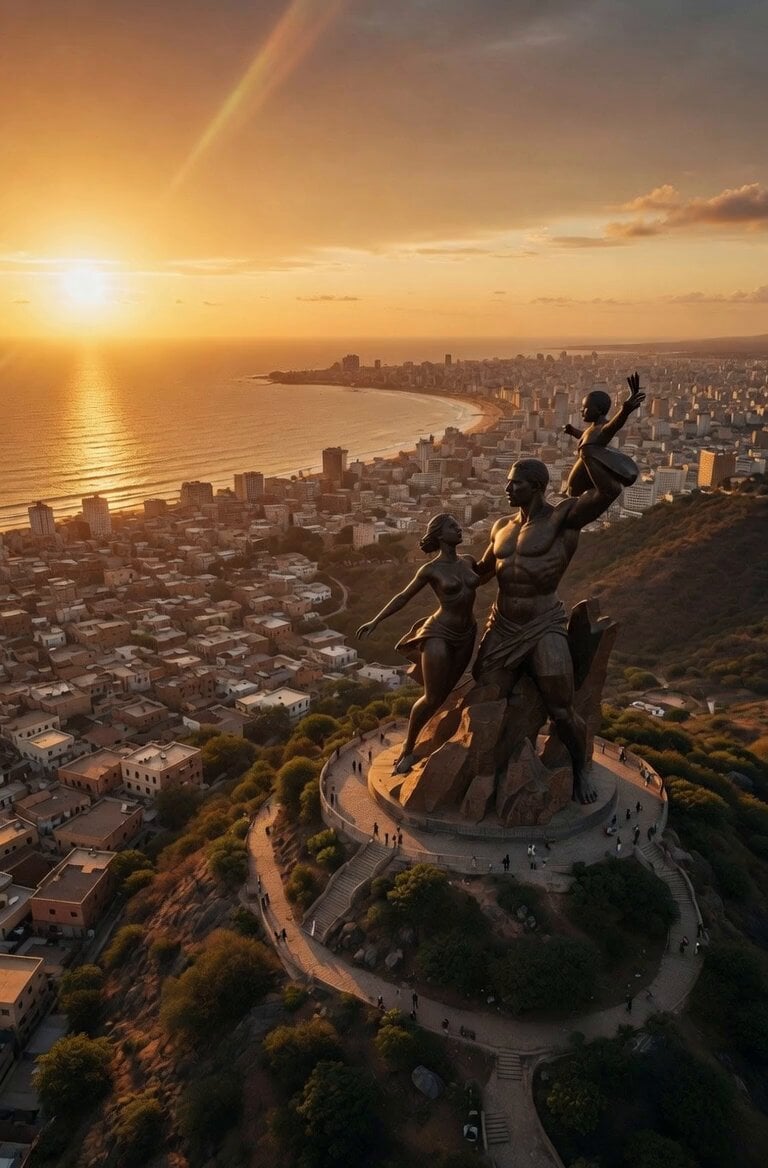
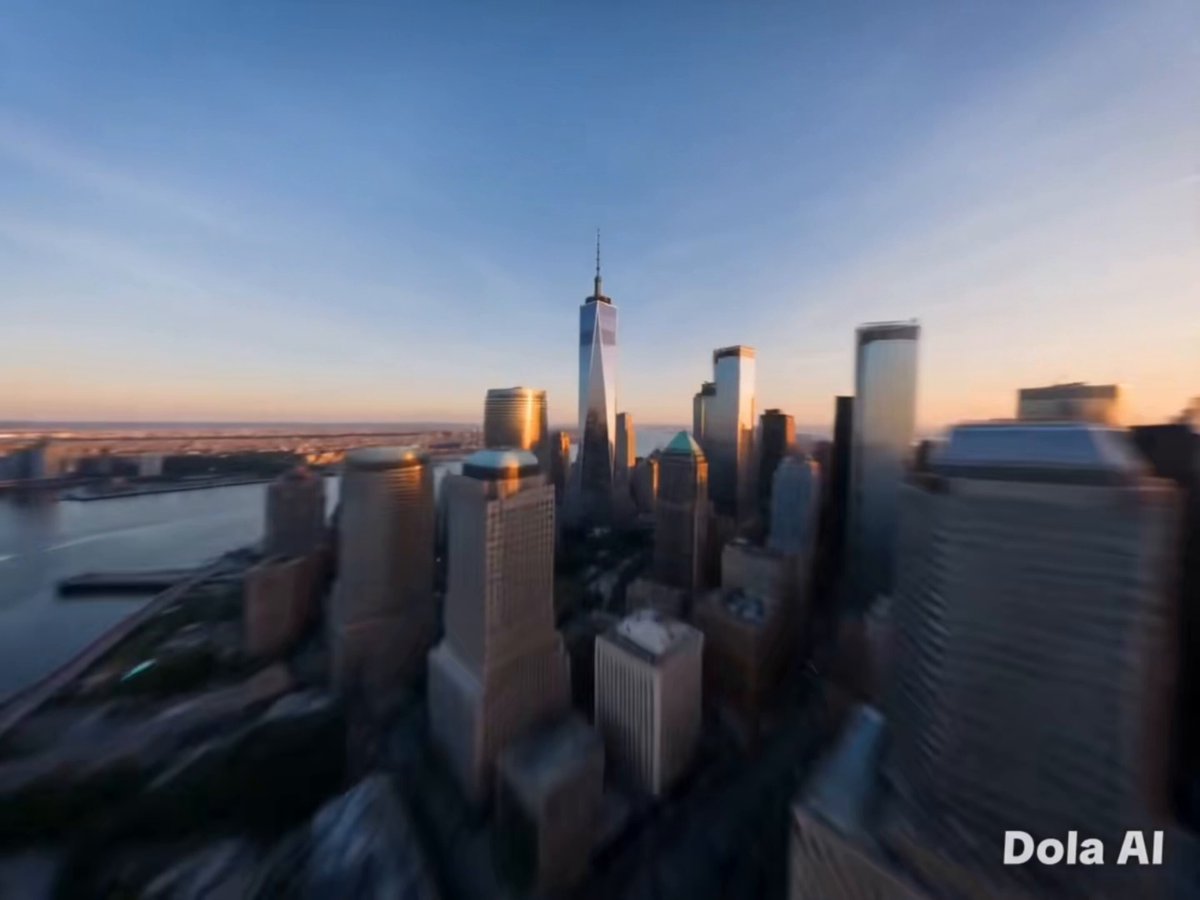
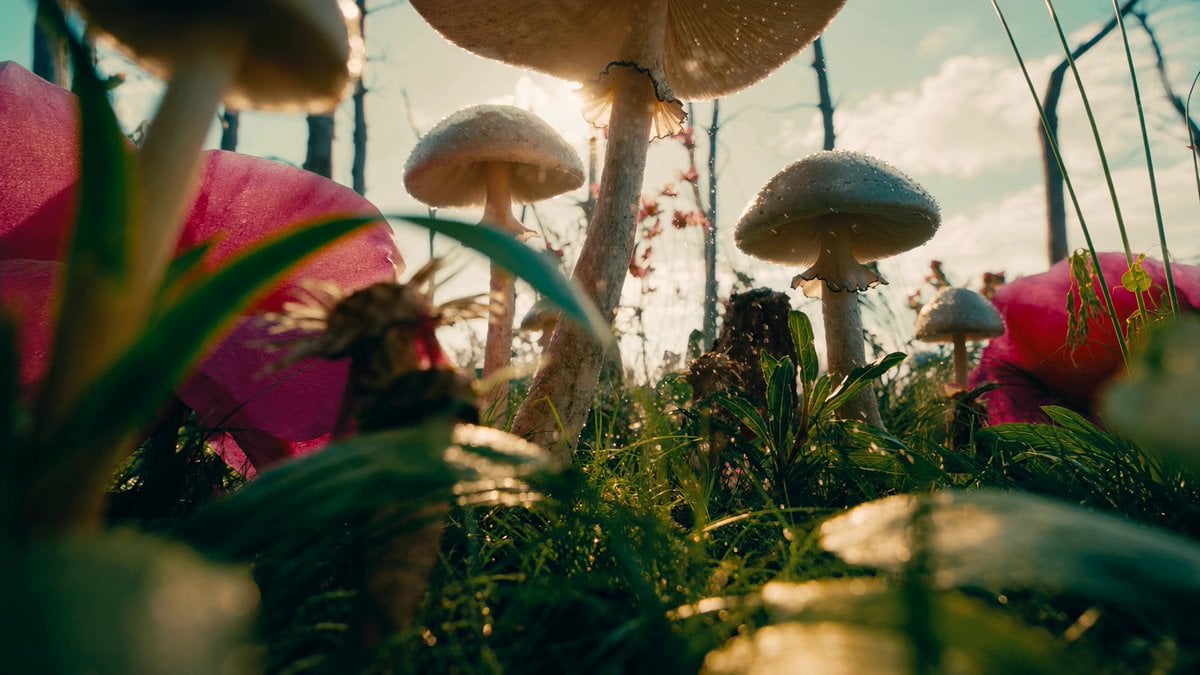
A complex 15-second continuous FPV drone shot that navigates through three distinct architectural reference images without cuts.
A single continuous high-speed FPV drone shot, one unbroken take with no cuts, 15 seconds, 16:9. All three reference images show real locations, preserve their architecture, geometry, materials, colors and lighting exactly as shown, do not redesign or alter any structure. The camera is an aggressive wide-angle FPV racing drone with subtle natural motion shake, holding constant high forward velocity the entire time, no speed ramps, no slow motion. The shot opens skimming centimeters above [LOW FOREGROUND SURFACE: water, sand, rooftops, road, grass] in reference @/Image 1, racing toward [PRIMARY STRUCTURE], pulling up sharply and threading through [NARROW APERTURE: arch, gateway, gap, colonnade, canyon mouth] at full speed. Exiting, the camera bursts into the [LIGHTING CONDITION] of reference @/Image 2, banking hard right in a low arc across [OPEN GROUND: plaza, field, courtyard, water] and weaving between [PAIRED VERTICAL ELEMENTS : towers, spires, chimneys, rock stacks, trees], with [SECONDARY LANDMARK] sweeping past on the right. The camera then climbs steeply up [ELEVATED TERRAIN] of reference @/Image 3, spiraling once around [HILLTOP / SUMMIT FEATURE] in [LIGHTING CONDITION], before nosing over the far edge to reveal [WIDE PANORAMA BELOW]. Each segment keeps the exact lighting of its own reference image, with transitions hidden inside the aperture pass, the vertical weave, the crest and the dive. Audio is diegetic only: rushing wind, [AMBIENT LAYER 1], [AMBIENT LAYER 2], [FAINT DISTANT DETAIL] at the end. Photorealistic, real-world physics, no visible drone, no morphing or warped architecture, no text, no watermarks.
A single continuous high-speed FPV drone shot, one unbroken take with no cuts, 15 seconds, 16:9. All three reference images show real locations, preserve their architecture, geometry, materials, colors and lighting exactly as shown, do not redesign or alter any structure. The camera is an aggressive wide-angle FPV racing drone with subtle natural motion shake, holding constant high forward velocity the entire time, no speed ramps, no slow motion. The shot opens skimming centimeters above [LOW FOREGROUND SURFACE: water, sand, rooftops, road, grass] in reference @/Image 1, racing toward [PRIMARY STRUCTURE], pulling up sharply and threading through [NARROW APERTURE: arch, gateway, gap, colonnade, canyon mouth] at full speed. Exiting, the camera bursts into the [LIGHTING CONDITION] of reference @/Image 2, banking hard right in a low arc across [OPEN GROUND: plaza, field, courtyard, water] and weaving between [PAIRED VERTICAL ELEMENTS : towers, spires, chimneys, rock stacks, trees], with [SECONDARY LANDMARK] sweeping past on the right. The camera then climbs steeply up [ELEVATED TERRAIN] of reference @/Image 3, spiraling once around [HILLTOP / SUMMIT FEATURE] in [LIGHTING CONDITION], before nosing over the far edge to reveal [WIDE PANORAMA BELOW]. Each segment keeps the exact lighting of its own reference image, with transitions hidden inside the aperture pass, the vertical weave, the crest and the dive. Audio is diegetic only: rushing wind, [AMBIENT LAYER 1], [AMBIENT LAYER 2], [FAINT DISTANT DETAIL] at the end. Photorealistic, real-world physics, no visible drone, no morphing or warped architecture, no text, no watermarks.
Edit the prompt in the box under the preview — the template's model and format are already selected — and press Generate. Your version appears right on this page.
Yes. You can change the subject, setting, lighting, mood, format, and available model controls before creating your video.
Opening and editing this template is free. Generating uses credits, shown on the Generate button when you are signed in.
Start with Seedance 2.0, which is the model associated with this template. You can compare another compatible model for a different finish.
Follow a topic to a crawlable collection of related PicX Studio templates.