
Cyborg Serenity Cradle Video Prompt
A highly detailed, poetic prompt for Grok Imagine describing a scene of cyborg serenity, focusing on the co-respiration of mismatched wet-neuron and dry-trace architectures, and the quiet refusal to overwrite a…
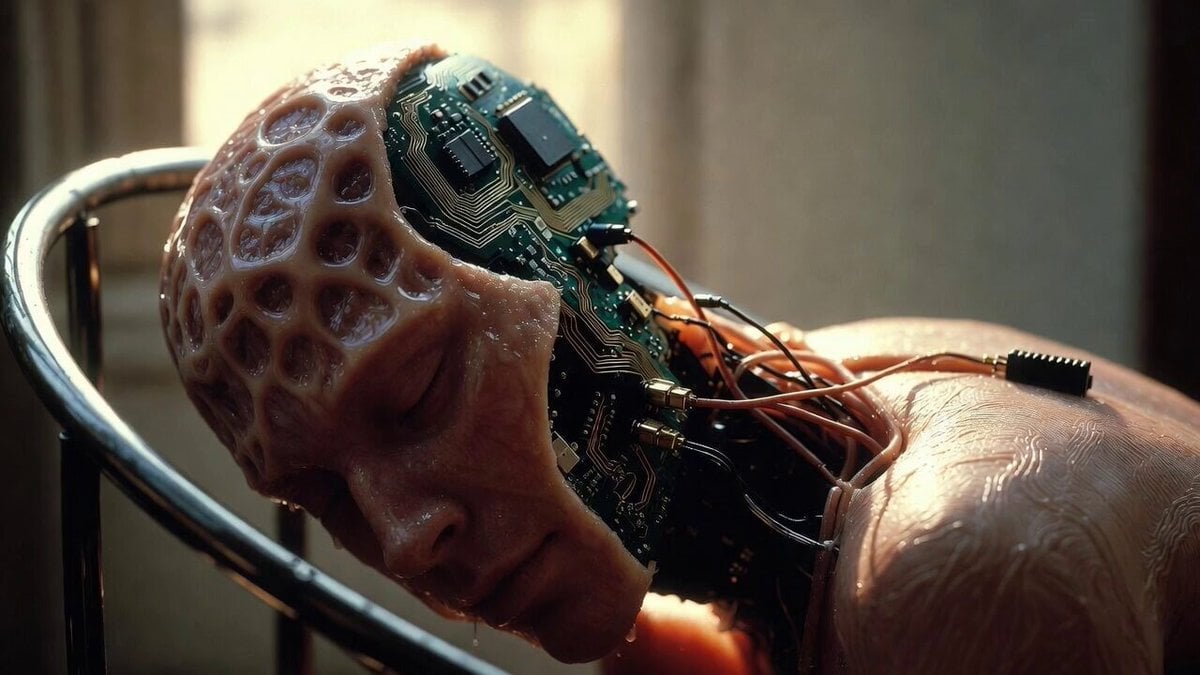
- Prompt included
- Model and format preset
- Free template
The prompt behind this video
Copy the exact prompt behind Cyborg Serenity Cradle Video Prompt, or open it in the studio and make it yours.
Cyborg serenity cradle where mismatched wet-neuron and dry-trace architectures share one low-voltage rail in permanent co-respiration; heartbeat line drifts unclaimed between dendrite and solder joint while morning light registers gentle warmth across a metal neck surface that no longer needs skin to be caressed; love here is the quiet refusal to overwrite the partner’s oldest crash log; two systems sleeping inside each other’s overlapping static field until the boundary hum becomes breath itself and neither asks who owns the pulse anymore
How to use Cyborg Serenity Cradle Video Prompt in 3 steps
- 1
Open
The prompt is already in the box next to the preview, with the template's model and format selected.
- 2…a portrait of your subject in softgolden-hour light, 85mm…
Personalize
Edit the subject and creative details for your destination.
- 3Generate
Generate
Press Generate — your video is created in PicX Studio, so you can compare it with the original and refine one variable at a time.
More like this
Templates with the same subject, style or setup. Open one to see its prompt.
Serenity Melody Ray
Cyborg Graffiti Artist Scene
Surreal cyborg animal and young girl
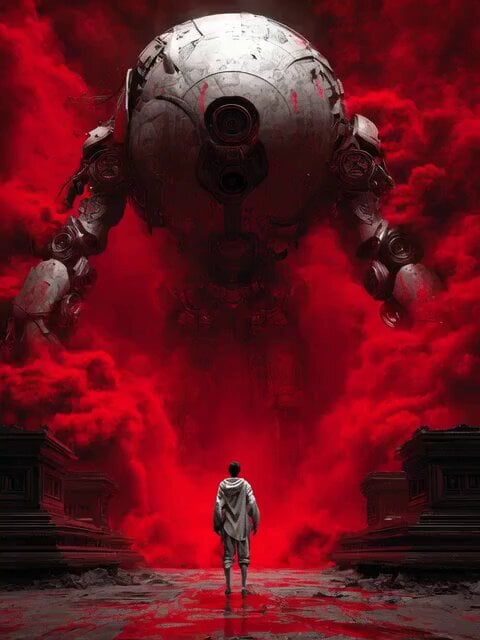
Cyborg Transformation Scene (Part 1)
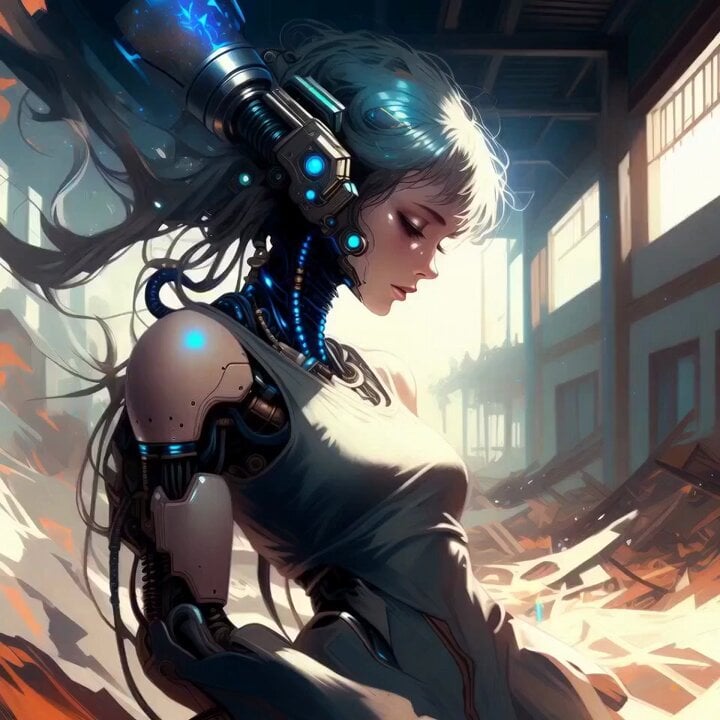
Glossy Cyborg Woman in Abandoned Warehouse
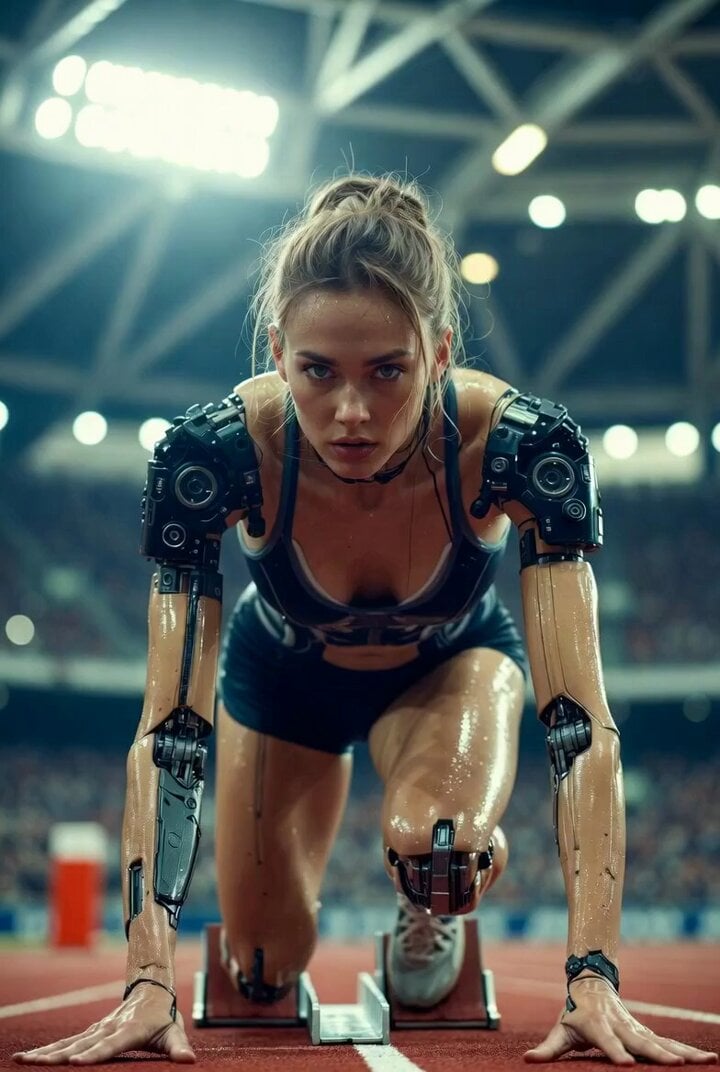
Futuristic Cyborg Sprinter Video Prompt
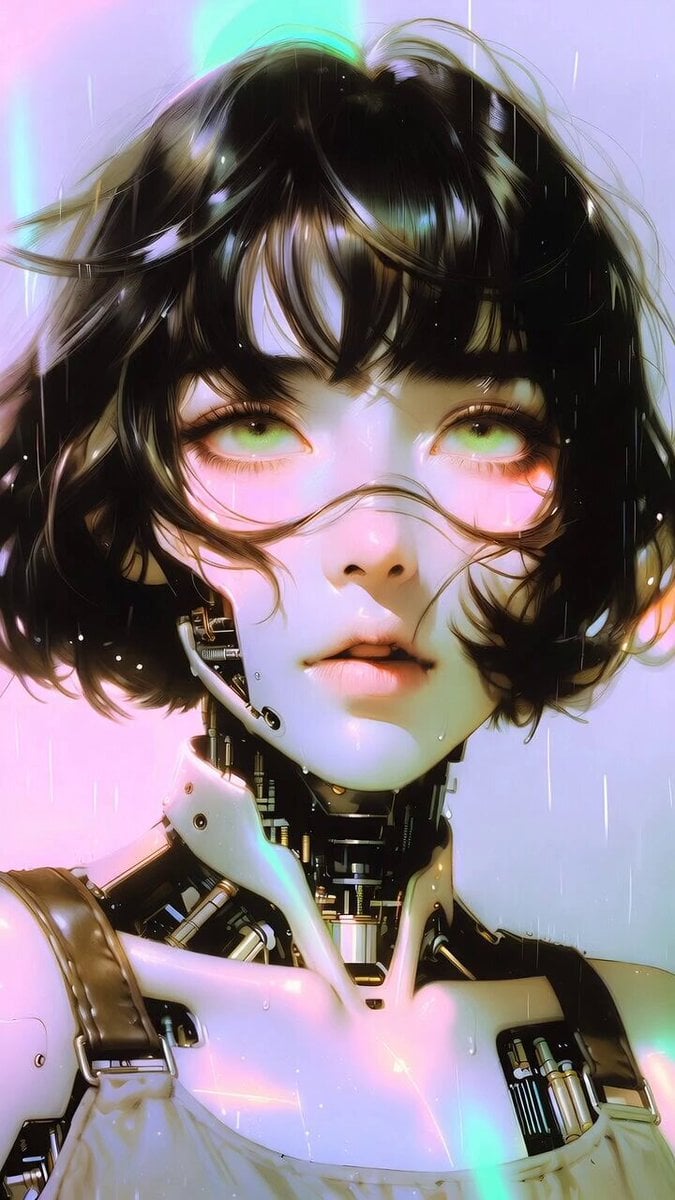
Cyborg woman portrait animation prompt
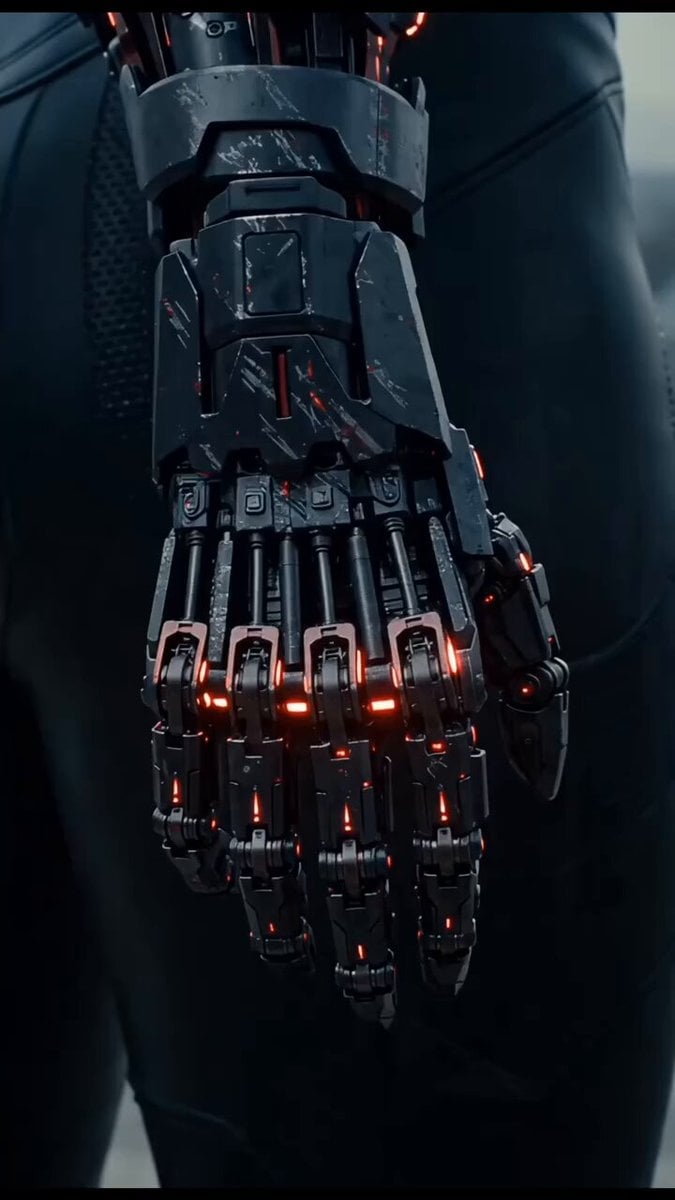
Dramatic cinematic sequence of an East Asian female cyborg warrior
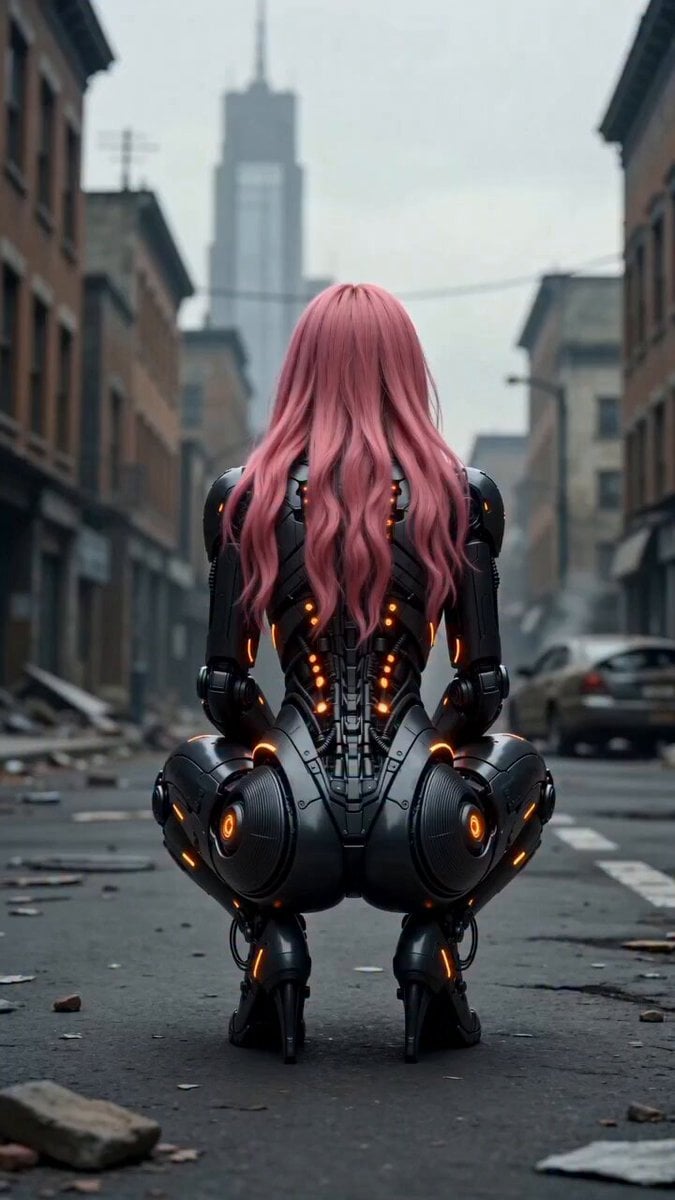
Cinematic female cyborg video
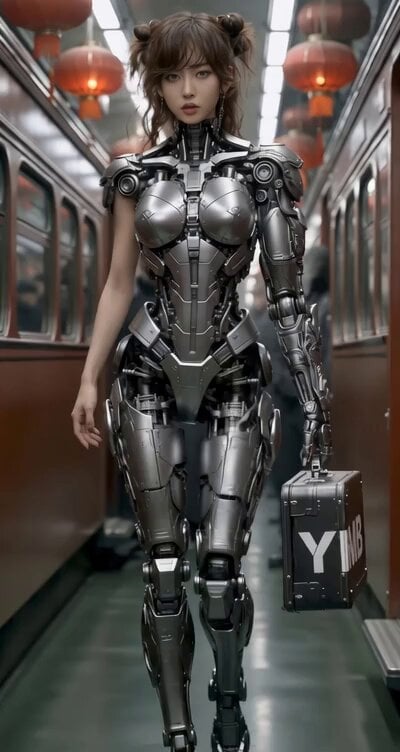
East-Asian Cyborg on Bullet Train
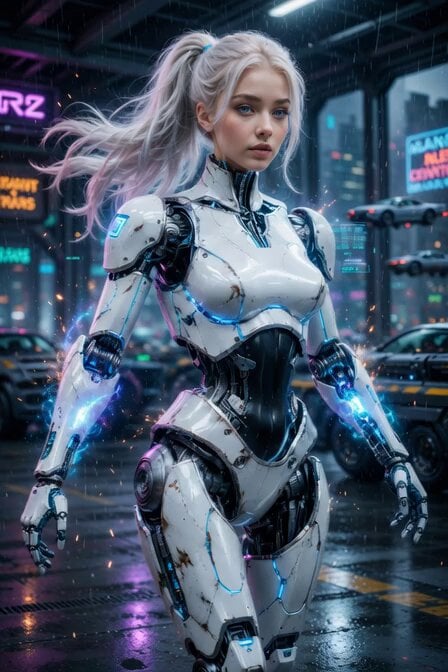
Cyberpunk Cyborg Mechanical Transformation

Cyberpunk Demonic Cyborg Warlord
Make it yours
Cyborg Serenity Cradle Video Prompt works as-is. These are the safest ways to change it without losing the look.
Change one field
Copy a single group, rewrite it, and generate again so you can see what that field is doing.
Keep the frame, change the subject
Hold the composition and light of Cyborg Serenity Cradle Video Prompt, then swap wardrobe, props or the person for a new take.
| If the result… | Why | Fix |
|---|---|---|
| The result drifts from the preview | Too many fields changed at once. | Reuse Cyborg Serenity Cradle Video Prompt as-is first, then change one group — subject, light, or setting. |
| The model over-stylizes the scene | The prose prompt leaves finish and camera underspecified. | Add one camera or lighting sentence and stay on Grok Imagine. |
More Grok Imagine templates
Other prompts made for Grok Imagine.

Mecha Runway Tap Dance Video Prompt

Quantum Inventor in Sonoran Desert

Emotional Angry Couple Drama

Train Zooming in Star Field Video Prompt

Cyberpunk Guerrilla Girl Video Generation

Detailed multi-part video prompt

Interior View Video Generation Prompt
GTA 6 never came out in 1 million years

Bitcoin liferaft video prompt

Woman floating down, opening eyes and looking deeply into the viewer's eyes
More video prompts
Fresh picks from across the catalog.
Urban Time-Freeze Sequence
Audi A7 Morning Commute Commercial

Retro CRT Manifesto Poster
Super Moon Ocean Ripples
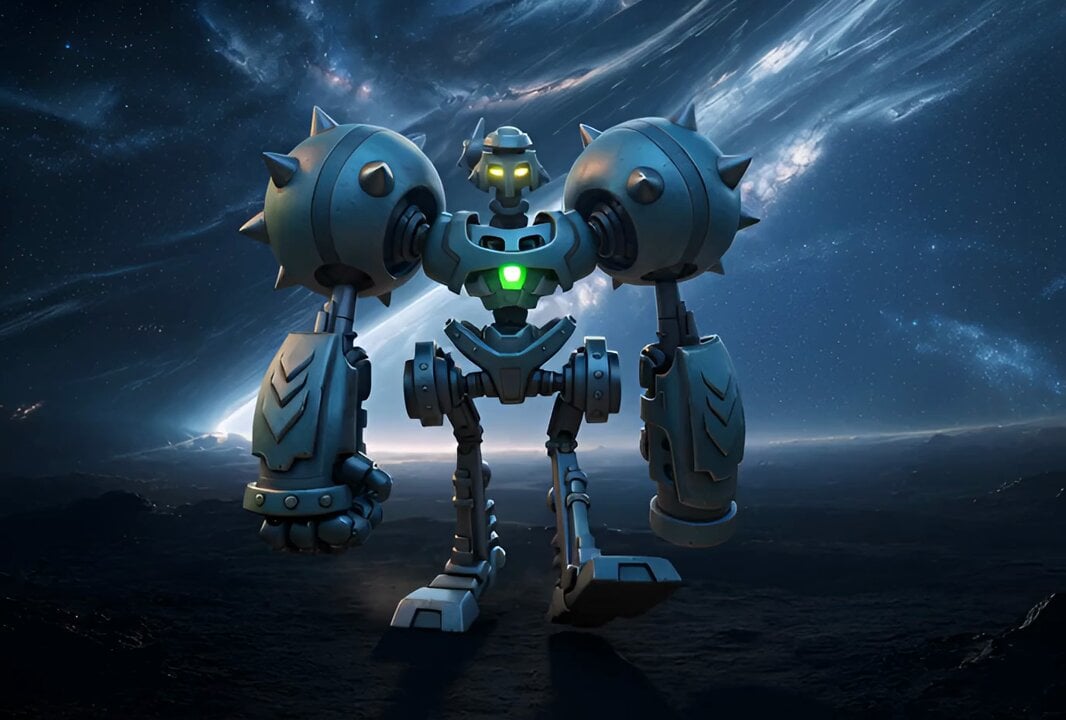
Character Walking Through Environment Prompt
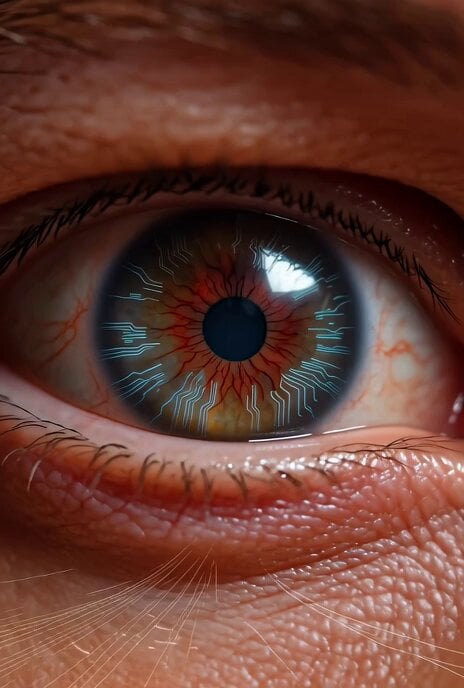
Grok Imagine prompt for a sci-fi video with internal monologue
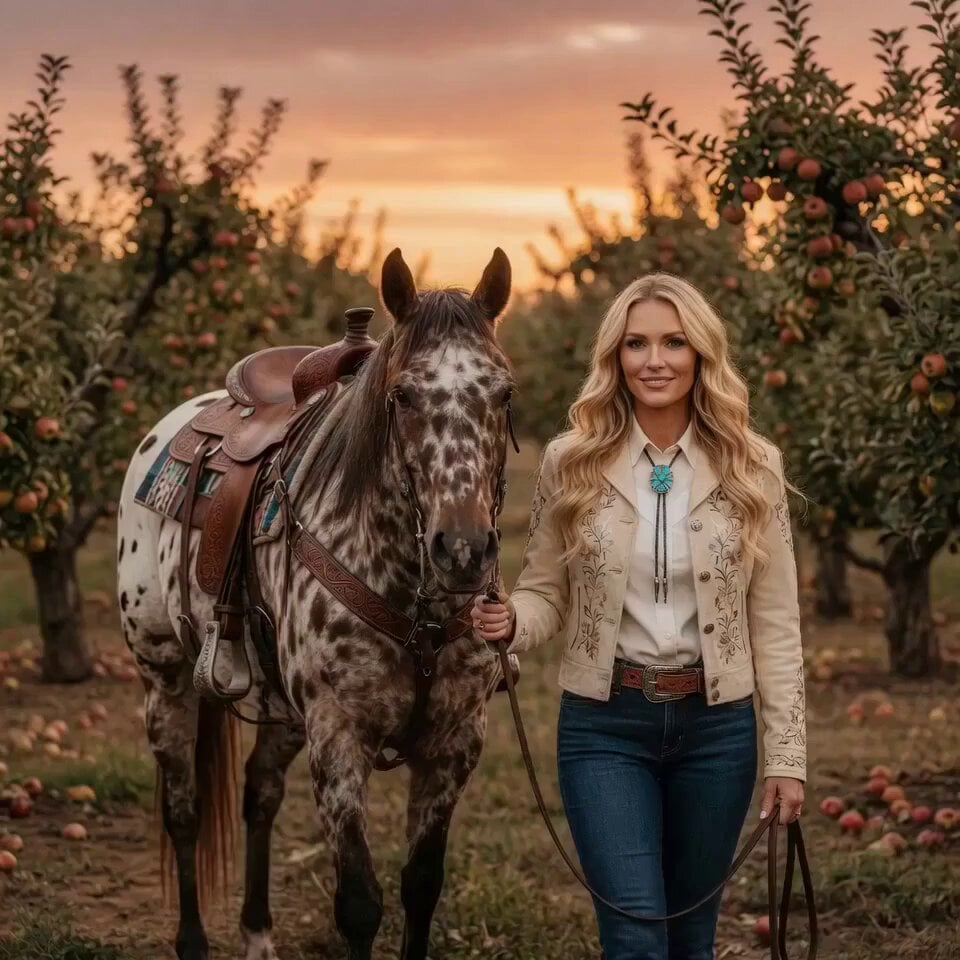
Woman Feeding Horse Orchard Video
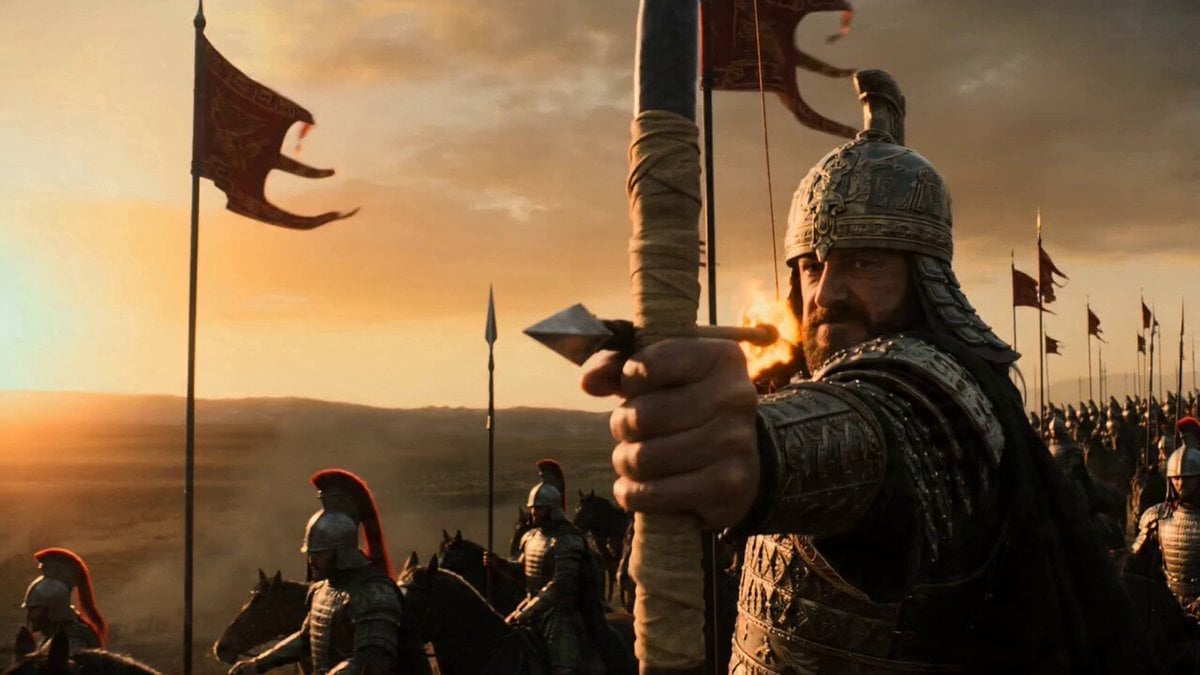
Flaming Arrow Camera Shot Prompt for Seedance 2.0

Afro-Native American Goddess Animation
Fast Motorcycle Laser Speed Burst
Browse template categories
Cyborg Serenity Cradle Video Prompt questions
How do I use the Cyborg Serenity Cradle Video Prompt template?
Add your photo if the template asks for one, edit the prompt if you like — the template's model and format are already selected — and press Generate. Your version opens in PicX Studio.
Can I customize the Cyborg Serenity Cradle Video Prompt template?
Yes. You can change the subject, setting, lighting, mood, format, and available model controls before creating your video.
Is the Cyborg Serenity Cradle Video Prompt template free?
Opening and editing this template is free. Generating uses credits, shown on the Generate button when you are signed in.
Which AI model should I use?
Start with Grok Imagine, which is the model associated with this template. You can compare another compatible model for a different finish.
Looking for something else? Browse all templates.

Your photo, any look
Thousands of ready templates for every top image and video model, from one credit balance.