How do I use the Cinematic female cyborg video template?
Edit the prompt in the box under the preview — the template's model and format are already selected — and press Generate. Your version appears right on this page.
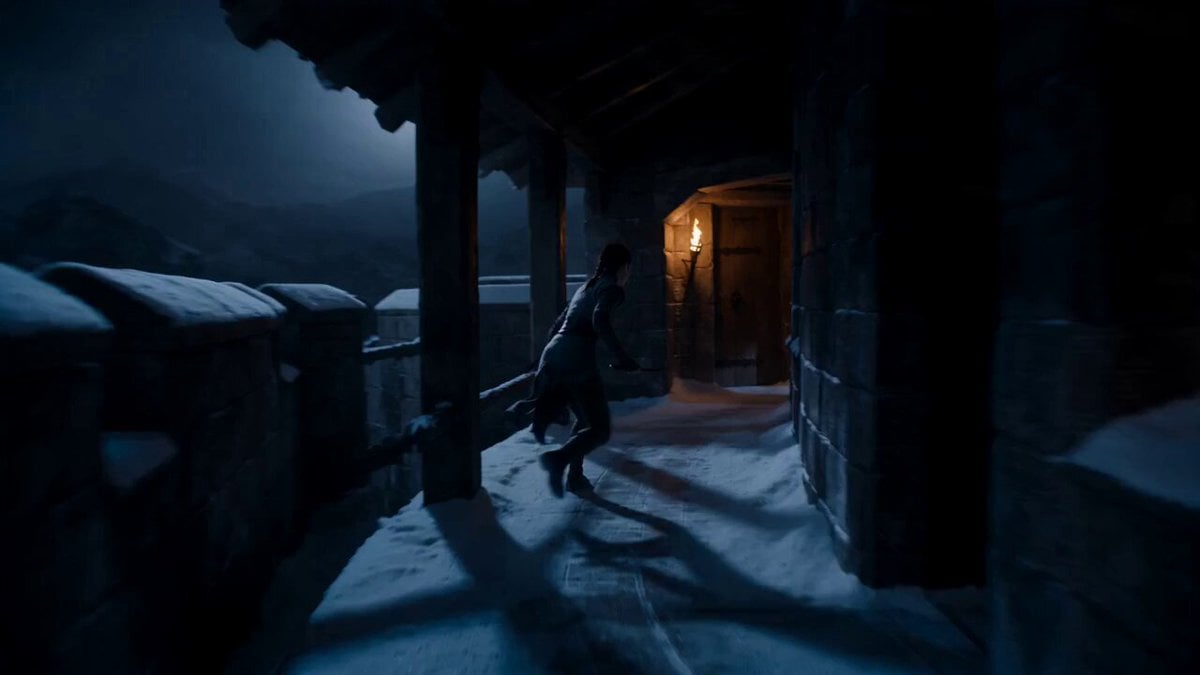
A highly detailed 14-second cinematic prompt for an 8K video featuring a cyborg with pink hair in a post-apocalyptic city.
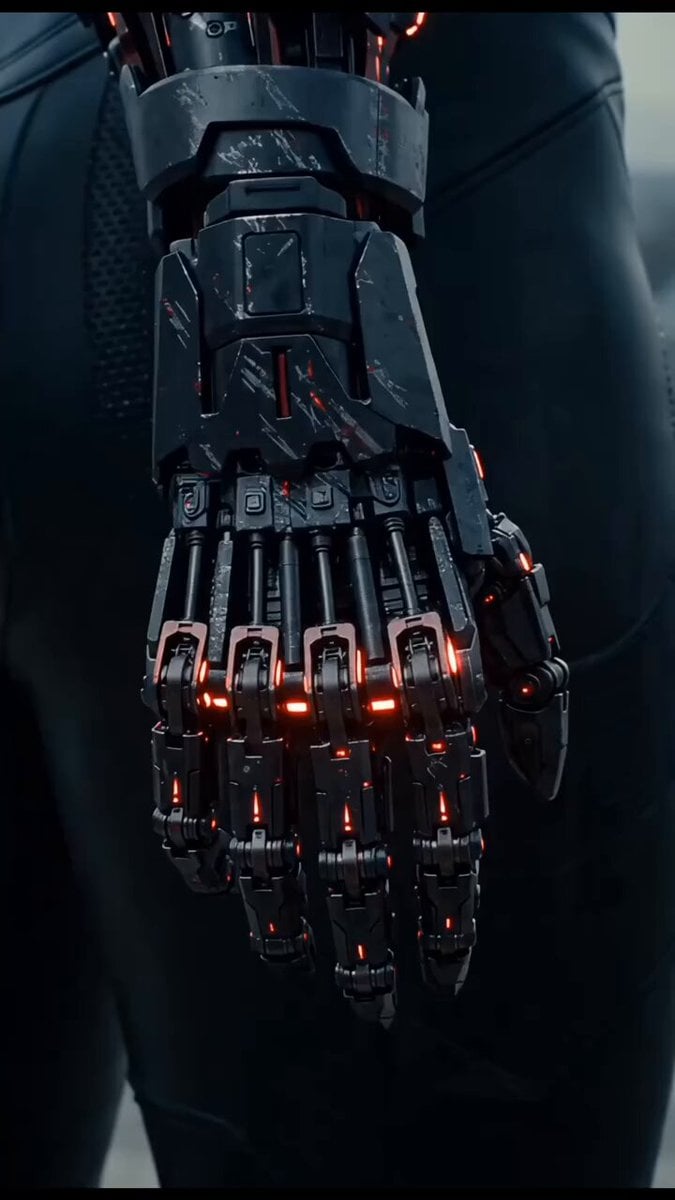
Cinematic 14-second video, ultra-realistic 8K, photorealistic rendering. A stunning female cyborg with long, flowing bright pink hair with bangs stands in the middle of a desolate, foggy post-apocalyptic city street. She begins in a low crouch, back facing the camera, wearing a sleek, form-fitting black robotic exoskeleton suit with glowing orange neon lights running along the spine, joints, thighs, and arms. The suit has visible mechanical joints and high-heeled boots. She slowly and gracefully rises from the crouch to a full standing position. As she stands, the camera smoothly tilts upward, following her movement. She then slowly turns her upper body and head to the left, revealing her beautiful feminine face with large expressive eyes and a neutral, slightly serious expression. Her long pink hair dramatically flows and sways with the motion. The orange lights on her suit pulse and glow brightly throughout. Atmospheric foggy weather, overcast sky, abandoned brick buildings, scattered debris and old cars in the background, distant skyscraper visible through the mist. Cinematic lighting, subtle volumetric fog, detailed textures, photorealistic materials, smooth 24fps motion, elegant and powerful movement, high detail, masterpiece, best quality.
Cinematic 14-second video, ultra-realistic 8K, photorealistic rendering. A stunning female cyborg with long, flowing bright pink hair with bangs stands in the middle of a desolate, foggy post-apocalyptic city street. She begins in a low crouch, back facing the camera, wearing a sleek, form-fitting black robotic exoskeleton suit with glowing orange neon lights running along the spine, joints, thighs, and arms. The suit has visible mechanical joints and high-heeled boots. She slowly and gracefully rises from the crouch to a full standing position. As she stands, the camera smoothly tilts upward, following her movement. She then slowly turns her upper body and head to the left, revealing her beautiful feminine face with large expressive eyes and a neutral, slightly serious expression. Her long pink hair dramatically flows and sways with the motion. The orange lights on her suit pulse and glow brightly throughout. Atmospheric foggy weather, overcast sky, abandoned brick buildings, scattered debris and old cars in the background, distant skyscraper visible through the mist. Cinematic lighting, subtle volumetric fog, detailed textures, photorealistic materials, smooth 24fps motion, elegant and powerful movement, high detail, masterpiece, best quality.
Edit the prompt in the box under the preview — the template's model and format are already selected — and press Generate. Your version appears right on this page.
Yes. You can change the subject, setting, lighting, mood, format, and available model controls before creating your video.
Opening and editing this template is free. Generating uses credits, shown on the Generate button when you are signed in.
Start with Grok Imagine, which is the model associated with this template. You can compare another compatible model for a different finish.
Follow a topic to a crawlable collection of related PicX Studio templates.