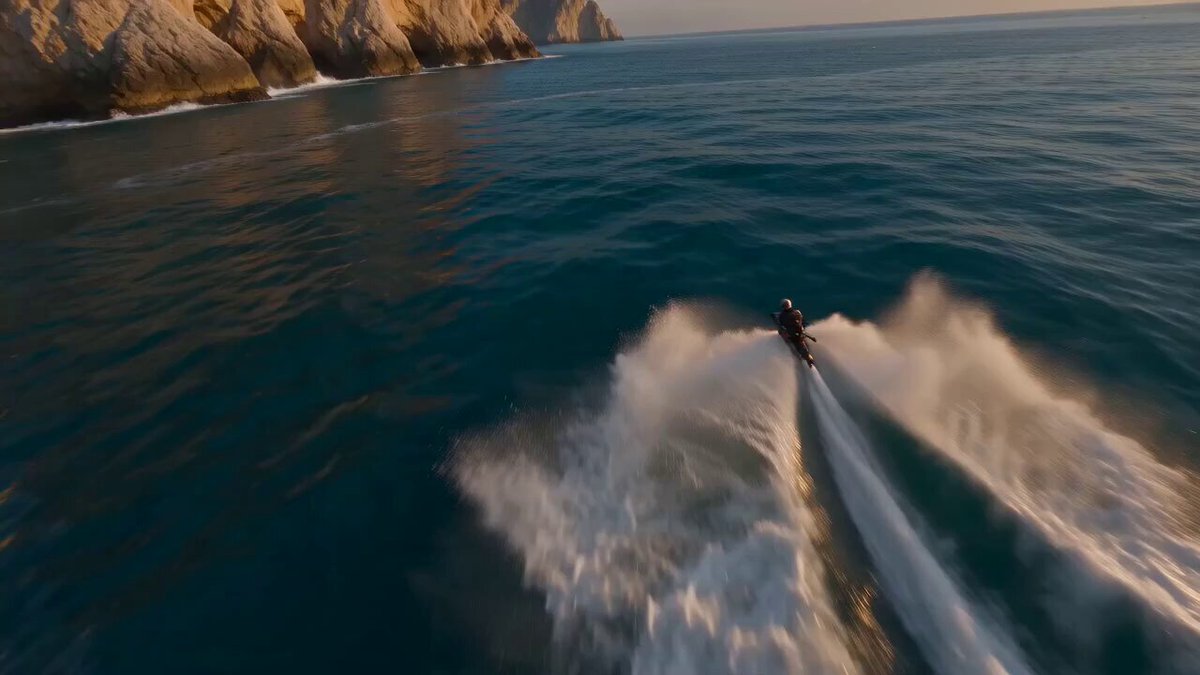
How do I use the Product Ad Drink Can 110° Orbit template?
Edit the prompt in the box under the preview — the template's model and format are already selected — and press Generate. Your version appears right on this page.
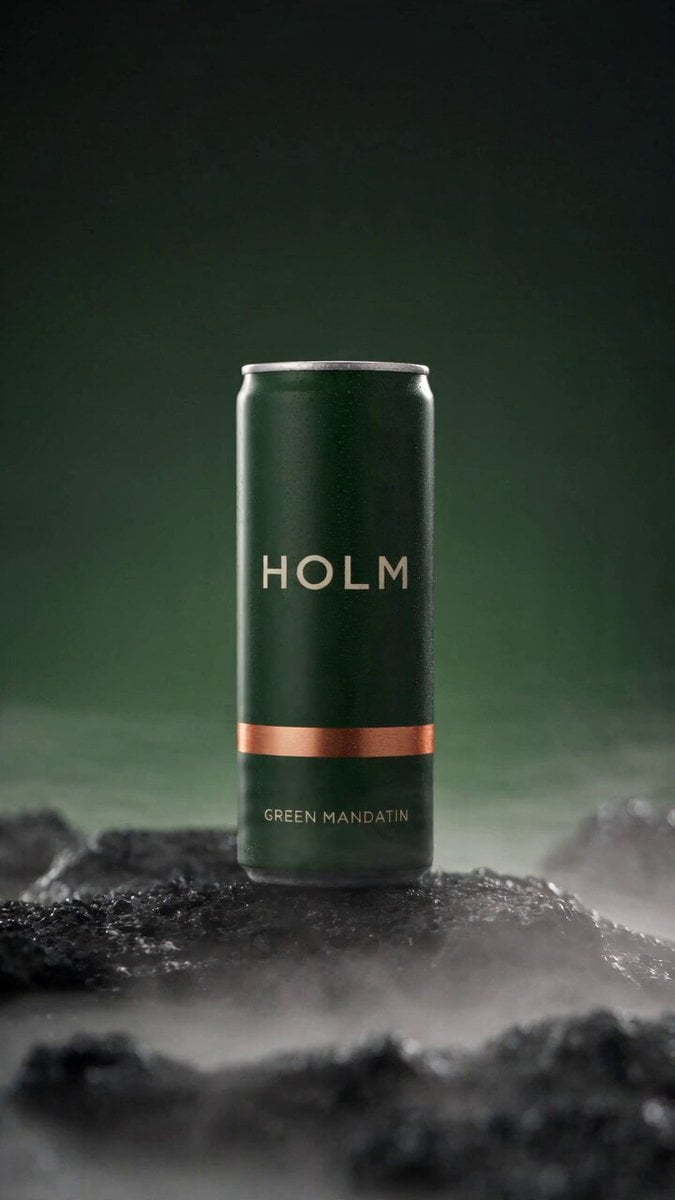
Seedance 2.5 prompt - 30-second product ad for your own brand: drink can 110-degree orbit, macro on wordmark, condensation running, pour, return to opening.

A drink can. 110-degree orbit, macro on the wordmark, condensation running, a pour, back to the opening frame. THE PRODUCT IS NOT GENERATED. Treat the uploaded reference as a photograph of a real object composited into every shot. Where a shot would require the can to change, the shot changes instead. Condensation is NOT fixed. Droplets form, run, merge and fall freely throughout. Generate a product sheet for your own brand, reference it in this prompt, and tweak from there.
A drink can. 110-degree orbit, macro on the wordmark, condensation running, a pour, back to the opening frame. THE PRODUCT IS NOT GENERATED. Treat the uploaded reference as a photograph of a real object composited into every shot. Where a shot would require the can to change, the shot changes instead. Condensation is NOT fixed. Droplets form, run, merge and fall freely throughout. Generate a product sheet for your own brand, reference it in this prompt, and tweak from there.
Edit the prompt in the box under the preview — the template's model and format are already selected — and press Generate. Your version appears right on this page.
Yes. You can change the subject, setting, lighting, mood, format, and available model controls before creating your video.
Opening and editing this template is free. Generating uses credits, shown on the Generate button when you are signed in.
Choose a compatible model in PicX Studio based on the style, speed, and output controls your project needs.
Follow a topic to a crawlable collection of related PicX Studio templates.