
Polar Bear Emerging from Cracking Frozen Lake
A cinematic prompt describing a low-angle dolly shot gliding across a frozen lake where cracks form, culminating in a gigantic, ice-spiked polar bear emerging and releasing a frost shockwave with its roar.
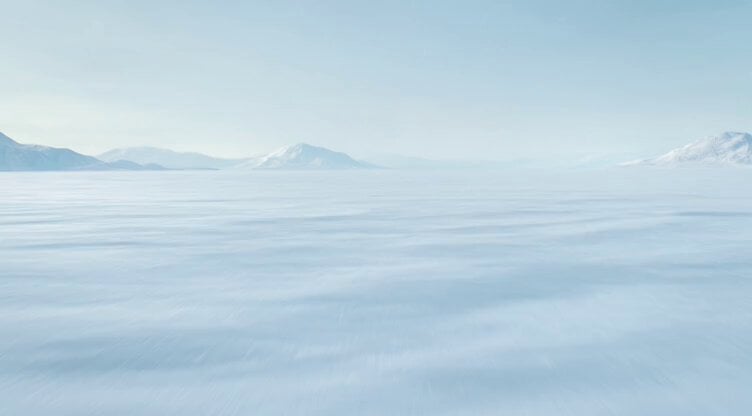
- Prompt included
- Model and format preset
- Premium template
The prompt behind this video
Copy the exact prompt behind Polar Bear Emerging from Cracking Frozen Lake, or open it in the studio and make it yours.
Low-angle dolly shot glides across a frozen lake. Cracks begin forming beneath the surface. The camera tilts up as a gigantic polar bear emerges, its fur crystallized with ice spikes. Each roar releases a shockwave of frost that freezes the air, forming expanding ice patterns across the frame.
How to use Polar Bear Emerging from Cracking Frozen Lake in 3 steps
- 1
Open
The prompt is already in the box next to the preview, with the template's model and format selected.
- 2…a portrait of your subject in softgolden-hour light, 85mm…
Personalize
Edit the subject and creative details for your destination.
- 3Generate
Generate
Press Generate — your video is created in PicX Studio, so you can compare it with the original and refine one variable at a time.
More like this
Templates with the same subject, style or setup. Open one to see its prompt.
Giant Polar Bear Snuggles
Cute Bear Swimming and Diving
Woman's Profile Emerging from Cosmic Sunset
Mermaids in a moon lake with dialogue
Watercolor forest lake under a starry sky with fireflies and a wooden boat
Cherry Blossom Lake Video Prompt
Robotic Clock Emerging from a Portal
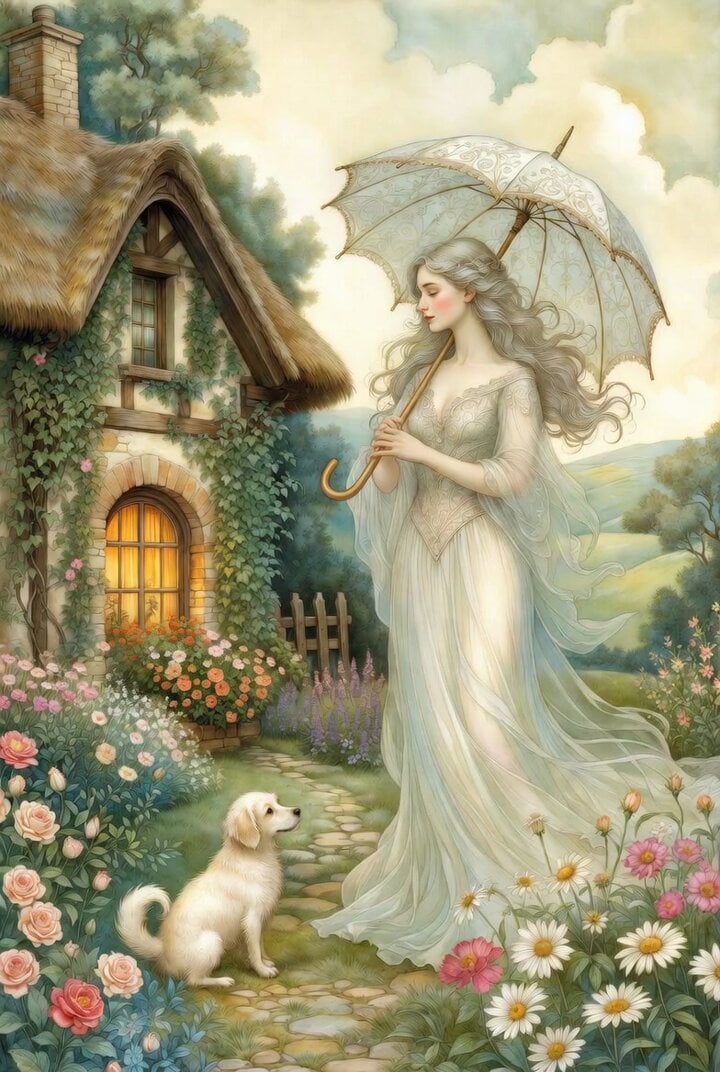
Grok Imagine Ethereal Woman and Bear Illustration Video Prompt
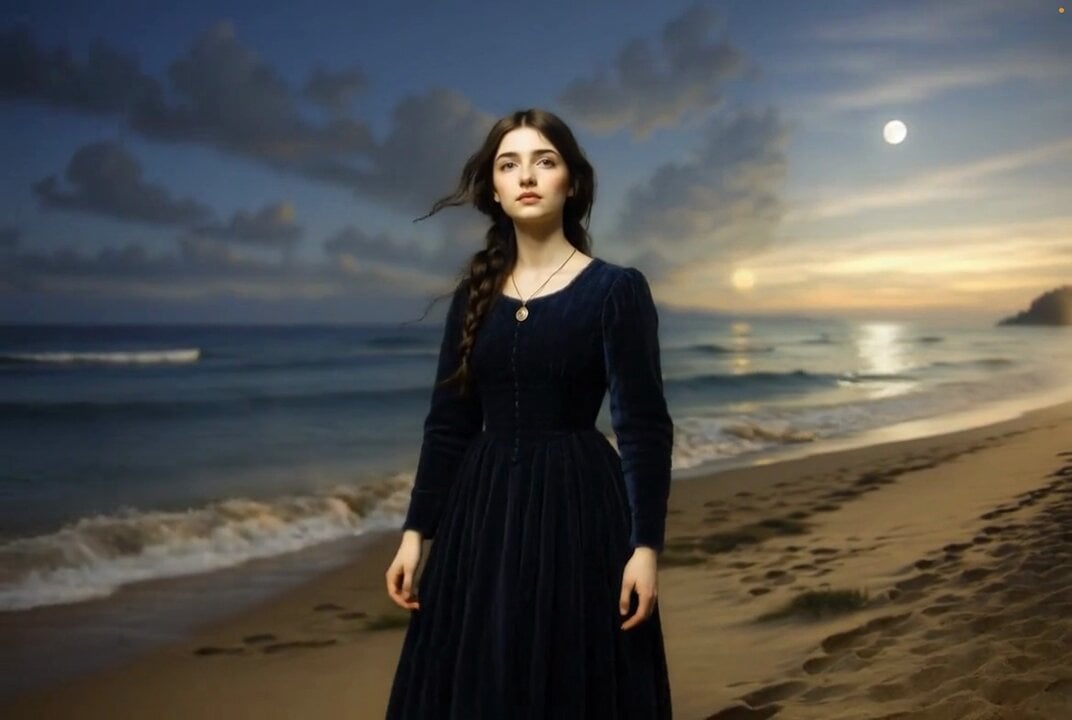
Grok Imagine prompt for ethereal lake scene
Woman by the Lake at Sunset
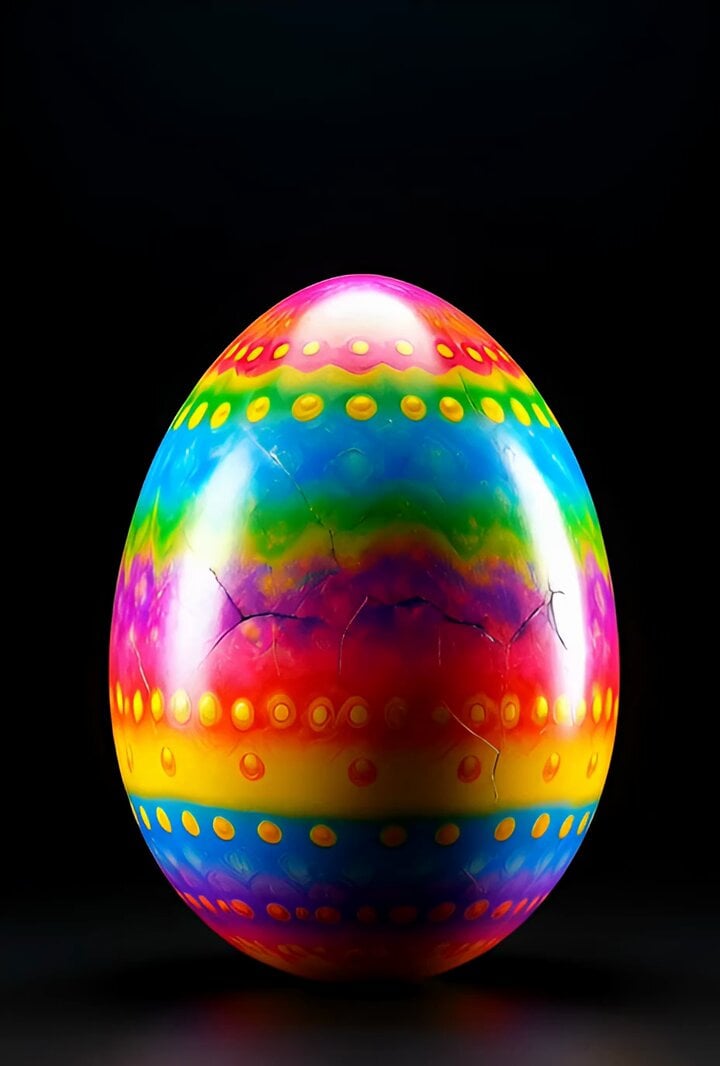
Surreal Easter egg bomb exploding with a rabbit emerging
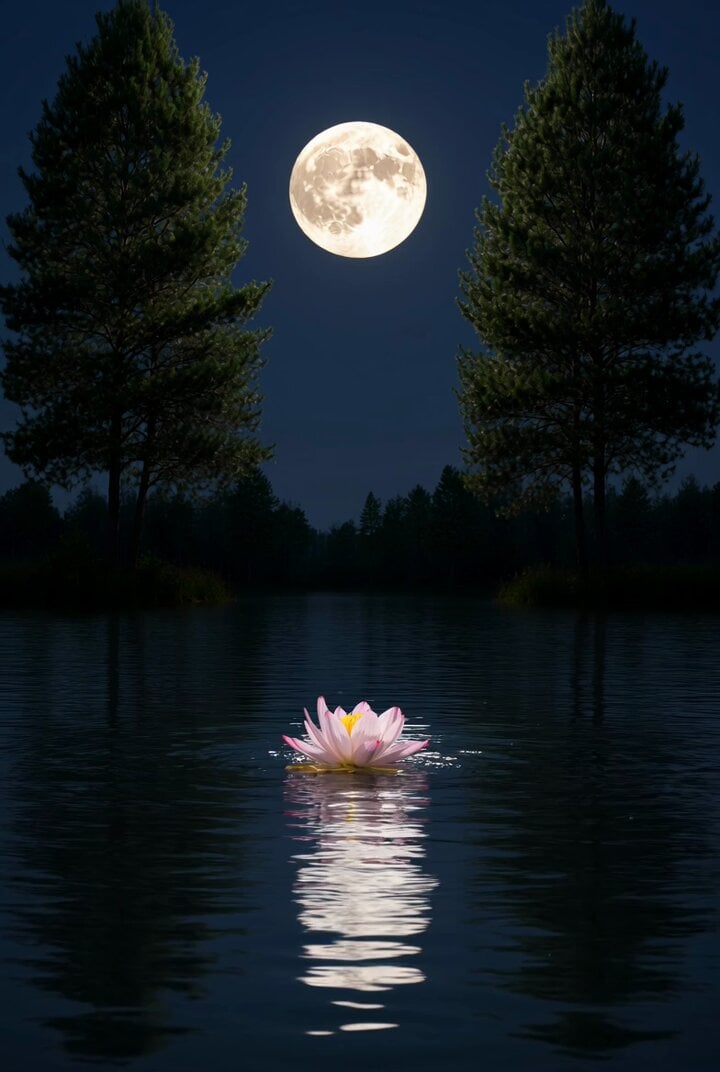
Grok Imagine prompt for a nighttime lake scene
Make it yours
Polar Bear Emerging from Cracking Frozen Lake works as-is. These are the safest ways to change it without losing the look.
Change one field
Copy a single group, rewrite it, and generate again so you can see what that field is doing.
Keep the frame, change the subject
Hold the composition and light of Polar Bear Emerging from Cracking Frozen Lake, then swap wardrobe, props or the person for a new take.
| If the result… | Why | Fix |
|---|---|---|
| The result drifts from the preview | Too many fields changed at once. | Reuse Polar Bear Emerging from Cracking Frozen Lake as-is first, then change one group — subject, light, or setting. |
| The model over-stylizes the scene | The prose prompt leaves finish and camera underspecified. | Add one camera or lighting sentence and stay on Grok Imagine. |
More Grok Imagine templates
Other prompts made for Grok Imagine.

Ninja Wizard Levitation Jump

Coffee Cup Interaction Motion

Voice Controlled Water Animation

Pterodactyl Transformation Journey

Candle Mandala Mirror Video

Psychedelic Purple Disc World Video

Mecha Runway Tap Dance Video Prompt

Quantum Inventor in Sonoran Desert

Emotional Angry Couple Drama

Train Zooming in Star Field Video Prompt
More video prompts
Fresh picks from across the catalog.
Aesthetic Morning Energy Routine
Electric Guitar Summoning — White Roses Field
Woman in a dragon's nest, paper-cut collage art style
Video prompt for a convenience store devolving into another dimension
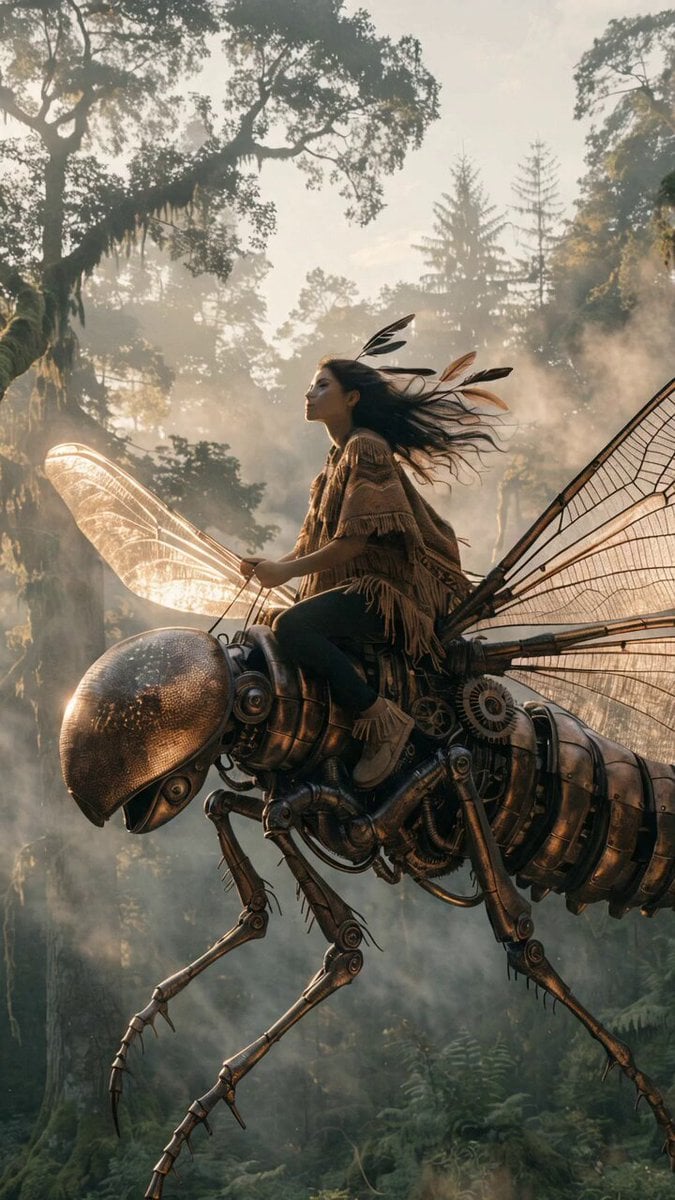
Biomechanical Insect Aerial Chase
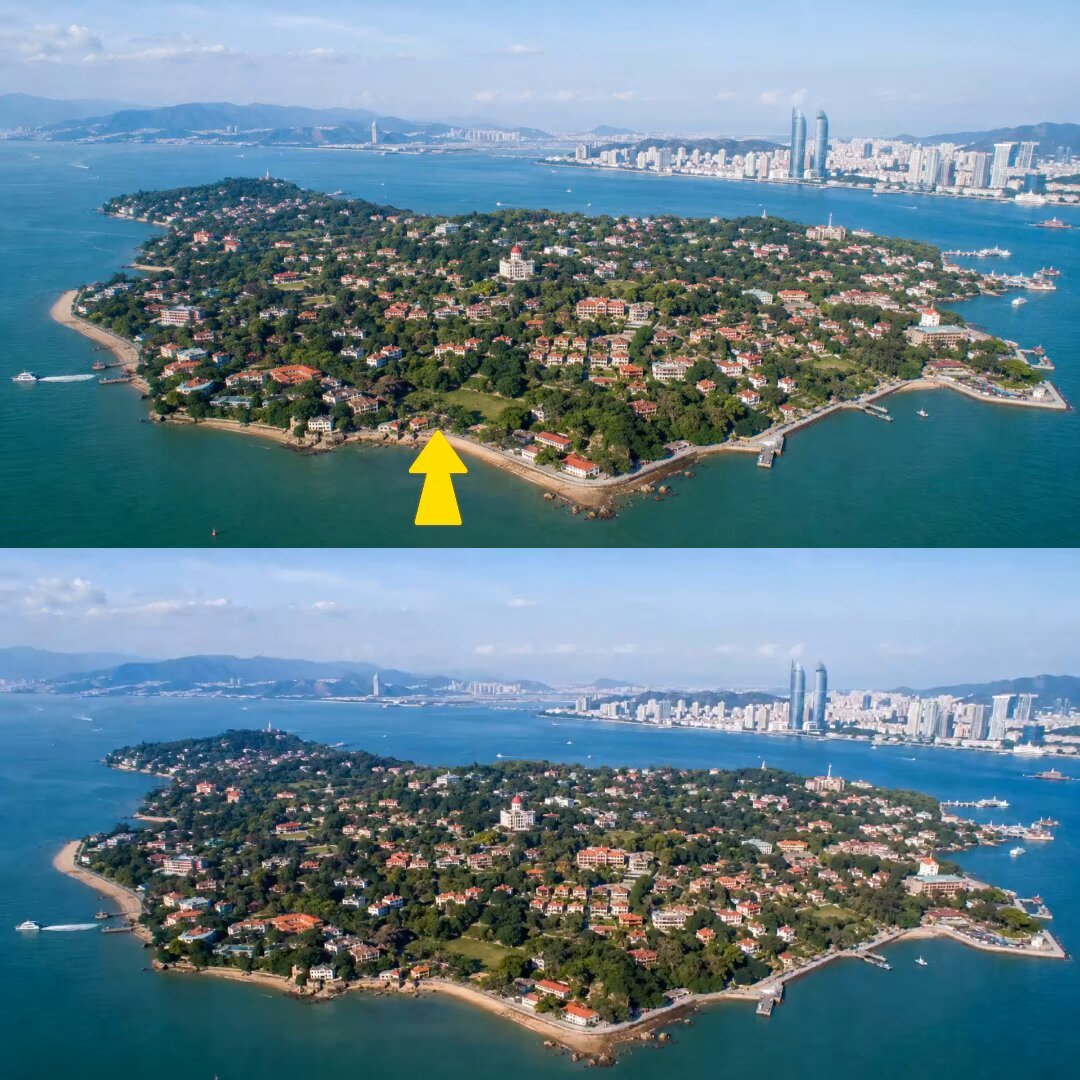
Drone FPV Scenic Tour Generation
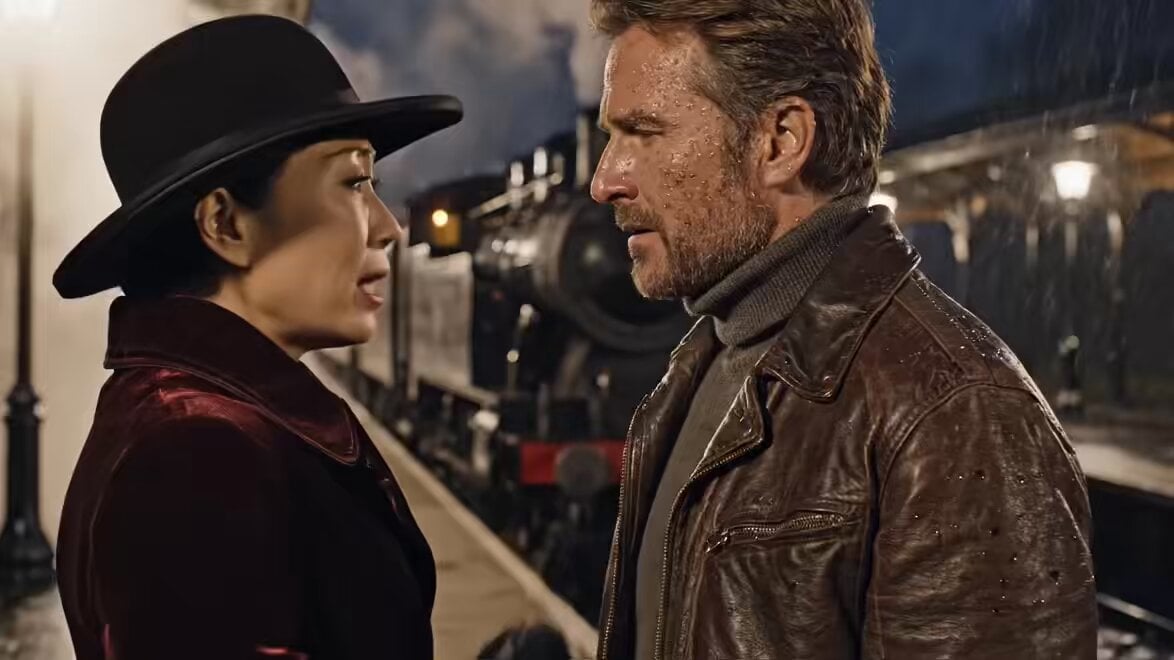
Oscar-Winning Scene Generation Prompt
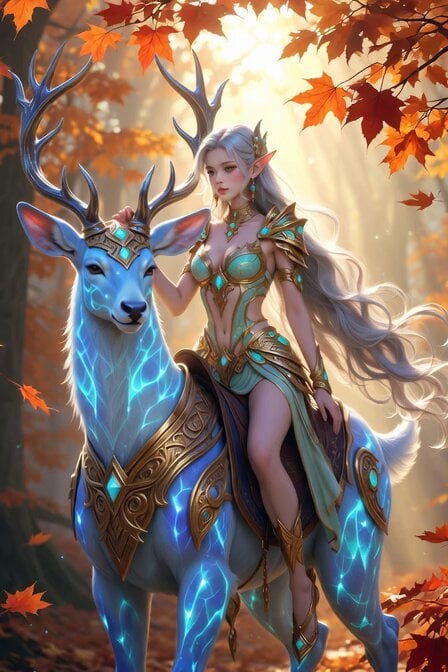
Cyber-Fantasy Elf Queen Transformation
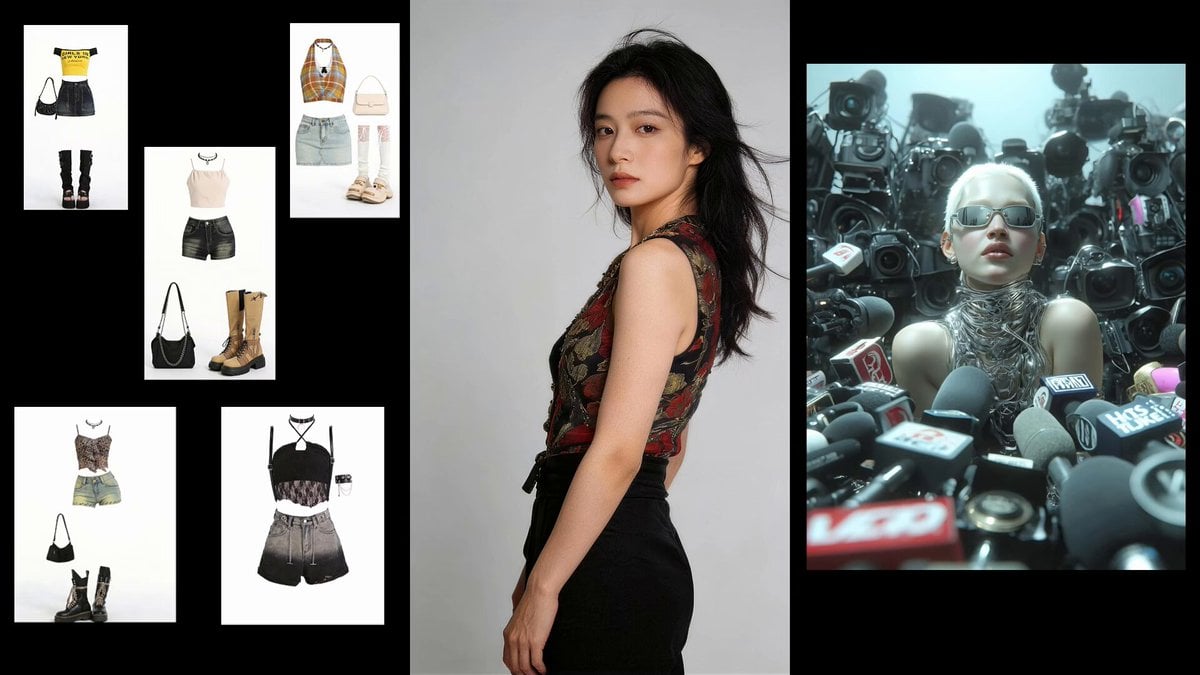
Fashion Sequence with Multiple Outfits and Effects
Seedance 2.0 Y2K Pool Party Video Prompt
Browse template categories
Polar Bear Emerging from Cracking Frozen Lake questions
How do I use the Polar Bear Emerging from Cracking Frozen Lake template?
Add your photo if the template asks for one, edit the prompt if you like — the template's model and format are already selected — and press Generate. Your version opens in PicX Studio.
Can I customize the Polar Bear Emerging from Cracking Frozen Lake template?
Yes. You can change the subject, setting, lighting, mood, format, and available model controls before creating your video.
Is the Polar Bear Emerging from Cracking Frozen Lake template free?
Opening and editing this template is free. Generating uses credits, shown on the Generate button when you are signed in.
Which AI model should I use?
Start with Grok Imagine, which is the model associated with this template. You can compare another compatible model for a different finish.
Looking for something else? Browse all templates.

Your photo, any look
Thousands of ready templates for every top image and video model, from one credit balance.