
Cherry Blossom Lake Video Prompt
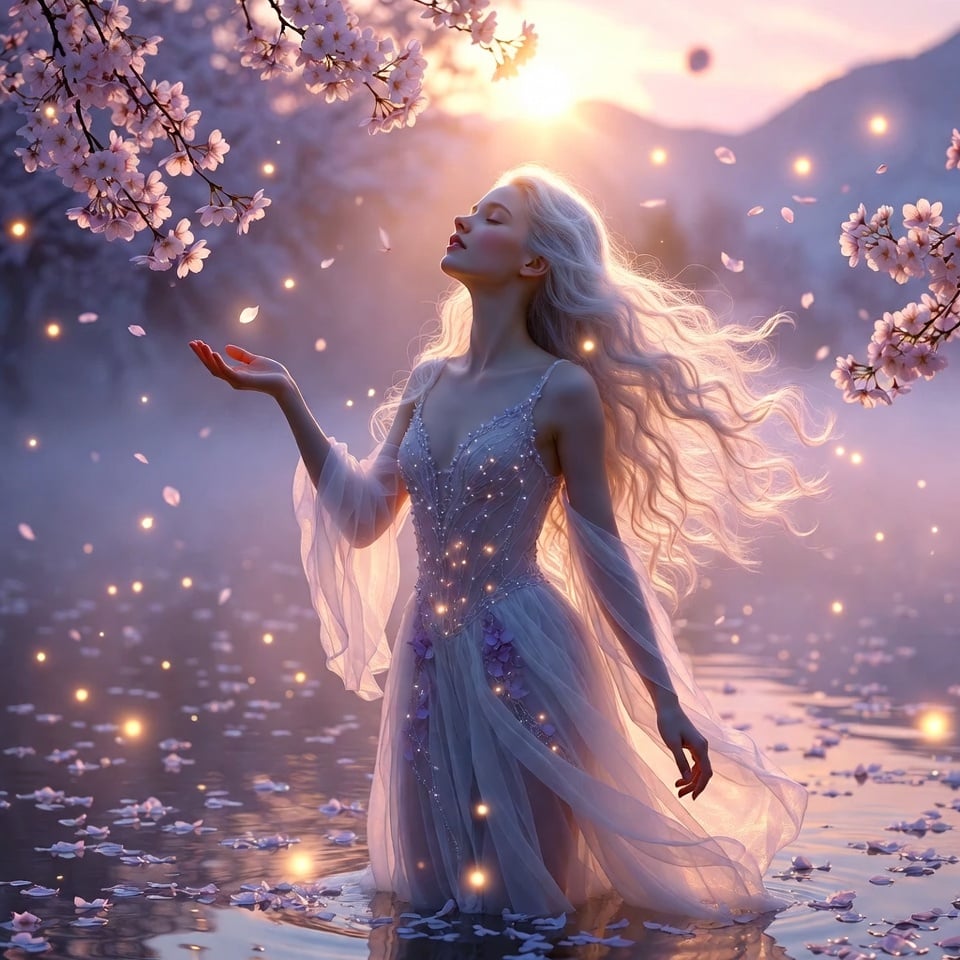
A highly detailed Grok Imagine prompt for a dreamy romantic fantasy video, featuring an ethereal young woman standing on a misty cherry blossom lake at dawn, including a specific 10-second animation sequence detailing…
- Prompt included
- Model and format preset
- Free template
The prompt behind this video
Copy the exact prompt behind Cherry Blossom Lake Video Prompt, or open it in the studio and make it yours.
A delicate ethereal young woman with porcelain skin and long flowing platinum-silver hair cascading like moonlight, wearing a translucent white chiffon gown embroidered with tiny glowing pearl beads and soft lavender petals, standing barefoot on a misty cherry blossom lake at dawn, thousands of pale pink petals floating gently on the water surface around her, soft golden sunrise light filtering through thin morning fog, creating a halo of warm pastel glow around her figure, delicate fireflies drifting slowly upward like floating stars, distant snow-capped mountains fading into soft lavender-pink sky, ultra-detailed textures – individual water ripples, petal veins, gossamer fabric clinging lightly to her skin, hyper-realistic dew drops on blossoms, masterpiece quality, dreamy romantic fantasy style, soft pastel color palette with gentle pinks, lavenders and golds, 16k resolution. Animation (10 seconds): She begins with eyes closed, face tilted upward toward the rising sun, a single cherry blossom petal landing softly on her palm. At 2 seconds her eyes open slowly, revealing soft violet irises, a gentle smile spreading across her lips. At 4 seconds she raises her arms gracefully, causing hundreds of petals to rise from the water in a slow spiraling dance around her. At 7 seconds she twirls once, gown flowing like liquid light, petals swirling in perfect harmony with her movement. Final 3 seconds: slow zoom-in on her serene face as she looks directly into the camera with quiet wonder, fireflies circling softly around her head, everything bathed in increasing golden warmth. Soundtrack: Tender acoustic piano melody with soft reverb, layered with gentle harp glissandos and distant wind chimes, faint birdsong and water lapping at the lake edge, subtle ethereal female vocal hums in the background rising into a peaceful sigh at the end, overall slow, dreamy and romantic cinematic mix with high dynamic range and intimate spatial audio.
How to use Cherry Blossom Lake Video Prompt in 3 steps
- 1
Open
The prompt is already in the box next to the preview, with the template's model and format selected.
- 2…a portrait of your subject in softgolden-hour light, 85mm…
Personalize
Edit the subject and creative details for your destination.
- 3Generate
Generate
Press Generate — your video is created in PicX Studio, so you can compare it with the original and refine one variable at a time.
More like this
Templates with the same subject, style or setup. Open one to see its prompt.
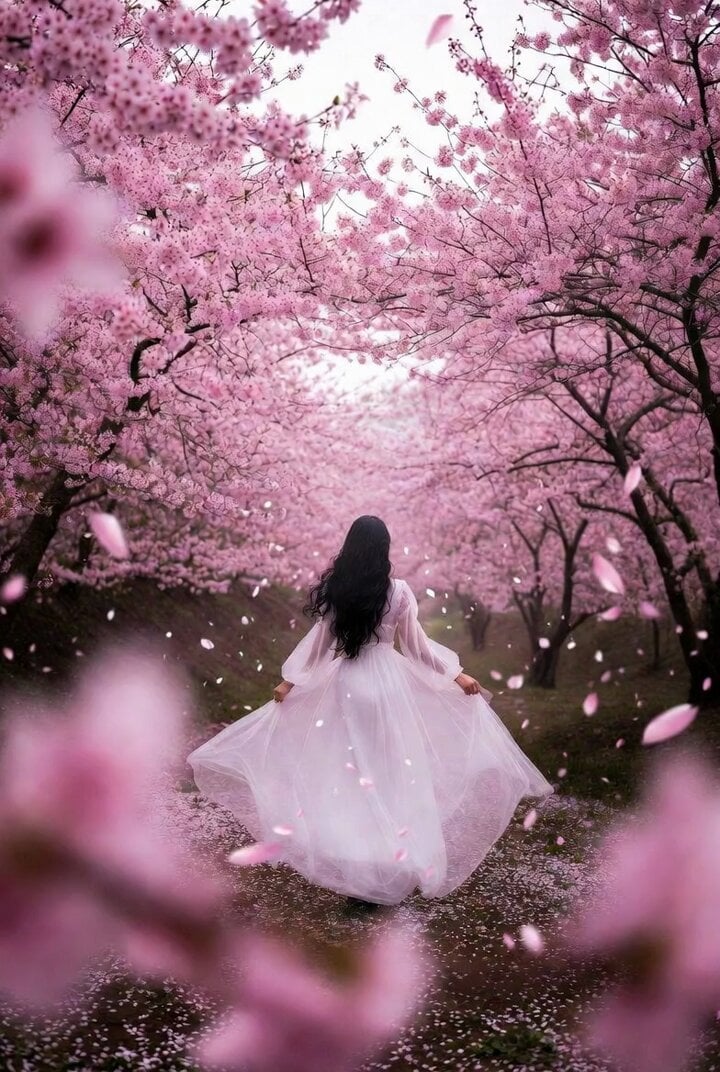
Dreamlike Cherry Blossom Valley
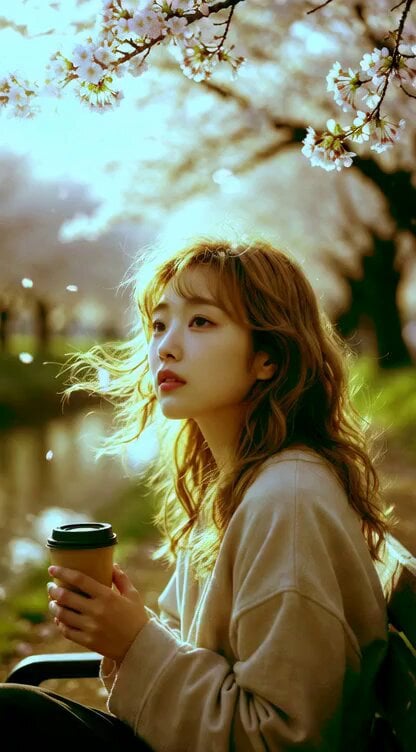
Young Woman Under Cherry Blossoms (Extended Video)
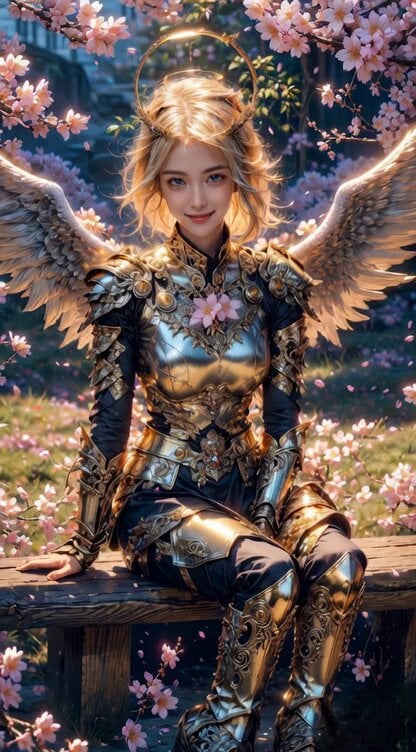
Angel Warrior in Cherry Blossom Garden Video Prompt
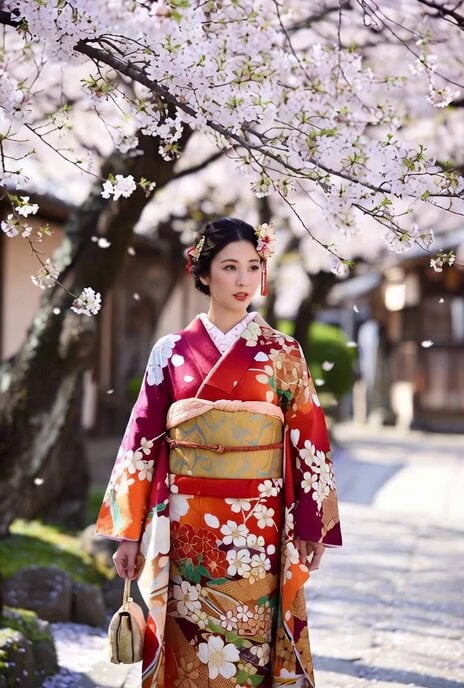
Beautiful Japanese Woman in Kimono under Cherry Blossoms
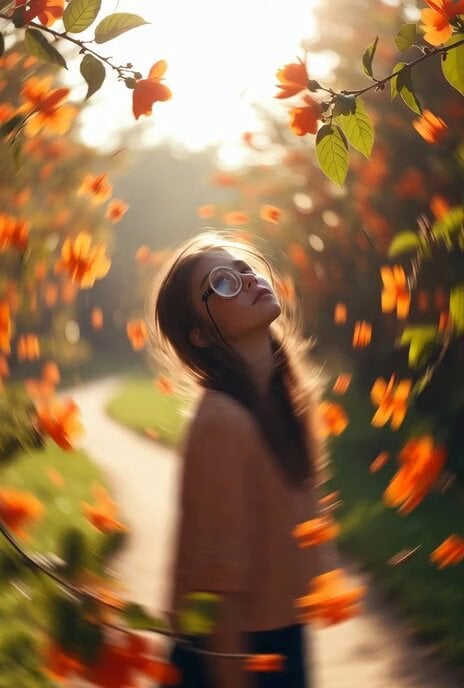
Surreal Monocle and Orange Blossoms Scene Prompt
Mermaids in a moon lake with dialogue
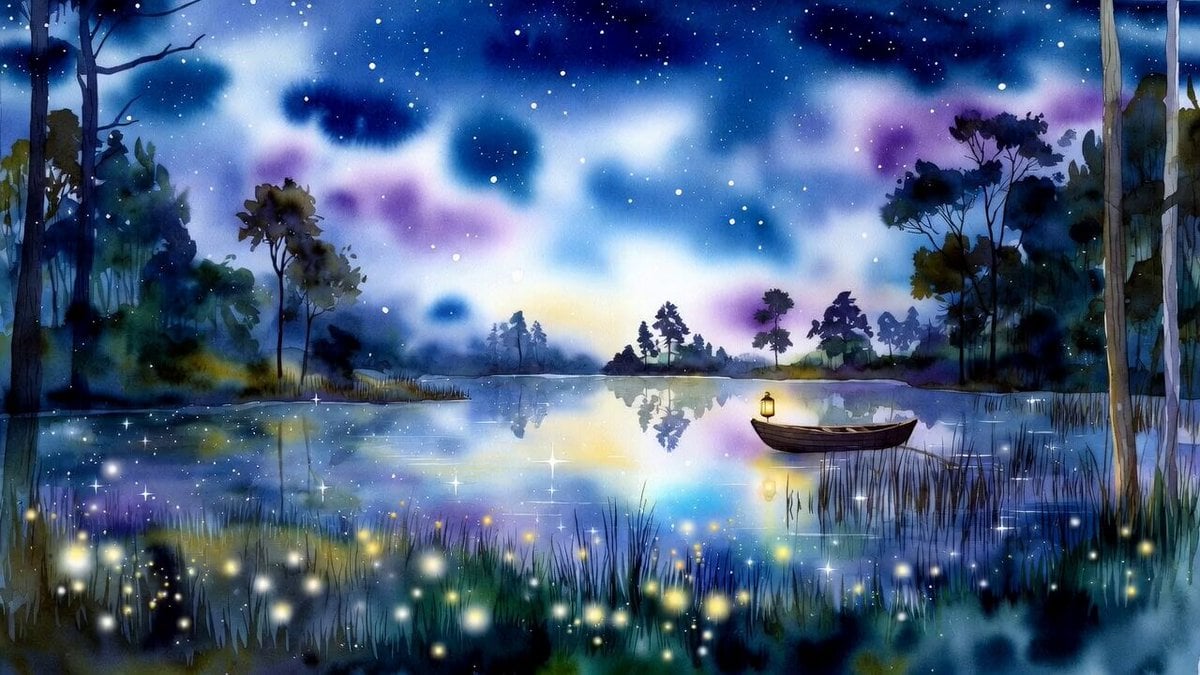
Watercolor forest lake under a starry sky with fireflies and a wooden boat
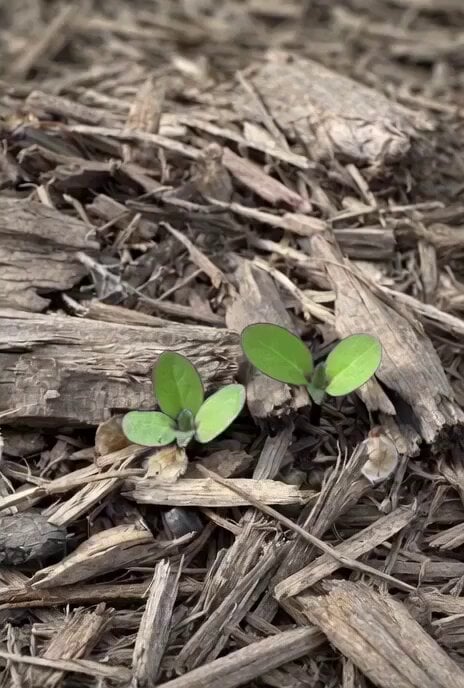
Time-lapse of black cherry sunflowers growing
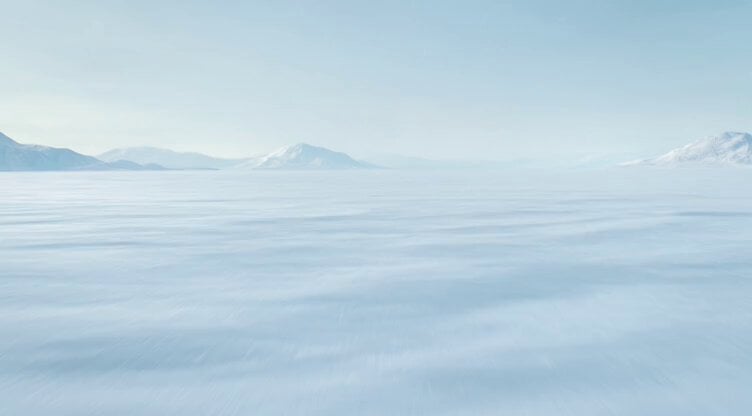
Polar Bear Emerging from Cracking Frozen Lake
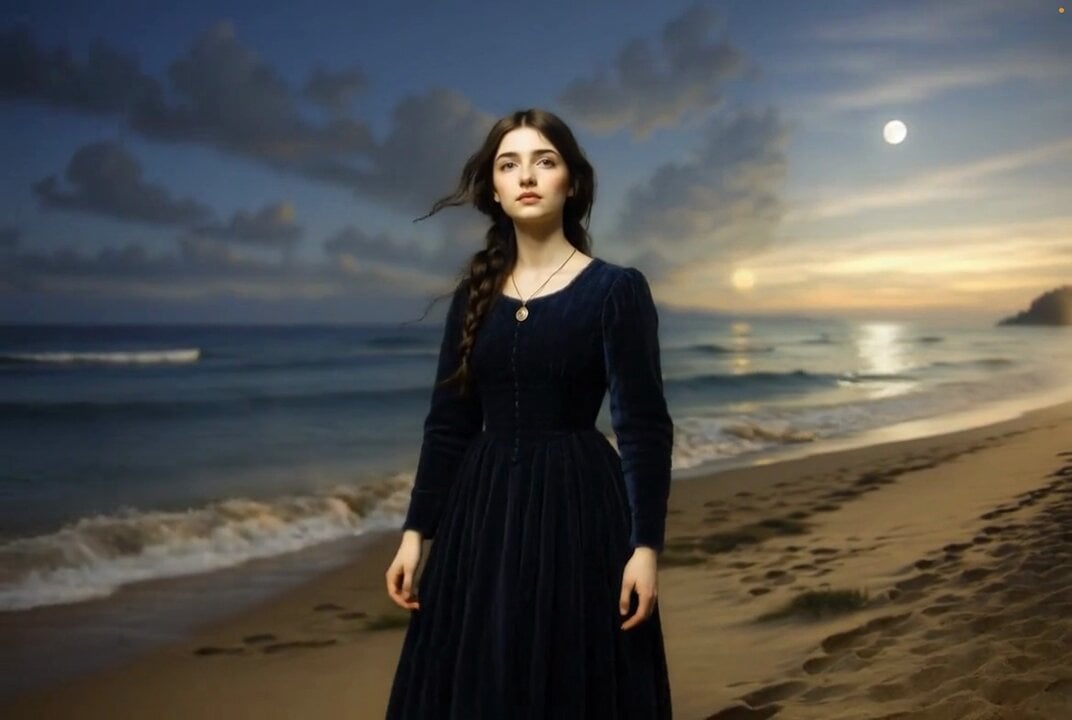
Grok Imagine prompt for ethereal lake scene
Woman by the Lake at Sunset
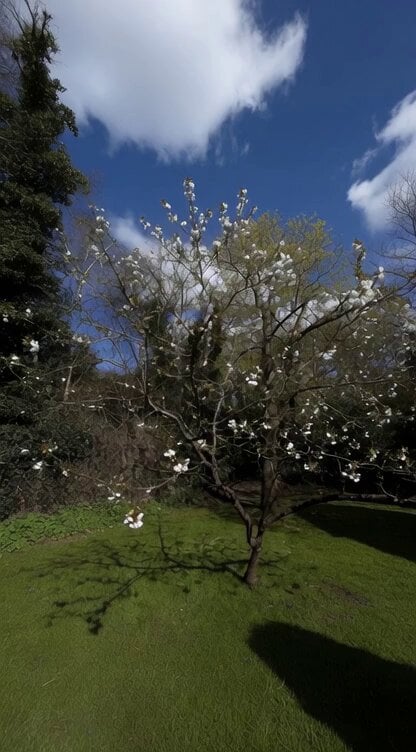
Grok Imagine Prompt: Camera movement on a white blossom tree
Make it yours
Cherry Blossom Lake Video Prompt works as-is. These are the safest ways to change it without losing the look.
Change one field
Copy a single group, rewrite it, and generate again so you can see what that field is doing.
Keep the frame, change the subject
Hold the composition and light of Cherry Blossom Lake Video Prompt, then swap wardrobe, props or the person for a new take.
| If the result… | Why | Fix |
|---|---|---|
| The result drifts from the preview | Too many fields changed at once. | Reuse Cherry Blossom Lake Video Prompt as-is first, then change one group — subject, light, or setting. |
| The model over-stylizes the scene | The prose prompt leaves finish and camera underspecified. | Add one camera or lighting sentence and stay on Grok Imagine. |
More Grok Imagine templates
Other prompts made for Grok Imagine.

Voice Controlled Water Animation

Pterodactyl Transformation Journey

Candle Mandala Mirror Video

Psychedelic Purple Disc World Video

Mecha Runway Tap Dance Video Prompt

Quantum Inventor in Sonoran Desert

Emotional Angry Couple Drama

Train Zooming in Star Field Video Prompt

Cyberpunk Guerrilla Girl Video Generation

Detailed multi-part video prompt
More video prompts
Fresh picks from across the catalog.
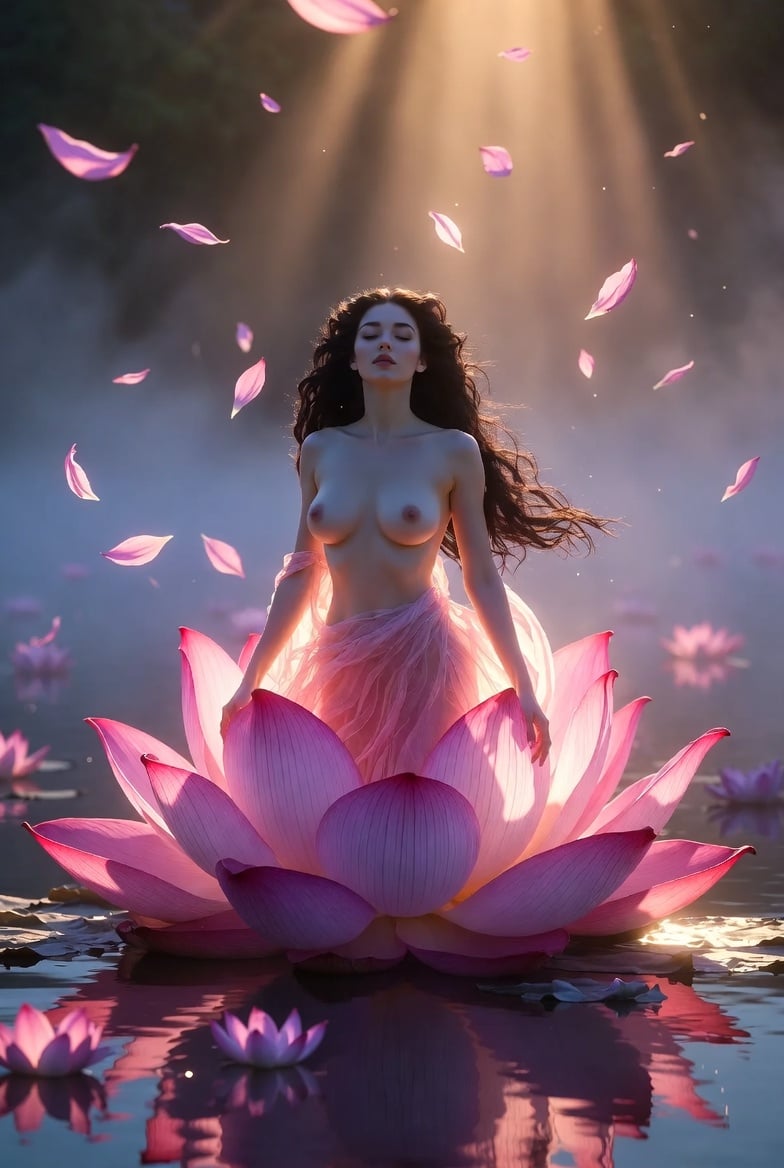
Grok Imagine Video Prompt: Goddess Rises from a Pink Lotus at Sunset
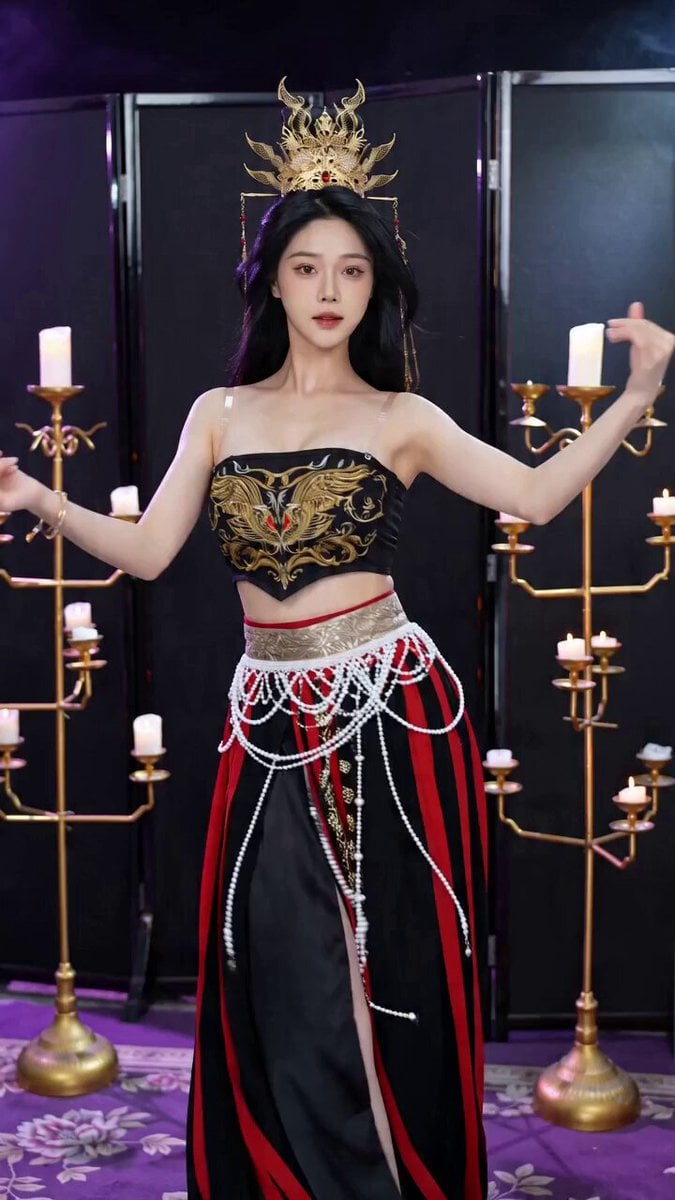
Seedance 2.0 Ancient Style Transformation Video Prompt
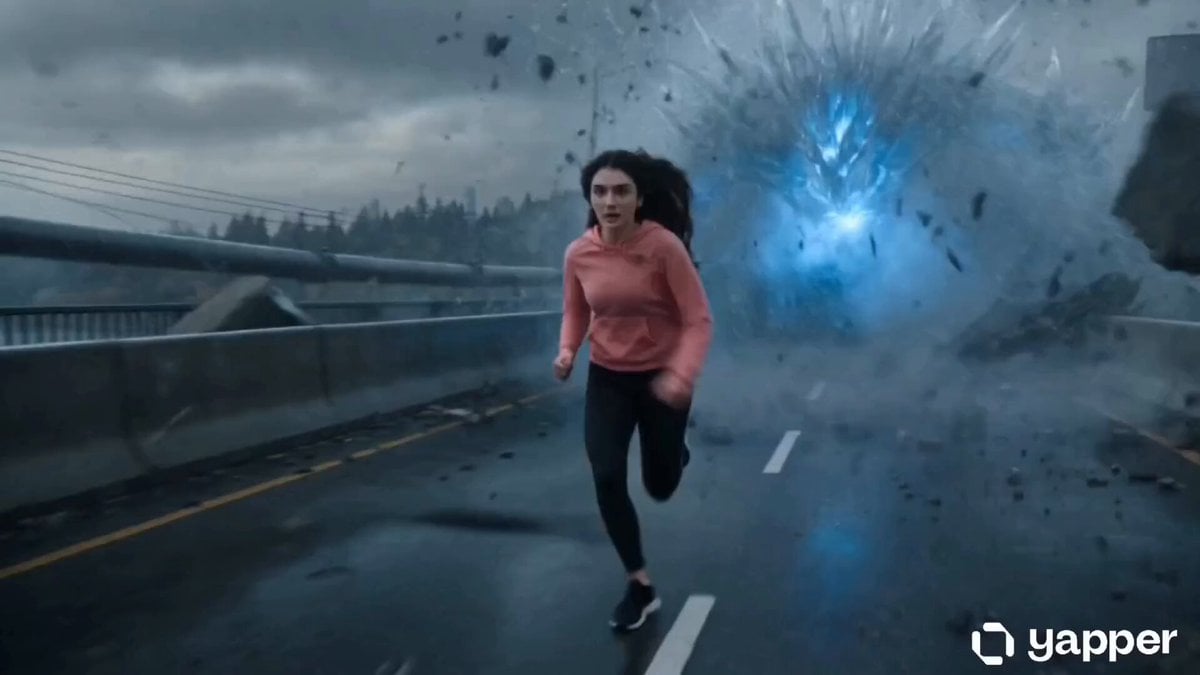
Action Thriller Leviathan Chase

Visionary Sci-Fi Epic Starship
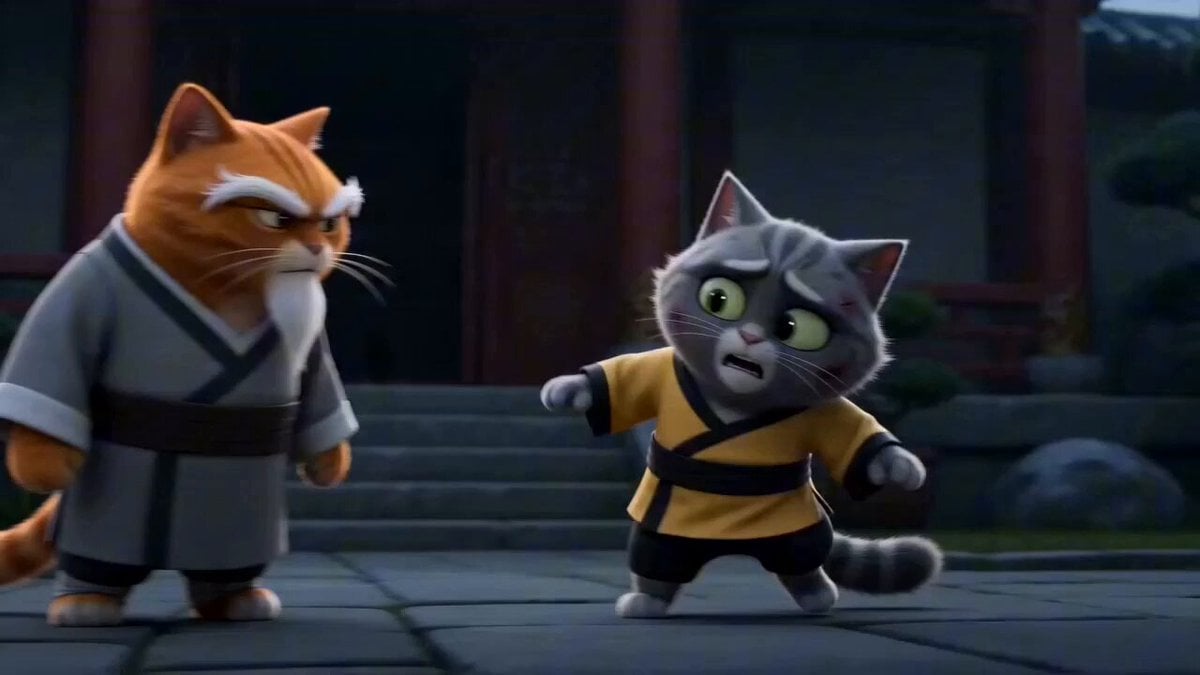
Epic Cat Kung Fu Animation Trailer

Quantum Wormhole Travel
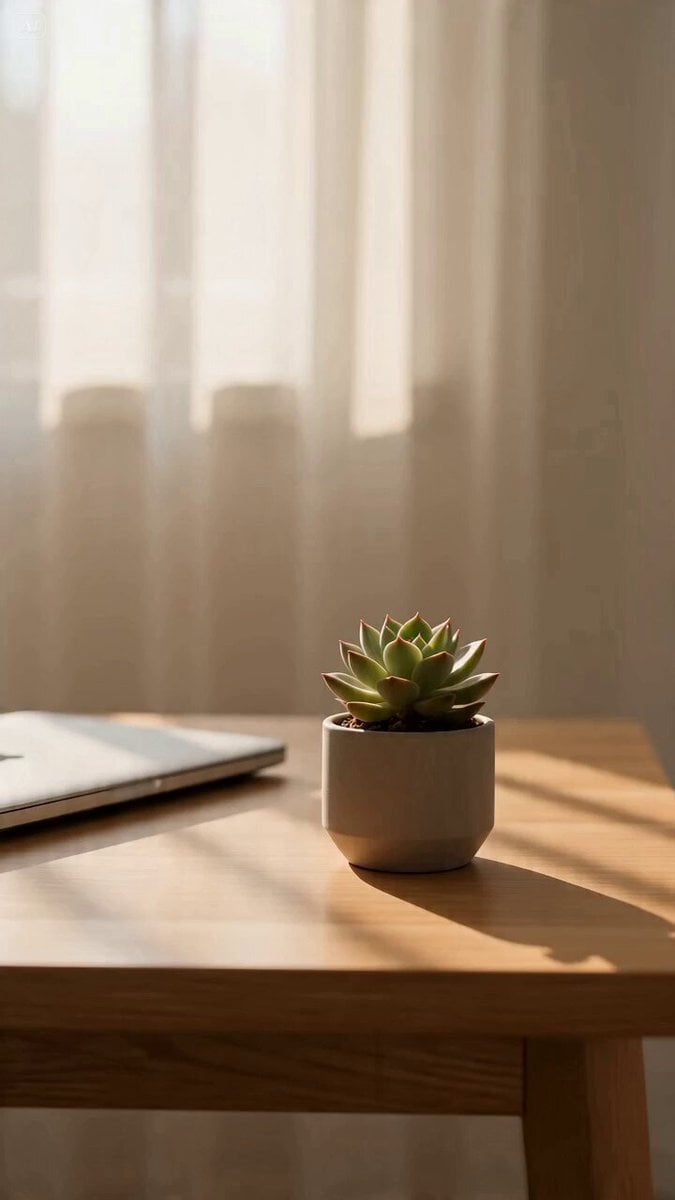
Cinematic Office Scene Video Prompt

Pixar-Style Builder Queue Prompt (0-5s)
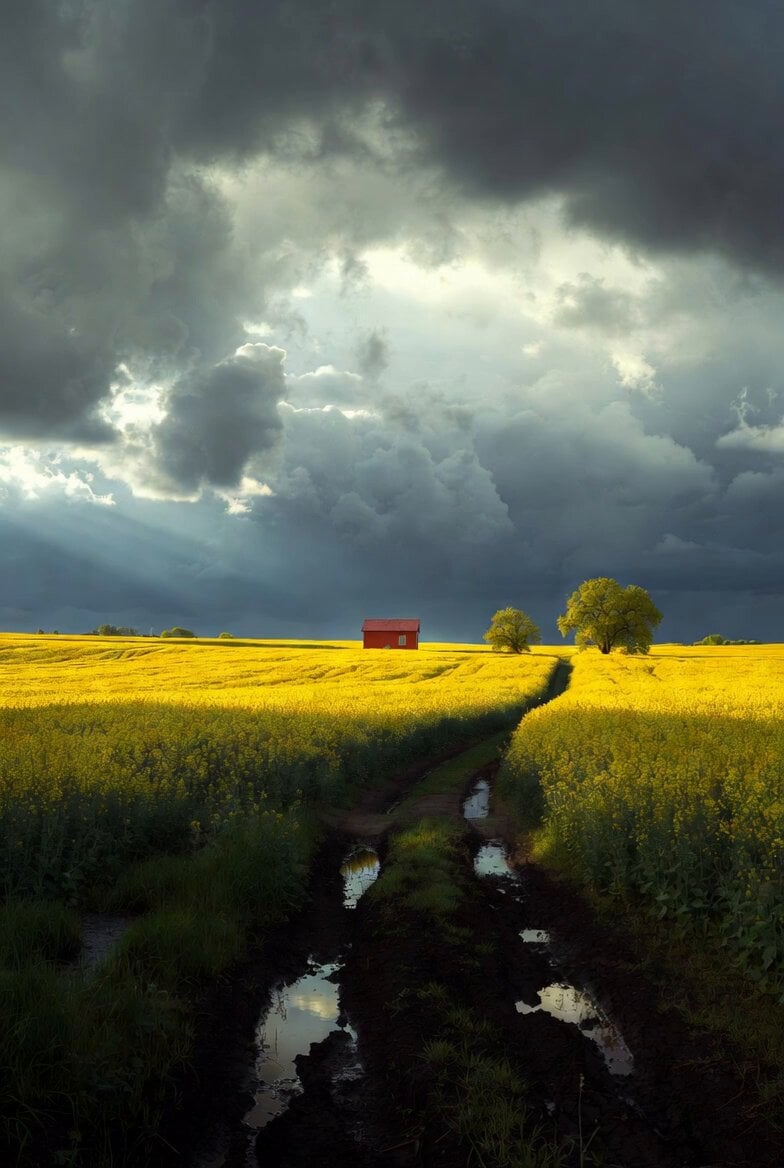
Mystical Dragons Playful Walk
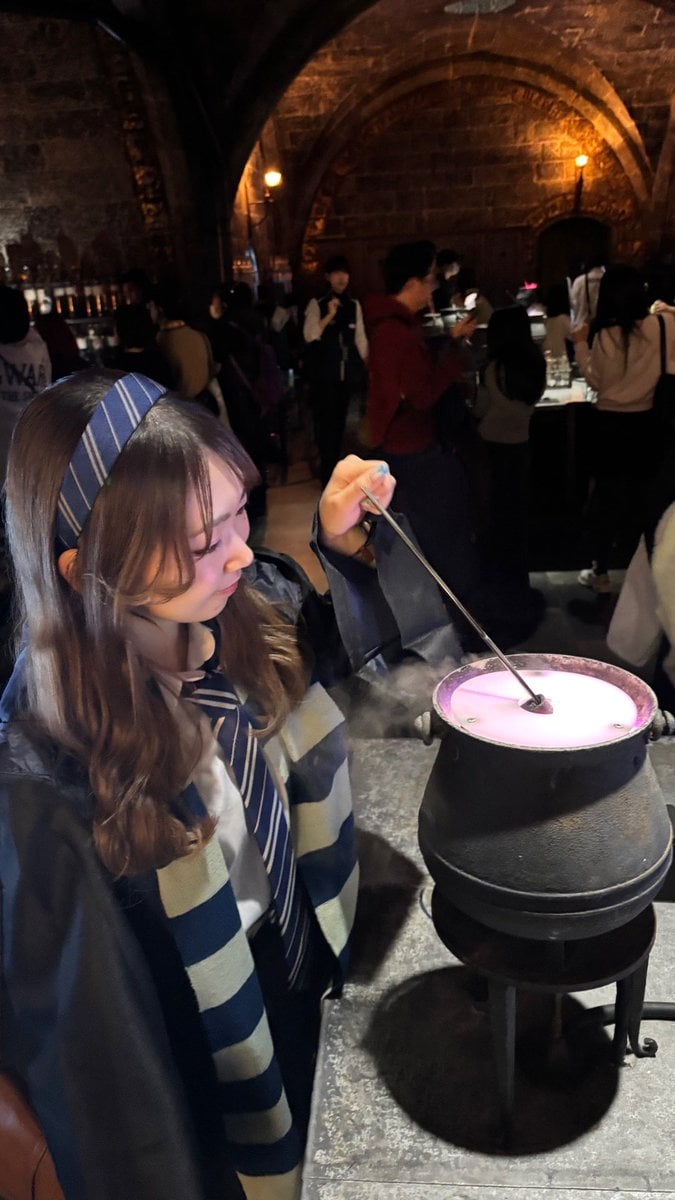
February Schedule Prompt
Browse template categories
Cherry Blossom Lake Video Prompt questions
How do I use the Cherry Blossom Lake Video Prompt template?
Add your photo if the template asks for one, edit the prompt if you like — the template's model and format are already selected — and press Generate. Your version opens in PicX Studio.
Can I customize the Cherry Blossom Lake Video Prompt template?
Yes. You can change the subject, setting, lighting, mood, format, and available model controls before creating your video.
Is the Cherry Blossom Lake Video Prompt template free?
Opening and editing this template is free. Generating uses credits, shown on the Generate button when you are signed in.
Which AI model should I use?
Start with Grok Imagine, which is the model associated with this template. You can compare another compatible model for a different finish.
Looking for something else? Browse all templates.

Your photo, any look
Thousands of ready templates for every top image and video model, from one credit balance.