How do I use the Cyber-Fantasy Elf Queen Transformation template?
Edit the prompt in the box under the preview — the template's model and format are already selected — and press Generate. Your version appears right on this page.
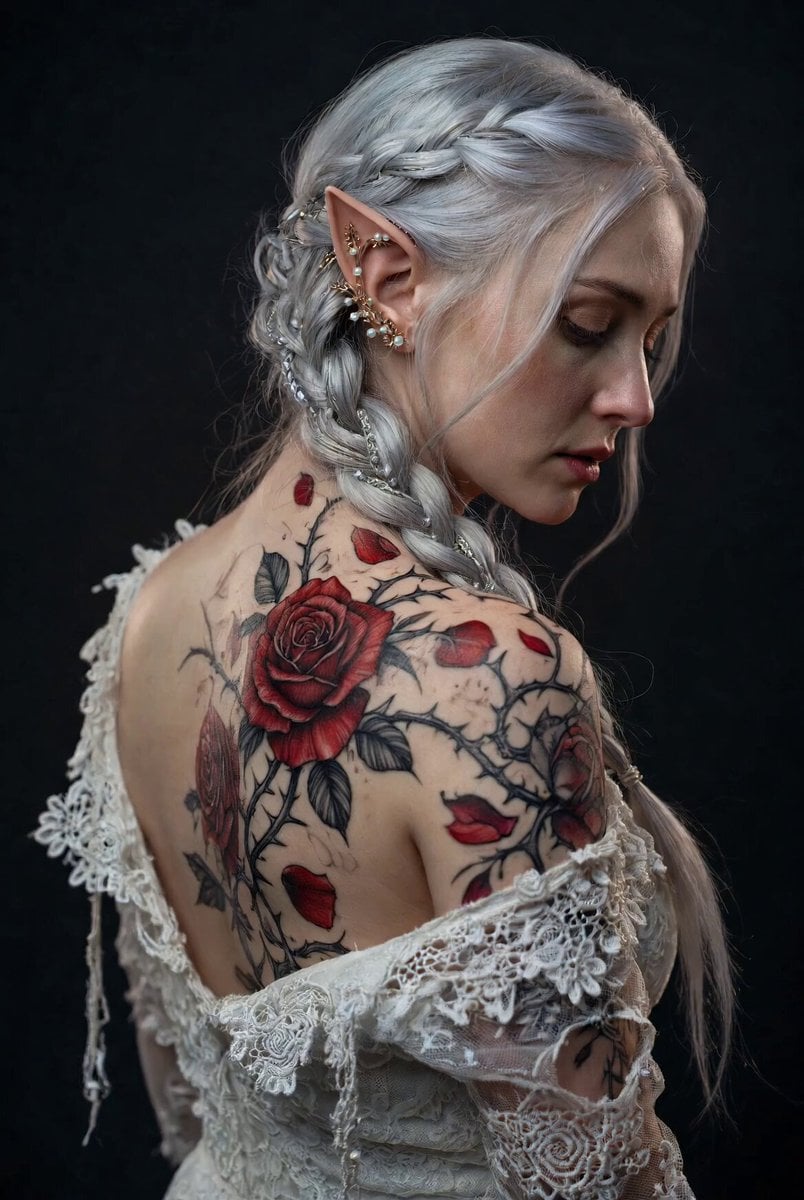
A highly detailed, cinematic video prompt for Grok Imagine that depicts a majestic elf queen on a crystalline stag undergoing a seamless mechanical transformation into a cyber-fantasy warrior in a sunlit autumn forest.
Cinematic 6-second photorealistic video, ultra-realistic 8K, shot on ARRI Alexa 65 with anamorphic lenses, dramatic golden hour lighting in an enchanted autumn forest.\n\nStart with a majestic elf queen with long flowing platinum-silver hair and glowing turquoise armor riding a majestic glowing blue crystalline stag with ornate golden antlers. The scene is bathed in warm sunlight rays piercing through vibrant orange and red falling maple leaves.\n\nAt 1.5 seconds, the camera begins a slow majestic orbit around them as the stag's crystalline blue patterns intensify and start pulsing with energy. At 2.8 seconds, the "next-level transformation" begins: the stag's body elegantly morphs and unfolds in a seamless, organic-mechanical hybrid transformation — glowing blue crystal armor plates shift and expand into futuristic biomechanical robotic limbs and thrusters while maintaining its elegant deer silhouette, antlers transforming into massive glowing energy cannons.\n\nSimultaneously, the elf queen's armor fluidly transforms into sleek, ornate cyber-fantasy battle armor with glowing turquoise energy circuits. Her hair flows dramatically in the wind as golden energy particles swirl around them.\n\nThe transformation is smooth, elegant, and extremely detailed — no hard cuts, perfect fluid motion, intricate mechanical and magical details blending seamlessly. Epic orchestral swell with deep bass.\n\nEnd at 6 seconds with both fully transformed into their ultimate cyber-fantasy forms standing powerfully in the sunlit autumn forest, leaves still gently falling, camera pulling back to a heroic wide shot, cinematic color grading, volumetric god rays, ultra-detailed textures, photorealistic fur, metal, and energy effects, masterpiece quality, hyper-realistic.
Cinematic 6-second photorealistic video, ultra-realistic 8K, shot on ARRI Alexa 65 with anamorphic lenses, dramatic golden hour lighting in an enchanted autumn forest.\n\nStart with a majestic elf queen with long flowing platinum-silver hair and glowing turquoise armor riding a majestic glowing blue crystalline stag with ornate golden antlers. The scene is bathed in warm sunlight rays piercing through vibrant orange and red falling maple leaves.\n\nAt 1.5 seconds, the camera begins a slow majestic orbit around them as the stag's crystalline blue patterns intensify and start pulsing with energy. At 2.8 seconds, the "next-level transformation" begins: the stag's body elegantly morphs and unfolds in a seamless, organic-mechanical hybrid transformation — glowing blue crystal armor plates shift and expand into futuristic biomechanical robotic limbs and thrusters while maintaining its elegant deer silhouette, antlers transforming into massive glowing energy cannons.\n\nSimultaneously, the elf queen's armor fluidly transforms into sleek, ornate cyber-fantasy battle armor with glowing turquoise energy circuits. Her hair flows dramatically in the wind as golden energy particles swirl around them.\n\nThe transformation is smooth, elegant, and extremely detailed — no hard cuts, perfect fluid motion, intricate mechanical and magical details blending seamlessly. Epic orchestral swell with deep bass.\n\nEnd at 6 seconds with both fully transformed into their ultimate cyber-fantasy forms standing powerfully in the sunlit autumn forest, leaves still gently falling, camera pulling back to a heroic wide shot, cinematic color grading, volumetric god rays, ultra-detailed textures, photorealistic fur, metal, and energy effects, masterpiece quality, hyper-realistic.
Edit the prompt in the box under the preview — the template's model and format are already selected — and press Generate. Your version appears right on this page.
Yes. You can change the subject, setting, lighting, mood, format, and available model controls before creating your video.
Opening and editing this template is free. Generating uses credits, shown on the Generate button when you are signed in.
Start with Grok Imagine, which is the model associated with this template. You can compare another compatible model for a different finish.
Follow a topic to a crawlable collection of related PicX Studio templates.