How do I use the Peaceful Lofi Train Ride Anime Video Prompt template?
Edit the prompt in the box under the preview — the template's model and format are already selected — and press Generate. Your version appears right on this page.
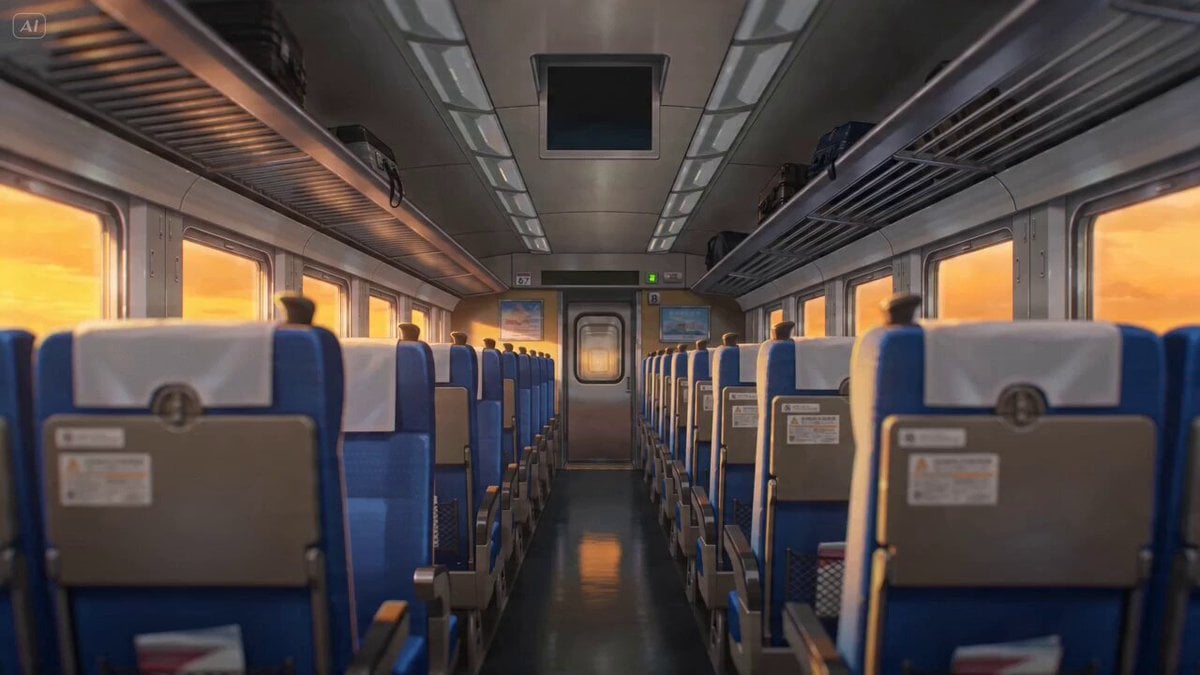
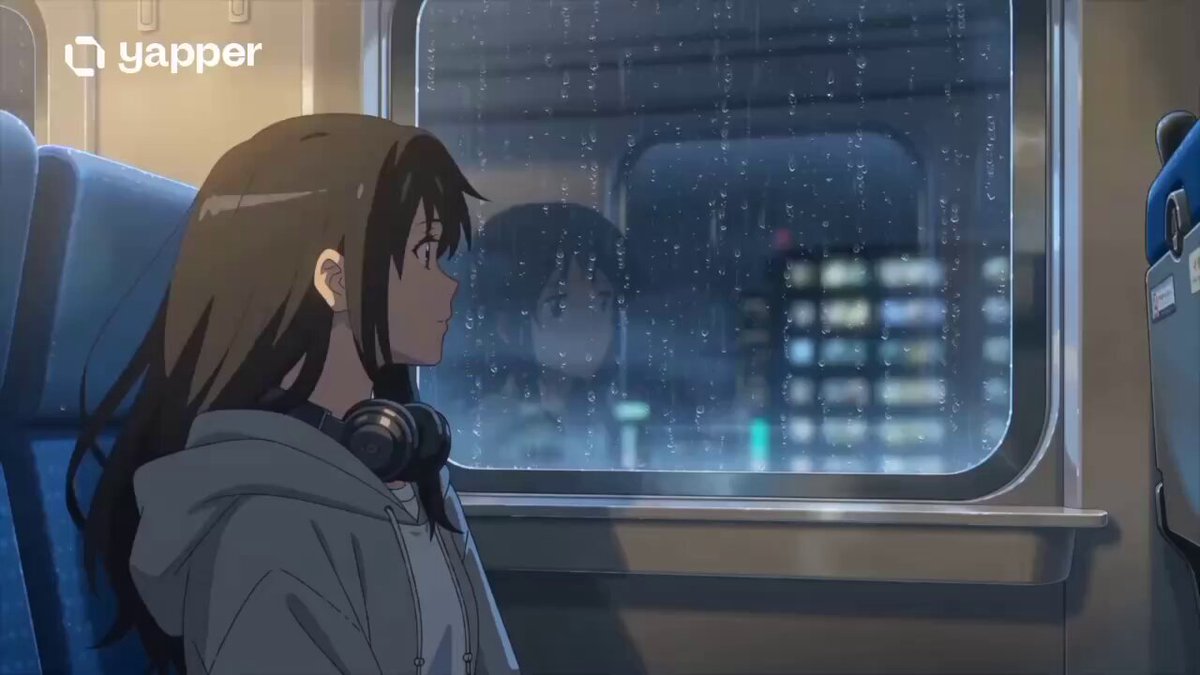
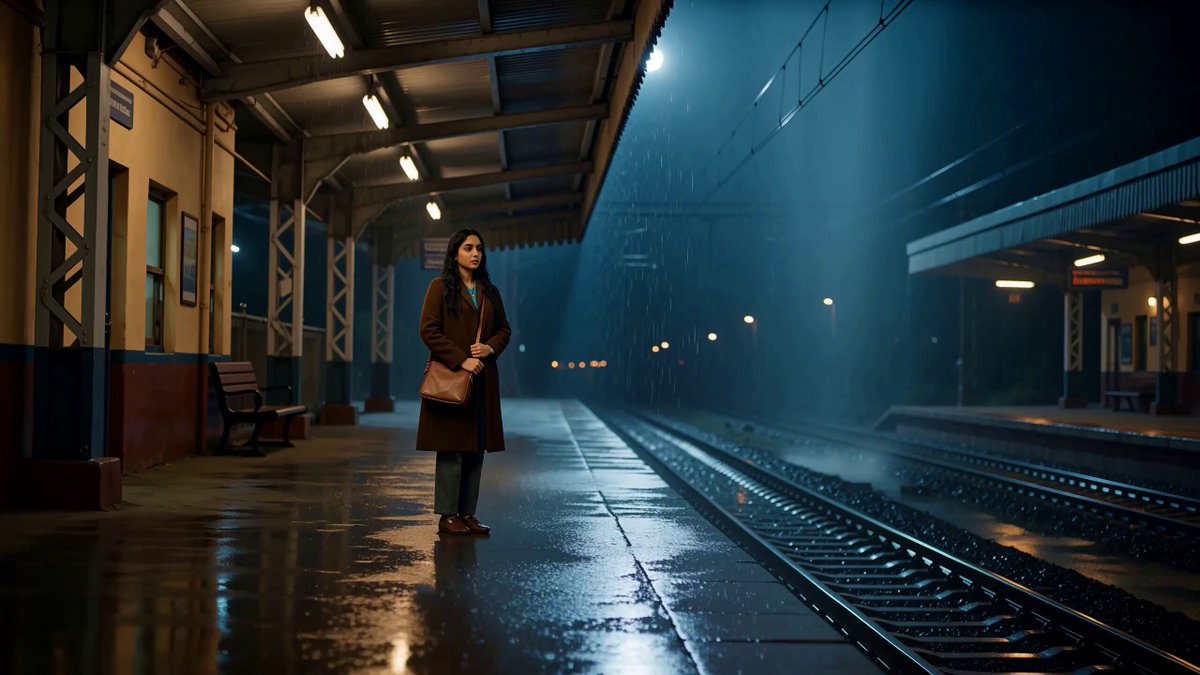
A detailed, multi-shot prompt designed to generate a peaceful, anime-inspired lofi video of a girl on a train ride at sunset.
A peaceful anime-inspired lofi train ride at sunset, warm hand-painted fantasy style, a quiet girl by the window wearing headphones, golden sky, distant mountains, passing trees, soft sunlight on her face, notebook in her lap, dreamy nostalgic atmosphere, calm travel mood, soft painterly textures, gentle motion, cuts only Shot 1: Wide shot inside a cozy train cabin during sunset, warm orange light filling the space Cut to Shot 2: Medium shot of the girl sitting by the window with headphones, looking outside quietly Cut to Shot 3: Close-up of the train window with golden light, blurred trees, and mountain silhouettes Cut to Shot 4: Close-up of her hand resting on an open notebook Cut to Shot 5: Final medium shot of her closing her eyes and enjoying the peaceful ride
A peaceful anime-inspired lofi train ride at sunset, warm hand-painted fantasy style, a quiet girl by the window wearing headphones, golden sky, distant mountains, passing trees, soft sunlight on her face, notebook in her lap, dreamy nostalgic atmosphere, calm travel mood, soft painterly textures, gentle motion, cuts only Shot 1: Wide shot inside a cozy train cabin during sunset, warm orange light filling the space Cut to Shot 2: Medium shot of the girl sitting by the window with headphones, looking outside quietly Cut to Shot 3: Close-up of the train window with golden light, blurred trees, and mountain silhouettes Cut to Shot 4: Close-up of her hand resting on an open notebook Cut to Shot 5: Final medium shot of her closing her eyes and enjoying the peaceful ride
Edit the prompt in the box under the preview — the template's model and format are already selected — and press Generate. Your version appears right on this page.
Yes. You can change the subject, setting, lighting, mood, format, and available model controls before creating your video.
Opening and editing this template is free. Generating uses credits, shown on the Generate button when you are signed in.
Start with Seedance 2.0, which is the model associated with this template. You can compare another compatible model for a different finish.
Follow a topic to a crawlable collection of related PicX Studio templates.