How do I use the Domestic Cats Lightsaber Duel in Living Room template?
Edit the prompt in the box under the preview — the template's model and format are already selected — and press Generate. Your version appears right on this page.
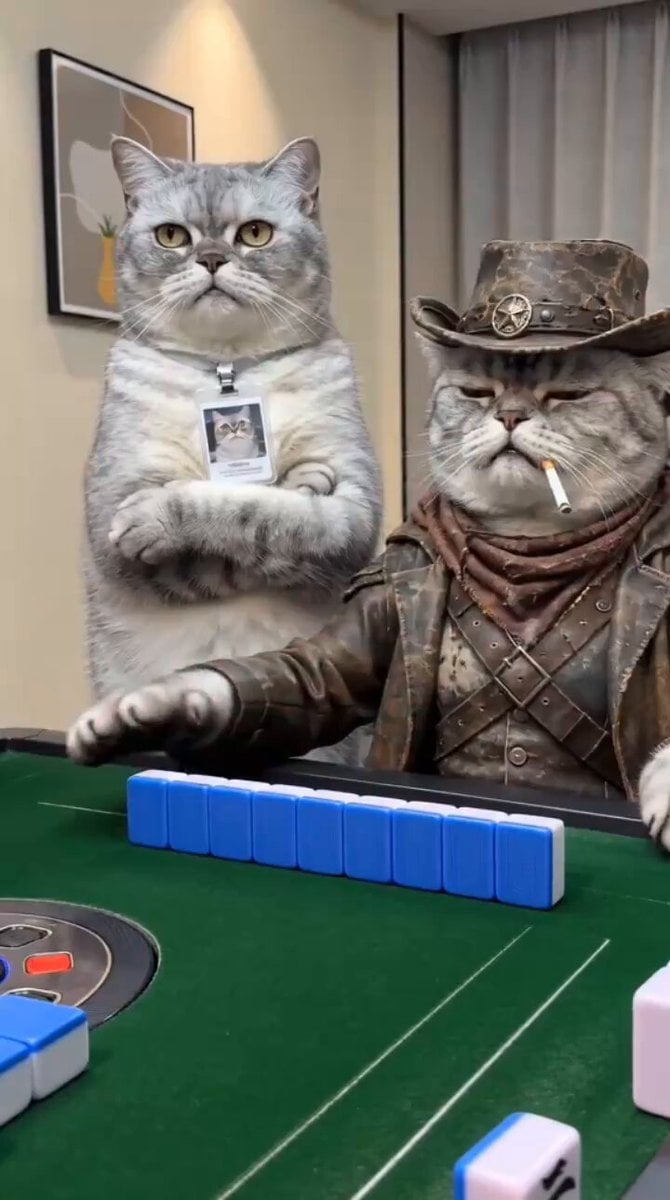
A creative prompt for generating an epic, ultra-realistic sci-fi battle video featuring two domestic cats standing upright and dueling dramatically with glowing lightsabers in a dimly lit living room.
Two realistic domestic cats standing upright in a dimly lit living room at night, dramatically dueling with glowing lightsabers. One chubby orange cat holds a red lightsaber while a striped tabby cat swings a blue lightsaber. The cats move like skilled warriors, jumping, spinning, and clashing their sabers with bright sparks and light reflections. The blue blade briefly presses against the orange cat’s neck before he blocks and counterattacks. Cinematic lighting from the glowing sabers illuminates their fur and the wooden floor. Curtains move slightly in the background as the intense battle continues. Dynamic camera movement, slow-motion saber clashes, dramatic shadows, ultra-realistic fur detail, epic sci-fi atmosphere, 4K cinematic quality.
Two realistic domestic cats standing upright in a dimly lit living room at night, dramatically dueling with glowing lightsabers. One chubby orange cat holds a red lightsaber while a striped tabby cat swings a blue lightsaber. The cats move like skilled warriors, jumping, spinning, and clashing their sabers with bright sparks and light reflections. The blue blade briefly presses against the orange cat’s neck before he blocks and counterattacks. Cinematic lighting from the glowing sabers illuminates their fur and the wooden floor. Curtains move slightly in the background as the intense battle continues. Dynamic camera movement, slow-motion saber clashes, dramatic shadows, ultra-realistic fur detail, epic sci-fi atmosphere, 4K cinematic quality.
Edit the prompt in the box under the preview — the template's model and format are already selected — and press Generate. Your version appears right on this page.
Yes. You can change the subject, setting, lighting, mood, format, and available model controls before creating your video.
Opening and editing this template is free. Generating uses credits, shown on the Generate button when you are signed in.
Start with Seedance 2.0, which is the model associated with this template. You can compare another compatible model for a different finish.
Follow a topic to a crawlable collection of related PicX Studio templates.