
Chaos in the Living Room Found Footage
A complex, second-by-second prompt for a surreal found-footage style video featuring falling furniture, a piano, and a hippo in a bathtub.
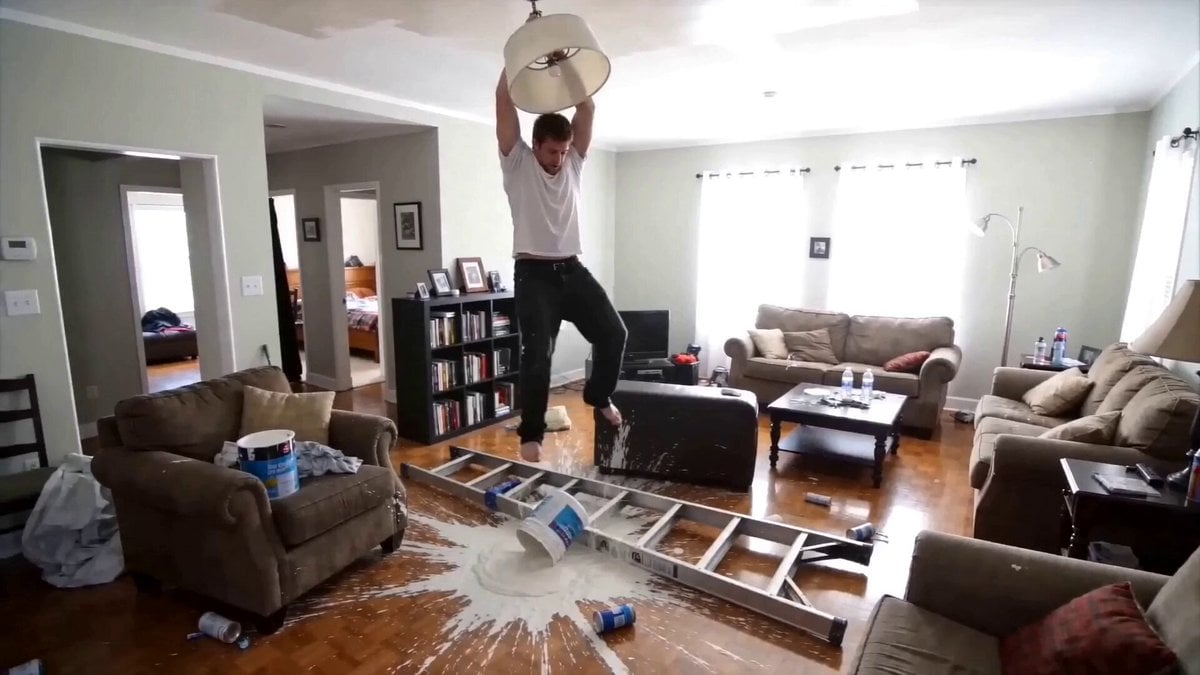
- Prompt included
- Model and format preset
- Premium template
The prompt behind this video
Copy the exact prompt behind Chaos in the Living Room Found Footage, or open it in the studio and make it yours.
Style: Found footage, grainy 35mm home security camera footage. Camera: Static, wide-angle lens, locked-off tripod perspective. Lighting: Flat, natural indoor daylight coming from two large windows in the background. Atmosphere: Raw, mundane, realistic suburban home environment with hardwood floors, brown sofas, and a bookshelf. Audio: low-quality microphone hiss, loud structural wood snapping, and metallic impacts. [ENVIRONMENT & CHARACTER DESCRIPTION] The scene is a messy living room. A large, starburst-shaped white paint spill covers the center of the hardwood floor. A silver metal ladder lies fallen across the paint. Character 1: A man in a plain white t-shirt and dark jeans, barefoot. Character 2: A man with messy hair wearing red and black flannel pajamas. Character 3: A large, grey hippopotamus in a white porcelain clawfoot bathtub. [TIMELINE SECOND BY SECOND] 0-3s: [Wide Shot] The man in the white t-shirt is seen hanging desperately from a white drum pendant light fixture. The fixture rips violently from the ceiling with plaster debris. The man falls directly into the white paint puddle with realistic splashing physics. [Sound] Sharp metallic snap, heavy wet thud. 3-7s: [Wide Shot] A massive 4-foot section of the ceiling completely collapses. A second man, seated at a dark wooden upright piano, falls through the hole from the floor above. The piano slams into the floor, emitting a loud, dissonant musical chord. [Physics] Volumetric dust and white plaster chunks fill the air. 7-10s: [Medium Shot] The piano man sits among the wreckage, looking dazed and confused, glancing side-to-side. [Sound] Muffled coughing and the clicking of settling debris. 10-14s: [Wide Shot] Another massive section of the ceiling gives way. A full-sized porcelain bathtub containing a live hippopotamus crashes into the center of the room. A massive wave of water splashes across the sofas and floor. [Sound] Explosive wet crash followed by a deep, guttural hippo grunt. 14-15s: [Closing Shot] Static shot of the total wreckage. The hippo remains in the tub, blinking slowly. The camera remains perfectly still. [Sound] Water dripping and a low-frequency electronic hum.
How to use Chaos in the Living Room Found Footage in 3 steps
- 1
Open
The prompt is already in the box next to the preview, with the template's model and format selected.
- 2…a portrait of your subject in softgolden-hour light, 85mm…
Personalize
Edit the subject and creative details for your destination.
- 3Generate
Generate
Press Generate — your video is created in PicX Studio, so you can compare it with the original and refine one variable at a time.
More like this
Templates with the same subject, style or setup. Open one to see its prompt.
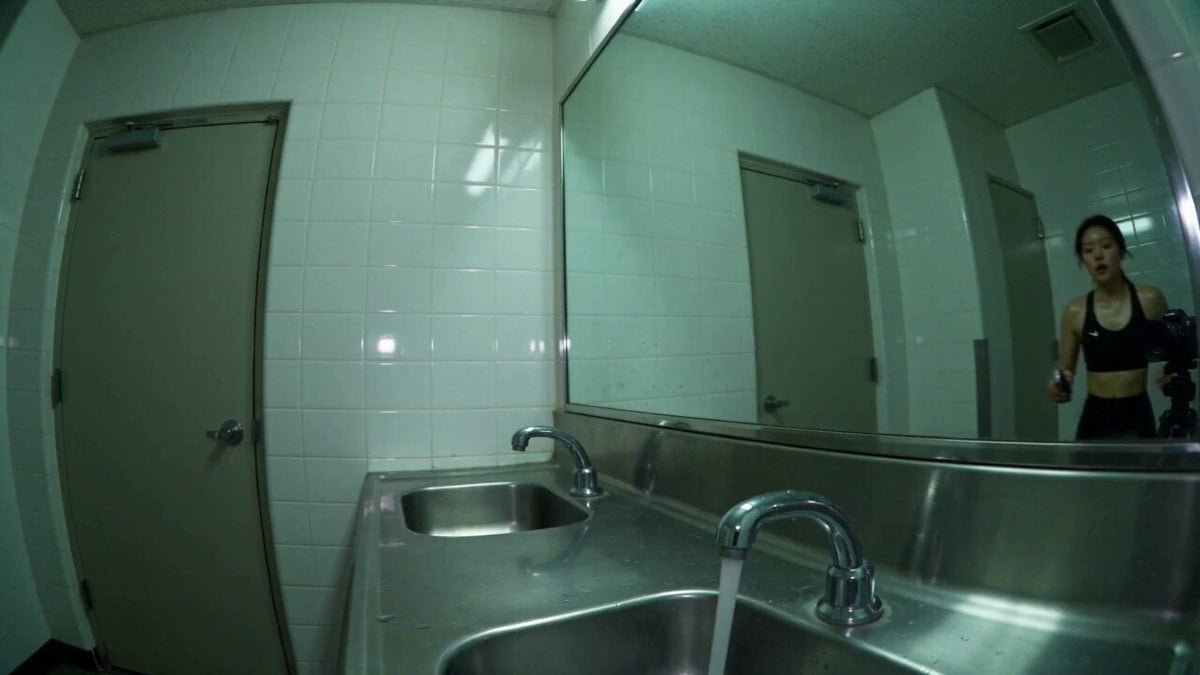
Gym Bathroom Found-Footage Horror

Late-Night Gym Found-Footage Horror

Magical Room Transformation - Seedance 2.5
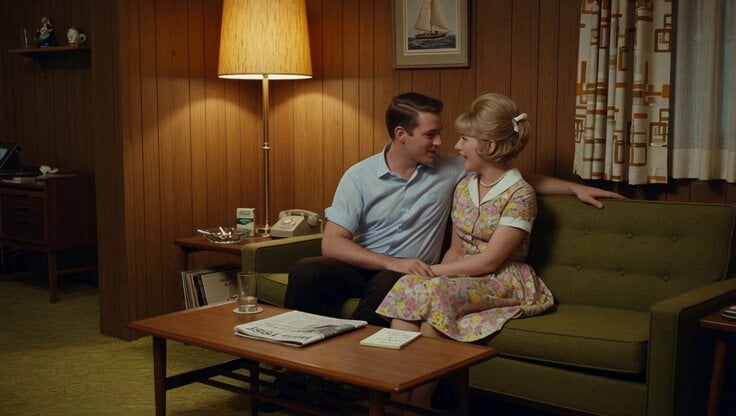
1965 Retro Living Room Scene

Found-Footage City Anomaly
2003 Found Footage MiniDV Tape
Pokemon Found Footage Documentary

Found Footage Graveyard Creature Horror

Found Footage Crocodile Monster Rampage
Security Camera Found Footage Horror

Superhuman Battle Found Footage

Raw Found Footage Superhuman Duel
Make it yours
Chaos in the Living Room Found Footage works as-is. These are the safest ways to change it without losing the look.
Change one field
Copy a single group, rewrite it, and generate again so you can see what that field is doing.
Keep the frame, change the subject
Hold the composition and light of Chaos in the Living Room Found Footage, then swap wardrobe, props or the person for a new take.
| If the result… | Why | Fix |
|---|---|---|
| The result drifts from the preview | Too many fields changed at once. | Reuse Chaos in the Living Room Found Footage as-is first, then change one group — subject, light, or setting. |
| The model over-stylizes the scene | The prose prompt leaves finish and camera underspecified. | Add one camera or lighting sentence and stay on Seedance 2.0. |
More Seedance 2.0 templates
Other prompts made for Seedance 2.0.

Comical Martial Arts Punch Scene

Maglev Train Action Sequence

Martial Arts Fight Sequence

Wuxia Protection and Trust Script

Vintage Korean Arcade MiniDV Vlog

Mercedes 190 SL Luxury Ad

Rainy Night Supernatural Reverse Comedy Video Script

Amazon Civilization Discovery

Futuristic South Asian City Transformation

Cozy Luxury Cafe Commercial
More video prompts
Fresh picks from across the catalog.

Steampunk Robot Michelin Chef

Mermaid Rescue Cinematic Story

Video prompt for a birthday scene with grandparents and a zoom effect

Sports Player POV Camera Signing Template

3D Cartoon Anime Scene - School Comedy Style

Stop-Motion Oil Painting Animation

Cinematic Desert Combat Sequence

Cinematic sci-fi spaceship emergence video prompt

USS Abraham Lincoln in Arabian Sea

Cinematic Pianist Scene Prompt for Seedance 2.0
Browse template categories
Chaos in the Living Room Found Footage questions
How do I use the Chaos in the Living Room Found Footage template?
Add your photo if the template asks for one, edit the prompt if you like — the template's model and format are already selected — and press Generate. Your version opens in PicX Studio.
Can I customize the Chaos in the Living Room Found Footage template?
Yes. You can change the subject, setting, lighting, mood, format, and available model controls before creating your video.
Is the Chaos in the Living Room Found Footage template free?
Opening and editing this template is free. Generating uses credits, shown on the Generate button when you are signed in.
Which AI model should I use?
Start with Seedance 2.0, which is the model associated with this template. You can compare another compatible model for a different finish.
Looking for something else? Browse all templates.

Your photo, any look
Thousands of ready templates for every top image and video model, from one credit balance.