
Mermaid Rescue Cinematic Story
A multi-scene cinematic prompt telling the story of a sailor rescued from a shipwreck by a mysterious mermaid.
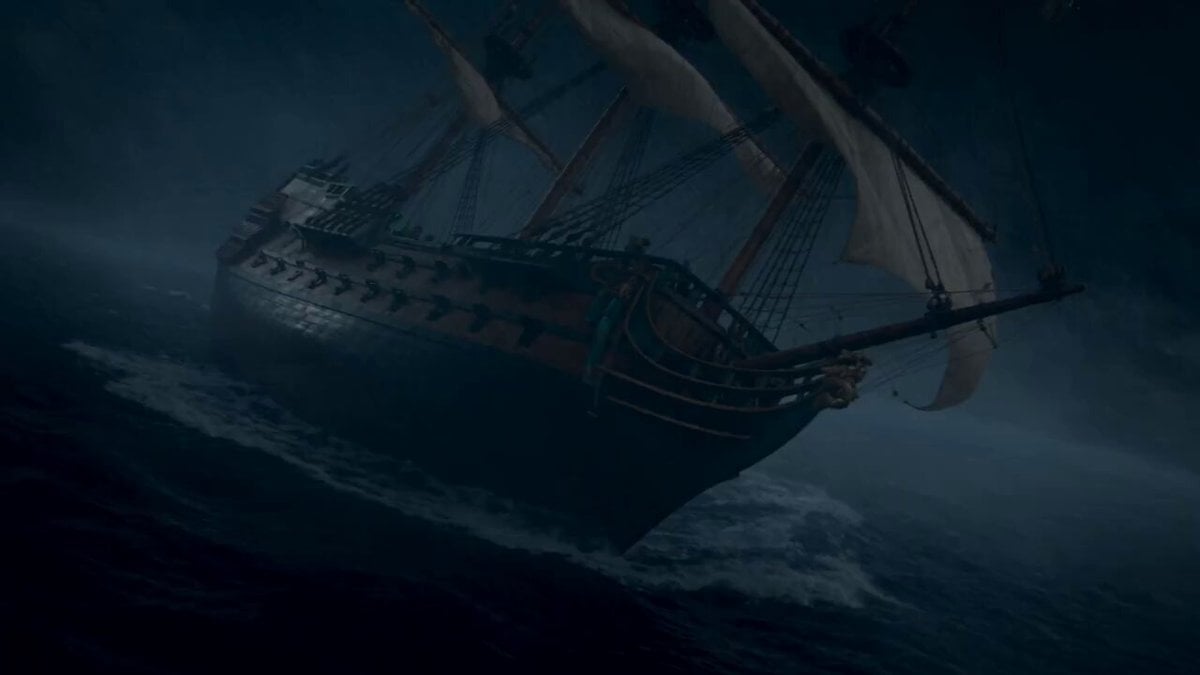
- Prompt included
- Model and format preset
- Free template
The prompt behind this video
Copy the exact prompt behind Mermaid Rescue Cinematic Story, or open it in the studio and make it yours.
SCENE 1 — 0–5 seconds: THE SHIPWRECK A massive wooden sailing ship struggles violently against towering ocean waves during a dark nighttime storm. Lightning flashes across the sky as rain pours down. A young sailor loses his balance, falls over the side of the ship, and disappears into the raging black water. Use a dramatic wide shot followed by a close-up of his terrified face as he sinks beneath the waves. SCENE 2 — 5–15 seconds: THE MERMAID APPEARS Deep beneath the stormy surface, the sailor slowly sinks into the dark ocean. Suddenly, a mysterious blue glow appears in the distance. A beautiful mermaid emerges from the darkness and rapidly swims toward him. She has long flowing wet burgundy-red hair, the same facial features and appearance as the provided reference image, an elegant shimmering blue-green iridescent tail, a detailed seashell-inspired top decorated with pearls, subtle bioluminescent details, and expressive eyes. Her hair and tail move naturally with the underwater currents. She reaches the unconscious sailor, gently grabs him, and pulls him toward the surface as magical particles and soft blue light surround them. SCENE 3 — 15–25 seconds: THE RESCUE The mermaid carries the unconscious sailor through crashing waves toward a quiet rocky shoreline. The storm begins to weaken as dawn approaches. She carefully places him on the wet beach and checks that he is breathing. As the first warm rays of sunrise break through the clouds, she looks back toward the ocean. Before anyone can see her, she slips quietly back into the water and disappears beneath the waves. SCENE 4 — 25–30 seconds: THE MYSTERIOUS SEASHELL The sailor suddenly wakes up on the beach, coughing and confused. He looks around but the mermaid is gone. Beside his hand lies a beautiful glowing seashell emitting a soft magical blue light. He picks it up and stares at it in disbelief. Cut to a final cinematic shot of the glowing seashell in his hand while the calm ocean stretches behind him. A faint silhouette of the mermaid can briefly be seen beneath the distant waves.
How to use Mermaid Rescue Cinematic Story in 3 steps
- 1Upload ImagePNG, JPG or paste
Add your photo
Upload the photo the template builds on. The prompt, model and format are already set.
- 2…a portrait of your subject in softgolden-hour light, 85mm…
Personalize
Edit the subject and creative details for your destination.
- 3Generate
Generate
Press Generate — your video is created in PicX Studio, so you can compare it with the original and refine one variable at a time.
More like this
Templates with the same subject, style or setup. Open one to see its prompt.
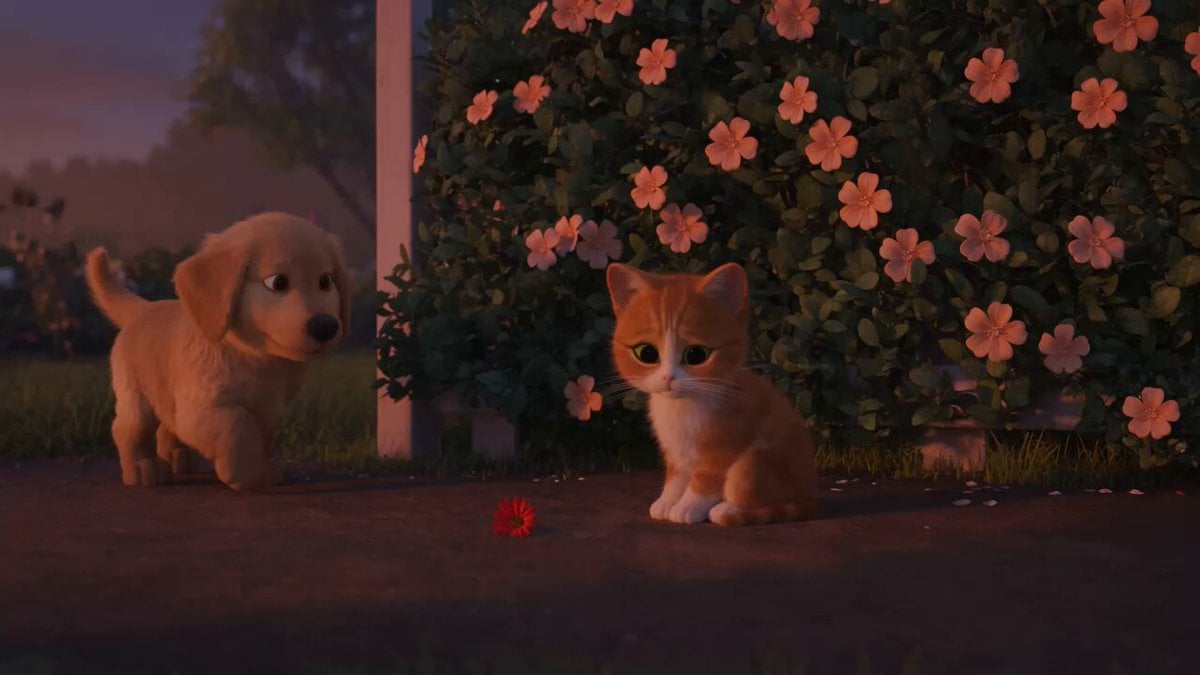
Wholesome Puppy and Kitten Story - Seedance 2.5
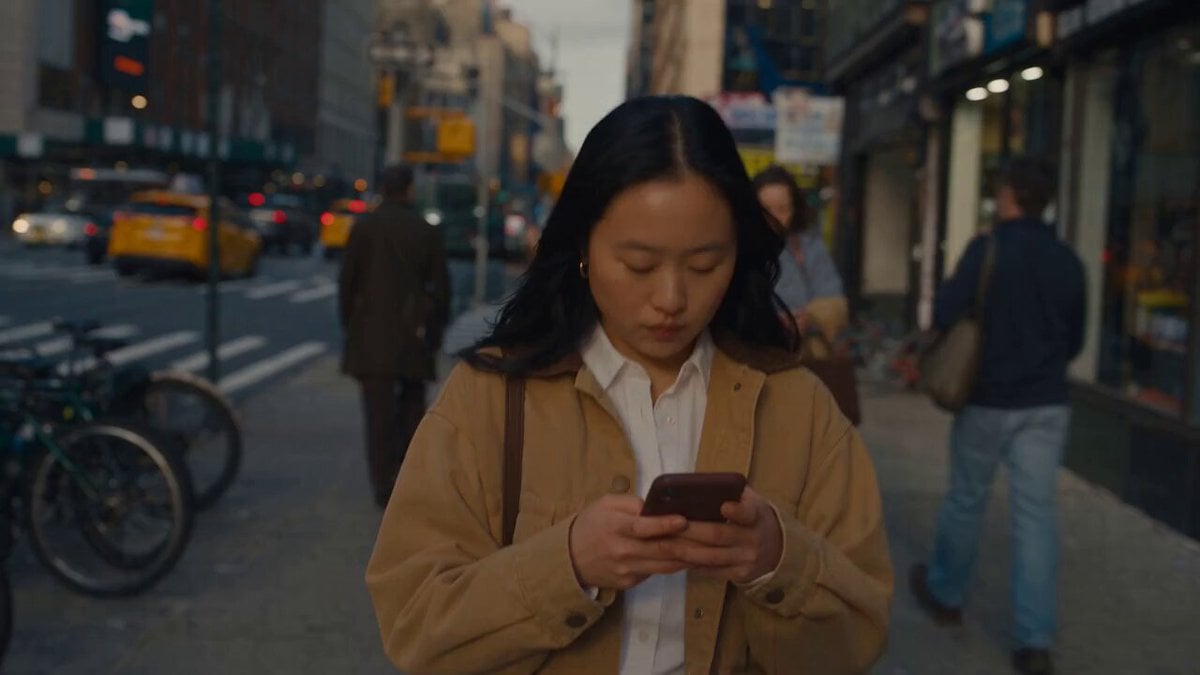
Realistic City Street Story Cinematic Video - Seedance
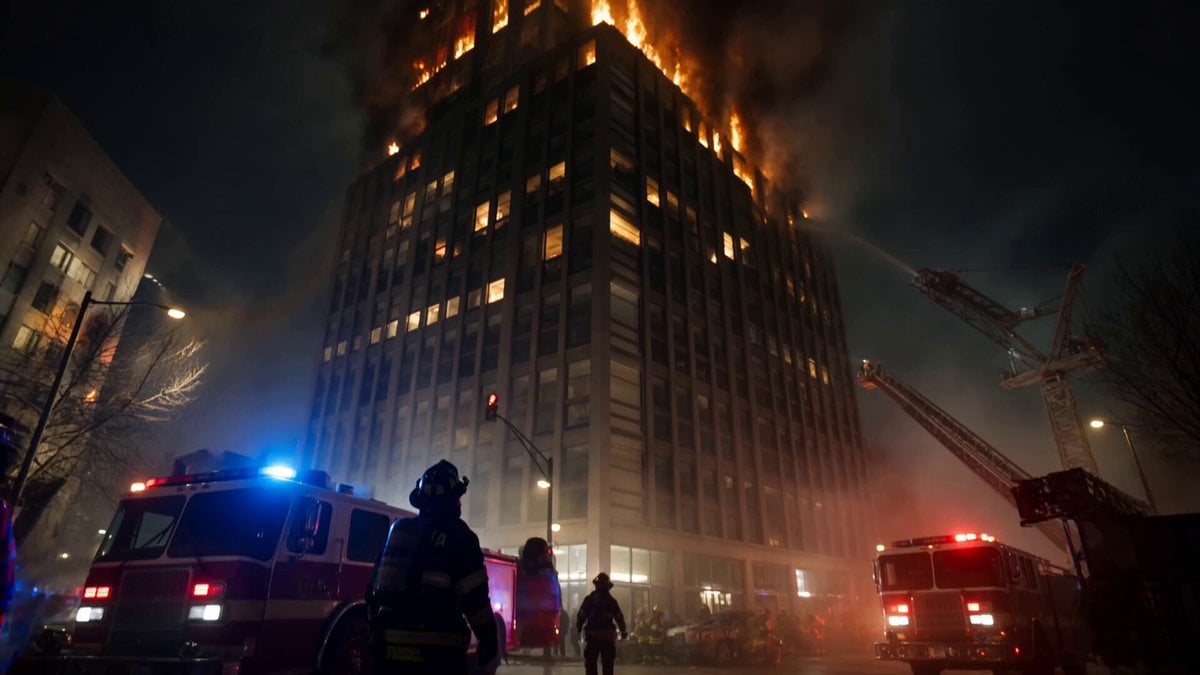
Live-Action Firefighter Rescue Night Scene
Monkey Family Sparrow Rescue Story
Adorable 3D Animated Kitten Rescue Story
Injured Kitten Rescue Story Video
Heartwarming Fox Rescue Story
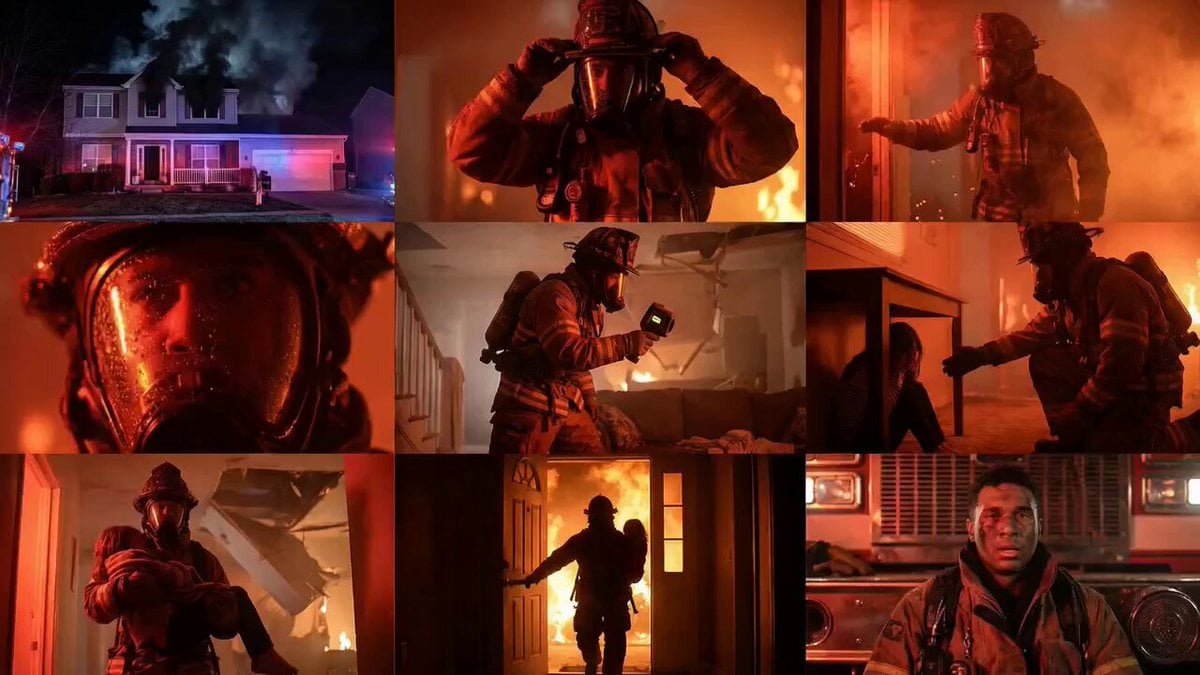
Cinematic Rescue Montage Storyboard Prompt
Skybridge Rescue — Supertall Tower Collapse (Seedance)
Dragon Rescue — Volcanic Kingdom Collapse (Seedance)
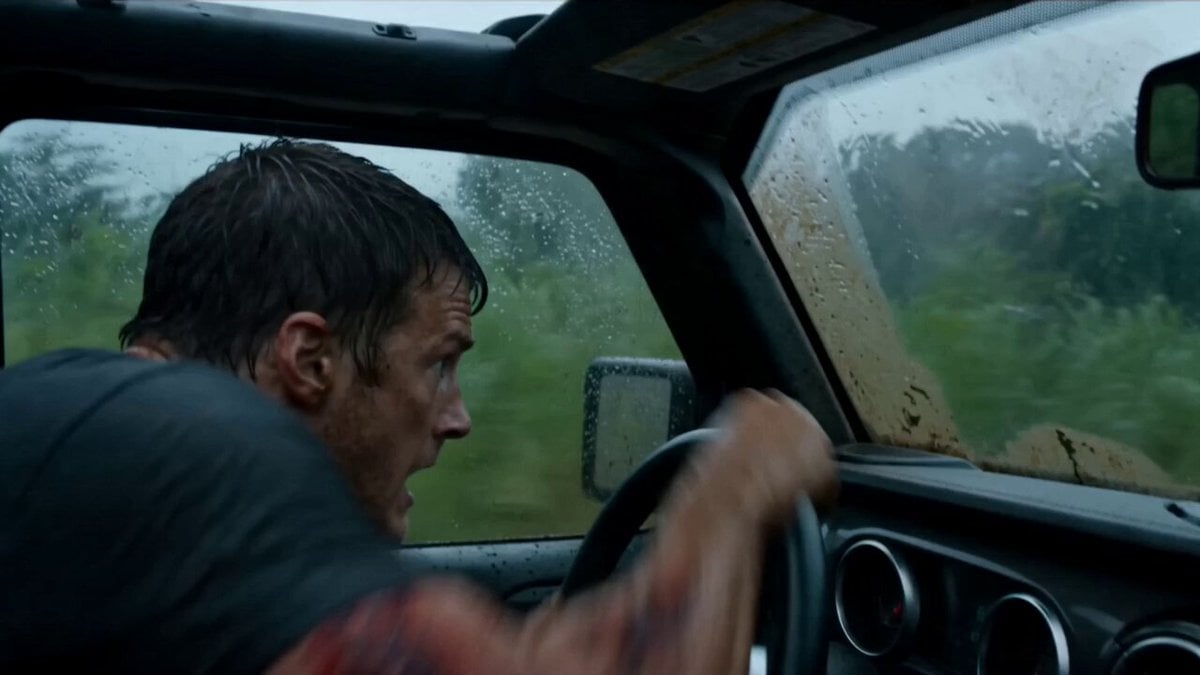
Alligator Mutant Rescue Scene
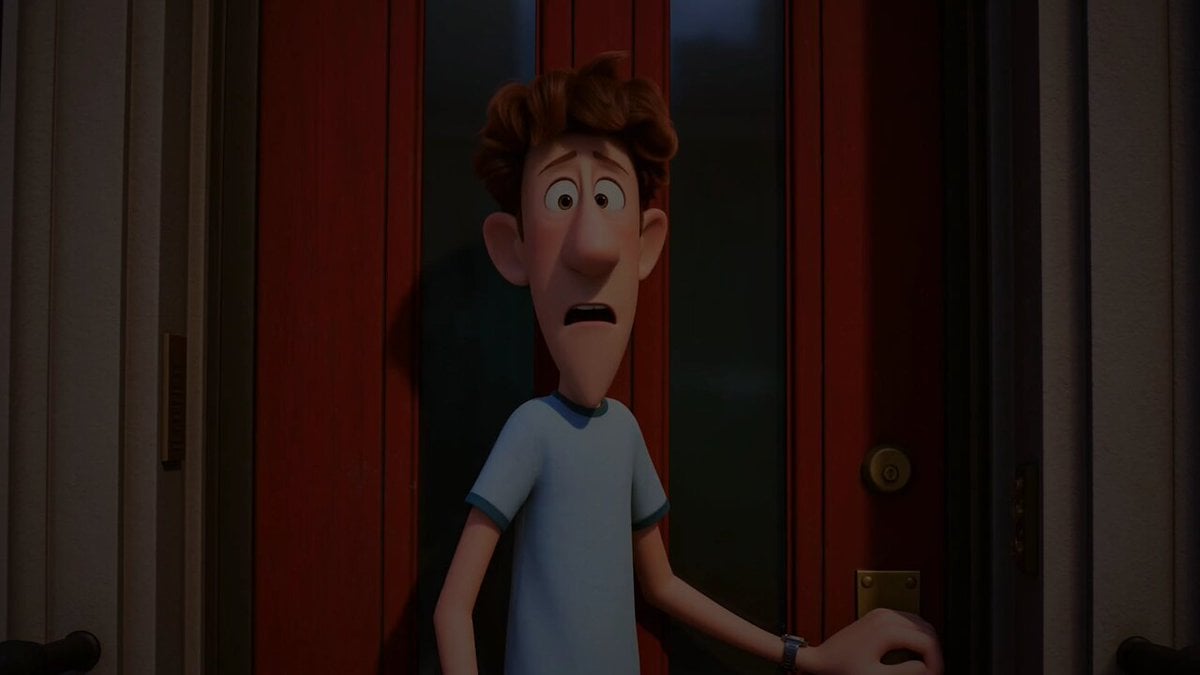
Pigeon Nemesis Pixar Animation Storyboard
Make it yours
Mermaid Rescue Cinematic Story works as-is. These are the safest ways to change it without losing the look.
Change one field
Copy a single group, rewrite it, and generate again so you can see what that field is doing.
Keep the frame, change the subject
Hold the composition and light of Mermaid Rescue Cinematic Story, then swap wardrobe, props or the person for a new take.
| If the result… | Why | Fix |
|---|---|---|
| The result drifts from the preview | Too many fields changed at once. | Reuse Mermaid Rescue Cinematic Story as-is first, then change one group — subject, light, or setting. |
| The model over-stylizes the scene | The prose prompt leaves finish and camera underspecified. | Add one camera or lighting sentence and stay on Seedance 2.0. |
More Seedance 2.0 templates
Other prompts made for Seedance 2.0.

Comical Martial Arts Punch Scene

Maglev Train Action Sequence

Martial Arts Fight Sequence

Wuxia Protection and Trust Script

Vintage Korean Arcade MiniDV Vlog

Mercedes 190 SL Luxury Ad

Rainy Night Supernatural Reverse Comedy Video Script

Amazon Civilization Discovery

Futuristic South Asian City Transformation

Cozy Luxury Cafe Commercial
More video prompts
Fresh picks from across the catalog.
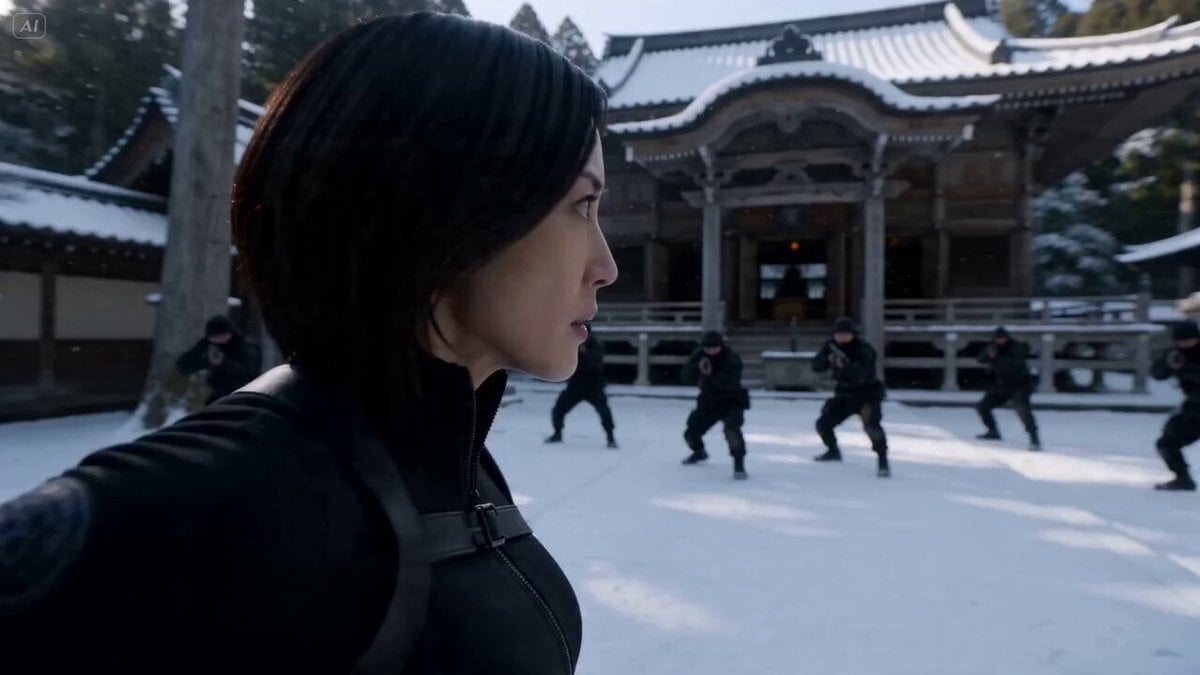
Cinematic Kunoichi Fight Video Prompt for Seedance 2.0
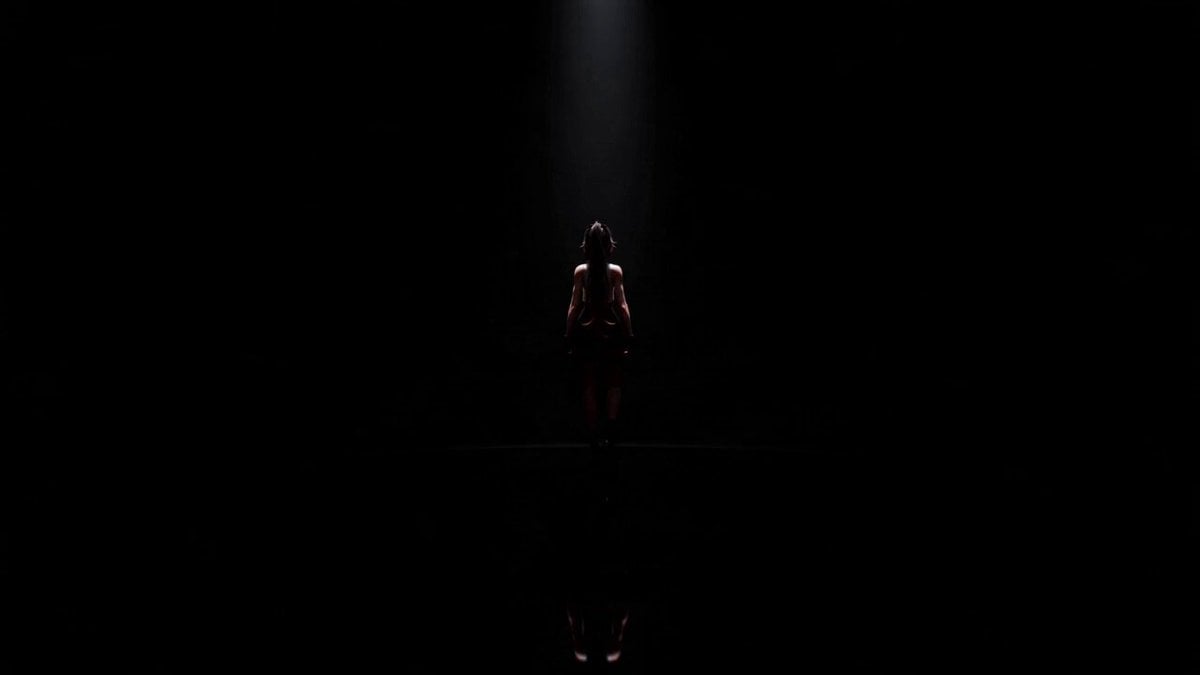
Cinematic Anime Idol Dance Routine
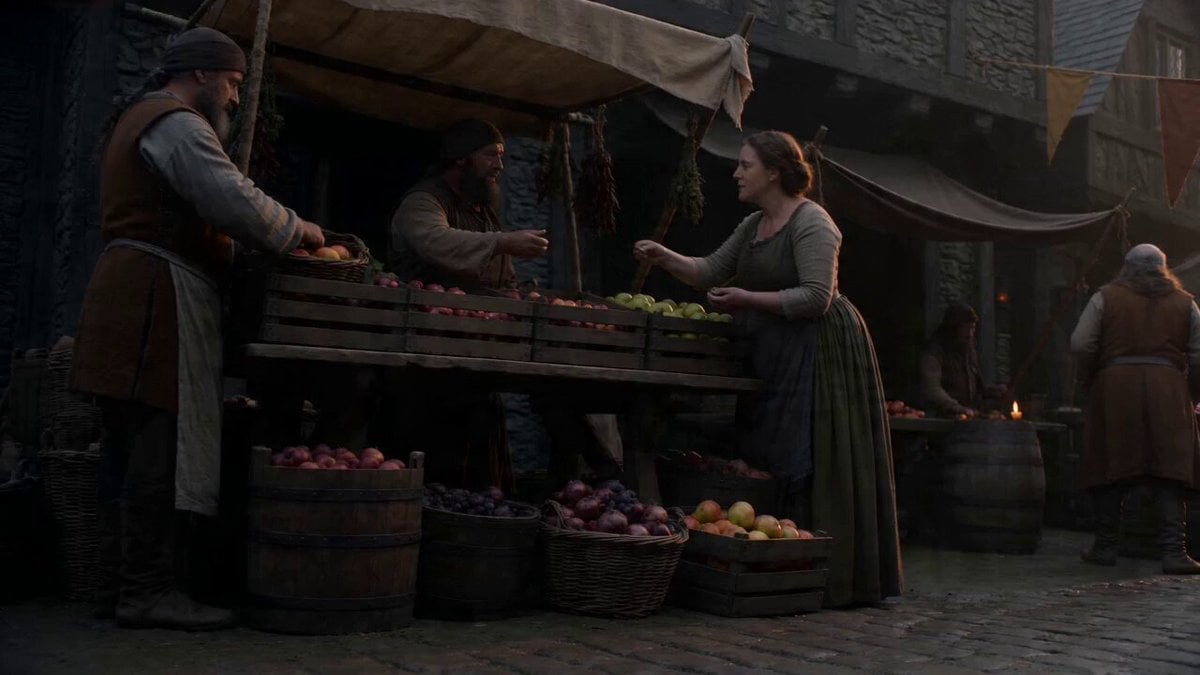
Cinematic Continuous Shot of Medieval Market
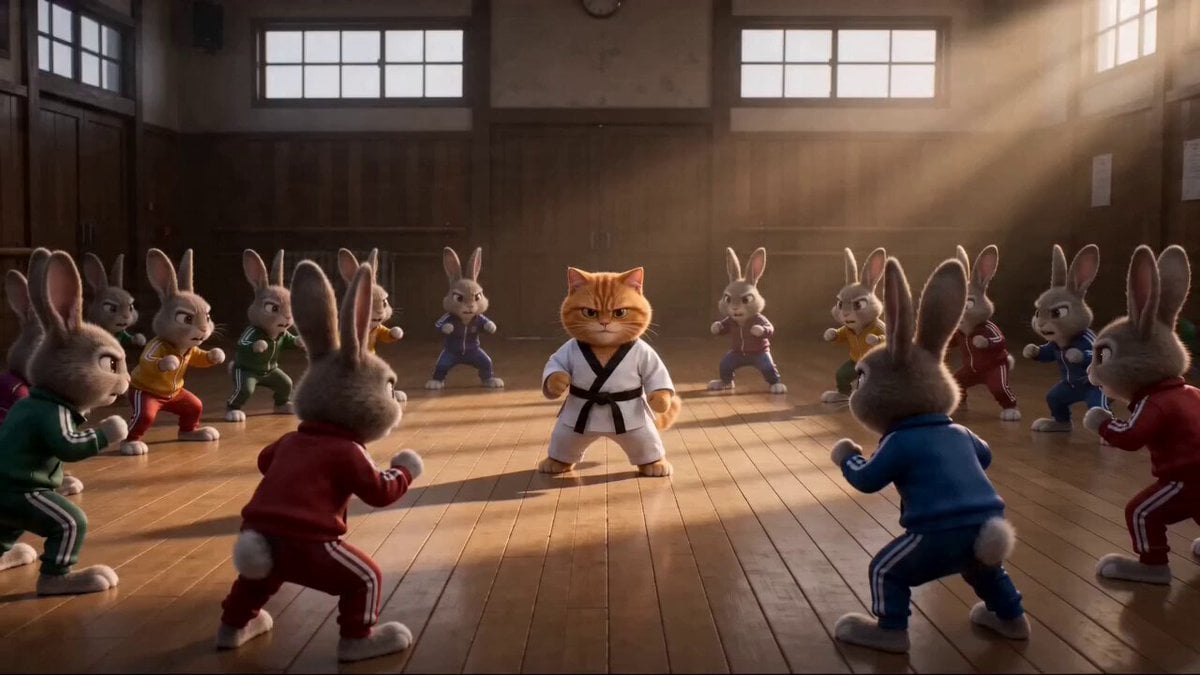
Epic Marvel Studios Tone Martial Arts Scene
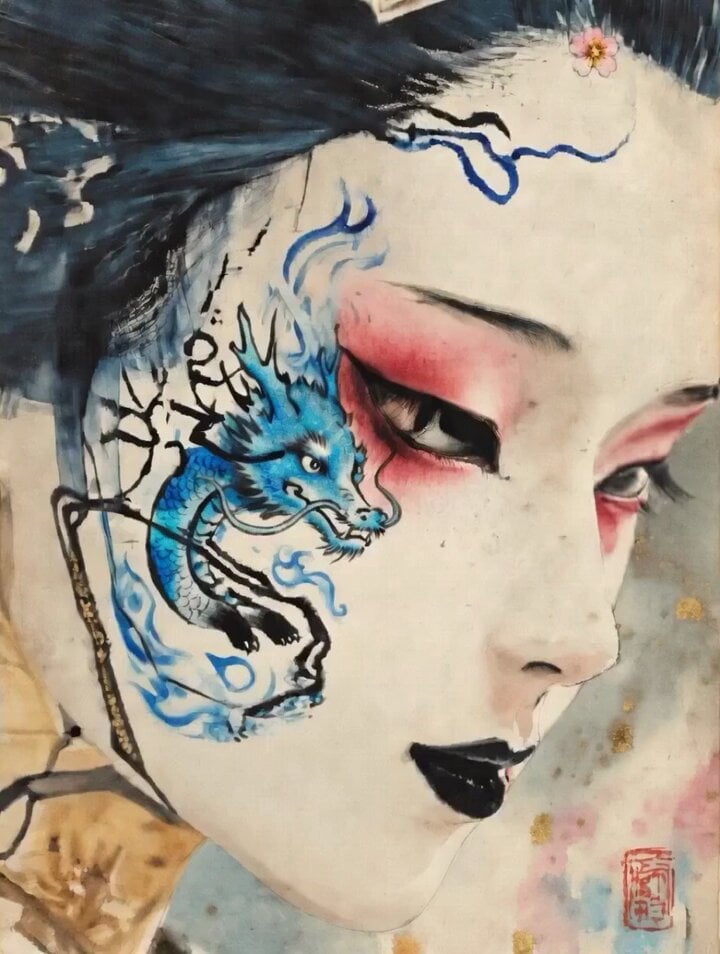
Dragon of Anger and Sorrow
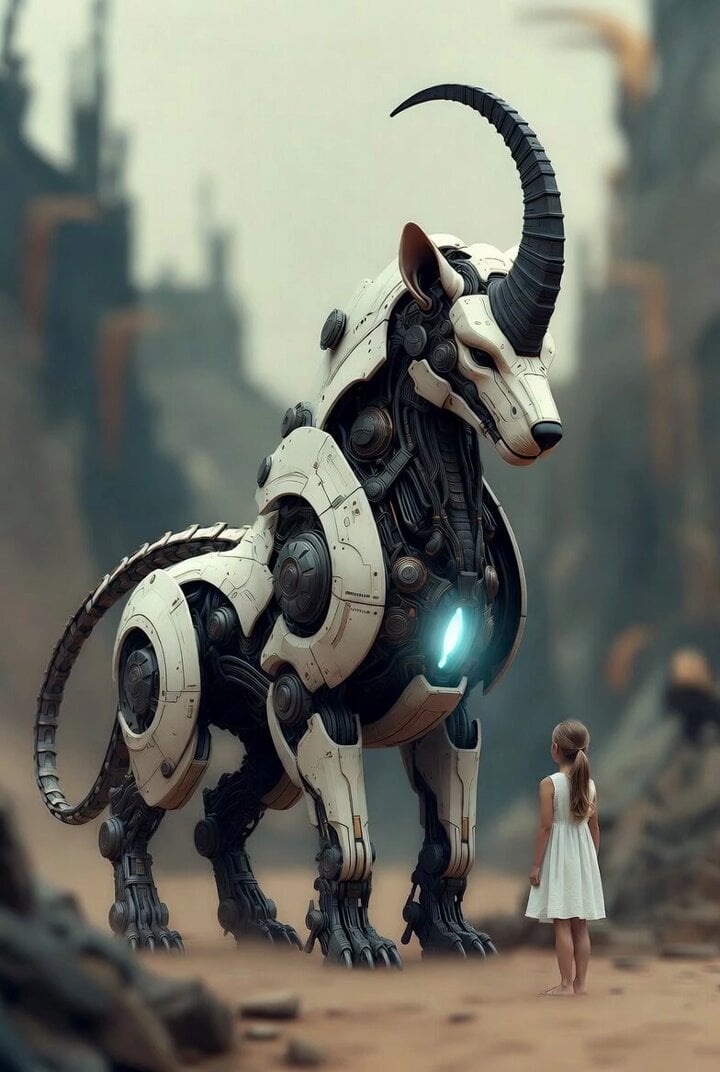
Surreal cyborg animal and young girl
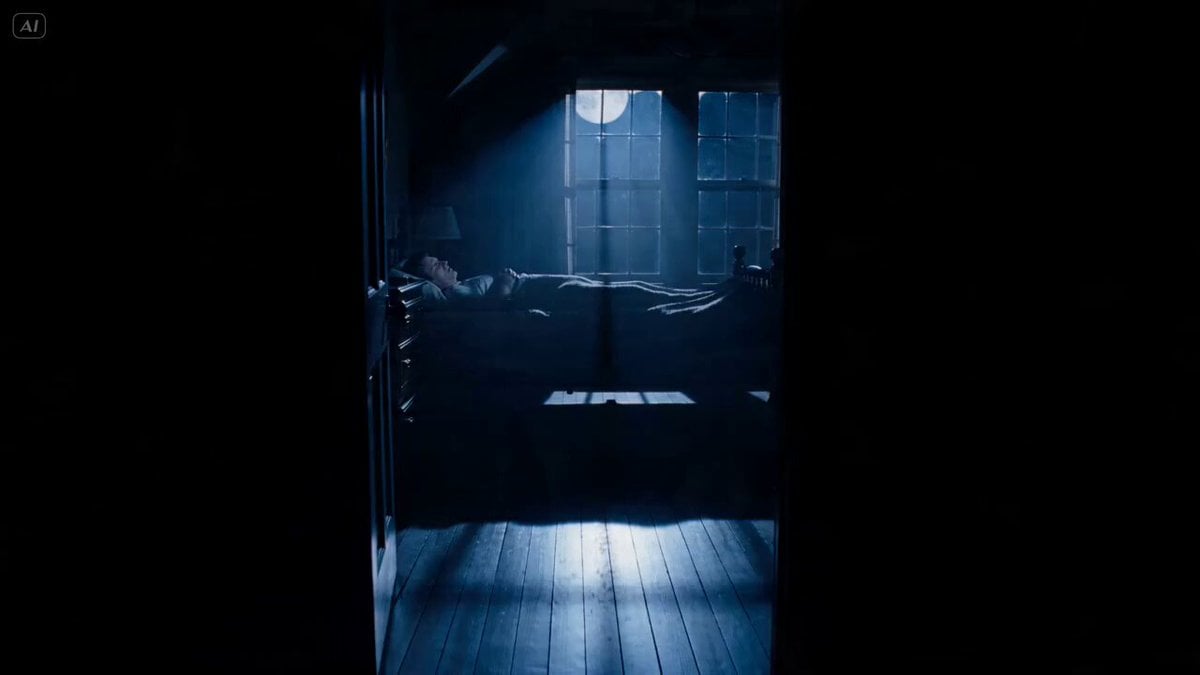
Psychological Horror Short Film
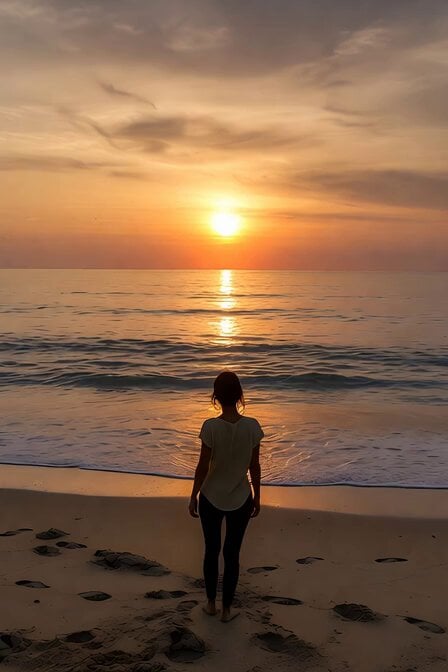
Serene Sunset Beach Scene
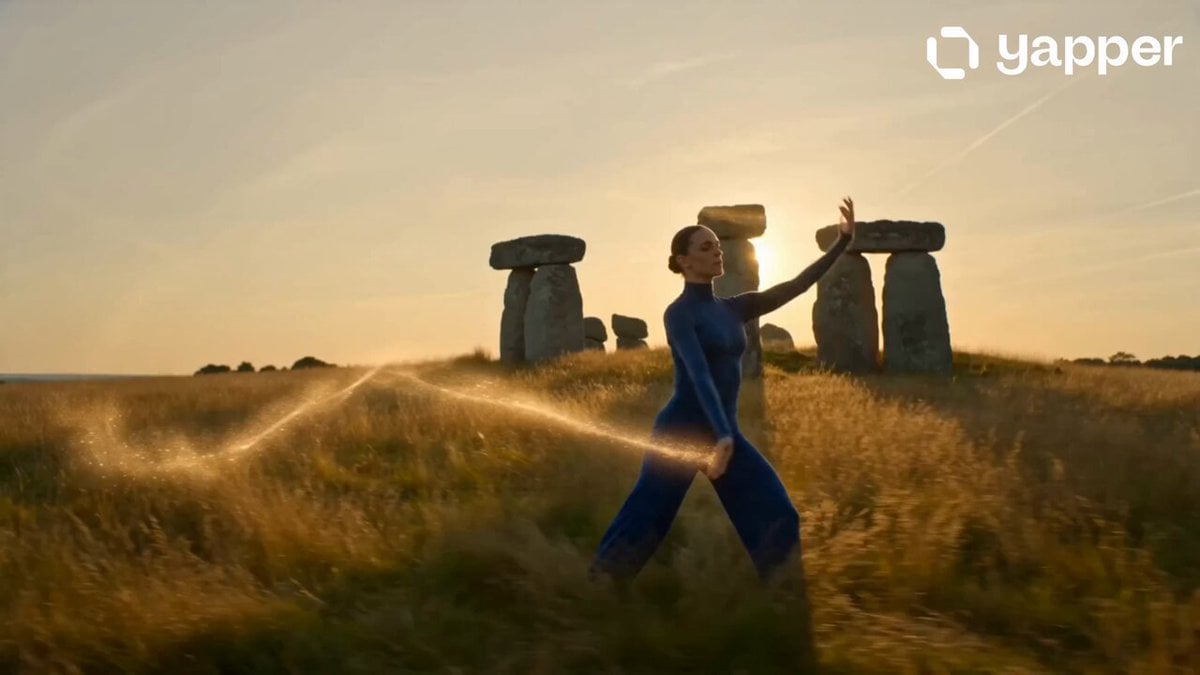
Cinematic Morning Lifestyle Commercial

Fire Goddess Rising from Lava
Browse template categories
Mermaid Rescue Cinematic Story questions
How do I use the Mermaid Rescue Cinematic Story template?
Add your photo if the template asks for one, edit the prompt if you like — the template's model and format are already selected — and press Generate. Your version opens in PicX Studio.
Can I customize the Mermaid Rescue Cinematic Story template?
Yes. You can change the subject, setting, lighting, mood, format, and available model controls before creating your video.
Is the Mermaid Rescue Cinematic Story template free?
Opening and editing this template is free. Generating uses credits, shown on the Generate button when you are signed in.
Which AI model should I use?
Start with Seedance 2.0, which is the model associated with this template. You can compare another compatible model for a different finish.
Looking for something else? Browse all templates.

Your photo, any look
Thousands of ready templates for every top image and video model, from one credit balance.