
Psychological Horror Short Film
A detailed 15-second cinematic horror prompt featuring a man investigating disturbing sounds in a dark house.
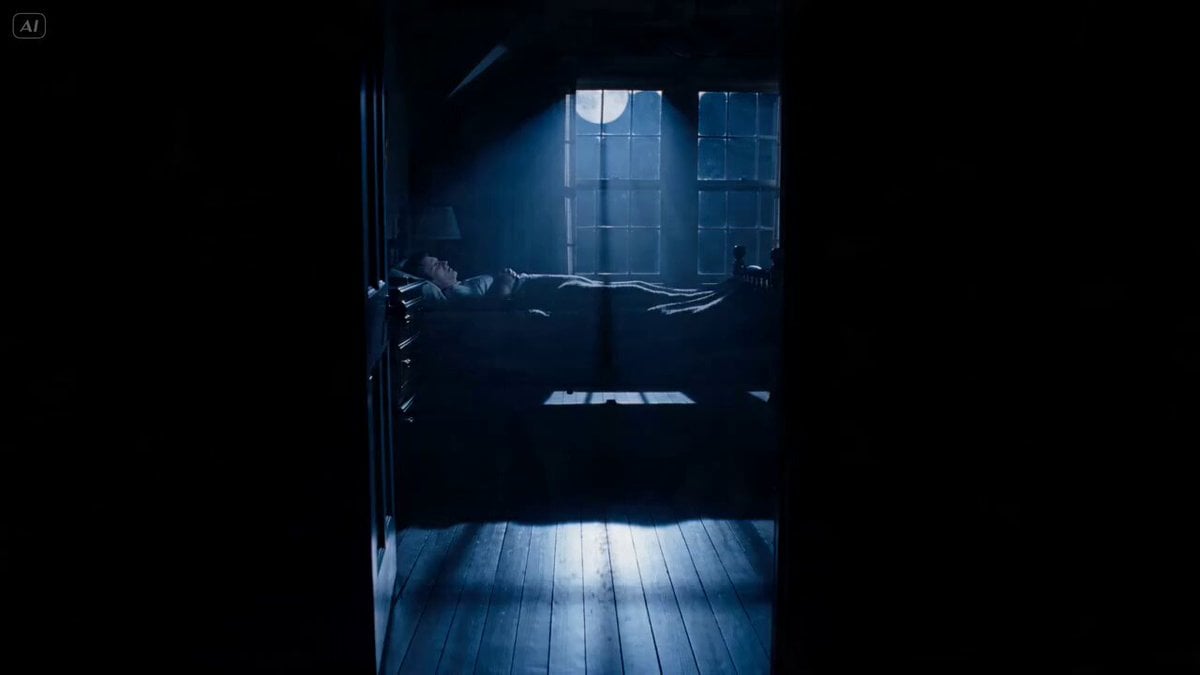
- Prompt included
- Model and format preset
- Premium template
The prompt behind this video
Copy the exact prompt behind Psychological Horror Short Film, or open it in the studio and make it yours.
Cinematic horror short film, 15 seconds, ultra-realistic, seamless continuous story progression, dark and suspenseful atmosphere, professional horror movie cinematography. 0s–2s The scene opens in a dark upstairs bedroom at night. A man is sleeping peacefully in bed. Soft moonlight enters through the window, creating long shadows across the room. The camera slowly glides from the doorway toward the bed in a smooth cinematic dolly shot. The house is completely silent. 2s–4s A faint disturbing crawling sound suddenly emerges from somewhere downstairs. The sound resembles wet claws slowly scraping across wooden floors. The sleeping man slightly reacts. The camera slowly pushes closer to his face. The sound grows louder and more unsettling. His eyes abruptly open. 4s–6s Close-up on his frightened expression. He listens carefully. Another crawling noise echoes from below. He slowly sits upright. The camera circles around him in a slow arc while the sounds continue moving somewhere beneath the bedroom floor. 6s–8s He cautiously gets out of bed. Tracking shot from behind as he walks toward the bedroom door. The camera follows closely over his shoulder. The hallway outside is dark. The crawling noises continue downstairs, sometimes stopping, then starting again from another location. 8s–11s He steps into the hallway and slowly approaches the staircase. The camera switches to a low-angle shot in front of him as he descends the stairs carefully. Every step creaks. The sound below becomes clearer and more aggressive. The camera alternates smoothly between: Over-the-shoulder tracking shots Side profile shots Low staircase shots looking upward Slow handheld movements that increase tension 11s–13s Reaching the bottom of the stairs, he stops. The camera slowly rotates around him. Horrific sounds suddenly begin coming from different rooms of the house—first the kitchen, then the living room, then directly behind him. Each sound is matched by subtle camera turns and quick pans toward the source, but nothing is visible. 13s–15s Total silence. The man stands frozen. Suddenly a deep demonic laugh erupts from upstairs inside the bedroom he just left. The camera instantly whips upward toward the staircase. At the top of the stairs, only darkness is visible. The laugh echoes through the house as the camera slowly pushes toward the darkness. Fade to black. Visual Style Realistic horror movie Psychological dread Smooth scene-to-scene flow No visible monster Dynamic camera work driven by sound direction Dark blue moonlit color grading Volumetric lighting Realistic shadows Slow tension build-up Hollywood horror cinematography Natural character movement Seamless transitions High detail, photorealistic, cinematic 24fps, suspenseful and terrifying atmosphere.
How to use Psychological Horror Short Film in 3 steps
- 1
Open
The prompt is already in the box next to the preview, with the template's model and format selected.
- 2…a portrait of your subject in softgolden-hour light, 85mm…
Personalize
Edit the subject and creative details for your destination.
- 3Generate
Generate
Press Generate — your video is created in PicX Studio, so you can compare it with the original and refine one variable at a time.
More like this
Templates with the same subject, style or setup. Open one to see its prompt.
Youth Racing Short Film
Ghost Lore Horror Short Film
Top-Down Psychological Short Film
Horror Short Film Concept

3D Animated Newspaper Delivery Short - Seedance 2.5
Horror Short Guesthouse Box
Hospital Car Park Dialogue Lip Sync
Global Flower Thank-You Film

Mechanical Flower Bloom Brand Film

Oceanic Civilization Epic Sci-Fi Film

Floating Desert Museum Cinematic Film
Haute Couture Dream Bokeh Film
Make it yours
Psychological Horror Short Film works as-is. These are the safest ways to change it without losing the look.
Change one field
Copy a single group, rewrite it, and generate again so you can see what that field is doing.
Keep the frame, change the subject
Hold the composition and light of Psychological Horror Short Film, then swap wardrobe, props or the person for a new take.
| If the result… | Why | Fix |
|---|---|---|
| The result drifts from the preview | Too many fields changed at once. | Reuse Psychological Horror Short Film as-is first, then change one group — subject, light, or setting. |
| The model over-stylizes the scene | The prose prompt leaves finish and camera underspecified. | Add one camera or lighting sentence and stay on Seedance 2.0. |
More Seedance 2.0 templates
Other prompts made for Seedance 2.0.

Comical Martial Arts Punch Scene

Maglev Train Action Sequence

Martial Arts Fight Sequence

Wuxia Protection and Trust Script

Vintage Korean Arcade MiniDV Vlog

Mercedes 190 SL Luxury Ad

Rainy Night Supernatural Reverse Comedy Video Script

Amazon Civilization Discovery

Futuristic South Asian City Transformation

Cozy Luxury Cafe Commercial
More video prompts
Fresh picks from across the catalog.
Video generation prompt for a cosmic zoom
Surrealist Fashion Crystal Lotus
Armored Truck Desert Chase
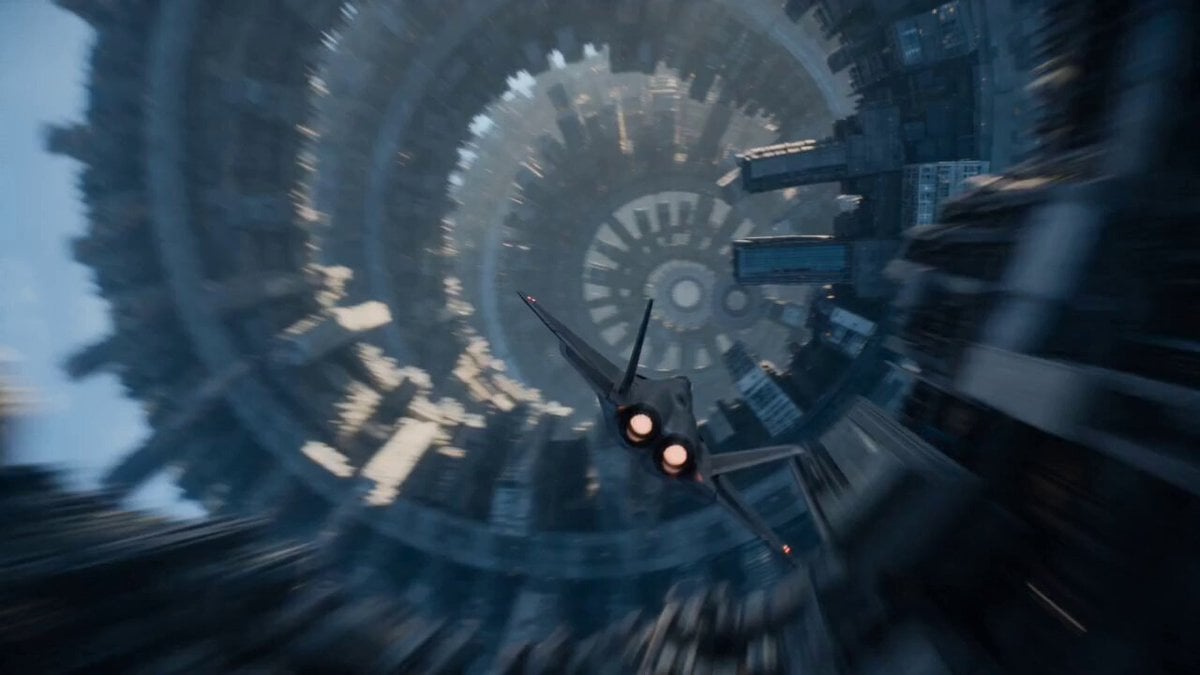
Sci-Fi Fighter Ring World Escape
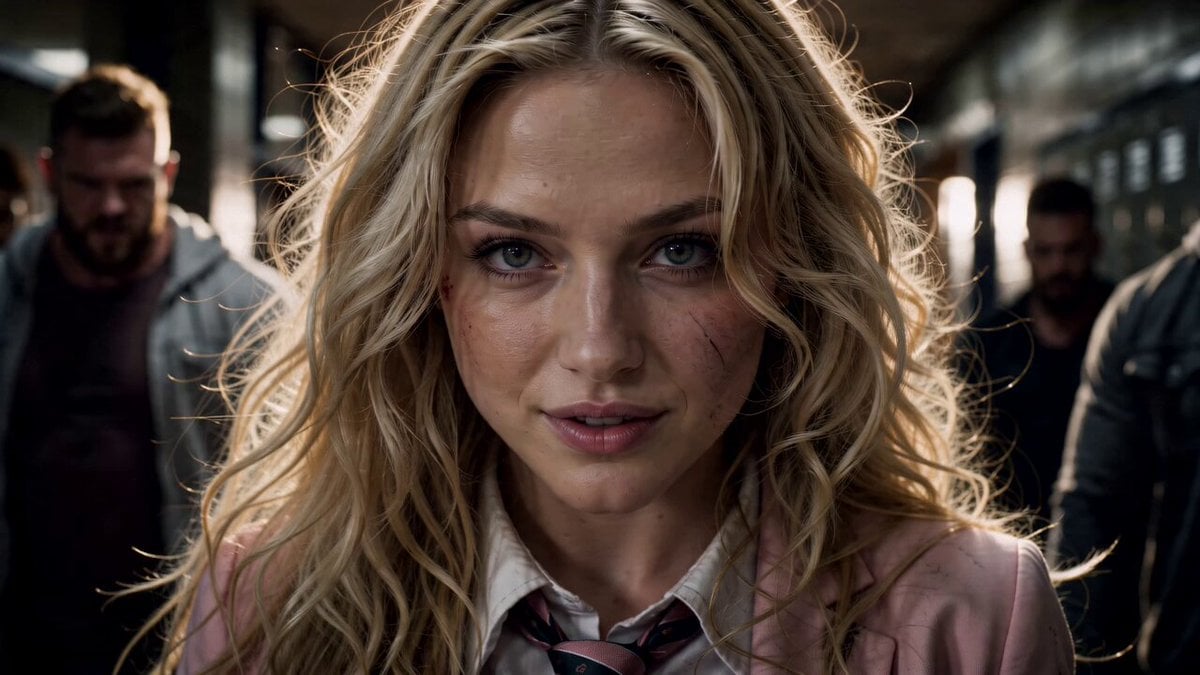
High School Hallway Fight
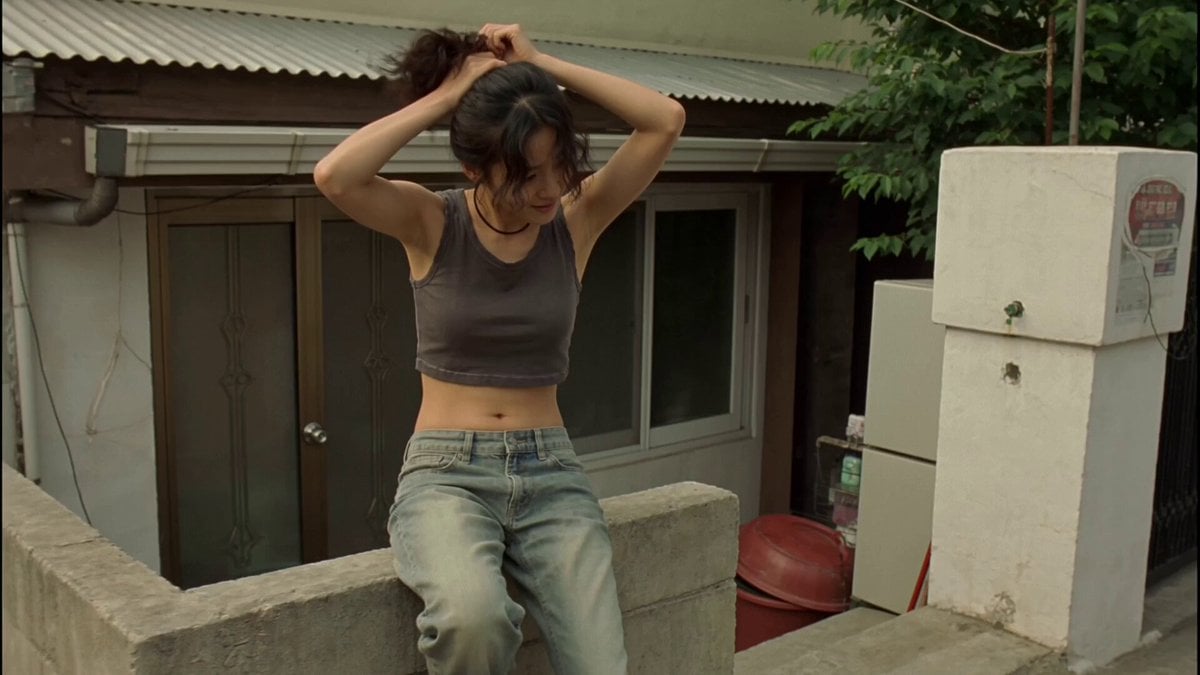
Nostalgic Korean DV Aesthetic Video Prompt

Cinematic Ancient Palace Beauty Close-up
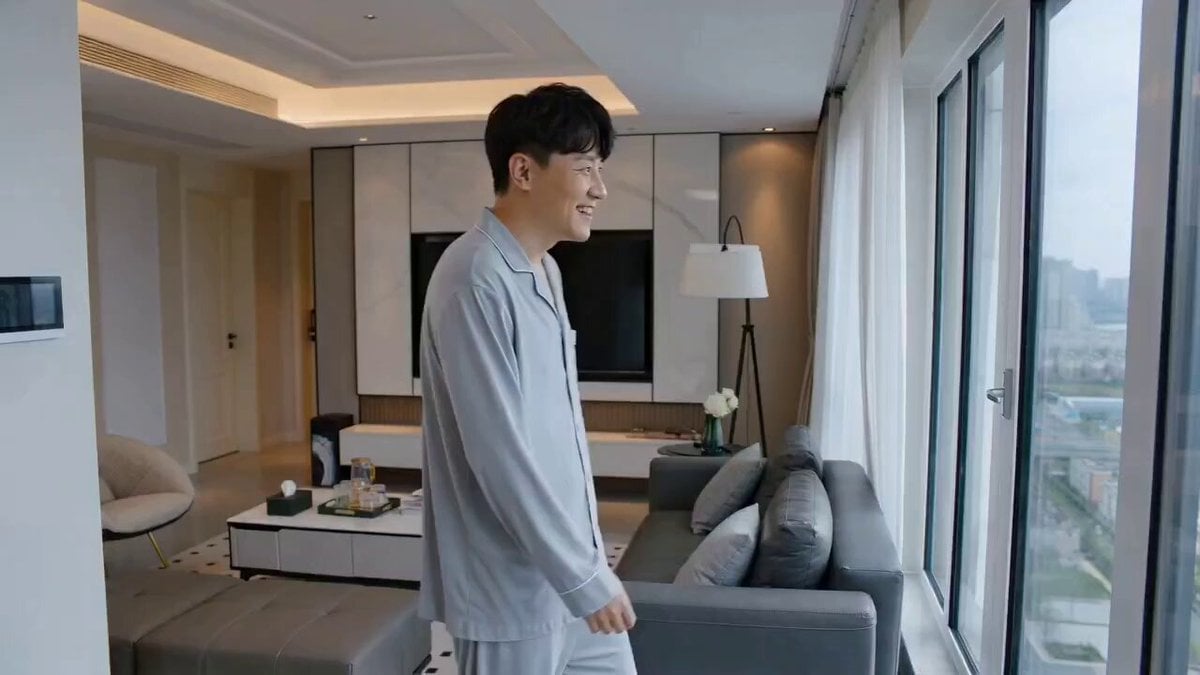
Novel Expansion: Husband Reports Gatekeeper
Scene Lock Timelapse Continuity

Extended Multi-Shot Xianxia Battle Sequence
Browse template categories
Psychological Horror Short Film questions
How do I use the Psychological Horror Short Film template?
Add your photo if the template asks for one, edit the prompt if you like — the template's model and format are already selected — and press Generate. Your version opens in PicX Studio.
Can I customize the Psychological Horror Short Film template?
Yes. You can change the subject, setting, lighting, mood, format, and available model controls before creating your video.
Is the Psychological Horror Short Film template free?
Opening and editing this template is free. Generating uses credits, shown on the Generate button when you are signed in.
Which AI model should I use?
Start with Seedance 2.0, which is the model associated with this template. You can compare another compatible model for a different finish.
Looking for something else? Browse all templates.

Your photo, any look
Thousands of ready templates for every top image and video model, from one credit balance.