
Horror Short Guesthouse Box
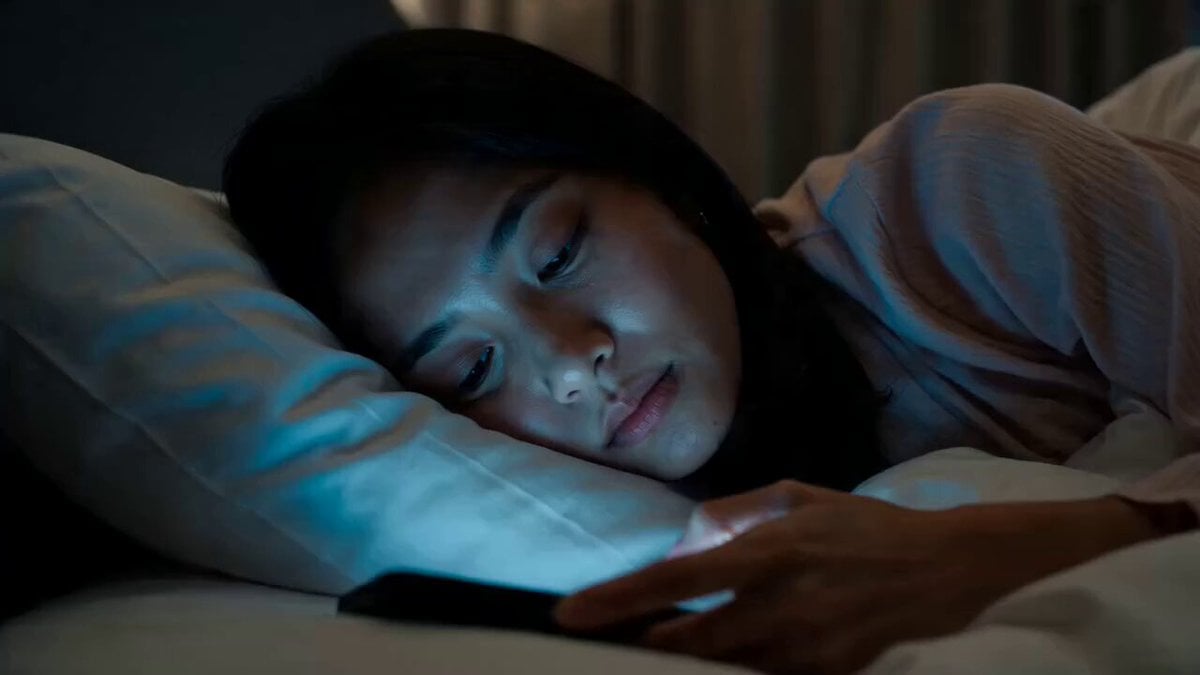
A multi-shot horror storyboard prompt about a character finding a mysterious black box outside a guesthouse at night, focusing on suspenseful pacing and low-light cinematography.
- Prompt included
- Model and format preset
- Premium template
The prompt behind this video
Copy the exact prompt behind Horror Short Guesthouse Box, or open it in the studio and make it yours.
CHARACTER : [REFERENCE IMAGE] wearing casual home clothes, hair loose, relaxed expression LOCATION A small modern guesthouse room at night, clean minimalist interior with smooth neutral walls, simple contemporary furniture and a low platform bed with crisp linen sheets, a soft warm LED strip and a slim modern lamp giving dim light, a flush modern door across the room, and just outside that door an open-air walkway of a modern boutique guesthouse with clean concrete flooring, a sleek glass and metal railing, minimalist planters, and soft recessed downlights glowing along the ceiling, dark quiet night beyond STYLE Cinematic realistic horror short film, multishot with clean cuts between distinct camera setups, ARRI Alexa Mini LF, Cooke S7/i anamorphic prime, shallow cinematic depth, low-light night interior, desaturated cool palette with warm accents, Kodak Vision3 250D grade, fine natural 35mm grain, deep shadow falloff, photorealistic, unhurried naturalistic pacing SHOT Shot 1 Extreme close-up on the character's face lying sideways on the bed in the dark, eyes half-lidded and lazily scrolling, the cold blue phone glow flickering across their skin, calm and sleepy, then a doorbell suddenly rings offscreen and their eyes snap wide open with a startled flinch, they slowly push the blanket aside and sit up on the edge of the bed without hurrying, looking toward the door with a confused frown. Shot 2 Tracking shot following behind the character as they walk slowly and calmly across the dark room toward the door, and while still walking they speak uneasily "I didn't order anything, who is that". Shot 3 Close-up on the character's hand slowly turning the modern door handle and pulling the door open into the dark night outside. Shot 4 Shot from outside on the open-air walkway looking back at the character standing in the lit doorway facing outward, a plain black box clearly visible sitting on the concrete floor just outside the door at their feet, the character leans their head out past the doorframe and looks outward to the left along the empty walkway then turns and looks outward to the right, searching the dark night and finding nobody there, then finally lowers their gaze down to the black box at their feet. Shot 5 Low angle close-up on the plain black box sitting on the floor outside at the character's feet, then the character crouches down into frame, hesitates a moment, and picks it up with both hands. Shot 6 Medium shot inside the room as the character carries the black box to the bed and sets it down carefully on the mattress, then kneels beside it leaning over the box and reaches for the lid. Shot 7 The view from inside the box looking upward in total darkness, the lid lifting open to reveal the character's face peering down into the box from above lit from the side, first puzzled and frowning as they try t
How to use Horror Short Guesthouse Box in 3 steps
- 1Upload ImagePNG, JPG or paste
Add your photo
Upload the photo the template builds on. The prompt, model and format are already set.
- 2…a portrait of your subject in softgolden-hour light, 85mm…
Personalize
Edit the subject and creative details for your destination.
- 3Generate
Generate
Press Generate — your video is created in PicX Studio, so you can compare it with the original and refine one variable at a time.
More like this
Templates with the same subject, style or setup. Open one to see its prompt.

Jack-in-the-Box Horror Reveal
3D Animated Newspaper Delivery Short - Seedance 2.5
Youth Racing Short Film
Ghost Lore Horror Short Film
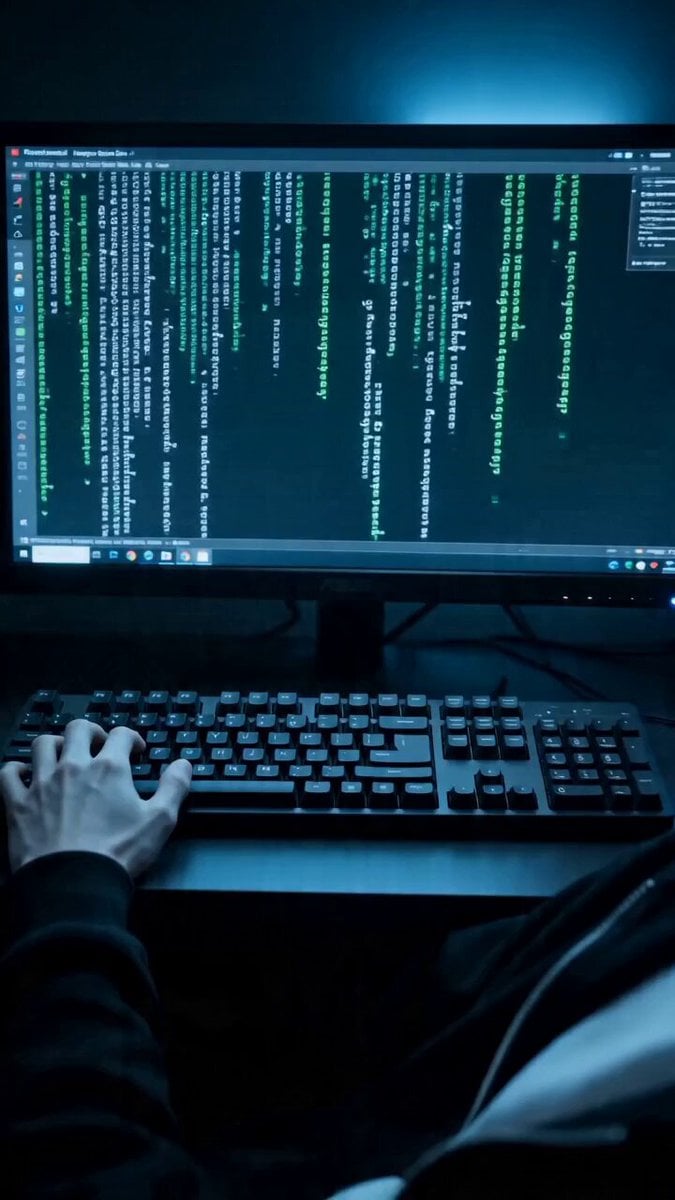
Seedance 2.0 Short Horror Drama Prompt: 'Echo Program'
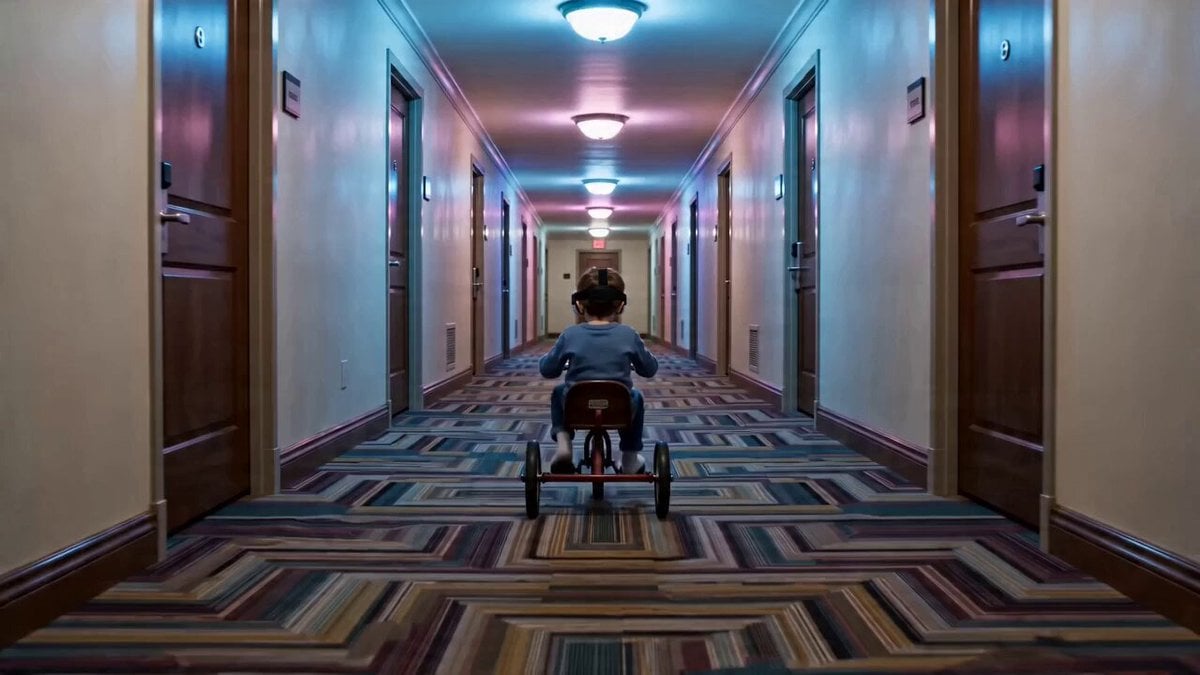
Digital Claustrophobia: The Shining Horror Short
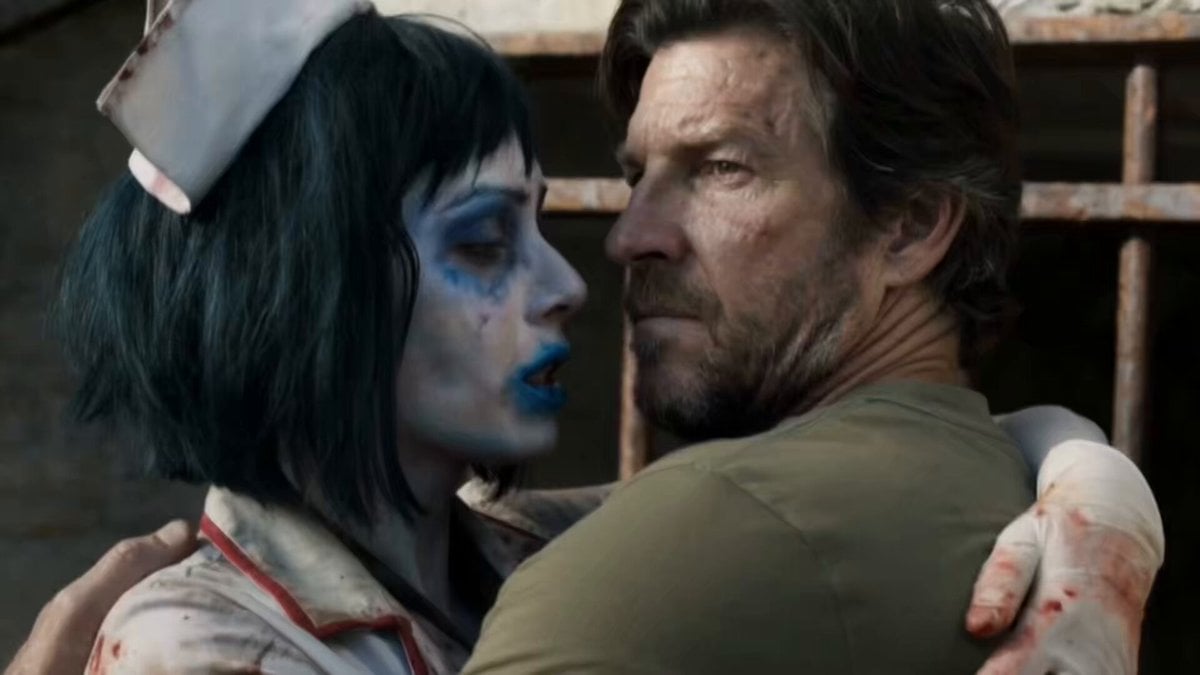
Horror Short Film Concept
Rainforest Thriller — Searching the Unseen
Chibi Cave Adventure — He Doesn't Know What's Coming

Photorealistic Arena Boxing Fight
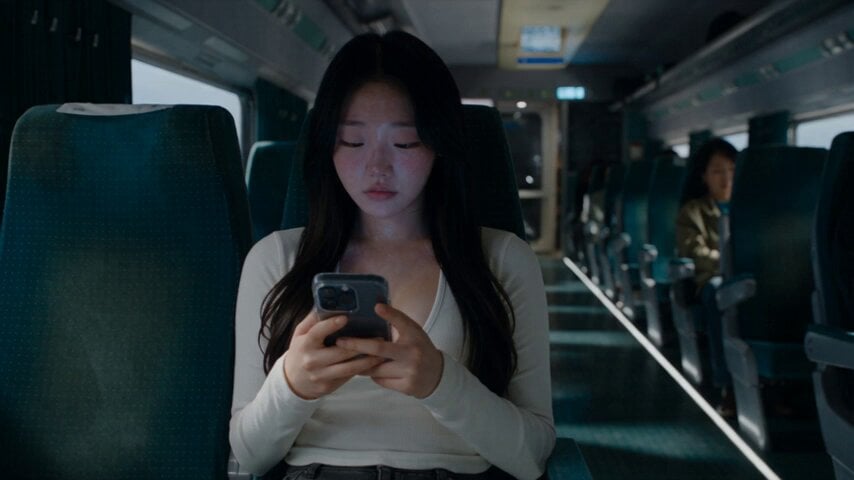
Last Ride Train Outbreak Horror
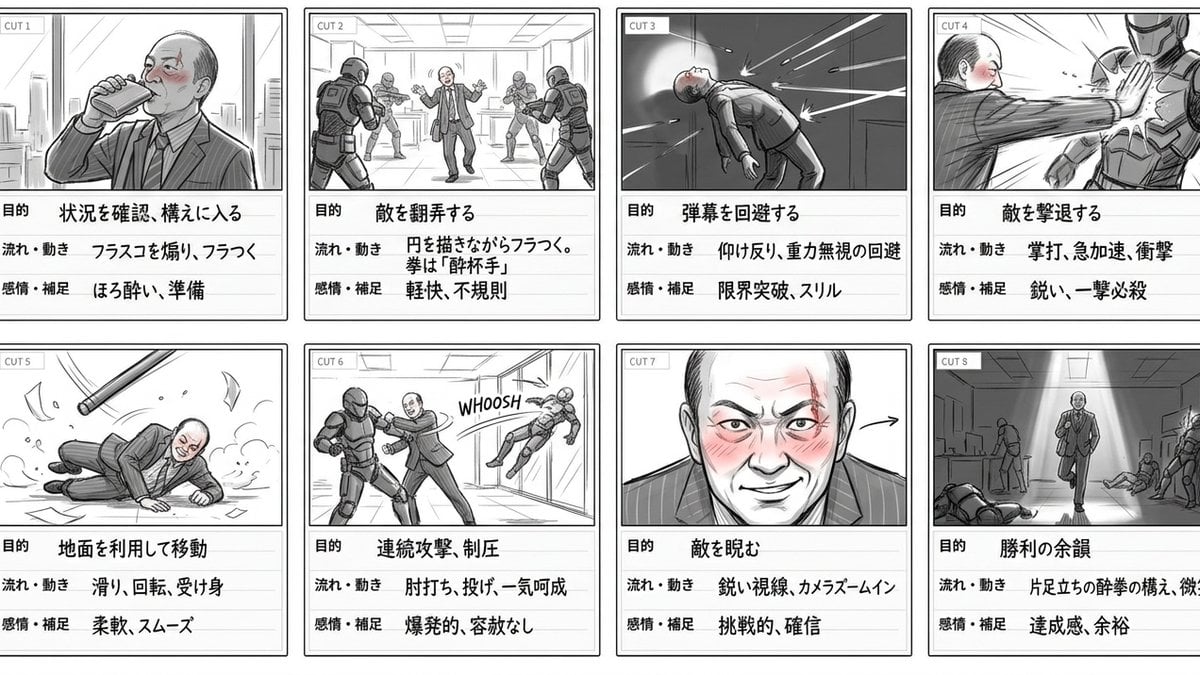
Drunken Boxing Sequence with Multi-Image Reference
Make it yours
Horror Short Guesthouse Box works as-is. These are the safest ways to change it without losing the look.
Change one field
Copy a single group, rewrite it, and generate again so you can see what that field is doing.
Keep the frame, change the subject
Hold the composition and light of Horror Short Guesthouse Box, then swap wardrobe, props or the person for a new take.
| If the result… | Why | Fix |
|---|---|---|
| The result drifts from the preview | Too many fields changed at once. | Reuse Horror Short Guesthouse Box as-is first, then change one group — subject, light, or setting. |
| The model over-stylizes the scene | The prose prompt leaves finish and camera underspecified. | Add one camera or lighting sentence and stay on Seedance 2.0. |
More Seedance 2.0 templates
Other prompts made for Seedance 2.0.

Comical Martial Arts Punch Scene

Maglev Train Action Sequence

Martial Arts Fight Sequence

Wuxia Protection and Trust Script

Vintage Korean Arcade MiniDV Vlog

Mercedes 190 SL Luxury Ad

Rainy Night Supernatural Reverse Comedy Video Script

Amazon Civilization Discovery

Futuristic South Asian City Transformation

Cozy Luxury Cafe Commercial
More video prompts
Fresh picks from across the catalog.
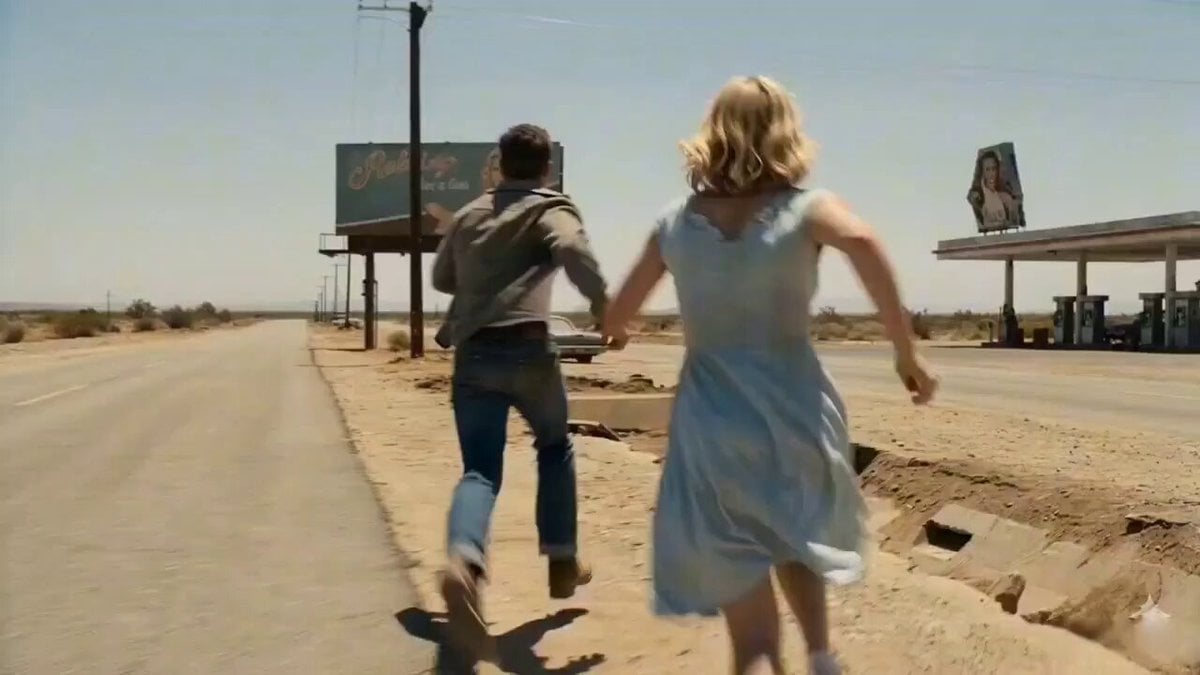
Cinematic Giant Insect Horror Short Film Prompt
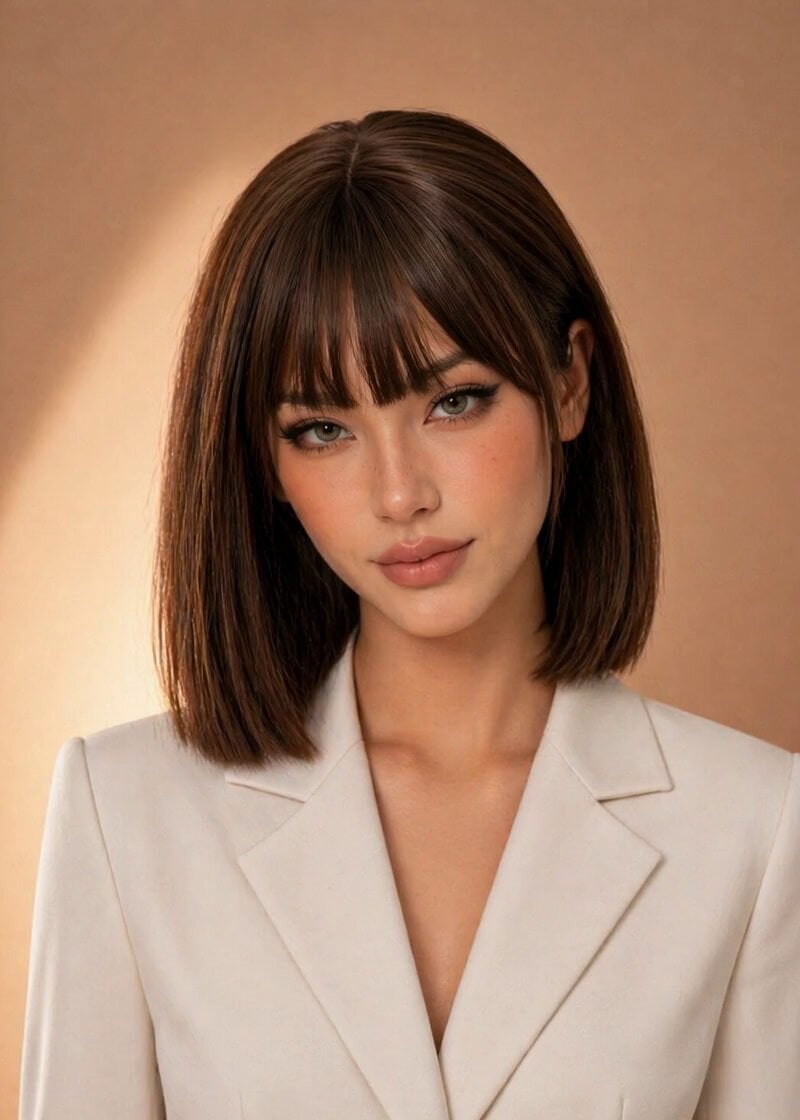
Professional News Anchor Simulation
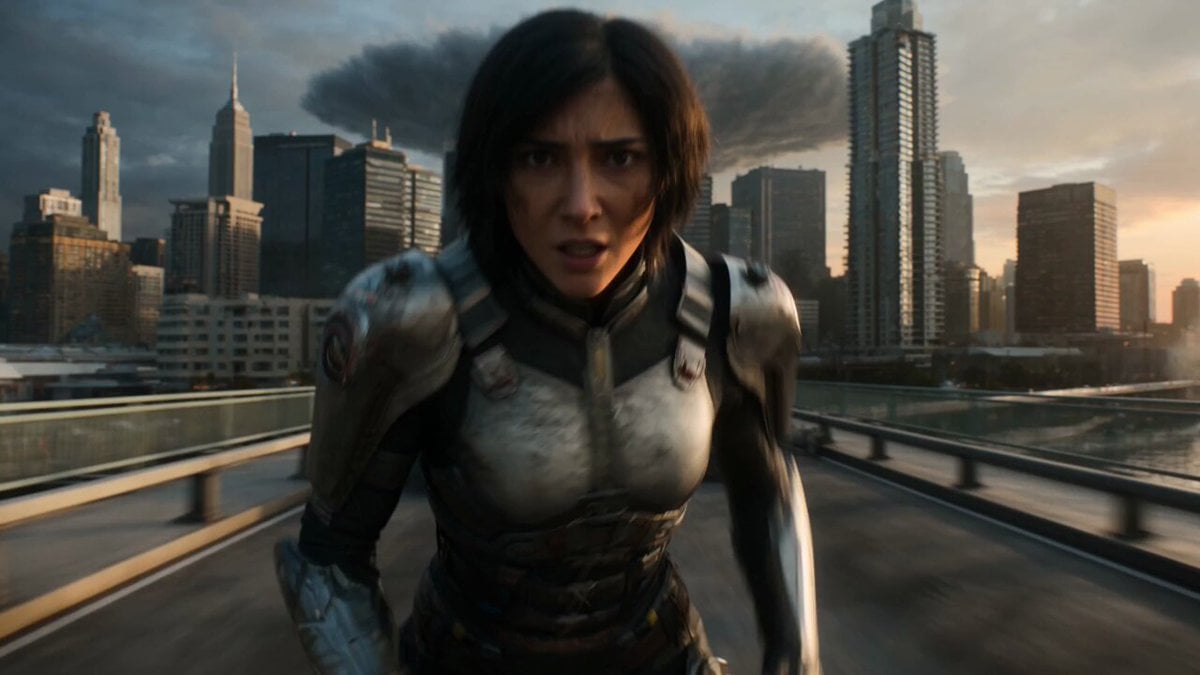
Epic Fantasy City Destruction Chase
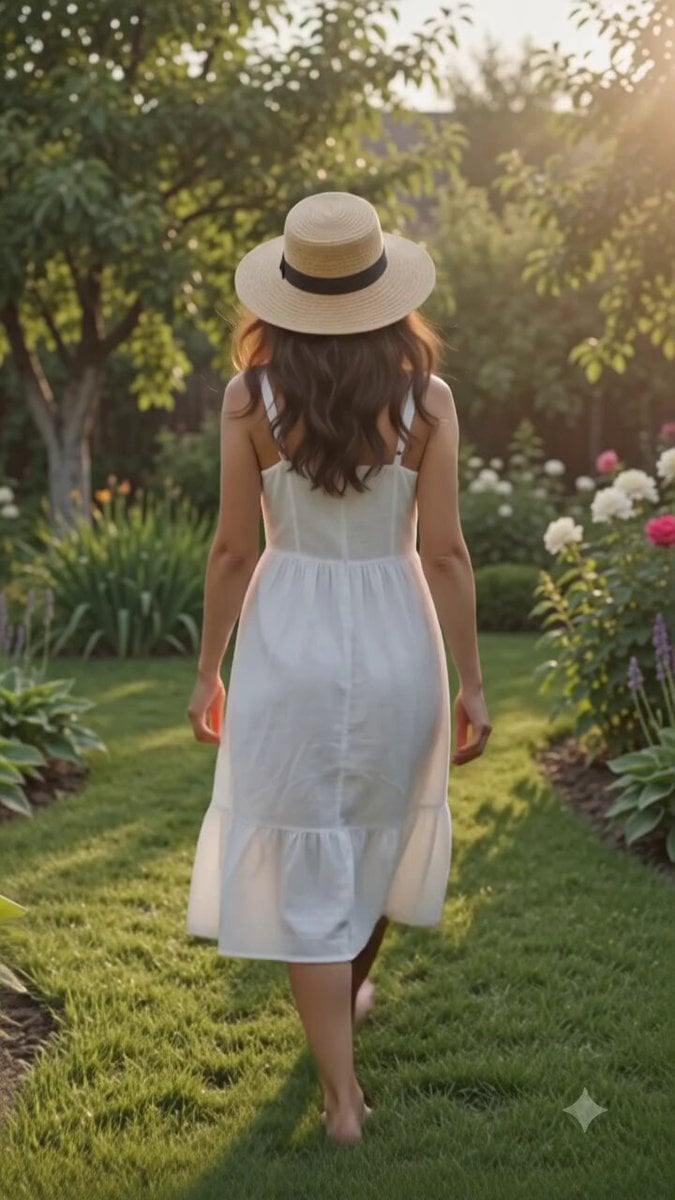
Cinematic Golden Hour Garden Walk
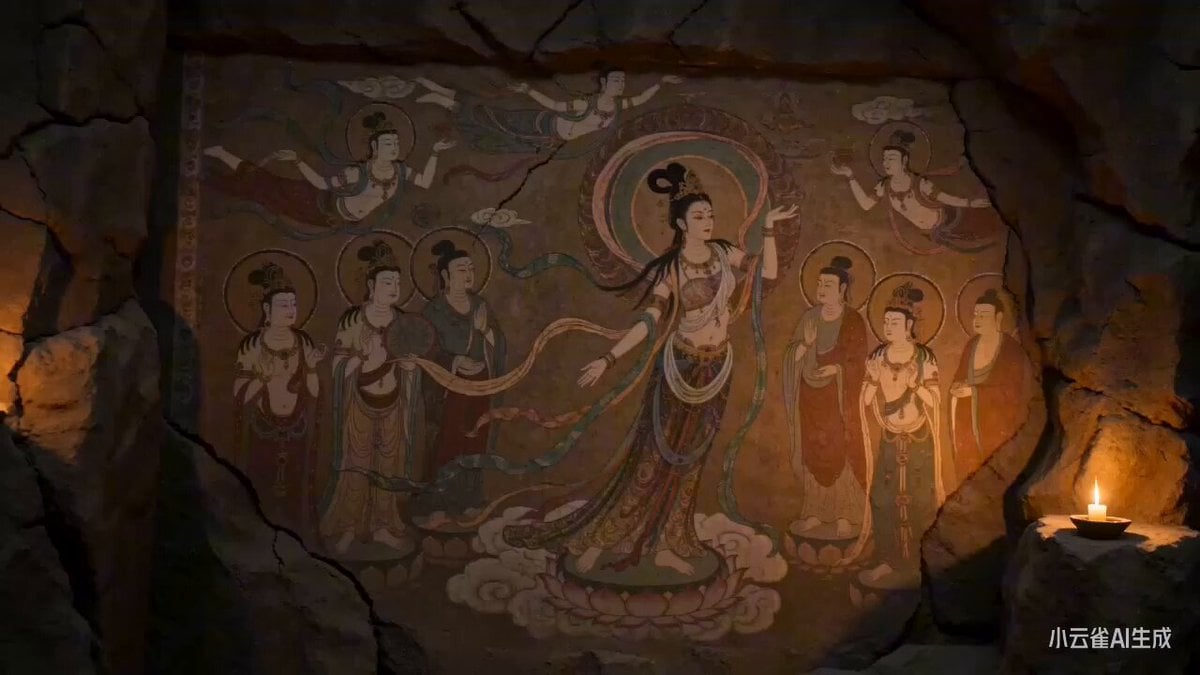
Dunhuang Mural Apsara Goddess Comes to Life
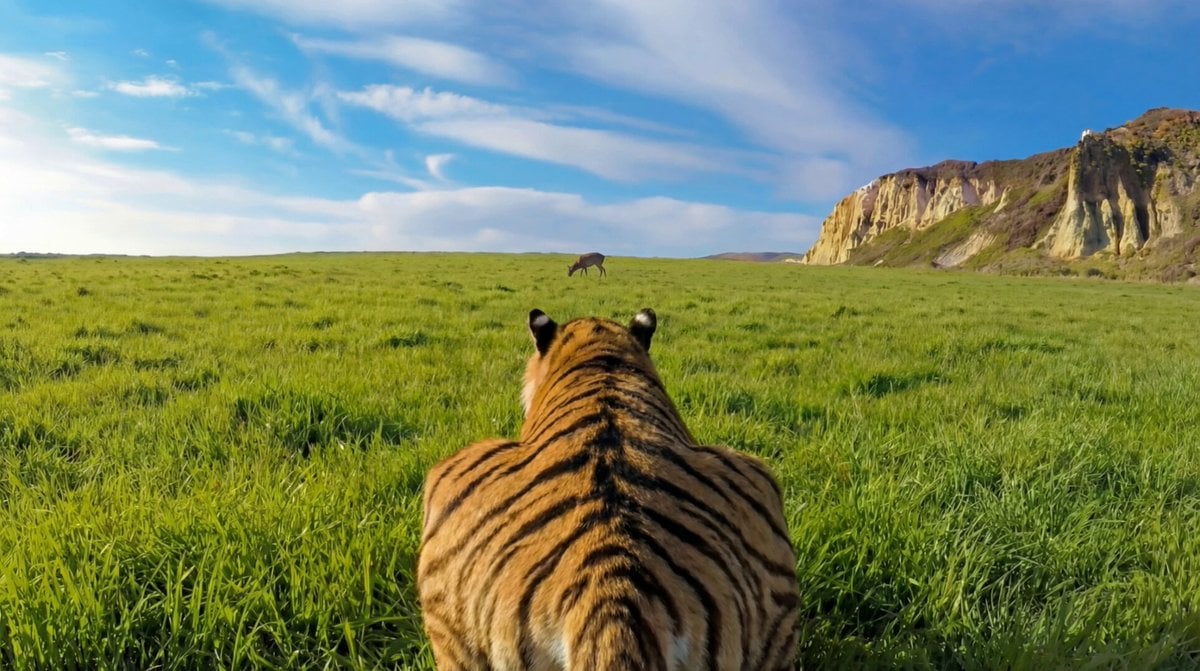
Ultra-Realistic Continuous Tiger Chase Shot Prompt
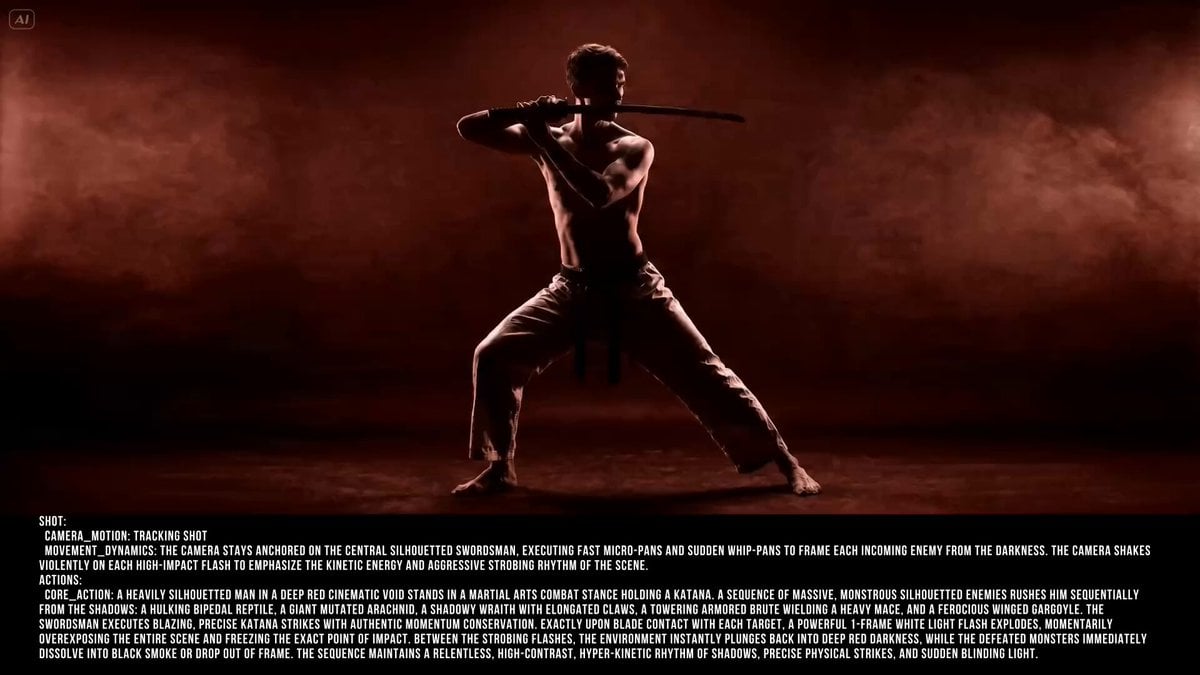
Silhouetted Swordsman Combat Prompt
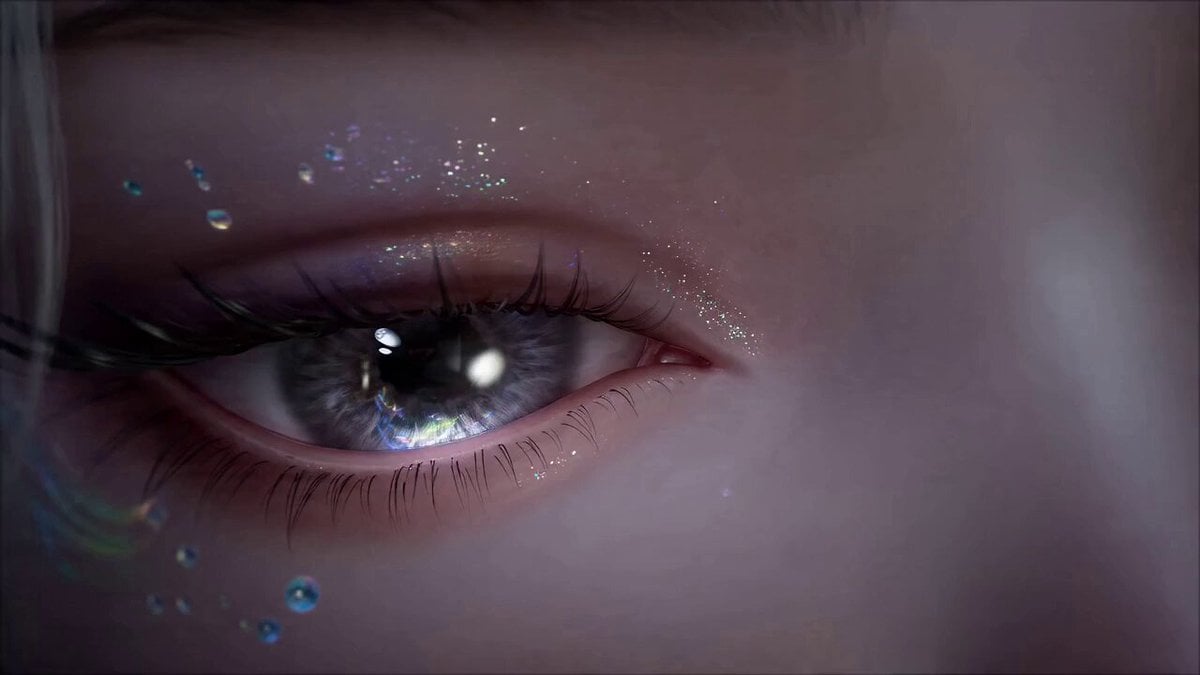
Seedance 2.0 Chinese Fantasy CG Prompt: Painter Immortal
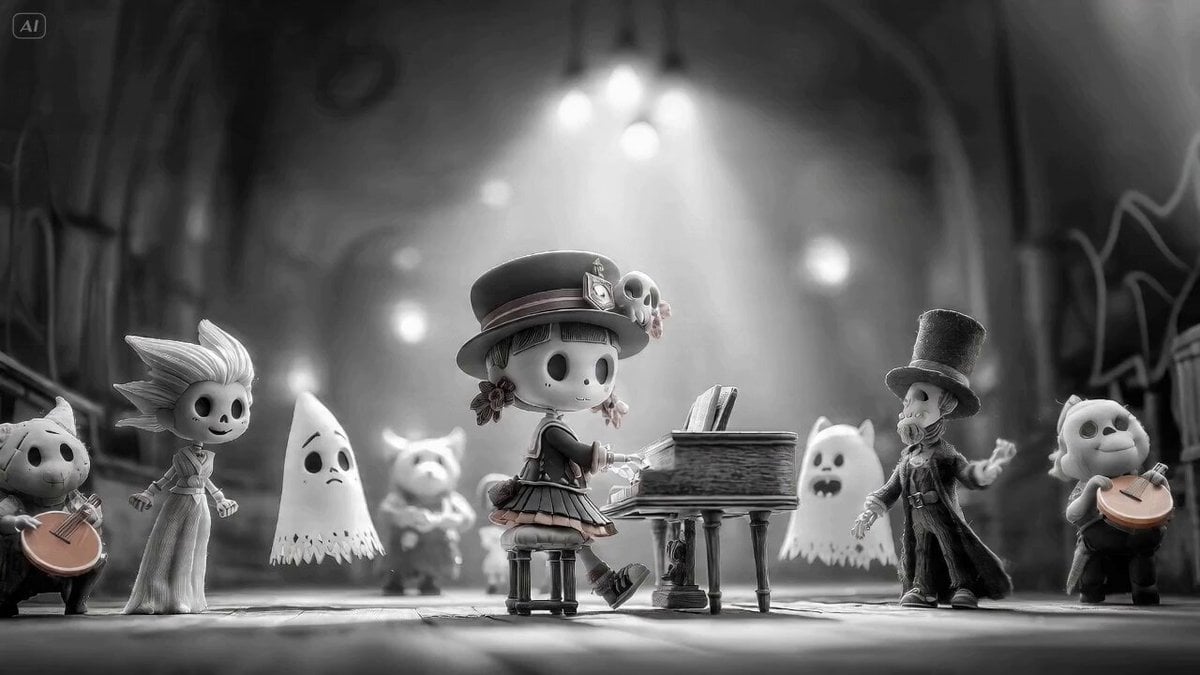
Seedance 2.0 prompt for a monster choir with black-and-white to color transition
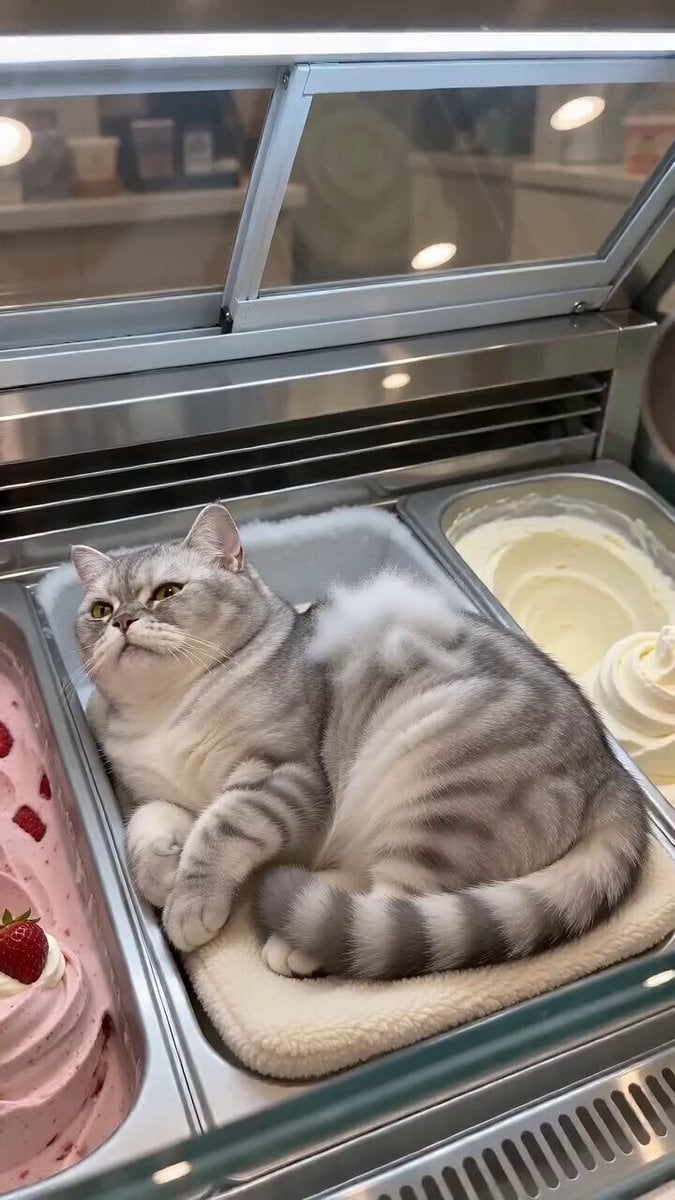
Cat Ice Cream Shop Magic Trick
Browse template categories
Horror Short Guesthouse Box questions
How do I use the Horror Short Guesthouse Box template?
Add your photo if the template asks for one, edit the prompt if you like — the template's model and format are already selected — and press Generate. Your version opens in PicX Studio.
Can I customize the Horror Short Guesthouse Box template?
Yes. You can change the subject, setting, lighting, mood, format, and available model controls before creating your video.
Is the Horror Short Guesthouse Box template free?
Opening and editing this template is free. Generating uses credits, shown on the Generate button when you are signed in.
Which AI model should I use?
Start with Seedance 2.0, which is the model associated with this template. You can compare another compatible model for a different finish.
Looking for something else? Browse all templates.

Your photo, any look
Thousands of ready templates for every top image and video model, from one credit balance.