How do I use the Professional News Anchor Simulation template?
Edit the prompt in the box under the preview — the template's model and format are already selected — and press Generate. Your version appears right on this page.
A detailed video prompt for a news anchor speaking about global growth with specific instructions for facial expressions and tone.
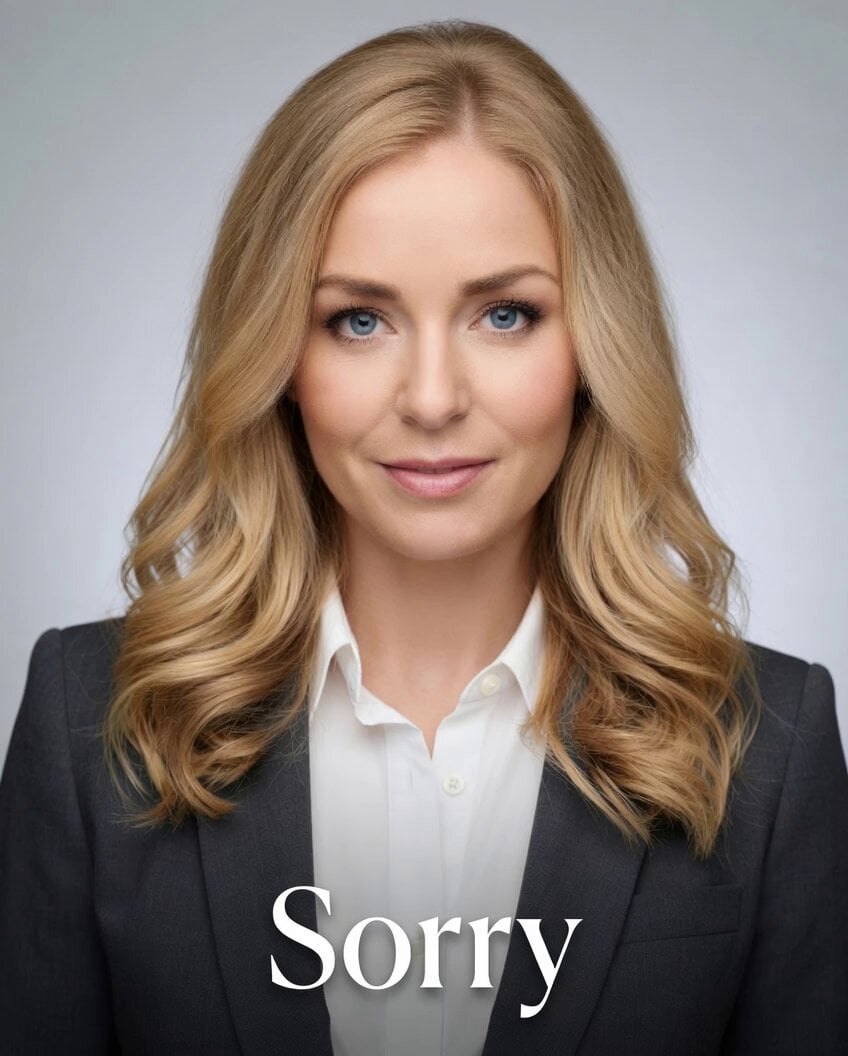
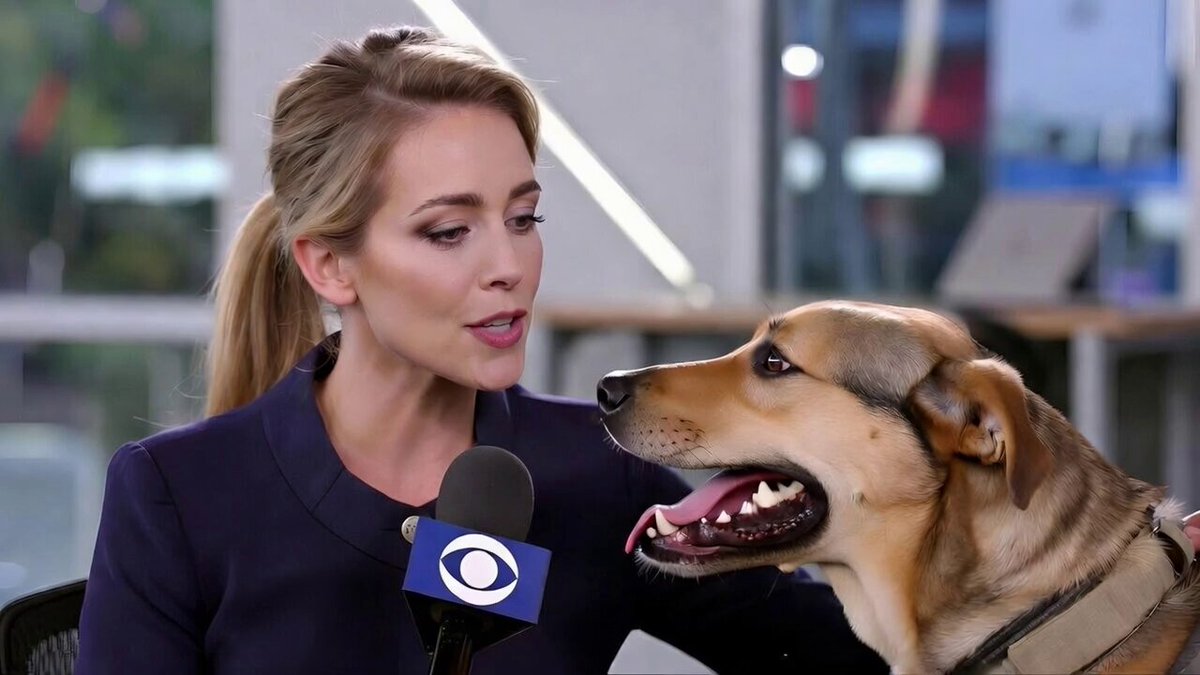
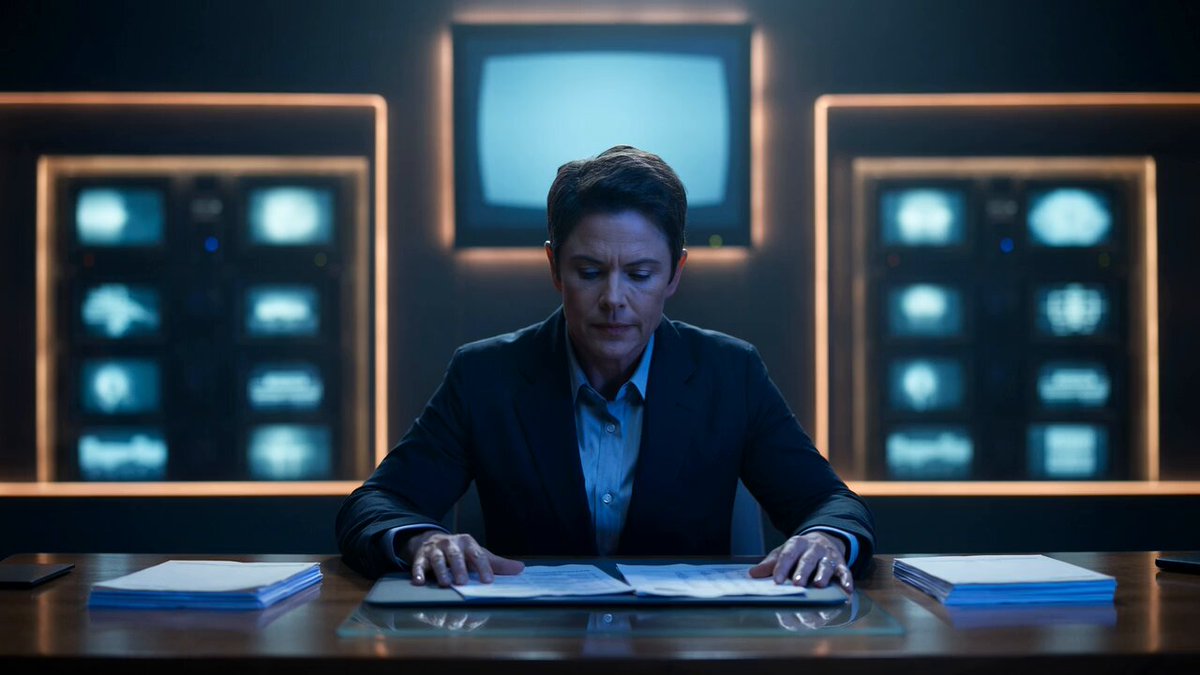
A professional female news anchor in a clean studio setting, bust shot (head and shoulders), centered composition. She faces the camera directly with confident posture. * Expression: calm, composed, slightly serious but reassuring * Movement: subtle head nods and natural blinking while speaking * Facial dynamics: slight eyebrow movement when emphasizing “slowing” and “inflation risks,” soft confident look on “cautious” * Tone: clear, steady delivery with a neutral global news accent * Lighting: soft, directional studio lighting with gentle shadows, highlighting natural skin tone * Background: minimal, modern newsroom or soft gradient backdrop (cool blue or neutral tone) * Style: polished broadcast look, high-end editorial quality she speaks: “Global growth is slowing, while inflation risks remain. Central banks stay cautious amid ongoing uncertainty.”
A professional female news anchor in a clean studio setting, bust shot (head and shoulders), centered composition. She faces the camera directly with confident posture. * Expression: calm, composed, slightly serious but reassuring * Movement: subtle head nods and natural blinking while speaking * Facial dynamics: slight eyebrow movement when emphasizing “slowing” and “inflation risks,” soft confident look on “cautious” * Tone: clear, steady delivery with a neutral global news accent * Lighting: soft, directional studio lighting with gentle shadows, highlighting natural skin tone * Background: minimal, modern newsroom or soft gradient backdrop (cool blue or neutral tone) * Style: polished broadcast look, high-end editorial quality she speaks: “Global growth is slowing, while inflation risks remain. Central banks stay cautious amid ongoing uncertainty.”
Edit the prompt in the box under the preview — the template's model and format are already selected — and press Generate. Your version appears right on this page.
Yes. You can change the subject, setting, lighting, mood, format, and available model controls before creating your video.
Opening and editing this template is free. Generating uses credits, shown on the Generate button when you are signed in.
Start with Grok Imagine, which is the model associated with this template. You can compare another compatible model for a different finish.
Follow a topic to a crawlable collection of related PicX Studio templates.