
Cinematic Water Transformation Scene
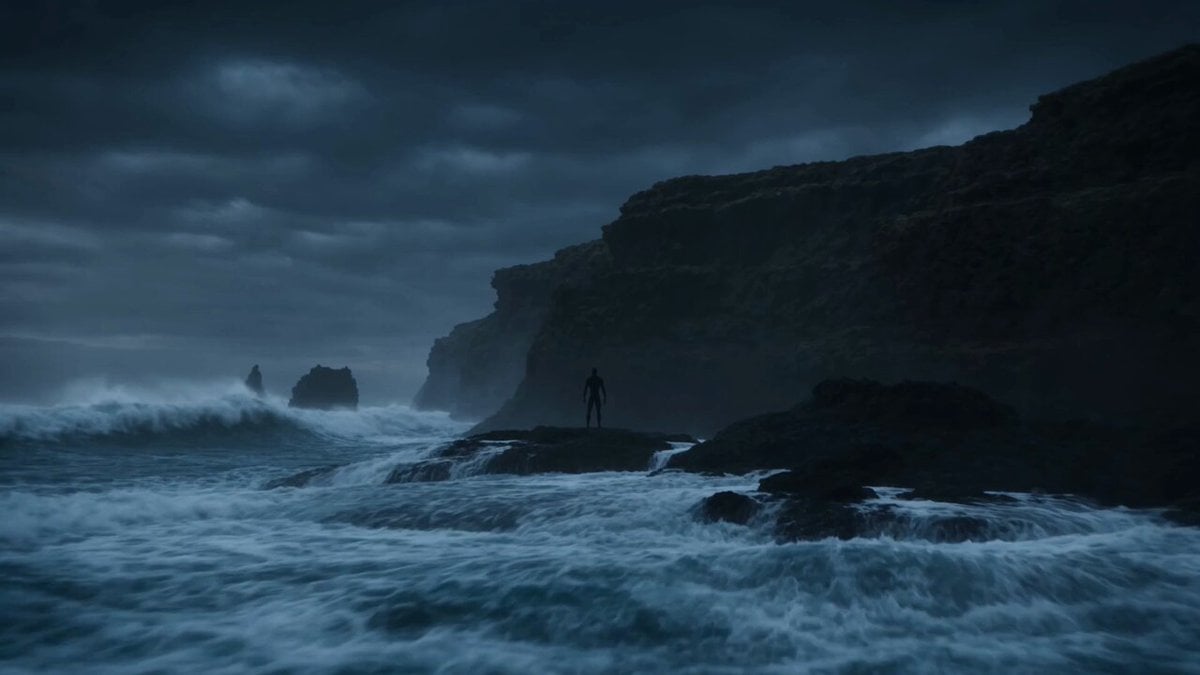
A highly detailed prompt for an elemental water transformation on a storm-battered coast, specifically attributed to Leonardo AI in the metadata.
- Prompt included
- Model and format preset
- Premium template
The prompt behind this video
Copy the exact prompt behind Cinematic Water Transformation Scene, or open it in the studio and make it yours.
15-second ultra-cinematic elemental transformation sequence on a storm-battered coastline at twilight. A lone figure stands on black volcanic rocks facing a violent ocean. Massive waves crash against the cliffs while dark storm clouds gather across the horizon. Rain and sea spray fill the air. The atmosphere is primal, immense, and realistic. The camera slowly circles around the figure as the ocean begins behaving unnaturally. Nearby waves stop for a brief moment as if listening. Water starts flowing upward around the figure's feet instead of falling back into the sea. The transformation begins. Thin streams of seawater wrap around the body like living ribbons. The skin becomes translucent in places, revealing swirling currents, bubbles, and glowing blue ocean energy beneath the surface. The camera pushes closer as the body gradually dissolves into moving water. Arms become liquid currents. Hair transforms into flowing streams of sea foam. The lower body merges with spiraling ocean waves. The transformation accelerates. Entire sections of the surrounding ocean rise into the air and orbit around the figure. Schools of fish, fragments of coral, shells, and bioluminescent particles become suspended inside the water. Thunder crashes overhead. The figure expands dramatically in scale. Their silhouette becomes a gigantic humanoid tsunami composed of roaring waves, rotating currents, foam, spray, and deep ocean energy. Massive walls of water rise behind them, towering higher than cliffs. The sea itself appears connected to the transformation. At the climax, the Living Tsunami stands at colossal scale above the coastline, a giant formed entirely from moving ocean water and storm energy. Lightning illuminates the immense translucent body while entire waves flow through its arms and chest. Final cinematic moment: the Living Tsunami raises one arm toward the horizon. An enormous tidal wave rises from the ocean and follows the gesture. The camera pulls back to reveal the colossal water titan standing between sea and sky as the storm revolves around it. Style: ultra cinematic realism, elemental water transformation, photoreal ocean simulation, tsunami-scale water effects, storm atmosphere, realistic fluid dynamics, massive environmental scale, bioluminescent ocean details, AAA visual effects quality, no text, no overlays. Audio: epic cinematic orchestral score, crashing waves, deep ocean resonance, hurricane winds, thunder, water surges, distant whale calls, atmospheric storm energy, colossal elemental power. Made in @LeonardoAi
How to use Cinematic Water Transformation Scene in 3 steps
- 1
Open
The prompt is already in the box next to the preview, with the template's model and format selected.
- 2…a portrait of your subject in softgolden-hour light, 85mm…
Personalize
Edit the subject and creative details for your destination.
- 3Generate
Generate
Press Generate — your video is created in PicX Studio, so you can compare it with the original and refine one variable at a time.
More like this
Templates with the same subject, style or setup. Open one to see its prompt.

Magical Room Transformation - Seedance 2.5

Dark Tokusatsu Transformation - Seedance 2.5

RX-7 to Mech Transformation Cyberpunk
Ballerina Opera House — Seedance 2.0
Civilization Timelapse — Centuries in One Shot
Subway Flood — Epic Tunnel Chaos
Mecha Transformation vs Kaiju — 4-Scene Epic

Soldier to Water Gun Transformation

The Last of the Mohicans Waterfall Scene
Giant Domino Water Parkour Challenge
Reality TV Water Obstacle Competition
Water Dragon Spell Comedy Sequence
Make it yours
Cinematic Water Transformation Scene works as-is. These are the safest ways to change it without losing the look.
Change one field
Copy a single group, rewrite it, and generate again so you can see what that field is doing.
Keep the frame, change the subject
Hold the composition and light of Cinematic Water Transformation Scene, then swap wardrobe, props or the person for a new take.
| If the result… | Why | Fix |
|---|---|---|
| The result drifts from the preview | Too many fields changed at once. | Reuse Cinematic Water Transformation Scene as-is first, then change one group — subject, light, or setting. |
| The model over-stylizes the scene | The prose prompt leaves finish and camera underspecified. | Add one camera or lighting sentence and stay on Seedance 2.0. |
More Seedance 2.0 templates
Other prompts made for Seedance 2.0.

Comical Martial Arts Punch Scene

Maglev Train Action Sequence

Martial Arts Fight Sequence

Wuxia Protection and Trust Script

Vintage Korean Arcade MiniDV Vlog

Mercedes 190 SL Luxury Ad

Rainy Night Supernatural Reverse Comedy Video Script

Amazon Civilization Discovery

Futuristic South Asian City Transformation

Cozy Luxury Cafe Commercial
More video prompts
Fresh picks from across the catalog.

FPV Fantasy Port City Airship
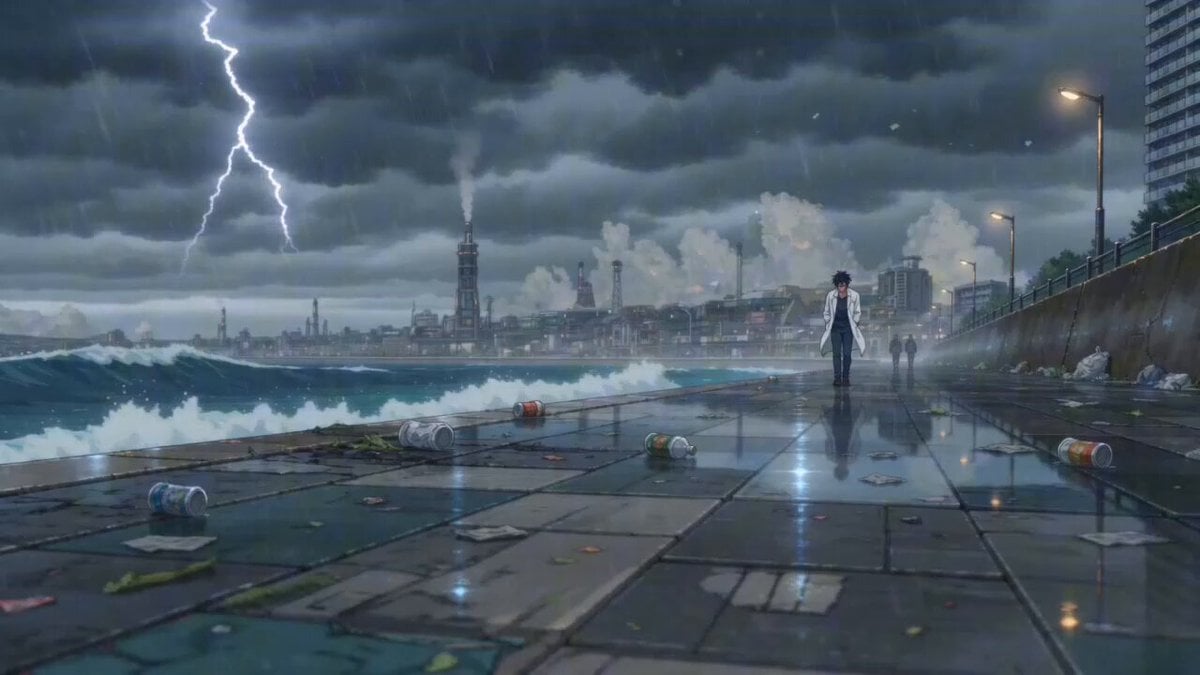
Cinematic Anime Scene: Stormy Seaside Promenade
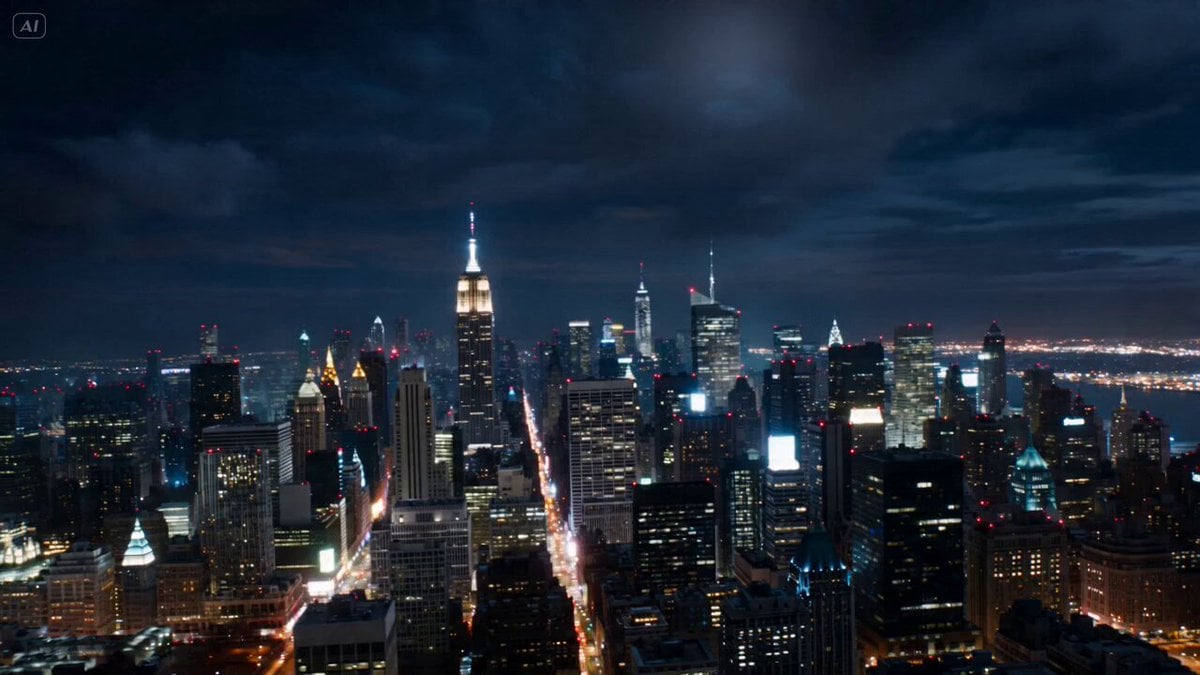
Cinematic Reality Collapse One-Take
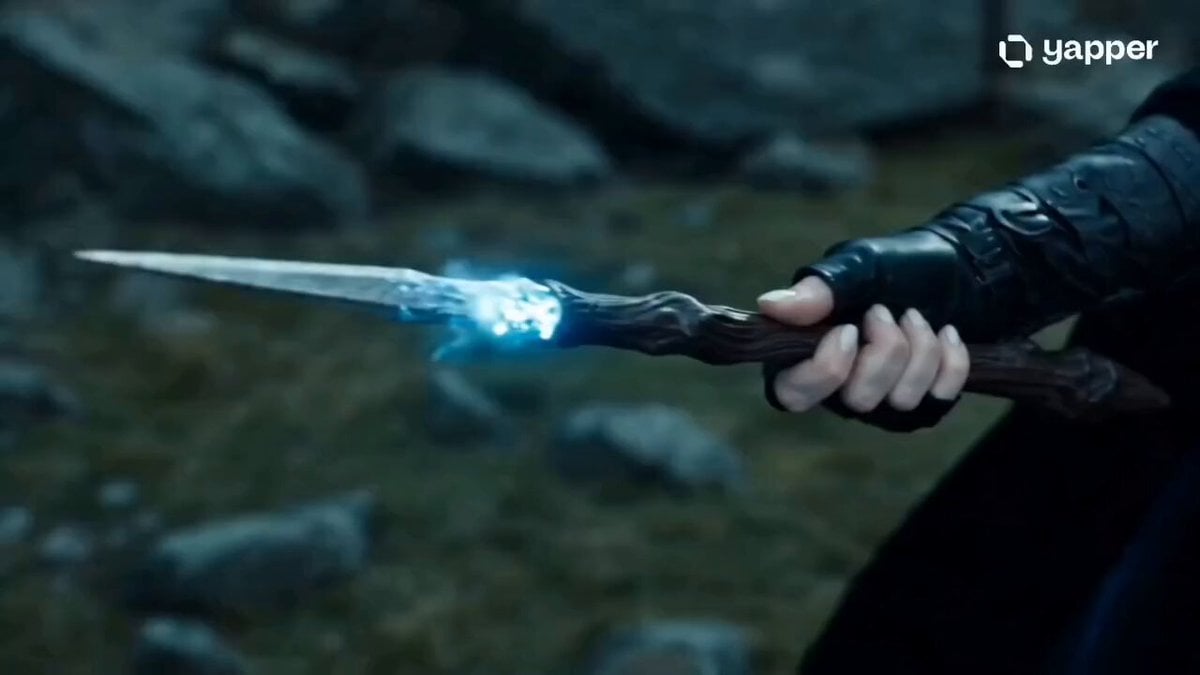
Sorceress Frost Shockwave
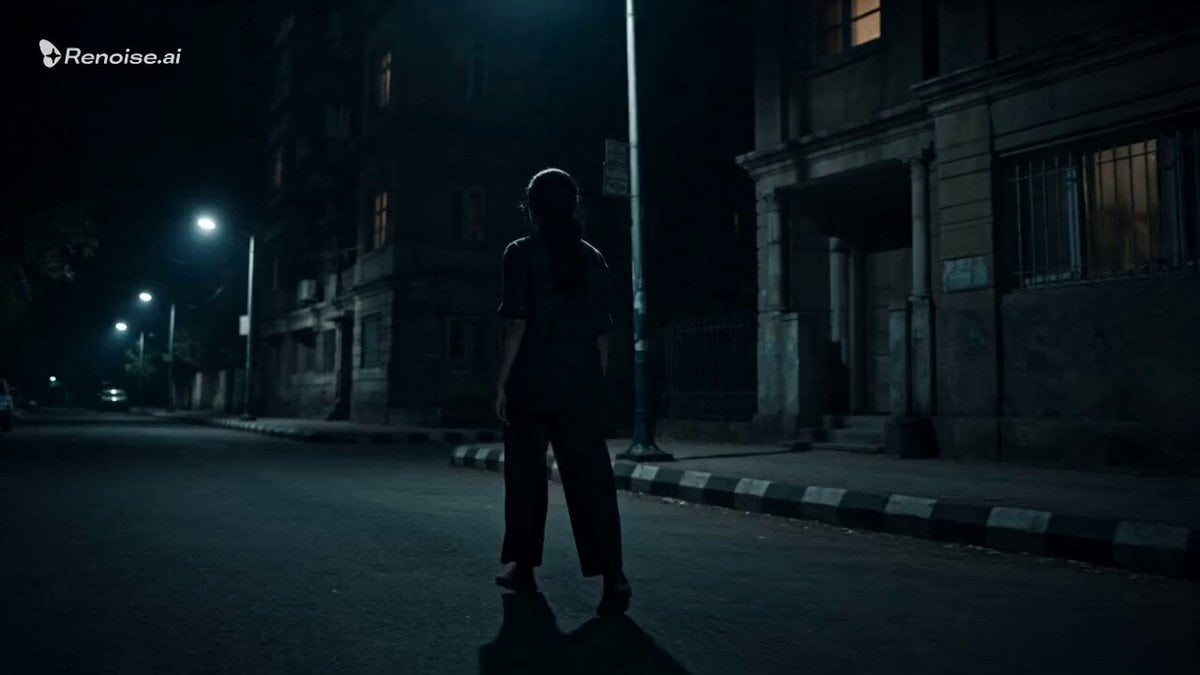
Psychological Horror Window Doppelganger
Elemental Magic Fire Dance

Wall Street Journal newsroom scene
Cinematic Celestial Battle Storyboard Prompt
High-Intensity Experimental Music Video

AI Dojo Fight Scene with Dimensional Style Shifts
Browse template categories
Cinematic Water Transformation Scene questions
How do I use the Cinematic Water Transformation Scene template?
Add your photo if the template asks for one, edit the prompt if you like — the template's model and format are already selected — and press Generate. Your version opens in PicX Studio.
Can I customize the Cinematic Water Transformation Scene template?
Yes. You can change the subject, setting, lighting, mood, format, and available model controls before creating your video.
Is the Cinematic Water Transformation Scene template free?
Opening and editing this template is free. Generating uses credits, shown on the Generate button when you are signed in.
Which AI model should I use?
Start with Seedance 2.0, which is the model associated with this template. You can compare another compatible model for a different finish.
Looking for something else? Browse all templates.

Your photo, any look
Thousands of ready templates for every top image and video model, from one credit balance.