
Elemental Magic Fire Dance
A cinematic narrative prompt showcasing elemental magic, involving a crystal core creation and a fire dance on water.
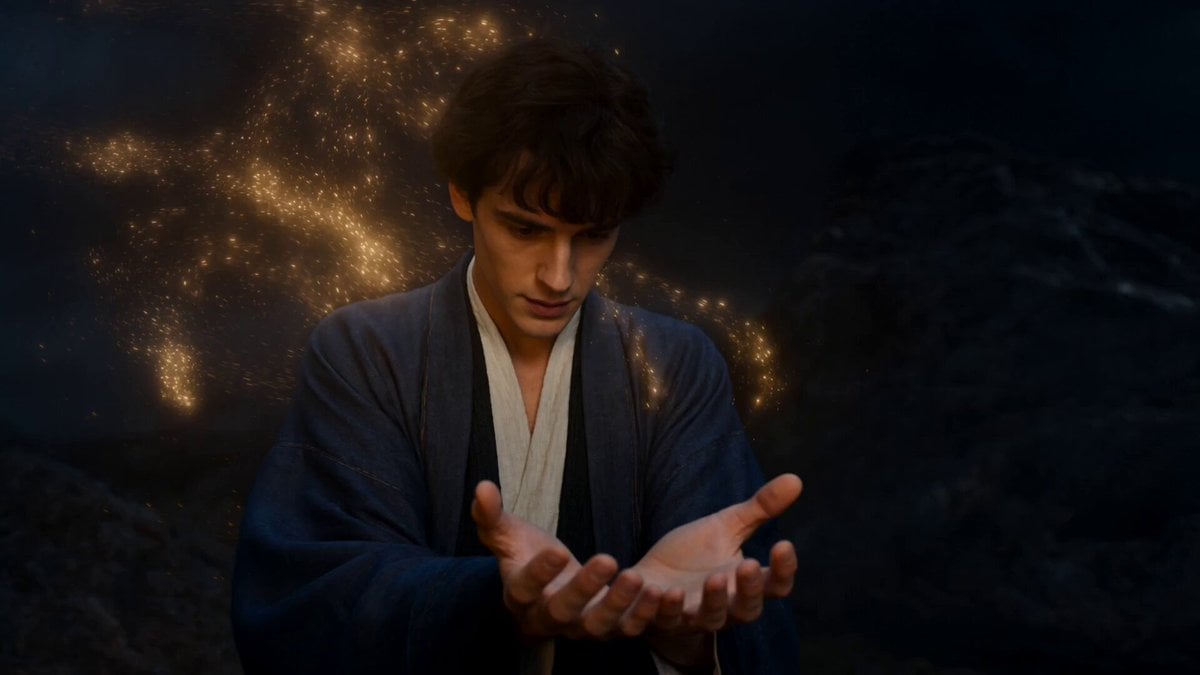
- Prompt included
- Model and format preset
- Premium template
The prompt behind this video
Copy the exact prompt behind Elemental Magic Fire Dance, or open it in the studio and make it yours.
"A male character creates a glowing crystal core and sends it to a female character, who absorbs its power to begin a magnificent fire dance on water." "intent": "Generate a cinematic, two-scene narrative that showcases two distinct but connected forms of elemental magic with photorealistic detail and effects." } "lighting": { "type": "Purely diegetic and emissive.", "source": "The entire scene is lit by the magical elements. The first half is lit by the man's swirling golden particles and the glowing blue crystal. The second half is lit by the brilliant, roaring fire vortex.", "quality": "The lighting must be dynamic and powerful, casting realistic, moving light and shadows on the characters and the dark, watery environment. Advanced global illumination and water caustics are essential." }, "description": "The textures must feel real despite the fantastical nature. The golden particles should feel like tiny, contained stars. The crystal should have internal flaws and light refractions. The fire should look like a viscous, controlled plasma." } }, "storyline_sequence": { "shot_type": "Two-part scene connected by a smooth camera pan or a match-cut.", "events": [ { "scene": 1, "time_start": 0.0, "time_end": 4.0, "description": "The video opens on the male 'Creator' character. The shot is a medium close-up. He looks down with intense focus at his open hands. Swirling golden, star-like particles from his hair and clothes flow into his palms, coalescing and forming a brilliant, blue, crystalline core. The crystal pulses with a soft, internal light." }, { "scene": 2, "time_start": 4.0, "time_end": 10.0, "description": "With a gentle push, the Creator sends the completed crystal floating forward. The camera follows the crystal as it glides across a dark, watery expanse towards the female 'Dancer', who stands waiting. As her fingertips make contact with the crystal, it shatters in a silent, brilliant flash of blue-white light. The energy flows into her, and she immediately erupts into a graceful dance as the massive vortex of fire swirls to life around her, matching the pose from the source image."}, "audio_": "Powerful, cinematic, and dynamic stereo. The sound design follows the narrative arc from creation to ignition."
How to use Elemental Magic Fire Dance in 3 steps
- 1
Open
The prompt is already in the box next to the preview, with the template's model and format selected.
- 2…a portrait of your subject in softgolden-hour light, 85mm…
Personalize
Edit the subject and creative details for your destination.
- 3Generate
Generate
Press Generate — your video is created in PicX Studio, so you can compare it with the original and refine one variable at a time.
More like this
Templates with the same subject, style or setup. Open one to see its prompt.
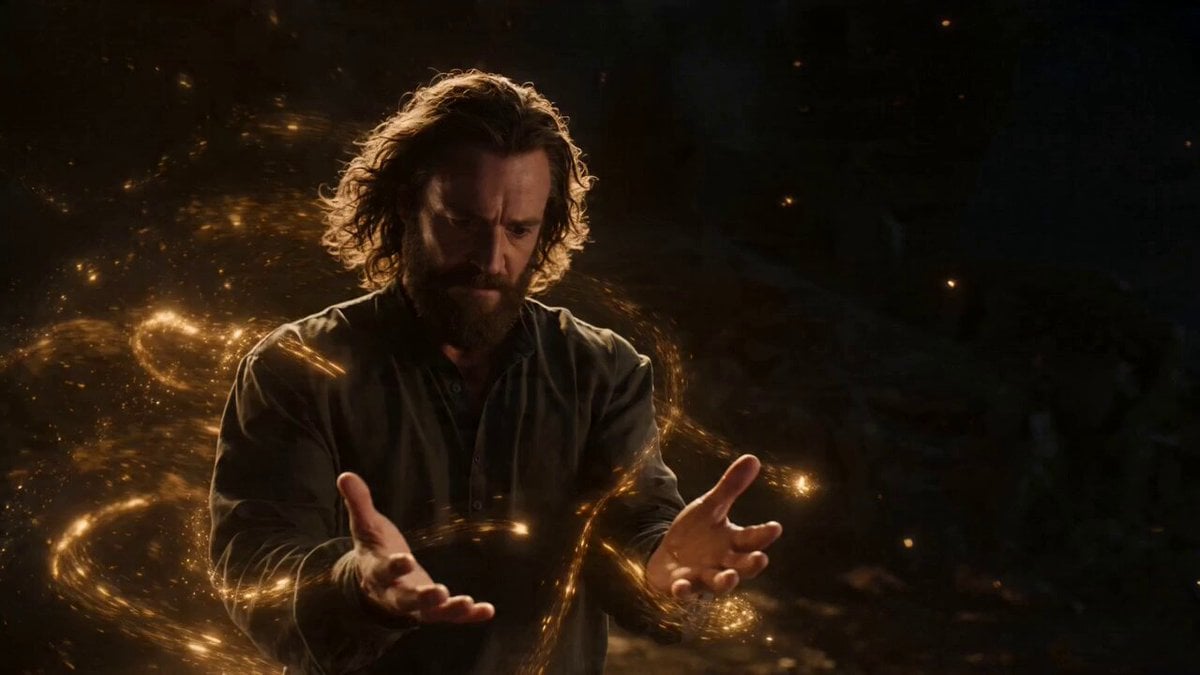
Two-Scene Narrative of Elemental Magic and Fire Dance
Dragon Rescue — Volcanic Kingdom Collapse (Seedance)

Cyberpunk Holographic Dance Performance - Seedance 2.5
Early-2000s Trainee Flashback Film

Forest Fantasy Girl Short Film

Luxury Airport Travel Vlog

Live-Action Firefighter Rescue Night Scene
Elemental Ice and Fire Goddess Battle
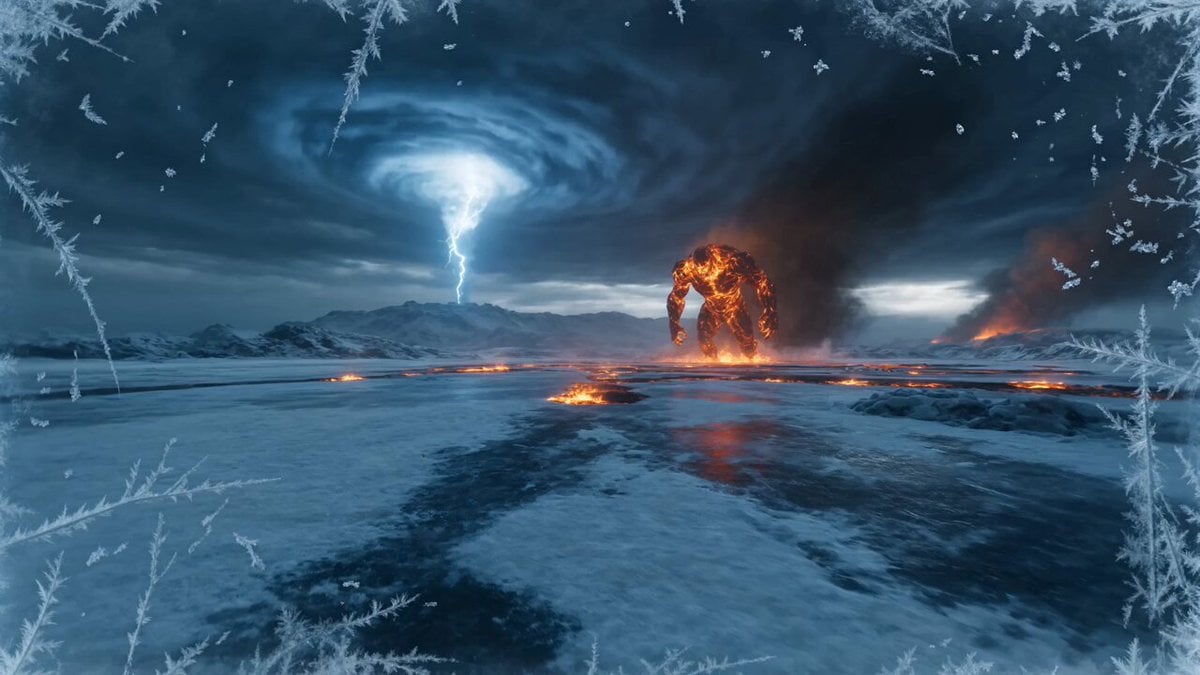
Elemental Ice vs Fire Battle
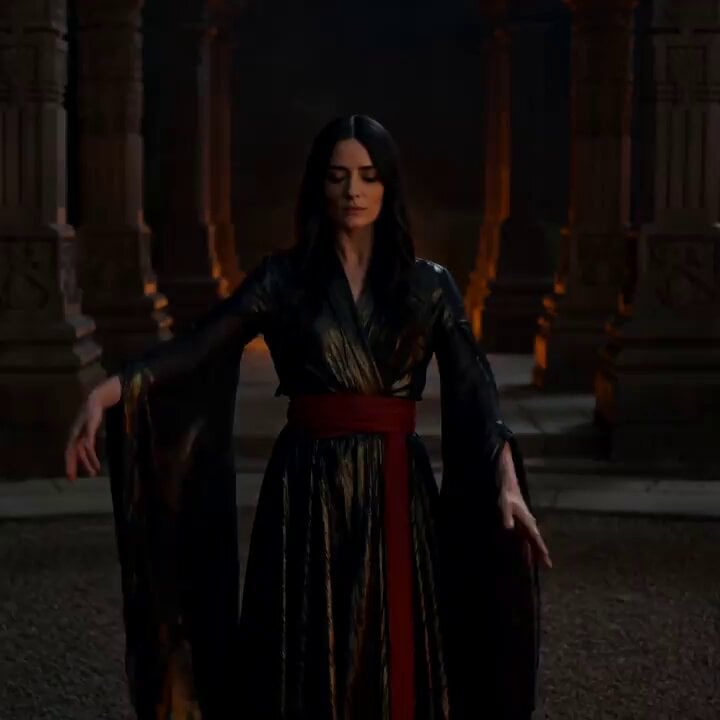
Cinematic Fire Dancer Performance in Abandoned Courtyard
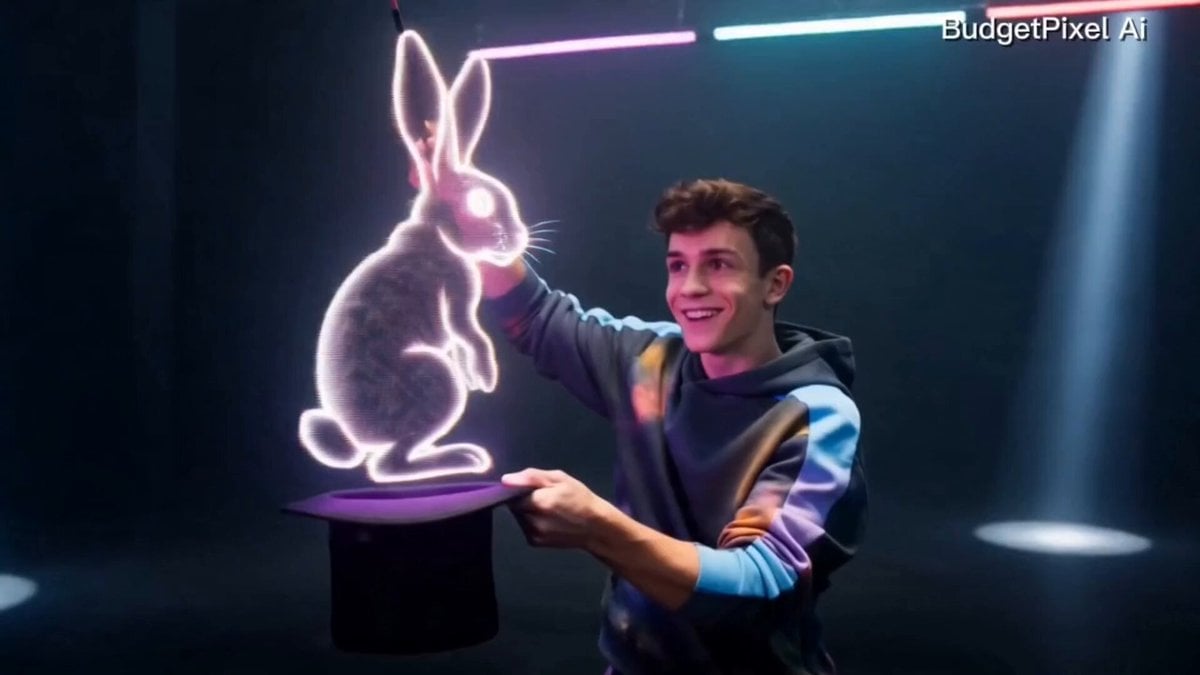
Modern Magician Rapid Fire Magic Sequence
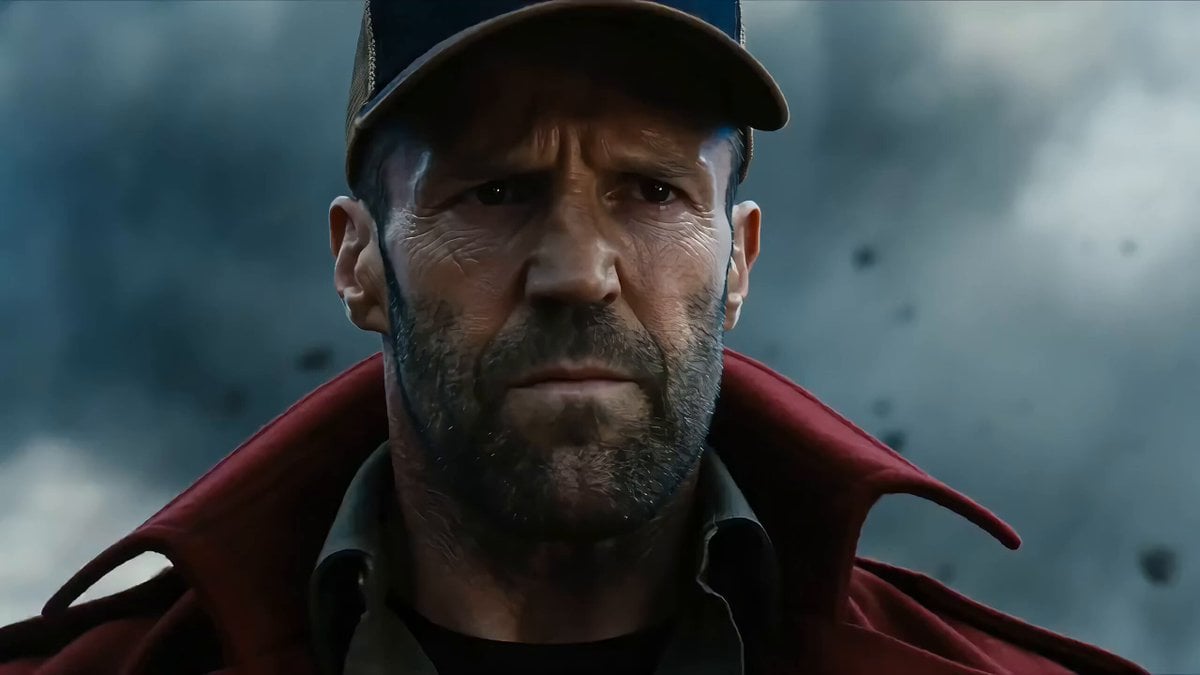
Elemental Clash Action Scene: Magma General vs. Fire Youth
Make it yours
Elemental Magic Fire Dance works as-is. These are the safest ways to change it without losing the look.
Change one field
Copy a single group, rewrite it, and generate again so you can see what that field is doing.
Keep the frame, change the subject
Hold the composition and light of Elemental Magic Fire Dance, then swap wardrobe, props or the person for a new take.
| If the result… | Why | Fix |
|---|---|---|
| The result drifts from the preview | Too many fields changed at once. | Reuse Elemental Magic Fire Dance as-is first, then change one group — subject, light, or setting. |
| The model over-stylizes the scene | The prose prompt leaves finish and camera underspecified. | Add one camera or lighting sentence and stay on Seedance 2.0. |
More Seedance 2.0 templates
Other prompts made for Seedance 2.0.

Comical Martial Arts Punch Scene

Maglev Train Action Sequence

Martial Arts Fight Sequence

Wuxia Protection and Trust Script

Vintage Korean Arcade MiniDV Vlog

Mercedes 190 SL Luxury Ad

Rainy Night Supernatural Reverse Comedy Video Script

Amazon Civilization Discovery

Futuristic South Asian City Transformation

Cozy Luxury Cafe Commercial
More video prompts
Fresh picks from across the catalog.
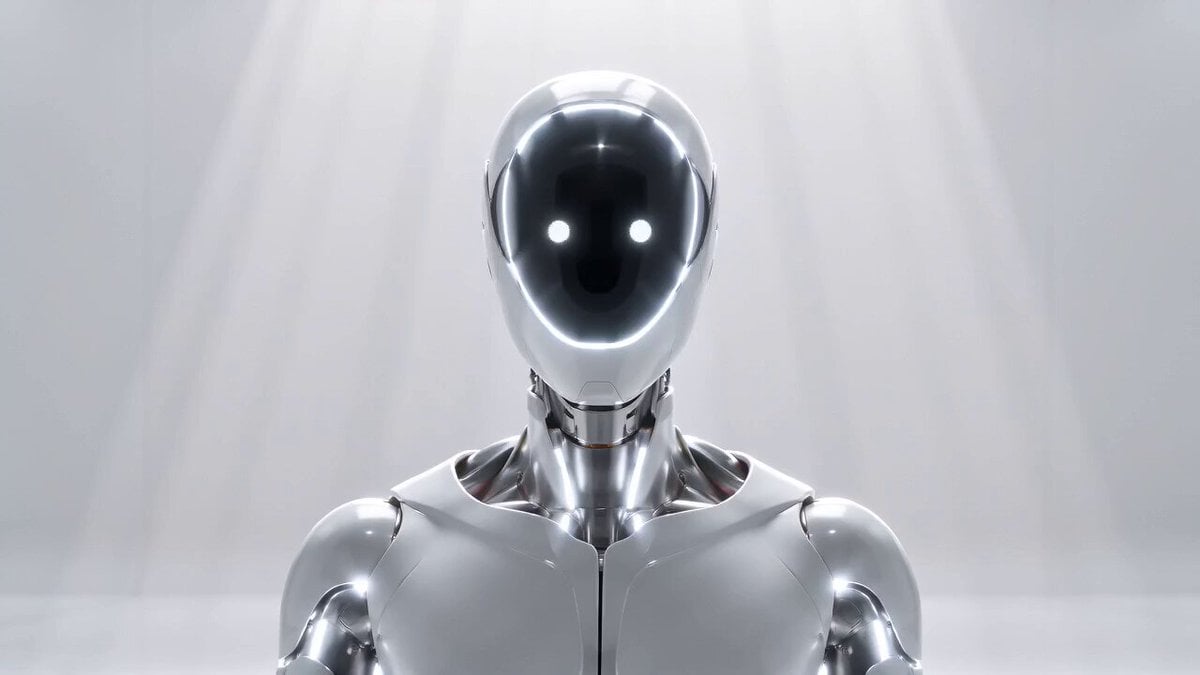
Hard Sci-Fi Robot Judgement Script
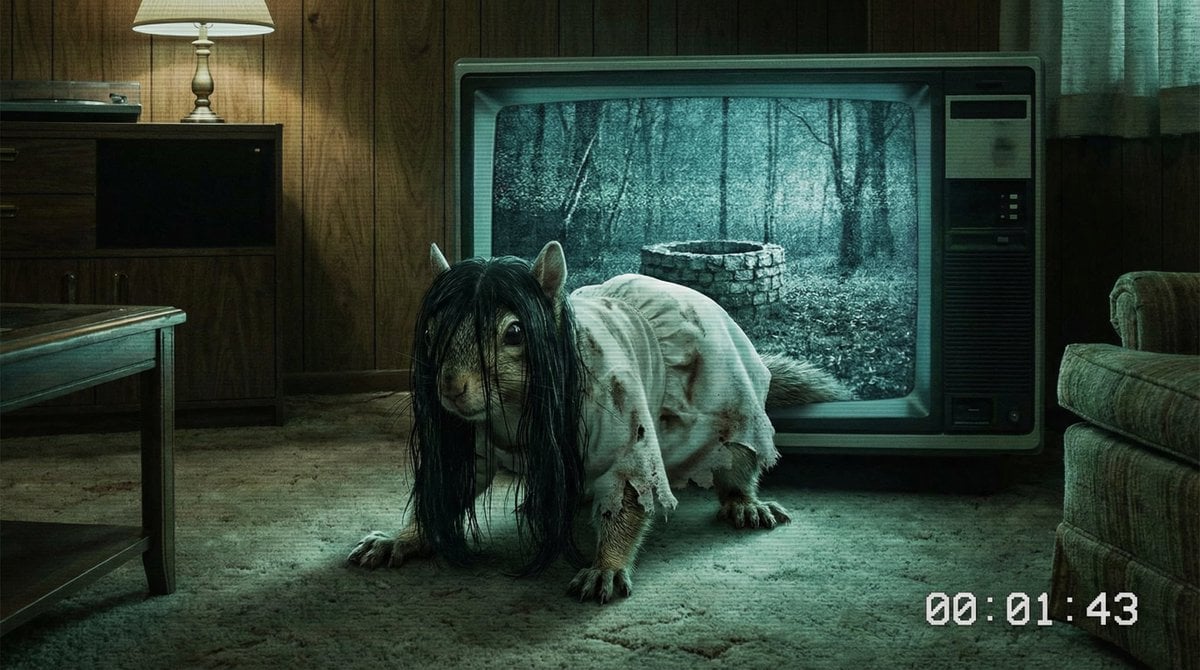
Horror Movie Squirrel Killer Screenshot
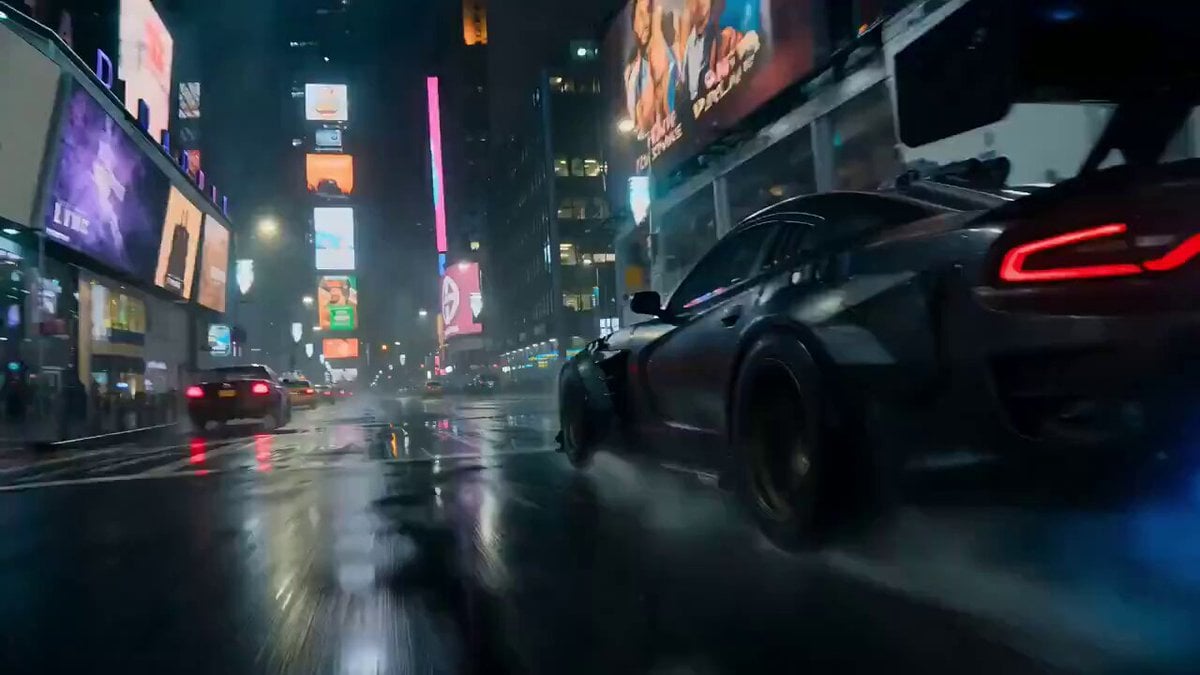
Luxury Car Transforming into Optimus Prime Fighting Godzilla in Tokyo
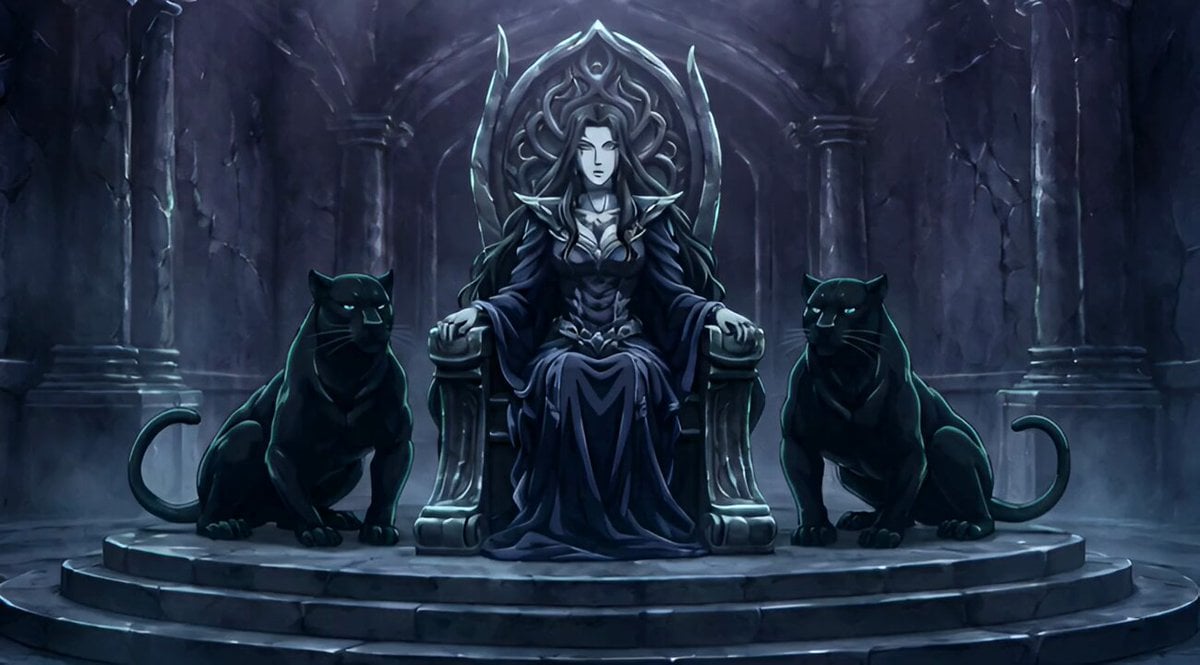
Conan the Barbarian Style Queen with Panthers Video Prompt
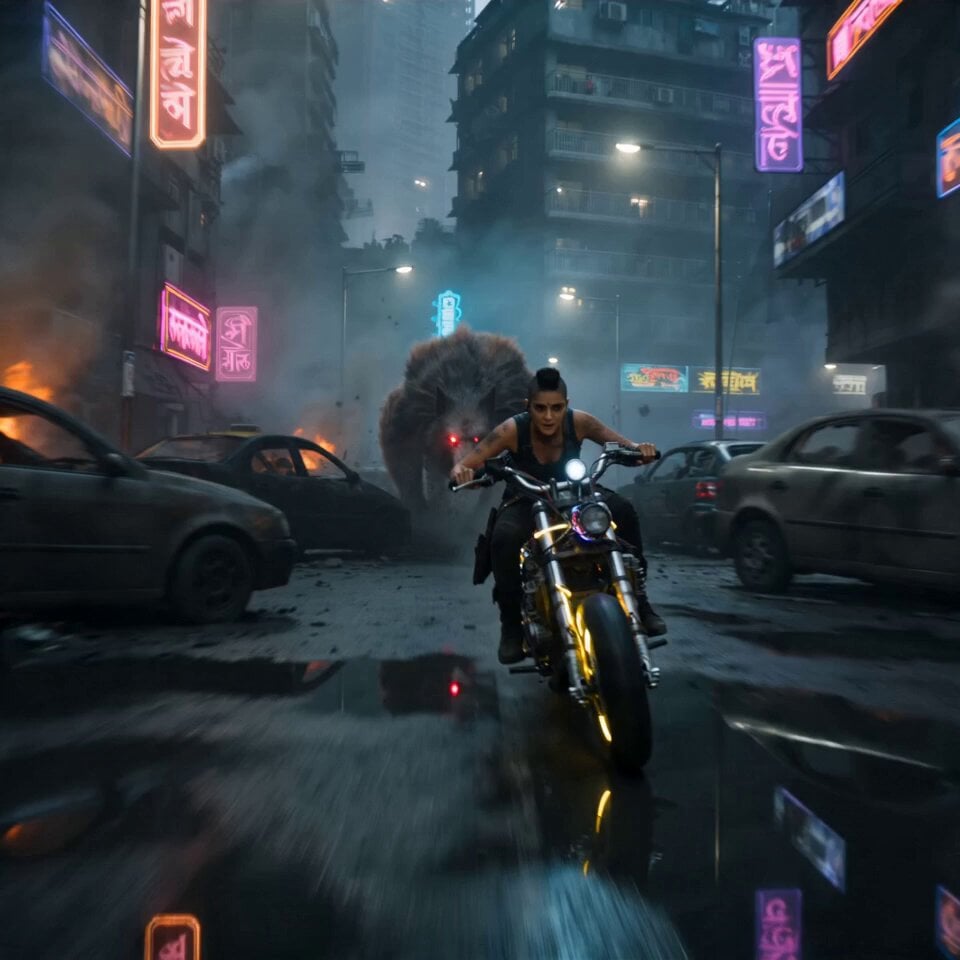
Cyberpunk Mumbai Werewolf Pursuit

Romantic Dance in a Celestial Setting
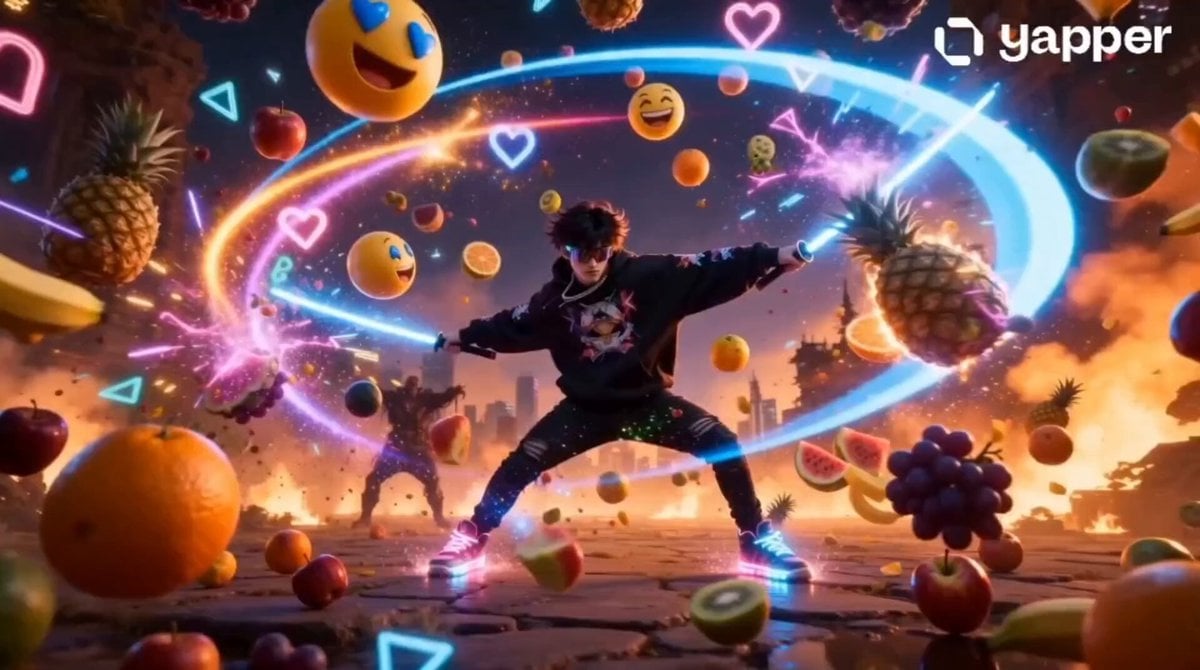
Fruit Ninja Gen-Z Anime Reboot
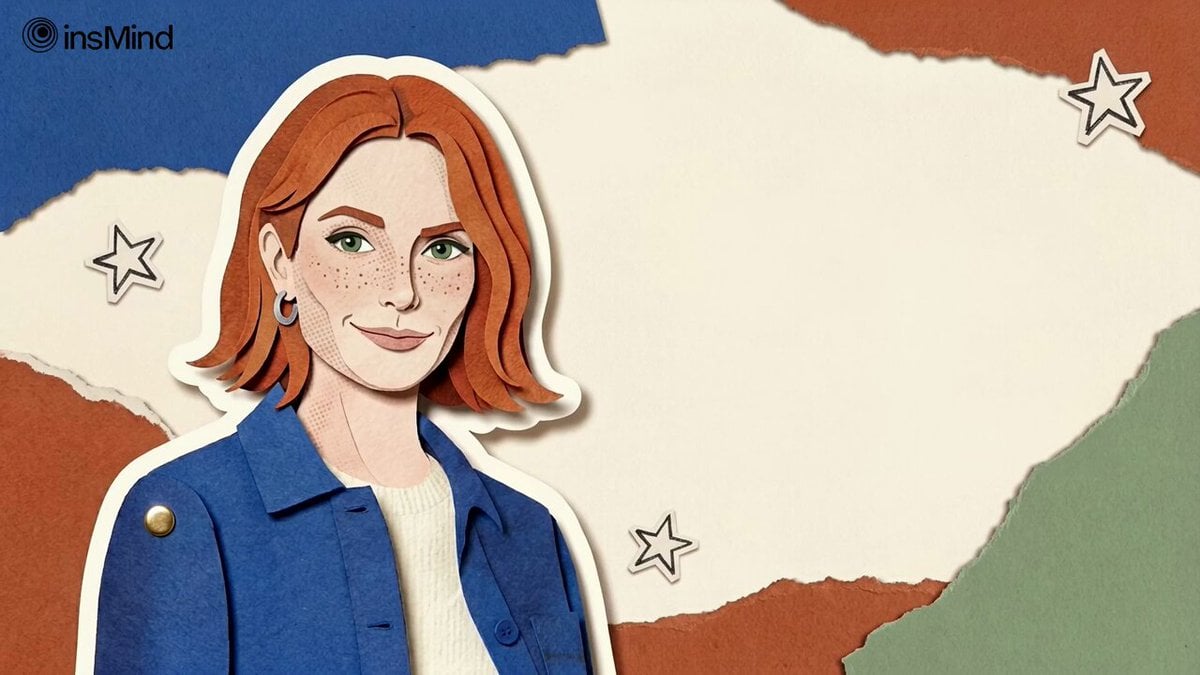
Continuous Paper Performance
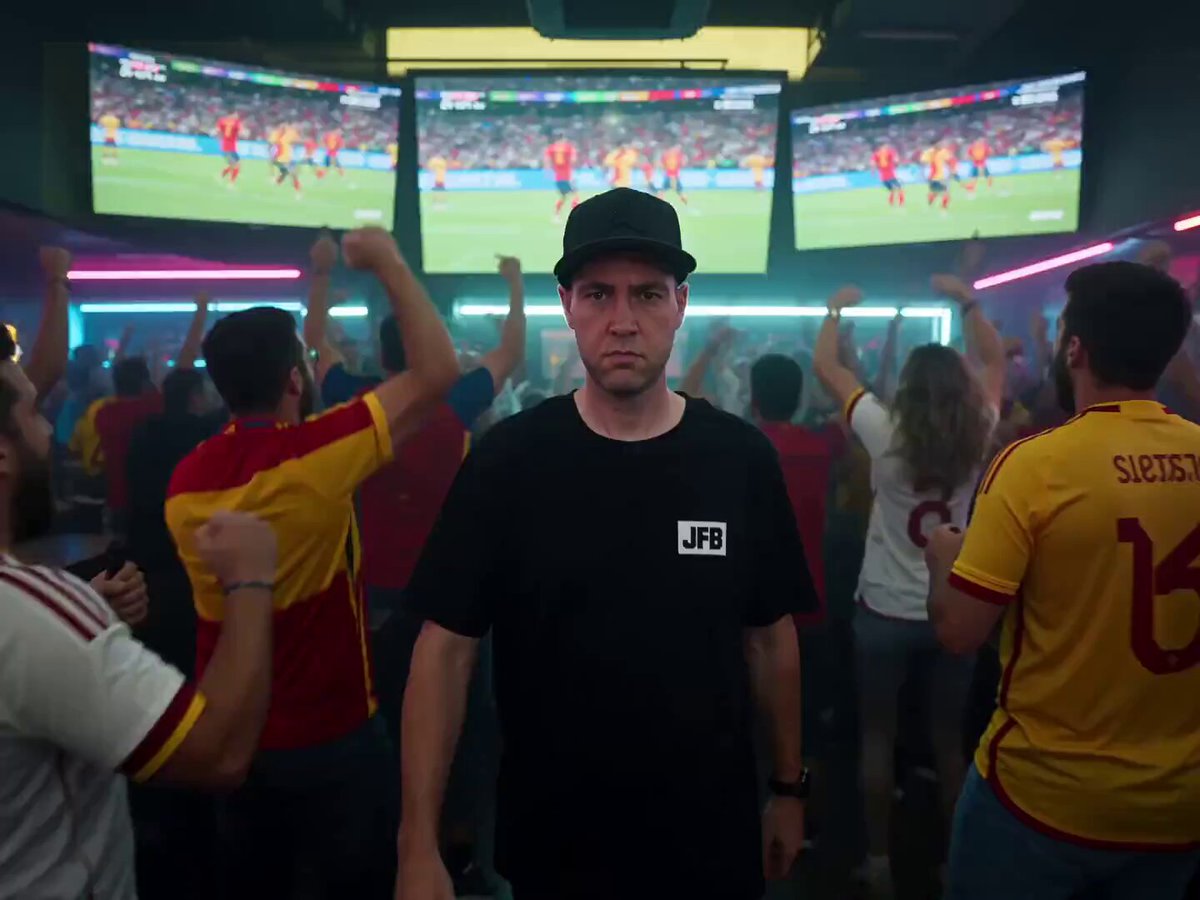
Time-Freeze Sports Bar Sequence

Gothic Queen Cradling Baby
Browse template categories
Elemental Magic Fire Dance questions
How do I use the Elemental Magic Fire Dance template?
Add your photo if the template asks for one, edit the prompt if you like — the template's model and format are already selected — and press Generate. Your version opens in PicX Studio.
Can I customize the Elemental Magic Fire Dance template?
Yes. You can change the subject, setting, lighting, mood, format, and available model controls before creating your video.
Is the Elemental Magic Fire Dance template free?
Opening and editing this template is free. Generating uses credits, shown on the Generate button when you are signed in.
Which AI model should I use?
Start with Seedance 2.0, which is the model associated with this template. You can compare another compatible model for a different finish.
Looking for something else? Browse all templates.

Your photo, any look
Thousands of ready templates for every top image and video model, from one credit balance.