
Fruit Ninja Gen-Z Anime Reboot
An ultra-stylized Gen-Z anime video inspired by Fruit Ninja, featuring neon Tokyo aesthetics, fast editing, and colorful fruit explosions.
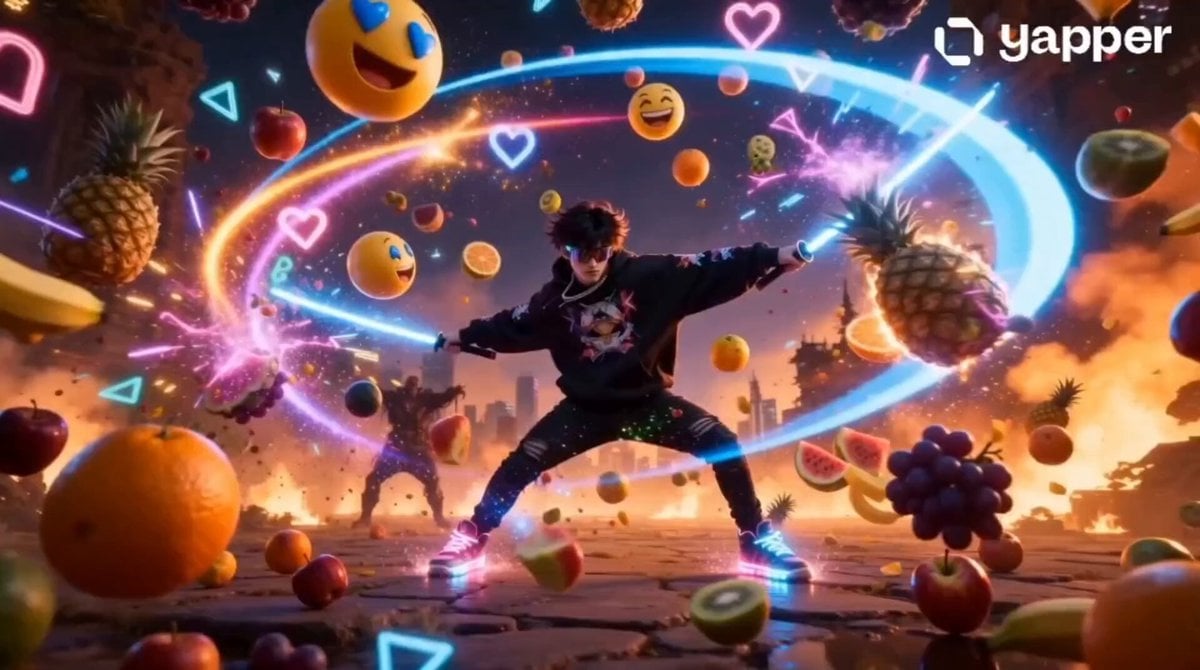
- Prompt included
- Model and format preset
- Free template
The prompt behind this video
Copy the exact prompt behind Fruit Ninja Gen-Z Anime Reboot, or open it in the studio and make it yours.
Ultra-stylized Gen-Z cinematic chaos video inspired by Fruit Ninja. A trendy anime-style Gen-Z boy wearing oversized streetwear hoodie, glowing sneakers, silver chains, and futuristic sunglasses stands in a neon Tokyo alley while fruits blast into the air like an action movie. Hyper-fast editing, meme-energy transitions, cinematic bass drops, colorful explosions, and TikTok viral pacing.\n\n⏱ 0-3s — HOOK\nCamera instantly zooms toward the character as a watermelon flies toward his face in slow motion.\nText on screen: “BRO UNLOCKED FRUIT NINJA IRL 💀”\nHe slices it instantly with a glowing katana. Juice explodes everywhere with bass-boosted sound design.\n\n⏱ 3-6s — SPEED RAMP MADNESS\nMultiple fruits launch rapidly from vending machines, rooftops, and passing cars.\n360° camera spins, anime speed lines, motion blur, chaotic meme edits, RGB flashes, freeze frames.\n\n⏱ 6-9s — INSANE TRANSITIONS\nEvery fruit slice teleports him into a new location:\nCyberpunk street → subway train → jungle temple → rooftop party → anime battlefield.\nEach transition synced perfectly with EDM beat drops.\n\n⏱ 9-12s — GOD MODE ACTIVATED\nDual glowing katanas appear.\nHe slices 100+ fruits in impossible anime slow motion while fruits explode into neon particles, emojis, and holographic effects.\nCrowd screaming, cinematic shake effects, insane energy.\n\n⏱ 12-15s — VIRAL ENDING\nFinal giant golden watermelon falls from the sky.\nHe jumps, spins mid-air, slices it perfectly.\nMassive explosion reveals glowing text:\n“GEN-Z FRUIT NINJA.”\nBeat drops. Screen cuts to black.
How to use Fruit Ninja Gen-Z Anime Reboot in 3 steps
- 1
Open
The prompt is already in the box next to the preview, with the template's model and format selected.
- 2…a portrait of your subject in softgolden-hour light, 85mm…
Personalize
Edit the subject and creative details for your destination.
- 3Generate
Generate
Press Generate — your video is created in PicX Studio, so you can compare it with the original and refine one variable at a time.
More like this
Templates with the same subject, style or setup. Open one to see its prompt.

MiniMax H3 Character Introduction
Fruit Cookie Commercial

Japanese Pure Love Short Film

Studio Ghibli Dumpling Kitchen Cooking Scene
Mecha Transformation vs Kaiju — 4-Scene Epic
Dried Fruit Snack 3D Commercial
Modern Ninja Skyscraper Lobby Combat
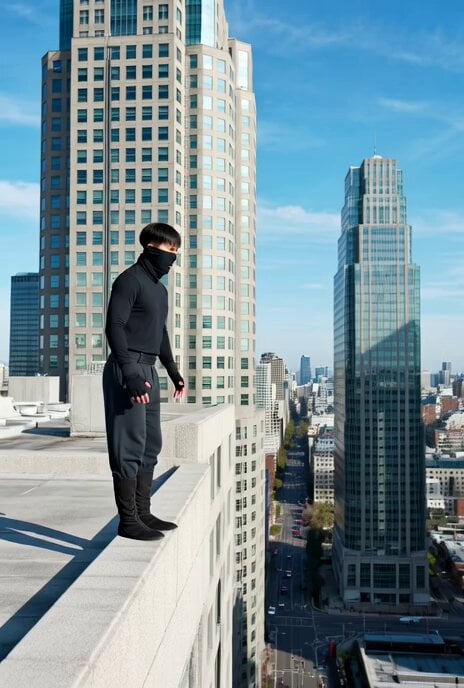
Ninja Wizard Levitation Jump
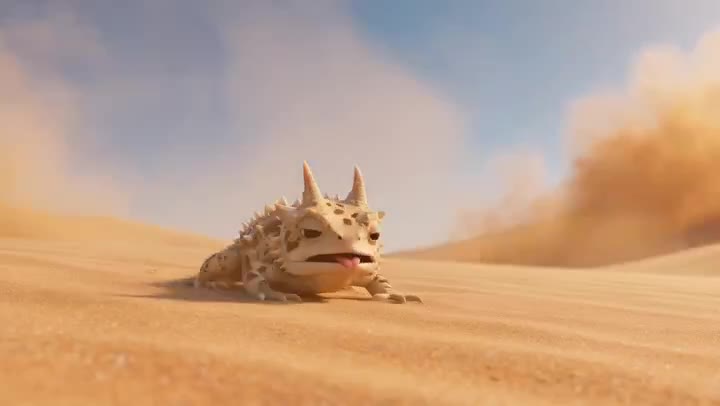
Desert Horned Lizard Grapefruit Ad
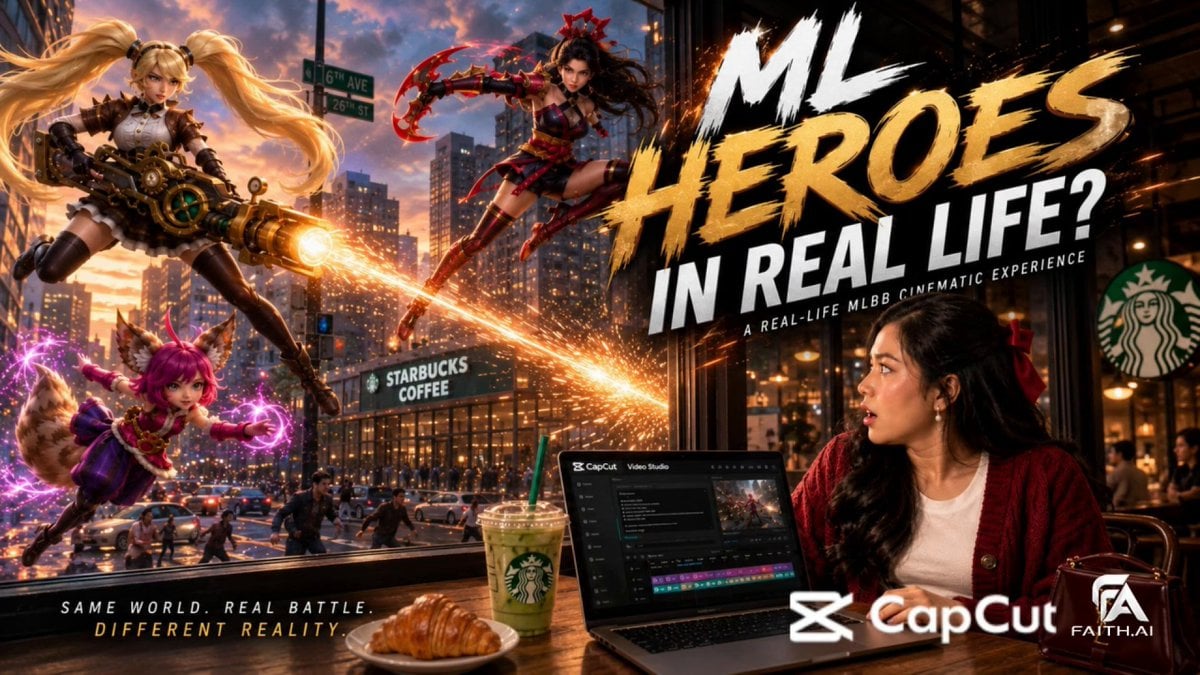
Real-World Fantasy Ninja Battle Prompt
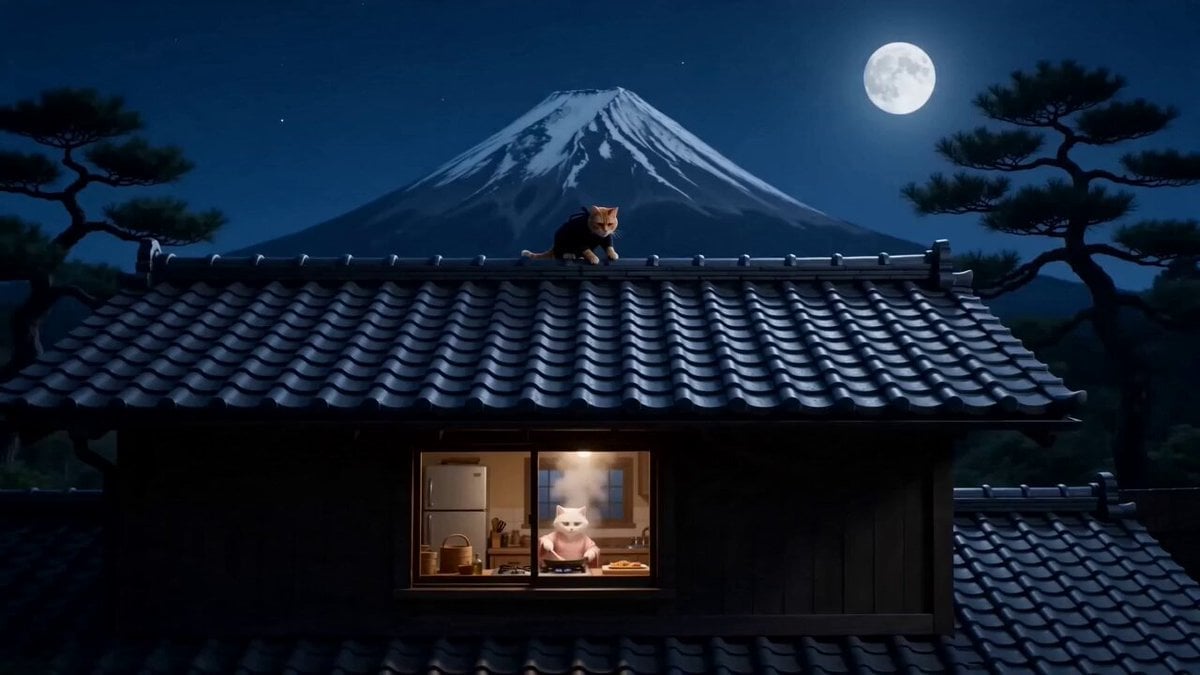
Orange Cat Ninja Heist
Gen Z Morning Aesthetic Routine
Make it yours
Fruit Ninja Gen-Z Anime Reboot works as-is. These are the safest ways to change it without losing the look.
Change one field
Copy a single group, rewrite it, and generate again so you can see what that field is doing.
Keep the frame, change the subject
Hold the composition and light of Fruit Ninja Gen-Z Anime Reboot, then swap wardrobe, props or the person for a new take.
| If the result… | Why | Fix |
|---|---|---|
| The result drifts from the preview | Too many fields changed at once. | Reuse Fruit Ninja Gen-Z Anime Reboot as-is first, then change one group — subject, light, or setting. |
| The model over-stylizes the scene | The prose prompt leaves finish and camera underspecified. | Add one camera or lighting sentence and stay on Seedance 2.0. |
More Seedance 2.0 templates
Other prompts made for Seedance 2.0.

Comical Martial Arts Punch Scene

Maglev Train Action Sequence

Martial Arts Fight Sequence

Wuxia Protection and Trust Script

Vintage Korean Arcade MiniDV Vlog

Mercedes 190 SL Luxury Ad

Rainy Night Supernatural Reverse Comedy Video Script

Amazon Civilization Discovery

Futuristic South Asian City Transformation

Cozy Luxury Cafe Commercial
More video prompts
Fresh picks from across the catalog.
Video prompt for fireworks revealing the word 'GROK'
Anime Style Chance Encounter Prompt
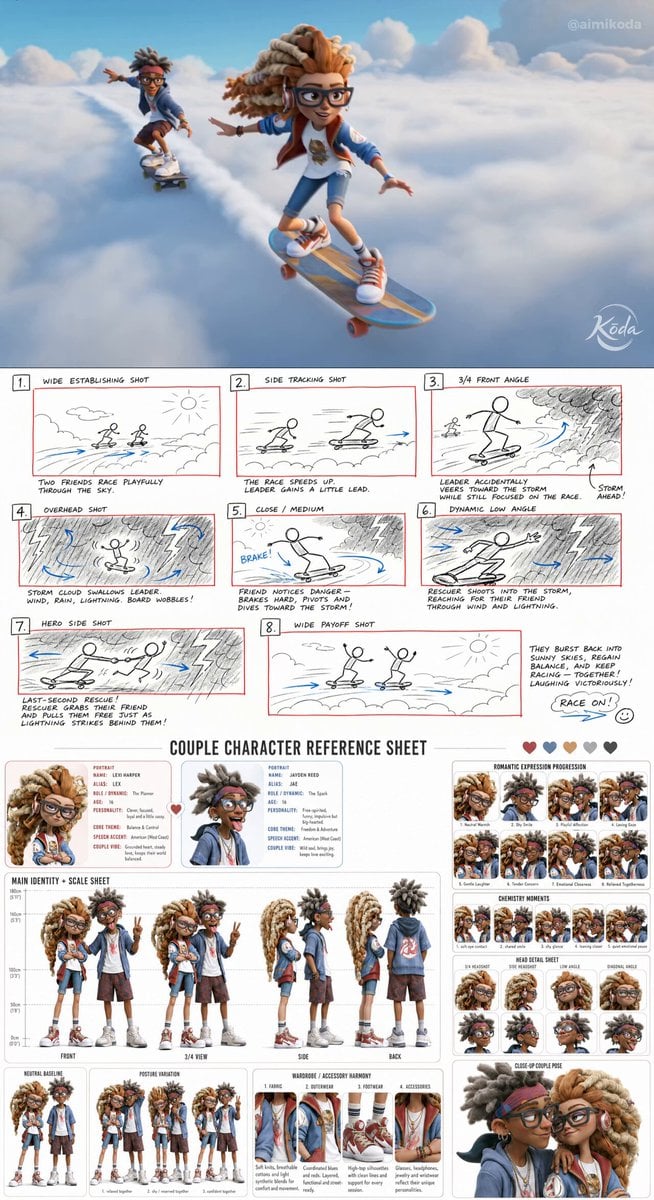
Stylized 3D Animation Adventure

Wildflower Field Video Animation
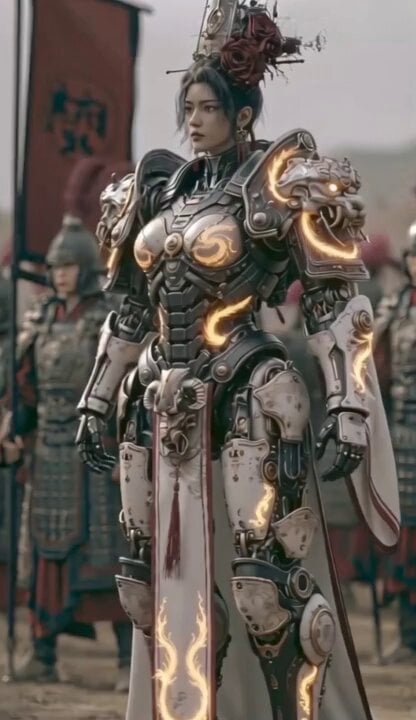
Cyber Samurai Power Armor Video

The Beginning of Creation
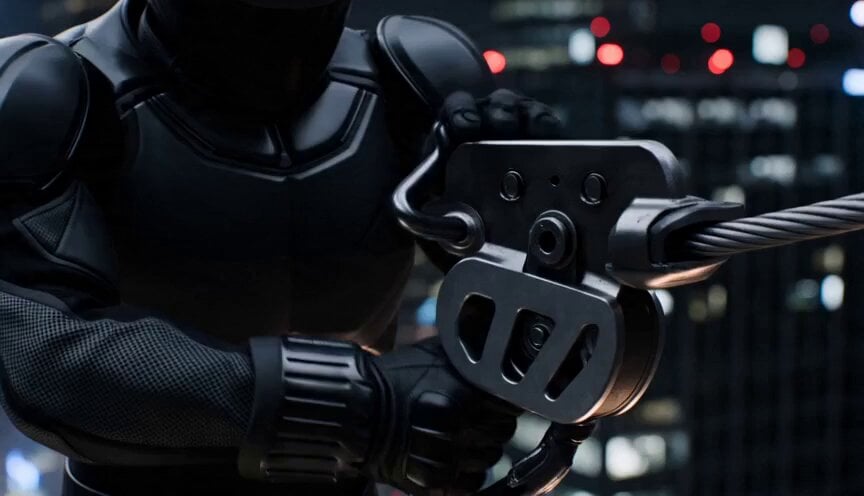
Neon City Zipline Action

Surreal Sky Ocean Battle: Whale vs. Kraken
Lavender Bliss Cosmetics Commercial
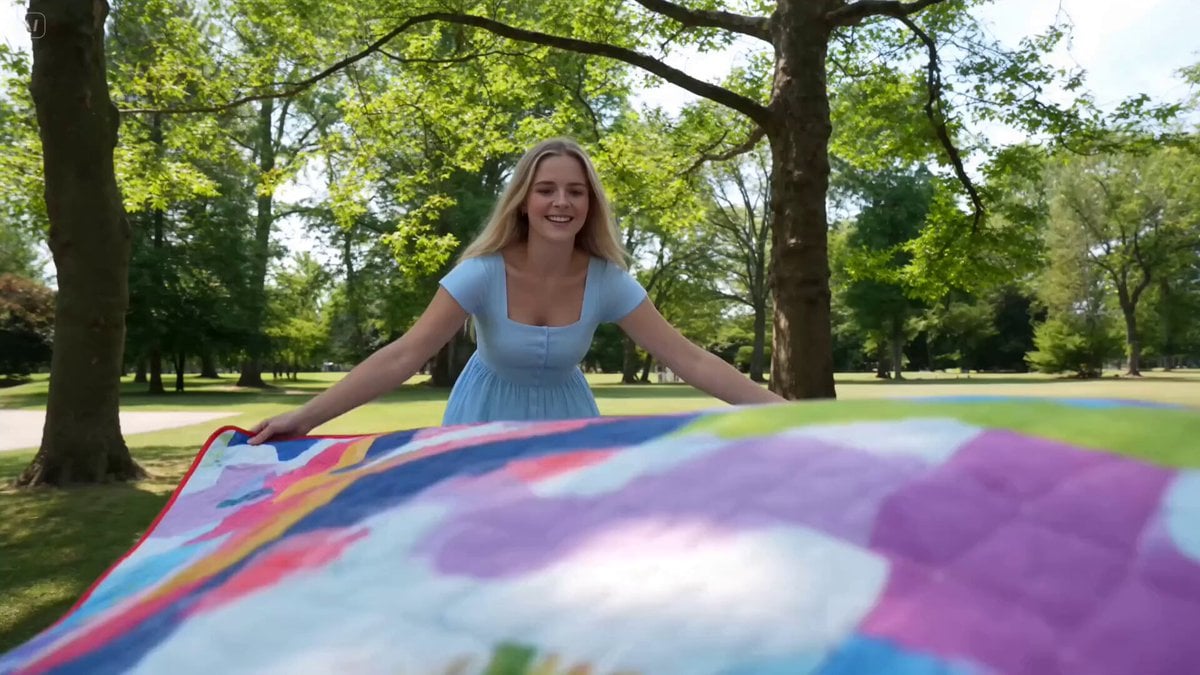
Family Picnic Home Video
Browse template categories
Fruit Ninja Gen-Z Anime Reboot questions
How do I use the Fruit Ninja Gen-Z Anime Reboot template?
Add your photo if the template asks for one, edit the prompt if you like — the template's model and format are already selected — and press Generate. Your version opens in PicX Studio.
Can I customize the Fruit Ninja Gen-Z Anime Reboot template?
Yes. You can change the subject, setting, lighting, mood, format, and available model controls before creating your video.
Is the Fruit Ninja Gen-Z Anime Reboot template free?
Opening and editing this template is free. Generating uses credits, shown on the Generate button when you are signed in.
Which AI model should I use?
Start with Seedance 2.0, which is the model associated with this template. You can compare another compatible model for a different finish.
Looking for something else? Browse all templates.

Your photo, any look
Thousands of ready templates for every top image and video model, from one credit balance.