
Orange Cat Ninja Heist
A cinematic and detailed story prompt for a multi-scene video featuring a sneaky orange cat ninja in a traditional Japanese setting, optimized for Seedance 2.0's storytelling capabilities.
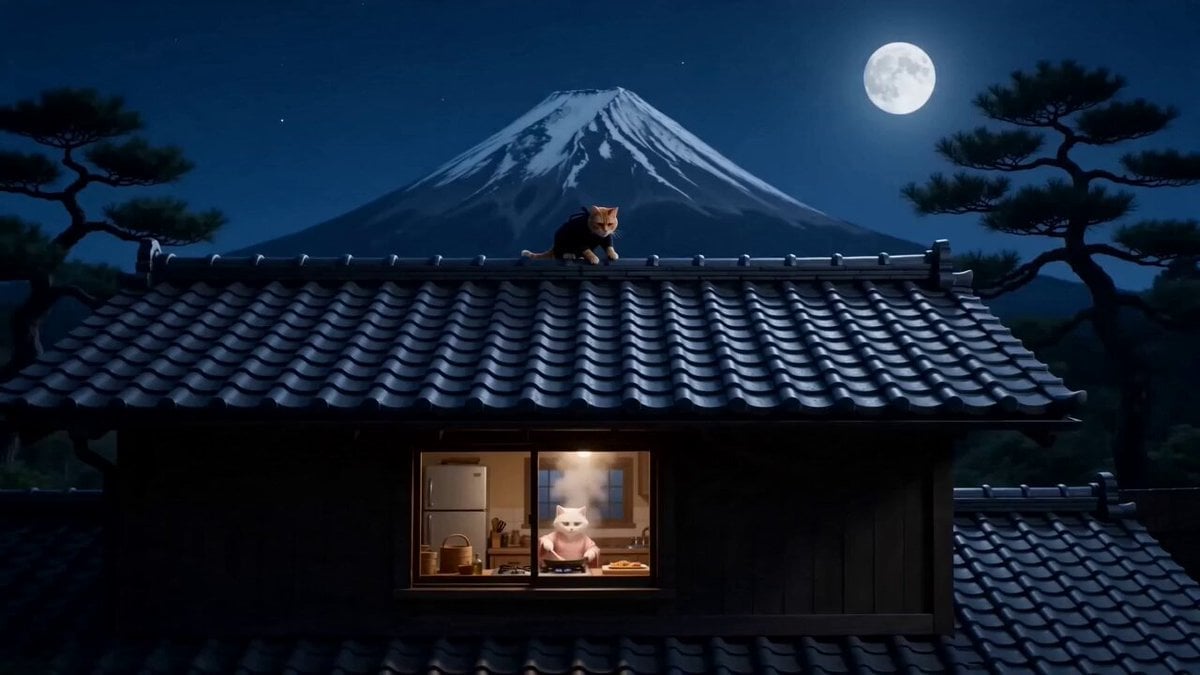
- Prompt included
- Model and format preset
- Free template
The prompt behind this video
Copy the exact prompt behind Orange Cat Ninja Heist, or open it in the studio and make it yours.
STORY FORMAT: 15s / 150 BPM / MULTI-CUT with one continuous acrobatic segment / American dark comedy with absurd ninja satire / playful mischief with a twisted punchline TONE: sneaky curiosity → rising temptation → covert action → sudden exposure → ridiculous charm reversal SETTING: Nighttime traditional Japanese house, wooden structure, tiled roof, soft moonlight, Mount Fuji silhouette in the background, pine trees swaying, cool blue tones with warm kitchen light contrast CHARACTERS: Orange cat ninja: dressed in full black ninja outfit, only eyes and mouth visible, agile, sneaky, slightly goofy greed-driven personality White cat cook: wearing a pink kimono, gentle but easily startled, expressive reactions Black bear father: wearing a red belly cloth, sitting at a wooden table in the courtyard, stern and impatient, loud presence CAMERA STYLE: cinematic push-ins, stealth POV shots, smooth tracking, sudden comedic snap zooms, light handheld shake during action, exaggerated smoke effects SCENE 0–2s Wide shot: Rooftop silhouette The orange cat ninja crouches on the edge of a tiled roof, moonlight outlining his figure Mount Fuji and pine trees in the background He slowly leans forward, peeking into a lit kitchen window 2–4s POV shot into kitchen The white cat stands by the stove, stir-frying with a spatula Thick white smoke rises heavily The smoke drifts upward… reaching the ninja Close-up: ninja sniffing He pauses… then grins A little drool forms Orange cat (whispering): “Oh yeah… that smells illegal.” 4–6s Cut to courtyard The black bear sits at a wooden table, tapping impatiently Black bear (yelling): “Kid! Is dinner ready or what?!” 6–7s Cut back to kitchen White cat panics She hurriedly scoops food from the pan onto a cracked plate White cat (nervous): “It’s ready! Coming!” Some food still remains in the pan 7–9s She carefully carries the plate outside Places it in front of the black bear He nods with smug satisfaction Black bear: “About time.” 9–10s Cut to rooftop Orange cat narrows eyes Orange cat (whispering): “Perfect timing.” 10–13s CONTINUOUS ACTION SHOT The ninja launches — flips off the roof in one smooth motion — lands silently near the kitchen entrance — quickly looks left and right No one He slips inside Runs to the stove Starts grabbing food with his bare hands Orange cat (excited whisper): “Five-finger buffet, let’s go.” He lifts food toward his mouth 13–14s Suddenly White cat appears in the doorway White cat (shocked): “Who are you?!” Freeze beat 14–15s FINAL PAYOFF The ninja instantly throws a smoke bomb to the ground Orange cat (shouting): “SMOKE EXIT, BABY!” Black smoke bursts everywhere When it clears The ninja is gone In his place— A small, cute white fox The white cat gasps, hands clasped White cat (soft, melted): “Oh my gosh… you’re adorable…” Final shot The white fox looks directly at camera Winks one eye A sly, mischievous grin forms
How to use Orange Cat Ninja Heist in 3 steps
- 1
Open
The prompt is already in the box next to the preview, with the template's model and format selected.
- 2…a portrait of your subject in softgolden-hour light, 85mm…
Personalize
Edit the subject and creative details for your destination.
- 3Generate
Generate
Press Generate — your video is created in PicX Studio, so you can compare it with the original and refine one variable at a time.
More like this
Templates with the same subject, style or setup. Open one to see its prompt.

3D Animated Cat and Old Man - Seedance
Orange Cat King and Dogs
Retro Japanese Cat Heist Animation

Stylish Orange Cat Daily Routine
Seedance 2.0 Video Prompt: Godzilla-Sized Orange Cat in Chongqing
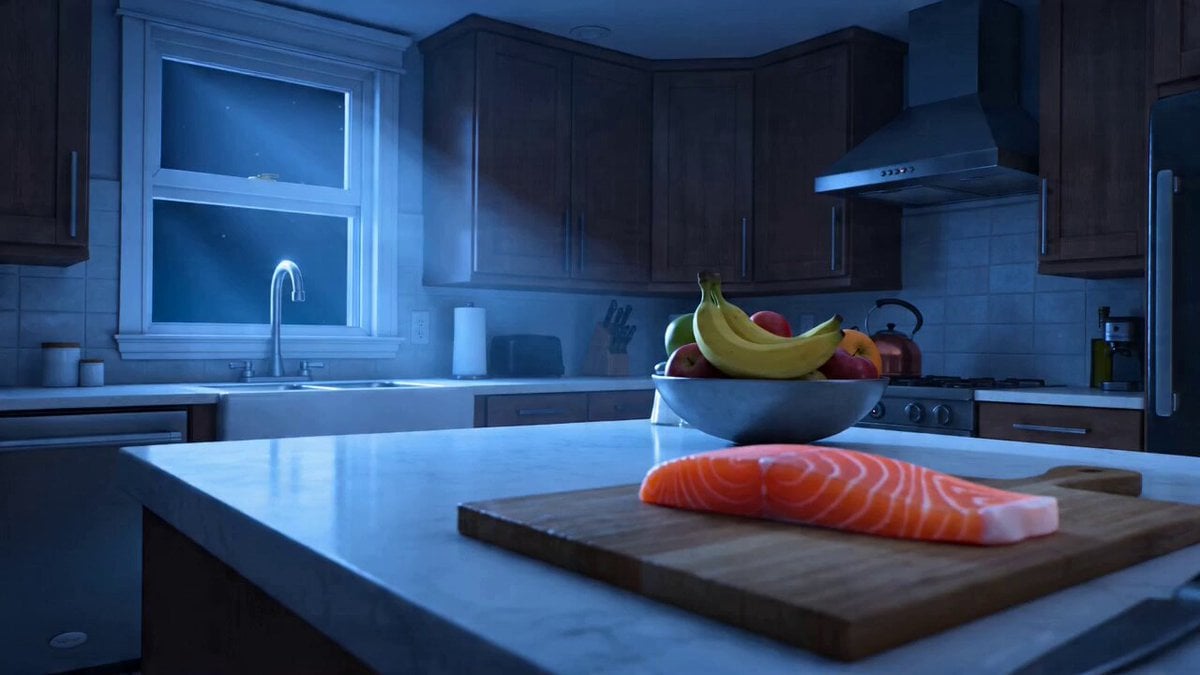
The Great Fish Heist: Cat Burglar Kitchen Raid Video
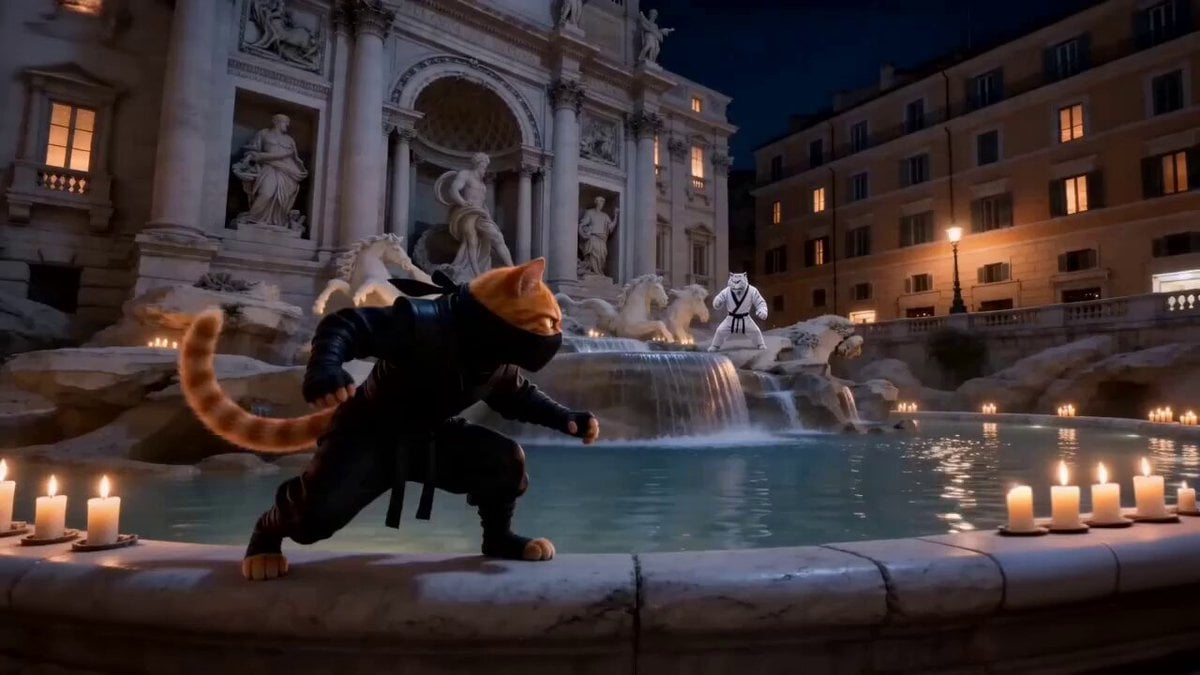
Urban Time-Shift Martial Arts Epic: Cat Ninja vs. Tiger Warrior
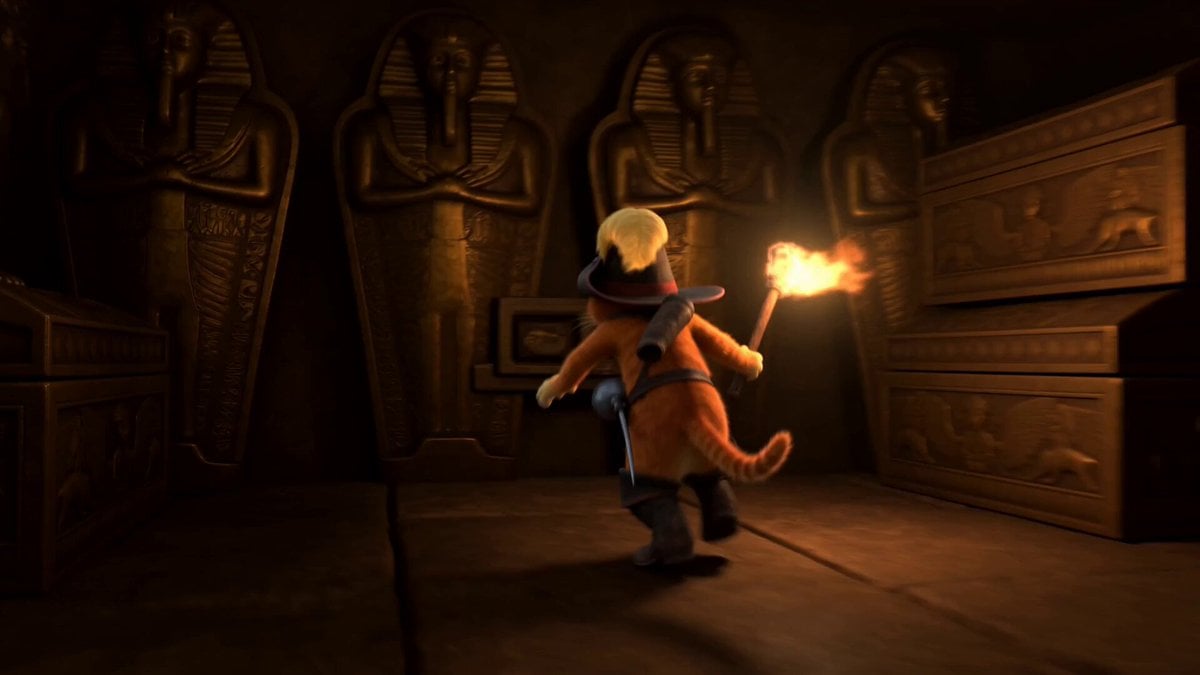
Orange Cat Adventure: Pyramid Simulation
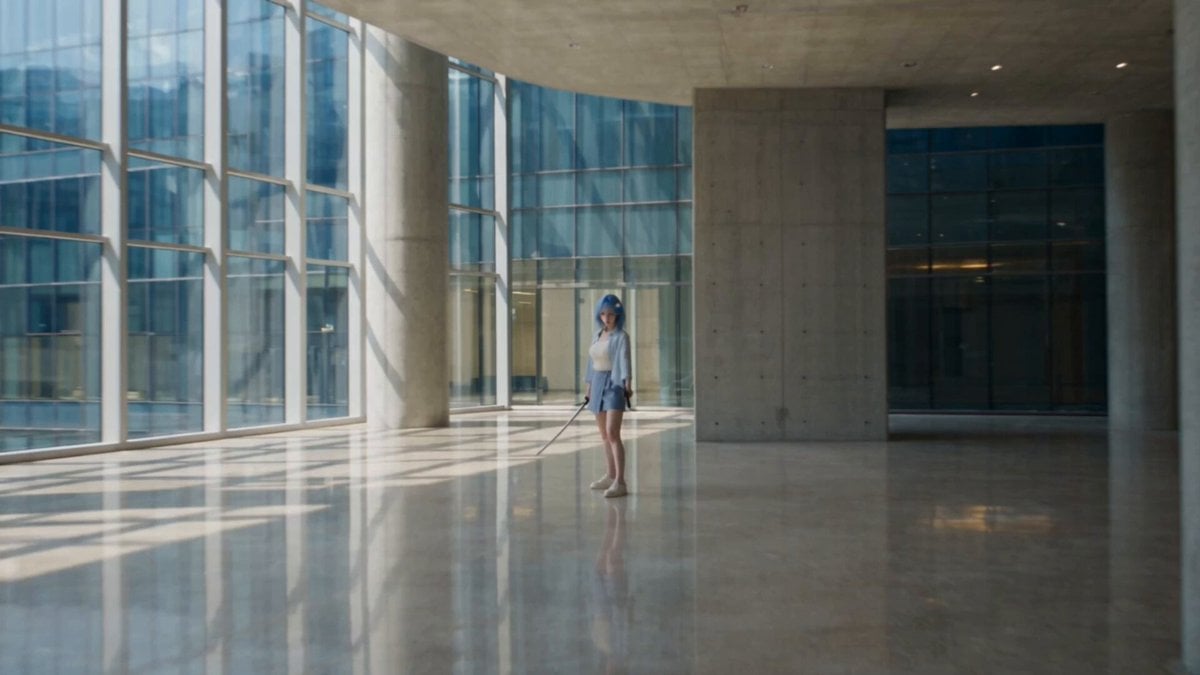
Modern Ninja Skyscraper Lobby Combat
Anime Fluffy Cat Morning Routine
Cinematic Emerald Gown Action Heist
Playful Orange Tabby Kitten in Meadow
Make it yours
Orange Cat Ninja Heist works as-is. These are the safest ways to change it without losing the look.
Change one field
Copy a single group, rewrite it, and generate again so you can see what that field is doing.
Keep the frame, change the subject
Hold the composition and light of Orange Cat Ninja Heist, then swap wardrobe, props or the person for a new take.
| If the result… | Why | Fix |
|---|---|---|
| The result drifts from the preview | Too many fields changed at once. | Reuse Orange Cat Ninja Heist as-is first, then change one group — subject, light, or setting. |
| The model over-stylizes the scene | The prose prompt leaves finish and camera underspecified. | Add one camera or lighting sentence and stay on Seedance 2.0. |
More Seedance 2.0 templates
Other prompts made for Seedance 2.0.

Comical Martial Arts Punch Scene

Maglev Train Action Sequence

Martial Arts Fight Sequence

Wuxia Protection and Trust Script

Vintage Korean Arcade MiniDV Vlog

Mercedes 190 SL Luxury Ad

Rainy Night Supernatural Reverse Comedy Video Script

Amazon Civilization Discovery

Futuristic South Asian City Transformation

Cozy Luxury Cafe Commercial
More video prompts
Fresh picks from across the catalog.
Multiverse Manufacturing Machine Cinematic Video

Enchanting Forest Grok Imagine Video Prompt
Epstein Files Fight Scene Prompt

Polar Bear Emerging from Cracking Frozen Lake

Living Metal Organisms Video
Seedance 2.0 One-Shot Cinematic Camera Movement Prompt
Arc Shot Frozen Woman Snow — Kling 3.0 v3 Pro

Jane Austen Transformation

Standard Medium Shot of an Elegant East Asian Woman
Vintage Camcorder Gym Vlog
Browse template categories
Orange Cat Ninja Heist questions
How do I use the Orange Cat Ninja Heist template?
Add your photo if the template asks for one, edit the prompt if you like — the template's model and format are already selected — and press Generate. Your version opens in PicX Studio.
Can I customize the Orange Cat Ninja Heist template?
Yes. You can change the subject, setting, lighting, mood, format, and available model controls before creating your video.
Is the Orange Cat Ninja Heist template free?
Opening and editing this template is free. Generating uses credits, shown on the Generate button when you are signed in.
Which AI model should I use?
Start with Seedance 2.0, which is the model associated with this template. You can compare another compatible model for a different finish.
Looking for something else? Browse all templates.

Your photo, any look
Thousands of ready templates for every top image and video model, from one credit balance.