
Stylish Orange Cat Daily Routine
A humorous and realistic narrative prompt featuring a personified orange cat navigating life from cafes to subways and the gym.

- Prompt included
- Model and format preset
- Premium template
The prompt behind this video
Copy the exact prompt behind Stylish Orange Cat Daily Routine, or open it in the studio and make it yours.
Style: ultra-realistic, cinematic, soft lighting, shallow depth of field, humorous tone, smooth transitions, 4K 0–3s: A stylish orange cat standing on two legs at a modern café counter. Wearing tiny glasses and a hoodie. It taps a card on the machine and orders coffee. Barista hands over a small latte cup. (Camera: close-up → slight pan, cozy morning vibe) 3–6s: Cut to the cat commuting in a crowded subway. Holding a hanging strap, looking tired and bored. Other humans scrolling phones, ignoring it. (Camera: handheld, slight shake for realism) 6–10s: Fast gym montage: cat lifting tiny dumbbells running on treadmill doing sit-ups seriously Sweat drops, intense face (Cuts synced with upbeat music) 10–15s: Late night, 2AM. Cat sitting alone on a couch in dim blue light, staring at phone. Screen reflects in its eyes. Slow zoom in as it looks confused and lost. Text on screen: “What am I doing with my life?” Ending: Loop smoothly back to coffee scene ☕🐱
How to use Stylish Orange Cat Daily Routine in 3 steps
- 1
Open
The prompt is already in the box next to the preview, with the template's model and format selected.
- 2…a portrait of your subject in softgolden-hour light, 85mm…
Personalize
Edit the subject and creative details for your destination.
- 3Generate
Generate
Press Generate — your video is created in PicX Studio, so you can compare it with the original and refine one variable at a time.
More like this
Templates with the same subject, style or setup. Open one to see its prompt.
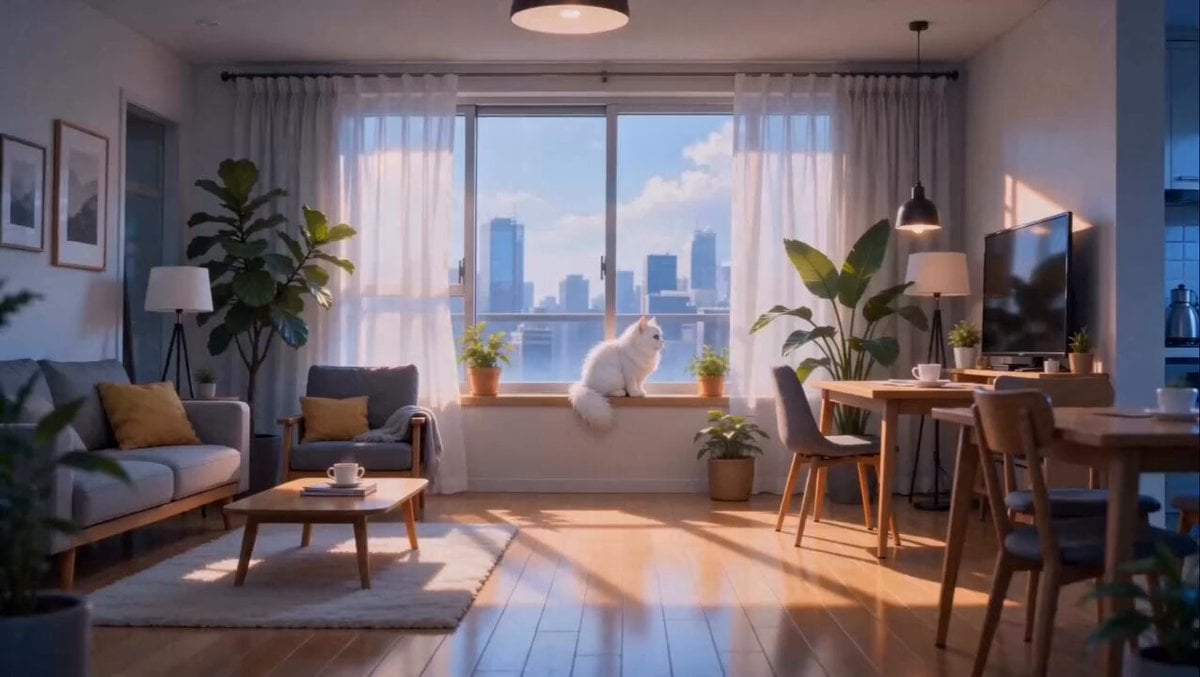
Anime Fluffy Cat Morning Routine

Realistic Morning Routine Lifestyle Vlog - Seedance 2.5

3D Animated Cat and Old Man - Seedance
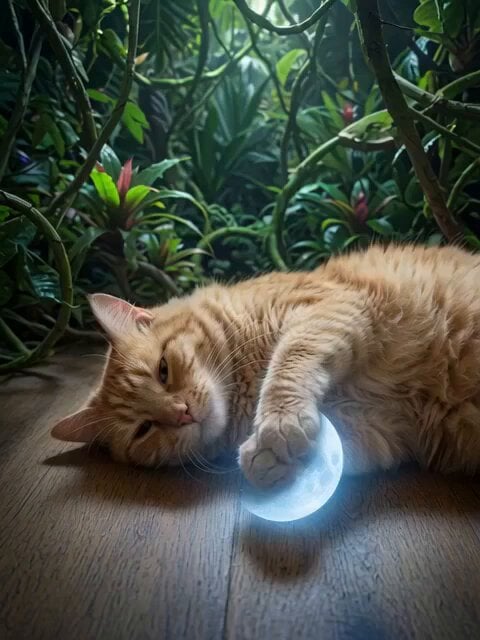
Orange Cat King and Dogs
Peaceful Daily Routine Narrative Prompt
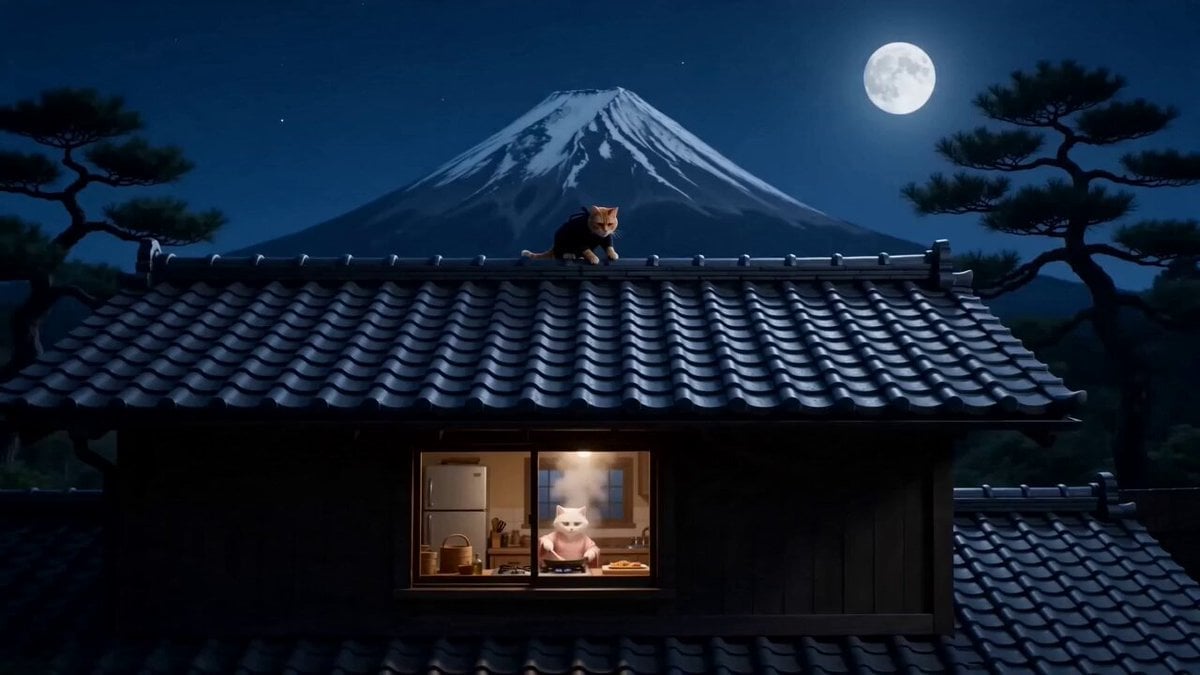
Orange Cat Ninja Heist

3D Animated Cat Daily Vlog

Seedance 2.0 Video Prompt: Godzilla-Sized Orange Cat in Chongqing
Daily Routine 15-Cut Sequence Prompt

Orange Cat Adventure: Pyramid Simulation
Daily Routine Split-Screen Comparison
Daily Routine Multi-Shot Sequence
Make it yours
Stylish Orange Cat Daily Routine works as-is. These are the safest ways to change it without losing the look.
Change one field
Copy a single group, rewrite it, and generate again so you can see what that field is doing.
Keep the frame, change the subject
Hold the composition and light of Stylish Orange Cat Daily Routine, then swap wardrobe, props or the person for a new take.
| If the result… | Why | Fix |
|---|---|---|
| The result drifts from the preview | Too many fields changed at once. | Reuse Stylish Orange Cat Daily Routine as-is first, then change one group — subject, light, or setting. |
| The model over-stylizes the scene | The prose prompt leaves finish and camera underspecified. | Add one camera or lighting sentence and stay on Seedance 2.0. |
More Seedance 2.0 templates
Other prompts made for Seedance 2.0.

Comical Martial Arts Punch Scene

Maglev Train Action Sequence

Martial Arts Fight Sequence

Wuxia Protection and Trust Script

Vintage Korean Arcade MiniDV Vlog

Mercedes 190 SL Luxury Ad

Rainy Night Supernatural Reverse Comedy Video Script

Amazon Civilization Discovery

Futuristic South Asian City Transformation

Cozy Luxury Cafe Commercial
More video prompts
Fresh picks from across the catalog.
Cinematic High-Fashion Dance Performance
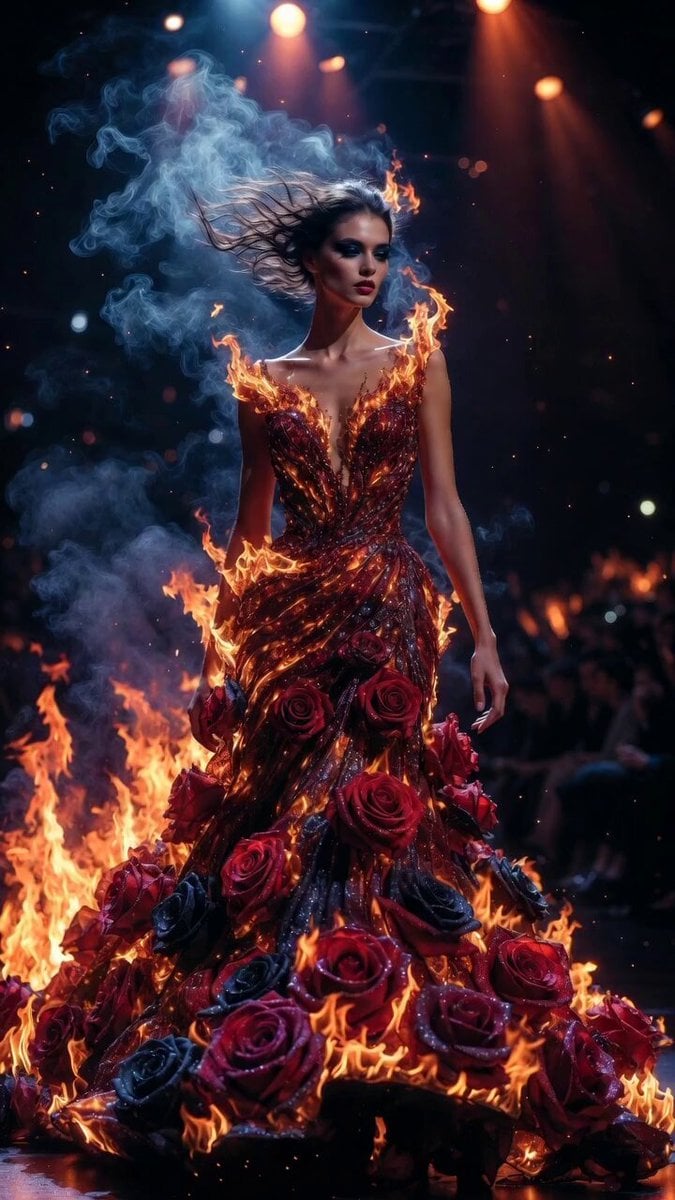
Flame and Rose Couture Catwalk

Cinematic Metropolitan Apocalypse Sequence

Family Scrapbook 3D Animation
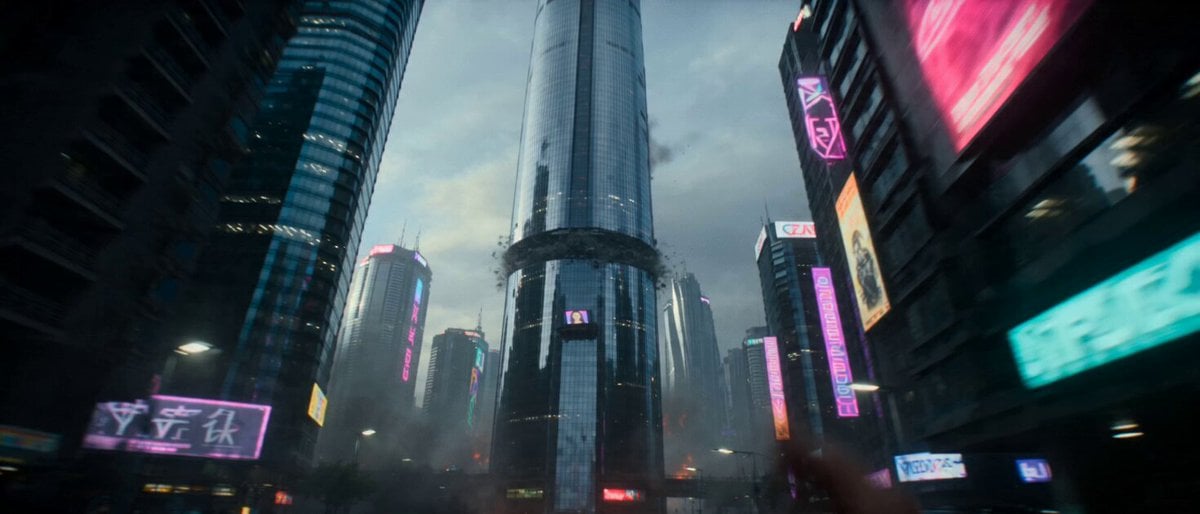
Hollywood Style Cyberpunk Disaster Movie Prompt
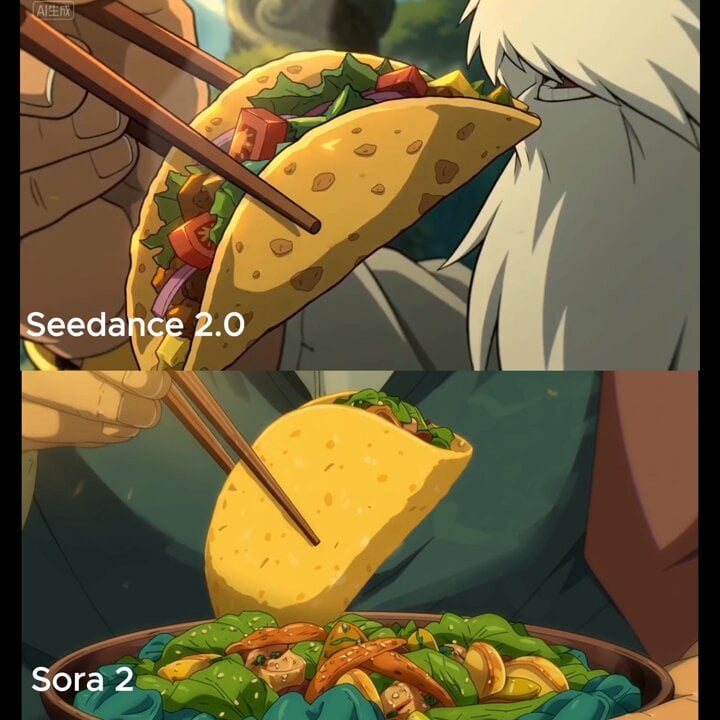
Close-up shot of taco filling shifting and warm light reflection

Hyperrealistic Dark Xianxia Technical Prompt

Seedance 2.0 Cyberpunk Shibuya Anime Battle
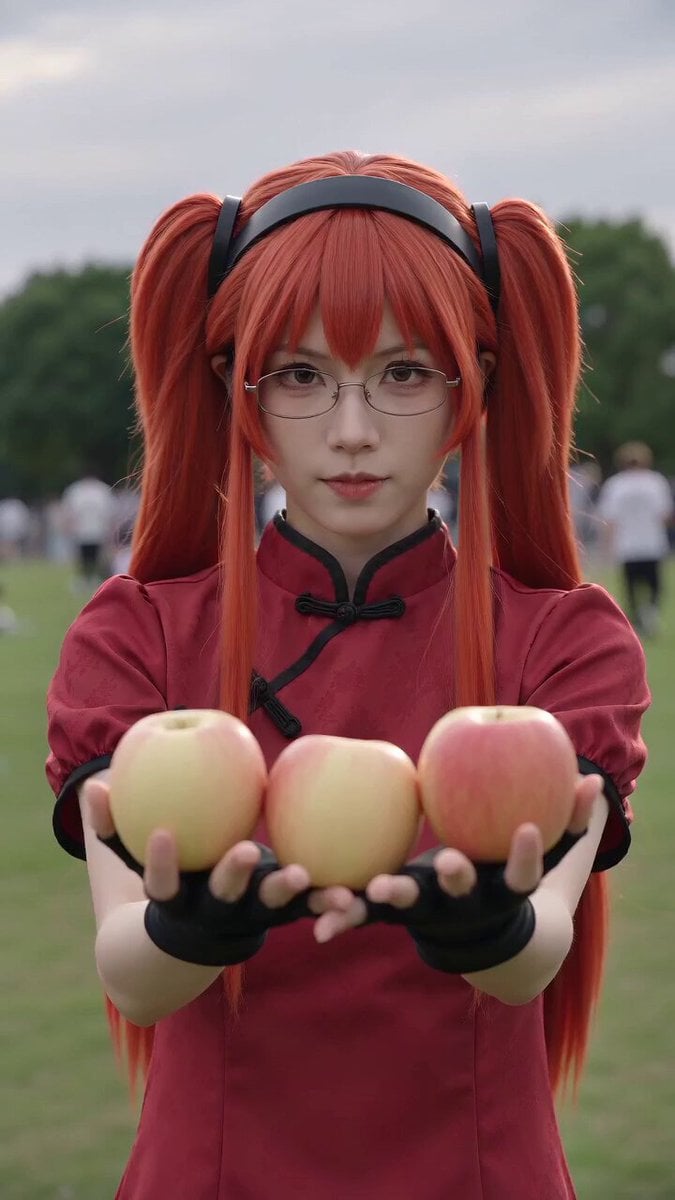
Anime Convention Vlog Cosplay Juggling

Grok Imagine video prompt for abstract liquid spectacle
Browse template categories
Stylish Orange Cat Daily Routine questions
How do I use the Stylish Orange Cat Daily Routine template?
Add your photo if the template asks for one, edit the prompt if you like — the template's model and format are already selected — and press Generate. Your version opens in PicX Studio.
Can I customize the Stylish Orange Cat Daily Routine template?
Yes. You can change the subject, setting, lighting, mood, format, and available model controls before creating your video.
Is the Stylish Orange Cat Daily Routine template free?
Opening and editing this template is free. Generating uses credits, shown on the Generate button when you are signed in.
Which AI model should I use?
Start with Seedance 2.0, which is the model associated with this template. You can compare another compatible model for a different finish.
Looking for something else? Browse all templates.

Your photo, any look
Thousands of ready templates for every top image and video model, from one credit balance.