
Anime Convention Vlog Cosplay Juggling
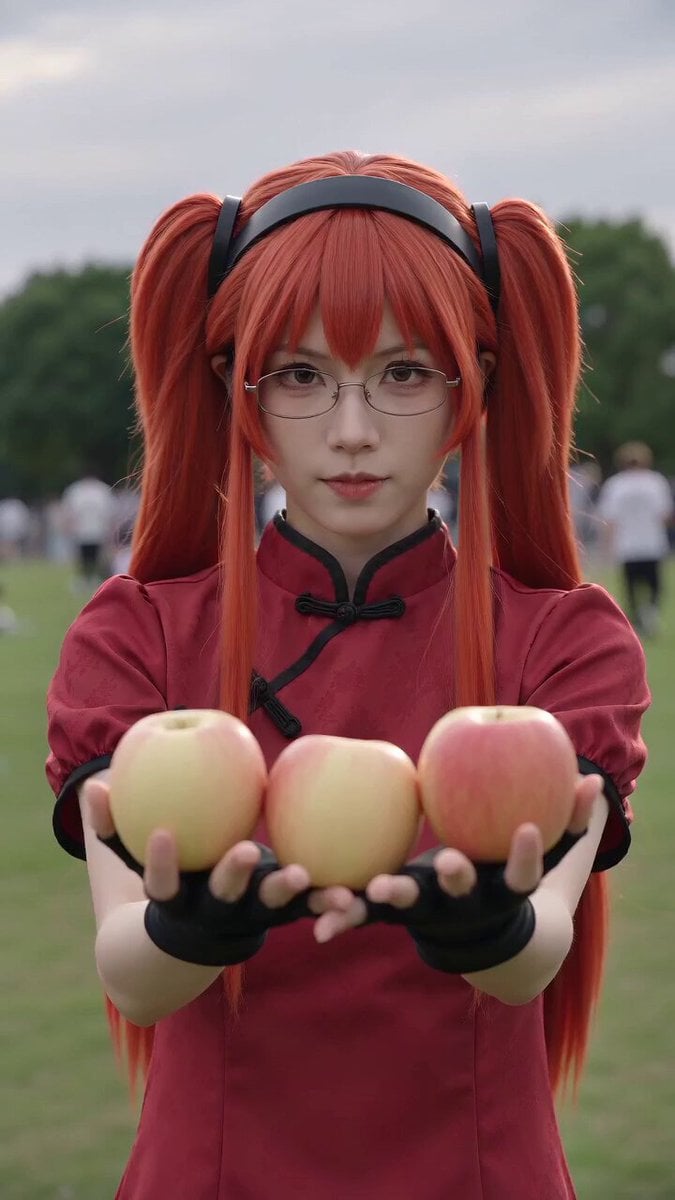
A photorealistic found-footage style video of a red-haired cosplayer juggling apples at an outdoor convention with natural lighting and handheld camera movement.
- Prompt included
- Model and format preset
- Premium template
The prompt behind this video
Copy the exact prompt behind Anime Convention Vlog Cosplay Juggling, or open it in the studio and make it yours.
【风格】漫展现场伪纪录片(Convention Vlog / Found Footage),手机竖屏实拍质感,真实摄影(Photorealistic),轻微手持晃动与自动对焦呼吸感,户外阴天自然光,无电影滤镜、无动漫感 【时长】10秒 【场景】户外漫展草坪现场,背景是绿树、模糊走动的人群和其他 coser,阴天柔和散射光 【角色】红发双马尾女生(亮红色长双马尾,黑发箍,细框眼镜,红色立领旗袍式 cos 服,黑色露指手套) [00:00-00:02] 镜头1:起手亮相(Handheld Medium / Auto-focus Breathing) 中近景手持镜头,红发女生面对镜头摆出认真的角色 pose,双手各托一个黄红色苹果,第三个夹在手心,嘴唇微动像在念台词,自动对焦轻微拉扯。背景人群走动模糊。 [00:02-00:05] 镜头2:三球抛接(The Juggling / Motion Track) 她抛出苹果,三个苹果在空中接连抛起、依次落回手中,黑手套的双手上下快速翻飞交替接抛,苹果划出连续弧线。镜头随苹果轻微上下跟摇,她全程角色表情专注盯着空中。 [00:05-00:08] 镜头3:偷咬一口(The Twist / Natural Bite) 抛接节奏不停,趁一个苹果落到手中的瞬间,她顺势把它抬到嘴边狠狠咬了一大口,几乎没停顿又把苹果抛回空中继续转,脸颊鼓起边嚼边接抛,眼神还维持着表演状态,反差喜感拉满。 [00:08-00:10] 镜头4:背景抢镜+收尾(Photobomb + Freeze) 焦点后移,黑发兽角 coser 从后方探头张大嘴抢镜。红发女生鼓着腮帮子把三个苹果一把接进怀里抱住,对镜头眨眼,那个被咬缺一口的苹果露在最上面,配现场嘈杂人声与零星掌声收尾。
How to use Anime Convention Vlog Cosplay Juggling in 3 steps
- 1
Open
The prompt is already in the box next to the preview, with the template's model and format selected.
- 2…a portrait of your subject in softgolden-hour light, 85mm…
Personalize
Edit the subject and creative details for your destination.
- 3Generate
Generate
Press Generate — your video is created in PicX Studio, so you can compare it with the original and refine one variable at a time.
More like this
Templates with the same subject, style or setup. Open one to see its prompt.

Mediterranean Coffee Run Vlog - Seedance 2.5

Mysterious Home Exploration Vlog - Seedance 2.5

Realistic Morning Routine Lifestyle Vlog - Seedance 2.5

Handheld Tokyo Travel Vlog - Seedance 2.5

Nostalgic MiniDV Convenience Store Vlog - Seedance 2.5

Mediterranean Morning Coffee Run Vlog (Seedance 2.5)

MiniMax H3 Character Introduction

Luxury Lifestyle Day Vlog

Japanese Pure Love Short Film

Luxury Airport Travel Vlog

Kyoto Morning Selfie Vlog

Kenting Lifestyle Travel Vlog
Make it yours
Anime Convention Vlog Cosplay Juggling works as-is. These are the safest ways to change it without losing the look.
Change one field
Copy a single group, rewrite it, and generate again so you can see what that field is doing.
Keep the frame, change the subject
Hold the composition and light of Anime Convention Vlog Cosplay Juggling, then swap wardrobe, props or the person for a new take.
| If the result… | Why | Fix |
|---|---|---|
| The result drifts from the preview | Too many fields changed at once. | Reuse Anime Convention Vlog Cosplay Juggling as-is first, then change one group — subject, light, or setting. |
| The model over-stylizes the scene | The prose prompt leaves finish and camera underspecified. | Add one camera or lighting sentence and stay on Seedance 2.0. |
More Seedance 2.0 templates
Other prompts made for Seedance 2.0.

Comical Martial Arts Punch Scene

Maglev Train Action Sequence

Martial Arts Fight Sequence

Wuxia Protection and Trust Script

Vintage Korean Arcade MiniDV Vlog

Mercedes 190 SL Luxury Ad

Rainy Night Supernatural Reverse Comedy Video Script

Amazon Civilization Discovery

Futuristic South Asian City Transformation

Cozy Luxury Cafe Commercial
More video prompts
Fresh picks from across the catalog.

Mystical Bioluminescent Owl Animation
Hyper-Realistic Football Strike Sequence
Adorable Accent Voiceover
Troll Finding Flower Cinematic Video
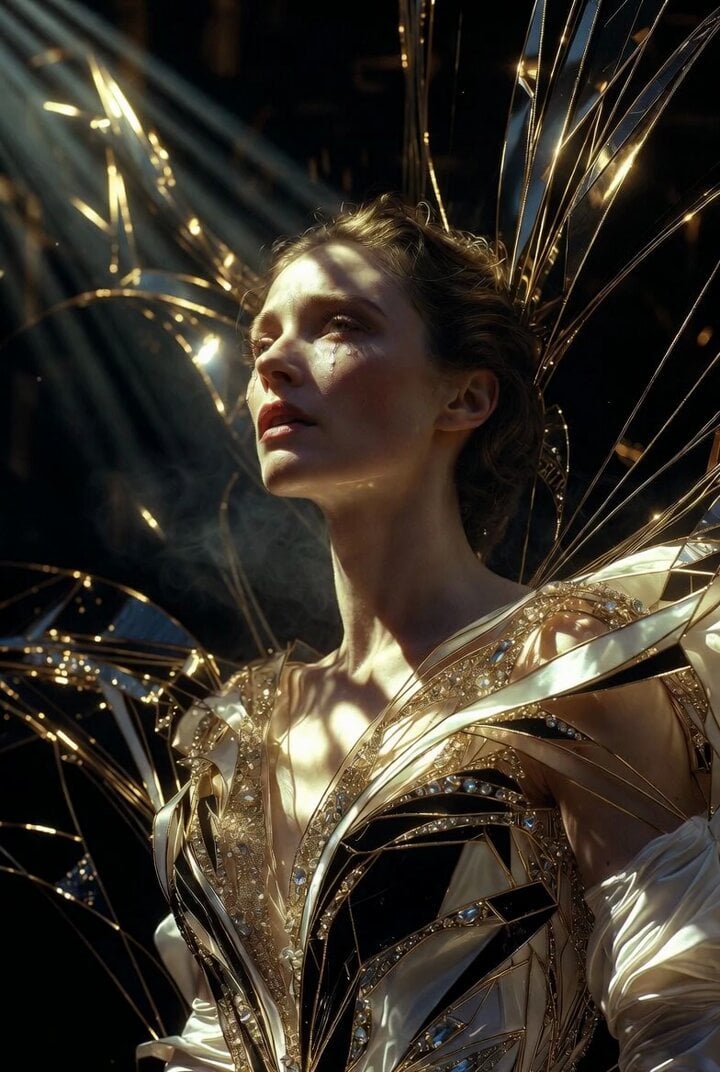
Grok Imagine Prompt: Ultra Luxurious Art Deco Imperial Opera Scene

Planet-sized Quantum Computer World
Stone Colossus Desert Riders — Golden Fire Reveal
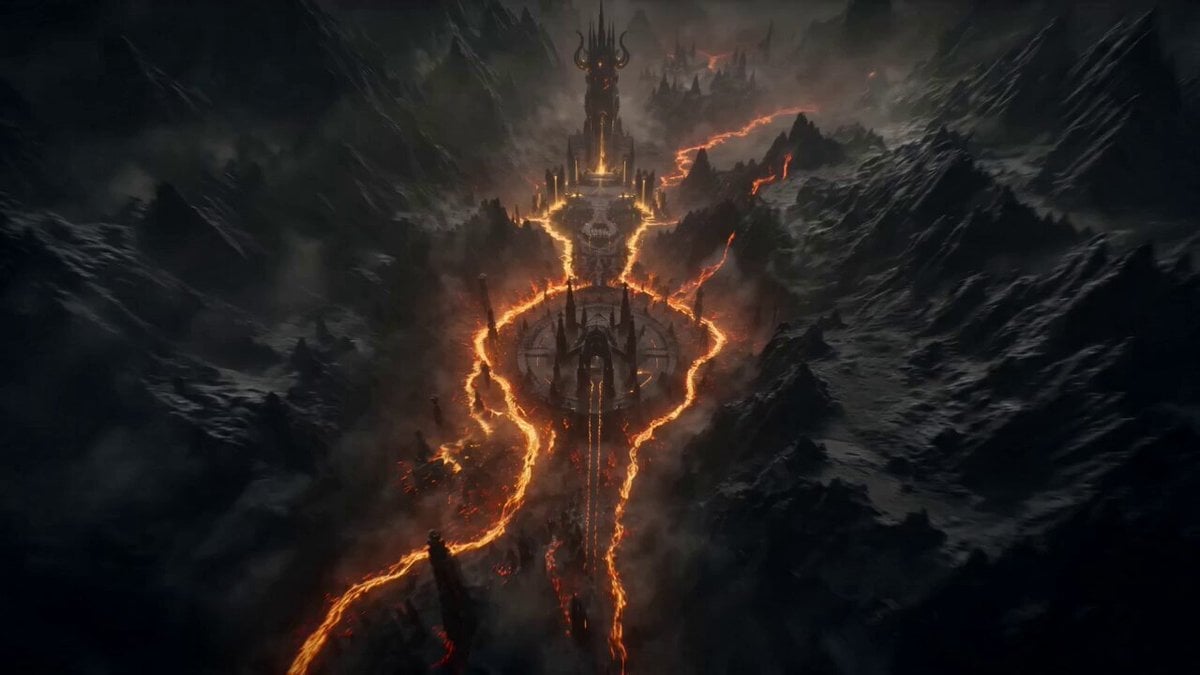
Boss Introduction Sequence
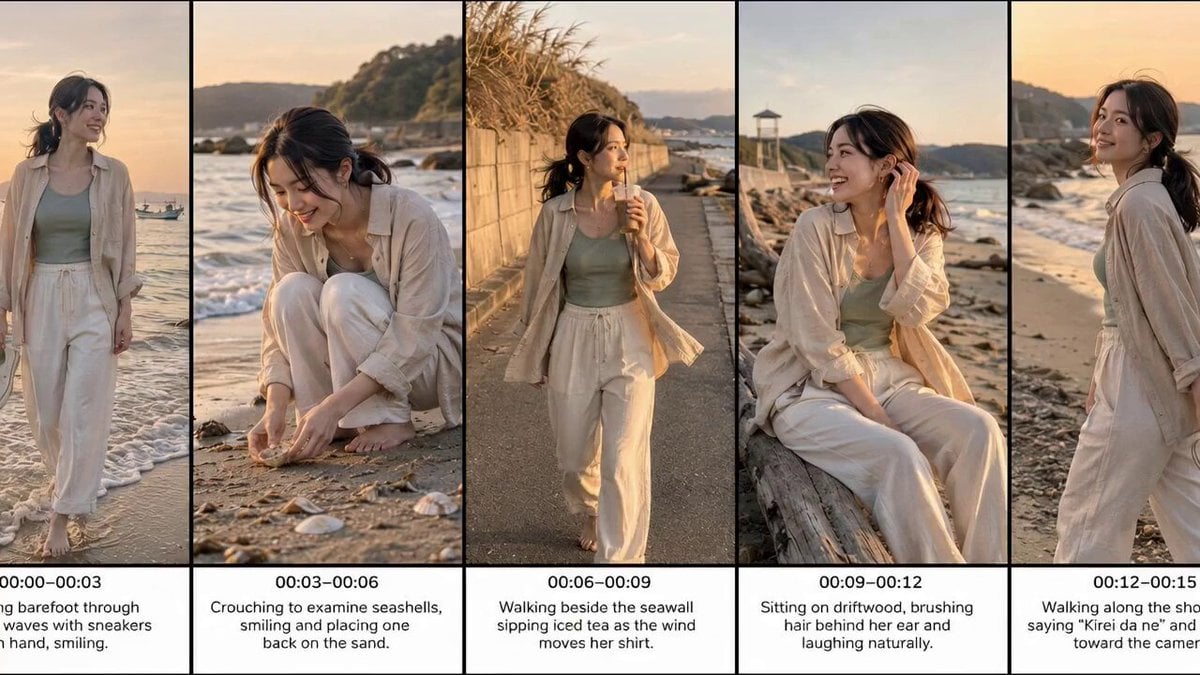
Realistic Beach Vacation Documentary
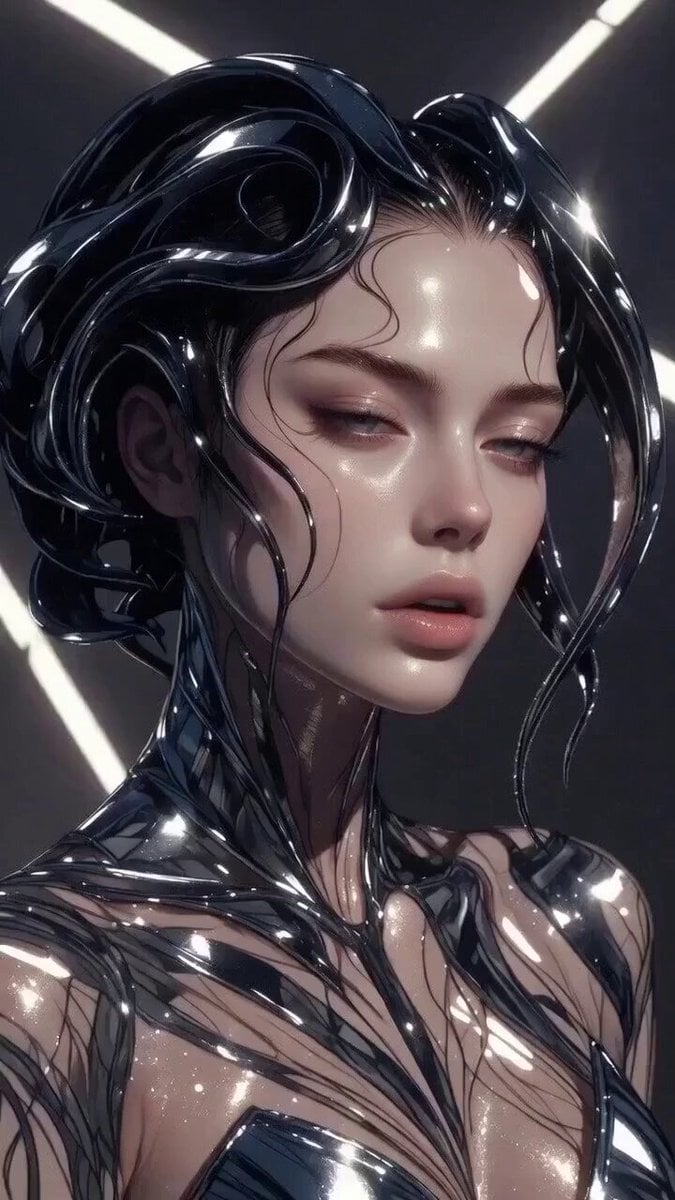
Multi-stage video generation prompt with camera movements
Browse template categories
Anime Convention Vlog Cosplay Juggling questions
How do I use the Anime Convention Vlog Cosplay Juggling template?
Add your photo if the template asks for one, edit the prompt if you like — the template's model and format are already selected — and press Generate. Your version opens in PicX Studio.
Can I customize the Anime Convention Vlog Cosplay Juggling template?
Yes. You can change the subject, setting, lighting, mood, format, and available model controls before creating your video.
Is the Anime Convention Vlog Cosplay Juggling template free?
Opening and editing this template is free. Generating uses credits, shown on the Generate button when you are signed in.
Which AI model should I use?
Start with Seedance 2.0, which is the model associated with this template. You can compare another compatible model for a different finish.
Looking for something else? Browse all templates.

Your photo, any look
Thousands of ready templates for every top image and video model, from one credit balance.