How do I use the Hollywood Style Cyberpunk Disaster Movie Prompt template?
Edit the prompt in the box under the preview — the template's model and format are already selected — and press Generate. Your version appears right on this page.
A multi-shot video prompt for creating a cinematic sci-fi disaster scene.
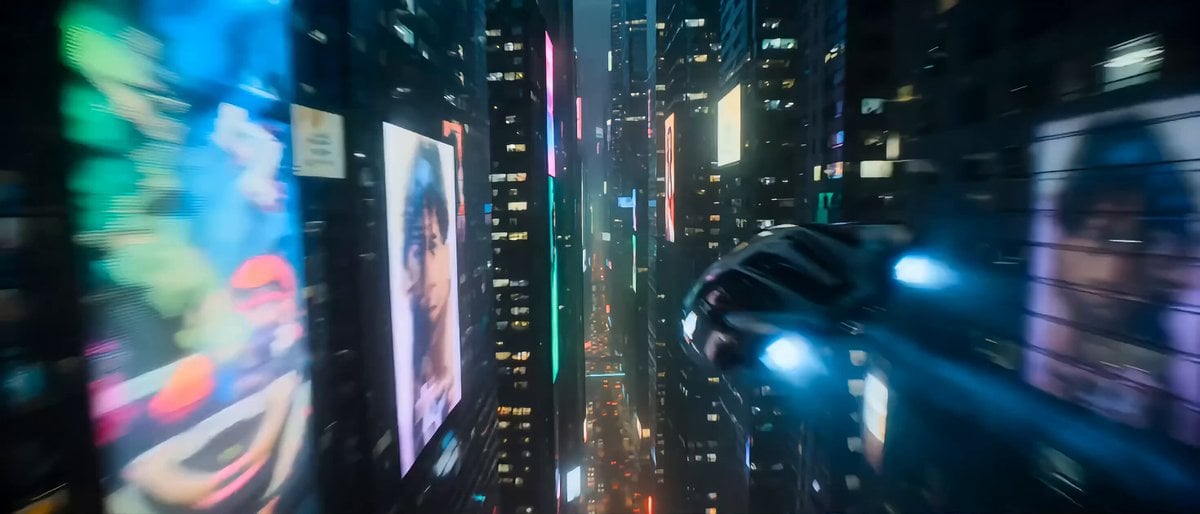
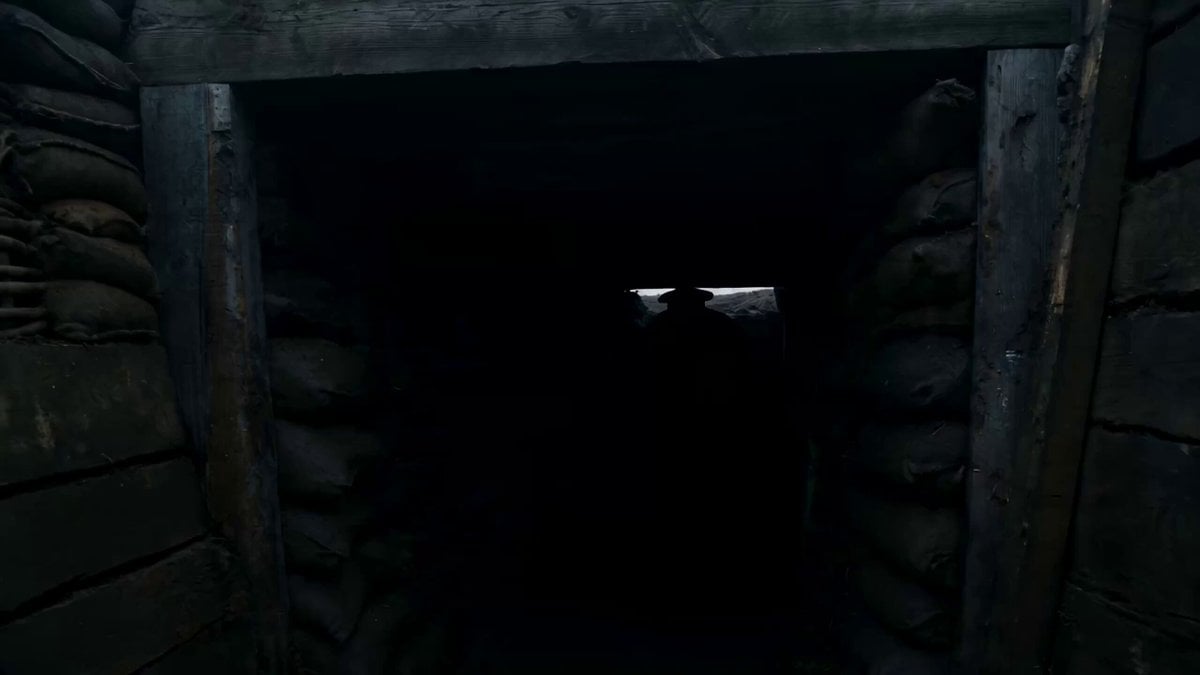
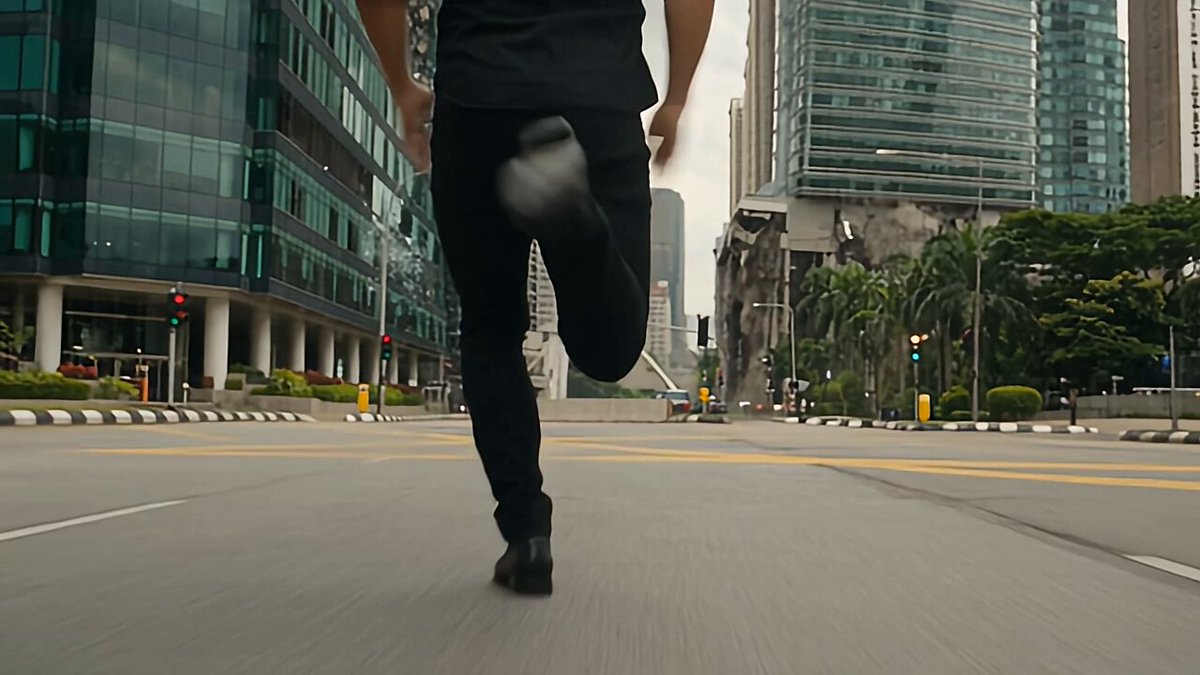
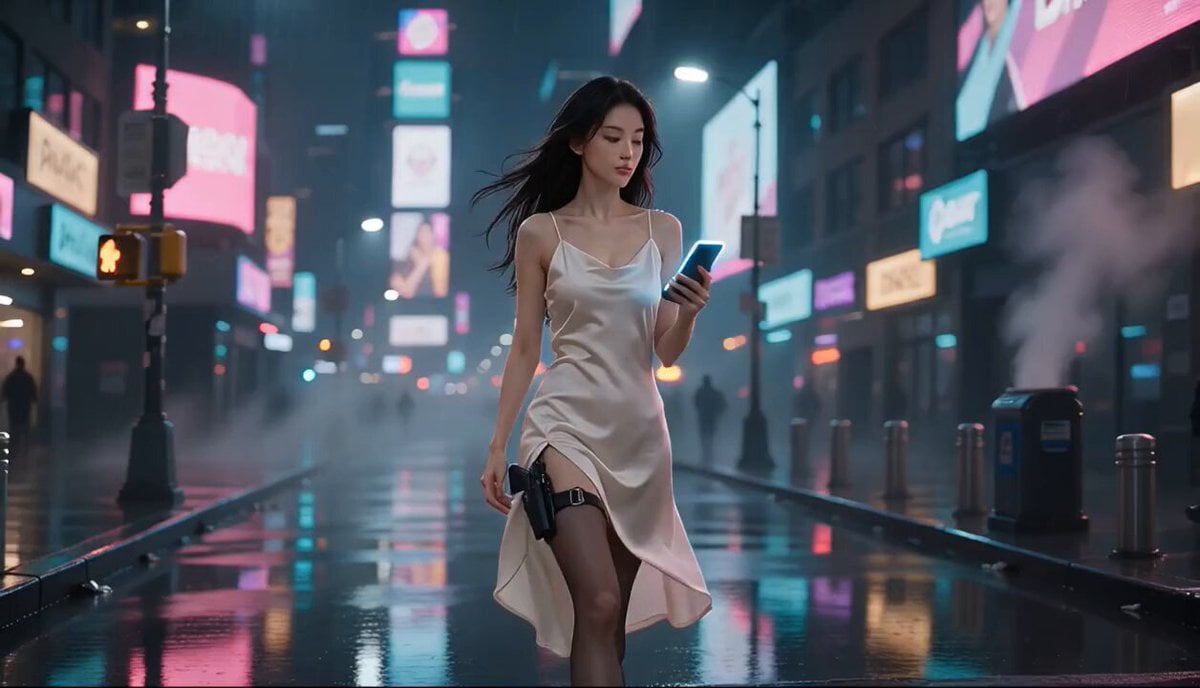
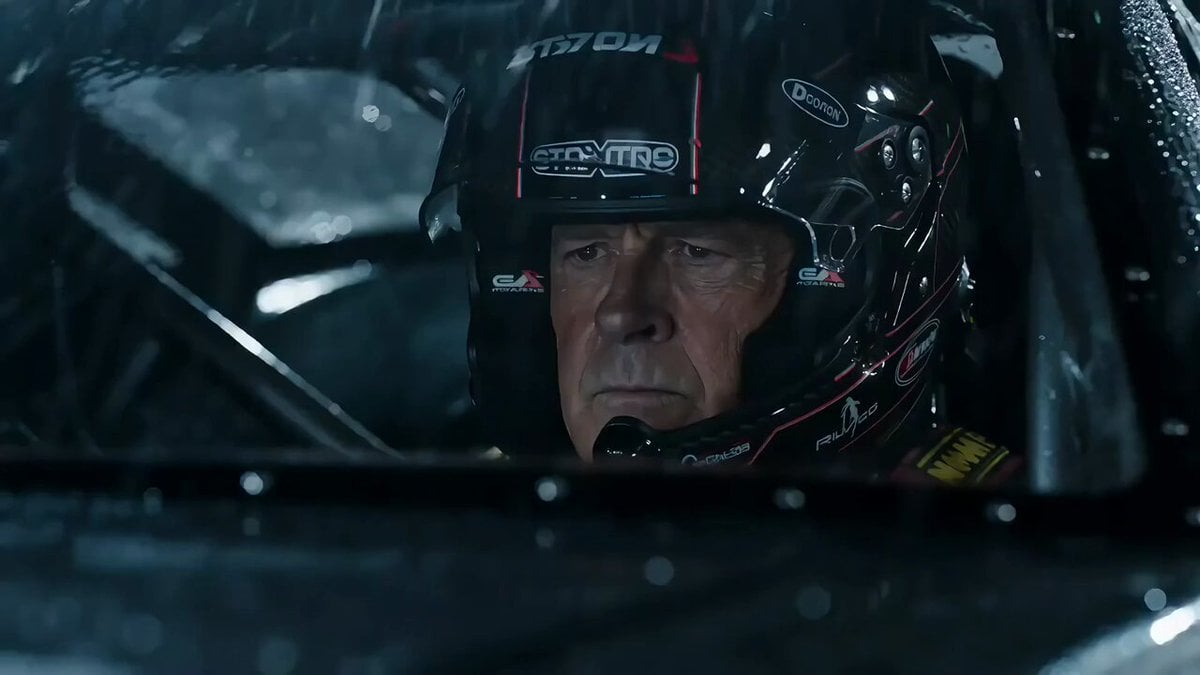
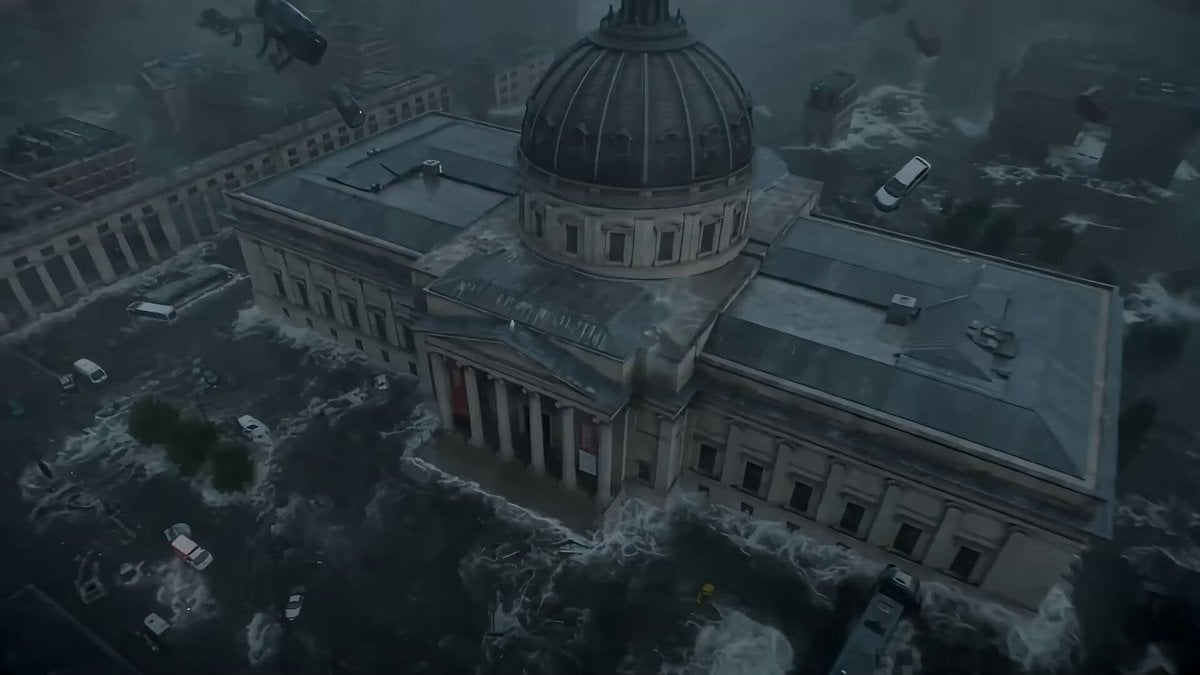
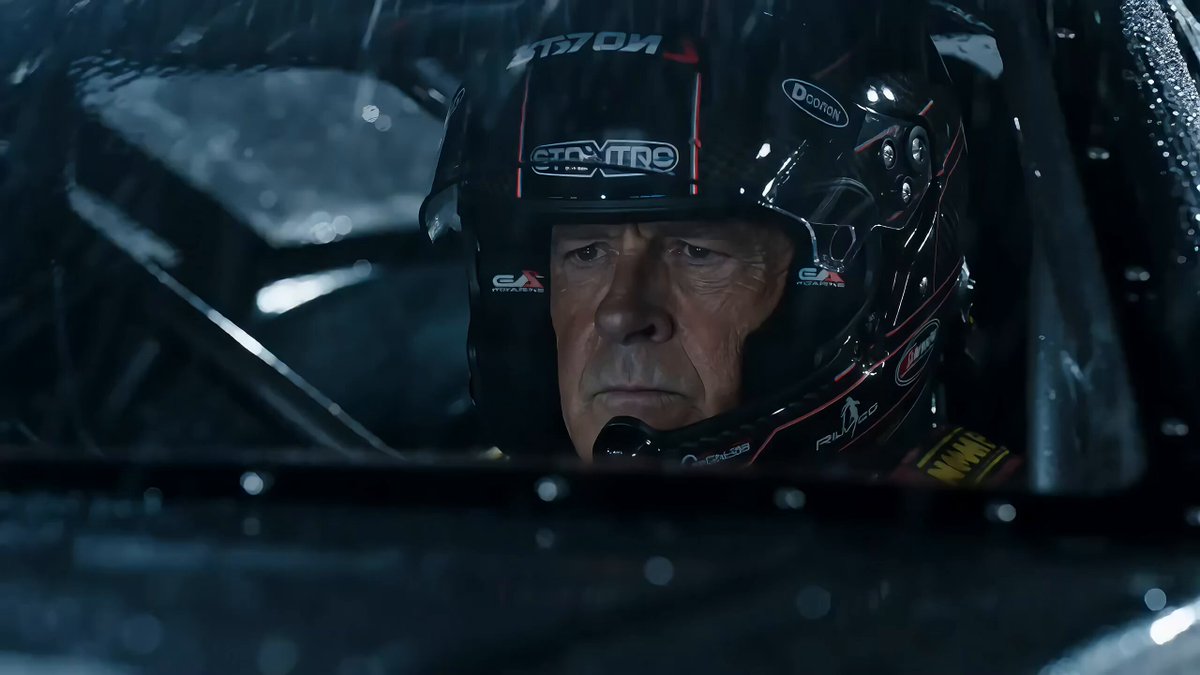
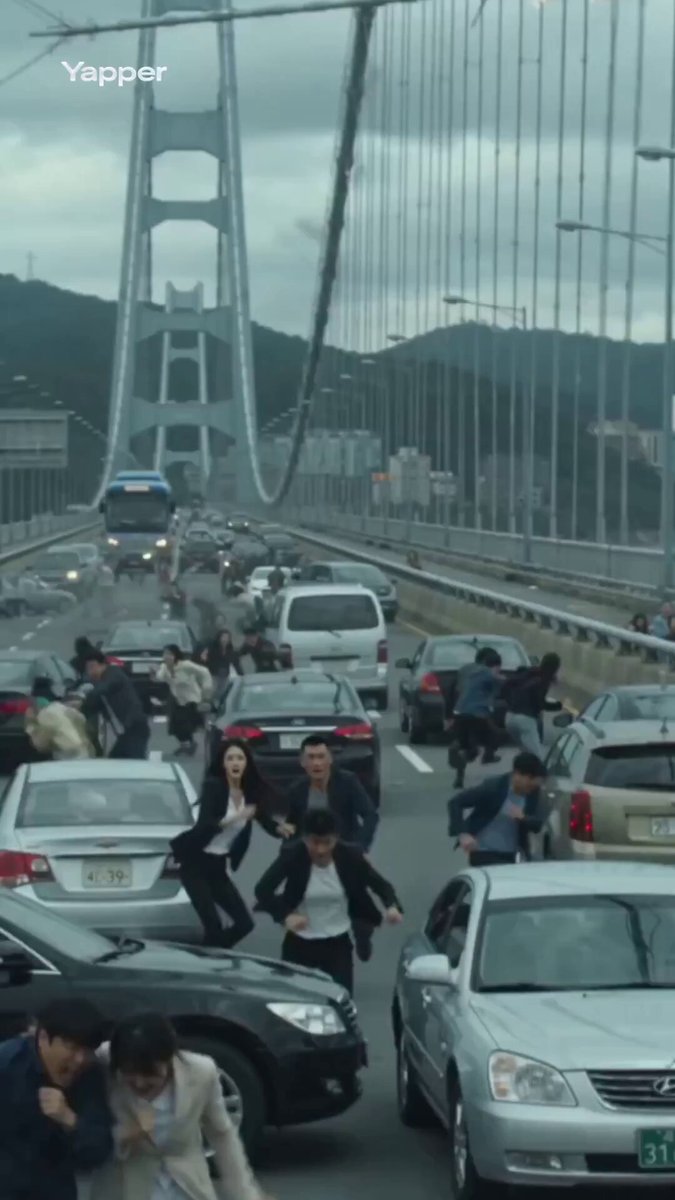
9:16竖屏,24fps,15秒,好莱坞科幻灾难大片质感,8K超高清,HDR,体积光,冷蓝与熔岩橙双色调,RAW质感,迈克尔·贝式爆炸美学。 0-3秒:第一人称手持奔跑视角,剧烈晃动,穿过霓虹广告牌碎裂坠落的赛博街区。前方整栋三百层镜面摩天楼被半透明重力波拦腰撕裂,混凝土与钢梁像纸片一样向外爆散,玻璃幕墙碎片如暴雨倾泻,地面裂开深不见底的红色熔岩裂隙。镜头踉跄躲避一块坠落的巨型广告屏,屏幕碎前最后闪过的画面是一张AI女主播的微笑脸。 4-7秒:镜头猛然抬头仰拍——天空被巨大的三角形外星母舰遮蔽,舰底射出数百道脉动的蓝色牵引光束,整座城市的高楼像玩具一样被连根拔起、倒悬升空。一架军用无人机从镜头右侧呼啸掠过,0.3秒后直接被光束击中引爆,火球在镜头前炸开,镜头被冲击波震得后仰但仍在奔跑。背景音是撕裂的防空警报、人群尖叫、建筑崩塌的低频轰鸣。 8-12秒:镜头冲过一个倒塌的天桥拱洞,来到开阔的中央广场。画面中数百辆悬浮车失控相撞连环爆炸,地面呈波浪状起伏——重力波已经扭曲了物理法则。广场中央的巨型全息雕像扭曲闪烁后炸裂成数据碎片。镜头右侧突然冲出一个抱孩子的年轻母亲跌倒,镜头伸手拽她一把但来不及——下一秒整块广场地壳被掀翻,镜头失重腾空,画面360度旋转,周围全是悬浮在半空中的汽车、碎片、人体。 13-15秒:画面急速坠落中,镜头最后对准天空——外星母舰腹部裂开,一道橙红色巨型能量柱直插地核,城市从中心向外呈环形冲击波毁灭。镜头落地前的最后一帧——画面定格在漫天碎片中一朵孤零零的霓虹樱花全息广告仍在闪烁,然后硬切黑屏。音效收束为一声巨大的低频闷响后安静如真空。 禁止任何文字、字幕、LOGO或水印。画面全部片段都不要出现字幕。
9:16竖屏,24fps,15秒,好莱坞科幻灾难大片质感,8K超高清,HDR,体积光,冷蓝与熔岩橙双色调,RAW质感,迈克尔·贝式爆炸美学。 0-3秒:第一人称手持奔跑视角,剧烈晃动,穿过霓虹广告牌碎裂坠落的赛博街区。前方整栋三百层镜面摩天楼被半透明重力波拦腰撕裂,混凝土与钢梁像纸片一样向外爆散,玻璃幕墙碎片如暴雨倾泻,地面裂开深不见底的红色熔岩裂隙。镜头踉跄躲避一块坠落的巨型广告屏,屏幕碎前最后闪过的画面是一张AI女主播的微笑脸。 4-7秒:镜头猛然抬头仰拍——天空被巨大的三角形外星母舰遮蔽,舰底射出数百道脉动的蓝色牵引光束,整座城市的高楼像玩具一样被连根拔起、倒悬升空。一架军用无人机从镜头右侧呼啸掠过,0.3秒后直接被光束击中引爆,火球在镜头前炸开,镜头被冲击波震得后仰但仍在奔跑。背景音是撕裂的防空警报、人群尖叫、建筑崩塌的低频轰鸣。 8-12秒:镜头冲过一个倒塌的天桥拱洞,来到开阔的中央广场。画面中数百辆悬浮车失控相撞连环爆炸,地面呈波浪状起伏——重力波已经扭曲了物理法则。广场中央的巨型全息雕像扭曲闪烁后炸裂成数据碎片。镜头右侧突然冲出一个抱孩子的年轻母亲跌倒,镜头伸手拽她一把但来不及——下一秒整块广场地壳被掀翻,镜头失重腾空,画面360度旋转,周围全是悬浮在半空中的汽车、碎片、人体。 13-15秒:画面急速坠落中,镜头最后对准天空——外星母舰腹部裂开,一道橙红色巨型能量柱直插地核,城市从中心向外呈环形冲击波毁灭。镜头落地前的最后一帧——画面定格在漫天碎片中一朵孤零零的霓虹樱花全息广告仍在闪烁,然后硬切黑屏。音效收束为一声巨大的低频闷响后安静如真空。 禁止任何文字、字幕、LOGO或水印。画面全部片段都不要出现字幕。
Edit the prompt in the box under the preview — the template's model and format are already selected — and press Generate. Your version appears right on this page.
Yes. You can change the subject, setting, lighting, mood, format, and available model controls before creating your video.
Opening and editing this template is free. Generating uses credits, shown on the Generate button when you are signed in.
Start with Seedance 2.0, which is the model associated with this template. You can compare another compatible model for a different finish.
Follow a topic to a crawlable collection of related PicX Studio templates.