How do I use the Catastrophic Disaster Movie Scene Prompt template?
Edit the prompt in the box under the preview — the template's model and format are already selected — and press Generate. Your version appears right on this page.
A detailed, multi-shot prompt for Seedance 2.0 designed to create a high-urgency, catastrophic disaster movie sequence involving a bridge collapse, a massive wave, and a character named Tao Ge performing a dramatic…
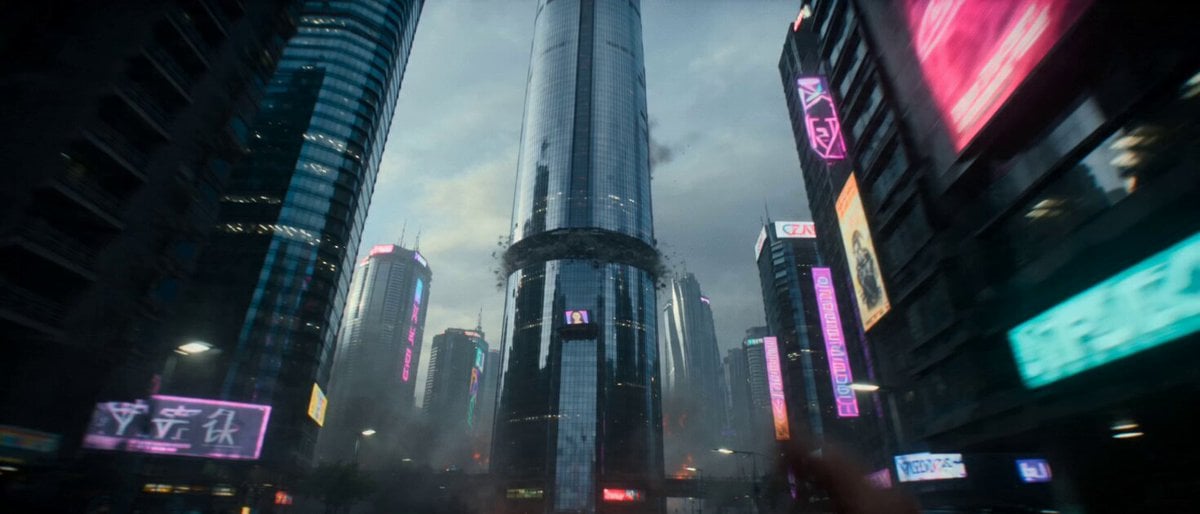
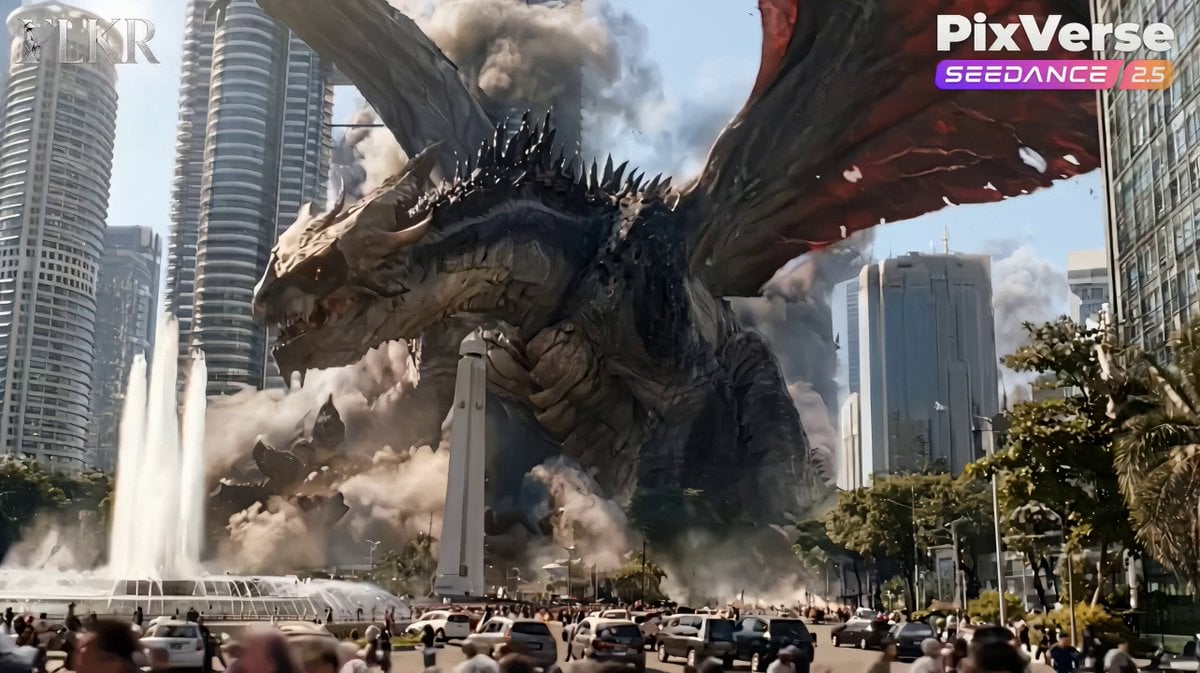
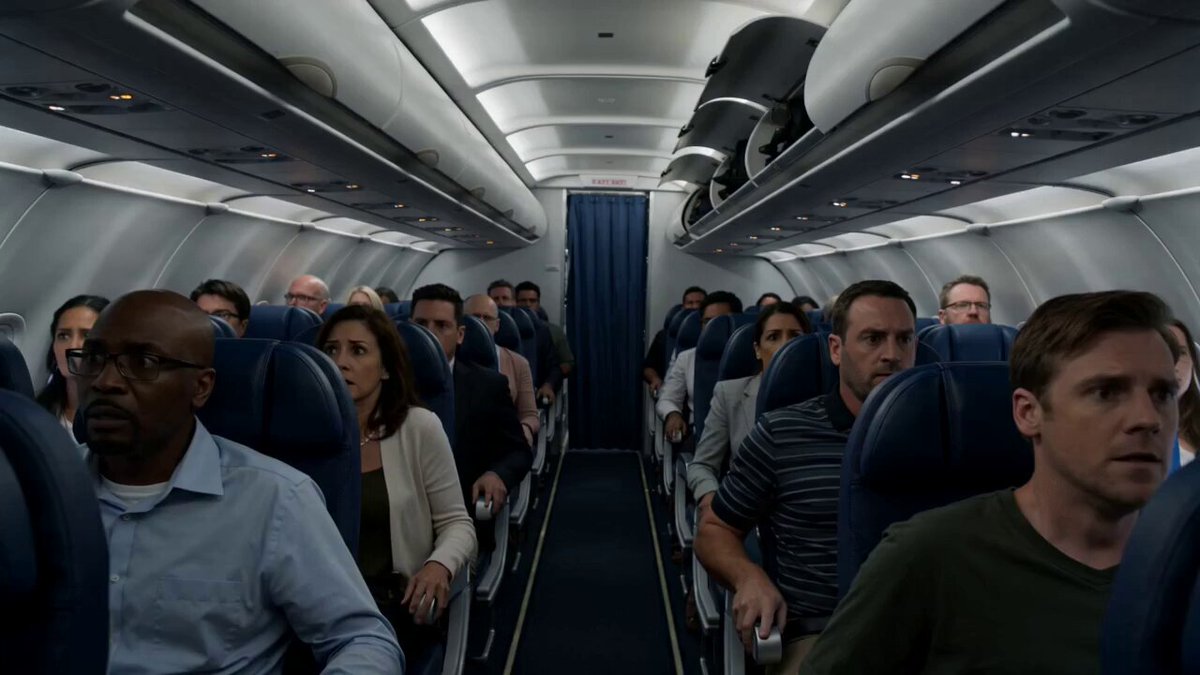
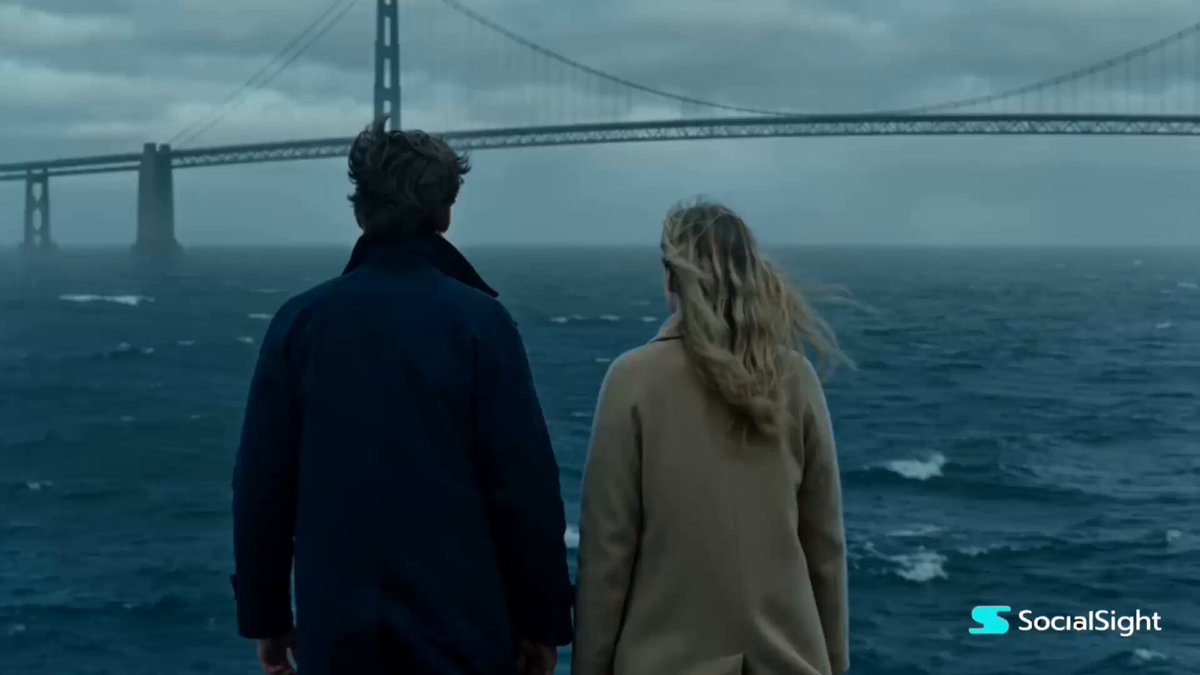
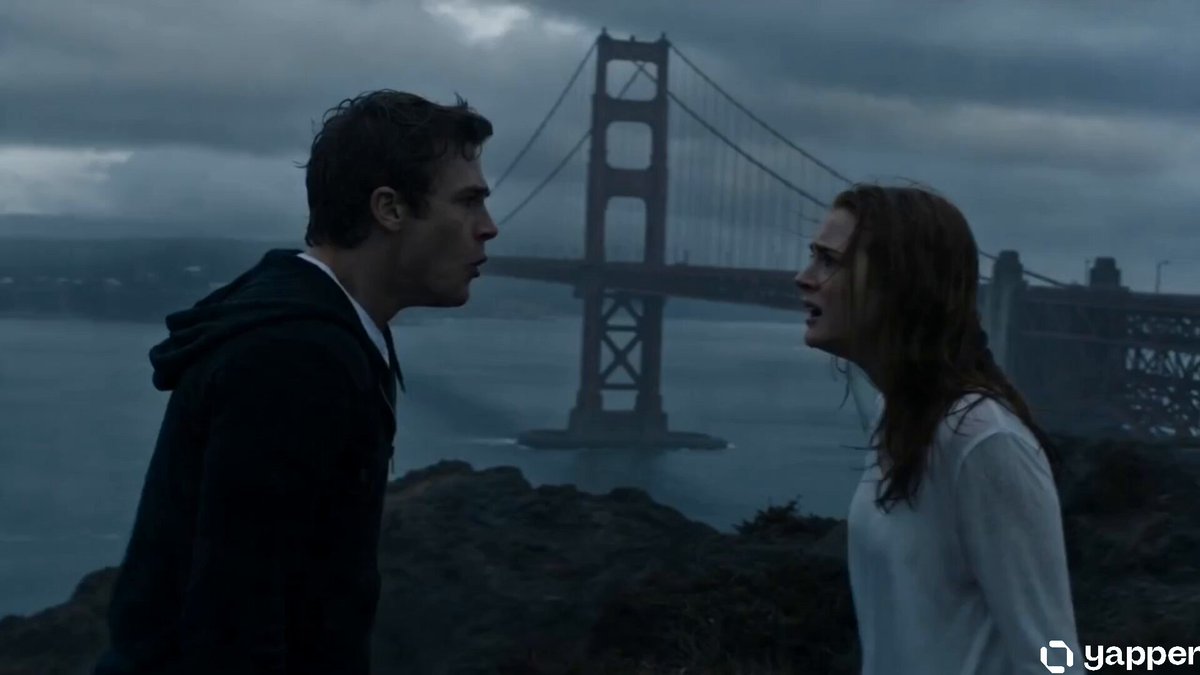
0-2 seconds (Shot 1) - Visuals: The bridge shakes violently, steel cables snap with exploding sparks, a multi-car pile-up occurs, people scream and run in chaos. - Camera: Handheld shot, high-urgency close-up. - Audio: Sound of cables snapping + people screaming + car crashes. - Tao Ge: Running frantically through the traffic, looking back in terror. 2-5 seconds (Shot 2) - Visuals: A massive wave capsizes a cargo ship, sending shipping containers flying into the sky. - Camera: Low-angle shot + rapid zoom. - Audio: Roar of a tsunami + sound of metal piercing the air. 5-9 seconds (Shot 3) - Visuals: A shipping container hurtles toward the bridge at high speed! - Camera: 1.2x slow motion, oppressive perspective. - Dialogue (Tao Ge screaming): Get out of the way!! 9-11 seconds (Shot 4) - Visuals: Tao Ge performs an extreme sideways dive and roll. - Camera: Tracking the roll. - Audio: The container slams into the ground with a thunderous crash, debris flying everywhere. 11-12 seconds (Shot 5) - Visuals: Tao Ge lies on the ground and looks up; the bridge collapses further. - Camera: Close-up of terrified eyes. - Fade to black.
0-2 seconds (Shot 1) - Visuals: The bridge shakes violently, steel cables snap with exploding sparks, a multi-car pile-up occurs, people scream and run in chaos. - Camera: Handheld shot, high-urgency close-up. - Audio: Sound of cables snapping + people screaming + car crashes. - Tao Ge: Running frantically through the traffic, looking back in terror. 2-5 seconds (Shot 2) - Visuals: A massive wave capsizes a cargo ship, sending shipping containers flying into the sky. - Camera: Low-angle shot + rapid zoom. - Audio: Roar of a tsunami + sound of metal piercing the air. 5-9 seconds (Shot 3) - Visuals: A shipping container hurtles toward the bridge at high speed! - Camera: 1.2x slow motion, oppressive perspective. - Dialogue (Tao Ge screaming): Get out of the way!! 9-11 seconds (Shot 4) - Visuals: Tao Ge performs an extreme sideways dive and roll. - Camera: Tracking the roll. - Audio: The container slams into the ground with a thunderous crash, debris flying everywhere. 11-12 seconds (Shot 5) - Visuals: Tao Ge lies on the ground and looks up; the bridge collapses further. - Camera: Close-up of terrified eyes. - Fade to black.
Edit the prompt in the box under the preview — the template's model and format are already selected — and press Generate. Your version appears right on this page.
Yes. You can change the subject, setting, lighting, mood, format, and available model controls before creating your video.
Opening and editing this template is free. Generating uses credits, shown on the Generate button when you are signed in.
Start with Seedance 2.0, which is the model associated with this template. You can compare another compatible model for a different finish.
Follow a topic to a crawlable collection of related PicX Studio templates.