How do I use the Cinematic Tsunami Disaster Video Prompt template?
Edit the prompt in the box under the preview — the template's model and format are already selected — and press Generate. Your version appears right on this page.
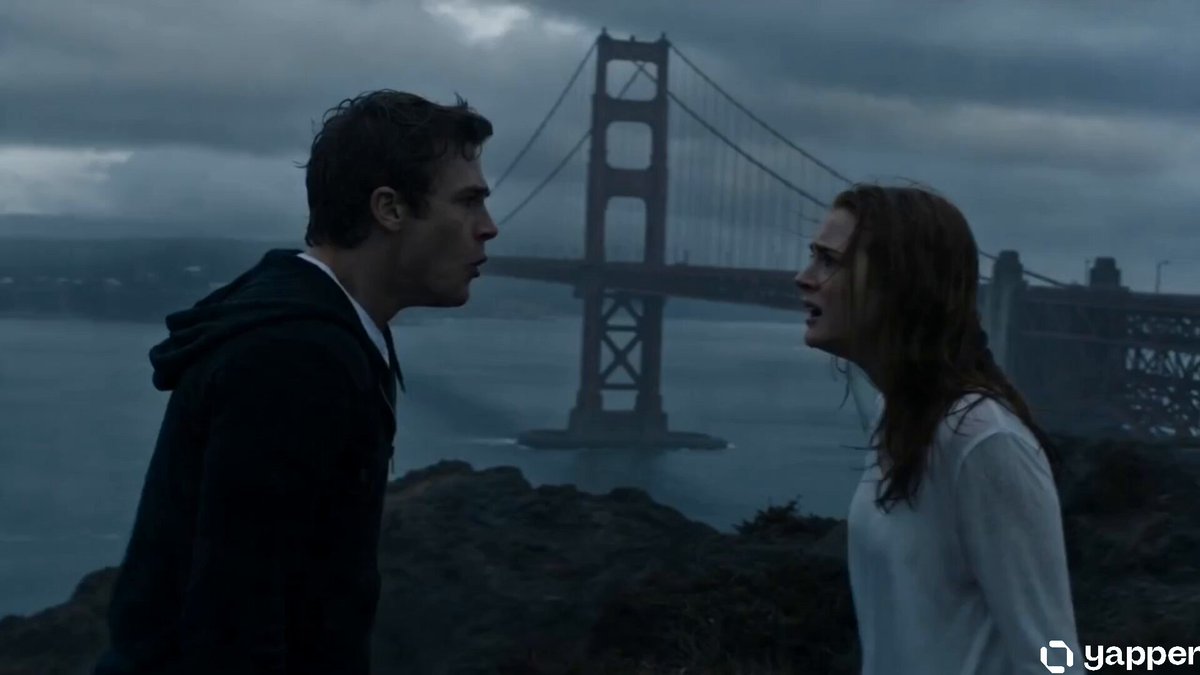
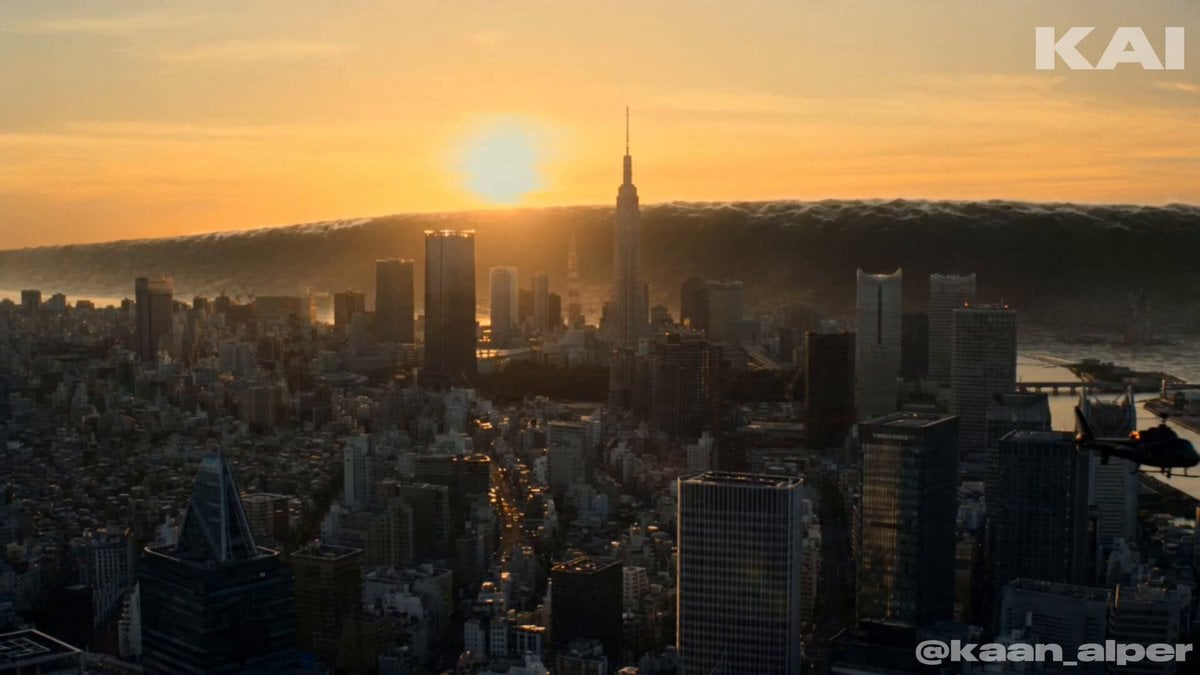
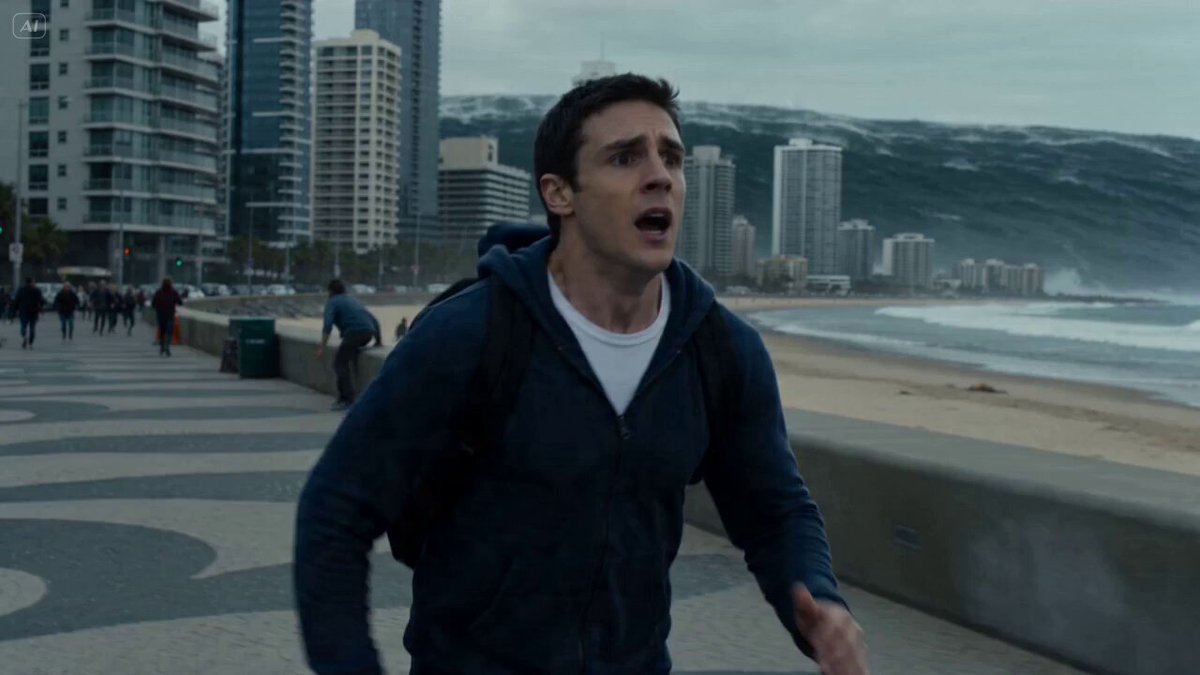
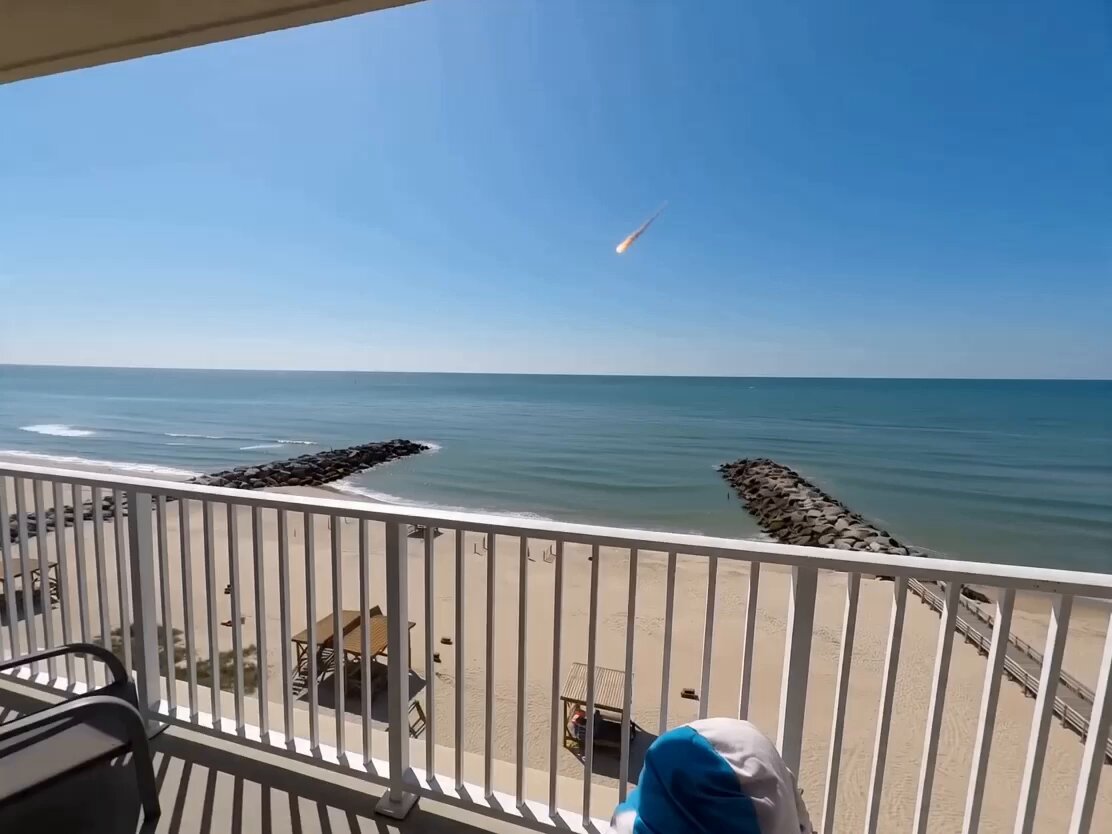
A dramatic prompt designed to generate a realistic tsunami event in a Japanese city, complete with camera shake, zooming, and chaotic environmental effects.
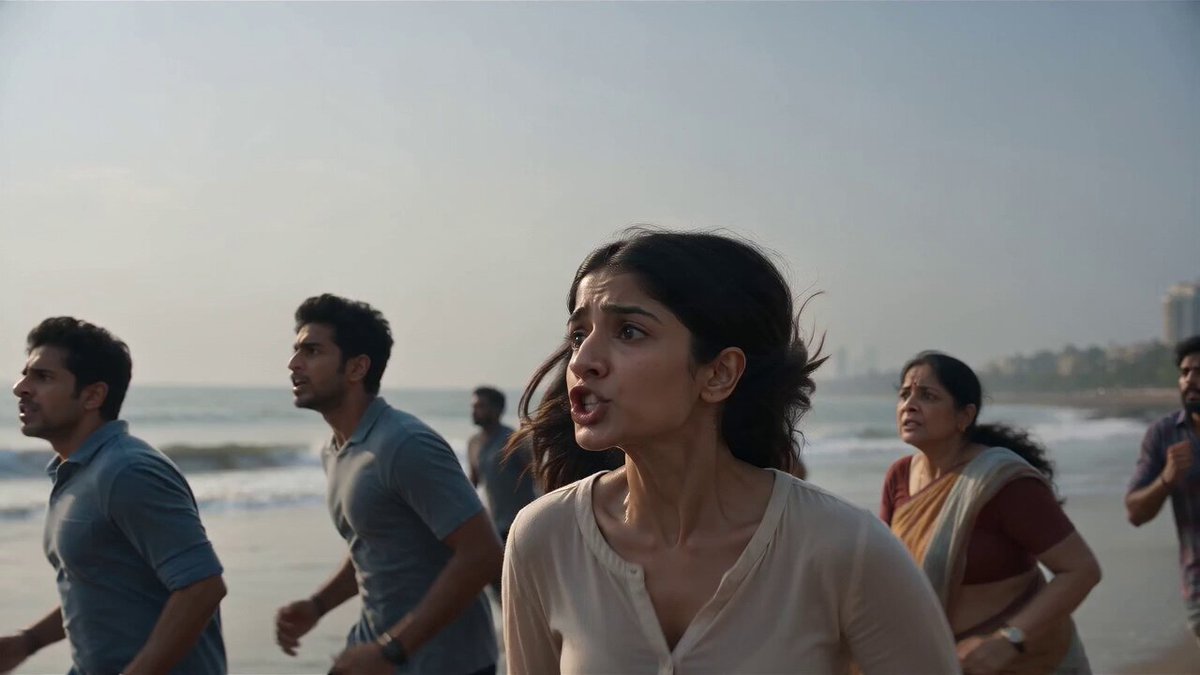
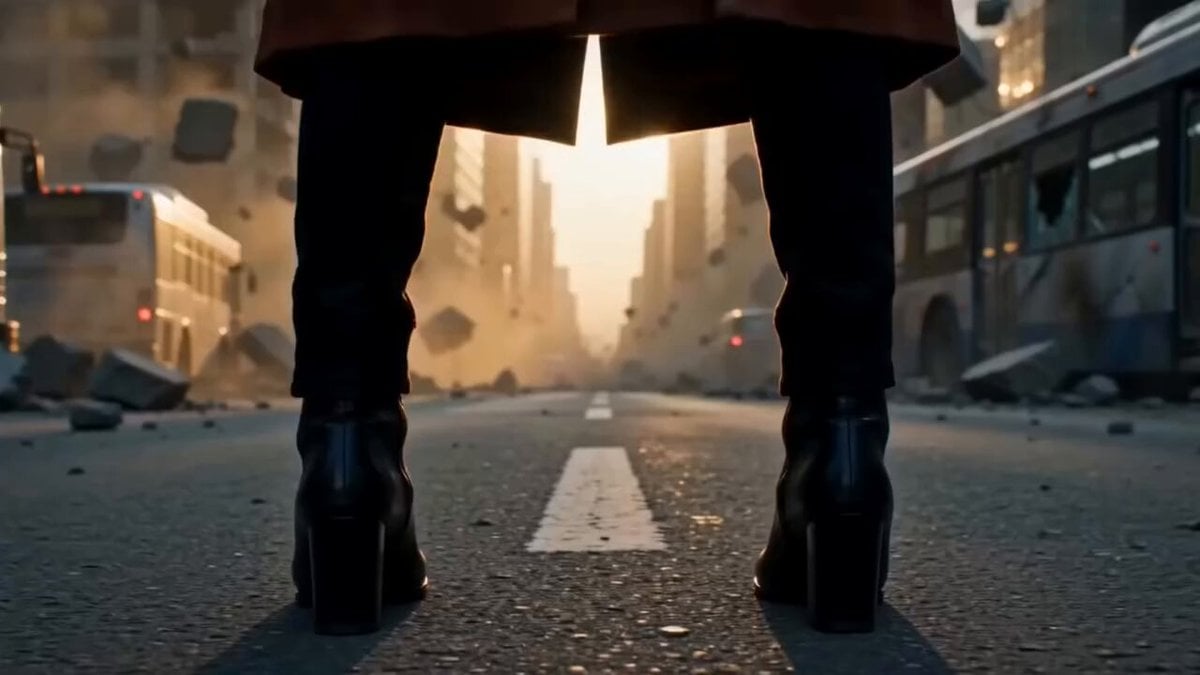
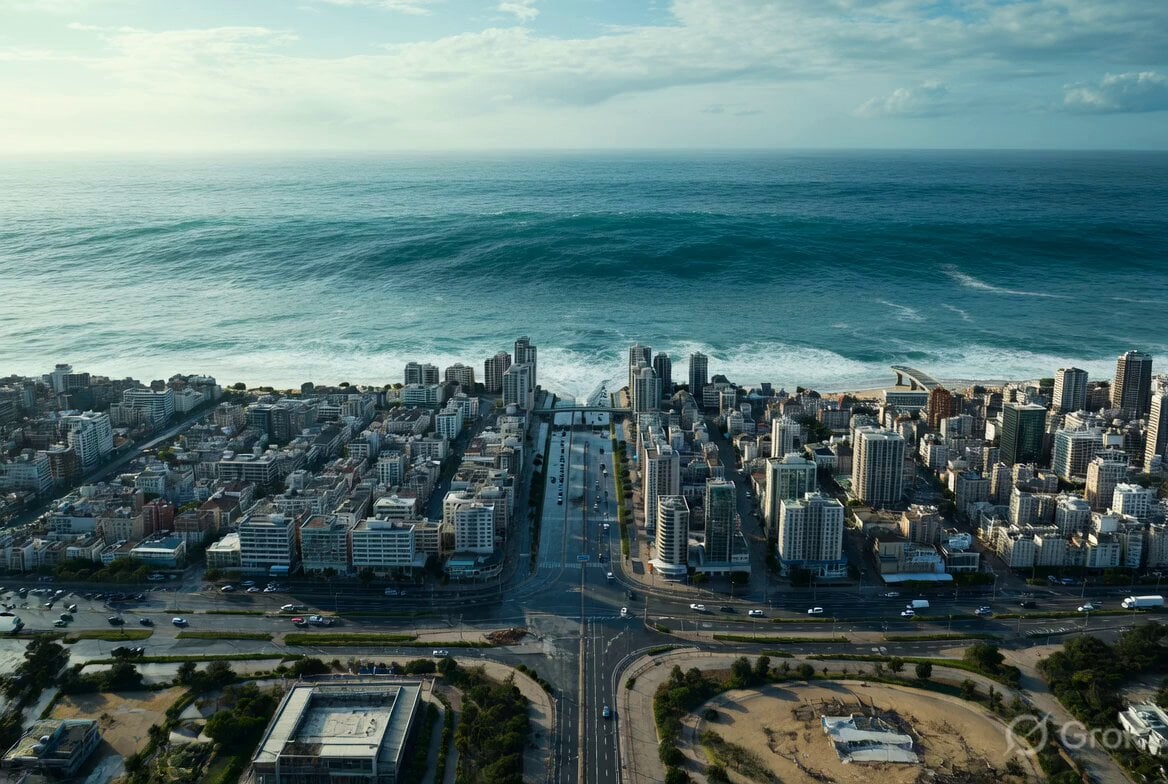
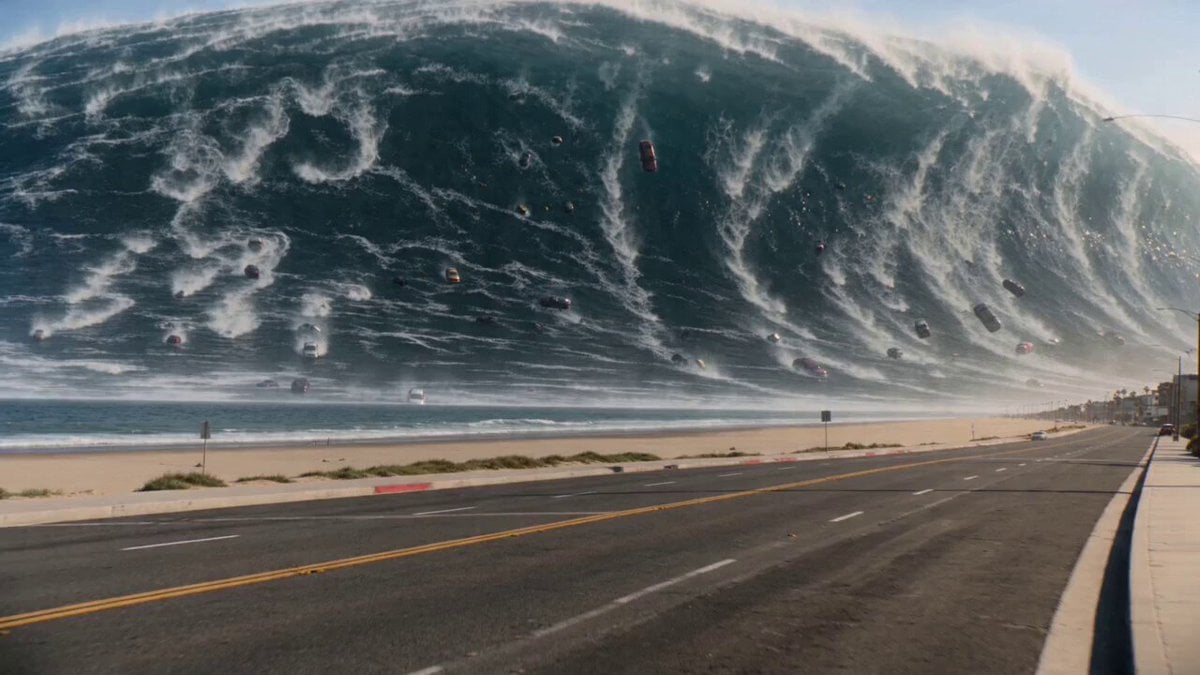
0:00 – 0:02 The camera slowly pans across the city from left to right. The distant ocean appears unusually turbulent. A faint tsunami warning siren can be heard echoing across the city along with wind noise and distant traffic. The camera remains handheld with subtle natural shake. 0:02 – 0:04 The operator digitally zooms toward the coastline. An enormous wall of water rapidly approaches the beach, dwarfing nearby buildings. The woman softly gasps before saying, "Oh my God..." in disbelief. The camera autofocus briefly hunts before locking onto the incoming wave. 0:04 – 0:07 The massive tsunami crashes over the shoreline, sending towering whitewater into roads and between buildings. Water surges through city streets, carrying debris while splashing violently against lower structures. The camera shakes as the woman screams in fear. The roar of the wave overwhelms the ambient city sounds. The tsunami warning siren continues faintly beneath the crashing water. 0:07 – 0:10 The flood rapidly spreads through the city blocks below, engulfing intersections and surrounding lower buildings while taller towers remain partially above the rising water. The operator instinctively steps backward, causing stronger handheld movement and slight rolling-shutter wobble. The clip ends with the camera fixed on the flooded city as the deafening sound of rushing water fills the recording.
0:00 – 0:02 The camera slowly pans across the city from left to right. The distant ocean appears unusually turbulent. A faint tsunami warning siren can be heard echoing across the city along with wind noise and distant traffic. The camera remains handheld with subtle natural shake. 0:02 – 0:04 The operator digitally zooms toward the coastline. An enormous wall of water rapidly approaches the beach, dwarfing nearby buildings. The woman softly gasps before saying, "Oh my God..." in disbelief. The camera autofocus briefly hunts before locking onto the incoming wave. 0:04 – 0:07 The massive tsunami crashes over the shoreline, sending towering whitewater into roads and between buildings. Water surges through city streets, carrying debris while splashing violently against lower structures. The camera shakes as the woman screams in fear. The roar of the wave overwhelms the ambient city sounds. The tsunami warning siren continues faintly beneath the crashing water. 0:07 – 0:10 The flood rapidly spreads through the city blocks below, engulfing intersections and surrounding lower buildings while taller towers remain partially above the rising water. The operator instinctively steps backward, causing stronger handheld movement and slight rolling-shutter wobble. The clip ends with the camera fixed on the flooded city as the deafening sound of rushing water fills the recording.
Edit the prompt in the box under the preview — the template's model and format are already selected — and press Generate. Your version appears right on this page.
Yes. You can change the subject, setting, lighting, mood, format, and available model controls before creating your video.
Opening and editing this template is free. Generating uses credits, shown on the Generate button when you are signed in.
Start with Seedance 2.0, which is the model associated with this template. You can compare another compatible model for a different finish.
Follow a topic to a crawlable collection of related PicX Studio templates.