
Painting Progress Cinematic Sequence
A multi-scene video prompt for a young girl painting by a window, showcasing emotional shifts and lighting changes.
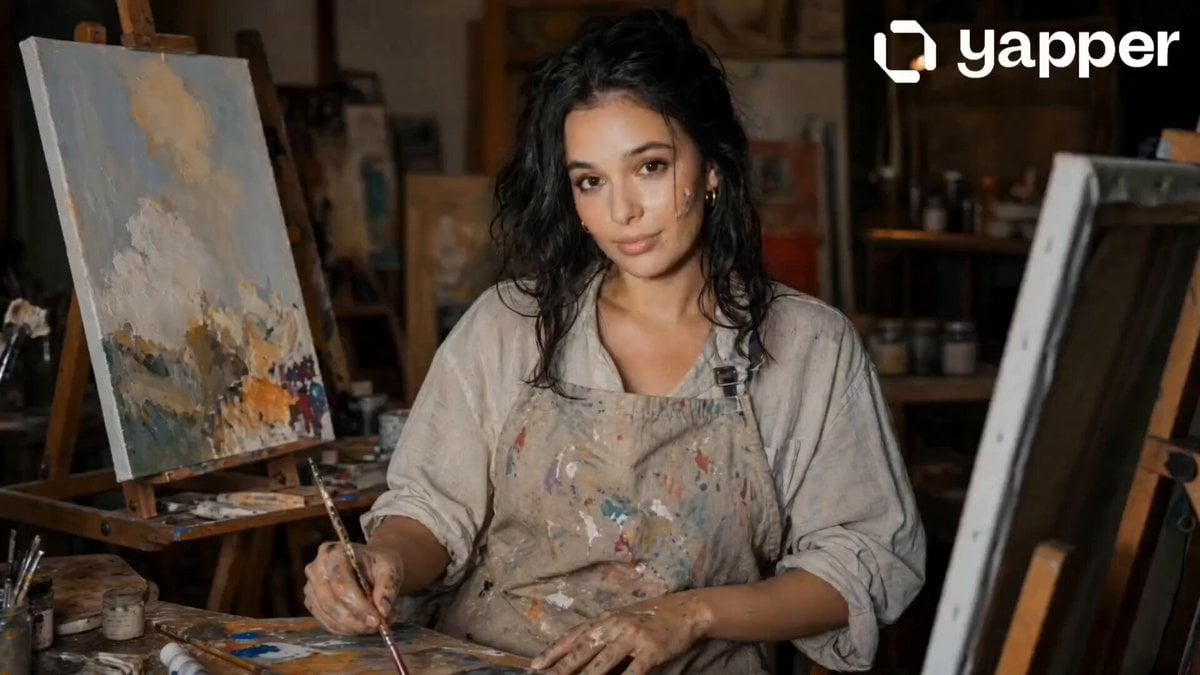
- Prompt included
- Model and format preset
- Free template
The prompt behind this video
Copy the exact prompt behind Painting Progress Cinematic Sequence, or open it in the studio and make it yours.
Scene 1 (0–4s): A young girl sits by a softly lit window, painting on a canvas. Golden sunlight falls across her face. Her expression is calm and focused as she carefully adds color to a nearly complete artwork. Paint tubes and brushes are scattered neatly around her workspace. Gentle camera push-in. Scene 2 (4–8s): She squeezes a paint tube, but nothing comes out. She checks others empty. Her expression subtly shifts from focus to concern. Close-up of her hands pressing the tubes, then a cut to her face showing quiet realization. Scene 3 (8–12s): She leans back slightly, looking at the unfinished section of her painting. The missing colors leave a visible gap in the artwork. Soft shadows deepen the mood. A slow pan across the incomplete canvas emphasizes what’s missing. Scene 4 (12–16s): She gently sets the brush down and gazes at the painting, her expression thoughtful—not defeated, but paused. Light fades slightly warmer. Final shot: over-the-shoulder view of the incomplete artwork, symbolizing interruption rather than failure.
How to use Painting Progress Cinematic Sequence in 3 steps
- 1
Open
The prompt is already in the box next to the preview, with the template's model and format selected.
- 2…a portrait of your subject in softgolden-hour light, 85mm…
Personalize
Edit the subject and creative details for your destination.
- 3Generate
Generate
Press Generate — your video is created in PicX Studio, so you can compare it with the original and refine one variable at a time.
More like this
Templates with the same subject, style or setup. Open one to see its prompt.
Dance Studio Narrative Progress Sequence
Amber Vortex Light Painting Video
Rococo Painting of Teen Boys
Magical Living Painting Fashion Video
Magical Autonomous Painting Atelier
Fantasy Comedy Slap From Painting
Fantasy Comedy Magical Painting Scene
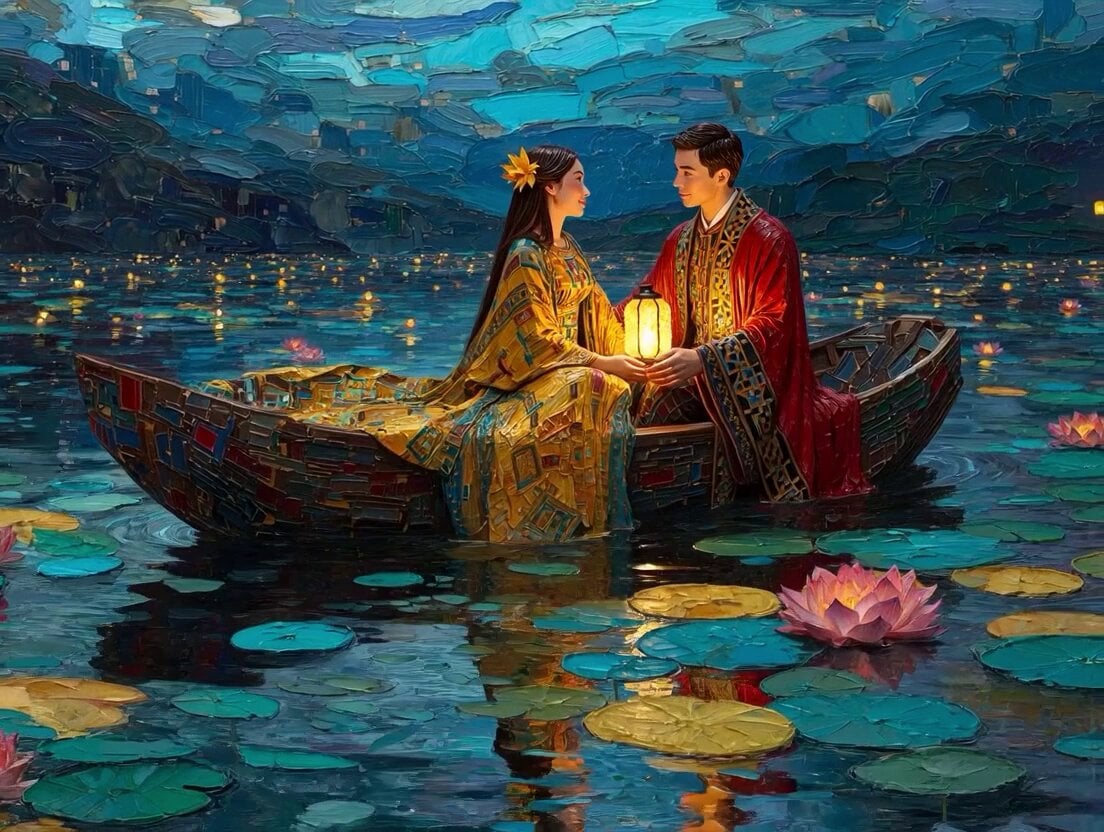
Klimt-Inspired Impasto Painting of Lovers (Midjourney/Grok Imagine)
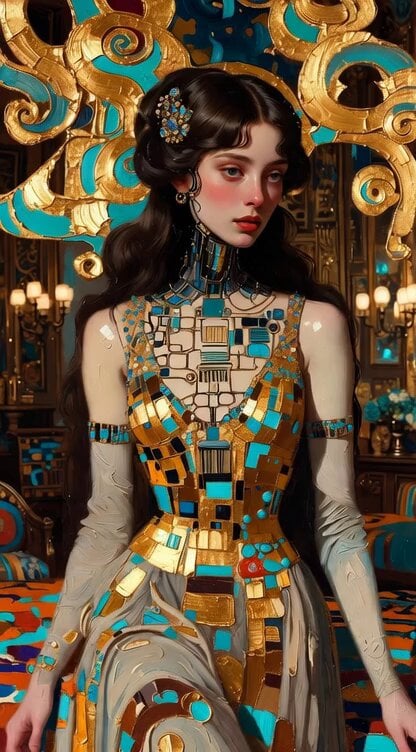
Impasto Oil Painting of Female Robot, Klimt Style
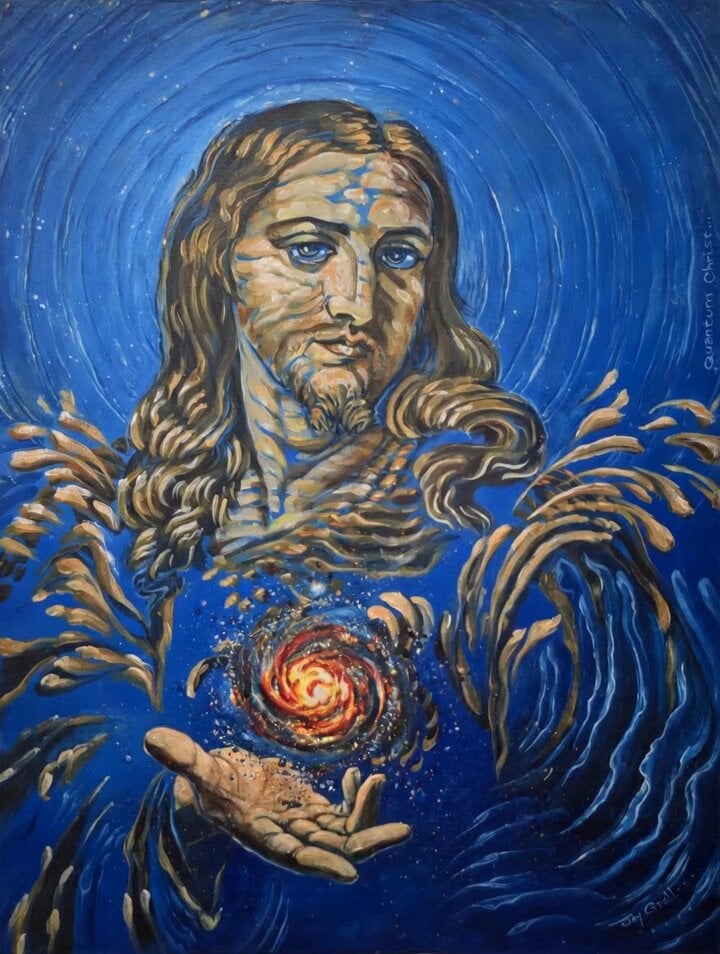
Animated 'Quantum Christ' Painting
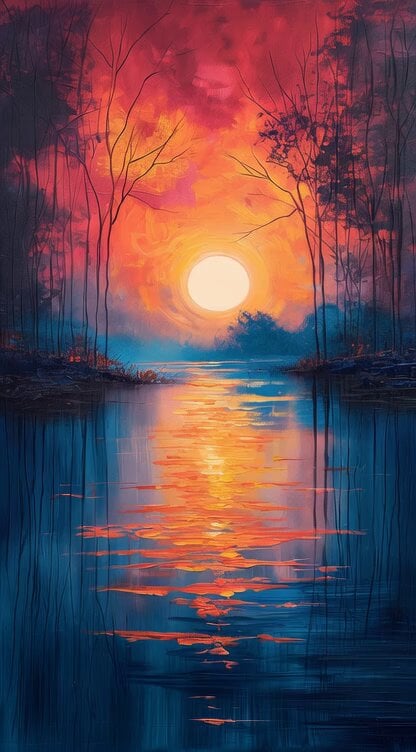
Impressionist Painting with Time Span
Panda with Guns Painting
Make it yours
Painting Progress Cinematic Sequence works as-is. These are the safest ways to change it without losing the look.
Change one field
Copy a single group, rewrite it, and generate again so you can see what that field is doing.
Keep the frame, change the subject
Hold the composition and light of Painting Progress Cinematic Sequence, then swap wardrobe, props or the person for a new take.
| If the result… | Why | Fix |
|---|---|---|
| The result drifts from the preview | Too many fields changed at once. | Reuse Painting Progress Cinematic Sequence as-is first, then change one group — subject, light, or setting. |
| The model over-stylizes the scene | The prose prompt leaves finish and camera underspecified. | Add one camera or lighting sentence and stay on Seedance 2.0. |
More Seedance 2.0 templates
Other prompts made for Seedance 2.0.

Comical Martial Arts Punch Scene

Maglev Train Action Sequence

Martial Arts Fight Sequence

Wuxia Protection and Trust Script

Vintage Korean Arcade MiniDV Vlog

Mercedes 190 SL Luxury Ad

Rainy Night Supernatural Reverse Comedy Video Script

Amazon Civilization Discovery

Futuristic South Asian City Transformation

Cozy Luxury Cafe Commercial
More video prompts
Fresh picks from across the catalog.
Floating Dragon Castle Sunrise
Sgt. Pepe Animated Sitcom Prompt
Seedance 2.0 Video Prompt: Alito Vandalito
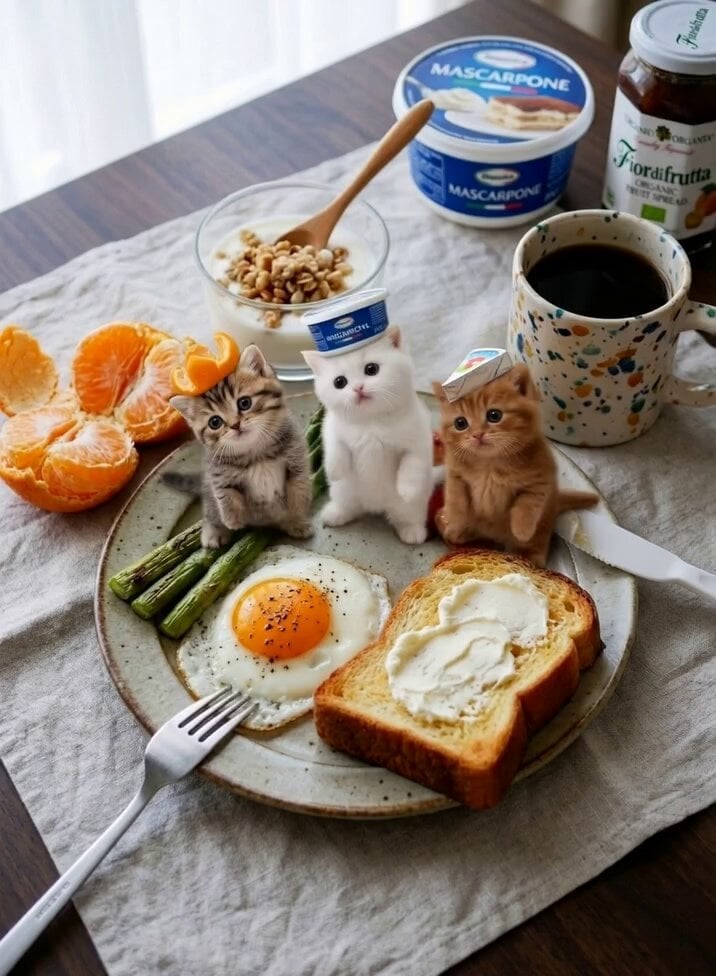
Miniature Kittens Breakfast Table Dance
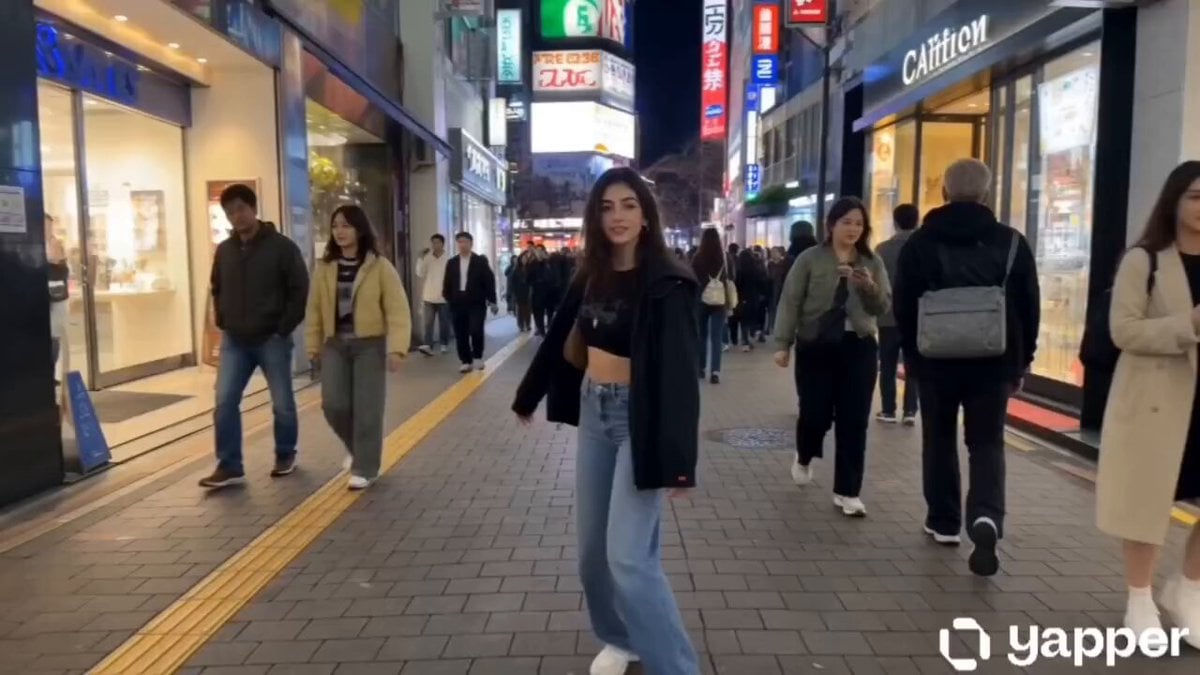
Tokyo Vlogger Collage
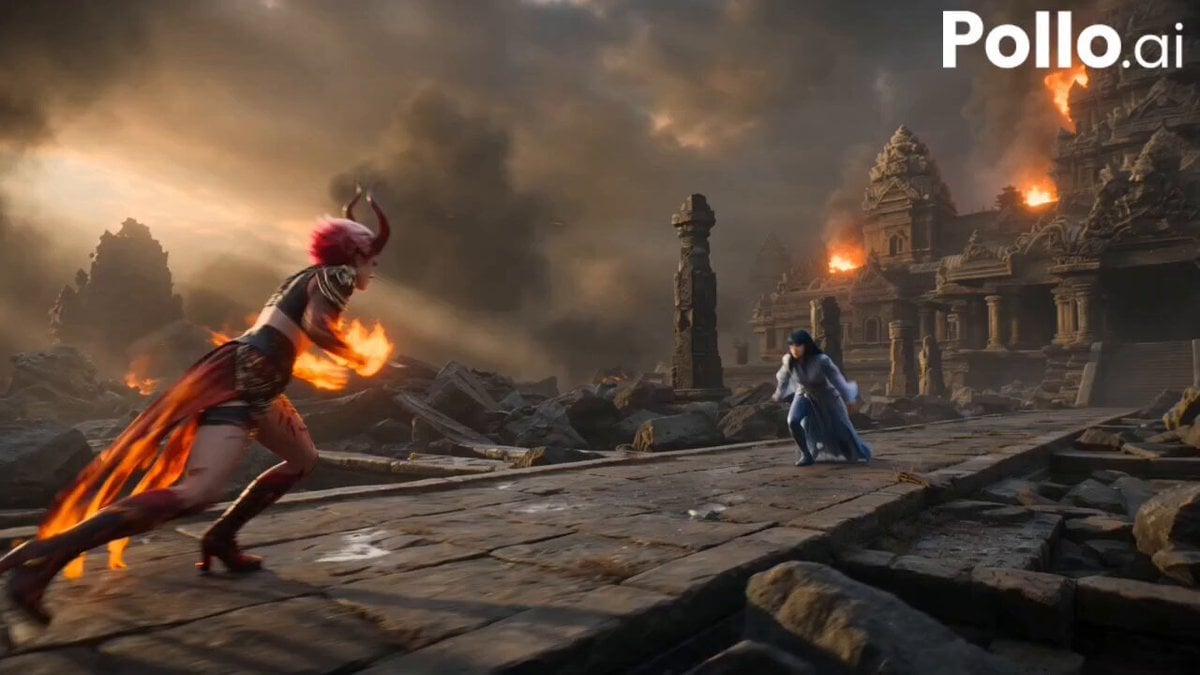
Fire Phoenix vs Water Dragon Battle
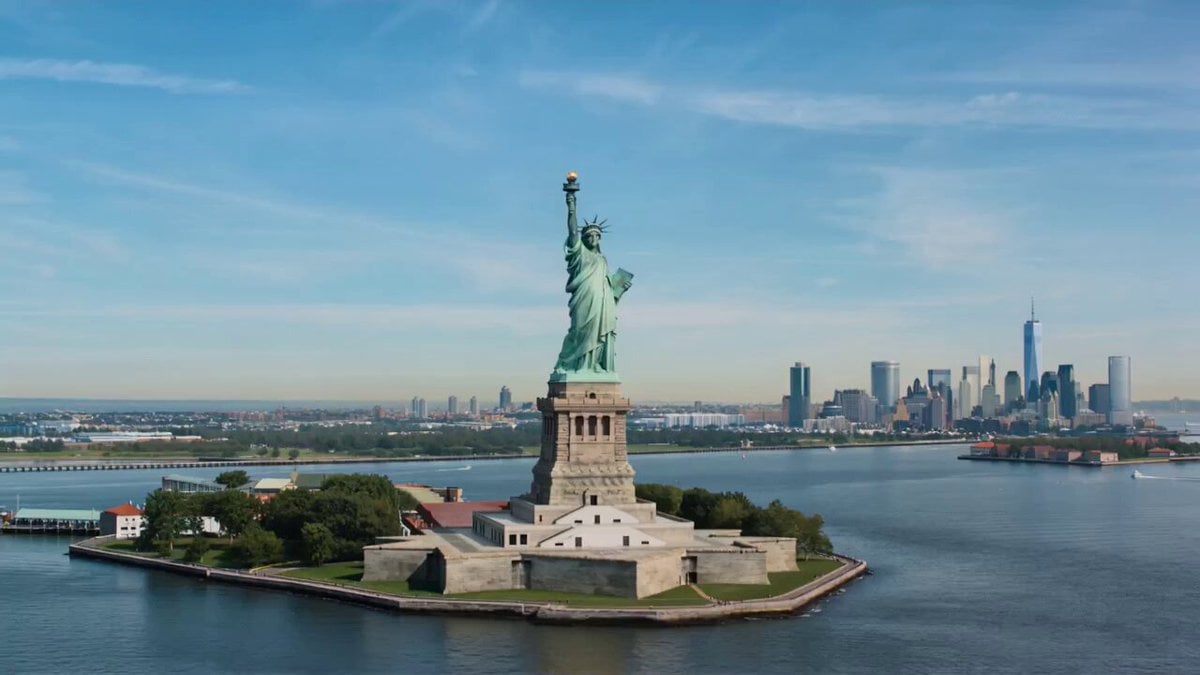
Wholesome Statue of Liberty family chat prompt
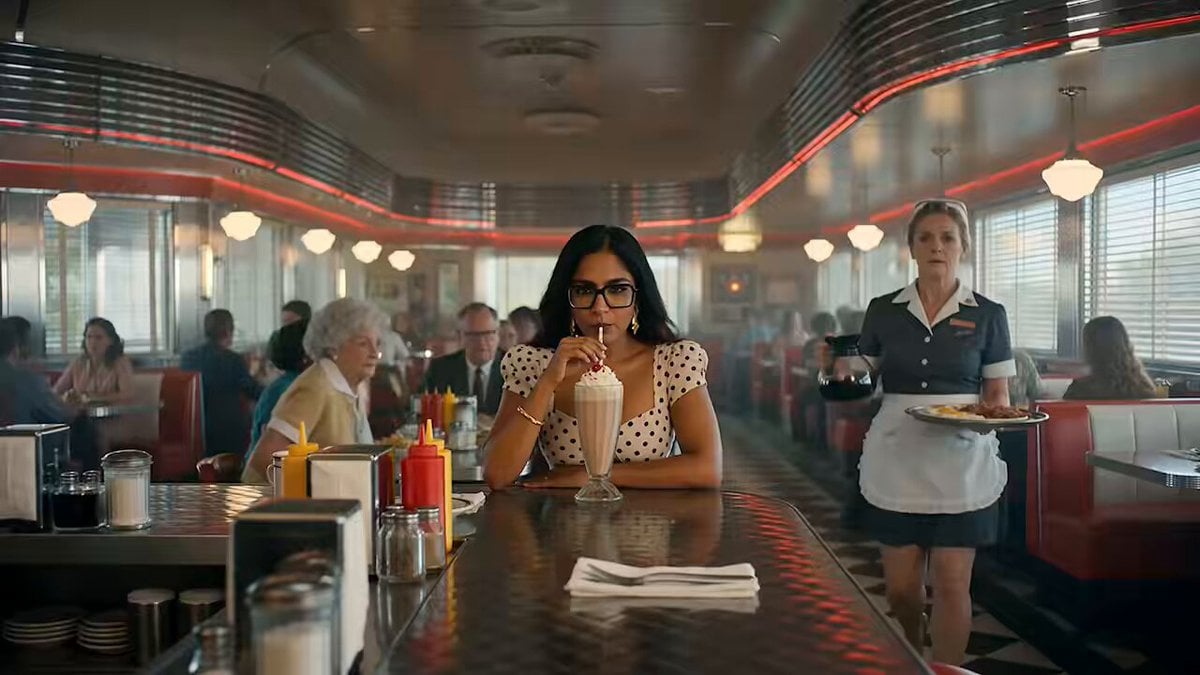
1950s American Diner Scene
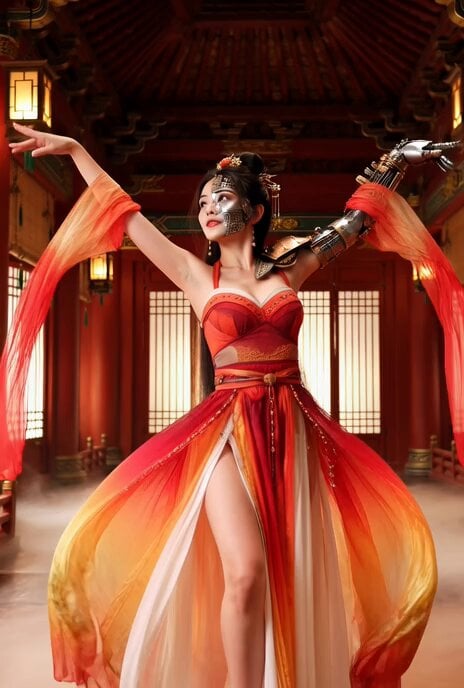
Better Version: Half-Cyberpunk Chinese Dancer in Classical Palace

Seedance 2.0 Weapon Clash Prompt
Browse template categories
Painting Progress Cinematic Sequence questions
How do I use the Painting Progress Cinematic Sequence template?
Add your photo if the template asks for one, edit the prompt if you like — the template's model and format are already selected — and press Generate. Your version opens in PicX Studio.
Can I customize the Painting Progress Cinematic Sequence template?
Yes. You can change the subject, setting, lighting, mood, format, and available model controls before creating your video.
Is the Painting Progress Cinematic Sequence template free?
Opening and editing this template is free. Generating uses credits, shown on the Generate button when you are signed in.
Which AI model should I use?
Start with Seedance 2.0, which is the model associated with this template. You can compare another compatible model for a different finish.
Looking for something else? Browse all templates.

Your photo, any look
Thousands of ready templates for every top image and video model, from one credit balance.