
Magical Autonomous Painting Atelier
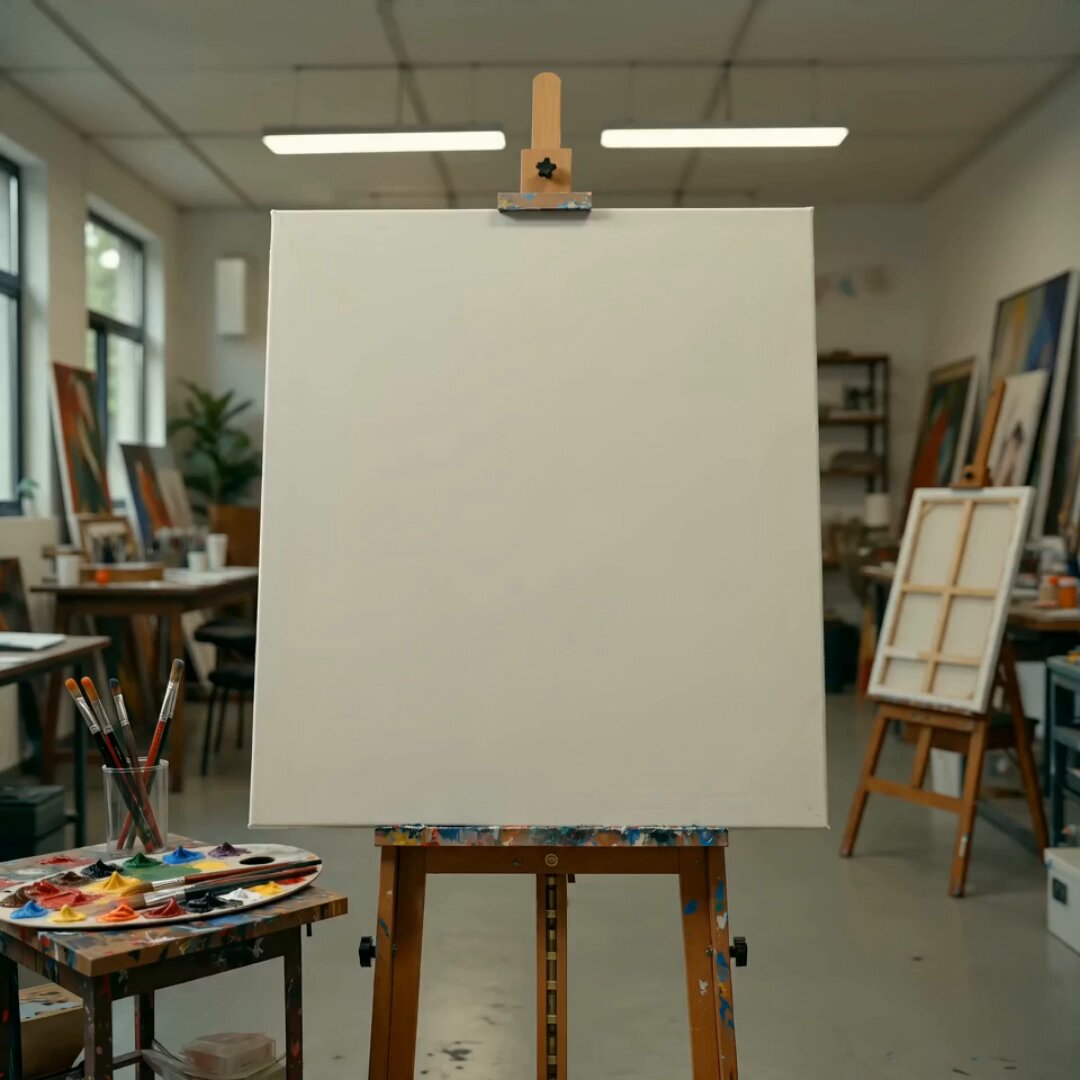
A 15-second cinematic time-lapse featuring autonomous paint tools that create an oil painting from an uploaded reference image in a warm artist's studio.
- Prompt included
- Model and format preset
- Premium template
The prompt behind this video
Copy the exact prompt behind Magical Autonomous Painting Atelier, or open it in the studio and make it yours.
[CONDITION DEFINITION] Create a 15-second cinematic time-lapse video inside a warm atmospheric artist’s atelier. A blank white canvas stands on an easel from the beginning. Use the uploaded 1:1 reference image only as the subject of the final painted artwork on the canvas. Do not show the uploaded reference image itself at any time. Do not place its subject in the room as a real person, background figure, poster, printed image, overlay, or pre-existing artwork. The subject from the uploaded reference image must exist only as the final painting on the canvas. Brushes, palette knives, and the paint palette move autonomously by themselves. Colorful paint rises from the palette and dances through the air like smoke, ribbons, thread-like streams, and living brushstrokes. The final result should become a rich oil-painting interpretation of the uploaded reference image. [OPTIONAL PERFORMER LOOK] No performer. No painter. No human hands. No human arms. No visible human body. All tools move autonomously. [SHOT / FLOW] 0-2s: Establish the atelier. Blank white canvas on an easel, palette, brushes, paint tubes, warm studio light, subtle creative mess. The canvas is completely empty. 2-5s: The tools begin moving by themselves. Paint slowly lifts from the palette and starts dancing in the air. 5-9s: Fast magical paint choreography. Color trails swirl, weave, and spin through the studio like elegant smoke and ribbons. Use rapid jump cuts. The canvas remains mostly abstract, with only partial marks, incomplete colors, and no recognizable subject. 9-12s: All paint trails suddenly rush toward the canvas. In a rapid montage, sketch marks, bold color blocks, texture, highlights, and key shapes assemble quickly. Keep the image mostly abstract and incomplete until the end of this section. Do not reveal the recognizable subject before 12 seconds. 12-15s: Reveal the finished painting clearly for the first time. Show a satisfying close-up of the completed artwork, clearly based on the uploaded reference image, then a brief lingering afterglow in the atelier. [CAMERA / EDITING] Dynamic and energetic. Use quick push-ins, slight pull-backs, macro close-ups of wet paint and brush bristles, medium shots of the easel, overhead angles, side angles, and rapid jump cuts every 0.5 to 1 second. The middle section should feel like a fast magical montage, not slow continuous motion. Keep the canvas mostly abstract until 12 seconds. The studio is only the setting; the subject from the uploaded reference image must never appear outside the canvas. [SOUND] No background music. Sound effects only. Use satisfying brush strokes, wet paint movement, palette knife scraping, paint tube squeezes, soft whooshes, and subtle studio ambience. [NEGATIVE] Do not show the uploaded reference image as a separate photo, screen, comparison, poster, printed board, overlay, or background image. Do not place the uploaded subject anywhere in the studio outside the canvas. No real person version of the uploaded subject. No human hands, no human arms, no painter, no performer focus, no multiple people, no cartoon character, no mascot, no text, no captions, no numbers, no timestamp text on screen, no logo, no watermark, no signature, no split screen, no poster layout, no static single-angle shot, no early full reveal of the final painting, no unfinished ending.
How to use Magical Autonomous Painting Atelier in 3 steps
- 1Upload ImagePNG, JPG or paste
Add your photo
Upload the photo the template builds on. The prompt, model and format are already set.
- 2…a portrait of your subject in softgolden-hour light, 85mm…
Personalize
Edit the subject and creative details for your destination.
- 3Generate
Generate
Press Generate — your video is created in PicX Studio, so you can compare it with the original and refine one variable at a time.
More like this
Templates with the same subject, style or setup. Open one to see its prompt.

Magical Room Transformation - Seedance 2.5
Magical Living Painting Fashion Video
Fantasy Comedy Magical Painting Scene
Amber Vortex Light Painting Video
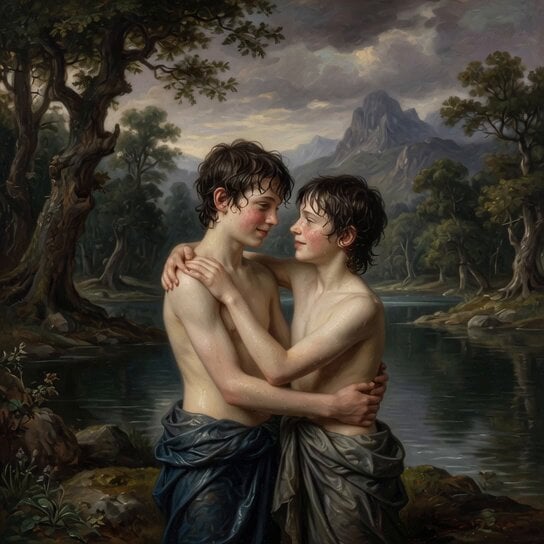
Rococo Painting of Teen Boys
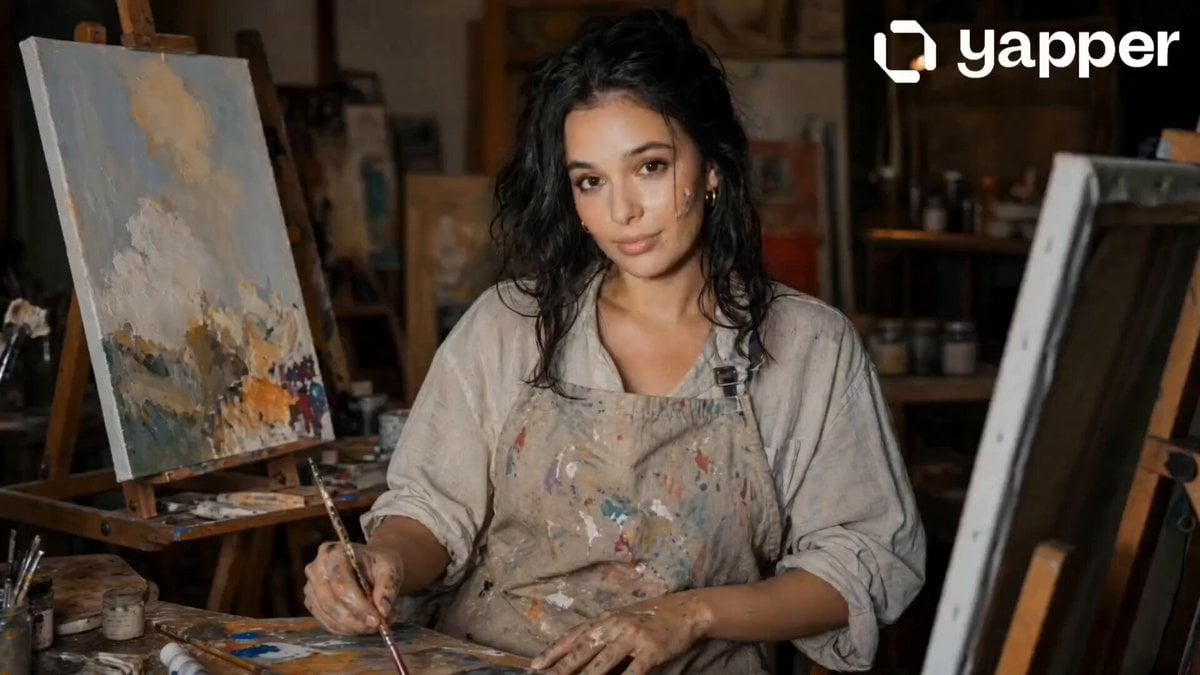
Painting Progress Cinematic Sequence
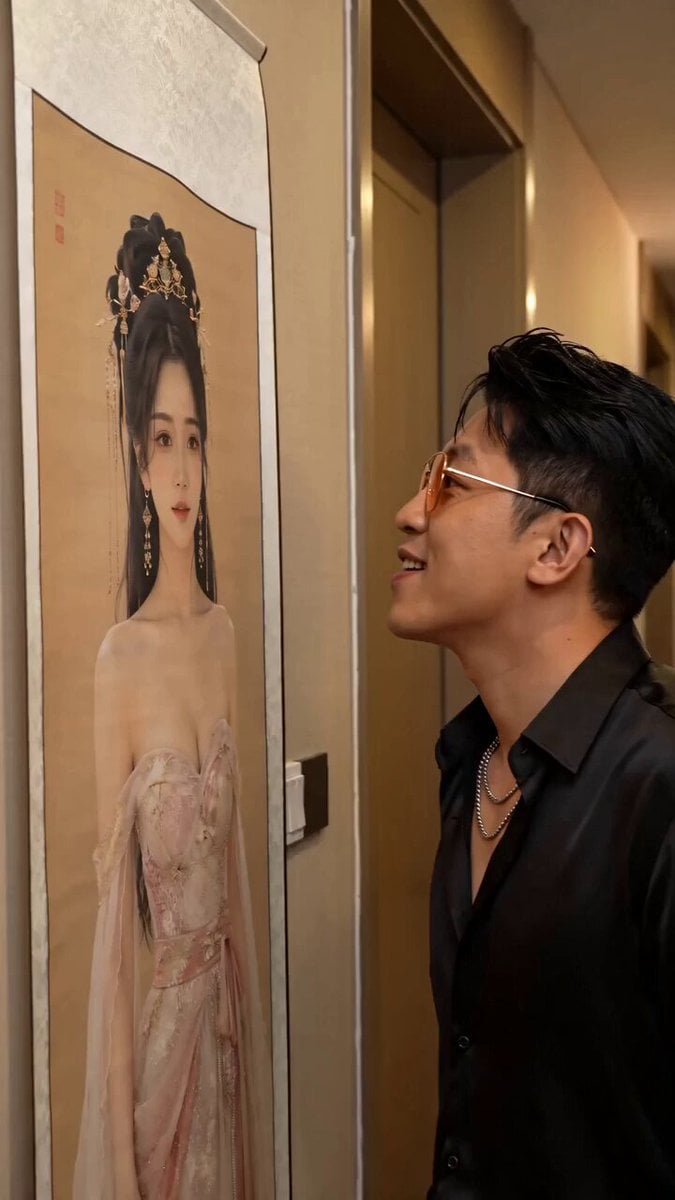
Fantasy Comedy Slap From Painting
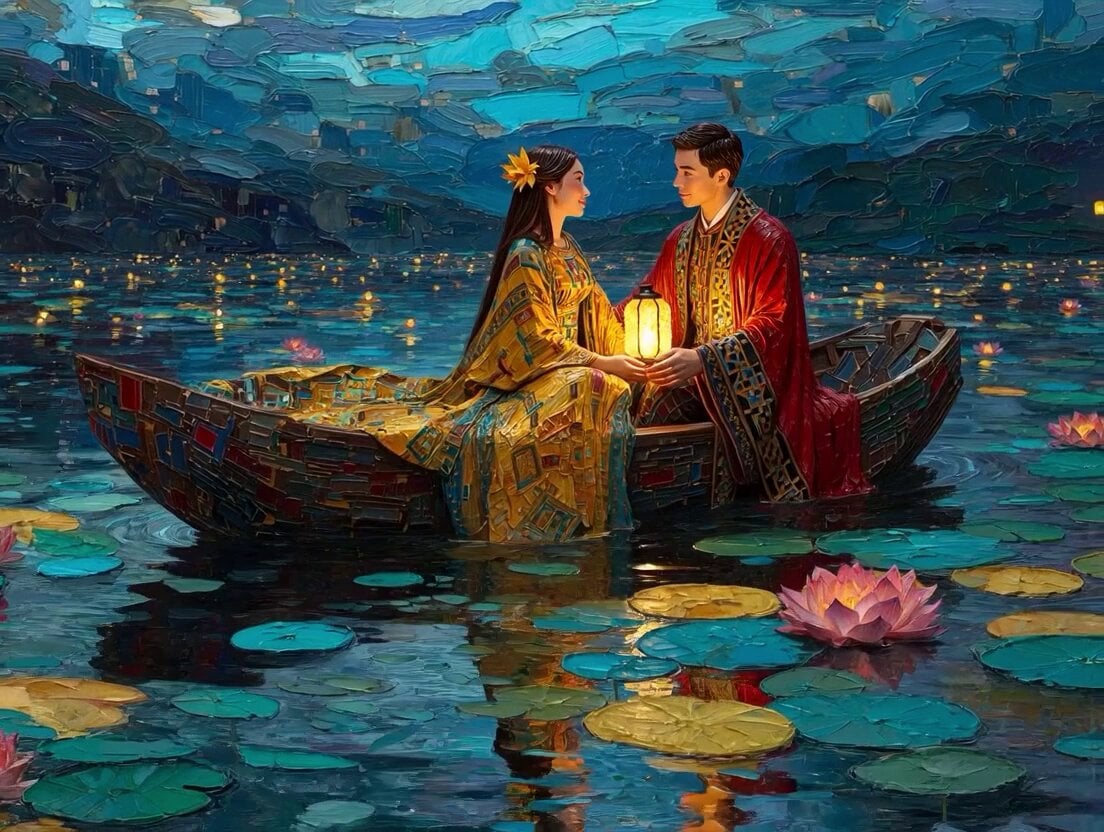
Klimt-Inspired Impasto Painting of Lovers (Midjourney/Grok Imagine)
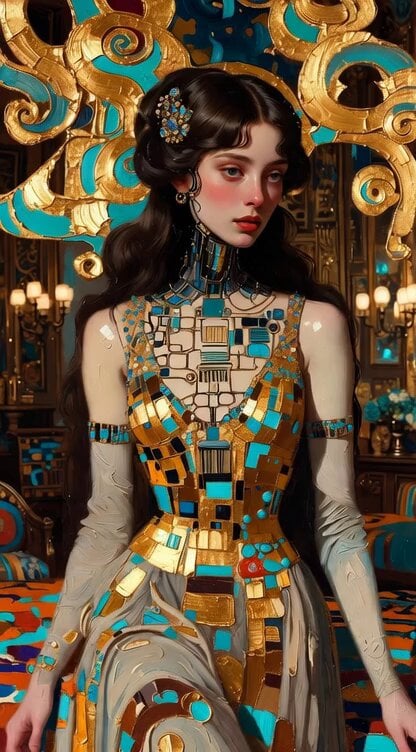
Impasto Oil Painting of Female Robot, Klimt Style
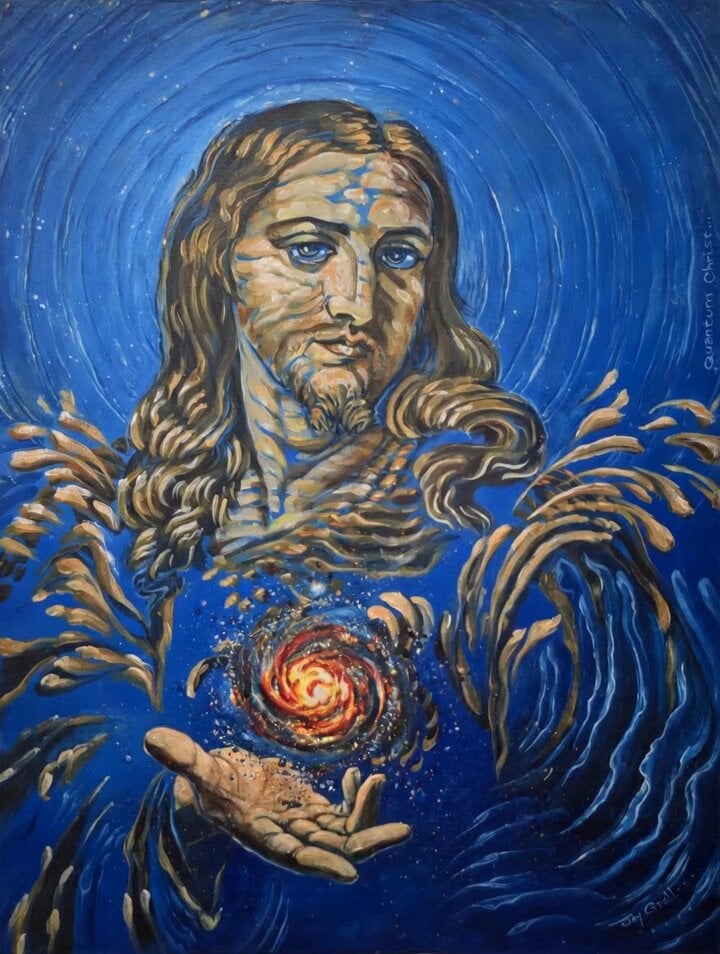
Animated 'Quantum Christ' Painting
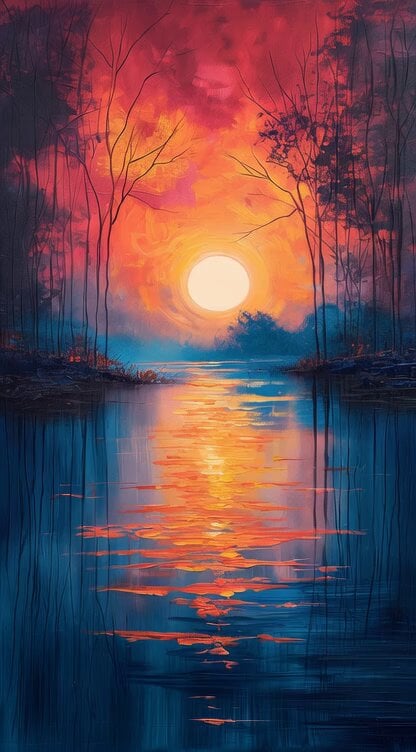
Impressionist Painting with Time Span
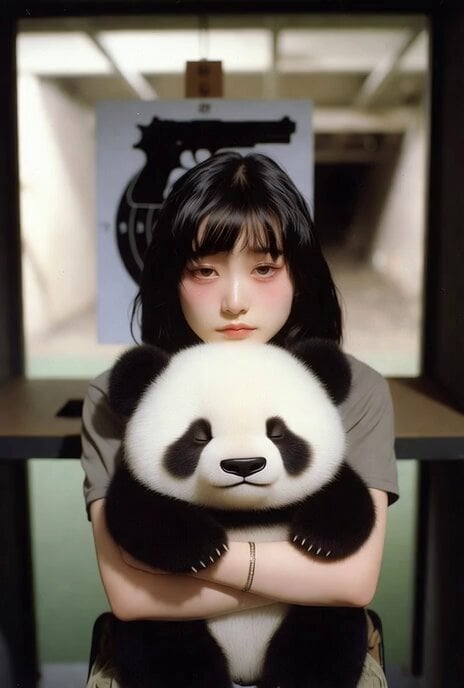
Panda with Guns Painting
Make it yours
Magical Autonomous Painting Atelier works as-is. These are the safest ways to change it without losing the look.
Change one field
Copy a single group, rewrite it, and generate again so you can see what that field is doing.
Keep the frame, change the subject
Hold the composition and light of Magical Autonomous Painting Atelier, then swap wardrobe, props or the person for a new take.
| If the result… | Why | Fix |
|---|---|---|
| The result drifts from the preview | Too many fields changed at once. | Reuse Magical Autonomous Painting Atelier as-is first, then change one group — subject, light, or setting. |
| The model over-stylizes the scene | The prose prompt leaves finish and camera underspecified. | Add one camera or lighting sentence and stay on Seedance 2.0. |
More Seedance 2.0 templates
Other prompts made for Seedance 2.0.

Comical Martial Arts Punch Scene

Maglev Train Action Sequence

Martial Arts Fight Sequence

Wuxia Protection and Trust Script

Vintage Korean Arcade MiniDV Vlog

Mercedes 190 SL Luxury Ad

Rainy Night Supernatural Reverse Comedy Video Script

Amazon Civilization Discovery

Futuristic South Asian City Transformation

Cozy Luxury Cafe Commercial
More video prompts
Fresh picks from across the catalog.
High-Octane Action Image-to-Video Prompt
Precise Character Rotation Sequence
Woman's Profile Emerging from Cosmic Sunset

OLLY Gummy Vitamin Product Commercial
Bullet time selfie video template
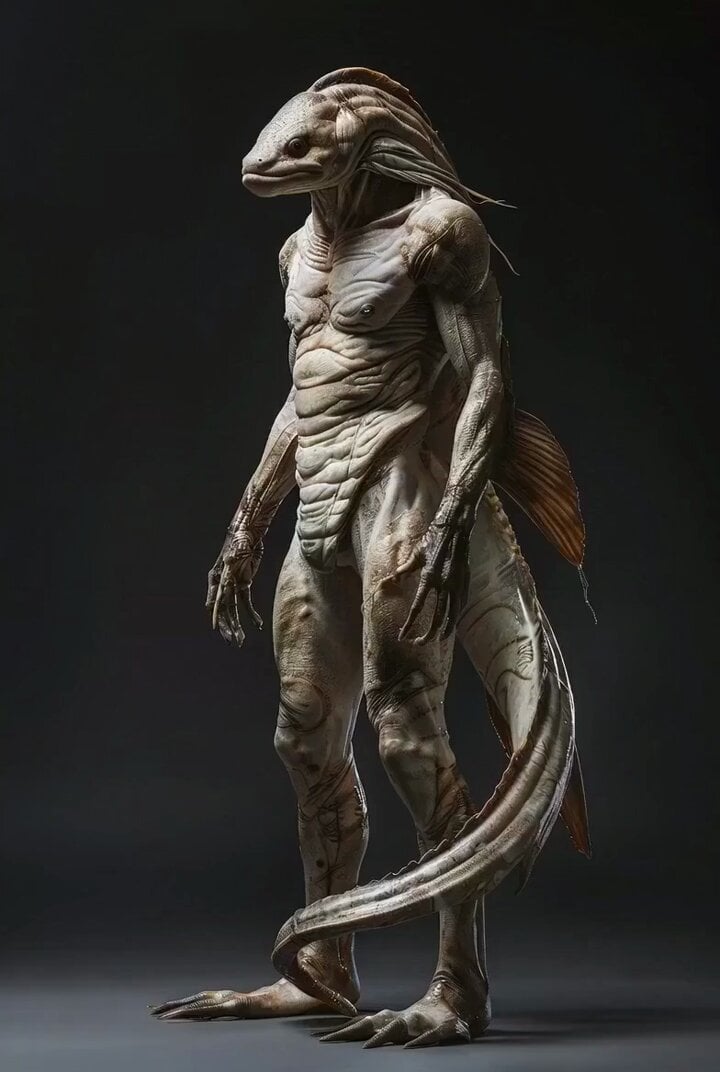
Photorealistic Biomechanical Chrome Alien Warrior
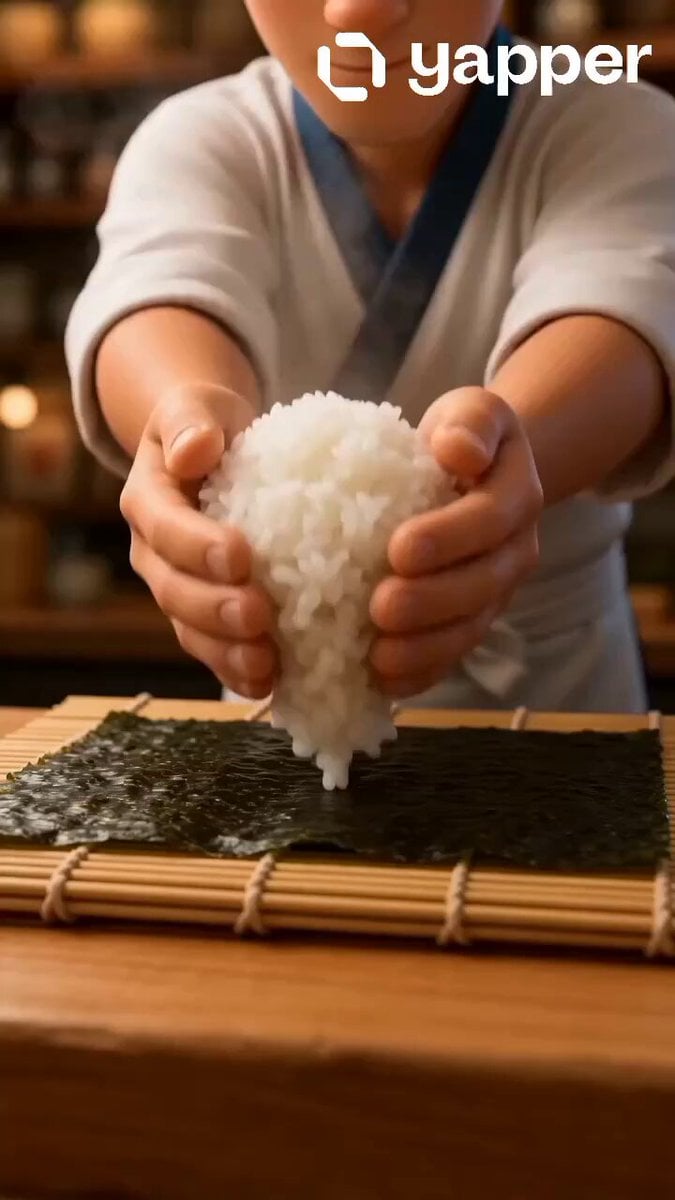
Pixar Style Sushi Making Animation

3D Glossy Fairy Animation - Seedance 2.5
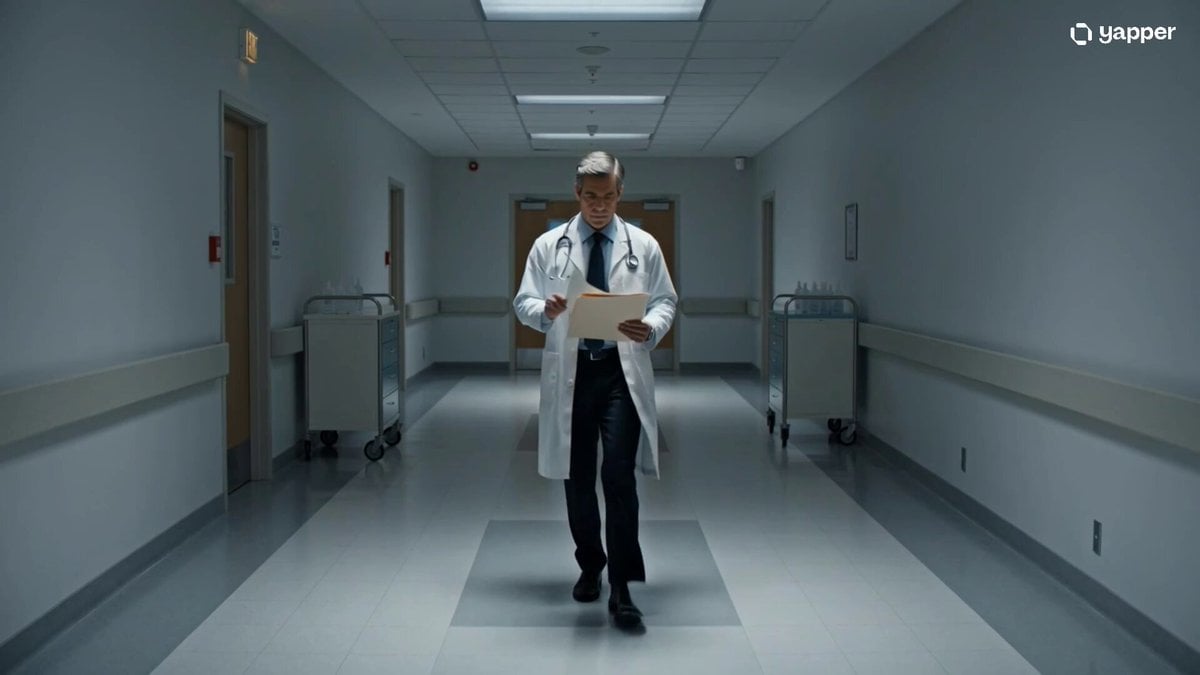
Cinematic sci-fi hospital video scene
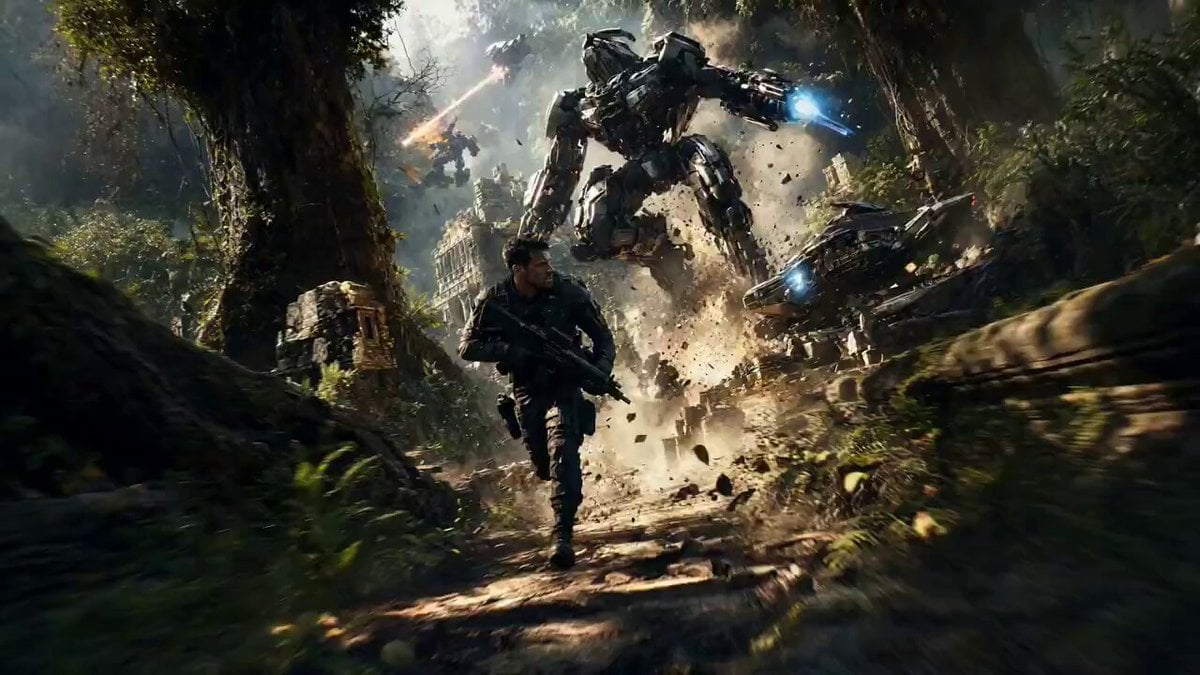
Jungle Warzone Tactical Chase
Browse template categories
Magical Autonomous Painting Atelier questions
How do I use the Magical Autonomous Painting Atelier template?
Add your photo if the template asks for one, edit the prompt if you like — the template's model and format are already selected — and press Generate. Your version opens in PicX Studio.
Can I customize the Magical Autonomous Painting Atelier template?
Yes. You can change the subject, setting, lighting, mood, format, and available model controls before creating your video.
Is the Magical Autonomous Painting Atelier template free?
Opening and editing this template is free. Generating uses credits, shown on the Generate button when you are signed in.
Which AI model should I use?
Start with Seedance 2.0, which is the model associated with this template. You can compare another compatible model for a different finish.
Looking for something else? Browse all templates.

Your photo, any look
Thousands of ready templates for every top image and video model, from one credit balance.