
Pixar Style Sushi Making Animation
A detailed 12-second animated sequence of a sushi chef making sushi, following a specific storyboard reference with a Pixar-style aesthetic.
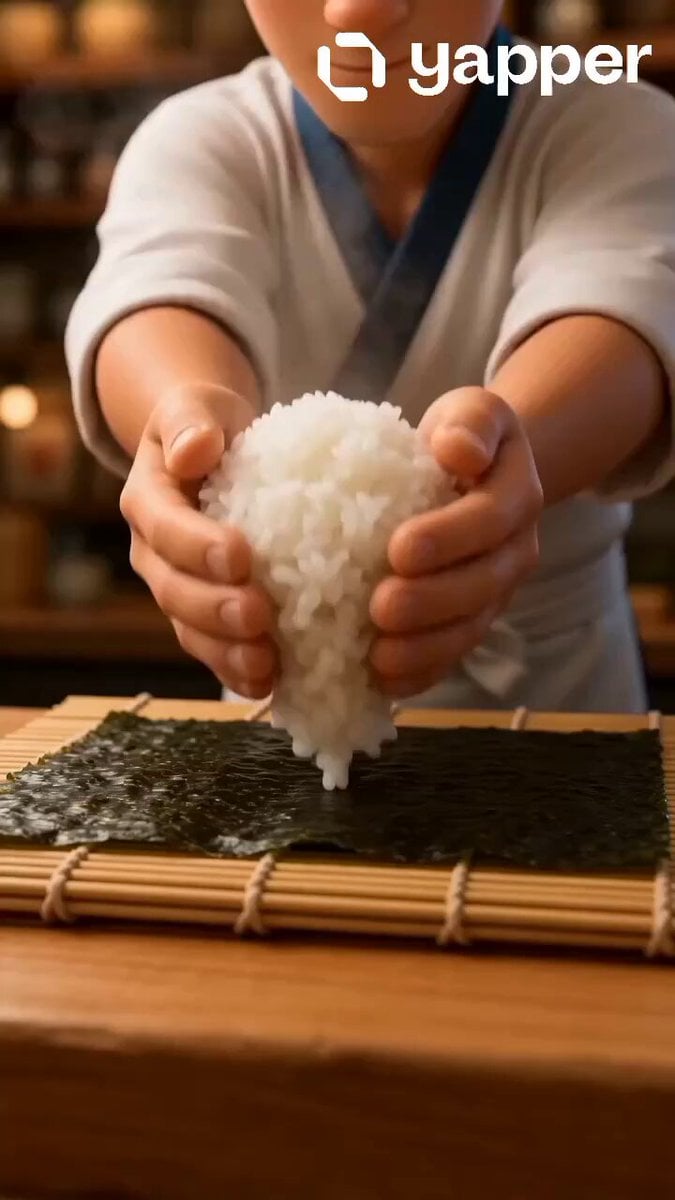
- Prompt included
- Model and format preset
- Premium template
The prompt behind this video
Copy the exact prompt behind Pixar Style Sushi Making Animation, or open it in the studio and make it yours.
Use the attached THE SUSHI MAKER storyboard image as the exact reference.\nCreate a 12-second 16:9 animated sushi-making sequence that follows the 8-shot storyboard exactly. Preserve the same Pixar-style young male sushi chef, bright authentic Japanese sushi bar, polished wooden counter, and vivid clean color aesthetic throughout.\nRules:\n• Follow the sequence exactly from 1 to 8\n• One shot per panel, approximately 1.5 seconds each\n• No skipped steps, no extra ingredients beyond the storyboard\n• Maintain character and sushi bar continuity throughout\n• Emphasize the rice fluff, knife precision, glossy salmon texture, rolling motion, torch flame glow, and final satisfying sushi reveal\nShot sequence:\nFresh sushi rice tossed onto bamboo mat — soft steam rising, grains glistening dramatically\nChef spreads rice smoothly across nori sheet — confident hand motion, wide shot\nGlossy salmon sliced in one perfect motion — extreme close-up on sharp knife and texture\nFresh cucumber and avocado placed carefully — vibrant greens catching soft light\nSushi roll tightly formed with bamboo mat — satisfying rolling compression, detailed close-up\nRoll lightly torched with blazing flame — dramatic orange fire glow reflecting on sushi\nSushi sliced into perfect pieces — clean cuts, glossy filling revealed, steam and shine\nOne sushi piece lifted with chopsticks — beautiful close-up, glossy salmon, rice texture, irresistible final hero shot\nCamera:\n• Wide shot on rice spreading and rolling\n• Extreme close-up on salmon slicing and final sushi lift\n• Low angle on torch flame shot\n• Hero close-up on final sushi piece reveal\nStyle:\n• Warm elegant sushi bar lighting throughout\n• Soft orange torch glow on flame shots\n• Pixar CGI vivid expressive animation\n• Rich food textures — glossy salmon, fluffy rice, crisp nori, fresh avocado\n• Smooth satisfying cuts, calm masterful energy throughout\nGoal: A mouth-watering 12-second sushi journey from fresh rice to perfect sushi reveal — precise, elegant, and impossible to scroll past.
How to use Pixar Style Sushi Making Animation in 3 steps
- 1Upload ImagePNG, JPG or paste
Add your photo
Upload the photo the template builds on. The prompt, model and format are already set.
- 2…a portrait of your subject in softgolden-hour light, 85mm…
Personalize
Edit the subject and creative details for your destination.
- 3Generate
Generate
Press Generate — your video is created in PicX Studio, so you can compare it with the original and refine one variable at a time.
More like this
Templates with the same subject, style or setup. Open one to see its prompt.
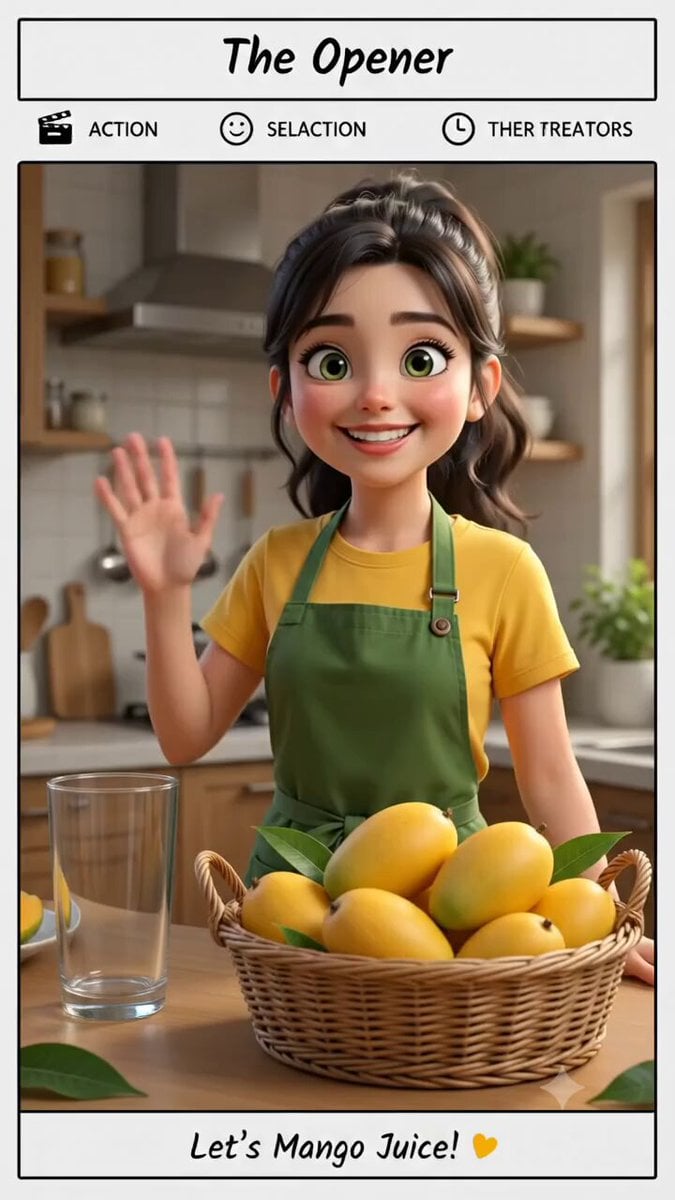
Pixar Style Mango Juice Making Video

3D Glossy Fairy Animation - Seedance 2.5

Silk Road Pomegranate Folk Animation

Multilingual Creative Typography Loop

Walking Factory with Rebel on Hoverbike - Wasteland
Cartoon Bullfight Arena — Girl vs Bull (Seedance)
Dim Sum Chase — Shrimp Dumpling Monster
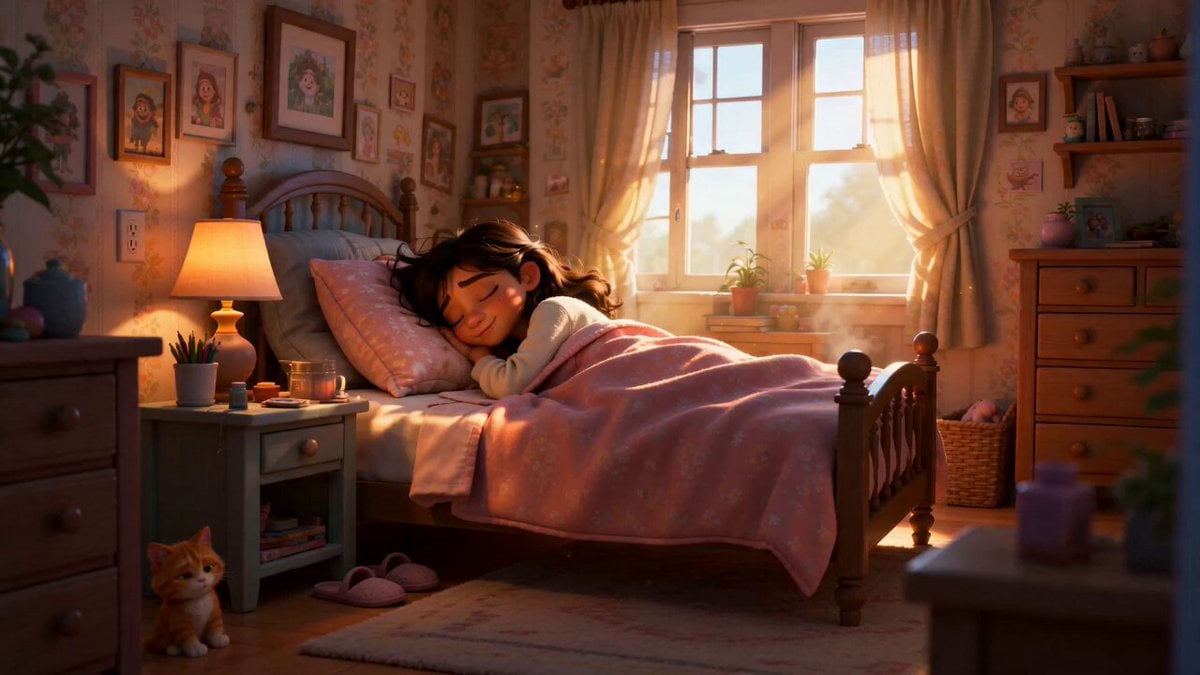
Pixar Style Sleeping Girl Animation
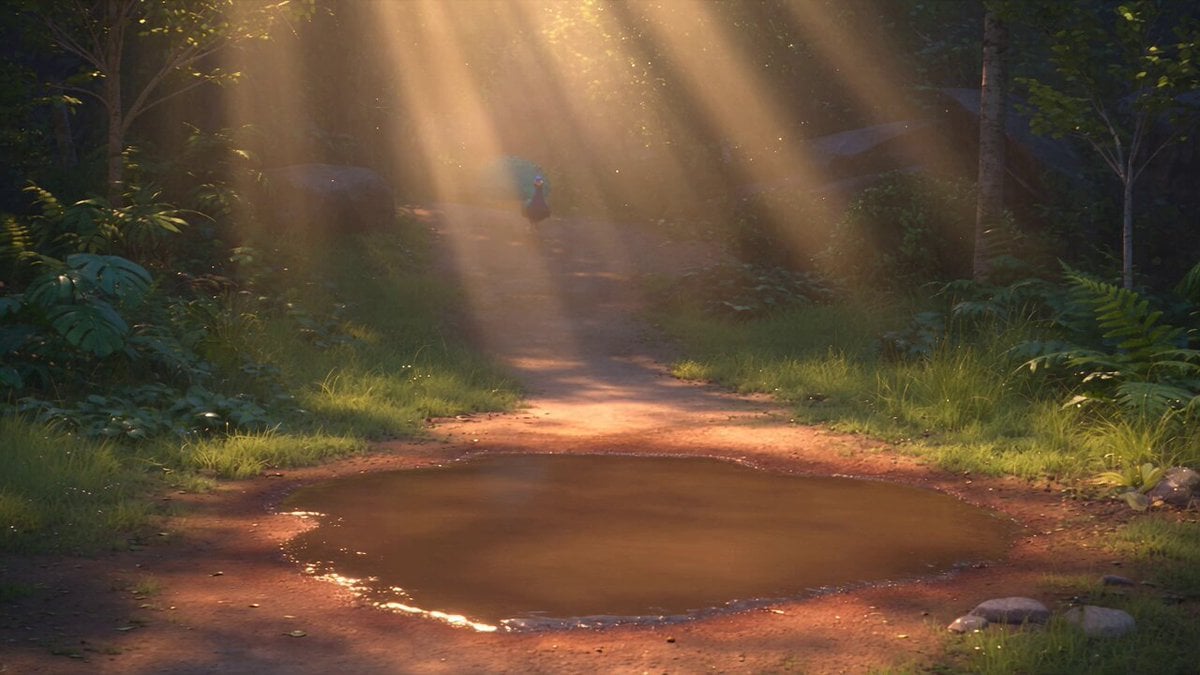
Pixar Style 3D Animation Prompt

Pixar Style Beauty Routine Animation

Pigeon Nemesis Pixar Animation Storyboard
Disney Pixar Skincare Animation
Make it yours
Pixar Style Sushi Making Animation works as-is. These are the safest ways to change it without losing the look.
Change one field
Copy a single group, rewrite it, and generate again so you can see what that field is doing.
Keep the frame, change the subject
Hold the composition and light of Pixar Style Sushi Making Animation, then swap wardrobe, props or the person for a new take.
| If the result… | Why | Fix |
|---|---|---|
| The result drifts from the preview | Too many fields changed at once. | Reuse Pixar Style Sushi Making Animation as-is first, then change one group — subject, light, or setting. |
| The model over-stylizes the scene | The prose prompt leaves finish and camera underspecified. | Add one camera or lighting sentence and stay on Seedance 2.0. |
More Seedance 2.0 templates
Other prompts made for Seedance 2.0.

Comical Martial Arts Punch Scene

Maglev Train Action Sequence

Martial Arts Fight Sequence

Wuxia Protection and Trust Script

Vintage Korean Arcade MiniDV Vlog

Mercedes 190 SL Luxury Ad

Rainy Night Supernatural Reverse Comedy Video Script

Amazon Civilization Discovery

Futuristic South Asian City Transformation

Cozy Luxury Cafe Commercial
More video prompts
Fresh picks from across the catalog.
1950s Diner Time Freeze Rewind - Seedance 2.5

Golden Mosaic Eternal Portrait
Sports Player POV Camera Signing Template
Gritty Cyberpunk Mecha Transformation
Cinematic Wormhole POV Fly Scene Prompt
February Schedule Prompt
Daughter of the Forest Transformation
Golden Hour Road Trip Cinematic Scene
Cinematic Time-Freeze Thriller
High-End Cinematic Food Reel
Browse template categories
Pixar Style Sushi Making Animation questions
How do I use the Pixar Style Sushi Making Animation template?
Add your photo if the template asks for one, edit the prompt if you like — the template's model and format are already selected — and press Generate. Your version opens in PicX Studio.
Can I customize the Pixar Style Sushi Making Animation template?
Yes. You can change the subject, setting, lighting, mood, format, and available model controls before creating your video.
Is the Pixar Style Sushi Making Animation template free?
Opening and editing this template is free. Generating uses credits, shown on the Generate button when you are signed in.
Which AI model should I use?
Start with Seedance 2.0, which is the model associated with this template. You can compare another compatible model for a different finish.
Looking for something else? Browse all templates.

Your photo, any look
Thousands of ready templates for every top image and video model, from one credit balance.