
Pixar Style Mango Juice Making Video
A 3D animated storyboard-based video prompt for creating a cinematic juice-making sequence with character consistency.
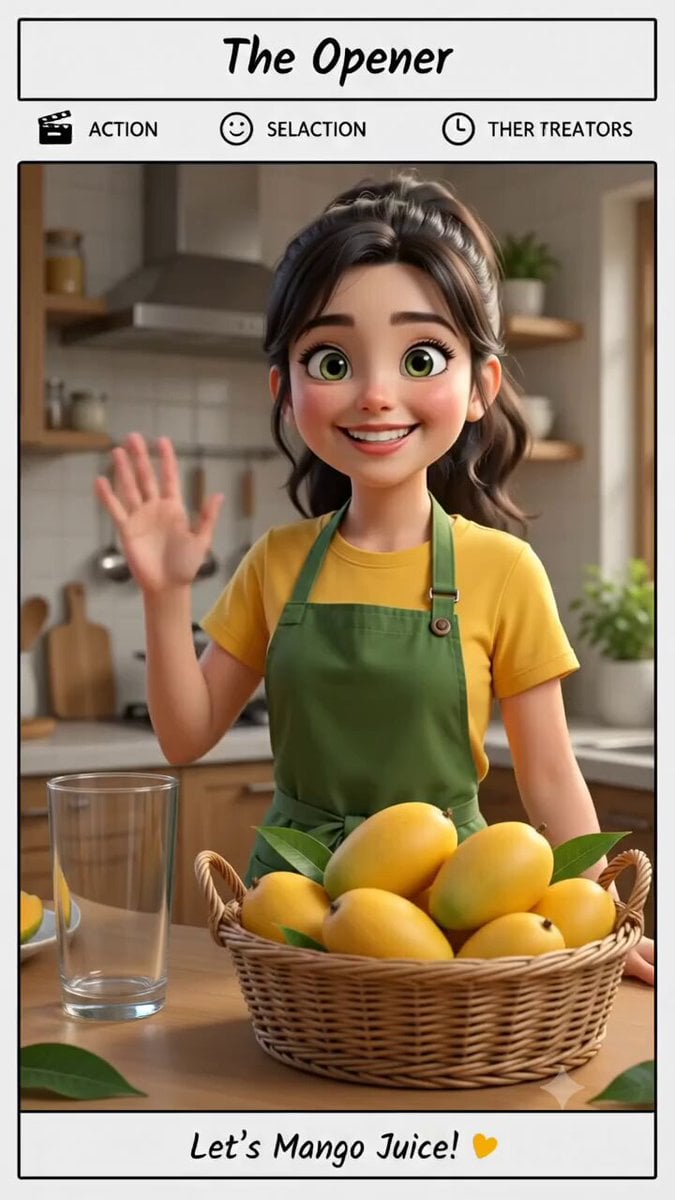
- Prompt included
- Model and format preset
- Free template
The prompt behind this video
Copy the exact prompt behind Pixar Style Mango Juice Making Video, or open it in the studio and make it yours.
Create a 10-second cinematic 3D animated food video titled “MAKING MANGO JUICE”. Use the uploaded storyboard as the STRICT visual and shot-sequence reference. IMPORTANT: Follow all 8 storyboard shots in the exact order. Do not add, remove, merge, or rearrange shots. Each shot lasts exactly 1.25 seconds. Total video duration: exactly 10 seconds. Maintain EXACT character consistency throughout the entire video: The same young woman appears in every character shot. She has dark brown hair in a casual ponytail, expressive brown eyes, a friendly youthful face, a yellow short-sleeve T-shirt, and a dark olive-green apron. Do not change her face, hairstyle, clothing, body proportions, or character design between shots. Maintain the same warm, cozy kitchen, lighting direction, color palette, props, counter, cutting board, mangoes, blender, and glass throughout the sequence. VISUAL STYLE: High-quality cinematic 3D animated film, polished stylized realism, detailed food textures, realistic mango pulp, natural liquid physics, expressive character animation, warm natural kitchen lighting, soft shadows, cinematic composition, smooth camera movement, realistic materials, vibrant but natural colors. SHOT 1 — 0.00–1.25s WIDE ESTABLISHING SHOT. The woman stands behind the kitchen counter surrounded by fresh ripe mangoes. She looks toward the camera, smiles warmly, and gives a small friendly wave. A clean empty drinking glass is visible on the counter. Camera makes a very subtle cinematic push-in. Natural character movement and realistic hand motion. SHOT 2 — 1.25–2.50s MEDIUM SHOT. Cut smoothly to the same woman. She confidently raises one ripe mango beside her face and looks toward the camera with a cheerful expression. Mango slices and pieces are arranged on the cutting board in front of her. Her other hand rests naturally near the cutting board. Keep her face and outfit identical to Shot 1. SHOT 3 — 2.50–3.75s CLOSE-UP. Cut to her hands preparing the mango. She holds the mango firmly on the wooden cutting board and makes a clean controlled knife cut. Show the knife moving naturally through the mango flesh. Capture detailed golden mango texture and small natural juice movement. No exaggerated or dangerous knife motion. SHOT 4 — 3.75–5.00s EXTREME CLOSE-UP. Fresh golden mango cubes fall naturally into a transparent blender jar. Several mango pieces drop from above and bounce naturally inside the blender. Use realistic gravity and food physics. Camera follows the falling mango pieces with a subtle downward movement. SHOT 5 — 5.00–6.25s MEDIUM CLOSE-UP. The same woman pours water or milk from a transparent measuring jug into the blender containing the mango pieces. Show a continuous realistic liquid stream. The woman looks focused and cheerful. Keep the blender, mango pieces, kitchen and lighting consistent. SHOT 6 — 6.25–7.50s PERFECT OVERHEAD TOP-DOWN SHOT. Camera looks directly down
How to use Pixar Style Mango Juice Making Video in 3 steps
- 1Upload ImagePNG, JPG or paste
Add your photo
Upload the photo the template builds on. The prompt, model and format are already set.
- 2…a portrait of your subject in softgolden-hour light, 85mm…
Personalize
Edit the subject and creative details for your destination.
- 3Generate
Generate
Press Generate — your video is created in PicX Studio, so you can compare it with the original and refine one variable at a time.
More like this
Templates with the same subject, style or setup. Open one to see its prompt.
Pixar Style Sushi Making Animation
Nostalgic Mango Orchard Commercial
Luxury Fresh Apple Juice Video Campaign

Butler Making Thai Tea Anime Sequence
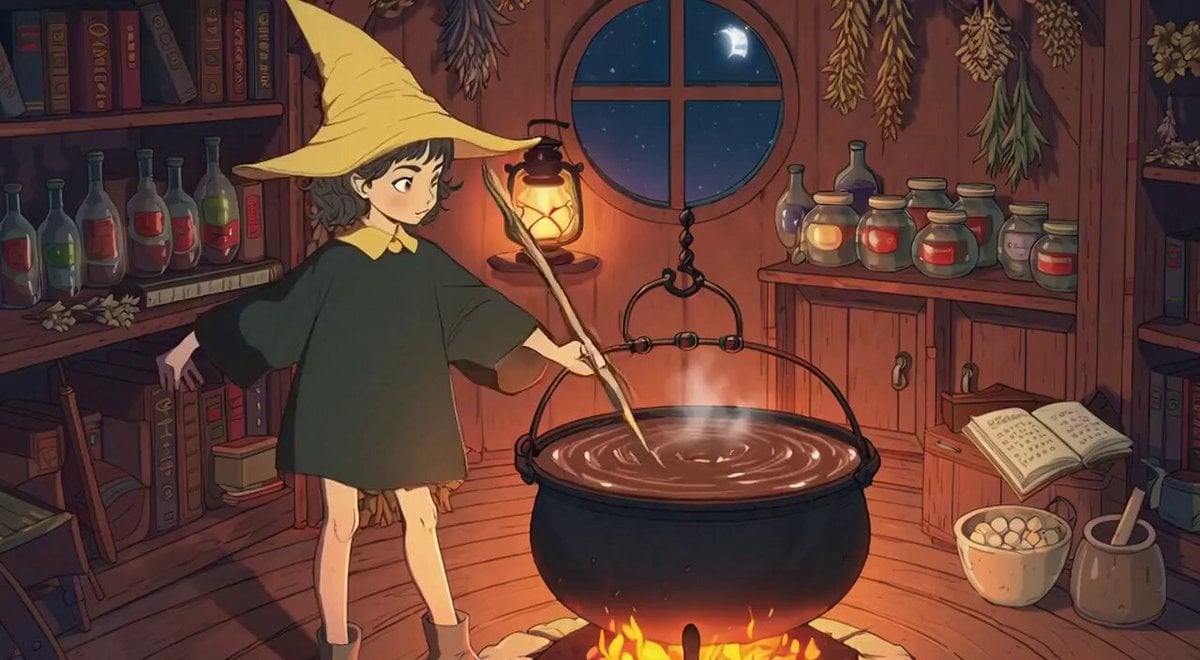
Seedance 2.0 Valentine's Chocolate Making Scene
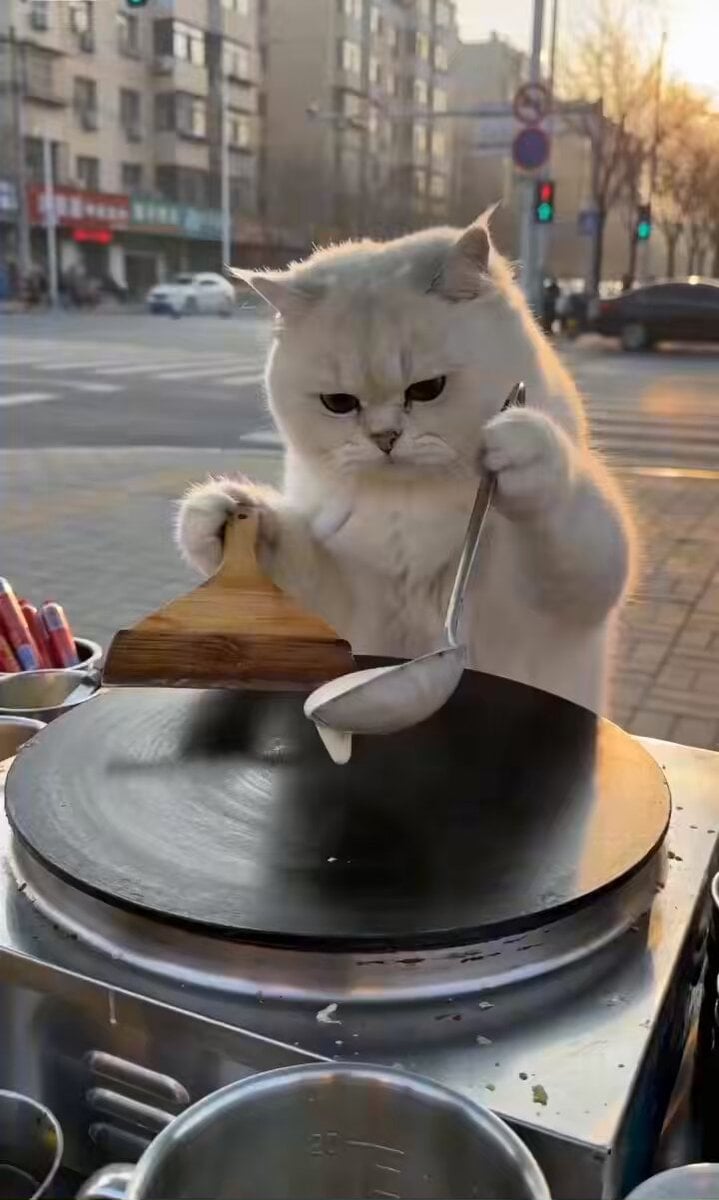
Cat Making Pancakes (Jianbing) - Seedance Cute Pet Series
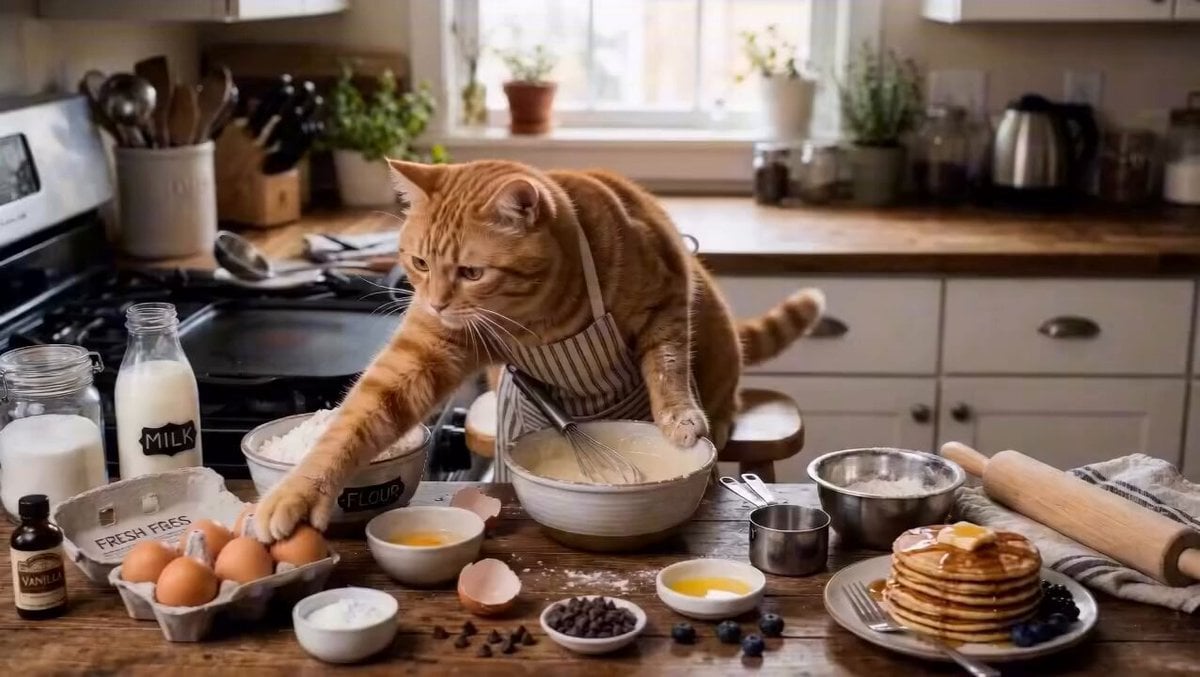
Cat Making Pancakes Cinematic Prompt

Pixar Style Sleeping Girl Animation
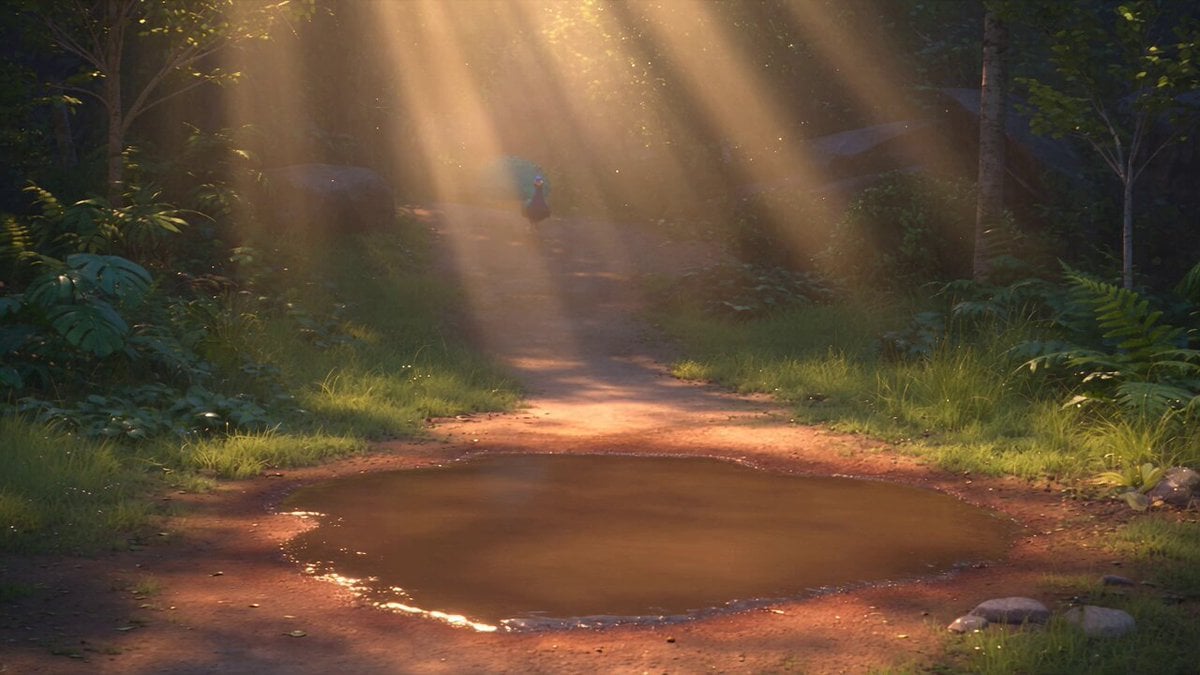
Pixar Style 3D Animation Prompt

Pixar Style Beauty Routine Animation
Pigeon Nemesis Pixar Animation Storyboard
Disney Pixar Skincare Animation
Make it yours
Pixar Style Mango Juice Making Video works as-is. These are the safest ways to change it without losing the look.
Change one field
Copy a single group, rewrite it, and generate again so you can see what that field is doing.
Keep the frame, change the subject
Hold the composition and light of Pixar Style Mango Juice Making Video, then swap wardrobe, props or the person for a new take.
| If the result… | Why | Fix |
|---|---|---|
| The result drifts from the preview | Too many fields changed at once. | Reuse Pixar Style Mango Juice Making Video as-is first, then change one group — subject, light, or setting. |
| The model over-stylizes the scene | The prose prompt leaves finish and camera underspecified. | Add one camera or lighting sentence and stay on Seedance 2.0. |
More Seedance 2.0 templates
Other prompts made for Seedance 2.0.

Comical Martial Arts Punch Scene

Maglev Train Action Sequence

Martial Arts Fight Sequence

Wuxia Protection and Trust Script

Vintage Korean Arcade MiniDV Vlog

Mercedes 190 SL Luxury Ad

Rainy Night Supernatural Reverse Comedy Video Script

Amazon Civilization Discovery

Futuristic South Asian City Transformation

Cozy Luxury Cafe Commercial
More video prompts
Fresh picks from across the catalog.
Dune Ridge Military Base Sequence

Sailing in the Chesapeake Bay
Continuous Unbroken Selfie Vlog Prompt

Lunar Realm Portal Animation
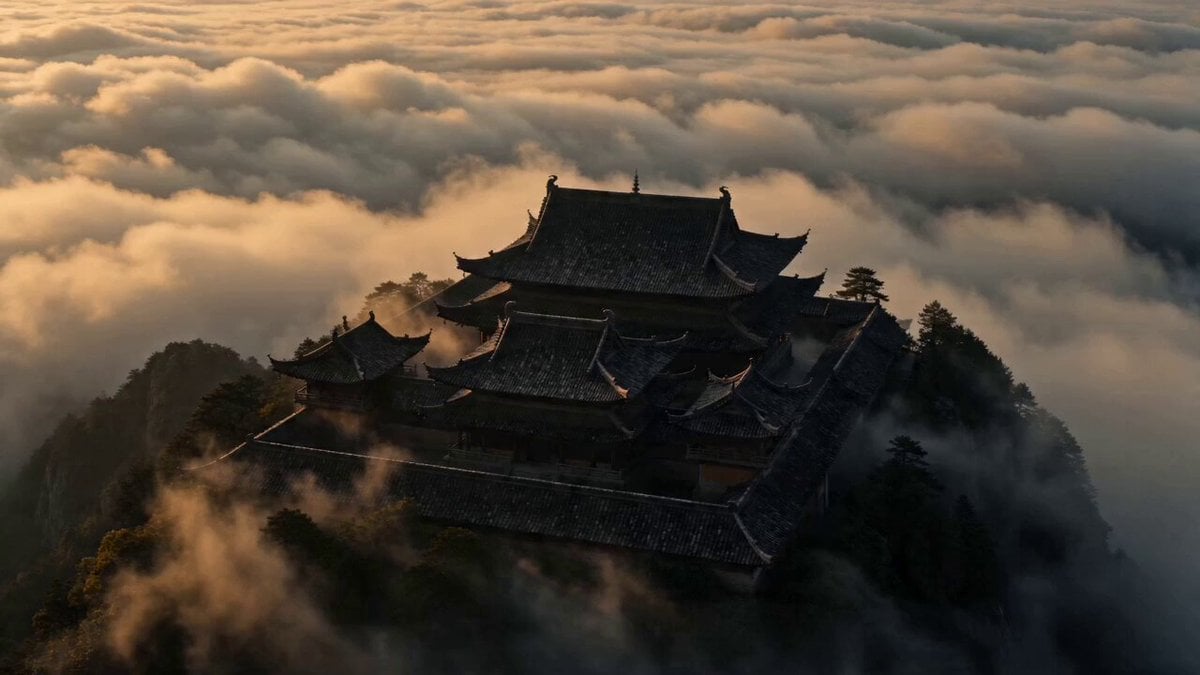
Cinematic Scene: Monk Meditating in Ancient Mountain Temple
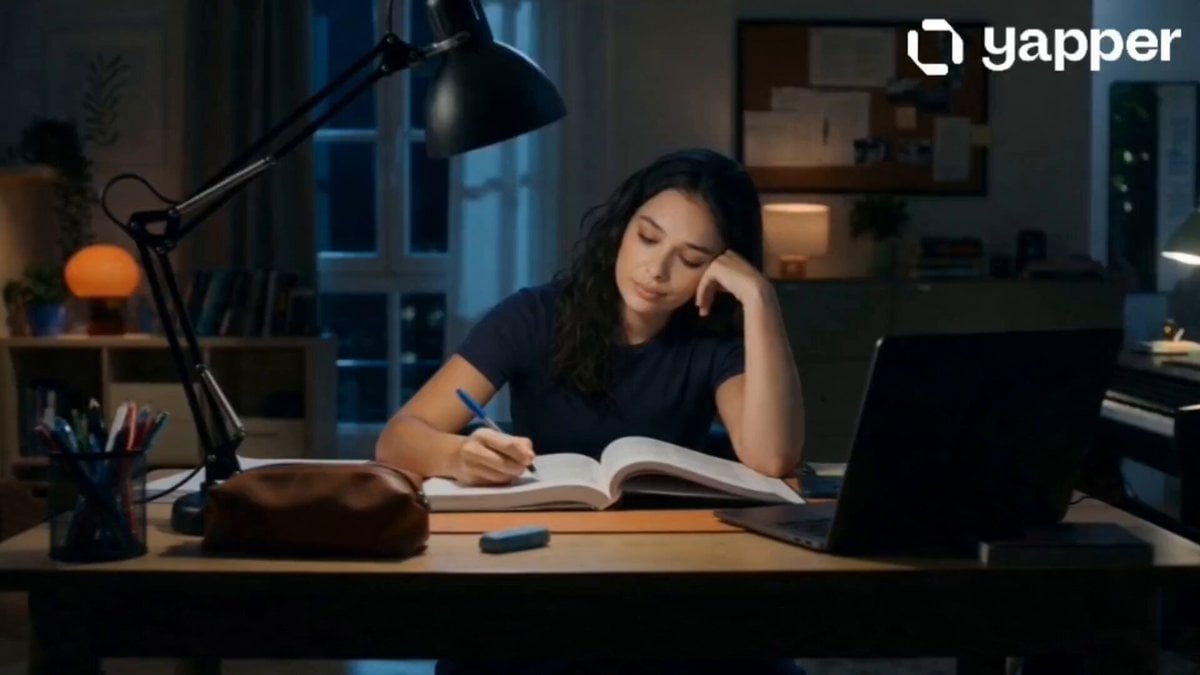
Late Night Study Resilience Scene

Memory Fish mystical creatures video

Haida community documentary video
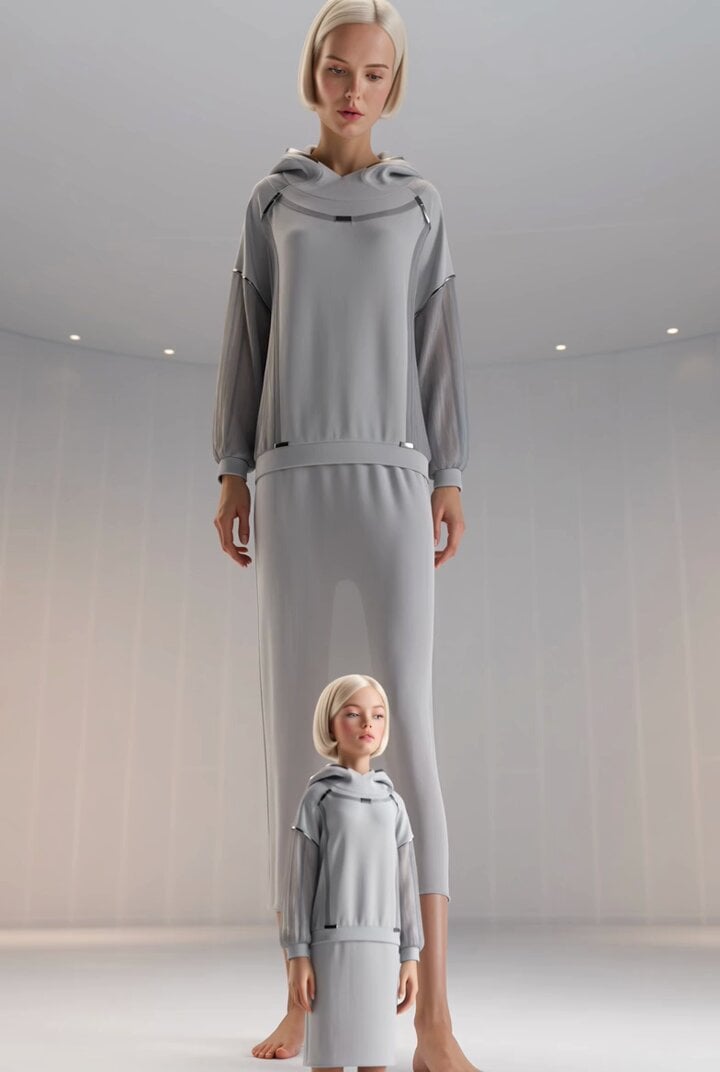
Surreal Giant Woman Fashion Editorial Prompt
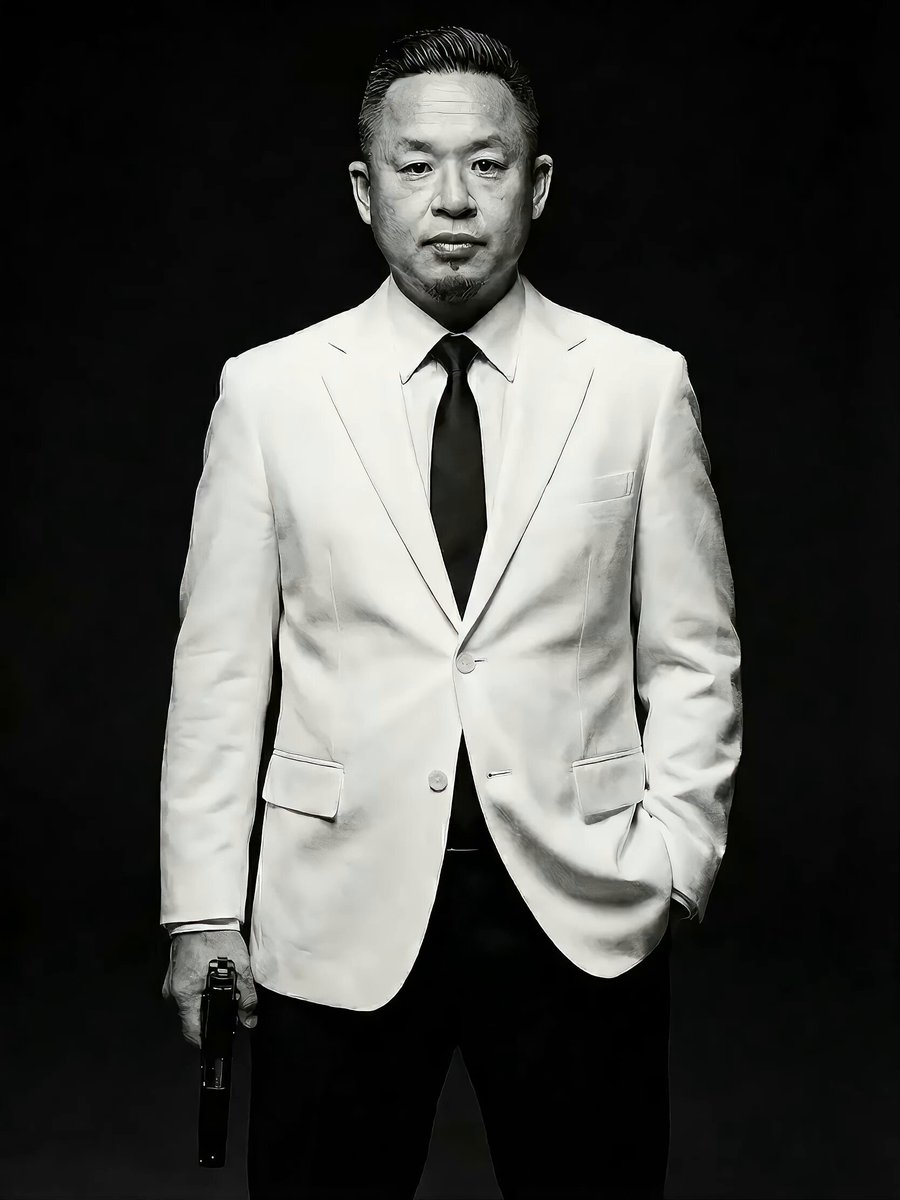
Action Movie Scene Prompt with Cinematic Style
Browse template categories
Pixar Style Mango Juice Making Video questions
How do I use the Pixar Style Mango Juice Making Video template?
Add your photo if the template asks for one, edit the prompt if you like — the template's model and format are already selected — and press Generate. Your version opens in PicX Studio.
Can I customize the Pixar Style Mango Juice Making Video template?
Yes. You can change the subject, setting, lighting, mood, format, and available model controls before creating your video.
Is the Pixar Style Mango Juice Making Video template free?
Opening and editing this template is free. Generating uses credits, shown on the Generate button when you are signed in.
Which AI model should I use?
Start with Seedance 2.0, which is the model associated with this template. You can compare another compatible model for a different finish.
Looking for something else? Browse all templates.

Your photo, any look
Thousands of ready templates for every top image and video model, from one credit balance.