
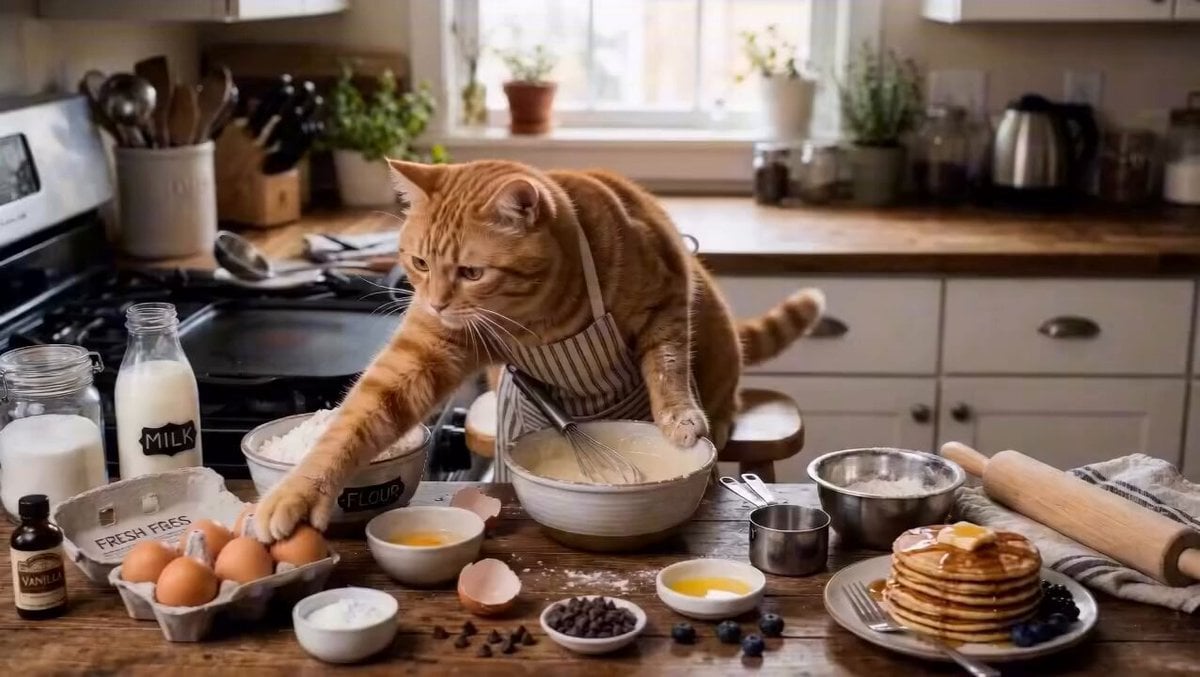
Cat Making Pancakes Cinematic Prompt
An extremely detailed, multi-action, cinematic prompt for Seedance 2.0 describing an orange tabby cat standing upright in a cozy kitchen, making pancakes from start to finish, with specific camera instructions and sound…
- Prompt included
- Model and format preset
- Premium template
The prompt behind this video
Copy the exact prompt behind Cat Making Pancakes Cinematic Prompt, or open it in the studio and make it yours.
Cinematic realistic animation, static locked wide camera. Cozy kitchen, morning light through window. Orange tabby cat in striped apron stands upright at wooden counter, flour dust on fur, all ingredients visible: milk bottle, flour bowl, fresh eggs carton, vanilla extract, sugar, whisk, mixing bowl, chocolate chips, blueberries, butter, stack of finished pancakes already visible on right side of counter. Pancake cooking on stovetop pan in background. Cat grabs egg carton with both paws, cracks egg firmly on bowl edge — yolk drops in, shell tossed aside casually. Scoops flour with small paw into bowl — white dust cloud puffs up, coats cat's nose, cat blinks. Pours milk from bottle — steady glug. Drops vanilla extract carefully. Both paws grip whisk, beats batter vigorously in bowl — rhythmic clinking, batter splashes slightly, cat's whole body moves with effort. Cat peers into bowl, satisfied. Ladle scoops batter, carries it to stovetop pan — pours perfect circle, gentle sizzle. Cat watches bubbles form on surface, spatula ready in paw. Confident flip — golden underside revealed, fresh sizzle. Pancake added to growing stack. Handful of blueberries and chocolate chips scattered on top. Butter slice placed — melts slowly. Maple syrup poured in thick amber stream. Cat picks up finished plate with both paws, turns to face camera directly, extends plate forward toward lens — single clear "MEOW." Whiskers twitch. Static camera throughout, never moves. Ambient kitchen sounds only: whisking, sizzling, butter melting. 15 seconds.
How to use Cat Making Pancakes Cinematic Prompt in 3 steps
- 1
Open
The prompt is already in the box next to the preview, with the template's model and format selected.
- 2…a portrait of your subject in softgolden-hour light, 85mm…
Personalize
Edit the subject and creative details for your destination.
- 3Generate
Generate
Press Generate — your video is created in PicX Studio, so you can compare it with the original and refine one variable at a time.
More like this
Templates with the same subject, style or setup. Open one to see its prompt.
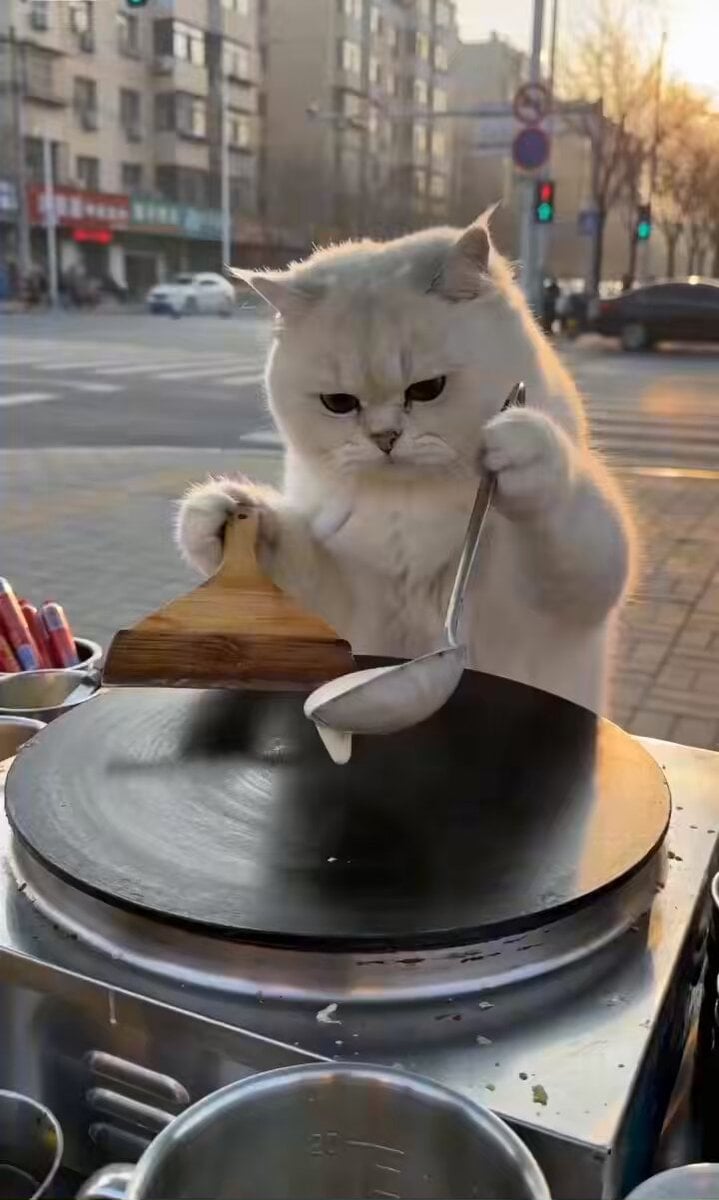
Cat Making Pancakes (Jianbing) - Seedance Cute Pet Series
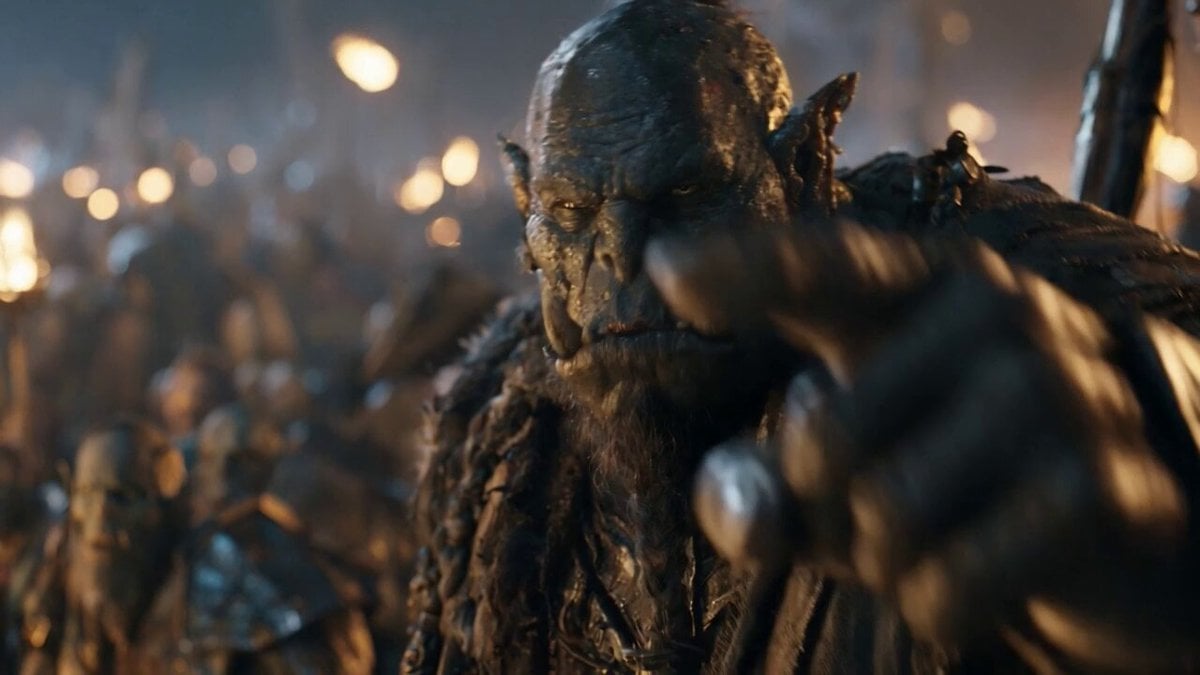
3D Animated Cat and Old Man - Seedance
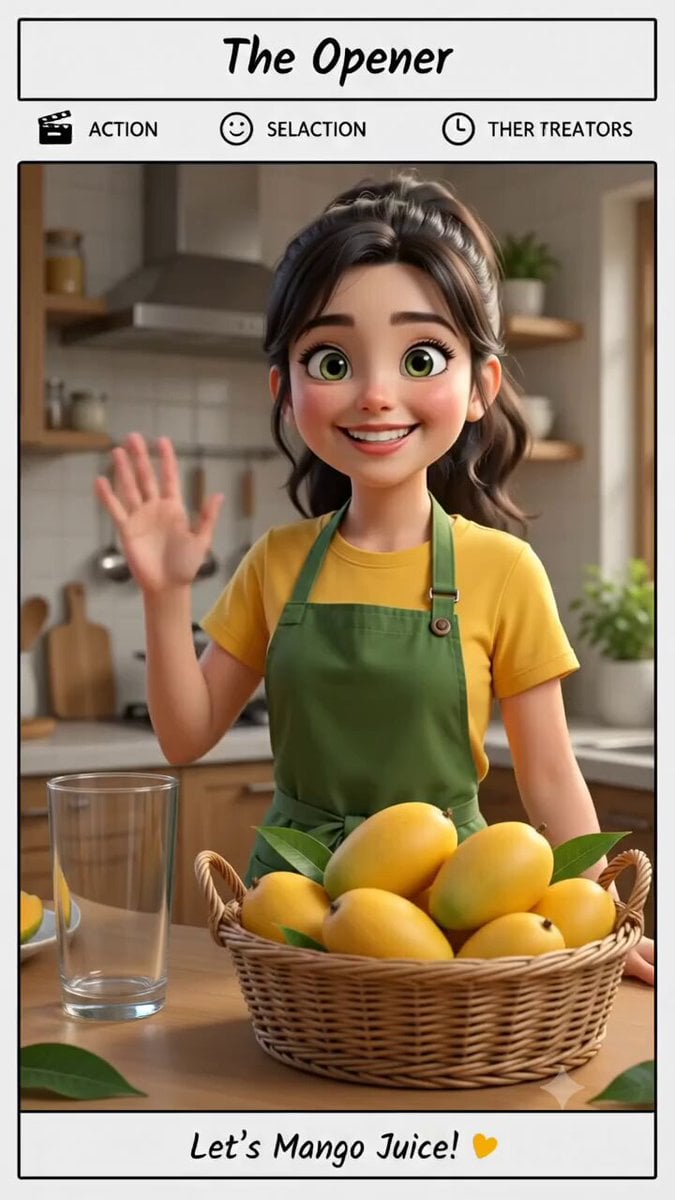
Pixar Style Mango Juice Making Video
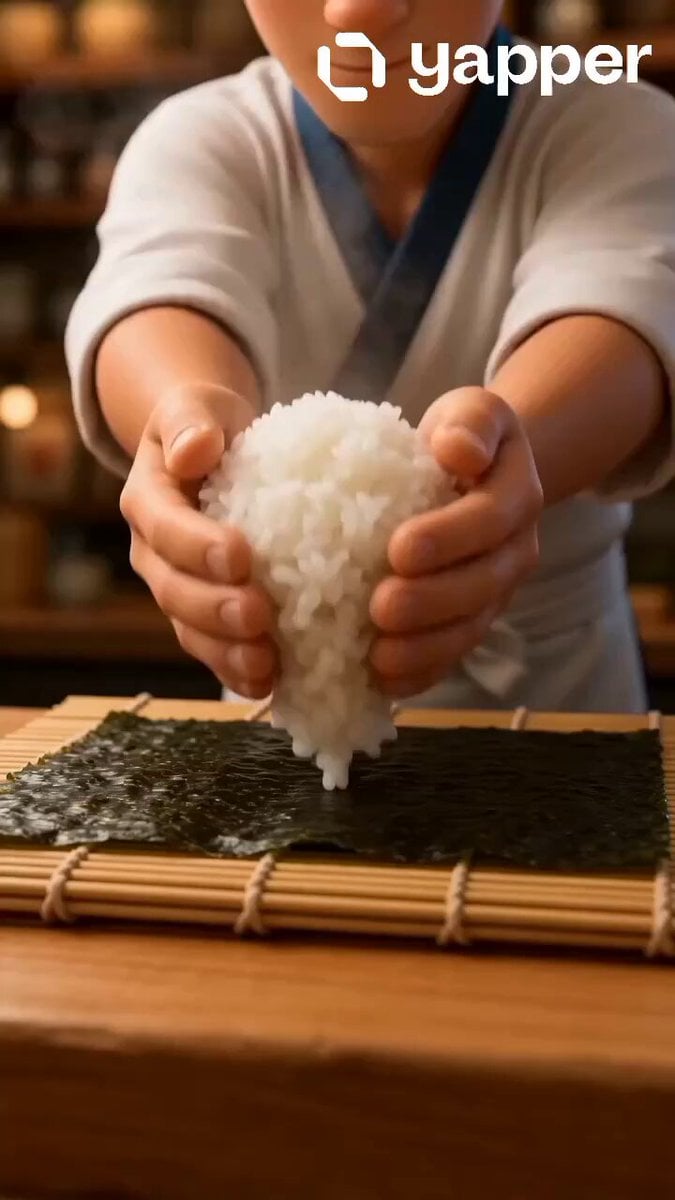
Pixar Style Sushi Making Animation

Butler Making Thai Tea Anime Sequence

Seedance 2.0 Valentine's Chocolate Making Scene
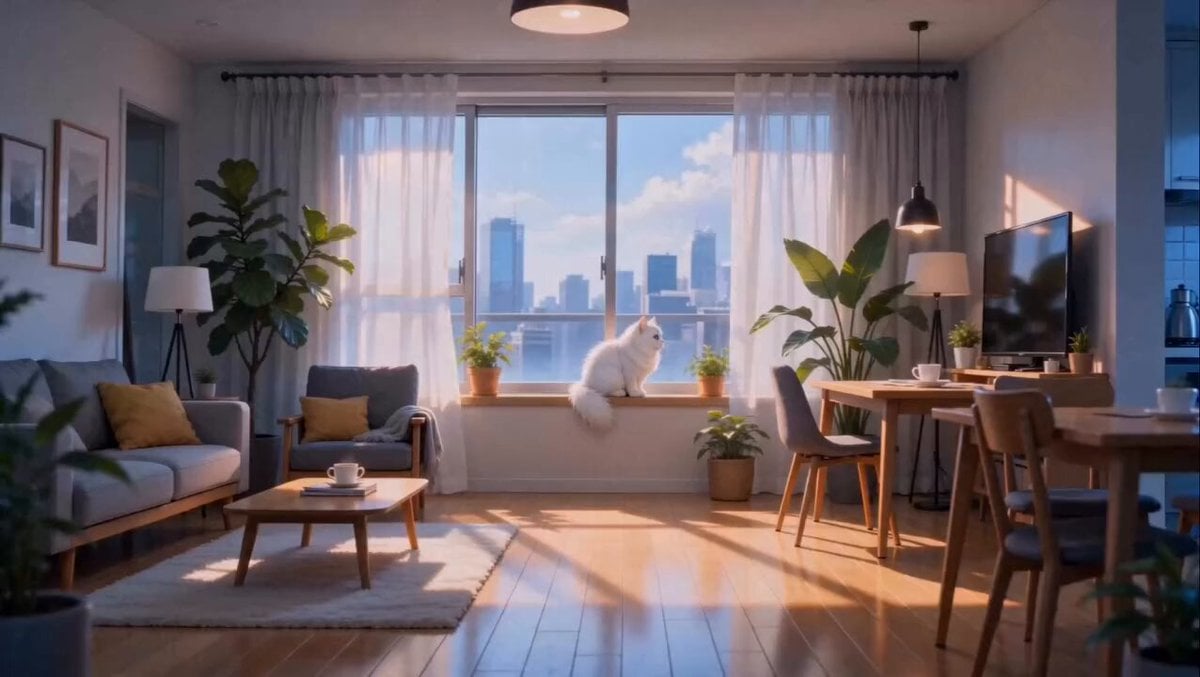
Anime Fluffy Cat Morning Routine
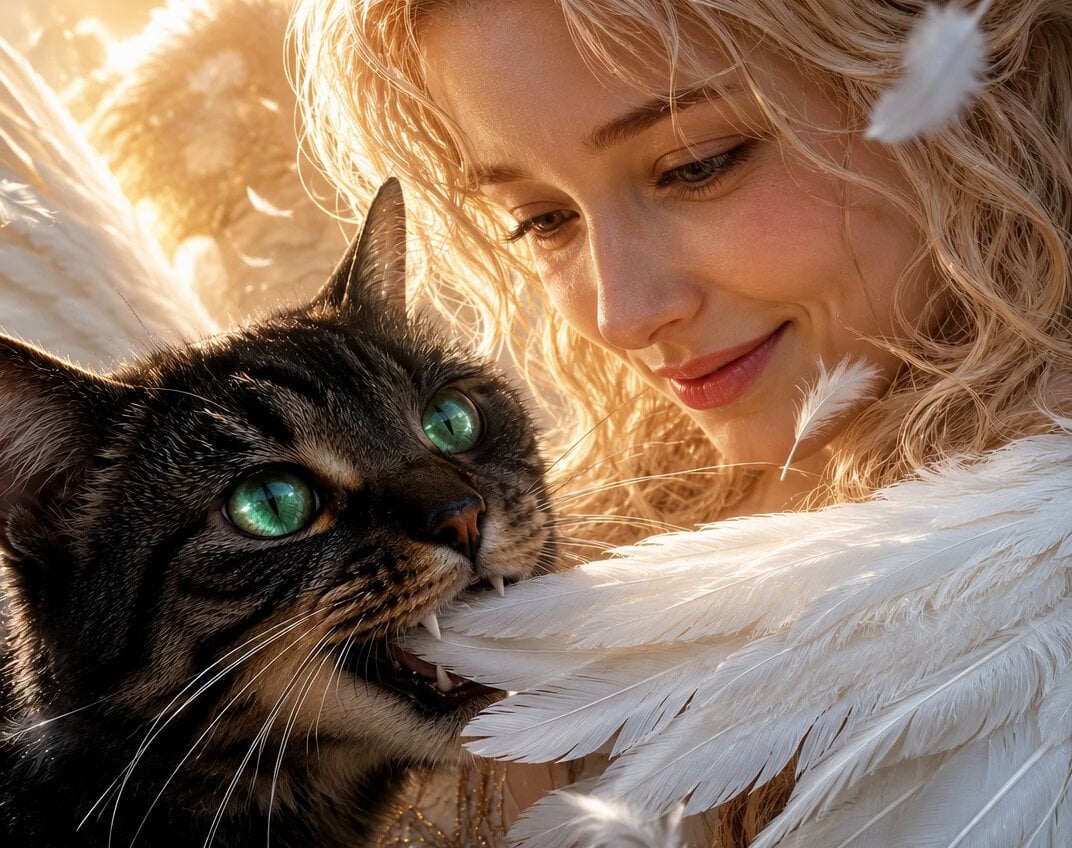
Angel and Curious Cat
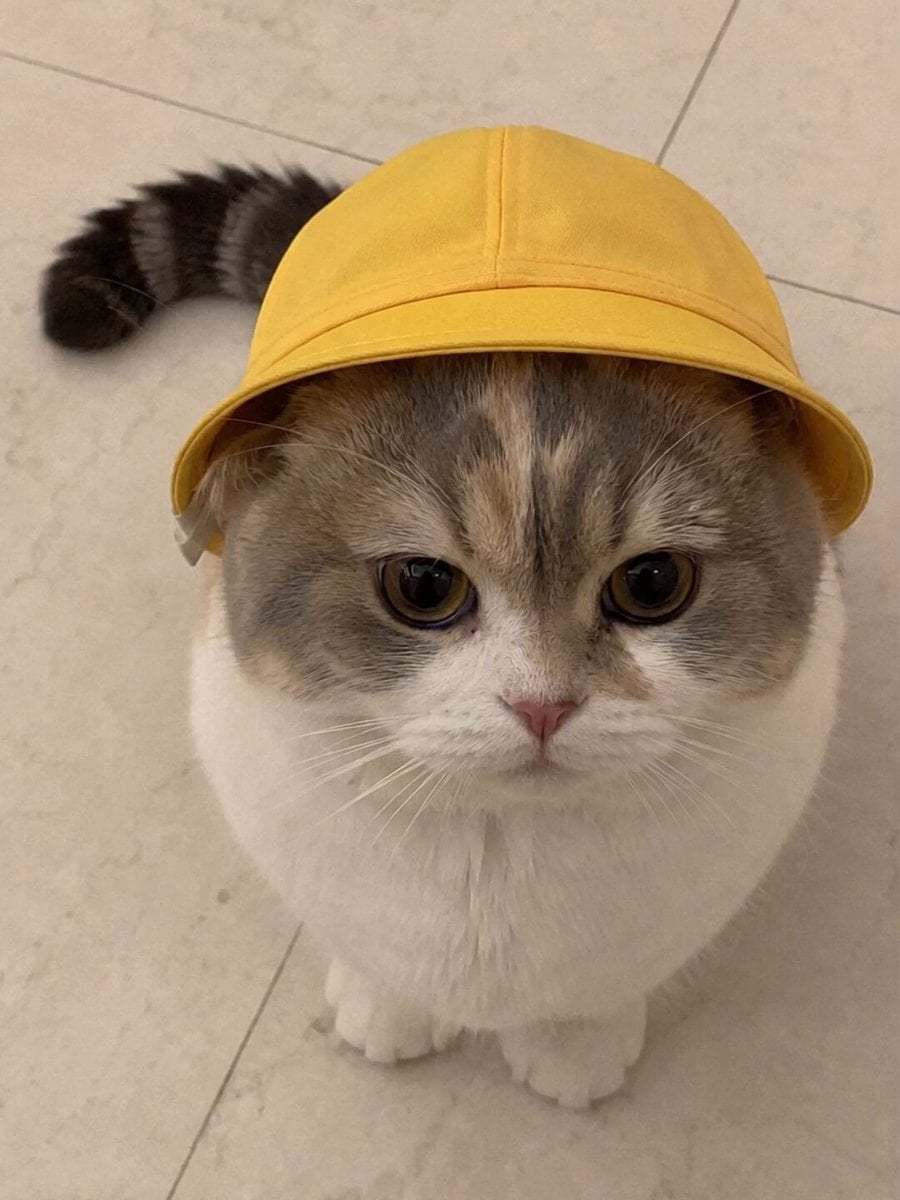
Talking Munchkin Cat Video Prompt

Claymation Cat World Transformation
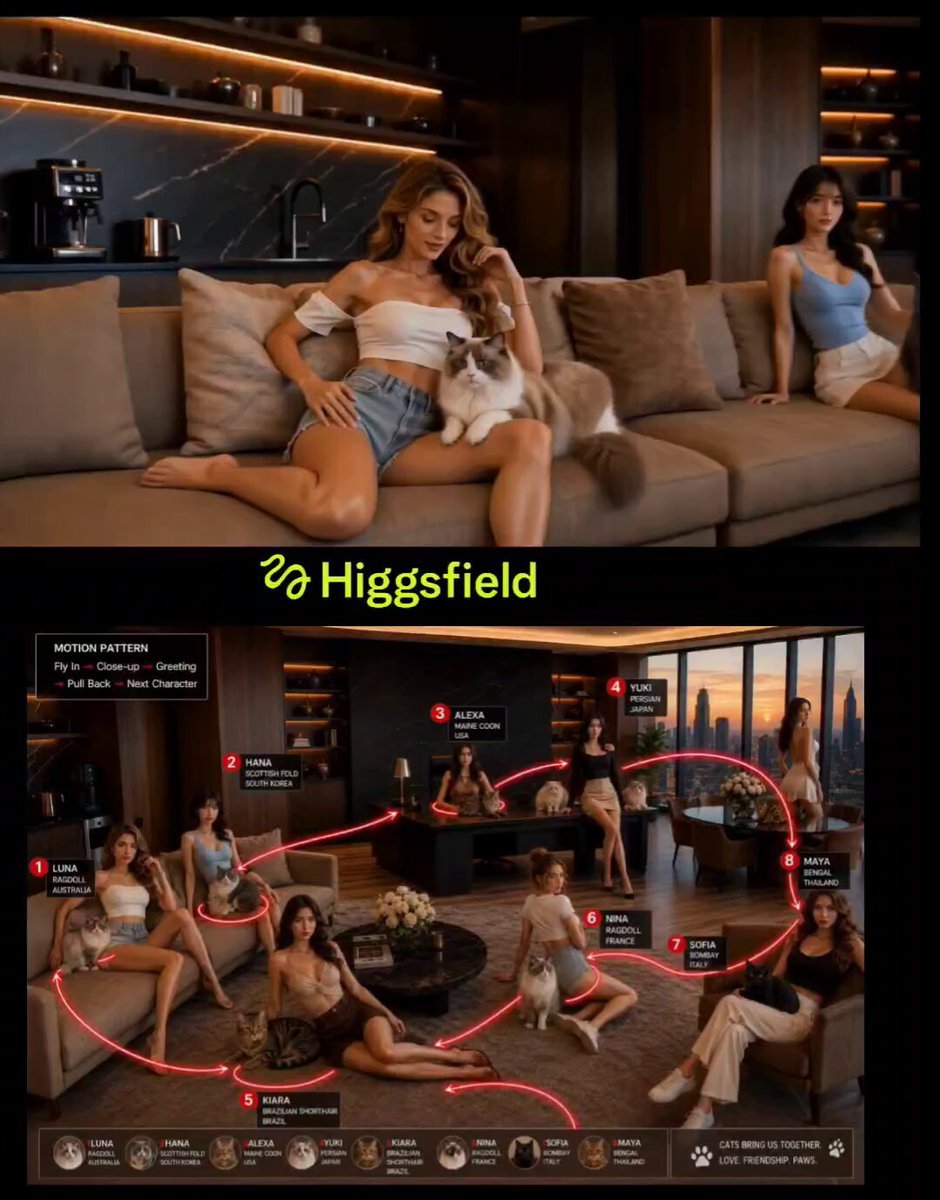
Cinematic Penthouse Cat Introduction Scene

Cinematic Anime Cat Girl Parkour
Make it yours
Cat Making Pancakes Cinematic Prompt works as-is. These are the safest ways to change it without losing the look.
Change one field
Copy a single group, rewrite it, and generate again so you can see what that field is doing.
Keep the frame, change the subject
Hold the composition and light of Cat Making Pancakes Cinematic Prompt, then swap wardrobe, props or the person for a new take.
| If the result… | Why | Fix |
|---|---|---|
| The result drifts from the preview | Too many fields changed at once. | Reuse Cat Making Pancakes Cinematic Prompt as-is first, then change one group — subject, light, or setting. |
| The model over-stylizes the scene | The prose prompt leaves finish and camera underspecified. | Add one camera or lighting sentence and stay on Seedance 2.0. |
More Seedance 2.0 templates
Other prompts made for Seedance 2.0.

Comical Martial Arts Punch Scene

Maglev Train Action Sequence

Martial Arts Fight Sequence

Wuxia Protection and Trust Script

Vintage Korean Arcade MiniDV Vlog

Mercedes 190 SL Luxury Ad

Rainy Night Supernatural Reverse Comedy Video Script

Amazon Civilization Discovery

Futuristic South Asian City Transformation

Cozy Luxury Cafe Commercial
More video prompts
Fresh picks from across the catalog.
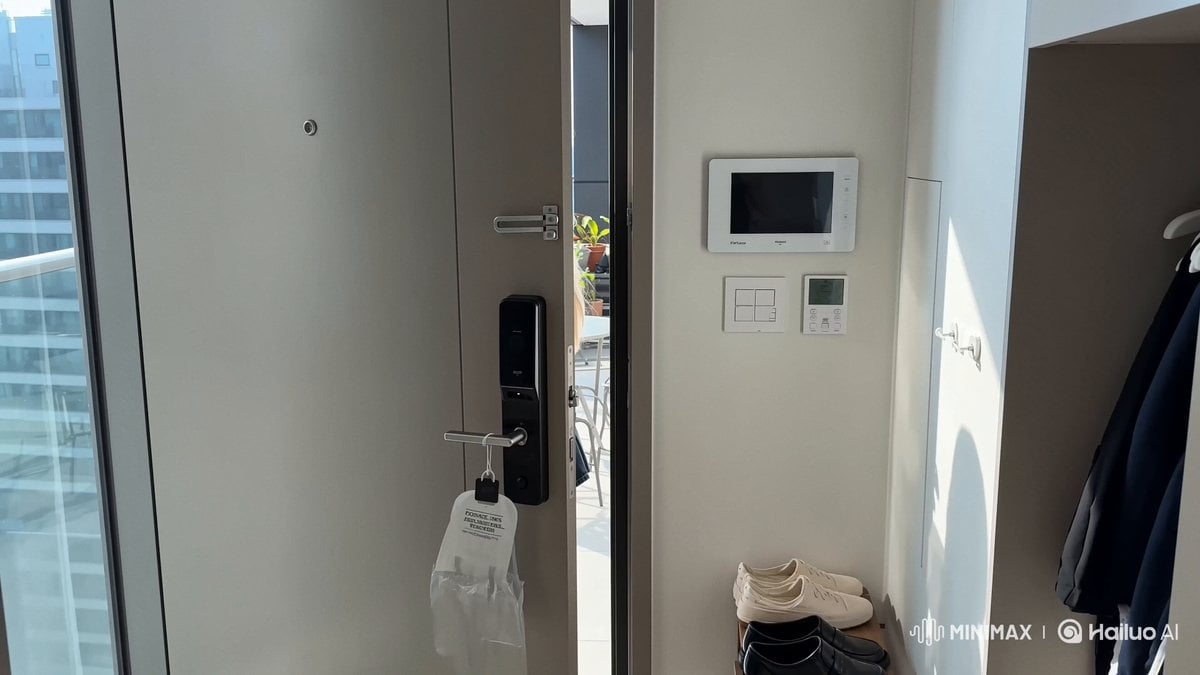
Smartphone Vlog Aesthetic Idol Video

Baroque Style Dramatic Transformation
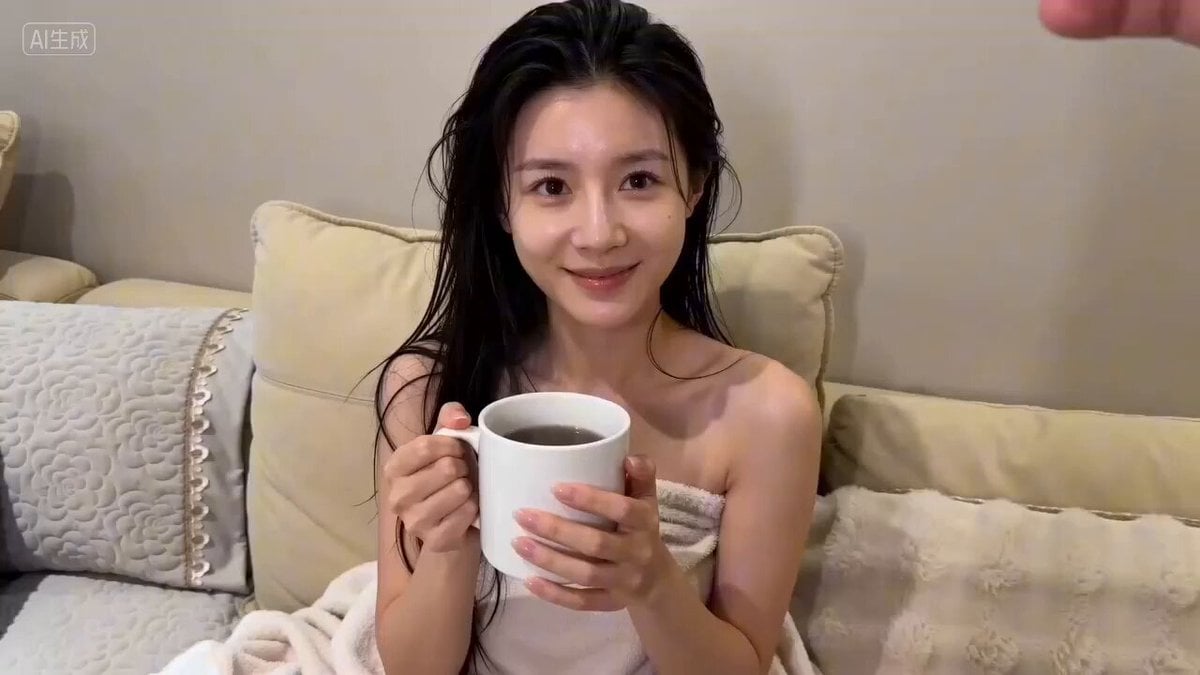
Seedance 2.0 'Electronic Girlfriend' Video Prompt

Nostalgic Everyday Island Moments
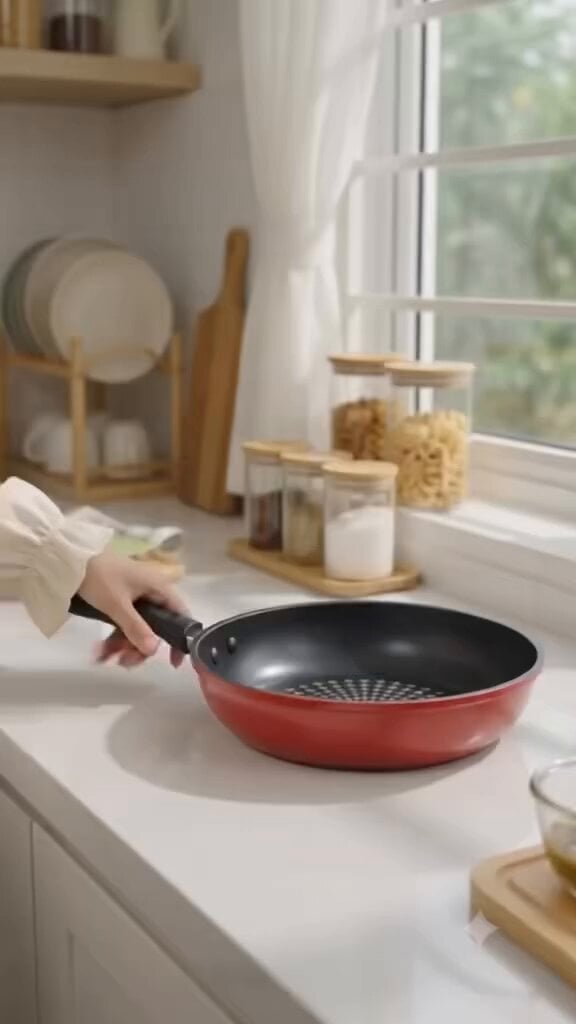
Cinematic Portrait Study
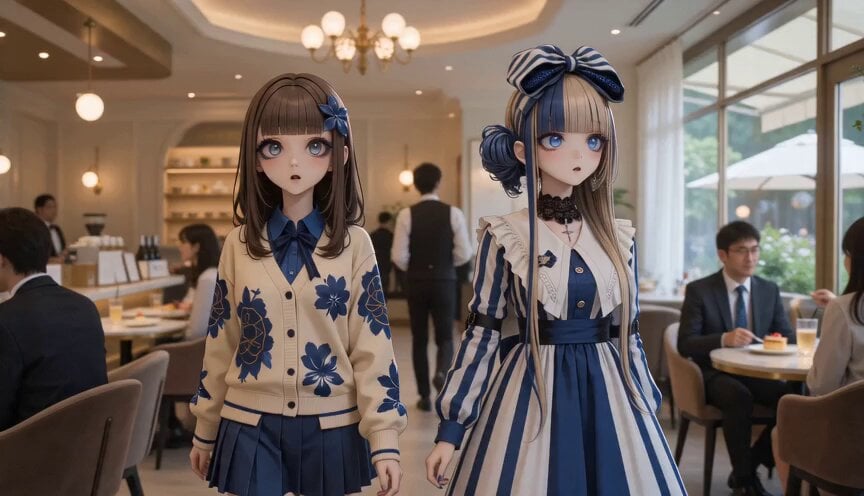
Anime Characters in Photorealistic Cafe
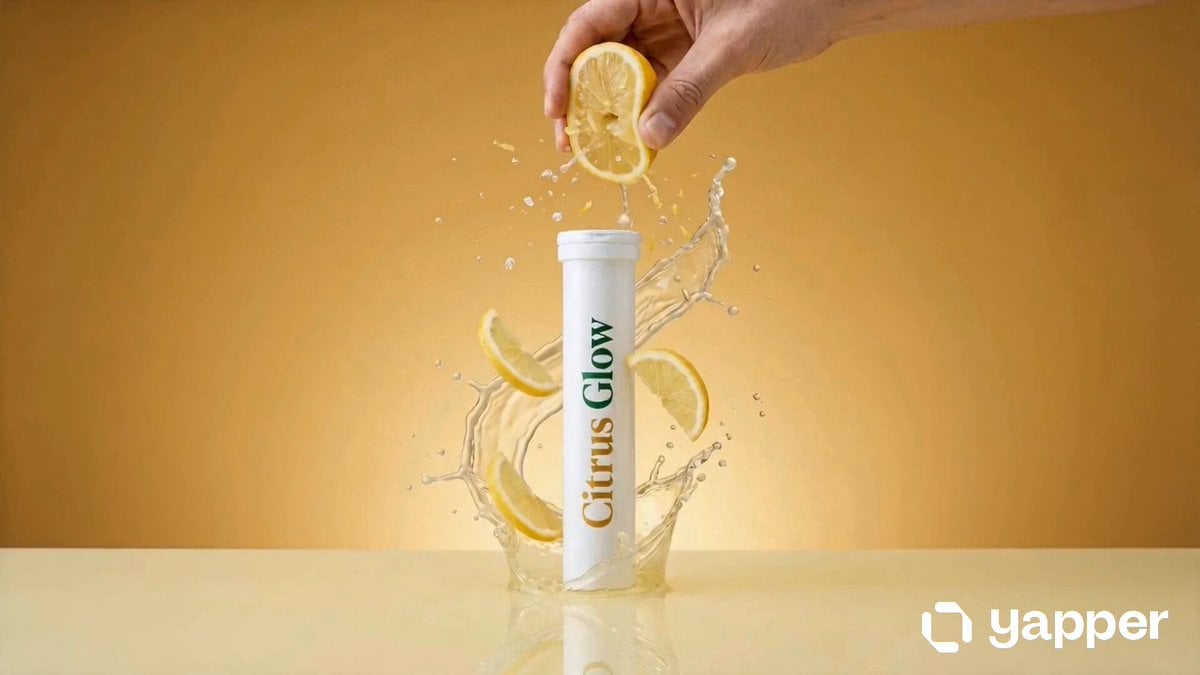
Citrus Glow Skincare Product Video

Wushan Wuxing Style High-Energy Fight Scene Prompt for Seedance 2.0
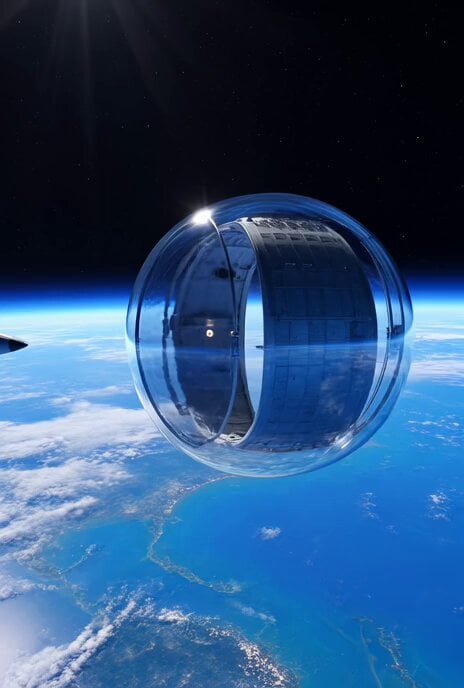
Grok Imagine prompt for a Starship encased in a tungsten cocoon
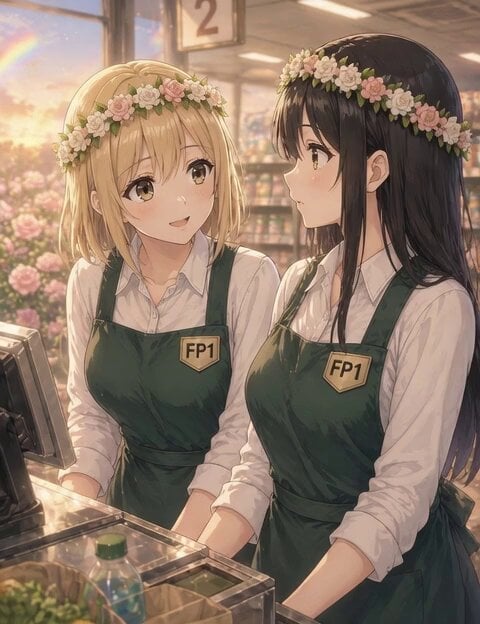
Introspective sunset supermarket scene
Browse template categories
Cat Making Pancakes Cinematic Prompt questions
How do I use the Cat Making Pancakes Cinematic Prompt template?
Add your photo if the template asks for one, edit the prompt if you like — the template's model and format are already selected — and press Generate. Your version opens in PicX Studio.
Can I customize the Cat Making Pancakes Cinematic Prompt template?
Yes. You can change the subject, setting, lighting, mood, format, and available model controls before creating your video.
Is the Cat Making Pancakes Cinematic Prompt template free?
Opening and editing this template is free. Generating uses credits, shown on the Generate button when you are signed in.
Which AI model should I use?
Start with Seedance 2.0, which is the model associated with this template. You can compare another compatible model for a different finish.
Looking for something else? Browse all templates.

Your photo, any look
Thousands of ready templates for every top image and video model, from one credit balance.