
Cinematic Penthouse Cat Introduction Scene
A multi-character cinematic prompt for Seedance 2.0 depicting eight women introducing their cats in a luxury penthouse at sunset.
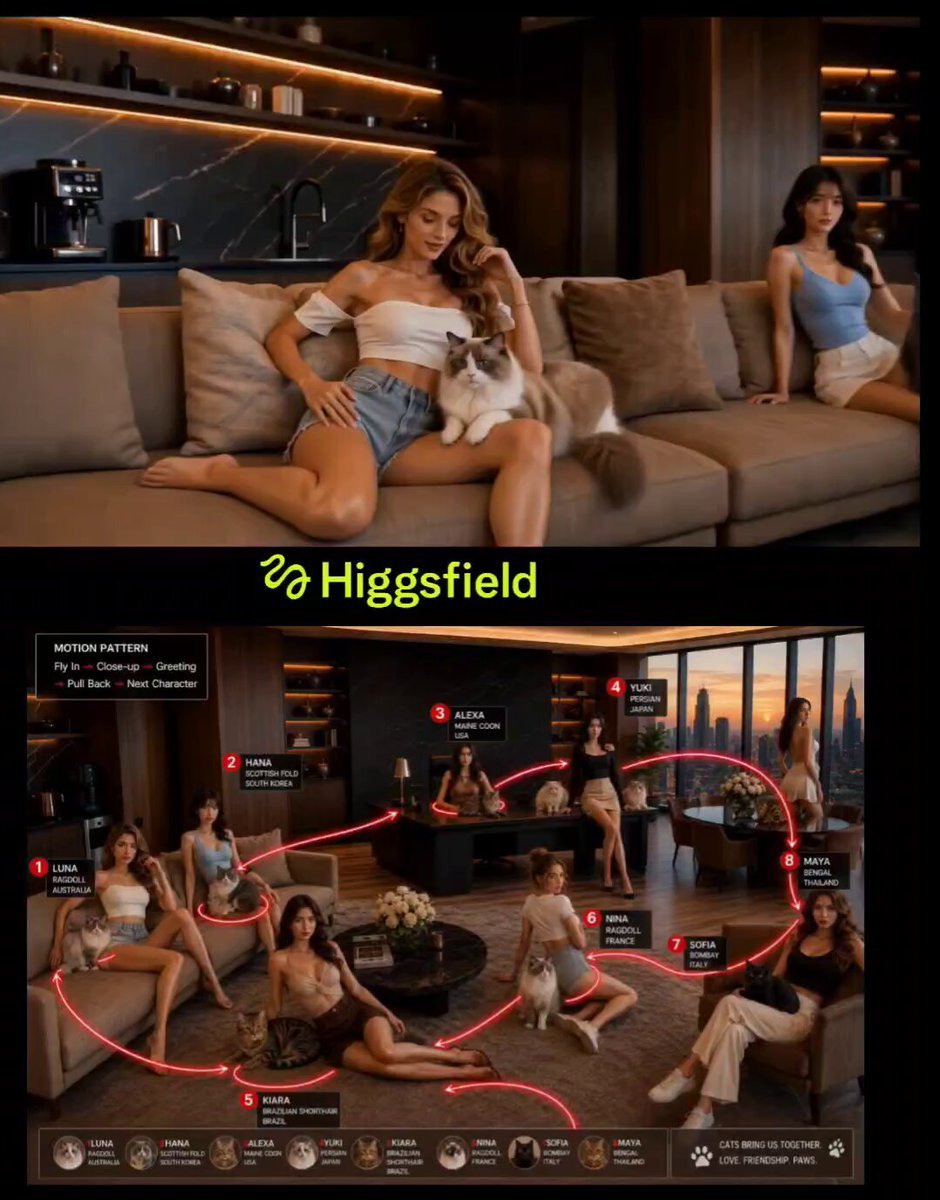
- Prompt included
- Model and format preset
- Premium template
The prompt behind this video
Copy the exact prompt behind Cinematic Penthouse Cat Introduction Scene, or open it in the studio and make it yours.
Create a cinematic luxury penthouse scene at sunset with eight elegant women and their cats. The camera follows a smooth continuous motion path, moving from one woman to the next. Each woman is holding, sitting beside, or petting her cat. As the camera arrives at each character, it briefly pushes into a close-up. The woman looks directly at the camera, smiles naturally, gently interacts with her cat, and introduces the cat by name. Motion Pattern: Fly In → Close-up → Cat Name Introduction → Pull Back → Follow Red Path → Next Character Sequence: Luna (Australia) cuddles her Ragdoll cat and says: "This is Lilac." Hana (South Korea) strokes her Russian Blue cat and says: "Meet Mochi." Alexa (USA) sits behind her desk with a Maine Coon and says: "Say hello to Shadow." Yuki (Japan) smiles beside her Scottish Fold and says: "This is Maru." Kiara (Brazil) plays with her Bengal cat and says: "Meet Leo." Nina (France) sits on the floor with her Ragdoll cat and says: "This is Loulou." Sofia (Italy) gently pets her Siberian cat and says: "Meet Bella." Maya (Thailand) sits elegantly with her Himalayan cat and says: "And this is Nala." After the final introduction, the camera pulls back into a wide shot showing all eight women and their cats together. The cats naturally interact, play, stretch, and walk around while the women smile and laugh. Warm sunset lighting, cinematic depth of field, smooth camera transitions, luxury interior, realistic cat behavior, natural facial expressions, high-end commercial quality, Pixar-inspired realism, elegant and wholesome atmosphere, 16:9.
How to use Cinematic Penthouse Cat Introduction Scene in 3 steps
- 1
Open
The prompt is already in the box next to the preview, with the template's model and format selected.
- 2…a portrait of your subject in softgolden-hour light, 85mm…
Personalize
Edit the subject and creative details for your destination.
- 3Generate
Generate
Press Generate — your video is created in PicX Studio, so you can compare it with the original and refine one variable at a time.
More like this
Templates with the same subject, style or setup. Open one to see its prompt.

3D Animated Cat and Old Man - Seedance
Penthouse Luxury Fight Sequence
Tokyo Penthouse Action-Comedy Cinematic

MiniMax H3 Character Introduction
Boss Introduction Sequence
Cinematic Character Introduction Video
Soulslike Boss Introduction Cinematic

Soulslike 3D Action Game Boss Introduction
Anime Fluffy Cat Morning Routine
Angel and Curious Cat
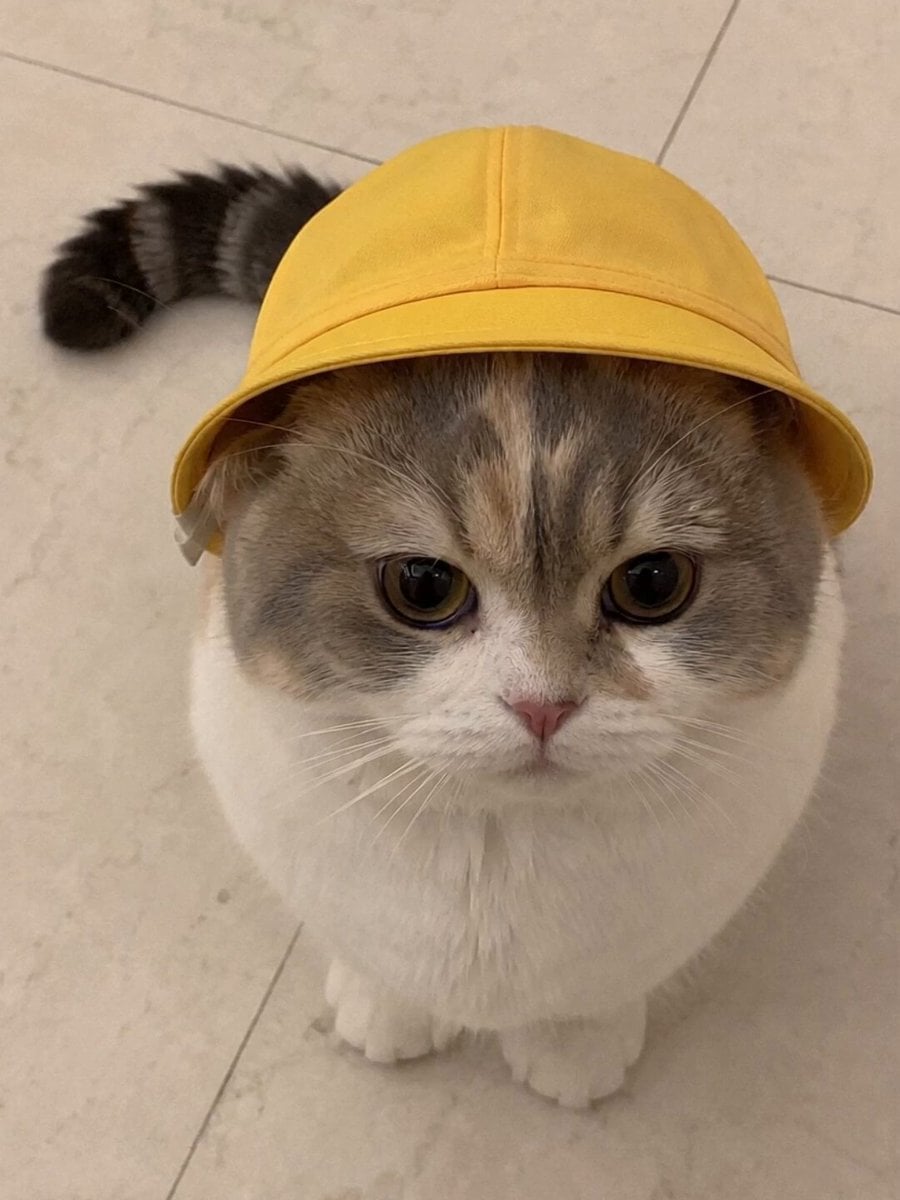
Talking Munchkin Cat Video Prompt

Claymation Cat World Transformation
Make it yours
Cinematic Penthouse Cat Introduction Scene works as-is. These are the safest ways to change it without losing the look.
Change one field
Copy a single group, rewrite it, and generate again so you can see what that field is doing.
Keep the frame, change the subject
Hold the composition and light of Cinematic Penthouse Cat Introduction Scene, then swap wardrobe, props or the person for a new take.
| If the result… | Why | Fix |
|---|---|---|
| The result drifts from the preview | Too many fields changed at once. | Reuse Cinematic Penthouse Cat Introduction Scene as-is first, then change one group — subject, light, or setting. |
| The model over-stylizes the scene | The prose prompt leaves finish and camera underspecified. | Add one camera or lighting sentence and stay on Seedance 2.0. |
More Seedance 2.0 templates
Other prompts made for Seedance 2.0.

Comical Martial Arts Punch Scene

Maglev Train Action Sequence

Martial Arts Fight Sequence

Wuxia Protection and Trust Script

Vintage Korean Arcade MiniDV Vlog

Mercedes 190 SL Luxury Ad

Rainy Night Supernatural Reverse Comedy Video Script

Amazon Civilization Discovery

Futuristic South Asian City Transformation

Cozy Luxury Cafe Commercial
More video prompts
Fresh picks from across the catalog.

Wuxia Warrior Fire Phoenix Blade
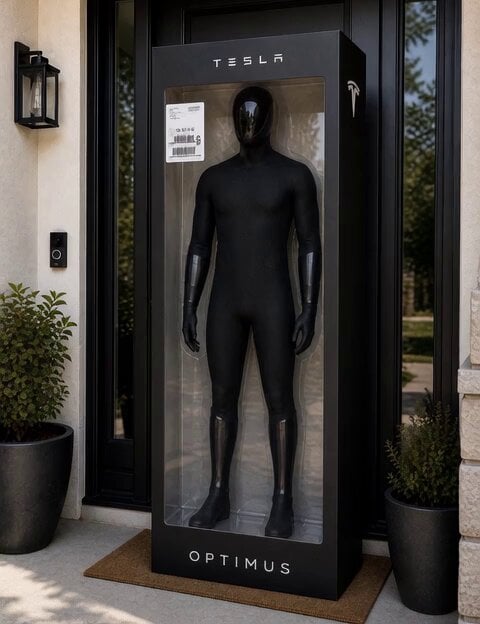
C-3PO Style Humanoid Transformation

FPV flying through Kuru Kingdom
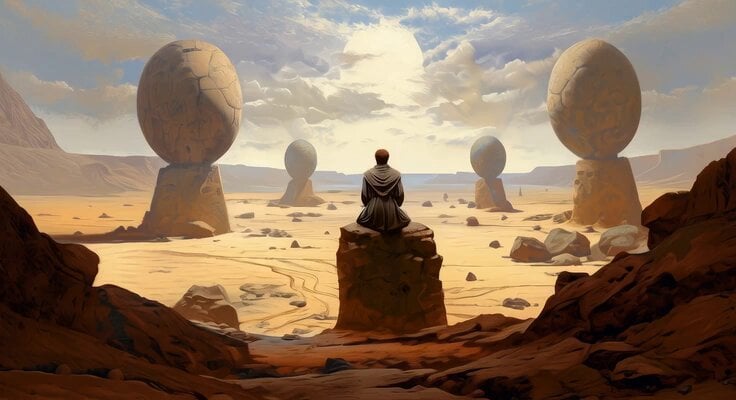
Meditating Jedi Animation
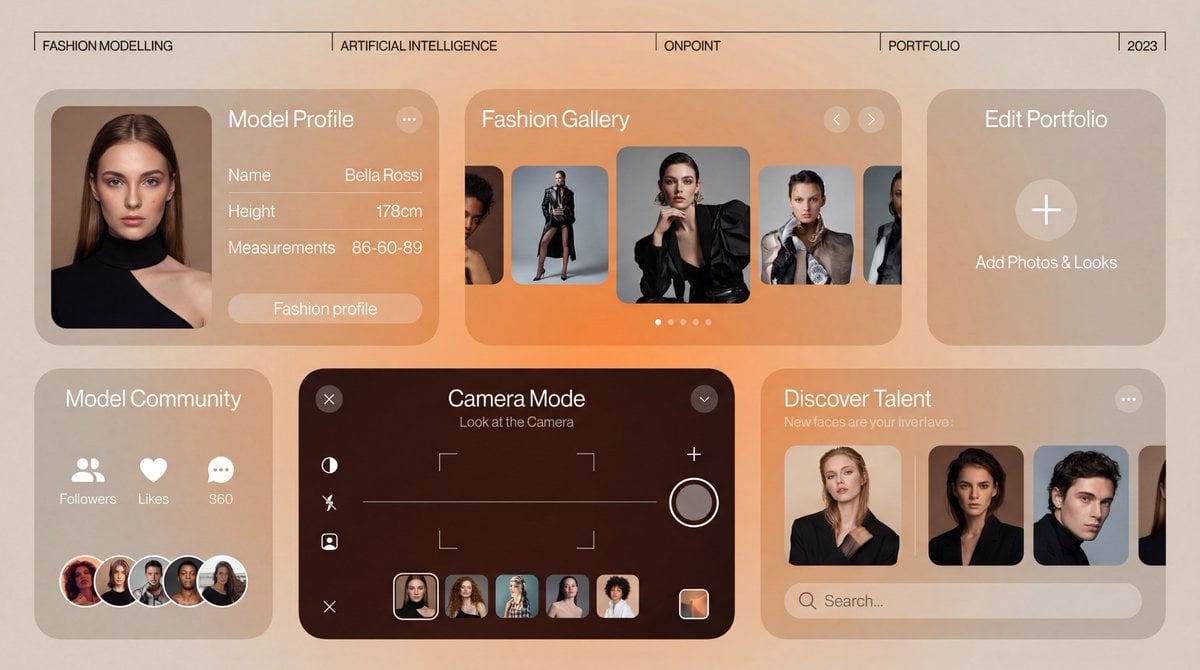
Motion Graphics Ad Design Prompt
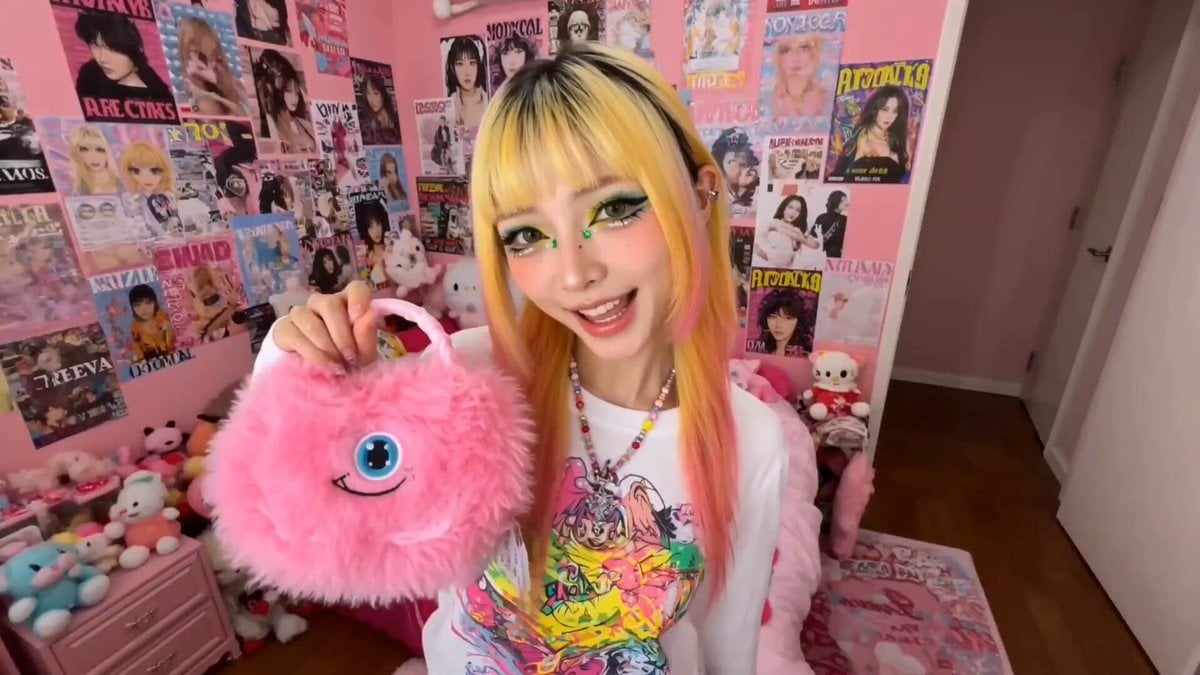
Harajuku Street Fashion GRWM Video
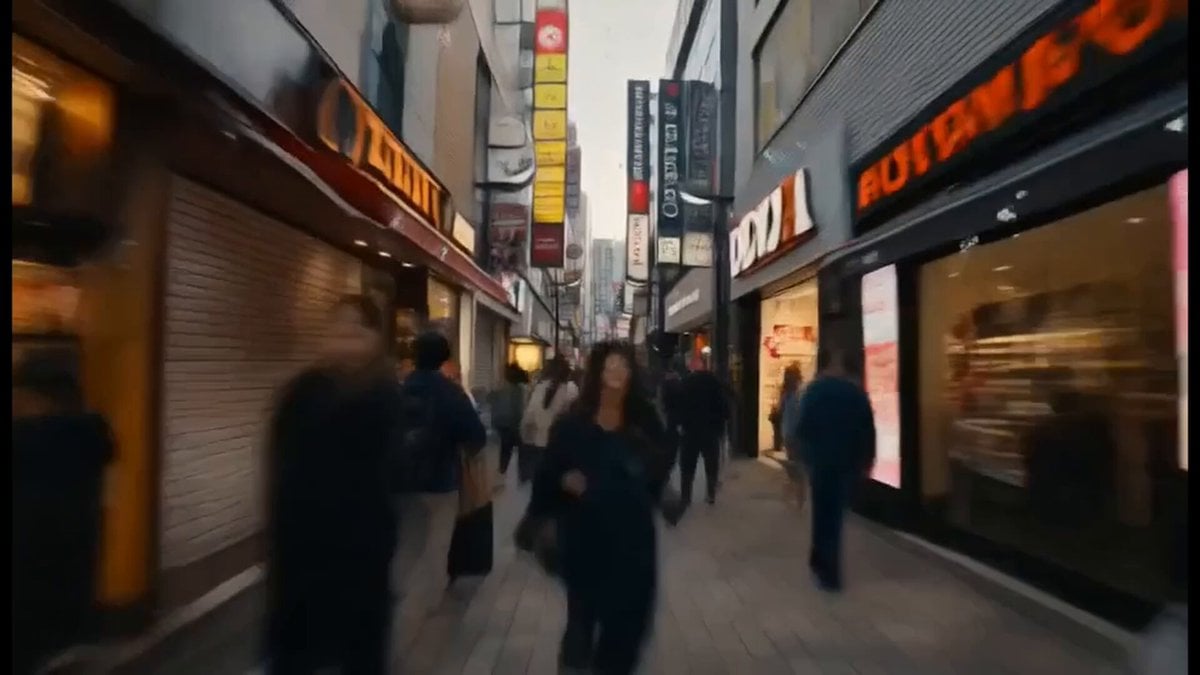
City Doodles and Urban Fairies Montage
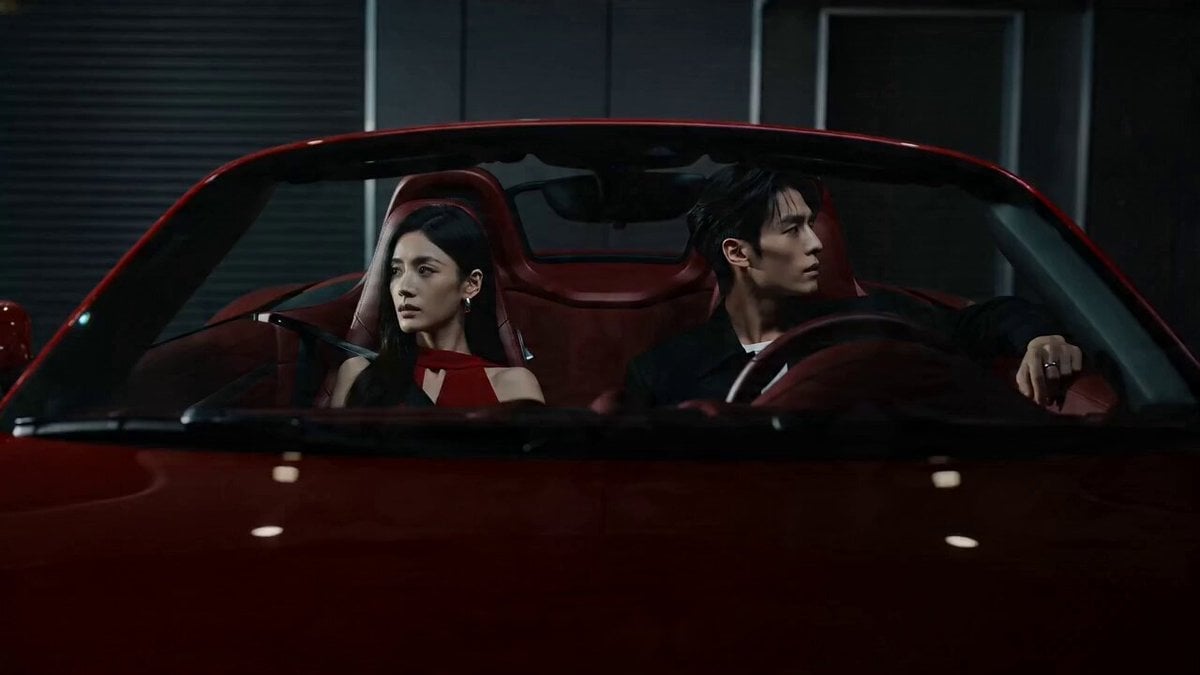
Cinematic Storyboard: Cool Couple in a Convertible
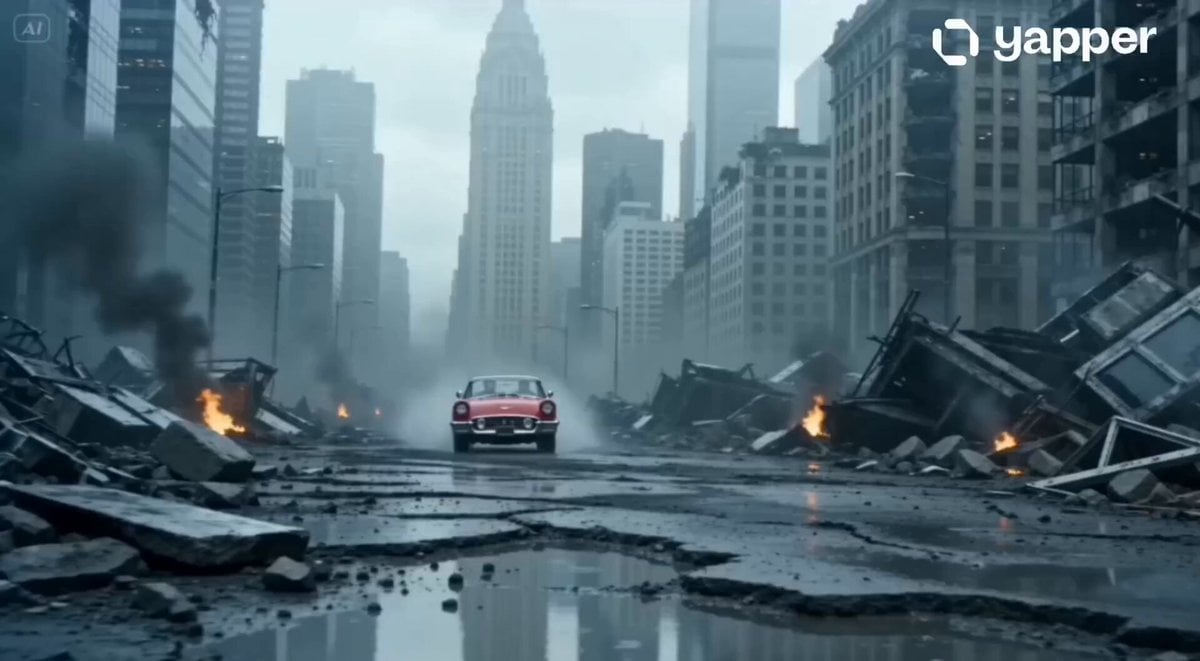
Apocalyptic Jakarta Mech Transformation
Disney Pixar Skincare Animation
Browse template categories
Cinematic Penthouse Cat Introduction Scene questions
How do I use the Cinematic Penthouse Cat Introduction Scene template?
Add your photo if the template asks for one, edit the prompt if you like — the template's model and format are already selected — and press Generate. Your version opens in PicX Studio.
Can I customize the Cinematic Penthouse Cat Introduction Scene template?
Yes. You can change the subject, setting, lighting, mood, format, and available model controls before creating your video.
Is the Cinematic Penthouse Cat Introduction Scene template free?
Opening and editing this template is free. Generating uses credits, shown on the Generate button when you are signed in.
Which AI model should I use?
Start with Seedance 2.0, which is the model associated with this template. You can compare another compatible model for a different finish.
Looking for something else? Browse all templates.

Your photo, any look
Thousands of ready templates for every top image and video model, from one credit balance.