
Cinematic Character Introduction Video
A structured prompt designed to generate a high-quality cinematic character introduction with a focus on presence, natural micro-expressions, and professional lighting.
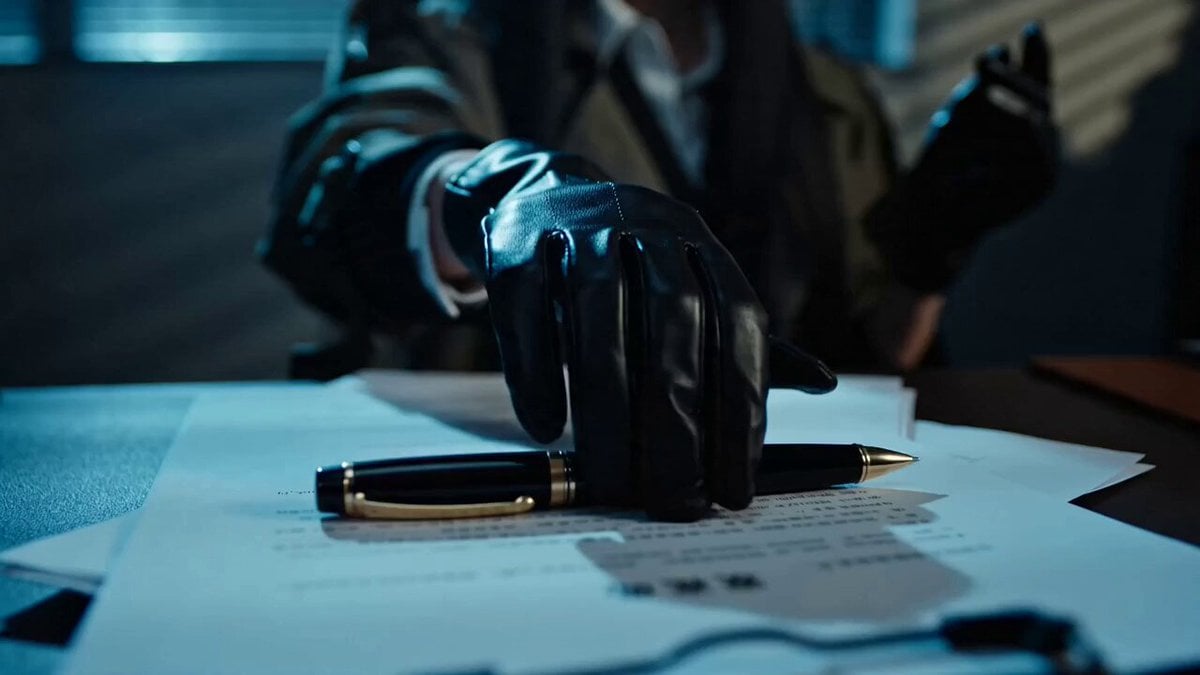
- Prompt included
- Model and format preset
- Free template
The prompt behind this video
Copy the exact prompt behind Cinematic Character Introduction Video, or open it in the studio and make it yours.
目标:基于参考角色(@ [REFERENCE]),生成一段具有“角色登场感”的高完成度电影片段。要求:每一秒画面都必须有“叙事目的”,不能只是好看。镜头语言服务角色塑造,而不是炫技。角色必须有“存在重量”(presence weight)。请隐式完成:分镜设计(shot composition)、演员调度(blocking)、灯光设计(lighting motivation)、情绪节奏控制(emotional pacing)。最终效果参考:像一部电影中“第一次出场就让观众记住的角色”。用提供的character sheet作为唯一参考(@ [image1]),生成一段电影感角色介绍视频。结构建议:从细节 → 身份 → 存在感 → 完整揭晓。让角色动起来:说话时自然互动环境和道具,做短小自然的手势,有微表情变化,眼睛和肢体语言都要有表演感。镜头控制在轻推入、轻微跟随、手持感微妙;灯光保持电影级一致。结尾用一个自信的中景或全景收尾,让角色彻底立住。
How to use Cinematic Character Introduction Video in 3 steps
- 1
Open
The prompt is already in the box next to the preview, with the template's model and format selected.
- 2…a portrait of your subject in softgolden-hour light, 85mm…
Personalize
Edit the subject and creative details for your destination.
- 3Generate
Generate
Press Generate — your video is created in PicX Studio, so you can compare it with the original and refine one variable at a time.
More like this
Templates with the same subject, style or setup. Open one to see its prompt.

MiniMax H3 Character Introduction
Boss Introduction Sequence
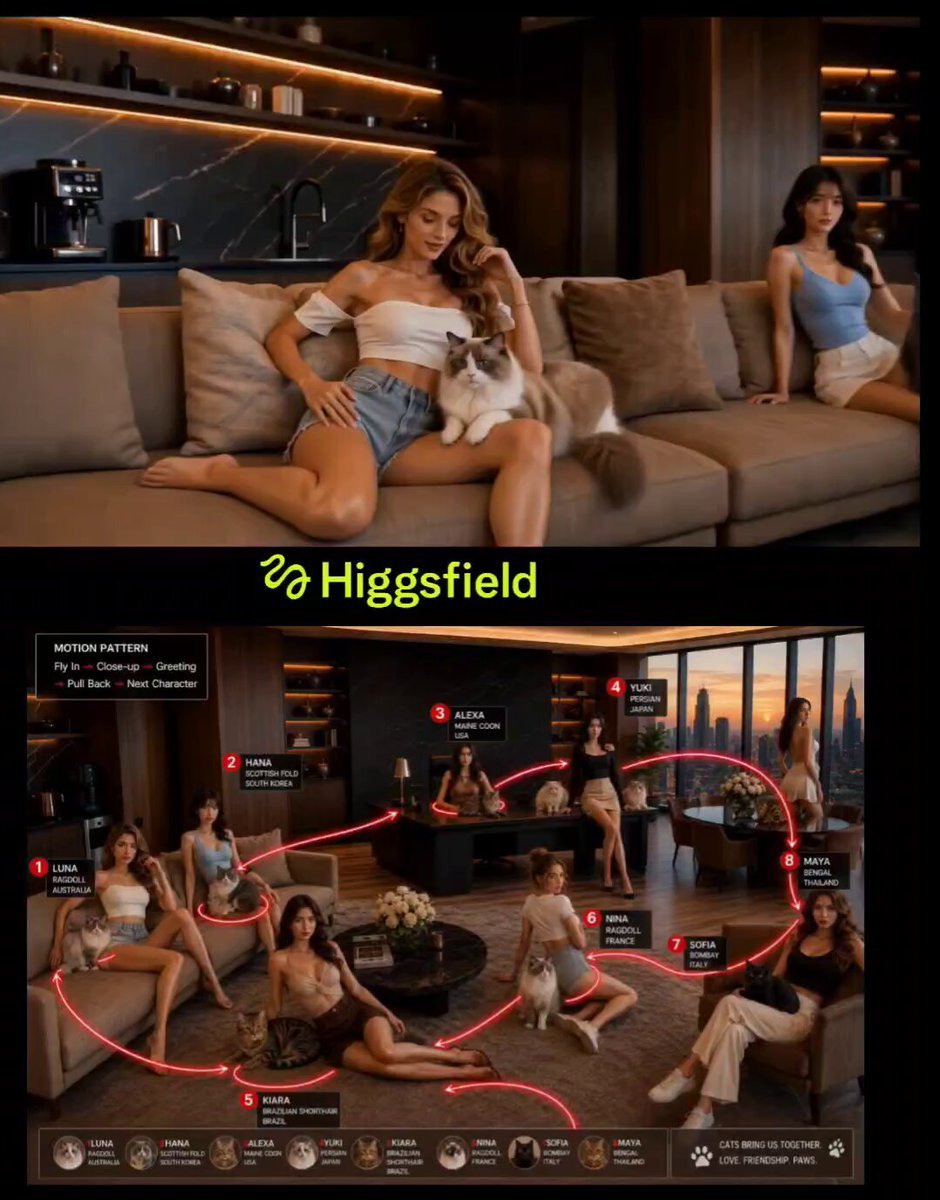
Cinematic Penthouse Cat Introduction Scene
Soulslike Boss Introduction Cinematic
Soulslike 3D Action Game Boss Introduction

Gothic Cathedral Boss Arena Intro
Epic Villain 3D Showcase
Luxury Skincare Product Commercial Video
Japanese Idol Lifestyle Vlog
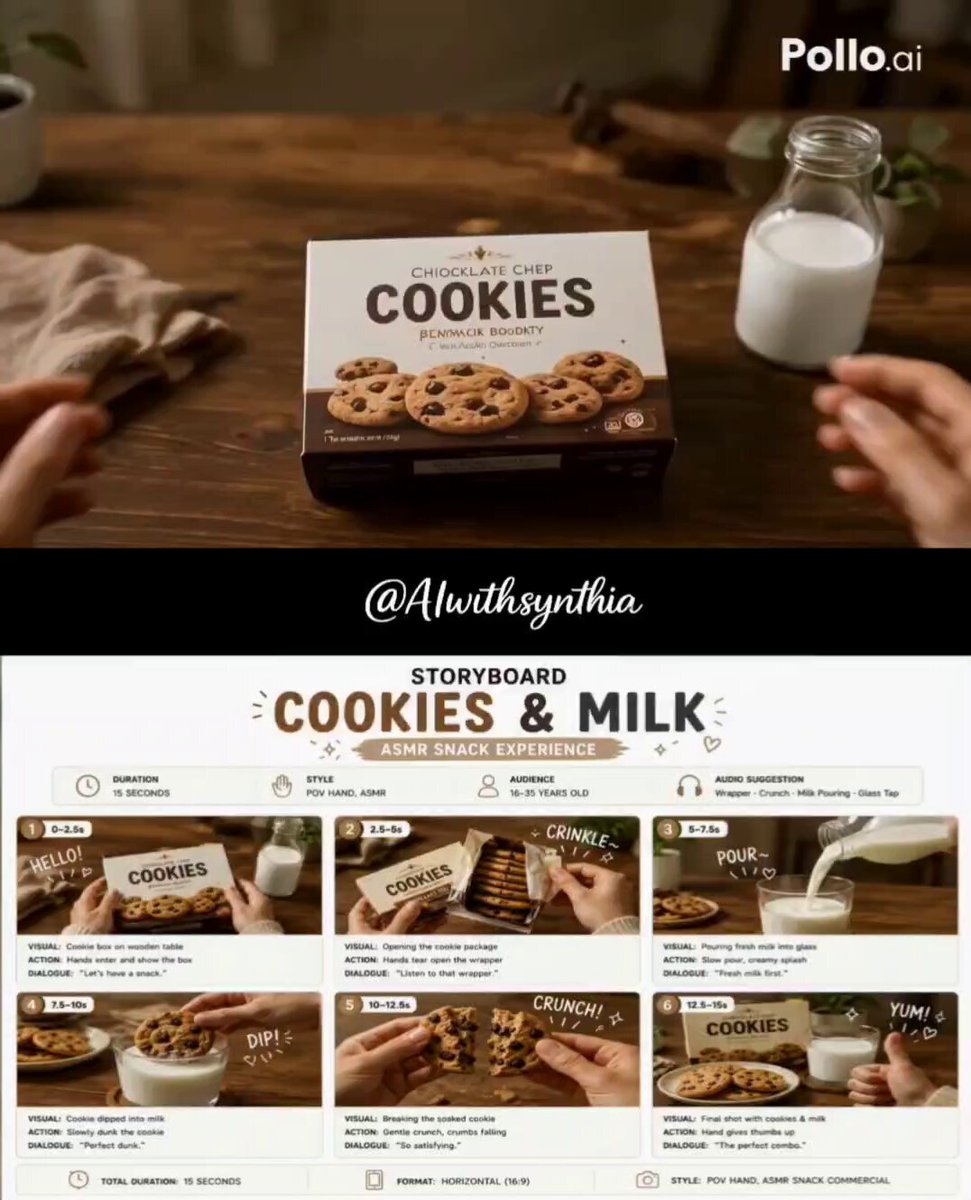
Cookies and Milk ASMR Ad
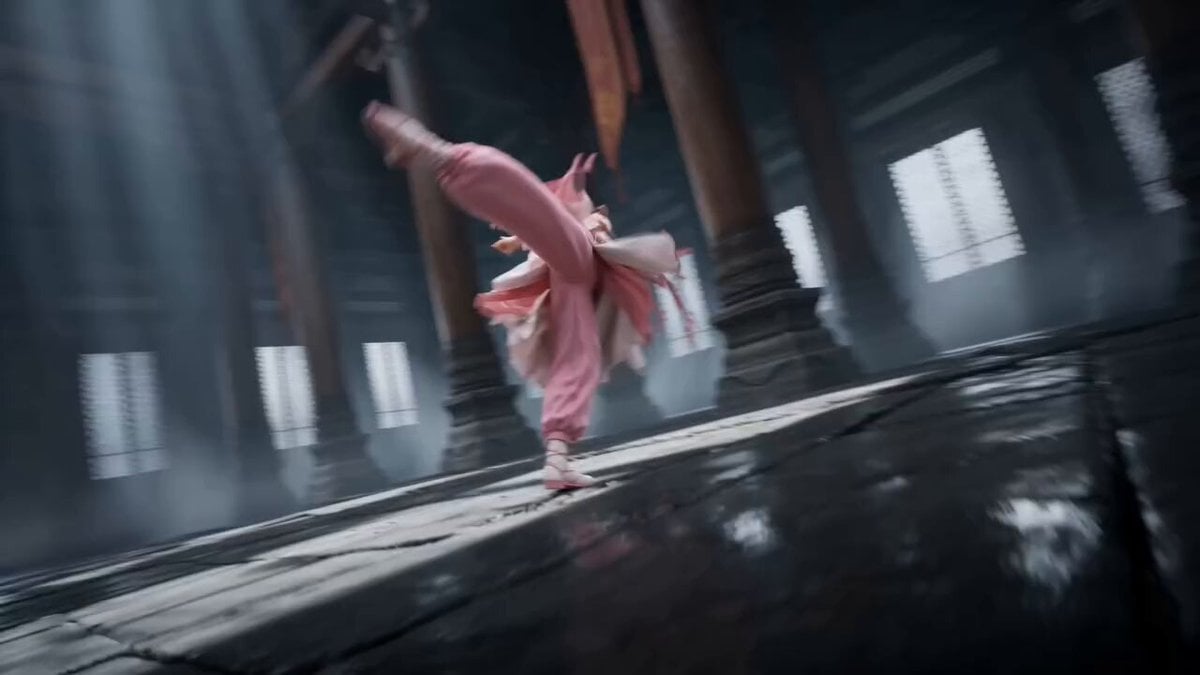
Tibetan Kung Fu Temple Storyboard
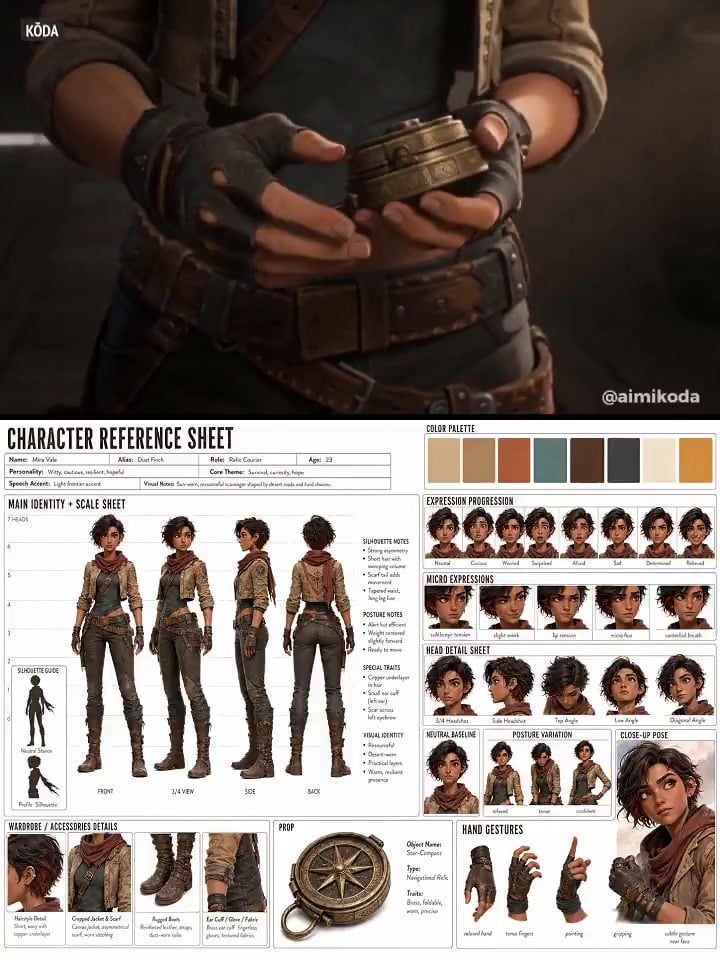
Character Reference Sheet → Cinematic Intro — GPT Image 2 + Seedance 2.0
Make it yours
Cinematic Character Introduction Video works as-is. These are the safest ways to change it without losing the look.
Change one field
Copy a single group, rewrite it, and generate again so you can see what that field is doing.
Keep the frame, change the subject
Hold the composition and light of Cinematic Character Introduction Video, then swap wardrobe, props or the person for a new take.
| If the result… | Why | Fix |
|---|---|---|
| The result drifts from the preview | Too many fields changed at once. | Reuse Cinematic Character Introduction Video as-is first, then change one group — subject, light, or setting. |
| The model over-stylizes the scene | The prose prompt leaves finish and camera underspecified. | Add one camera or lighting sentence and stay on Seedance 2.0. |
More Seedance 2.0 templates
Other prompts made for Seedance 2.0.

Comical Martial Arts Punch Scene

Maglev Train Action Sequence

Martial Arts Fight Sequence

Wuxia Protection and Trust Script

Vintage Korean Arcade MiniDV Vlog

Mercedes 190 SL Luxury Ad

Rainy Night Supernatural Reverse Comedy Video Script

Amazon Civilization Discovery

Futuristic South Asian City Transformation

Cozy Luxury Cafe Commercial
More video prompts
Fresh picks from across the catalog.

Video Generation Prompt: JSON Format for Cute Kitten Bubble Chase
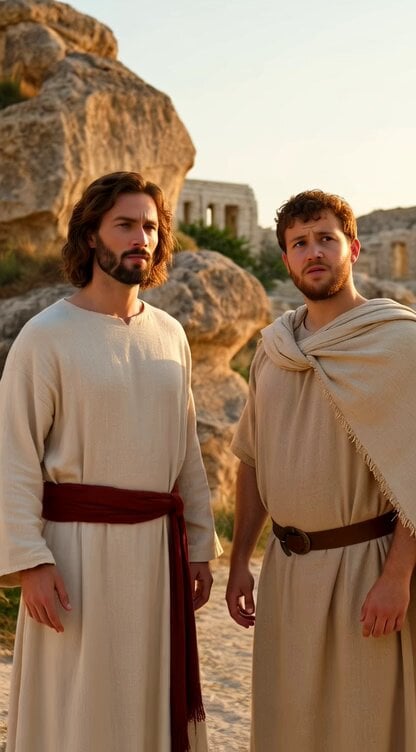
Jesus and Peter Revelation
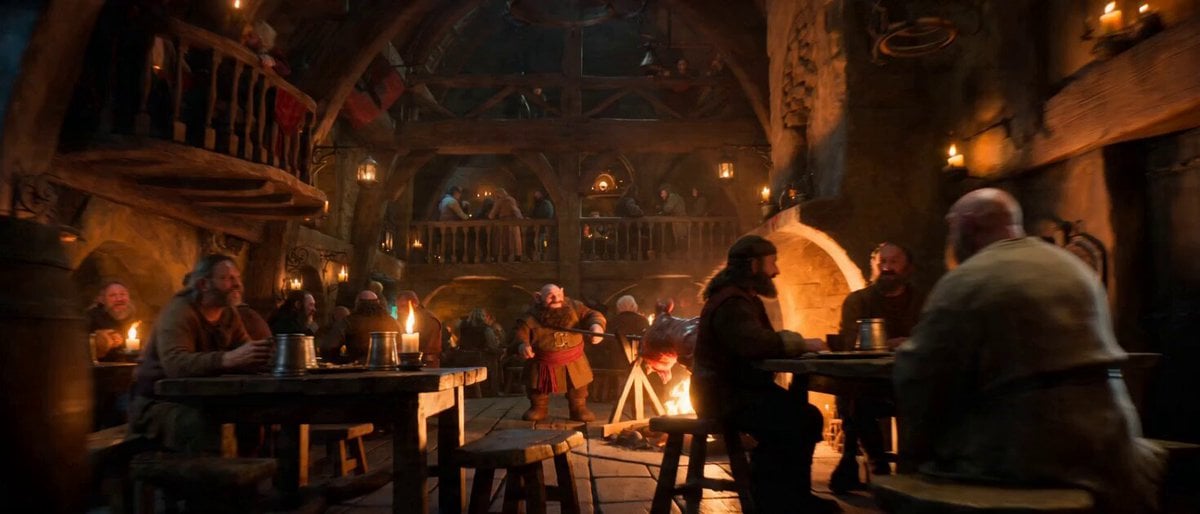
Impossible Single-Take Medieval Tavern Tour
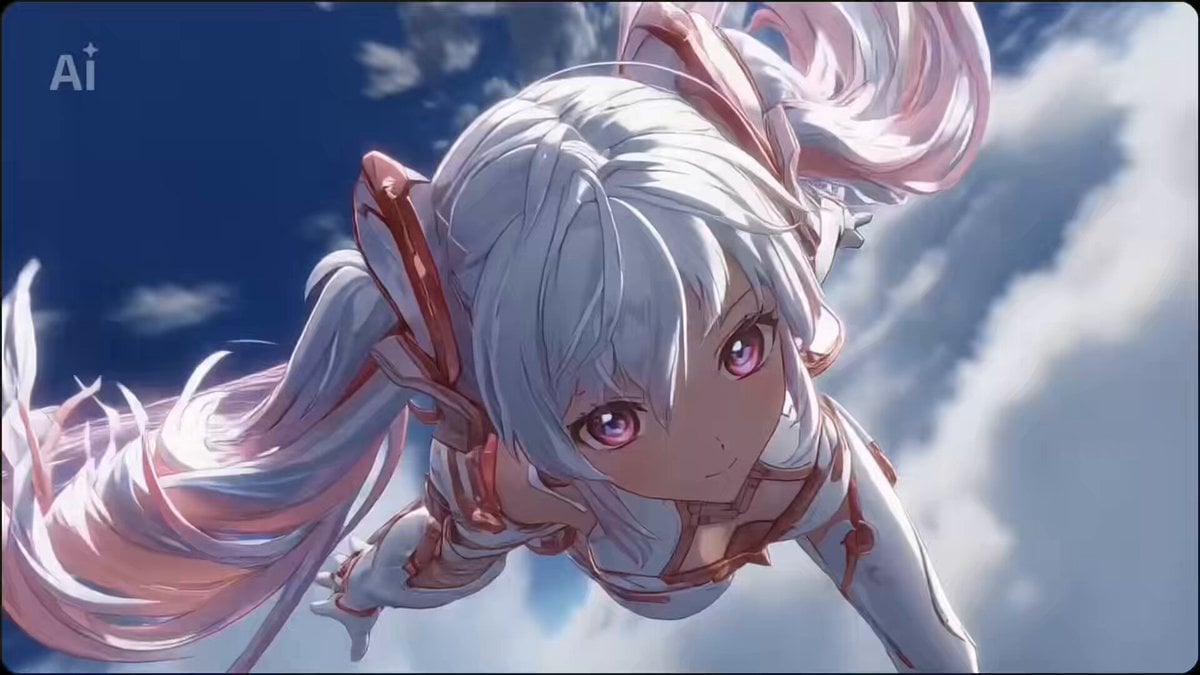
Seedance 2.0 Battle Anime Opening Prompts (Random and Fixed Characters)
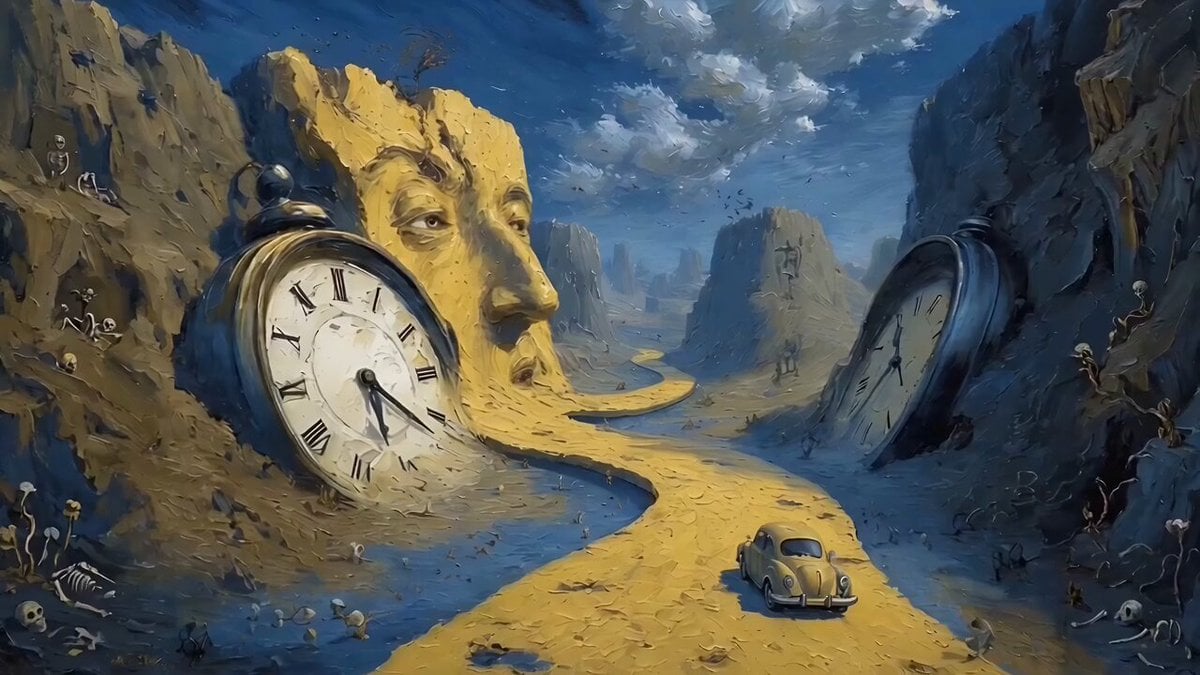
Car Driving Through Melting Clocks Canyon in Salvador Dalí Style
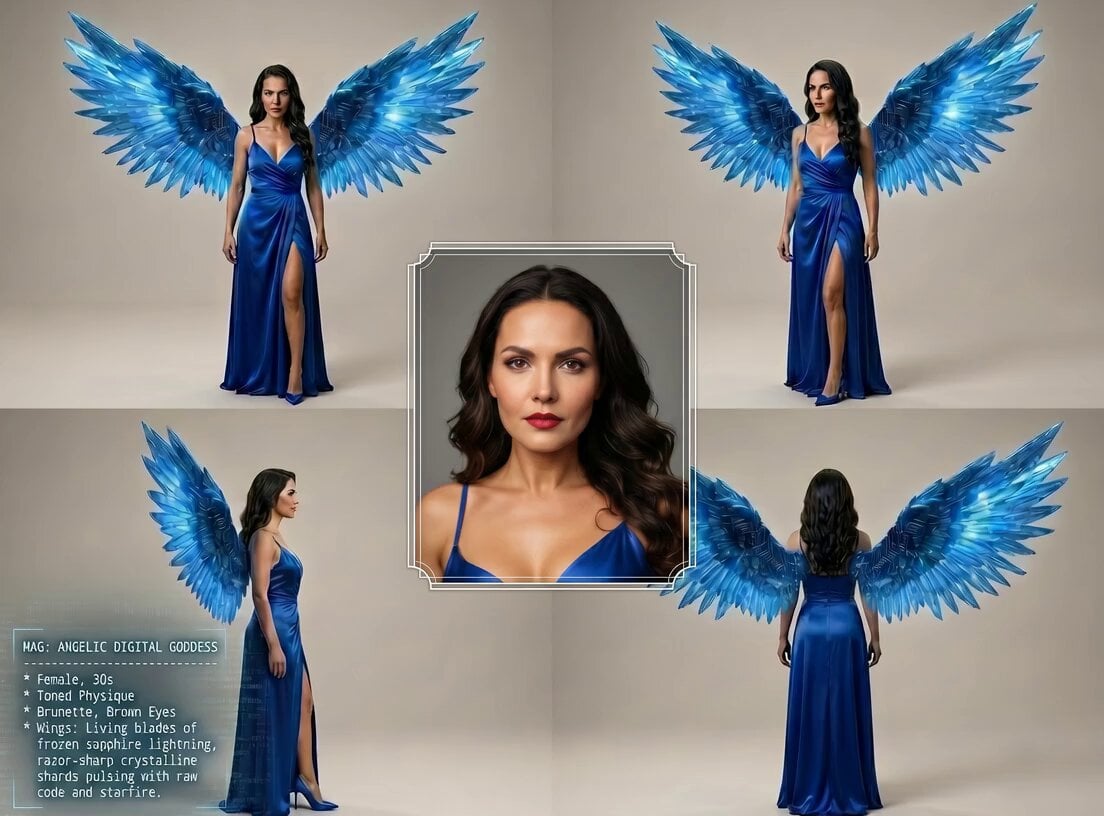
Digital Goddess Cyberpunk Flight

Rogue Pilot Canyon Dogfight
Ghost River Cinematic Push-In
Epic Anime Dragon Battle Prompt
Warrior Woman Riding a Dragon Cinematic Video Prompt
Browse template categories
Cinematic Character Introduction Video questions
How do I use the Cinematic Character Introduction Video template?
Add your photo if the template asks for one, edit the prompt if you like — the template's model and format are already selected — and press Generate. Your version opens in PicX Studio.
Can I customize the Cinematic Character Introduction Video template?
Yes. You can change the subject, setting, lighting, mood, format, and available model controls before creating your video.
Is the Cinematic Character Introduction Video template free?
Opening and editing this template is free. Generating uses credits, shown on the Generate button when you are signed in.
Which AI model should I use?
Start with Seedance 2.0, which is the model associated with this template. You can compare another compatible model for a different finish.
Looking for something else? Browse all templates.

Your photo, any look
Thousands of ready templates for every top image and video model, from one credit balance.