How do I use the Impossible Single-Take Medieval Tavern Tour template?
Edit the prompt in the box under the preview — the template's model and format are already selected — and press Generate. Your version appears right on this page.
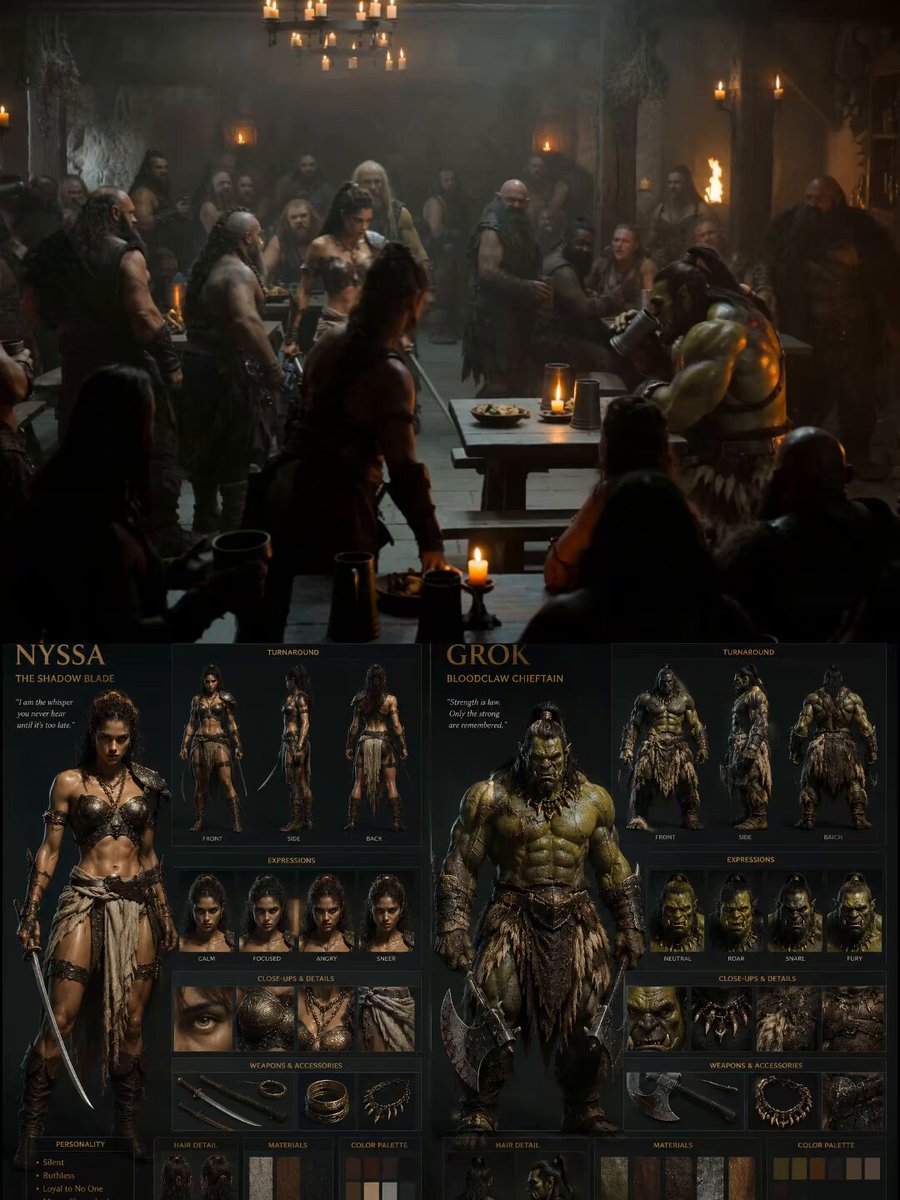
A detailed prompt for Seedance 2.0 requesting a continuous single-take video with impossible camera moves, flying through a bustling medieval fantasy tavern.
Continuous single take, camera tilting, rolling, spinning, flying through a bustling medieval fantasy tavern. Starts soaring above the roaring hearth where a dwarf rotates a roasting boar, camera dives downward into a tiny mouse hole beneath the floorboards, gliding past a rat hoarding a gold coin. Sweeps up through a dumbwaiter shaft into a secretive thieves' den where hooded figures deal cards, weaving through daggers and scattered treasure. Camera dives into a mage's chaotic study above them, passing glowing floating books and bubbling vials, transitions by shooting up the stone chimney into an aerial view over a vast, torch-lit walled city under a massive full moon. No cuts, impossible camera moves, seamless transitions, energetic, dynamic, cinematic. 8K high definition, high quality footage.
Continuous single take, camera tilting, rolling, spinning, flying through a bustling medieval fantasy tavern. Starts soaring above the roaring hearth where a dwarf rotates a roasting boar, camera dives downward into a tiny mouse hole beneath the floorboards, gliding past a rat hoarding a gold coin. Sweeps up through a dumbwaiter shaft into a secretive thieves' den where hooded figures deal cards, weaving through daggers and scattered treasure. Camera dives into a mage's chaotic study above them, passing glowing floating books and bubbling vials, transitions by shooting up the stone chimney into an aerial view over a vast, torch-lit walled city under a massive full moon. No cuts, impossible camera moves, seamless transitions, energetic, dynamic, cinematic. 8K high definition, high quality footage.
Edit the prompt in the box under the preview — the template's model and format are already selected — and press Generate. Your version appears right on this page.
Yes. You can change the subject, setting, lighting, mood, format, and available model controls before creating your video.
Opening and editing this template is free. Generating uses credits, shown on the Generate button when you are signed in.
Start with Seedance 2.0, which is the model associated with this template. You can compare another compatible model for a different finish.
Follow a topic to a crawlable collection of related PicX Studio templates.