
Medieval Tavern Orc Fight
A detailed 15-second cinematic fight sequence in a medieval tavern with emphasis on realistic physical combat and momentum.
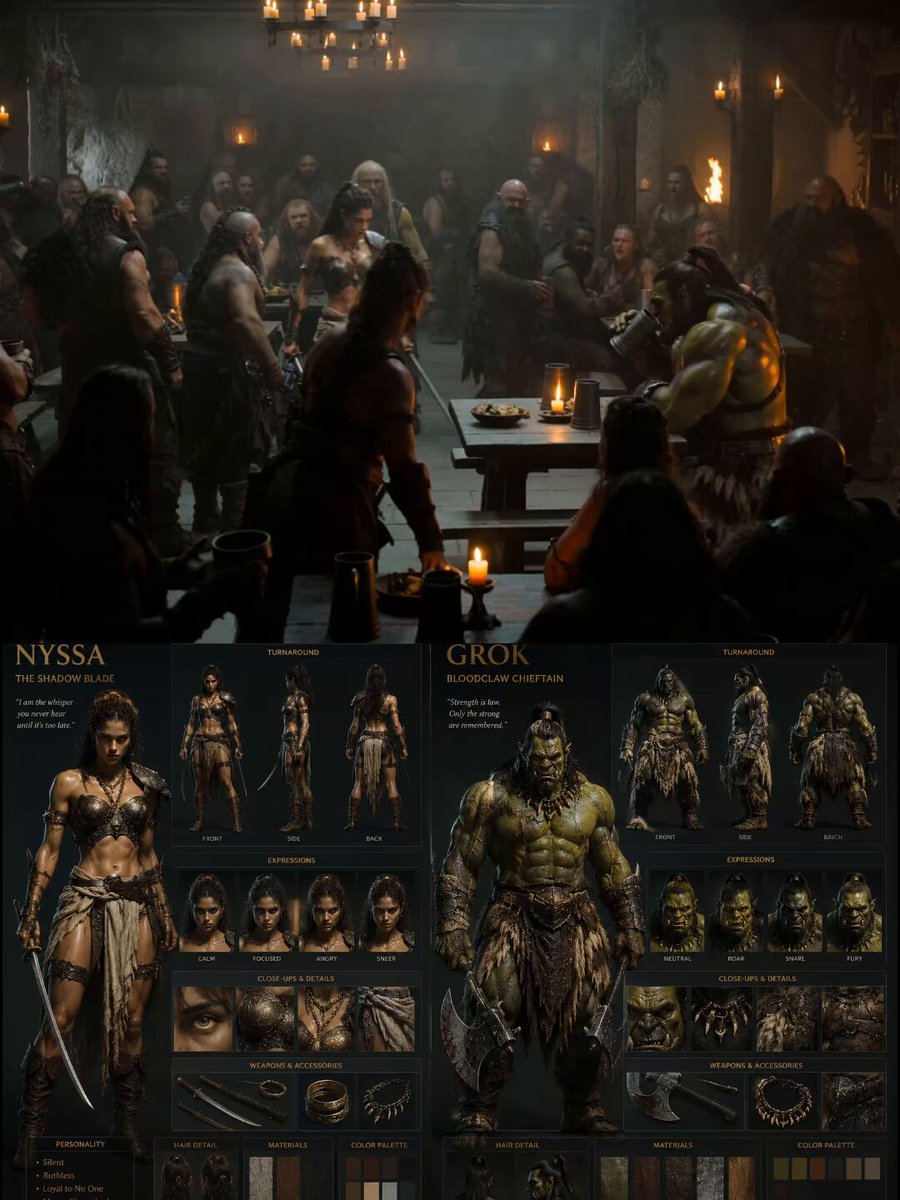
- Prompt included
- Model and format preset
- Free template
The prompt behind this video
Copy the exact prompt behind Medieval Tavern Orc Fight, or open it in the studio and make it yours.
Style: Hyper-realistic dark fantasy tavern cinematic, grounded physical combat, realistic body momentum, medieval atmosphere, gritty lighting, practical effects, handheld cinematic camera, physically accurate movement, ultra-detailed textures, realistic collisions and environmental interaction. Duration: 15 seconds Aspect Ratio: 16:9 IMPORTANT: Keep the SAME characters fully consistent with the reference: — Nyssa: athletic woman, dark curly hair tied back, bronze leather armor, cloth wraps, sword on hip — Grok: massive muscular green orc, scarred skin, fur armor, heavy axes, large physical weight Combat MUST obey realistic physics: — no floating — no anime flips — realistic inertia and recovery — believable weight transfer — realistic impacts and exhaustion — grounded footwork — environment reacts physically to impacts [00:00-00:02] Wide cinematic shot inside a crowded medieval tavern filled with drunk mercenaries, candles, smoke, spilled ale, and loud cheering. Nyssa walks through the tavern cautiously while patrons stare. Grok sits at a massive wooden table drinking heavily. Deep bass-heavy tavern music and crowd ambience. [00:02-00:04] Close-up tension sequence: — Nyssa locks eyes with Grok — Grok slowly stands, towering over everyone — benches scrape across the floor — mugs shake from his weight — crowd forms a fighting circle cheering loudly Handheld camera movement feels realistic and grounded. [00:04-00:07] The fight erupts violently. Grok swings a heavy punch with believable momentum. Nyssa narrowly dodges while stumbling realistically into a wooden table. Wood cracks and splinters physically on impact. She counters with fast grounded strikes to Grok’s ribs and legs. Crowd roars and throws coins and mugs into the air. [00:07-00:10] Combat intensifies through the tavern: — Grok grabs Nyssa and throws her across a table — table explodes realistically beneath her weight — Nyssa rolls across the floor recovering naturally — Grok charges heavily, smashing furniture — patrons jump away realistically No exaggerated movement, only physically believable combat. [00:10-00:12] Nyssa uses speed and positioning intelligently. She dodges another heavy attack causing Grok to crash into a support beam. Dust and debris fall from the ceiling. She climbs briefly onto the bar counter and leaps down with controlled realistic momentum, locking Grok’s arm and using leverage to throw him off balance. [00:12-00:15] Final cinematic climax. Nyssa tackles Grok to the ground hard onto broken wooden debris. The floor shakes from the impact. She pins him down on top of him while holding a blade near his throat. Grok struggles realistically beneath her massive weight difference and exhaustion. Tavern crowd erupts cheering wildly, slamming mugs against tables. Camera slowly pushes inward on Nyssa breathing heavily while sweat, dirt, and candlelight flicker across both fighters. Audio: Heavy cinematic tavern battle sound effects
How to use Medieval Tavern Orc Fight in 3 steps
- 1
Open
The prompt is already in the box next to the preview, with the template's model and format selected.
- 2…a portrait of your subject in softgolden-hour light, 85mm…
Personalize
Edit the subject and creative details for your destination.
- 3Generate
Generate
Press Generate — your video is created in PicX Studio, so you can compare it with the original and refine one variable at a time.
More like this
Templates with the same subject, style or setup. Open one to see its prompt.

Cinematic Istanbul Night Fight - Seedance 2.5
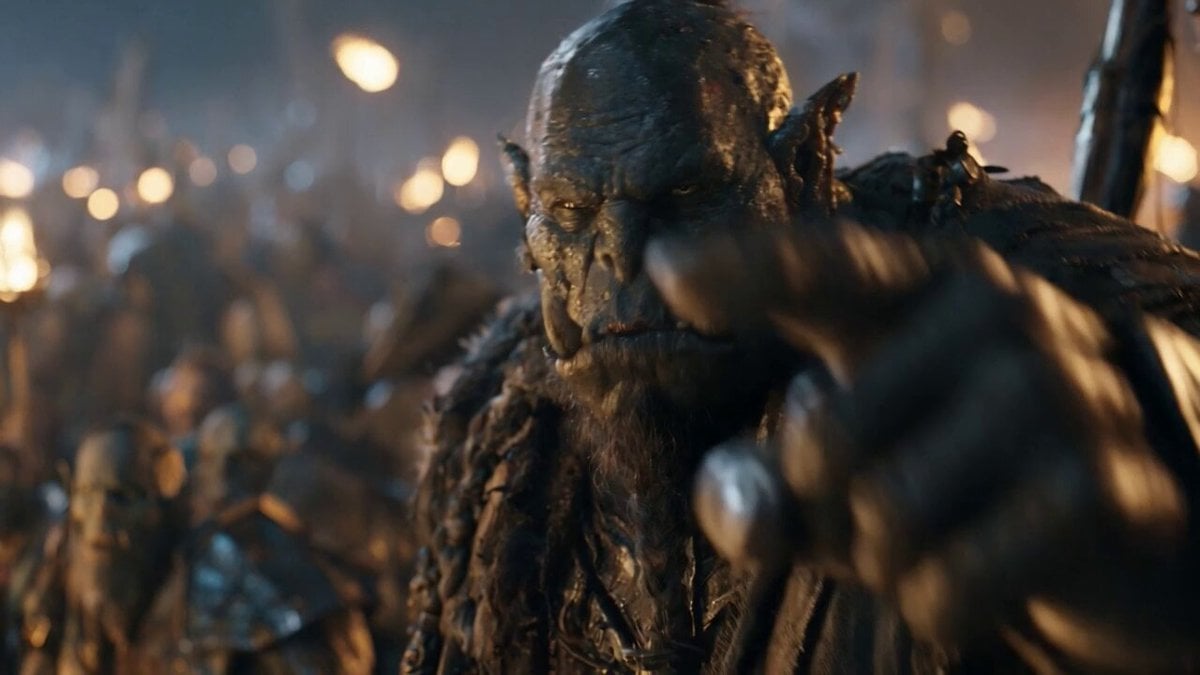
Orc Warlord Performance Transfer - Seedance 2.5
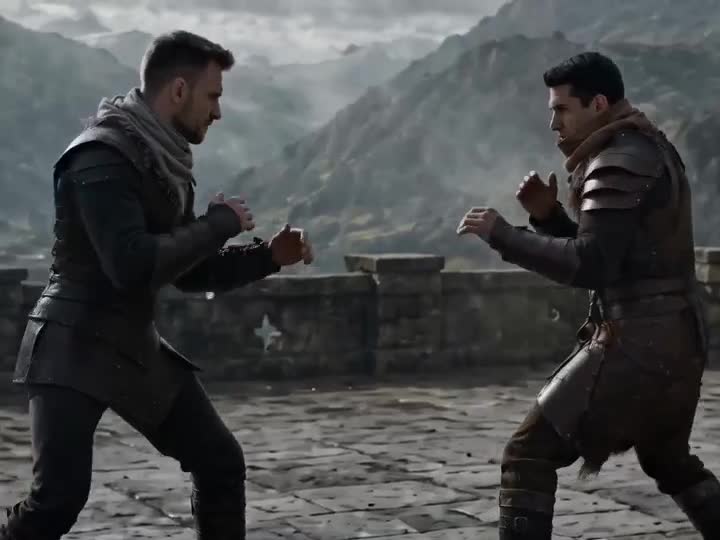
Medieval Duel Style Transfer
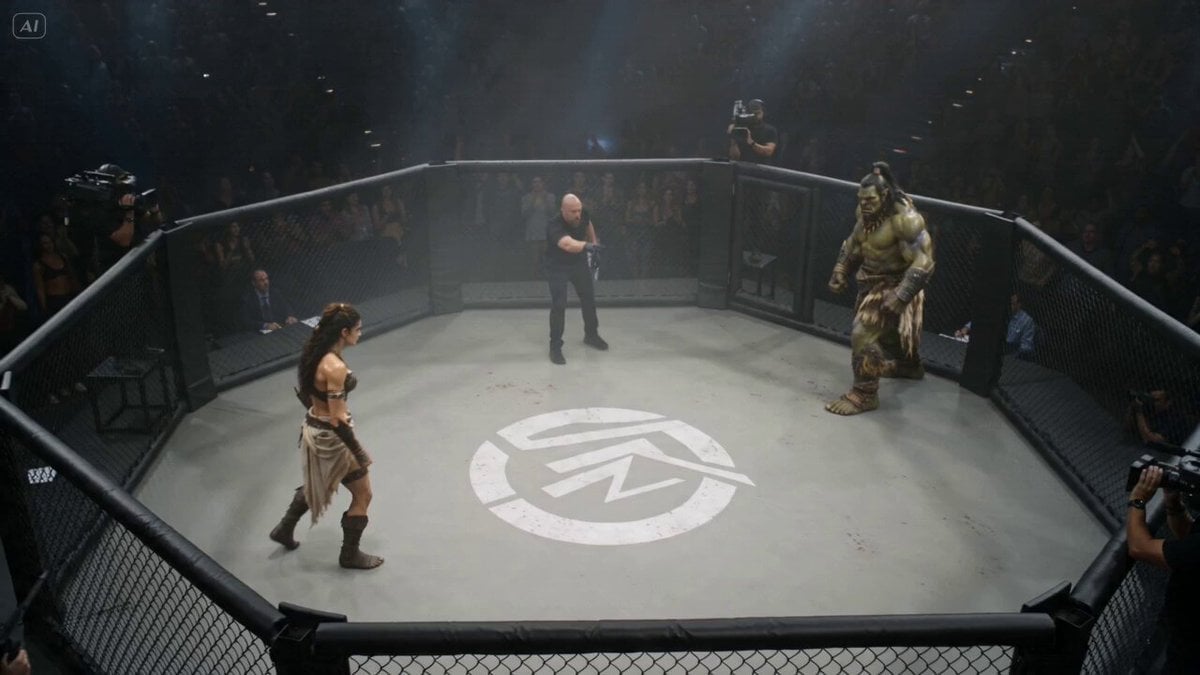
Hyperrealistic Orc vs Human UFC Fight
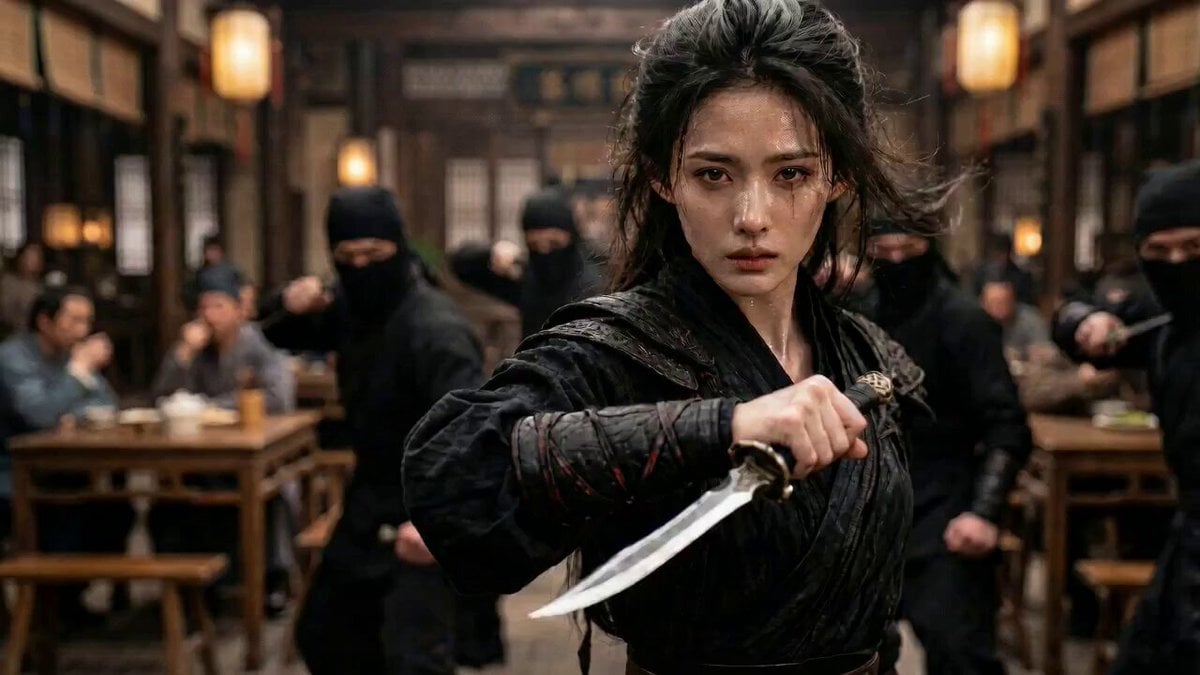
Video prompt for a tavern fight scene
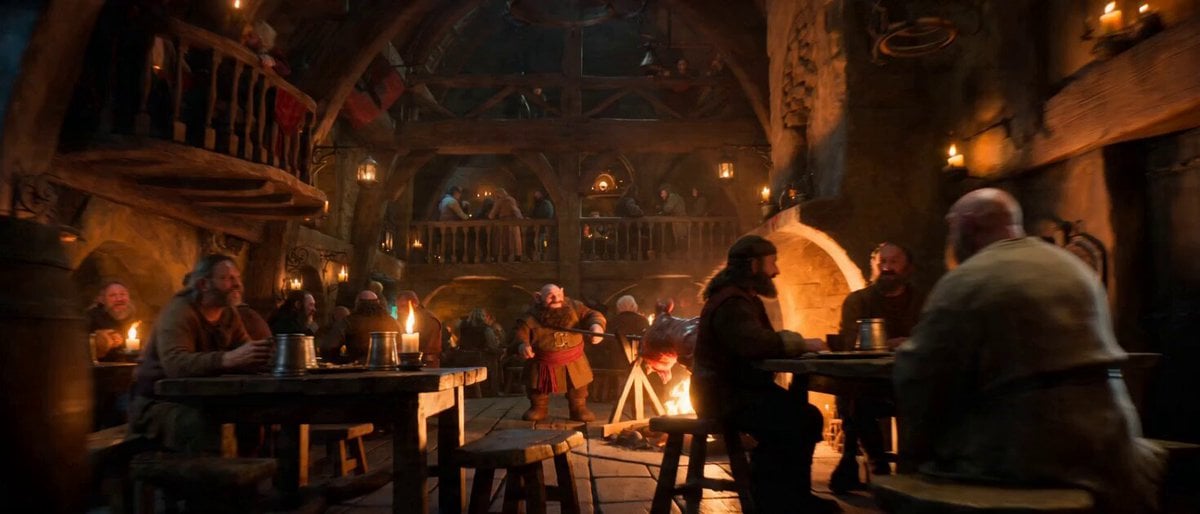
Impossible Single-Take Medieval Tavern Tour
Swordsman vs Shadow Monster — Bamboo Forest Battle

Martial Arts Fight Sequence
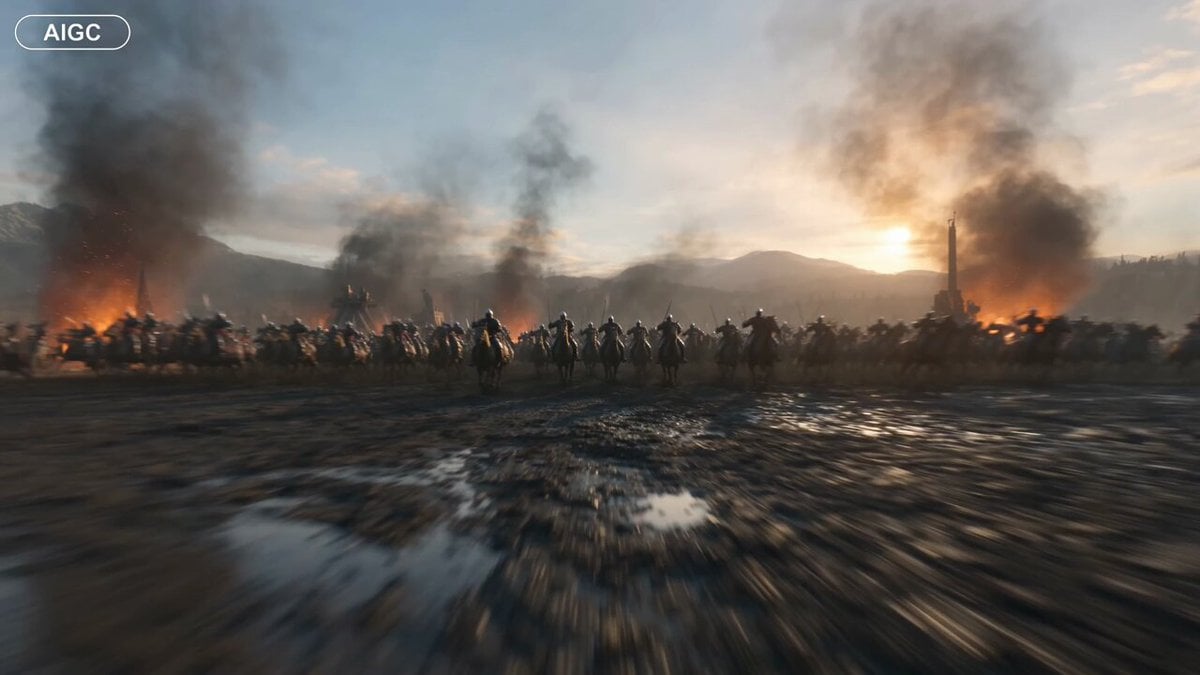
Medieval Battlefield FPV Drone Flight
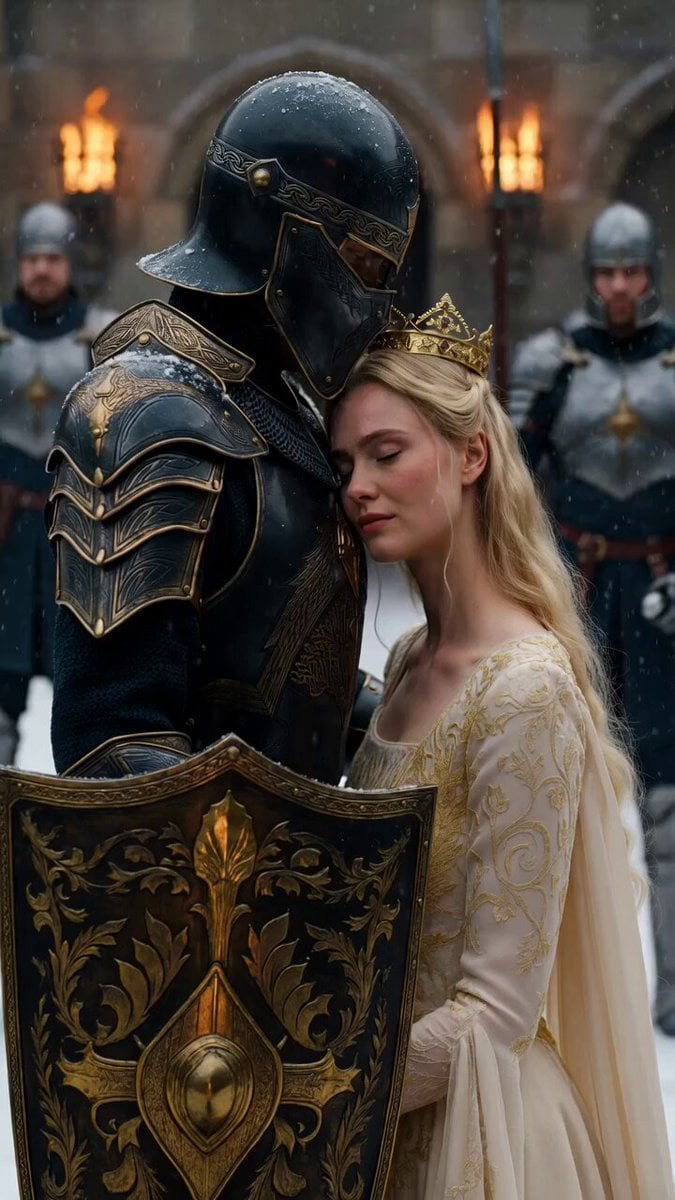
Medieval Knight and Queen Cinematic Close-up
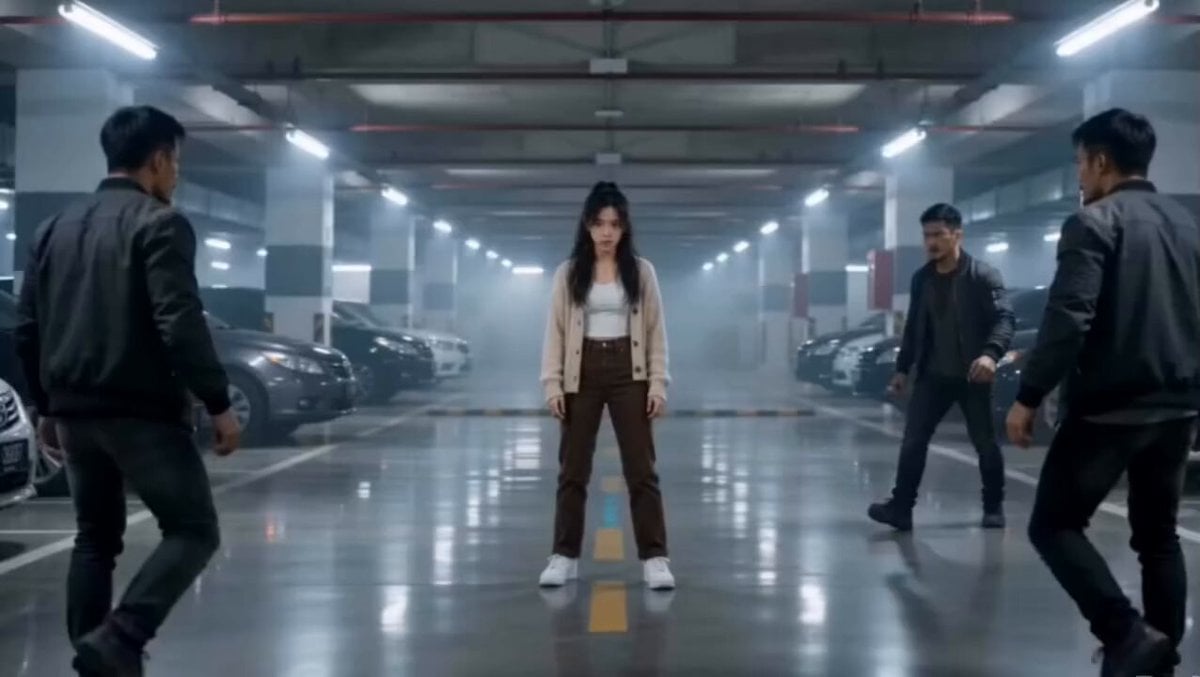
Martial Arts Parking Garage Fight
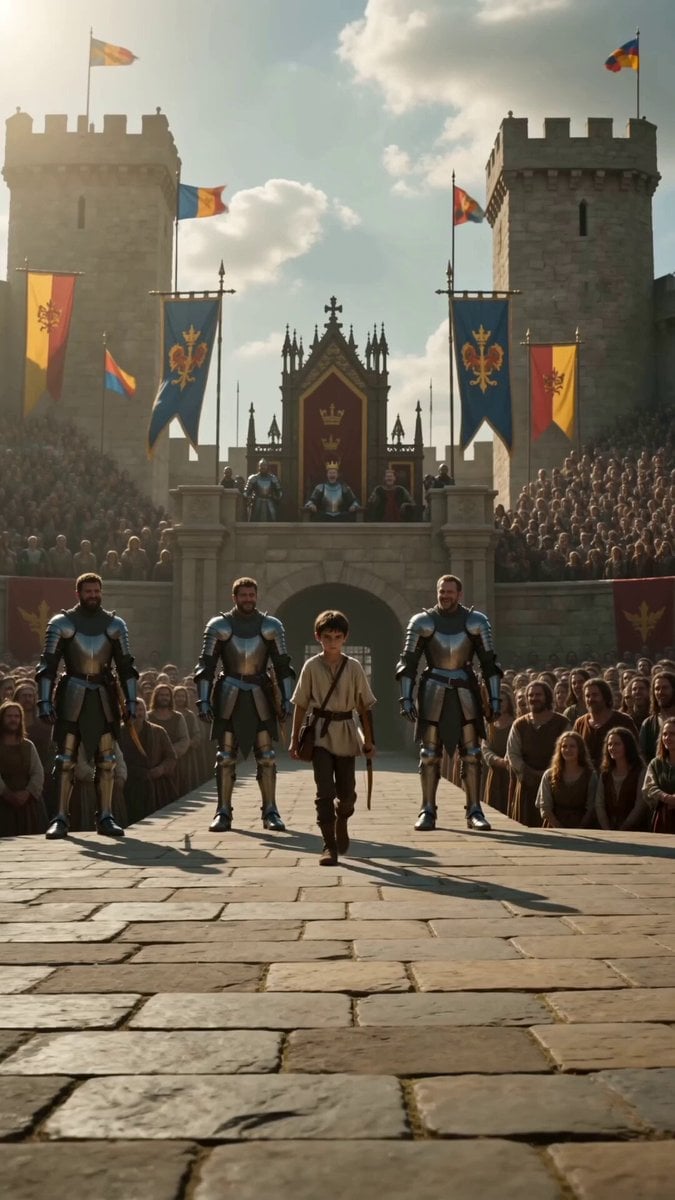
Medieval Archery Tournament Cinematic Short
Make it yours
Medieval Tavern Orc Fight works as-is. These are the safest ways to change it without losing the look.
Change one field
Copy a single group, rewrite it, and generate again so you can see what that field is doing.
Keep the frame, change the subject
Hold the composition and light of Medieval Tavern Orc Fight, then swap wardrobe, props or the person for a new take.
| If the result… | Why | Fix |
|---|---|---|
| The result drifts from the preview | Too many fields changed at once. | Reuse Medieval Tavern Orc Fight as-is first, then change one group — subject, light, or setting. |
| The model over-stylizes the scene | The prose prompt leaves finish and camera underspecified. | Add one camera or lighting sentence and stay on Seedance 2.0. |
More Seedance 2.0 templates
Other prompts made for Seedance 2.0.

Comical Martial Arts Punch Scene

Maglev Train Action Sequence

Wuxia Protection and Trust Script

Vintage Korean Arcade MiniDV Vlog

Mercedes 190 SL Luxury Ad

Rainy Night Supernatural Reverse Comedy Video Script

Amazon Civilization Discovery

Futuristic South Asian City Transformation

Cozy Luxury Cafe Commercial

Cyber Ronin Nanotech Transformation Video
More video prompts
Fresh picks from across the catalog.
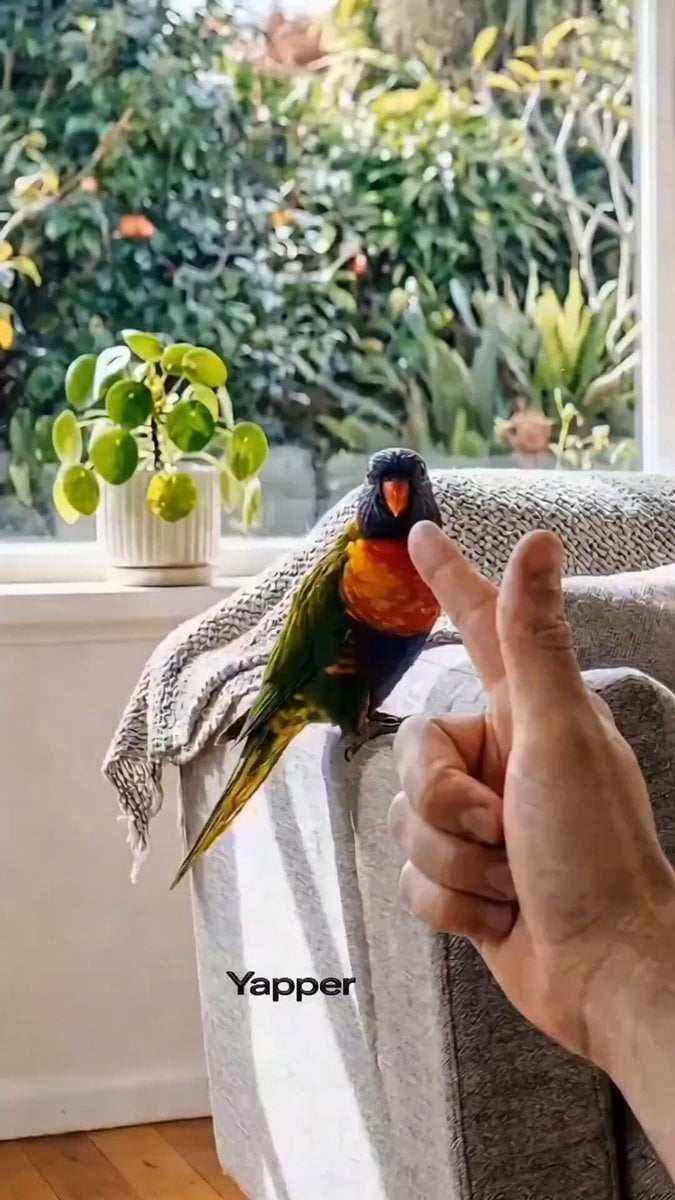
Rainbow Lorikeet Home Video Prompt for Seedance 2.0

Giant Walking Nomadic Kingdom
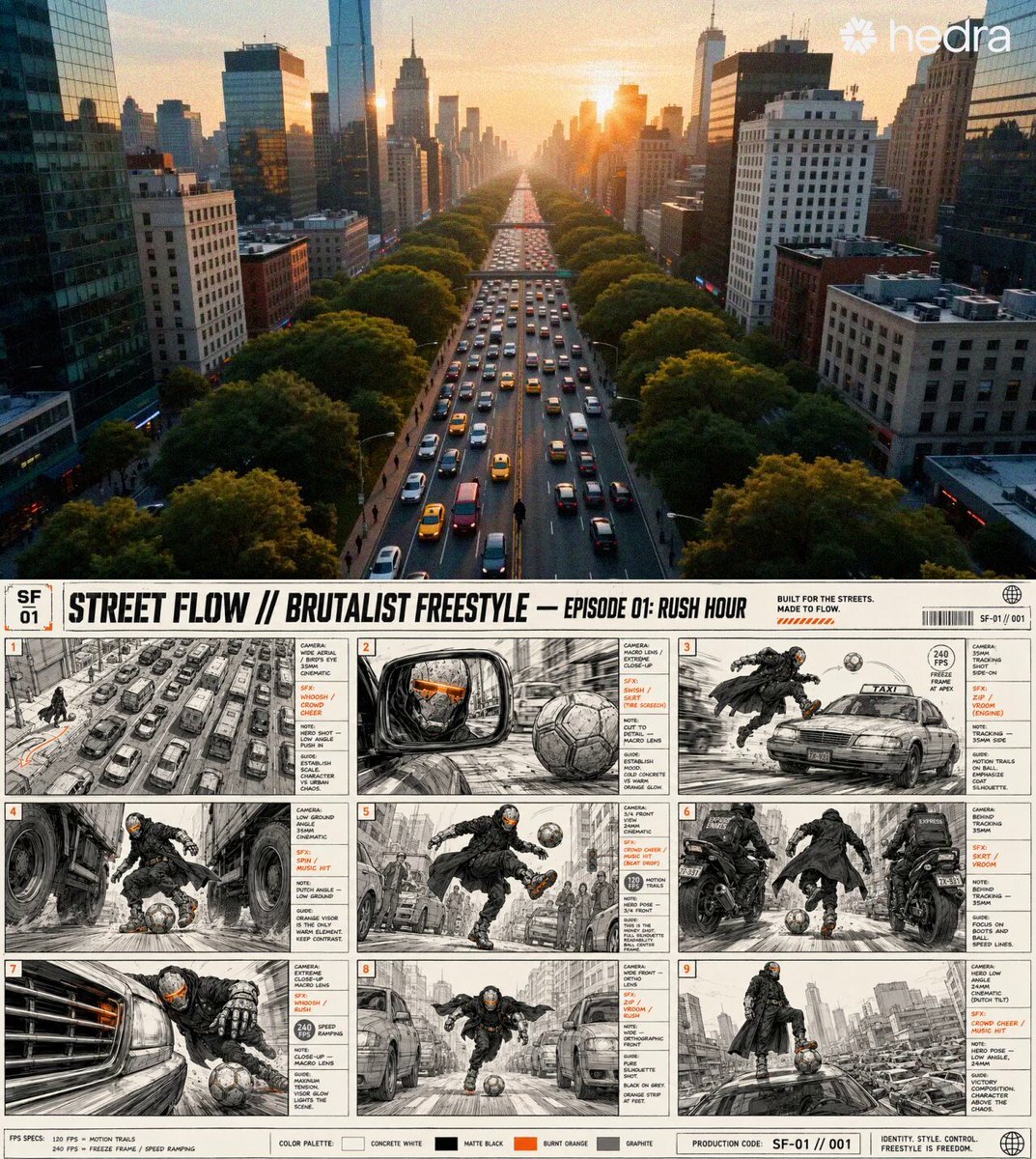
Sci-Fi Character and Storyboard Adherence Prompt
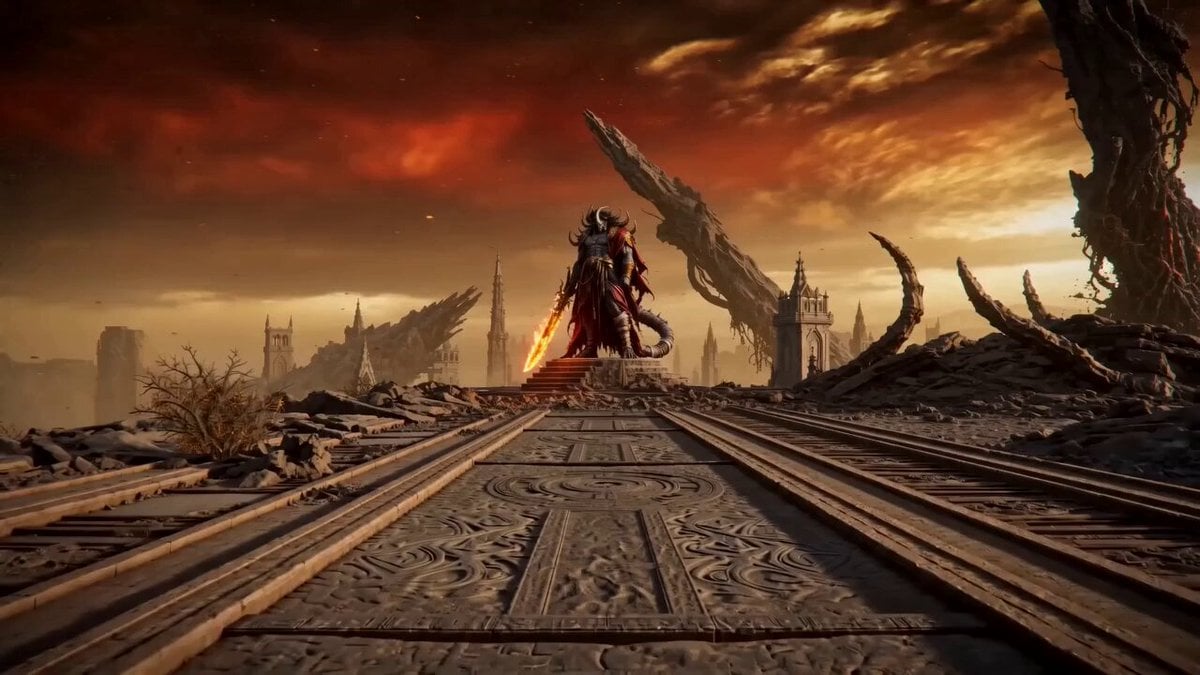
Ashen Throne Duel

Oceanic Civilization Epic Sci-Fi Film
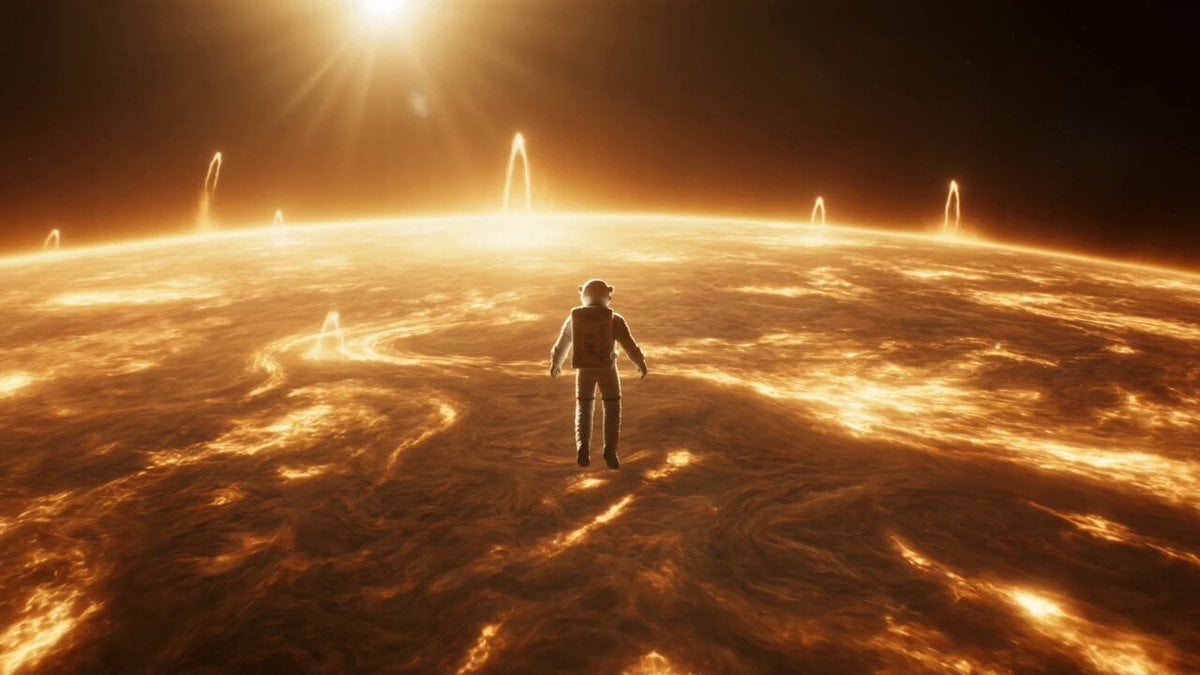
Celestial Star Transformation Sequence
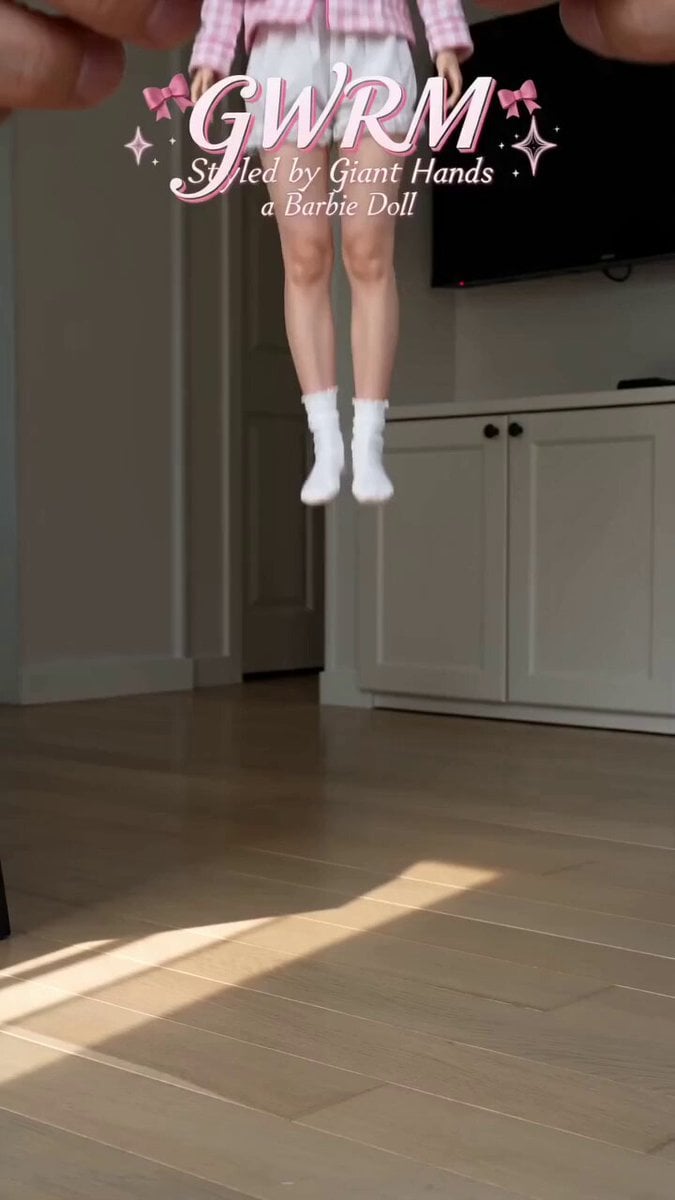
Giant Hands Barbie Doll Styling Workflow

Surreal Dream Queen
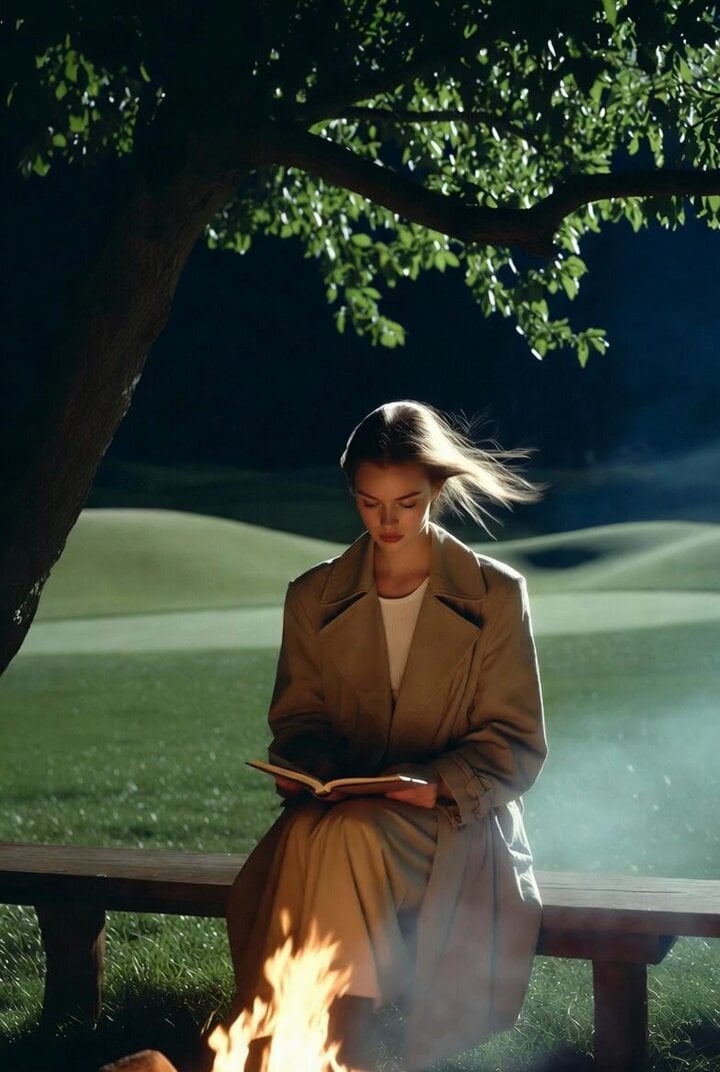
Ultra-realistic cinematic photo of woman on bench at night
GoPro POV Mountain Bike Sunset Descent
Browse template categories
Medieval Tavern Orc Fight questions
How do I use the Medieval Tavern Orc Fight template?
Add your photo if the template asks for one, edit the prompt if you like — the template's model and format are already selected — and press Generate. Your version opens in PicX Studio.
Can I customize the Medieval Tavern Orc Fight template?
Yes. You can change the subject, setting, lighting, mood, format, and available model controls before creating your video.
Is the Medieval Tavern Orc Fight template free?
Opening and editing this template is free. Generating uses credits, shown on the Generate button when you are signed in.
Which AI model should I use?
Start with Seedance 2.0, which is the model associated with this template. You can compare another compatible model for a different finish.
Looking for something else? Browse all templates.

Your photo, any look
Thousands of ready templates for every top image and video model, from one credit balance.