
Blockbuster Supercar Chase Scene
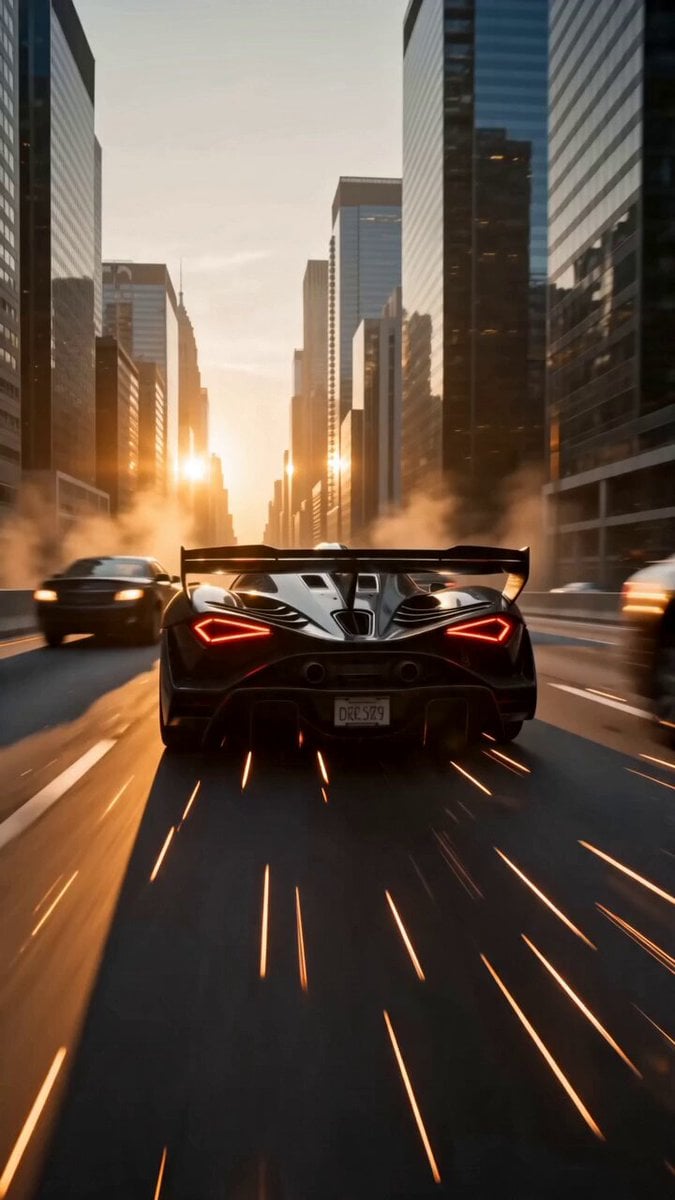
An epic cinematic prompt for a high-octane supercar chase involving aerial shots, extreme speeds, and massive explosions in a modern city.
- Prompt included
- Model and format preset
- Premium template
The prompt behind this video
Copy the exact prompt behind Blockbuster Supercar Chase Scene, or open it in the studio and make it yours.
[Cinematography]: Dynamic camera work transitioning from low-angle tracking shots to sweeping aerial drone perspectives. Shot on Arri Alexa 65 with anamorphic lenses, utilizing high frame rates for ultra-smooth slow motion during extreme stunts, featuring intense motion blur and anamorphic lens flares. [Subject]: A sleek, aerodynamic glossy black supercar with aggressive styling, carbon-fiber detailing, and glowing LED taillights. [Action]: The supercar races at extreme speeds, weaving through heavy traffic with pinpoint precision before drifting flawlessly under a moving semi-truck, launching off a concrete ramp, and flying weightlessly between towering skyscrapers in dramatic slow motion as a massive, fiery explosion erupts directly behind it. [Context]: A sprawling, ultra-modern city highway at sunset, surrounded by towering glass-paneled skyscrapers, dense with civilian traffic, scattering debris, flying sparks, and swirling dust kicked up by the high-speed chase. [Style & Ambiance]: High-octane blockbuster action film aesthetic with intense energy and epic cinematic tone. Dramatic golden-hour lighting casts long, dynamic shadows and vibrant orange hues that reflect off the glass buildings and the car's polished exterior, hyper-realistic rendering with cinematic smoke and fire.
How to use Blockbuster Supercar Chase Scene in 3 steps
- 1
Open
The prompt is already in the box next to the preview, with the template's model and format selected.
- 2…a portrait of your subject in softgolden-hour light, 85mm…
Personalize
Edit the subject and creative details for your destination.
- 3Generate
Generate
Press Generate — your video is created in PicX Studio, so you can compare it with the original and refine one variable at a time.
More like this
Templates with the same subject, style or setup. Open one to see its prompt.

Necromancer Battlefield Orbit

Cartoon Donut Heist Bakery Chase

Walking Factory with Rebel on Hoverbike - Wasteland
Amazon FPV Drone Chase — Seedance 2.0
Skybridge Rescue — Supertall Tower Collapse (Seedance)
Dim Sum Chase — Shrimp Dumpling Monster
Speeder Chase Across a Cliff City
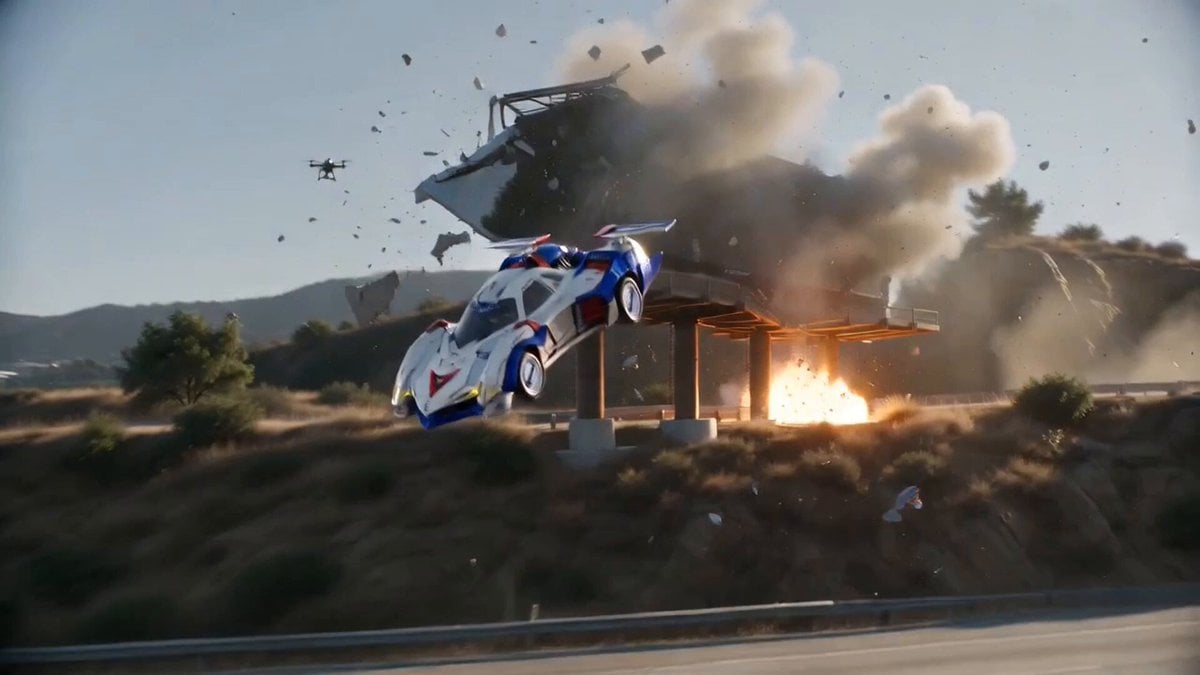
Hollywood Blockbuster Car Chase Sequence
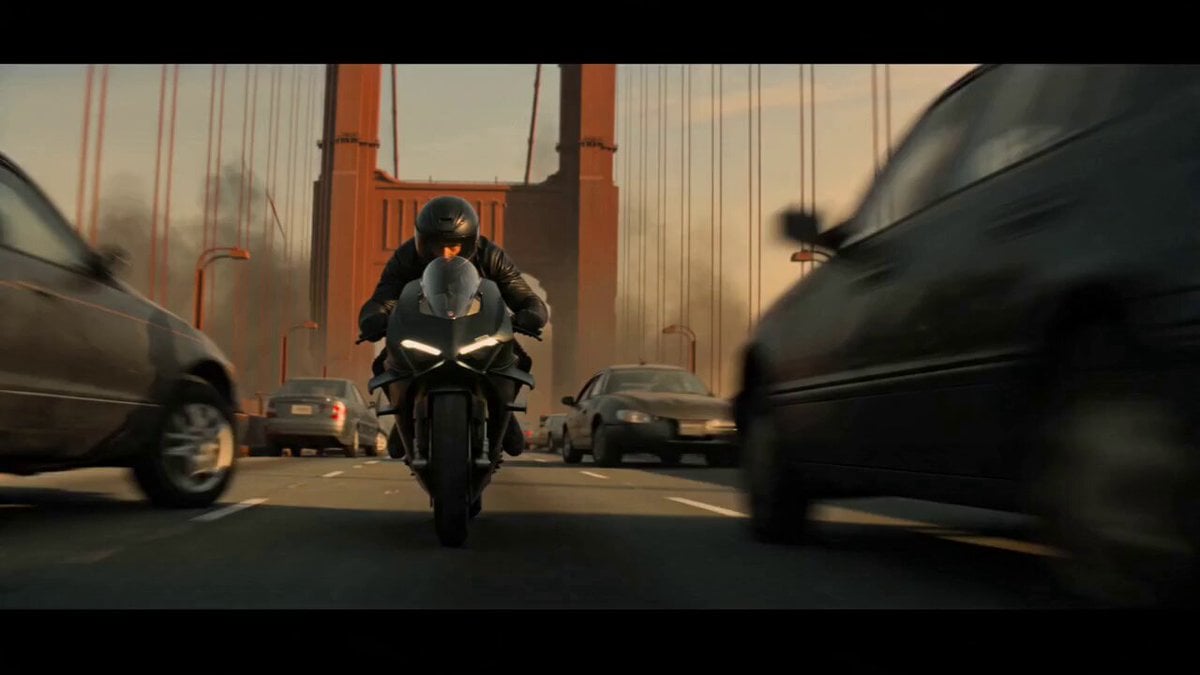
Motorcycle Chase Blockbuster Action Prompt
Dark Hollywood Blockbuster Trailer
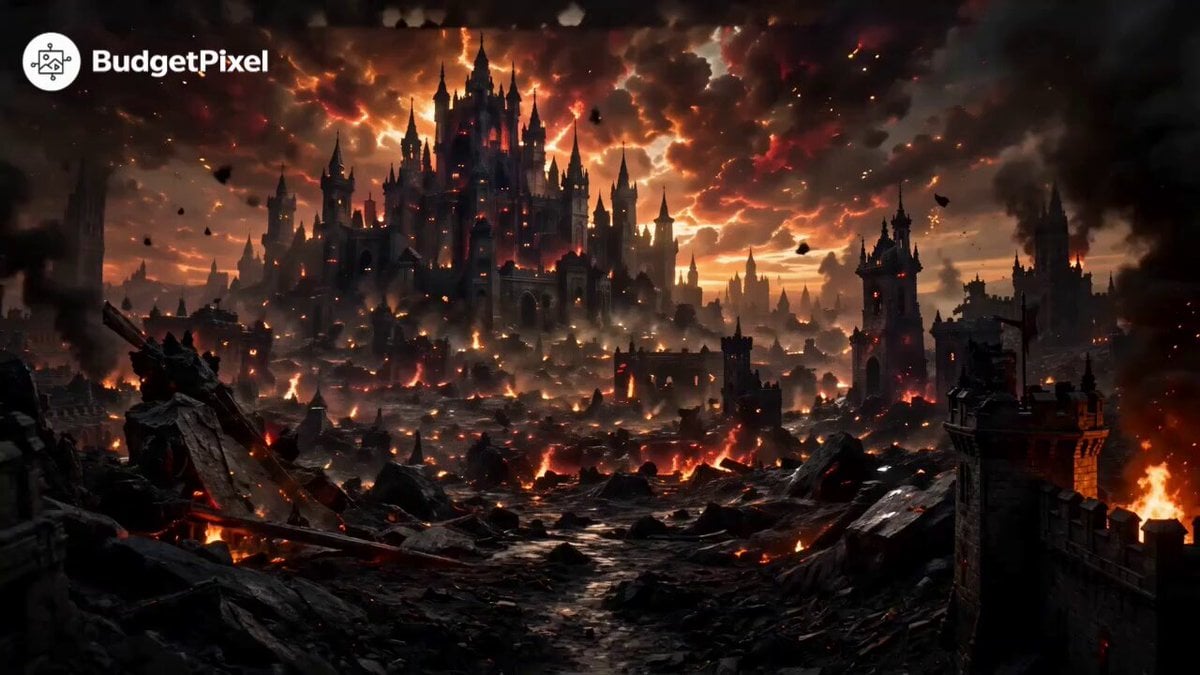
Hollywood Blockbuster Fantasy Trailer

Luxury Supercar Cinematic Narrative
Make it yours
Blockbuster Supercar Chase Scene works as-is. These are the safest ways to change it without losing the look.
Change one field
Copy a single group, rewrite it, and generate again so you can see what that field is doing.
Keep the frame, change the subject
Hold the composition and light of Blockbuster Supercar Chase Scene, then swap wardrobe, props or the person for a new take.
| If the result… | Why | Fix |
|---|---|---|
| The result drifts from the preview | Too many fields changed at once. | Reuse Blockbuster Supercar Chase Scene as-is first, then change one group — subject, light, or setting. |
| The model over-stylizes the scene | The prose prompt leaves finish and camera underspecified. | Add one camera or lighting sentence and stay on Seedance 2.0. |
More Seedance 2.0 templates
Other prompts made for Seedance 2.0.

Comical Martial Arts Punch Scene

Maglev Train Action Sequence

Martial Arts Fight Sequence

Wuxia Protection and Trust Script

Vintage Korean Arcade MiniDV Vlog

Mercedes 190 SL Luxury Ad

Rainy Night Supernatural Reverse Comedy Video Script

Amazon Civilization Discovery

Futuristic South Asian City Transformation

Cozy Luxury Cafe Commercial
More video prompts
Fresh picks from across the catalog.

Lin Daiyu Pulling Out a Willow Tree (Contrasting Comedy)
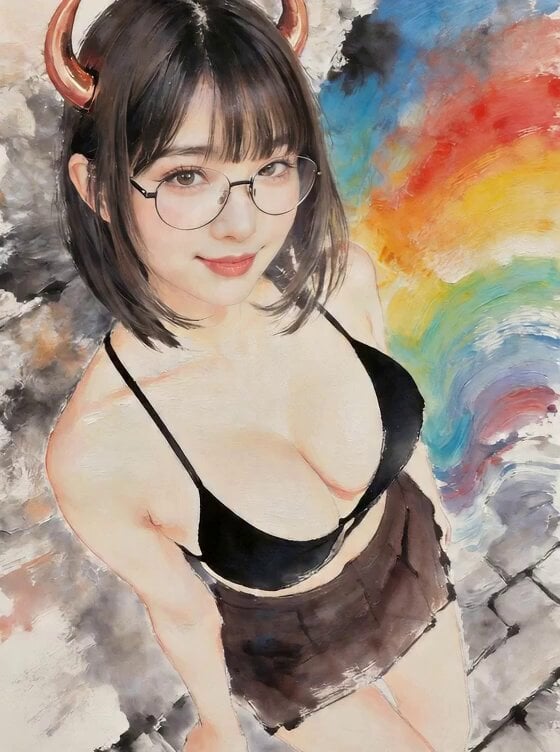
Low FPS Flipbook Animation
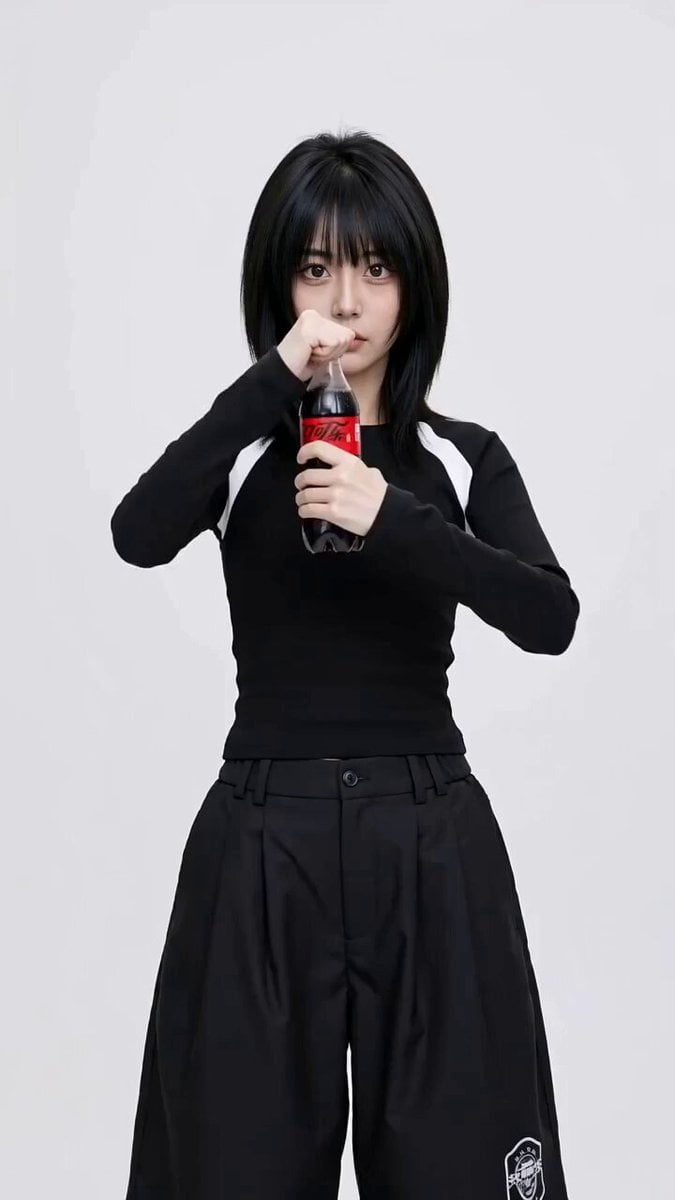
Coca-Cola Fashion Transition Ad
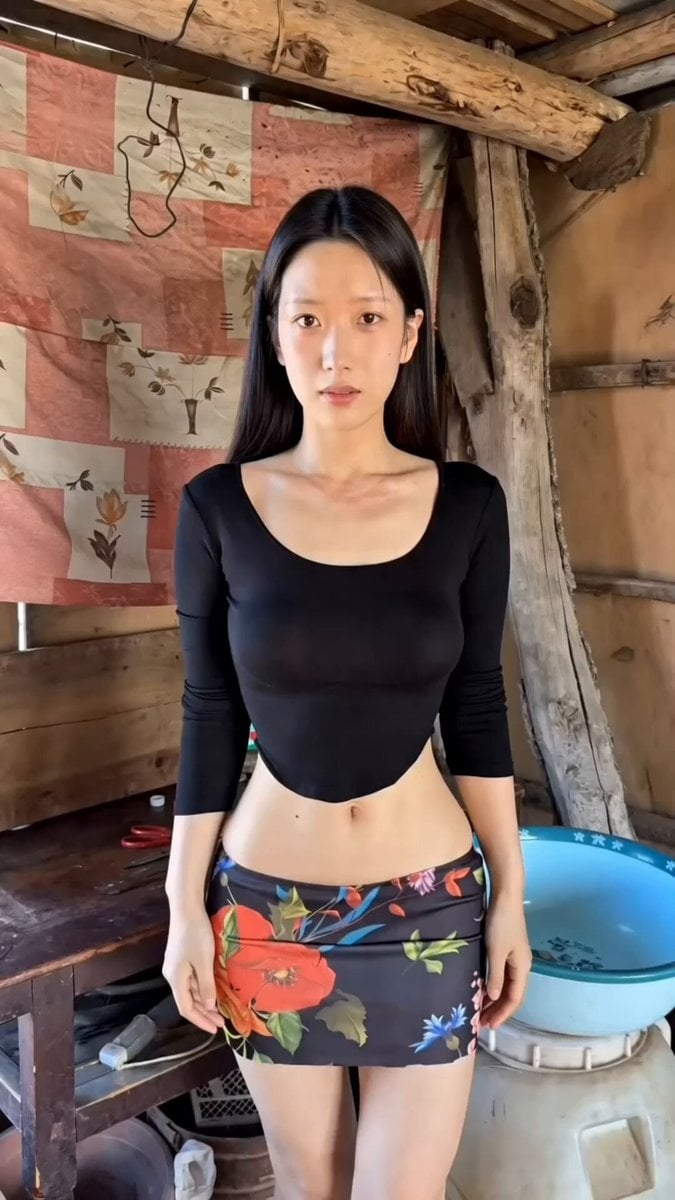
Handheld iPhone Style Melancholic Story
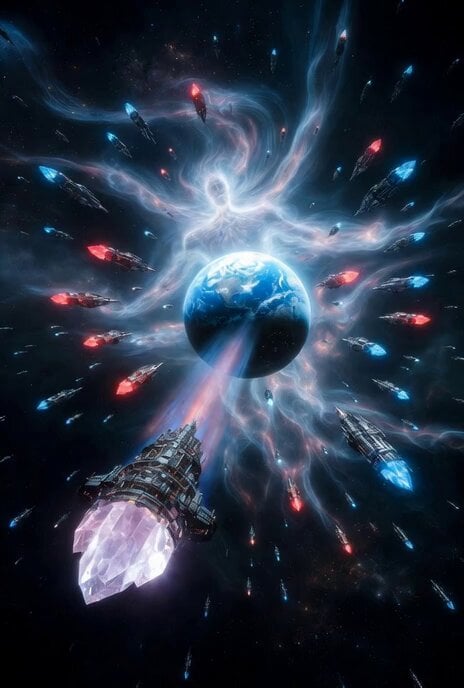
Spaceships and energy god surrounding Earth
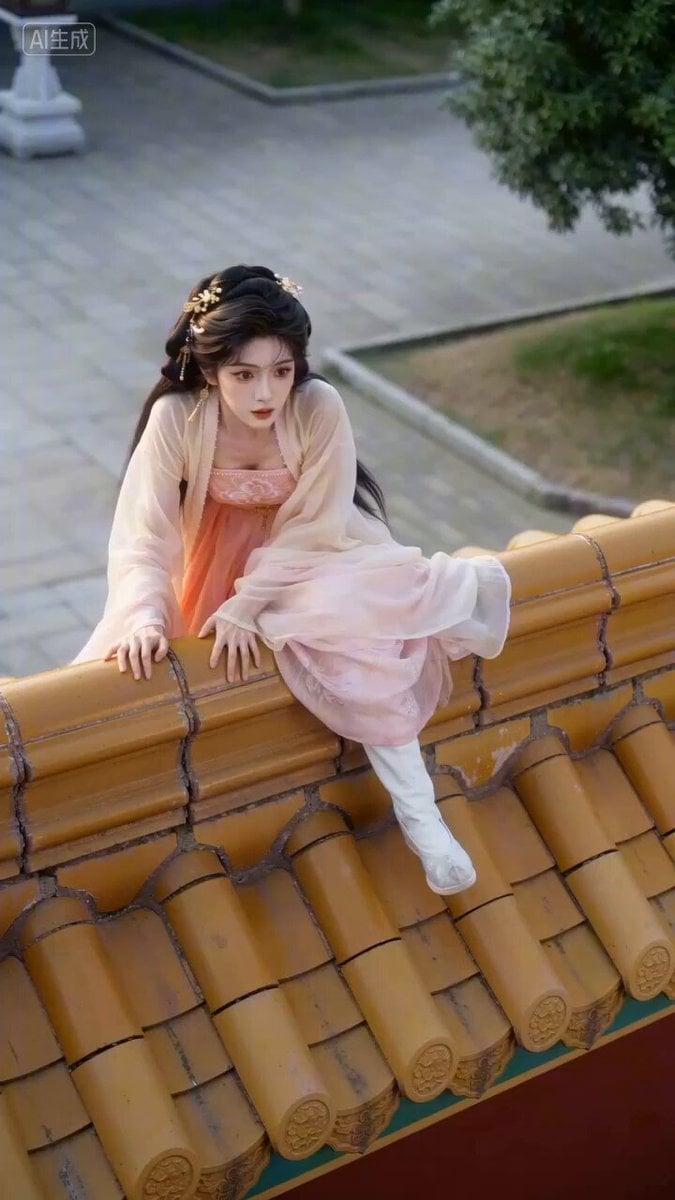
Ancient Drama Short Video Prompt: The Runaway Bride
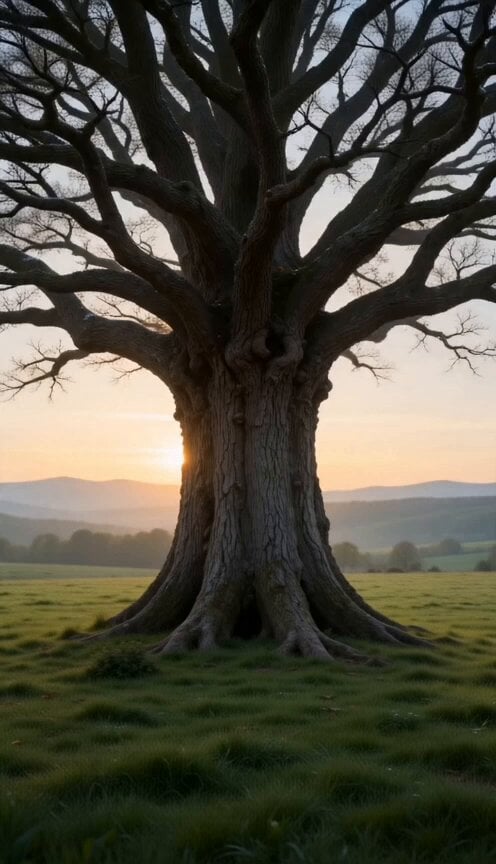
Ancient Oak Tree Seasonal Orbit Time-Lapse
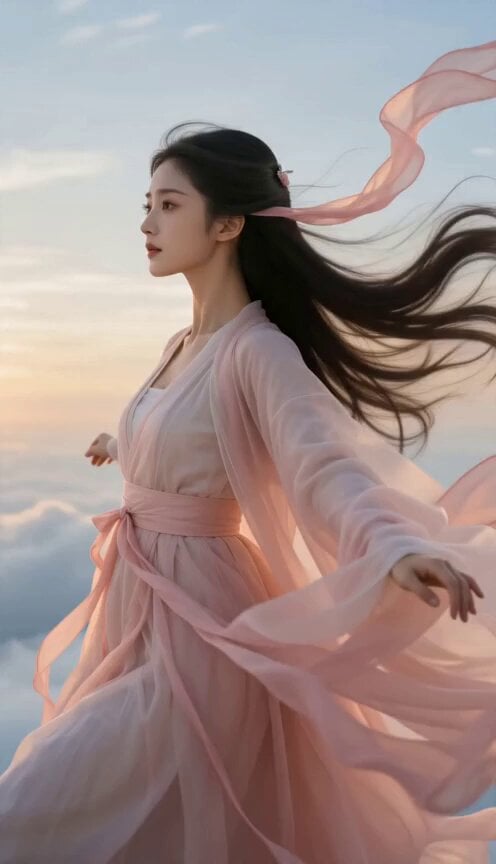
Celestial Wuxia Flight and Dragon Ride
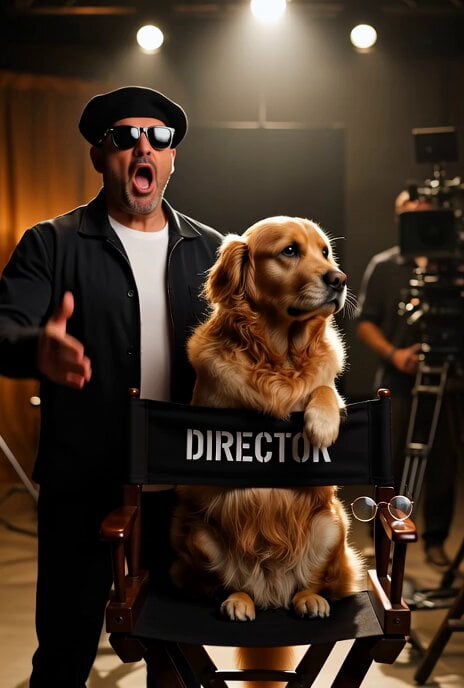
Dramatic Hollywood Director and Golden Retriever
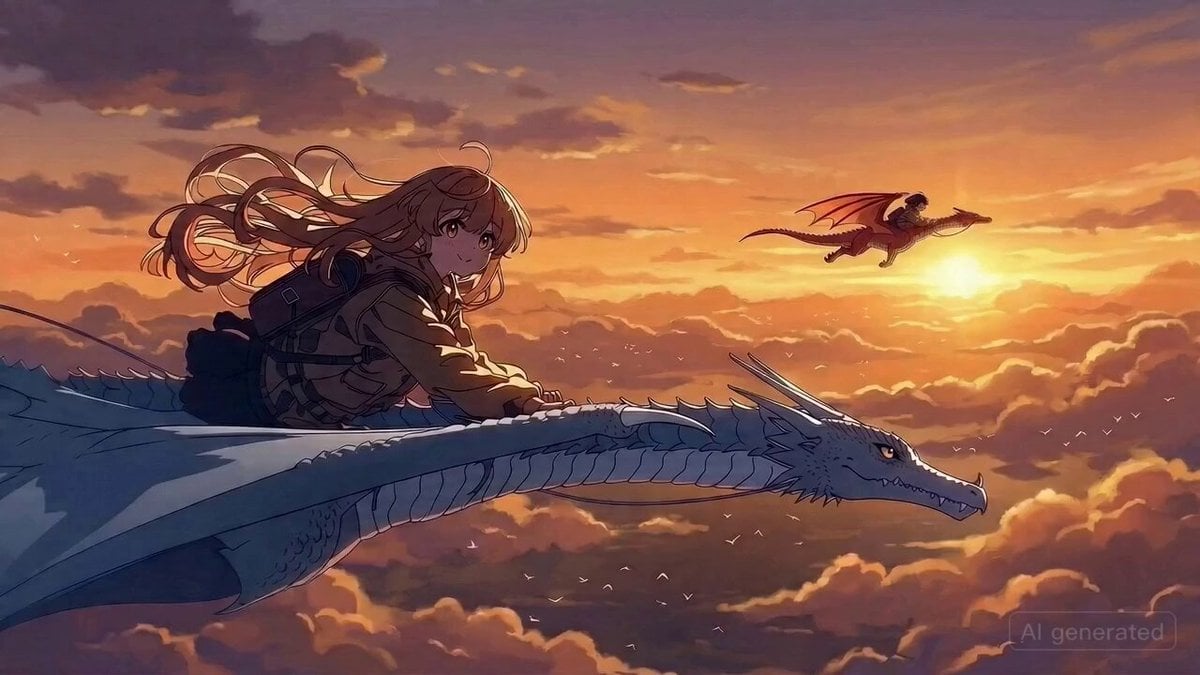
Dragon Rider Action Anime Prompt
Browse template categories
Blockbuster Supercar Chase Scene questions
How do I use the Blockbuster Supercar Chase Scene template?
Add your photo if the template asks for one, edit the prompt if you like — the template's model and format are already selected — and press Generate. Your version opens in PicX Studio.
Can I customize the Blockbuster Supercar Chase Scene template?
Yes. You can change the subject, setting, lighting, mood, format, and available model controls before creating your video.
Is the Blockbuster Supercar Chase Scene template free?
Opening and editing this template is free. Generating uses credits, shown on the Generate button when you are signed in.
Which AI model should I use?
Start with Seedance 2.0, which is the model associated with this template. You can compare another compatible model for a different finish.
Looking for something else? Browse all templates.

Your photo, any look
Thousands of ready templates for every top image and video model, from one credit balance.