How do I use the Coca-Cola Fashion Transition Ad template?
Edit the prompt in the box under the preview — the template's model and format are already selected — and press Generate. Your version appears right on this page.
A comprehensive video generation prompt for a multi-scene Coca-Cola commercial featuring collage-style graphics and rhythmic costume transitions.
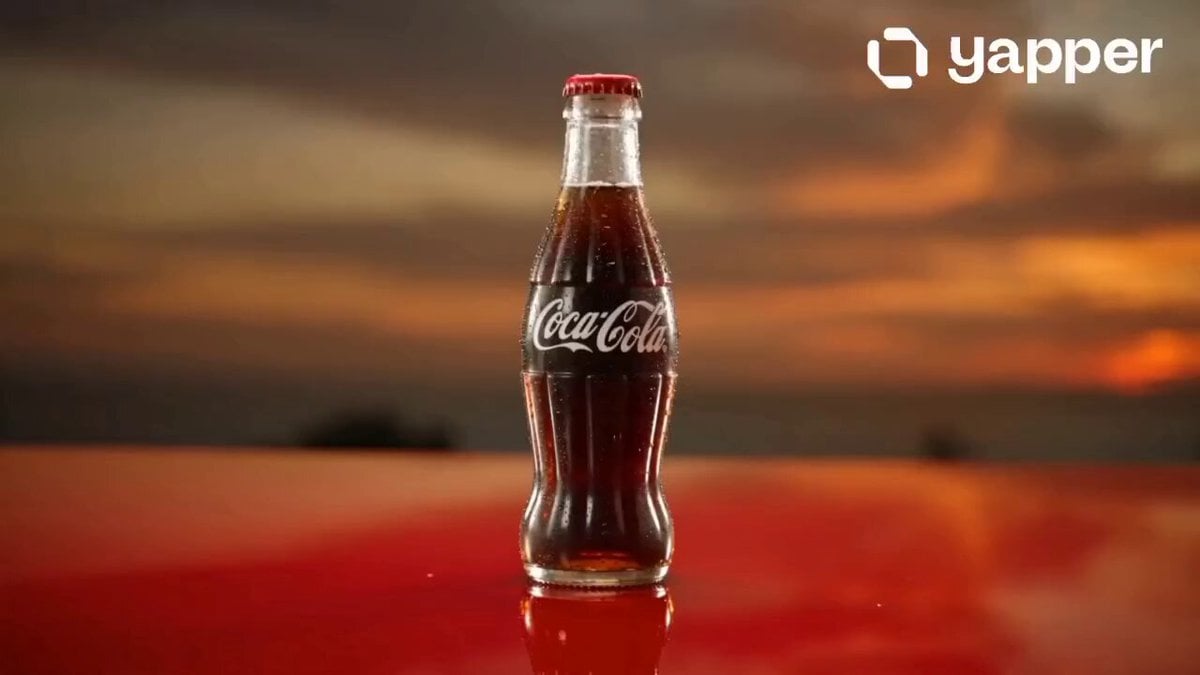
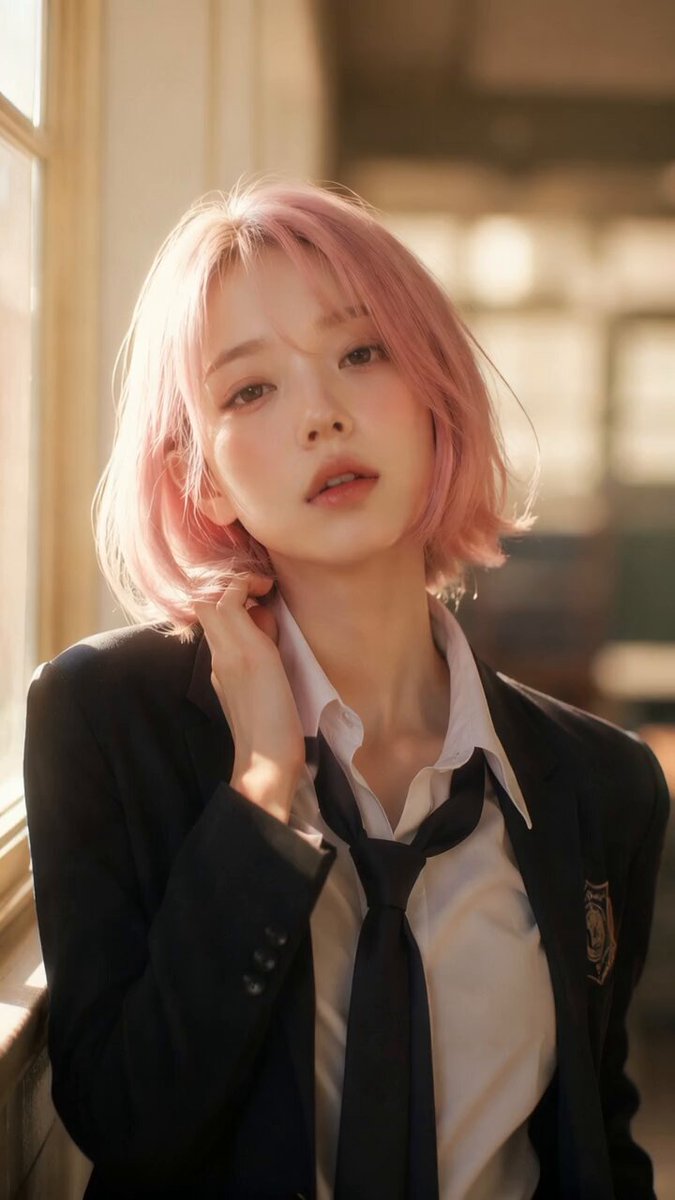
【风格】潮流饮料变装广告(Fashion Transition Ad),竖屏9:16,真实摄影(Photorealistic)+ 平面抠像拼贴风(Cutout Collage Graphic),丝滑卡点变装,8K超清,可乐红#E61A27/纯黑/纯白三色体系 【时长】15秒 【场景】开场为纯白摄影棚背景;第2秒起切换为可乐红纯色背景+画面中央巨大白色曲线可乐瓶形抠像框(经典弧线瓶身剪影),背景压一层深红色"COLA"斜体大字;全程无真实品牌logo 【角色】主角@图片1(保持参考图容貌与发型;开场穿黑色插肩长袖+黑色阔腿短裤;各段变装均为红黑白配色) [00:00-00:02] 镜头1:拧盖卡点(White Studio Open) 纯白背景中景:主角@图片1手持无标识可乐瓶(深棕色汽水+红色瓶标),双臂交叉做两次卡点拧盖动作,第三拍"啵"一声拧开瓶盖,气泡嘶声升起。 音效:两声节拍音、瓶盖"啵"、碳酸气泡嘶嘶声。 [00:02-00:03] 镜头2:一口切世界(Snap Transition) 她仰头喝一口,吞咽瞬间背景"啪"地整体切换:可乐红背景+白色瓶形抠像框罩住全身,深红"COLA"斜体字横贯背景。 音效:吞咽声+重低音"咚"一声定格。 [00:03-00:07] 镜头3:变装1·街头节奏(Transition Pop / Floating Props) 瞬切变装:反戴红色棒球帽、头架白色墨镜、黑色马甲叠穿红色背心、白底黑波点裤袜+黑色短裤、红色厚底鞋,手持可乐瓶。 她在瓶形框内做轻快跳跃舞步:单脚跳、扭胯、举瓶摆拍。 周围漂浮红白配色道具:磁带随身听、拍立得相机、头戴耳机、采样器,白色3D立体字"气泡拉满"分布四角。 音效:卡点节拍+道具飞入的"咻咻"声。 [00:07-00:10] 镜头4:变装2·活力当下(Kick Jump Pose) 瞬切变装:白色棒球帽、白T印红色图案、红黑外套系在腰间、黑色短裤、红色高帮帆布鞋。 她做踢腿跳跃定格姿态,随后落地转身摆胯。 漂浮道具换成:红色帆布鞋、白色鸭舌帽、红白相机、墨镜,3D立体字换为"痛快当夏"。 音效:节拍延续+跳跃落地"砰"。 [00:10-00:13] 镜头5:变装3·夏日漂浮(Floating Summer) 瞬切变装:白色一字肩短上衣、红白条纹短裤、赤足,身体呈漂浮泳姿斜躺在瓶形框中,手持可乐瓶。 周围漂浮:红白条纹泳圈、小黄鸭、红色人字拖、白色网兜包,3D立体字"离开地心引力"。 音效:节拍转轻盈+水泡"咕噜"声。 [00:13-00:15] 镜头6:产品海报收尾(End Card) 瞬切至海报画面:红黑斜切双色背景,中央一瓶无标识可乐瓶特写(深棕汽水、红瓶标、白色"COLA"字样),瓶身挂着细密水珠。 白色斜体大字从两侧弹入:"可乐爽人瓶",下方一行小字"#爽出你的痛快#"。 画面定格,不淡出。 音效:最后一记重音+气泡嘶声收尾。
【风格】潮流饮料变装广告(Fashion Transition Ad),竖屏9:16,真实摄影(Photorealistic)+ 平面抠像拼贴风(Cutout Collage Graphic),丝滑卡点变装,8K超清,可乐红#E61A27/纯黑/纯白三色体系 【时长】15秒 【场景】开场为纯白摄影棚背景;第2秒起切换为可乐红纯色背景+画面中央巨大白色曲线可乐瓶形抠像框(经典弧线瓶身剪影),背景压一层深红色"COLA"斜体大字;全程无真实品牌logo 【角色】主角@图片1(保持参考图容貌与发型;开场穿黑色插肩长袖+黑色阔腿短裤;各段变装均为红黑白配色) [00:00-00:02] 镜头1:拧盖卡点(White Studio Open) 纯白背景中景:主角@图片1手持无标识可乐瓶(深棕色汽水+红色瓶标),双臂交叉做两次卡点拧盖动作,第三拍"啵"一声拧开瓶盖,气泡嘶声升起。 音效:两声节拍音、瓶盖"啵"、碳酸气泡嘶嘶声。 [00:02-00:03] 镜头2:一口切世界(Snap Transition) 她仰头喝一口,吞咽瞬间背景"啪"地整体切换:可乐红背景+白色瓶形抠像框罩住全身,深红"COLA"斜体字横贯背景。 音效:吞咽声+重低音"咚"一声定格。 [00:03-00:07] 镜头3:变装1·街头节奏(Transition Pop / Floating Props) 瞬切变装:反戴红色棒球帽、头架白色墨镜、黑色马甲叠穿红色背心、白底黑波点裤袜+黑色短裤、红色厚底鞋,手持可乐瓶。 她在瓶形框内做轻快跳跃舞步:单脚跳、扭胯、举瓶摆拍。 周围漂浮红白配色道具:磁带随身听、拍立得相机、头戴耳机、采样器,白色3D立体字"气泡拉满"分布四角。 音效:卡点节拍+道具飞入的"咻咻"声。 [00:07-00:10] 镜头4:变装2·活力当下(Kick Jump Pose) 瞬切变装:白色棒球帽、白T印红色图案、红黑外套系在腰间、黑色短裤、红色高帮帆布鞋。 她做踢腿跳跃定格姿态,随后落地转身摆胯。 漂浮道具换成:红色帆布鞋、白色鸭舌帽、红白相机、墨镜,3D立体字换为"痛快当夏"。 音效:节拍延续+跳跃落地"砰"。 [00:10-00:13] 镜头5:变装3·夏日漂浮(Floating Summer) 瞬切变装:白色一字肩短上衣、红白条纹短裤、赤足,身体呈漂浮泳姿斜躺在瓶形框中,手持可乐瓶。 周围漂浮:红白条纹泳圈、小黄鸭、红色人字拖、白色网兜包,3D立体字"离开地心引力"。 音效:节拍转轻盈+水泡"咕噜"声。 [00:13-00:15] 镜头6:产品海报收尾(End Card) 瞬切至海报画面:红黑斜切双色背景,中央一瓶无标识可乐瓶特写(深棕汽水、红瓶标、白色"COLA"字样),瓶身挂着细密水珠。 白色斜体大字从两侧弹入:"可乐爽人瓶",下方一行小字"#爽出你的痛快#"。 画面定格,不淡出。 音效:最后一记重音+气泡嘶声收尾。
Edit the prompt in the box under the preview — the template's model and format are already selected — and press Generate. Your version appears right on this page.
Yes. You can change the subject, setting, lighting, mood, format, and available model controls before creating your video.
Opening and editing this template is free. Generating uses credits, shown on the Generate button when you are signed in.
Start with Seedance 2.0, which is the model associated with this template. You can compare another compatible model for a different finish.
Follow a topic to a crawlable collection of related PicX Studio templates.