
Ancient Oak Tree Seasonal Orbit Time-Lapse
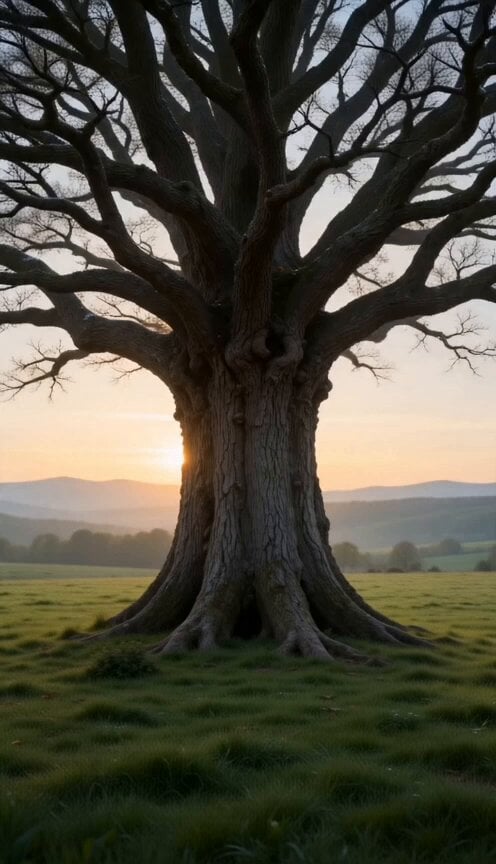
A conceptual time-lapse sequence of an ancient oak tree as seasons and centuries pass in a single uninterrupted orbital camera shot.
- Prompt included
- Model and format preset
- Premium template
The prompt behind this video
Copy the exact prompt behind Ancient Oak Tree Seasonal Orbit Time-Lapse, or open it in the studio and make it yours.
A single uninterrupted cinematic shot begins at sunrise in the middle of a vast peaceful meadow. At the center stands one enormous ancient oak tree with a wide trunk, sprawling branches, and deeply textured bark. The surrounding landscape is calm, covered in fresh green grass with distant mountains beneath a soft golden sky. Gentle birdsong fills the air as the camera slowly begins orbiting the tree in a perfectly smooth circular motion. The tree remains at the exact center of the frame throughout the entire film. As the camera completes the first quarter of its orbit, spring awakens instantly around the tree. Tiny buds emerge along every branch. Fresh green leaves unfurl in beautiful synchronized motion. Wildflowers bloom across the meadow in waves of color. Butterflies flutter through the warm air while birds begin building nests among the branches. Soft morning mist lifts from the grass as sunlight grows brighter. Without stopping, the camera continues its orbit. The landscape gradually transforms into vibrant summer. The tree's canopy becomes dense and full. Long grass sways gently in the warm breeze. Bees collect pollen from blooming flowers. A nearby stream sparkles under intense sunlight. Children briefly appear beneath the tree enjoying a picnic before naturally fading as time continues moving forward. Everything feels alive with warmth and abundance. The camera never cuts. As it reaches the opposite side of the tree, summer slowly gives way to autumn. The sunlight becomes warmer and lower in the sky. Leaves transition through brilliant shades of emerald, yellow, orange, crimson, and deep red. Gentle wind carries thousands of leaves into elegant swirling patterns around the camera. The meadow changes into rich golden tones while migrating birds cross the distant horizon. Time accelerates. The final leaves drift gracefully to the ground. The orbit continues. A quiet snowfall begins. Within moments the landscape transforms into winter. Snow blankets every branch with delicate crystalline detail. Frost slowly spreads across the bark. The nearby stream freezes into clear ice. The sky becomes pale blue while soft snowflakes fall silently through the air. The entire world feels peaceful and still. The camera completes one full orbit. Instead of stopping, it continues circling faster. Each complete revolution now represents decades instead of seasons. Spring, summer, autumn, and winter flow continuously around the tree in increasingly rapid succession. Blossoms bloom and disappear. Leaves grow, change color, and fall. Snow arrives and melts.
How to use Ancient Oak Tree Seasonal Orbit Time-Lapse in 3 steps
- 1
Open
The prompt is already in the box next to the preview, with the template's model and format selected.
- 2…a portrait of your subject in softgolden-hour light, 85mm…
Personalize
Edit the subject and creative details for your destination.
- 3Generate
Generate
Press Generate — your video is created in PicX Studio, so you can compare it with the original and refine one variable at a time.
More like this
Templates with the same subject, style or setup. Open one to see its prompt.

Central Park Bow Bridge Seasonal Timelapse Prompt
Bullet Time Selfie — Modular Parameter Template (Seedance)
Civilization Timelapse — Centuries in One Shot
1950s Diner Time Freeze Rewind - Seedance 2.5

Korean Night Market Bullet-Time Scene - Seedance 2.5
Ethereal Xianxia Immortal resting by Ancient Tree
Architectural Space Renovation Timelapse
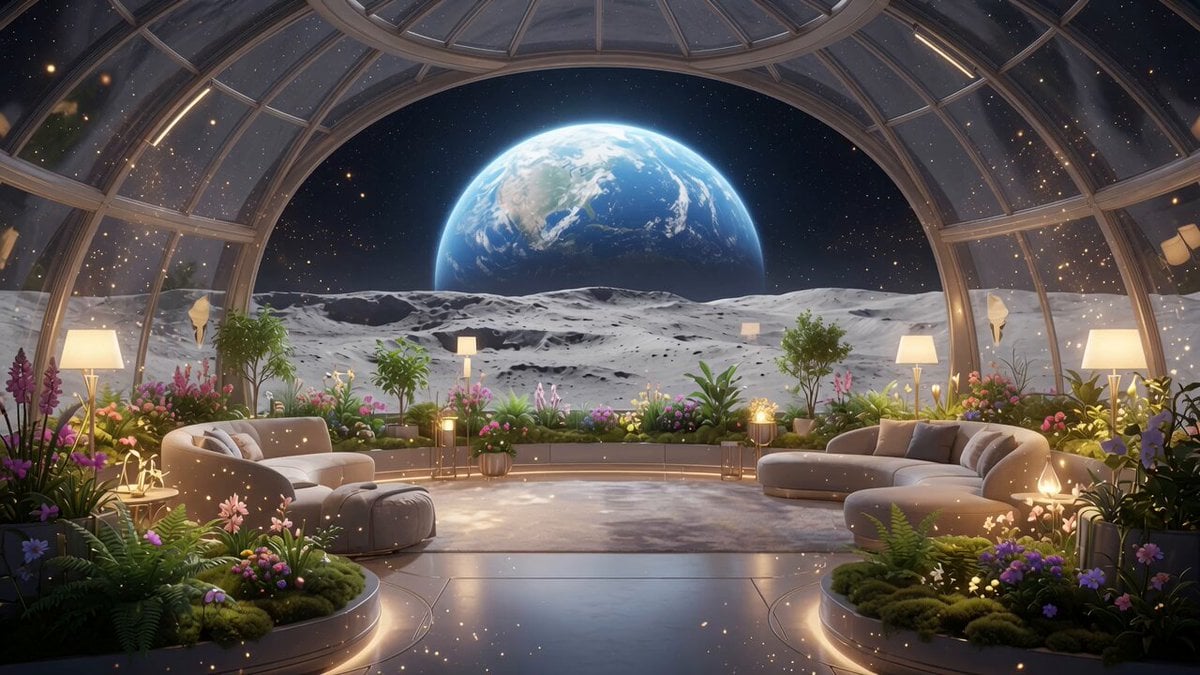
Lunar Home Time-Lapse
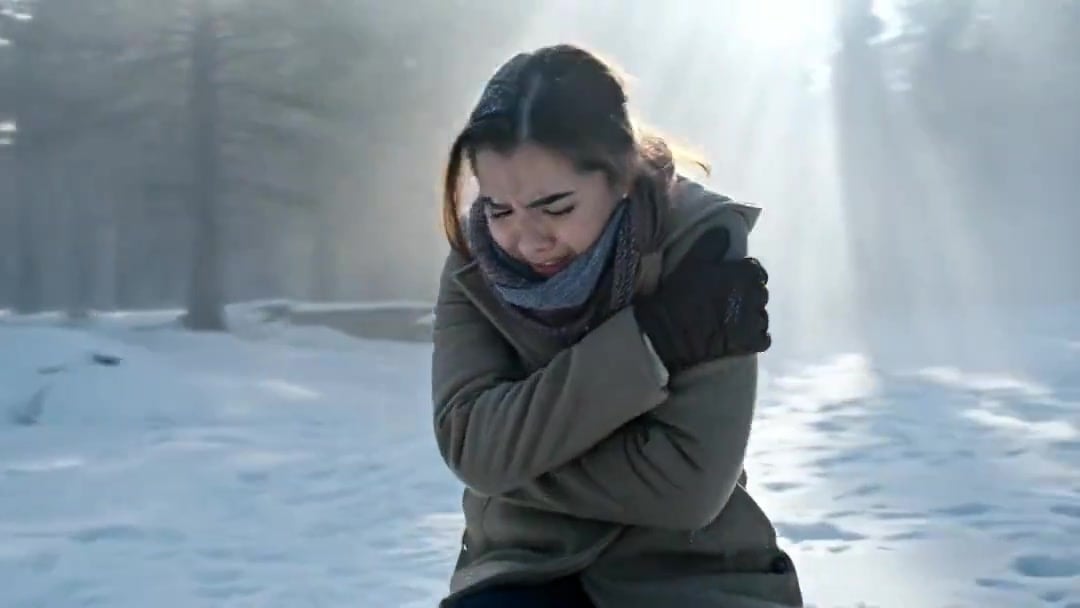
Arc Shot Frozen Woman Snow — Kling 3.0 v3 Pro
Arc Shot Frozen Woman Snow — Kling 3.0 v3 Pro
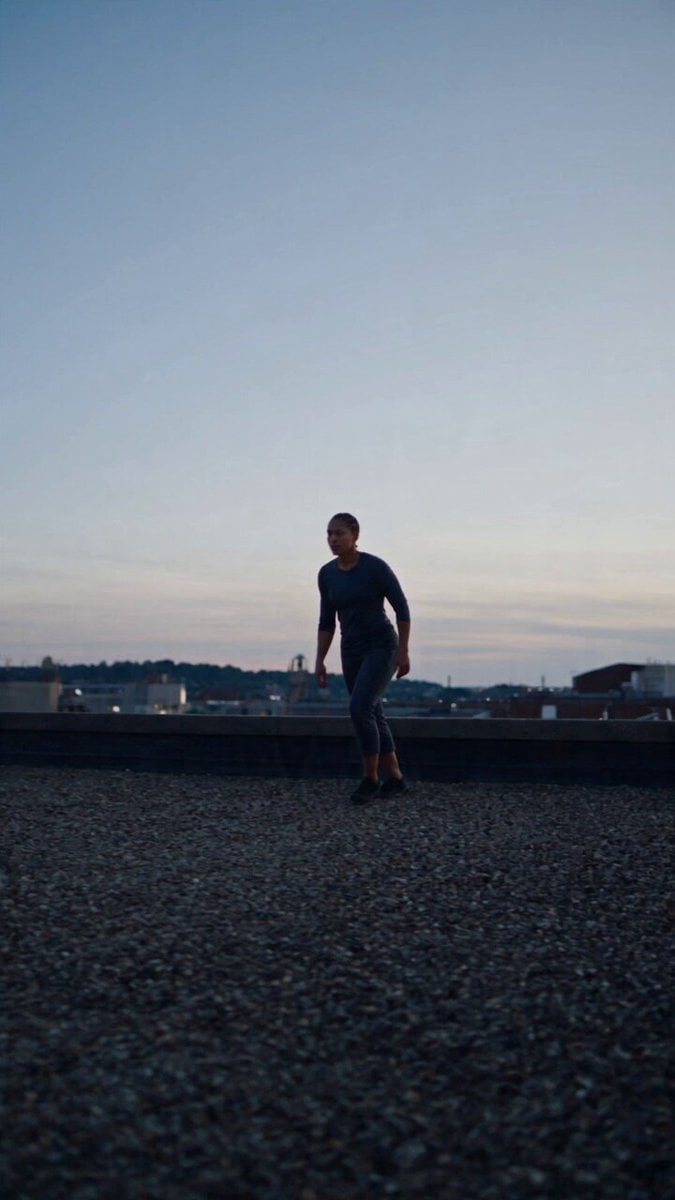
Product Ad Drink Can 110° Orbit
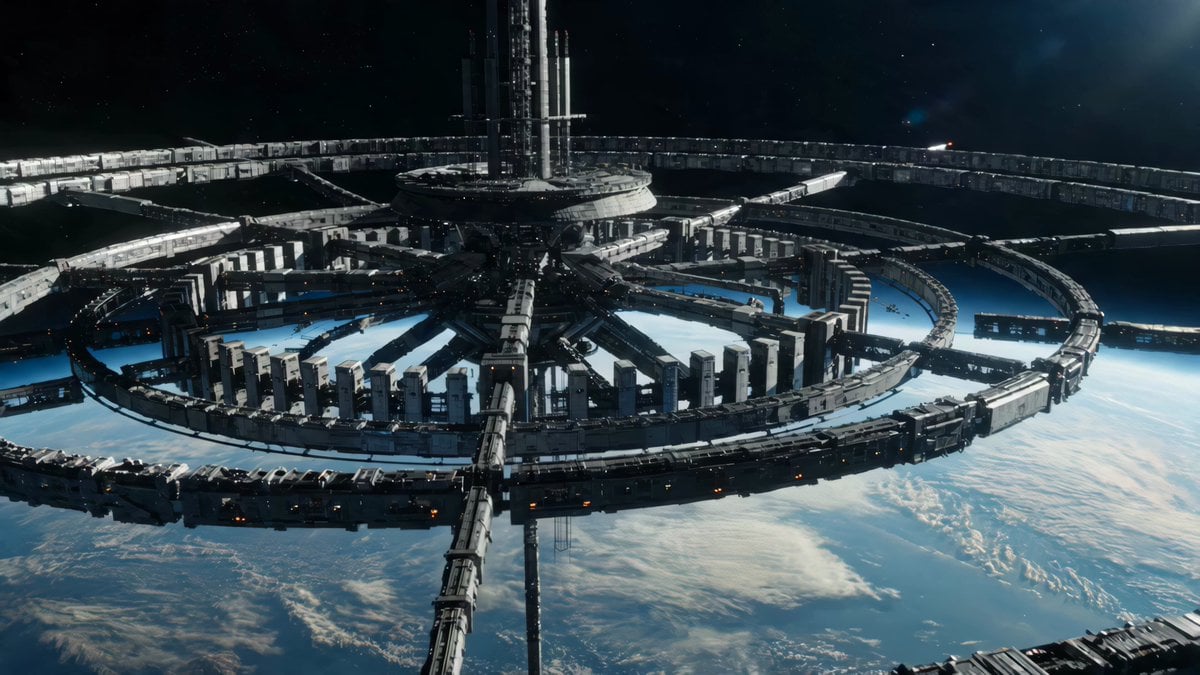
Sci-Fi Orbital Construction Collapse
Make it yours
Ancient Oak Tree Seasonal Orbit Time-Lapse works as-is. These are the safest ways to change it without losing the look.
Change one field
Copy a single group, rewrite it, and generate again so you can see what that field is doing.
Keep the frame, change the subject
Hold the composition and light of Ancient Oak Tree Seasonal Orbit Time-Lapse, then swap wardrobe, props or the person for a new take.
| If the result… | Why | Fix |
|---|---|---|
| The result drifts from the preview | Too many fields changed at once. | Reuse Ancient Oak Tree Seasonal Orbit Time-Lapse as-is first, then change one group — subject, light, or setting. |
| The model over-stylizes the scene | The prose prompt leaves finish and camera underspecified. | Add one camera or lighting sentence and stay on Seedance 2.0. |
More Seedance 2.0 templates
Other prompts made for Seedance 2.0.

Comical Martial Arts Punch Scene

Maglev Train Action Sequence

Martial Arts Fight Sequence

Wuxia Protection and Trust Script

Vintage Korean Arcade MiniDV Vlog

Mercedes 190 SL Luxury Ad

Rainy Night Supernatural Reverse Comedy Video Script

Amazon Civilization Discovery

Futuristic South Asian City Transformation

Cozy Luxury Cafe Commercial
More video prompts
Fresh picks from across the catalog.

Anime Style Philippine Street Scene
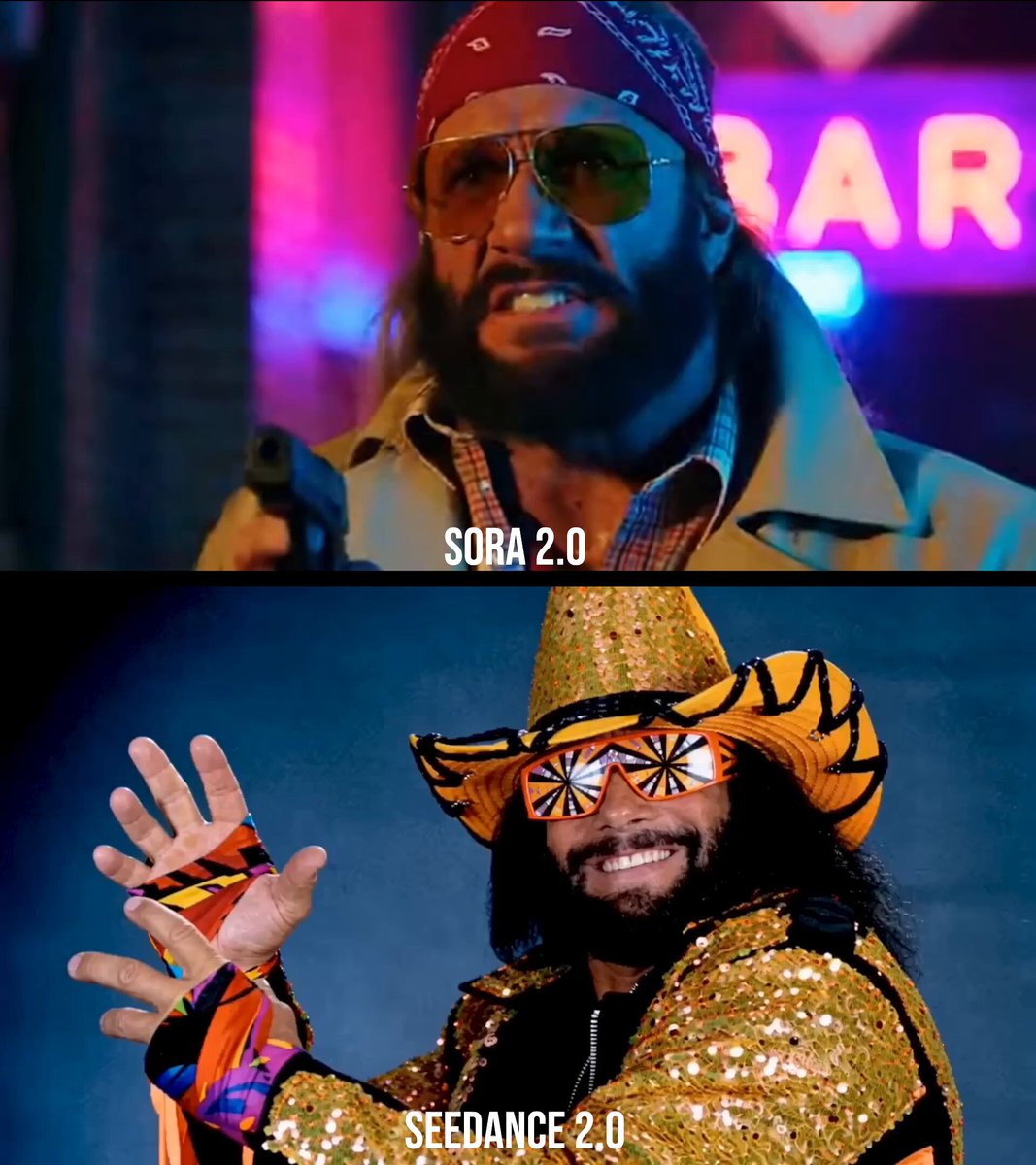
Macho Man Randy Savage Commercial Prompt
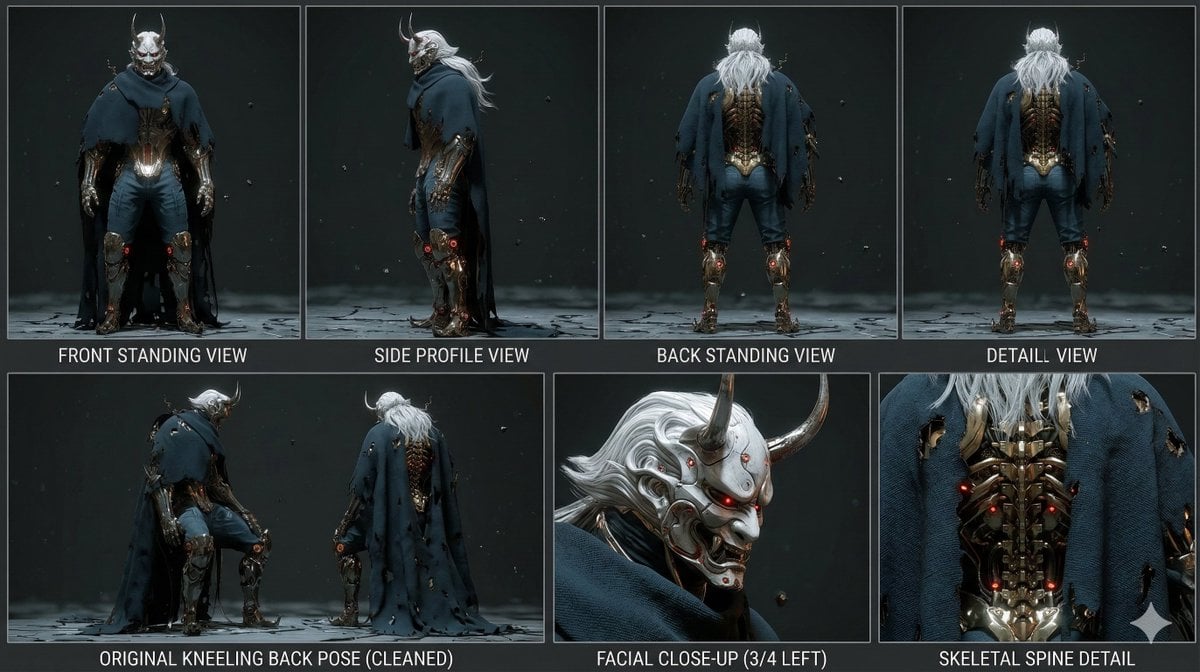
Mutation Sequence: Confronting Inner Demons in Cyberspace
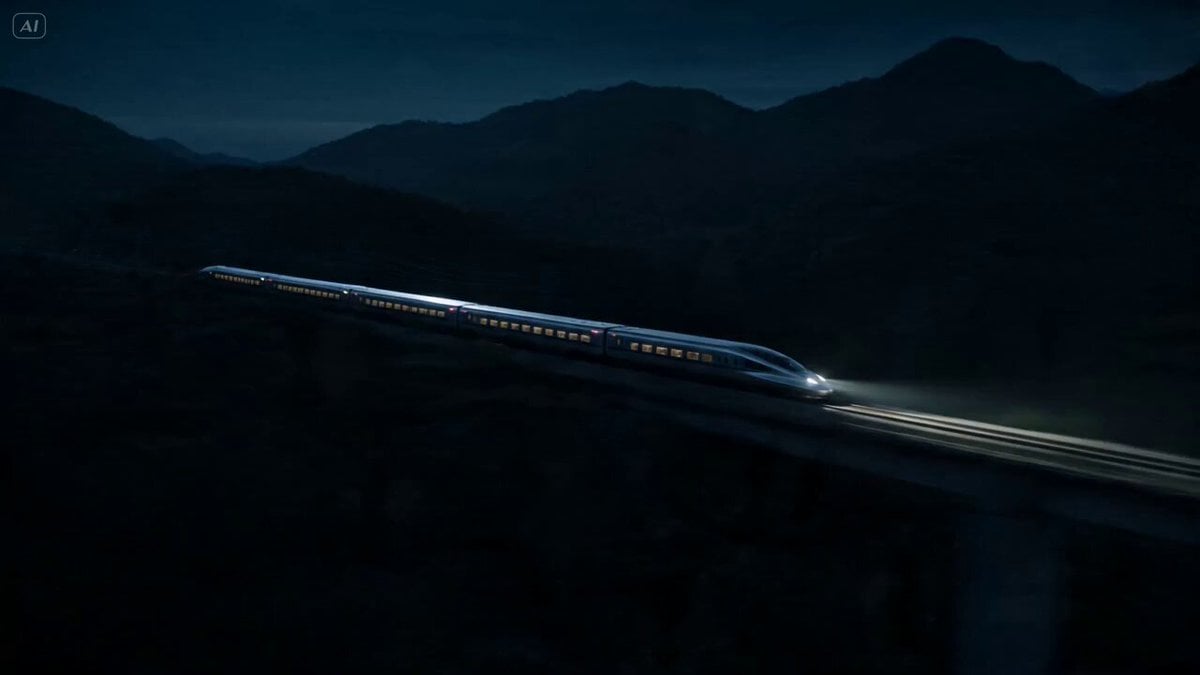
Bullet Train Parkour Action

Motorcycle and Bear Forest Encounter

Vampire Cat Dark Comedy Sequence

Giant Dragon City Destruction

Stop Motion Paper Craft Assembly Animation

Seedance 2.0 Ancient Style Transformation Video Prompt

Junji Ito Style K-Horror
Browse template categories
Ancient Oak Tree Seasonal Orbit Time-Lapse questions
How do I use the Ancient Oak Tree Seasonal Orbit Time-Lapse template?
Add your photo if the template asks for one, edit the prompt if you like — the template's model and format are already selected — and press Generate. Your version opens in PicX Studio.
Can I customize the Ancient Oak Tree Seasonal Orbit Time-Lapse template?
Yes. You can change the subject, setting, lighting, mood, format, and available model controls before creating your video.
Is the Ancient Oak Tree Seasonal Orbit Time-Lapse template free?
Opening and editing this template is free. Generating uses credits, shown on the Generate button when you are signed in.
Which AI model should I use?
Start with Seedance 2.0, which is the model associated with this template. You can compare another compatible model for a different finish.
Looking for something else? Browse all templates.

Your photo, any look
Thousands of ready templates for every top image and video model, from one credit balance.