
Giant Dragon City Destruction
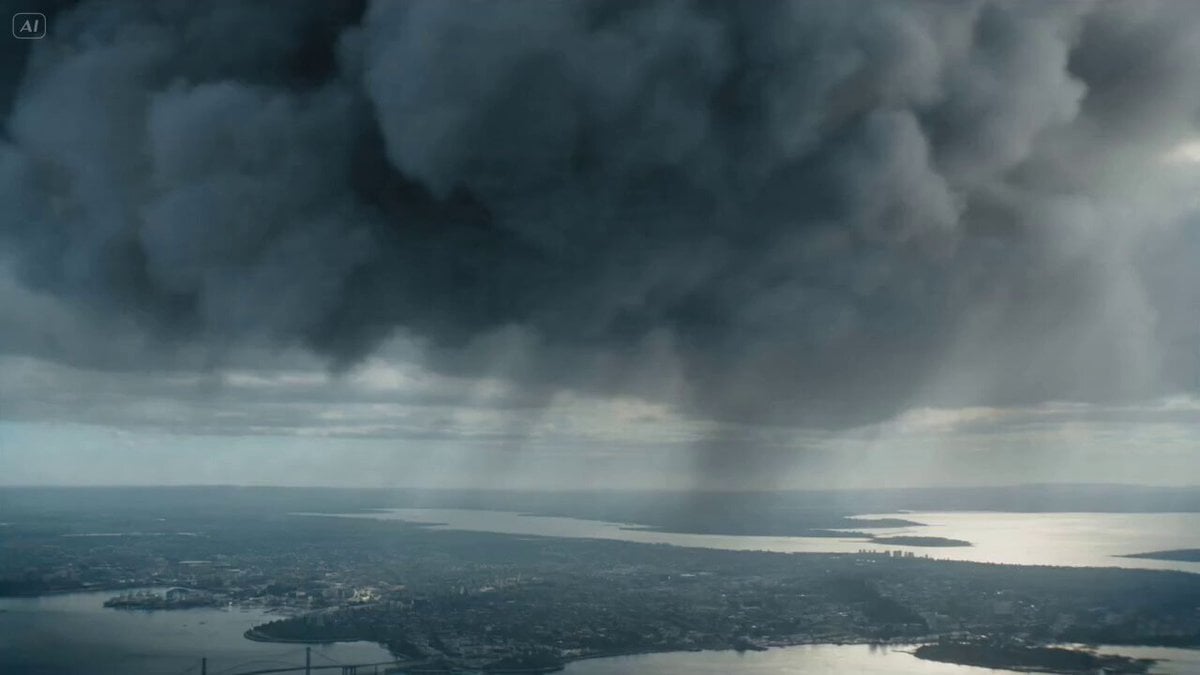
A disaster movie prompt for Seedance 2.0 featuring a massive winged serpent destroying a coastal city with lightning and architectural collapse.
- Prompt included
- Model and format preset
- Free template
The prompt behind this video
Copy the exact prompt behind Giant Dragon City Destruction, or open it in the studio and make it yours.
A gigantic winged serpent with metallic black scales, glowing blue lightning veins, cathedral-sized wings, razor fins along its spine, long body coiling between skyscrapers like a living storm 0–4s: bursts out of dark storm clouds above a coastal city, diving vertically while lightning crawls across its body, camera begins high above the skyline then plunges with it in a fast aerial dive, ocean and city rushing upward; 4–10s: slices through skyscrapers with its wings, coils around bridges and snaps them into the harbor, lightning blasts erupt from its mouth and strike power grids, sending chain explosions through the waterfront, camera barrel-rolls around its body, whip pans between collapsing towers, fighter jets exploding inches from frame; 10–15s: wraps around the tallest landmark tower, tightens its body until the structure implodes, then rises above the burning skyline with wings fully open, ending on a massive orbit shot around its roaring head as thunder splits the sky and the city below collapses into water and fire Stormy daytime harbor, ocean spray, lightning VFX, aerial tracking, violent parallax, epic creature
How to use Giant Dragon City Destruction in 3 steps
- 1
Open
The prompt is already in the box next to the preview, with the template's model and format selected.
- 2…a portrait of your subject in softgolden-hour light, 85mm…
Personalize
Edit the subject and creative details for your destination.
- 3Generate
Generate
Press Generate — your video is created in PicX Studio, so you can compare it with the original and refine one variable at a time.
More like this
Templates with the same subject, style or setup. Open one to see its prompt.
Asteroid Impact City Destruction
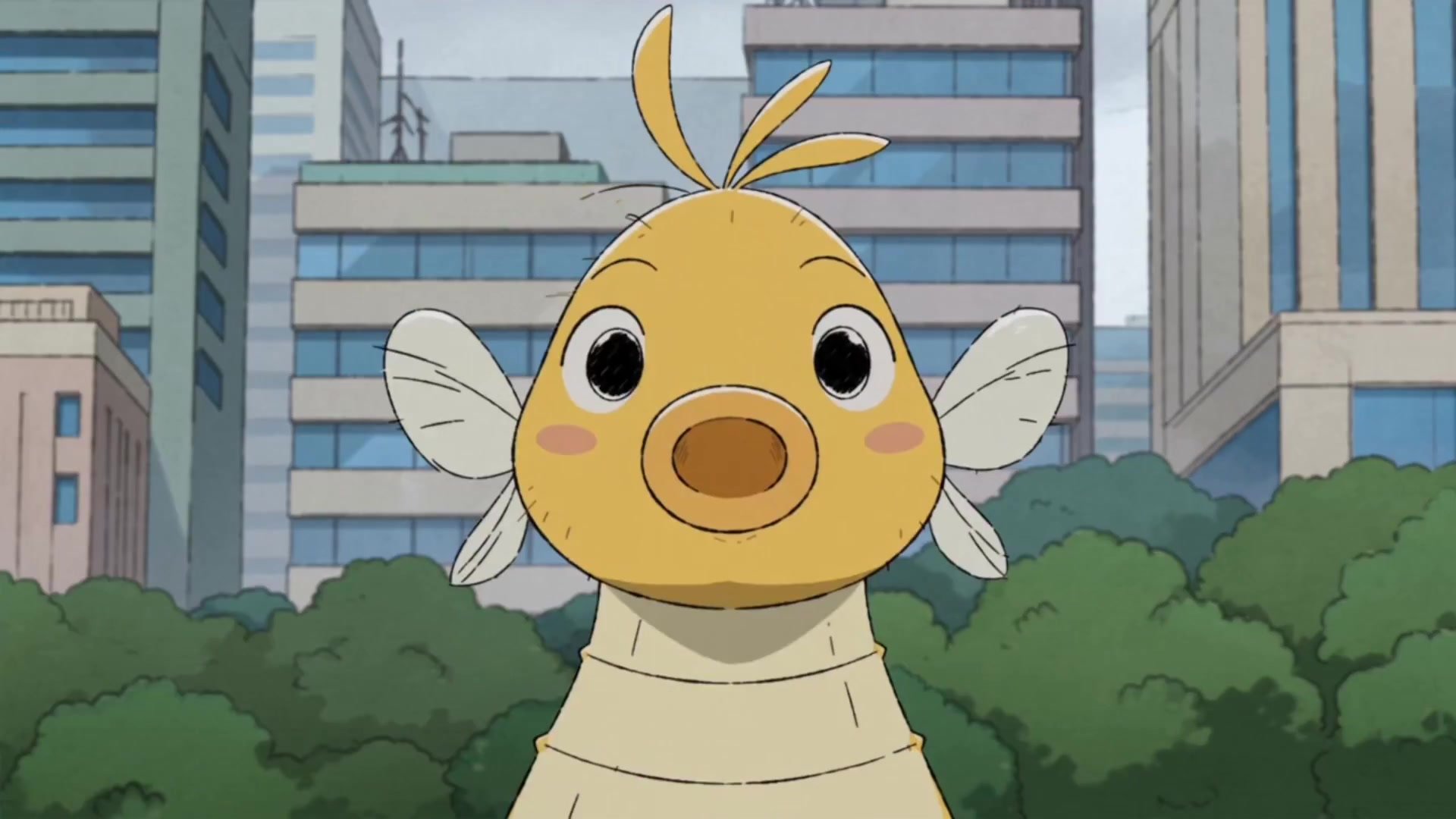
Giant Seahorse City Destruction — Flova AI
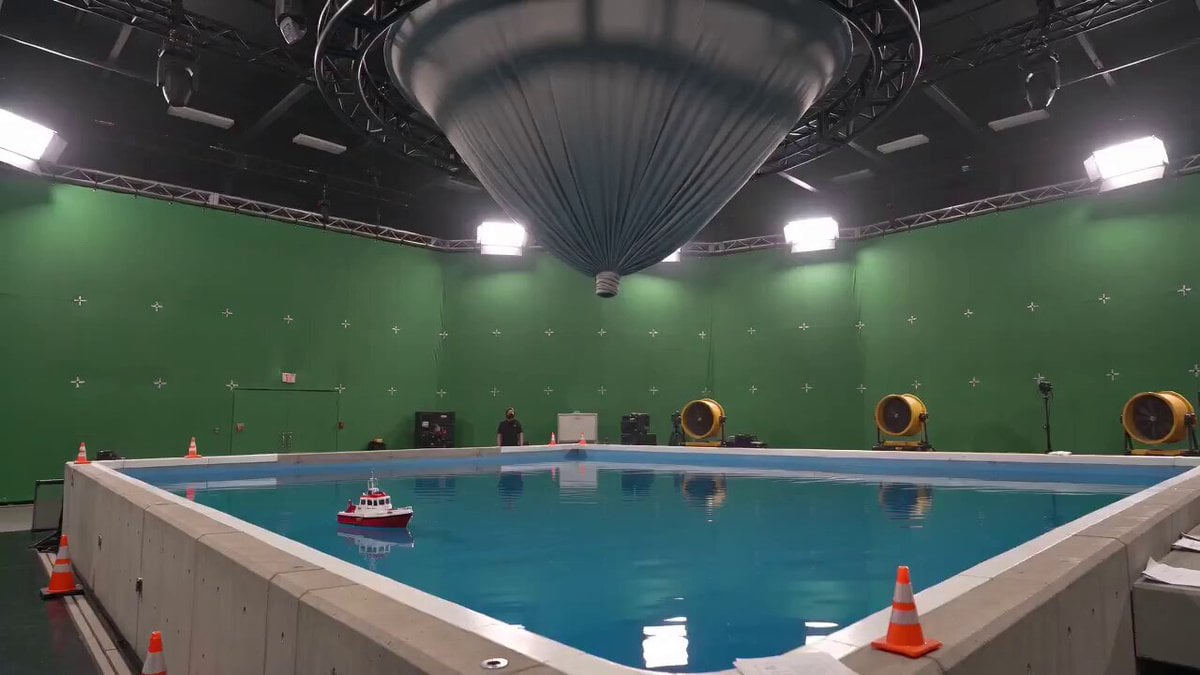
Tornado VFX Miniature City Destruction

Realistic City Street Story Cinematic Video - Seedance

Dragon Rider Cinematic Flight — Seedance 2.5

Luxury Lifestyle Day Vlog

NYC Wingsuit Hot Dog Landing

Luxury Airport Travel Vlog

Iced Coffee Dog Good-News Montage

Italian Old-Town Time-Freeze Walk
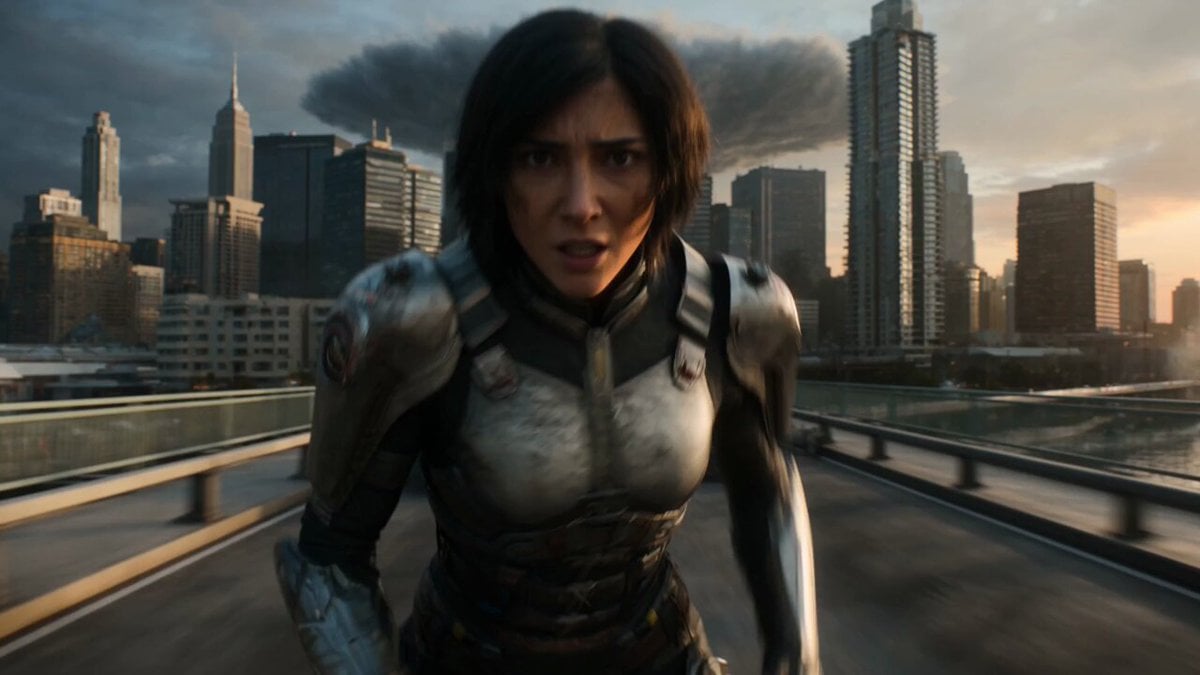
Epic Fantasy City Destruction Chase
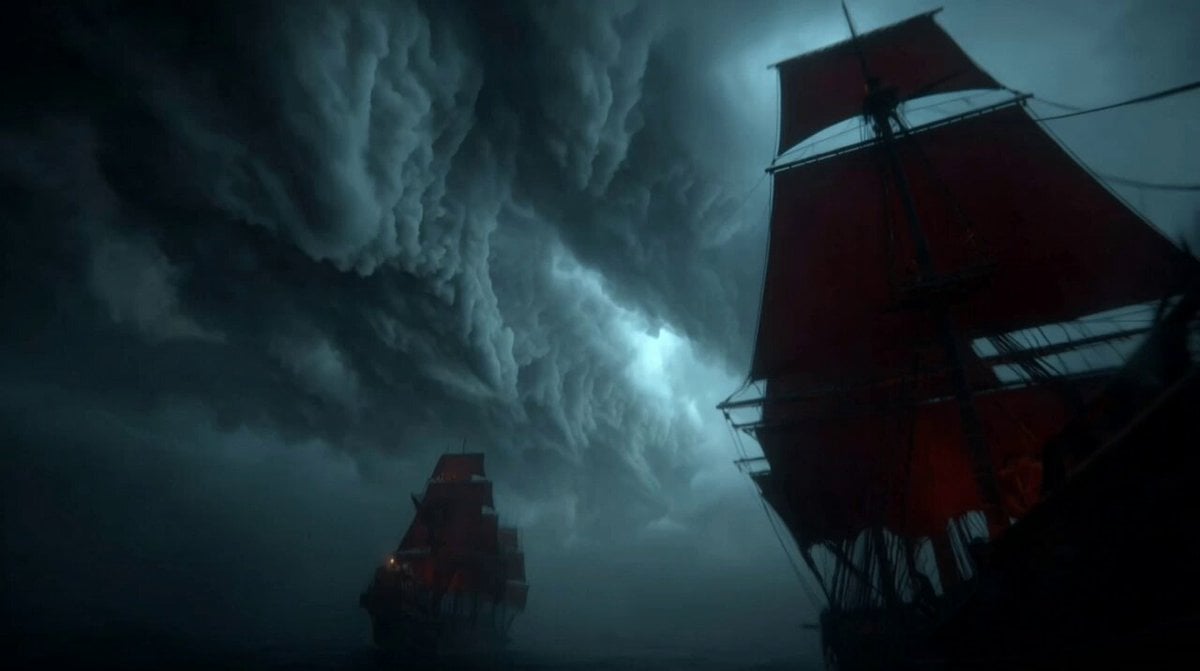
Furious Giant Dragon Emerging from Ocean
Make it yours
Giant Dragon City Destruction works as-is. These are the safest ways to change it without losing the look.
Change one field
Copy a single group, rewrite it, and generate again so you can see what that field is doing.
Keep the frame, change the subject
Hold the composition and light of Giant Dragon City Destruction, then swap wardrobe, props or the person for a new take.
| If the result… | Why | Fix |
|---|---|---|
| The result drifts from the preview | Too many fields changed at once. | Reuse Giant Dragon City Destruction as-is first, then change one group — subject, light, or setting. |
| The model over-stylizes the scene | The prose prompt leaves finish and camera underspecified. | Add one camera or lighting sentence and stay on Seedance 2.0. |
More Seedance 2.0 templates
Other prompts made for Seedance 2.0.

Comical Martial Arts Punch Scene

Maglev Train Action Sequence

Martial Arts Fight Sequence

Wuxia Protection and Trust Script

Vintage Korean Arcade MiniDV Vlog

Mercedes 190 SL Luxury Ad

Rainy Night Supernatural Reverse Comedy Video Script

Amazon Civilization Discovery

Futuristic South Asian City Transformation

Cozy Luxury Cafe Commercial
More video prompts
Fresh picks from across the catalog.
Motel Room Espionage Sequence
Horror Movie Squirrel Killer Screenshot
City Time Freeze Cinematic Sequence
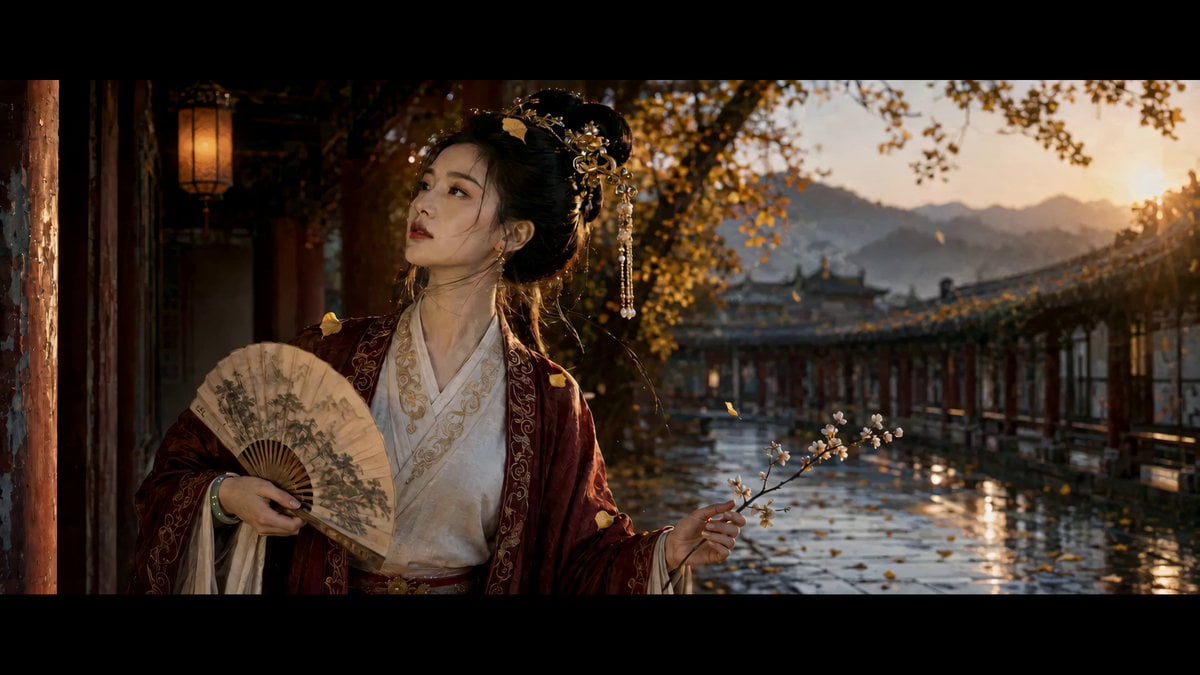
Ancient Chinese Woman Cinematic Video Prompt

Anime Magical Girl Transformation Sequence
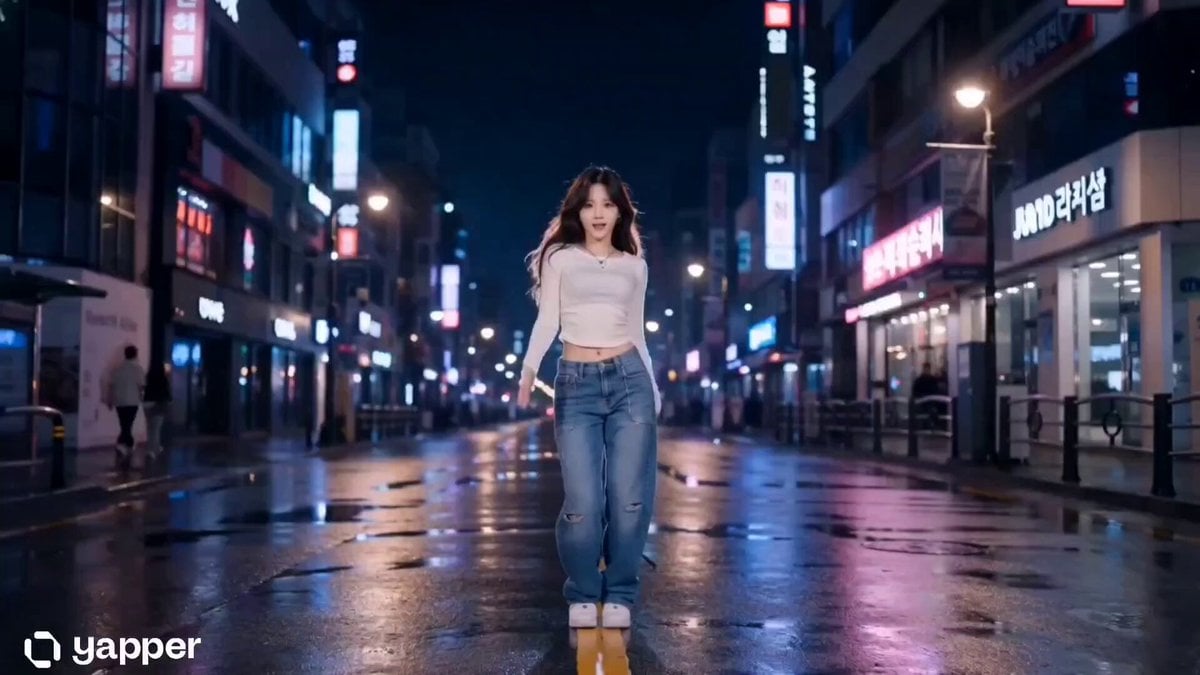
Cinematic K-Pop Dance Video

Thrift Store Vlog Selfie
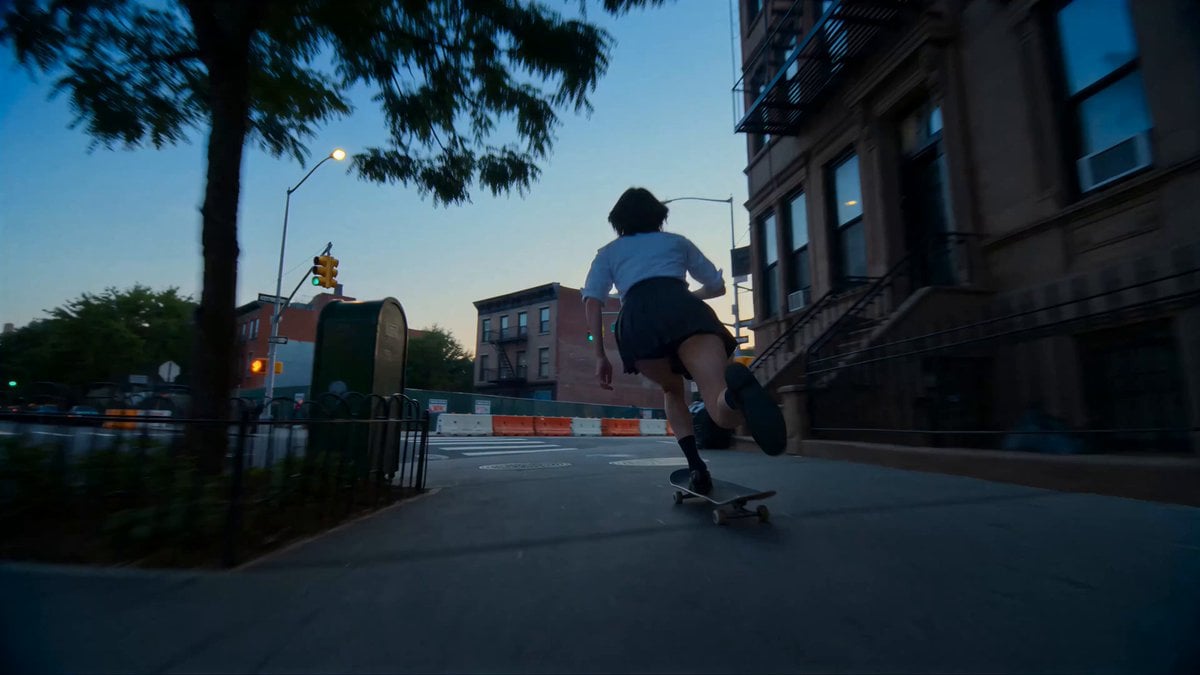
Cinematic NYC Street Skateboarding

Seedance 2.0 prompt for high-viral comedic payoff video
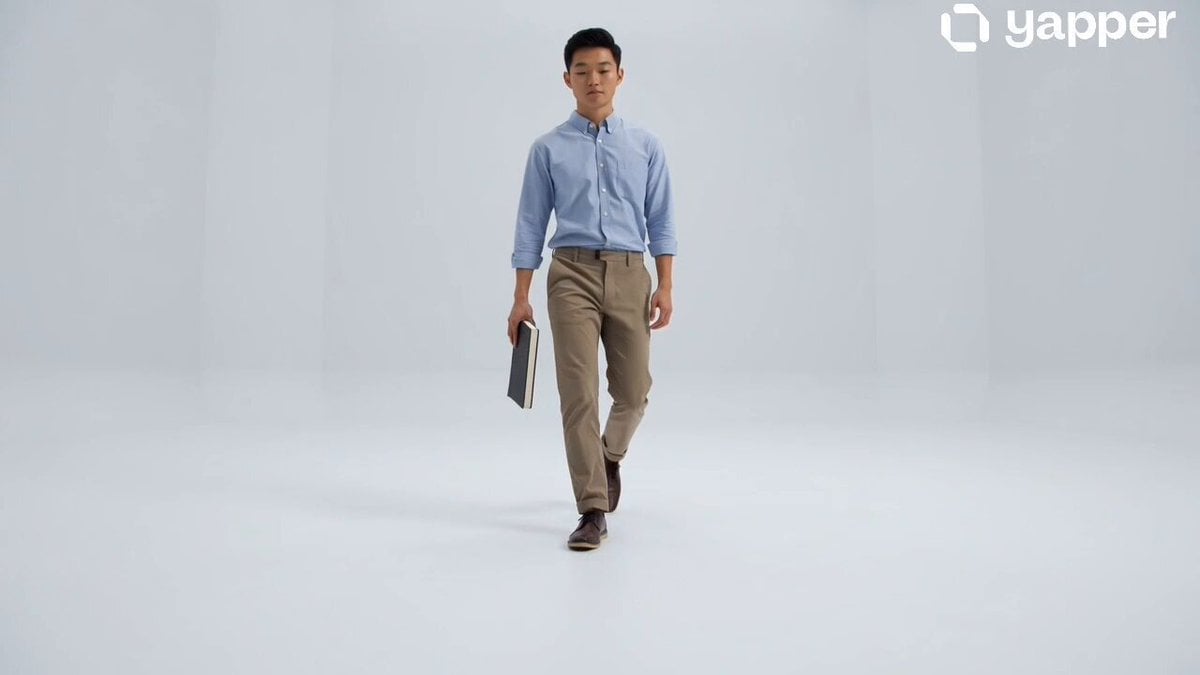
Creative Vision Room Transformation
Browse template categories
Giant Dragon City Destruction questions
How do I use the Giant Dragon City Destruction template?
Add your photo if the template asks for one, edit the prompt if you like — the template's model and format are already selected — and press Generate. Your version opens in PicX Studio.
Can I customize the Giant Dragon City Destruction template?
Yes. You can change the subject, setting, lighting, mood, format, and available model controls before creating your video.
Is the Giant Dragon City Destruction template free?
Opening and editing this template is free. Generating uses credits, shown on the Generate button when you are signed in.
Which AI model should I use?
Start with Seedance 2.0, which is the model associated with this template. You can compare another compatible model for a different finish.
Looking for something else? Browse all templates.

Your photo, any look
Thousands of ready templates for every top image and video model, from one credit balance.