
Ancient Chinese Woman Cinematic Video Prompt
A highly detailed, professional-grade prompt for Seedance 2.0 designed to generate a 15-second 4K video of an ancient Chinese woman with synchronized dialogue and realistic emotional transitions.
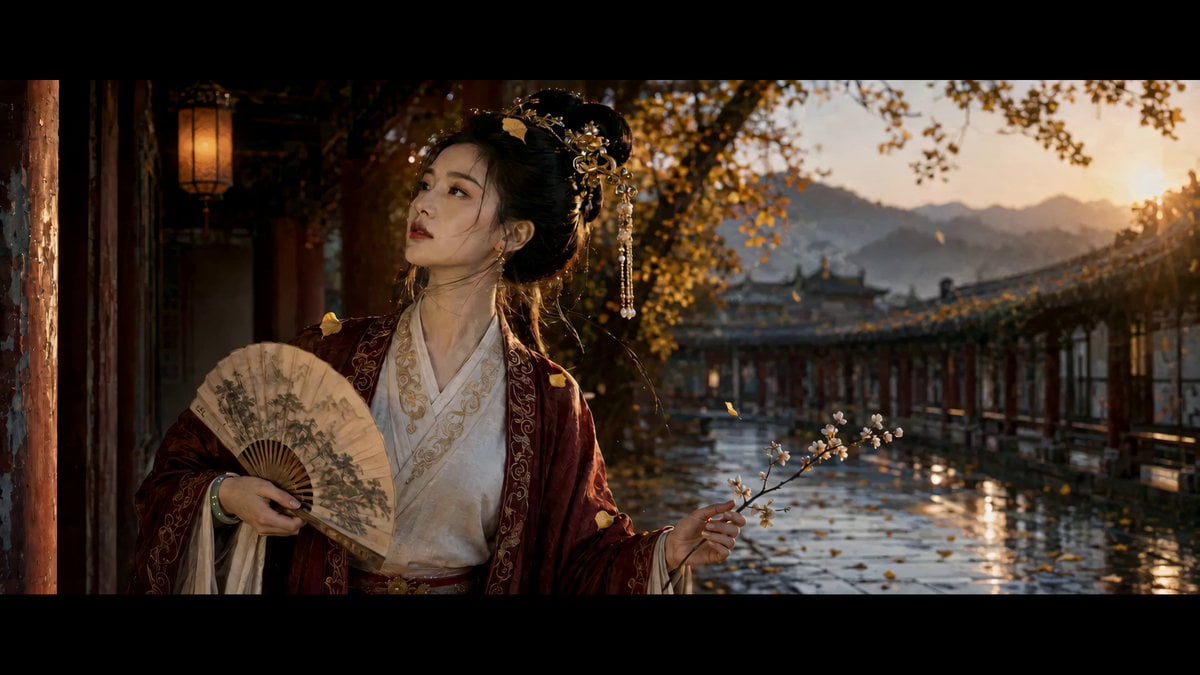
- Prompt included
- Model and format preset
- Premium template
The prompt behind this video
Copy the exact prompt behind Ancient Chinese Woman Cinematic Video Prompt, or open it in the studio and make it yours.
首帧 FIRST FRAME(=上传参考图,100%锁定): 古风女子,金步摇发钗、珍珠流苏垂面,绛红描金外袍罩白色里衣, 手持山水折扇与一枝白梅/樱枝;站于红柱长廊,黄昏金色侧光, 银杏叶飘落,湿青石地面有反光。人物五官、发型、服饰、配饰、 扇面纹样、构图与首帧完全一致,全程不得变形、不得换脸。 人物·表情·动作·台词(情绪戏,口型与台词严格对齐): 0-2秒:微微低头垂眸,目光落在折扇上,嘴角噙含蓄淡笑。 〔轻声·气声〕"这长廊的风,又起了。" 2-4秒:笑意缓缓收敛,轻抬头,视线转向画面右侧,神情转认真。 〔语气微顿〕"你说过……要回来看这树叶落满阶。" 4-6秒:眉眼浮起一丝浅淡疑惑与担忧,唇瓣微动,欲言又止——不皱眉。 〔半句收住〕"如今……"(话音停住,未说完) 6-8秒:视线缓缓下沉,安静失落,眼底沉下来,不落泪。 〔几乎无声·只唇形〕"算了。" 8-10秒:低头轻阖双眼,唇角牵起一抹极淡的自嘲式浅笑。 〔自语·气声笑〕"是我等得太久了吧。" 10-12秒:抬头迎向暖光,神情克制,眼里温柔却委屈。 〔轻而稳〕"我不怪你,真的。" 12-15秒:目视前方/画面右侧,眼神柔和微润,唇瓣轻动似欲语还休, 最终归于安静凝视,定格在温柔清冷、略带忧郁。 〔最后一句气声·渐弱〕"……只盼你,安好。" 声音设定:女声,温柔清冷,气声偏多,语速偏慢,尾音轻微下沉; 情绪克制不外放,似自语呢喃,全程贴合面部口型。 镜头 CAMERA: 固定中近景,极缓慢推近(轻微 push-in),始终对准面部与眼神; 浅景深,背景红柱与飘叶虚化。一镜到底,无切换、无转场。 氛围·光线: 黄昏金色侧逆光,暖调柔和;银杏/花瓣随微风自然飘落, 湿石地面反光,空气感细腻;基调温柔清冷、含蓄忧郁。 CONSTRAINTS(约束): - 4K 超清,15秒,画面与首帧人物/服饰/场景 100% 一致 - 台词与口型严格同步,发音清晰自然,气声质感,不假唱、不错位 - 表情按 7 段情绪曲线递进,过渡连贯,不跳帧、不卡顿 - 眼神有戏;禁止眼睛发光、禁止瞳孔异常 - 风动、落叶、流苏、扇穗符合真实物理,轻柔不夸张 - 结尾无黑屏、无转场,自然定格 - 无字幕、无水印、无任何标记符号、无文字
How to use Ancient Chinese Woman Cinematic Video Prompt in 3 steps
- 1
Open
The prompt is already in the box next to the preview, with the template's model and format selected.
- 2…a portrait of your subject in softgolden-hour light, 85mm…
Personalize
Edit the subject and creative details for your destination.
- 3Generate
Generate
Press Generate — your video is created in PicX Studio, so you can compare it with the original and refine one variable at a time.
More like this
Templates with the same subject, style or setup. Open one to see its prompt.
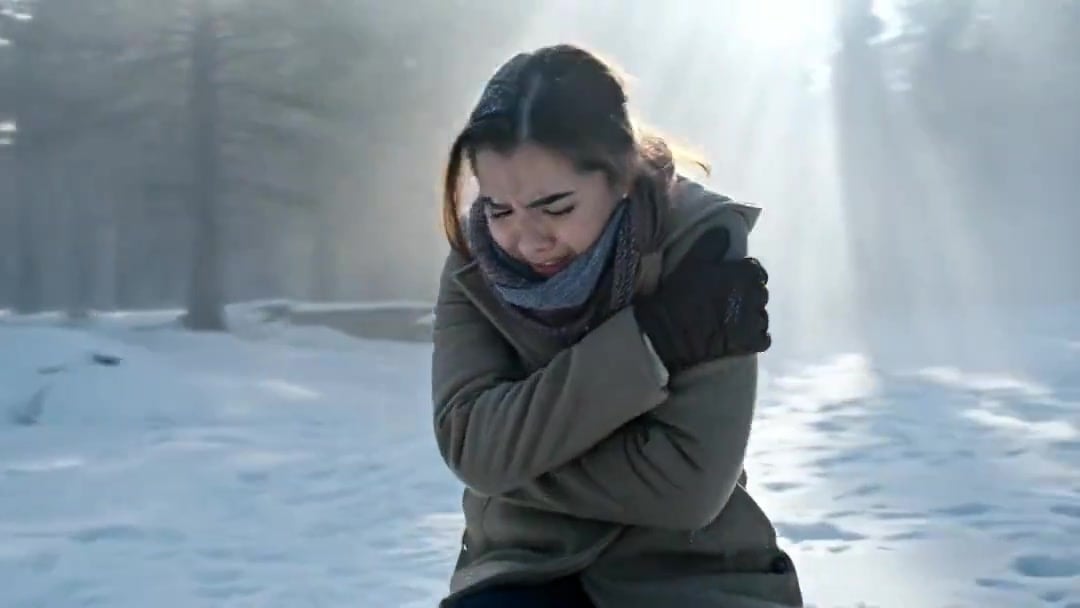
Arc Shot Frozen Woman Snow — Kling 3.0 v3 Pro
Arc Shot Frozen Woman Snow — Kling 3.0 v3 Pro

Blonde Woman Driving Green 1960s Mustang Golden Hour
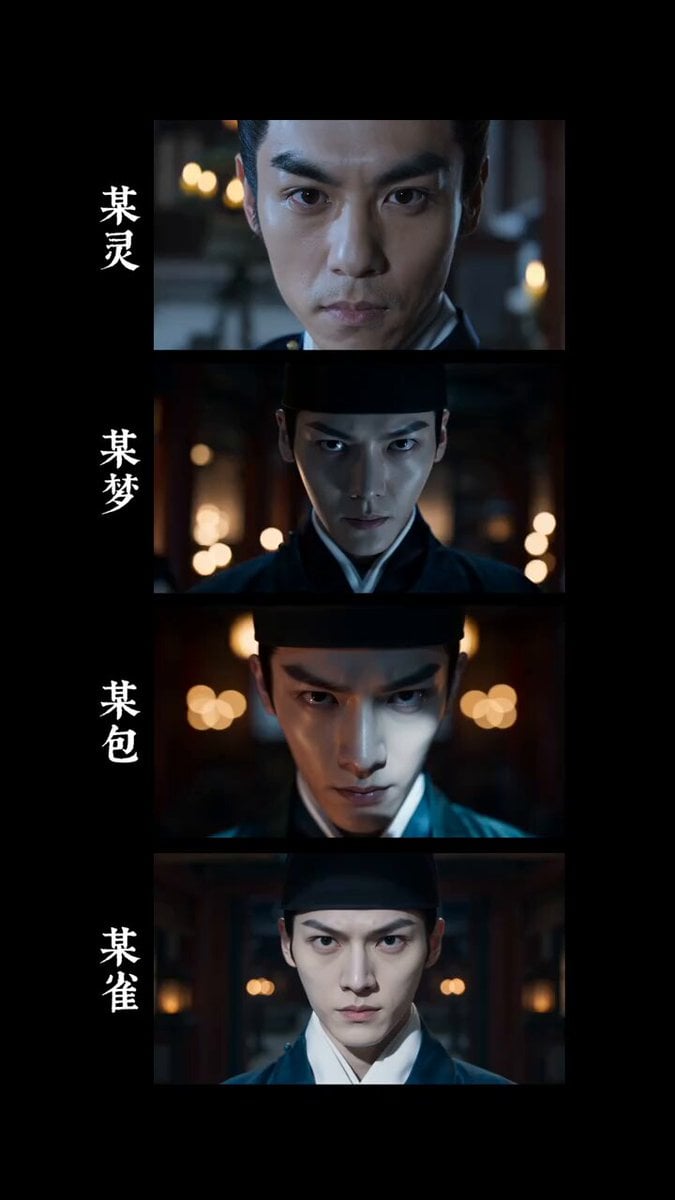
4K Realistic Ancient Chinese Movie Courtyard
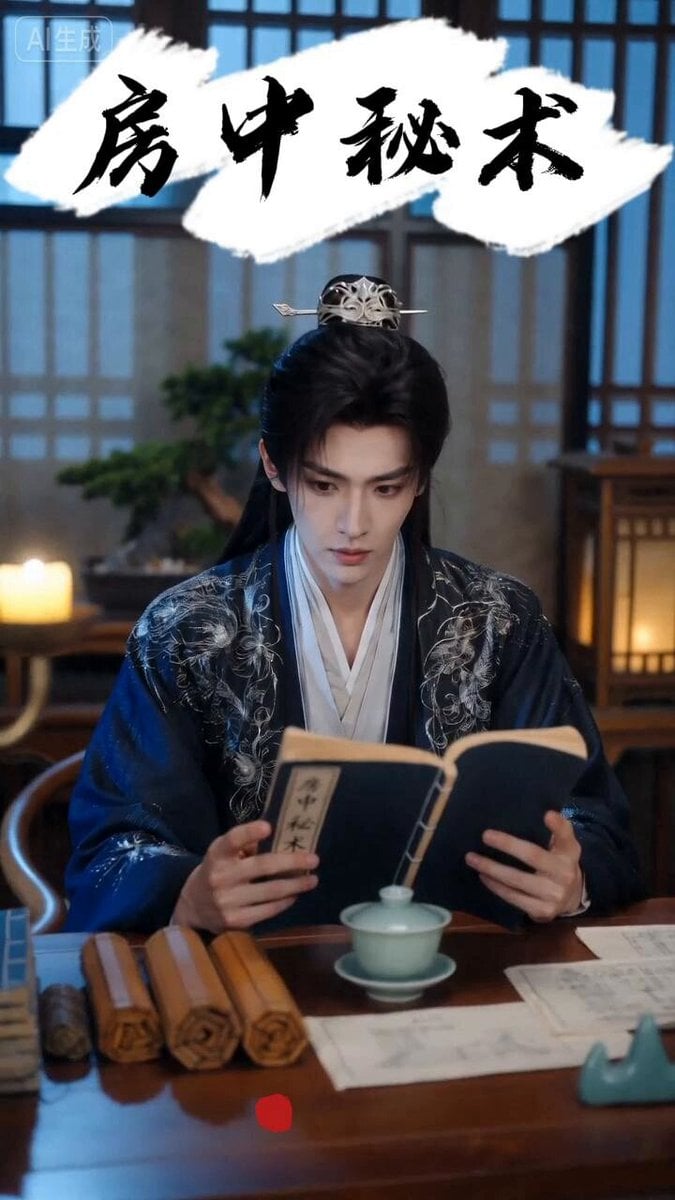
Ancient Chinese Rom-Com Mini-Drama
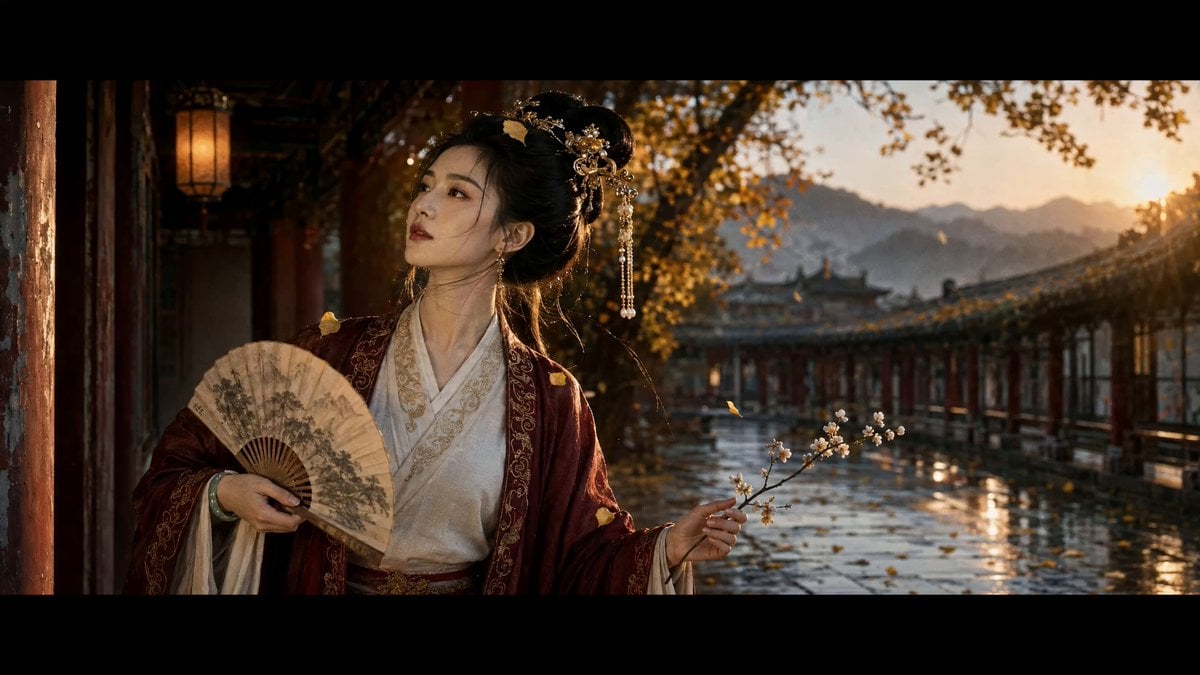
Ancient Chinese Beauty Ginkgo Corridor Scene
Seedance 2.0 Video Prompt: Seamless Ancient Chinese Costume Change
Stone Colossus Desert Riders — Golden Fire Reveal

Traditional Chinese Intangible Heritage Festival

Ancient Roman Celestial Flight
Chinese Xianxia Cold Comedy Action Video

Chinese Street Drama Buns Shop Scene
Make it yours
Ancient Chinese Woman Cinematic Video Prompt works as-is. These are the safest ways to change it without losing the look.
Change one field
Copy a single group, rewrite it, and generate again so you can see what that field is doing.
Keep the frame, change the subject
Hold the composition and light of Ancient Chinese Woman Cinematic Video Prompt, then swap wardrobe, props or the person for a new take.
| If the result… | Why | Fix |
|---|---|---|
| The result drifts from the preview | Too many fields changed at once. | Reuse Ancient Chinese Woman Cinematic Video Prompt as-is first, then change one group — subject, light, or setting. |
| The model over-stylizes the scene | The prose prompt leaves finish and camera underspecified. | Add one camera or lighting sentence and stay on Seedance 2.0. |
More Seedance 2.0 templates
Other prompts made for Seedance 2.0.

Comical Martial Arts Punch Scene

Maglev Train Action Sequence

Martial Arts Fight Sequence

Wuxia Protection and Trust Script

Vintage Korean Arcade MiniDV Vlog

Mercedes 190 SL Luxury Ad

Rainy Night Supernatural Reverse Comedy Video Script

Amazon Civilization Discovery

Futuristic South Asian City Transformation

Cozy Luxury Cafe Commercial
More video prompts
Fresh picks from across the catalog.
Grok Imagine prompt: The 'other side'
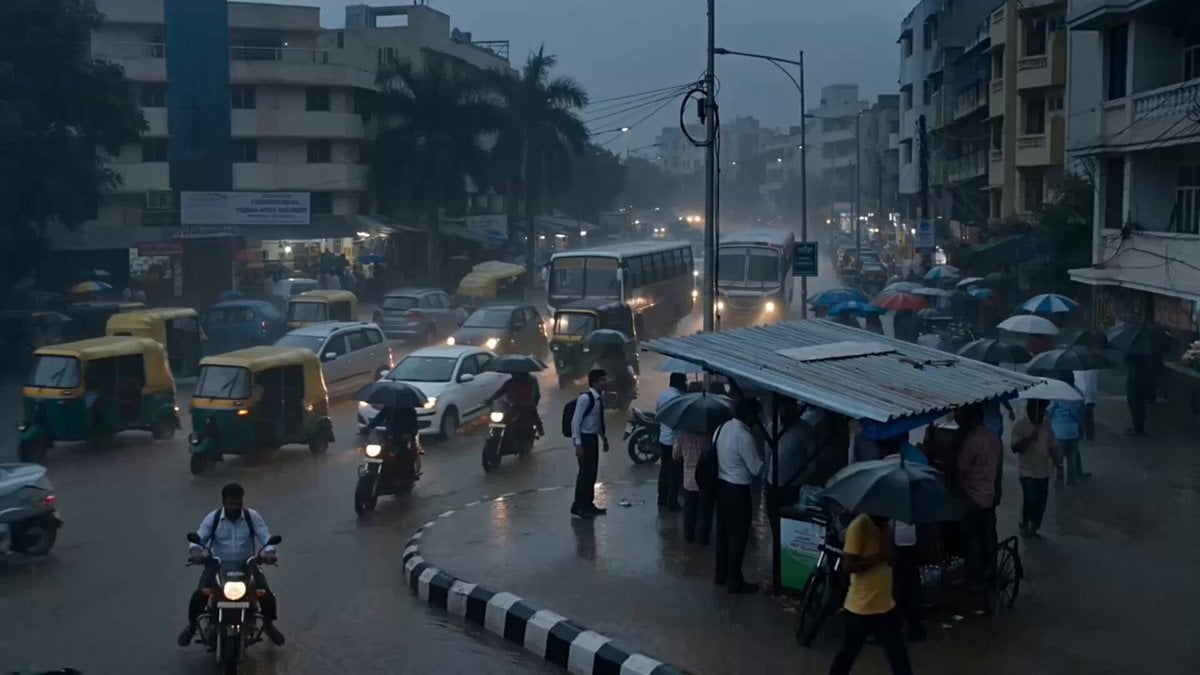
Seedance 2.5 - @Diplomeme - 446818

Grok Imagine Prompt: Slow Motion Nature Scene
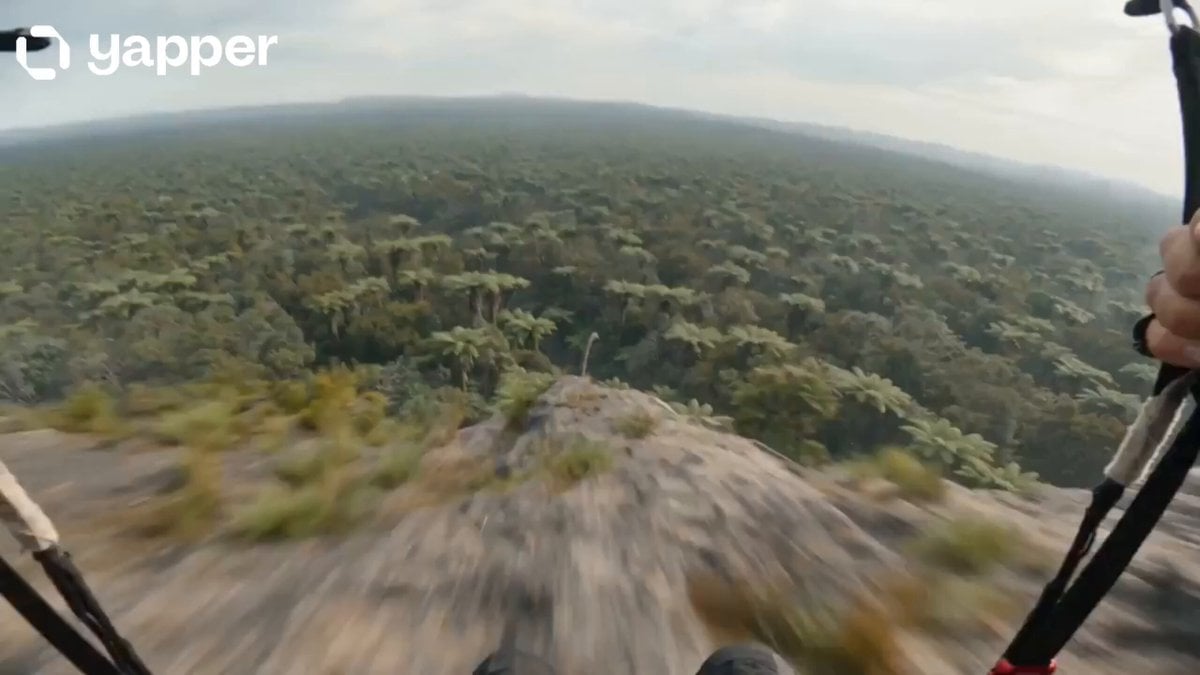
Prehistoric POV Paragliding Action
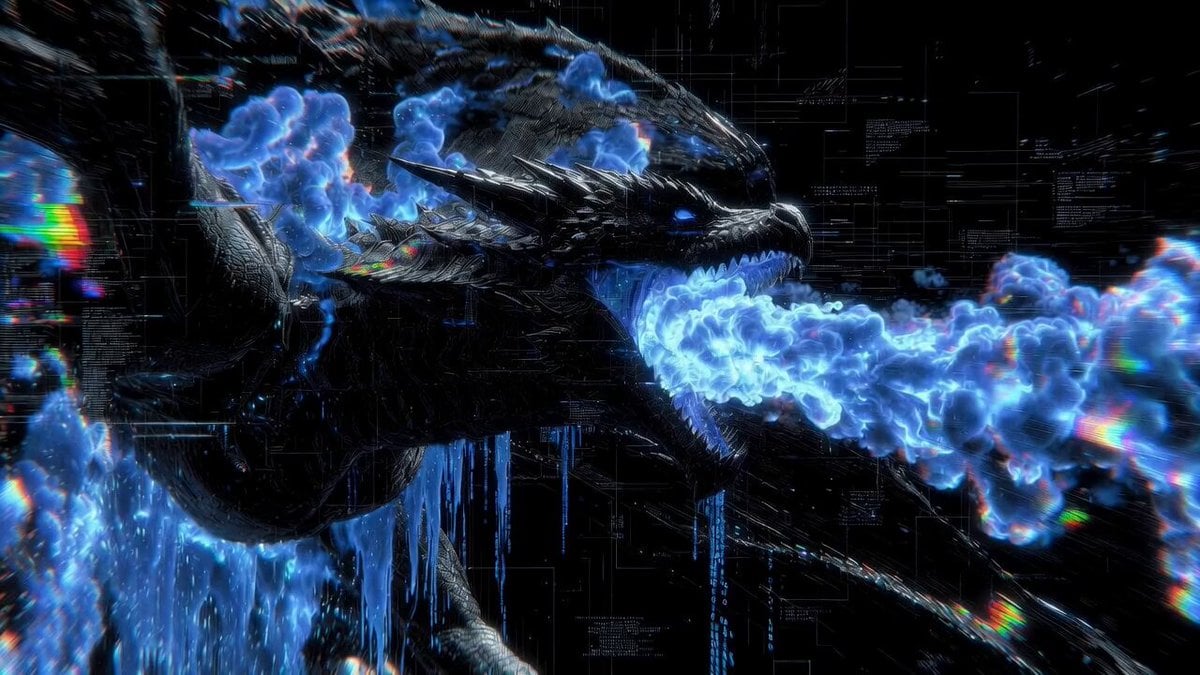
Cyberpunk Glitch Dragon Video Prompt
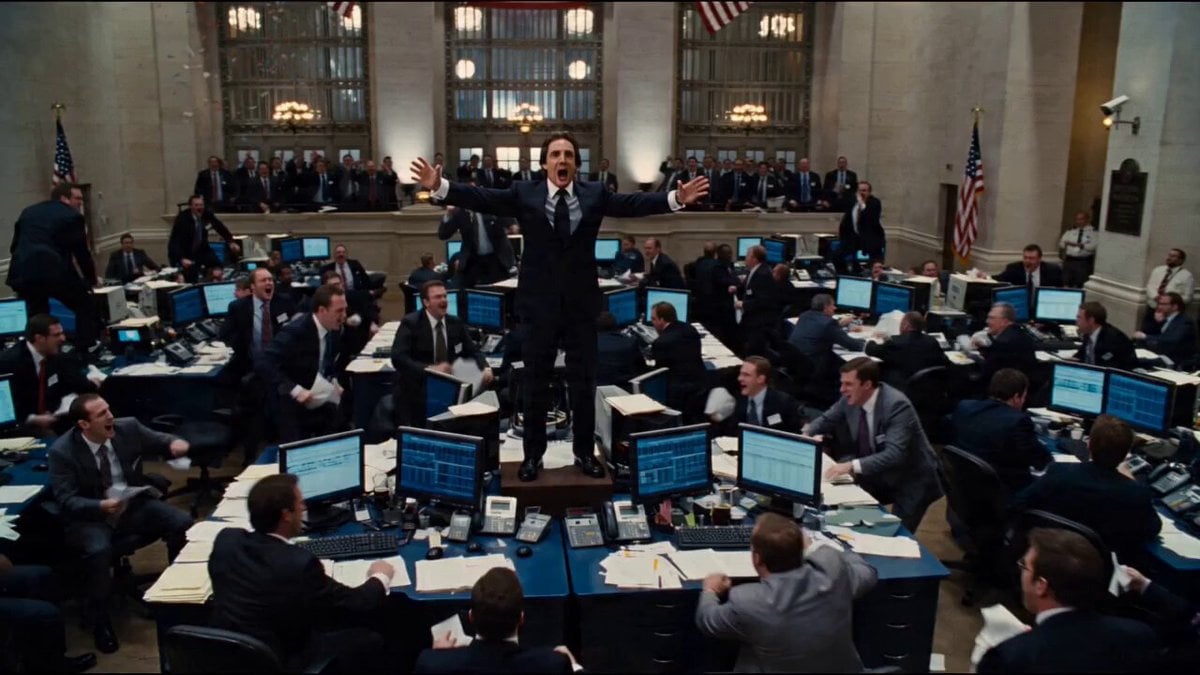
Seedance 2.0 Prompt for Hollywood Cinematic Commercial

Cinematic Character Sequence Montage

Saturday coffee and Starship V3 video
Skeletal Decay Horror Transformation

Grok Imagine prompt for a dramatic dinosaur fight scene
Browse template categories
Ancient Chinese Woman Cinematic Video Prompt questions
How do I use the Ancient Chinese Woman Cinematic Video Prompt template?
Add your photo if the template asks for one, edit the prompt if you like — the template's model and format are already selected — and press Generate. Your version opens in PicX Studio.
Can I customize the Ancient Chinese Woman Cinematic Video Prompt template?
Yes. You can change the subject, setting, lighting, mood, format, and available model controls before creating your video.
Is the Ancient Chinese Woman Cinematic Video Prompt template free?
Opening and editing this template is free. Generating uses credits, shown on the Generate button when you are signed in.
Which AI model should I use?
Start with Seedance 2.0, which is the model associated with this template. You can compare another compatible model for a different finish.
Looking for something else? Browse all templates.

Your photo, any look
Thousands of ready templates for every top image and video model, from one credit balance.