How do I use the Sci-Fi Orbital Construction Collapse template?
Edit the prompt in the box under the preview — the template's model and format are already selected — and press Generate. Your version appears right on this page.
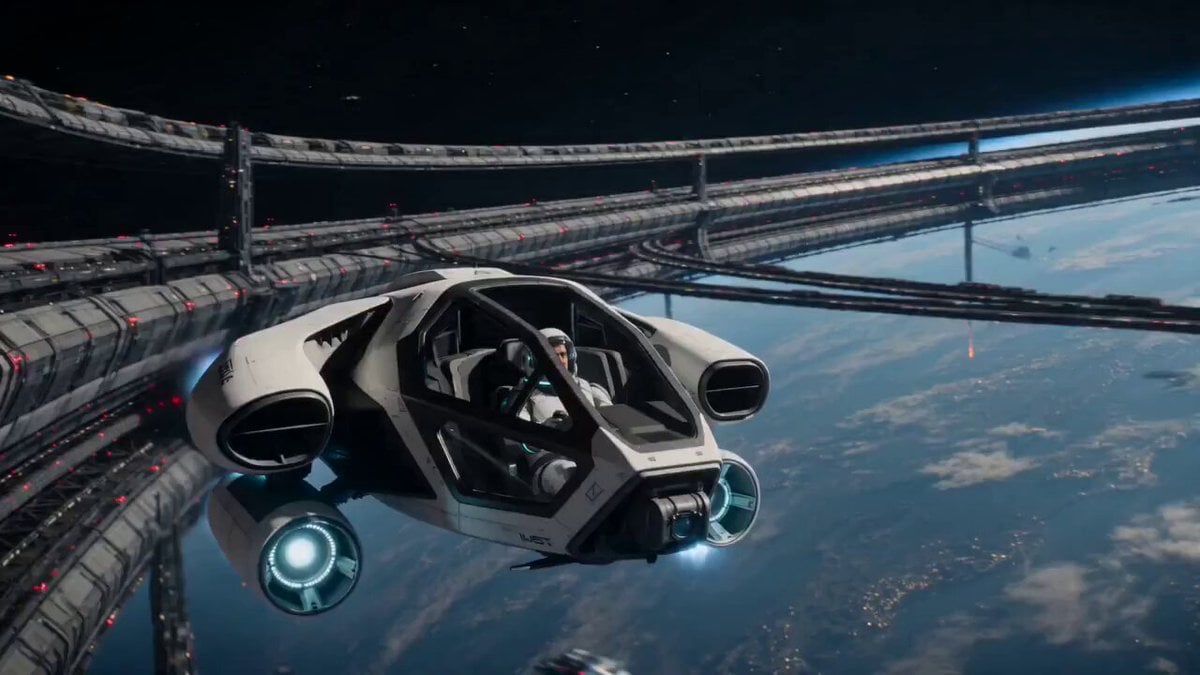
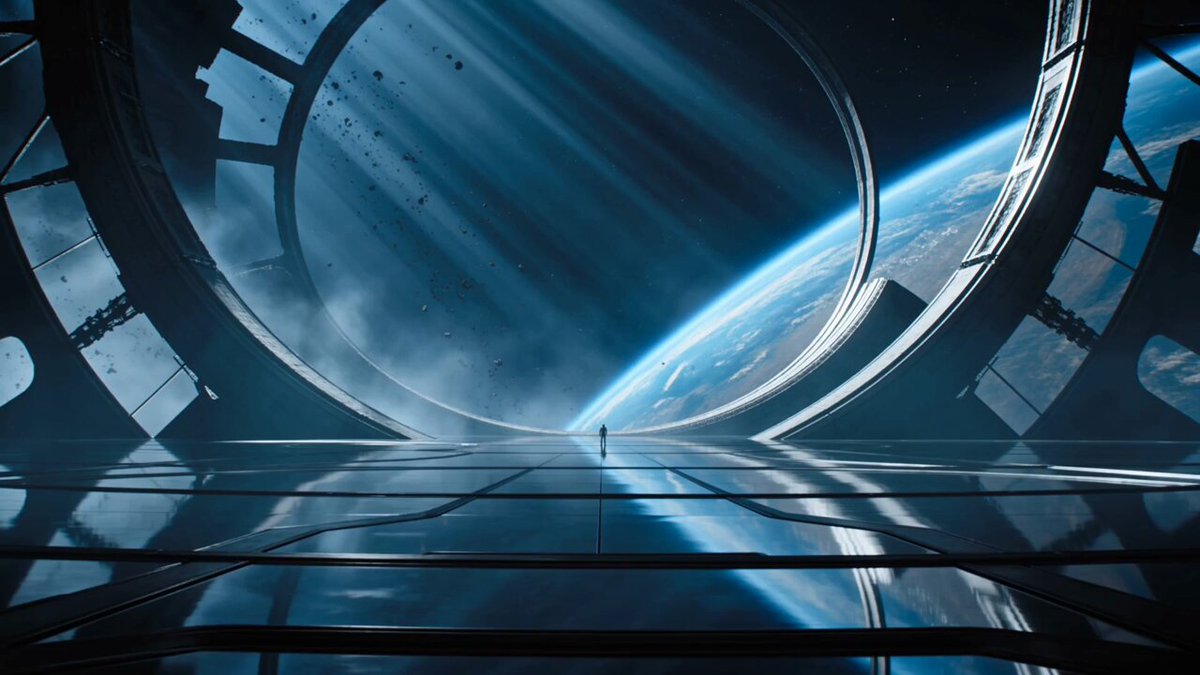
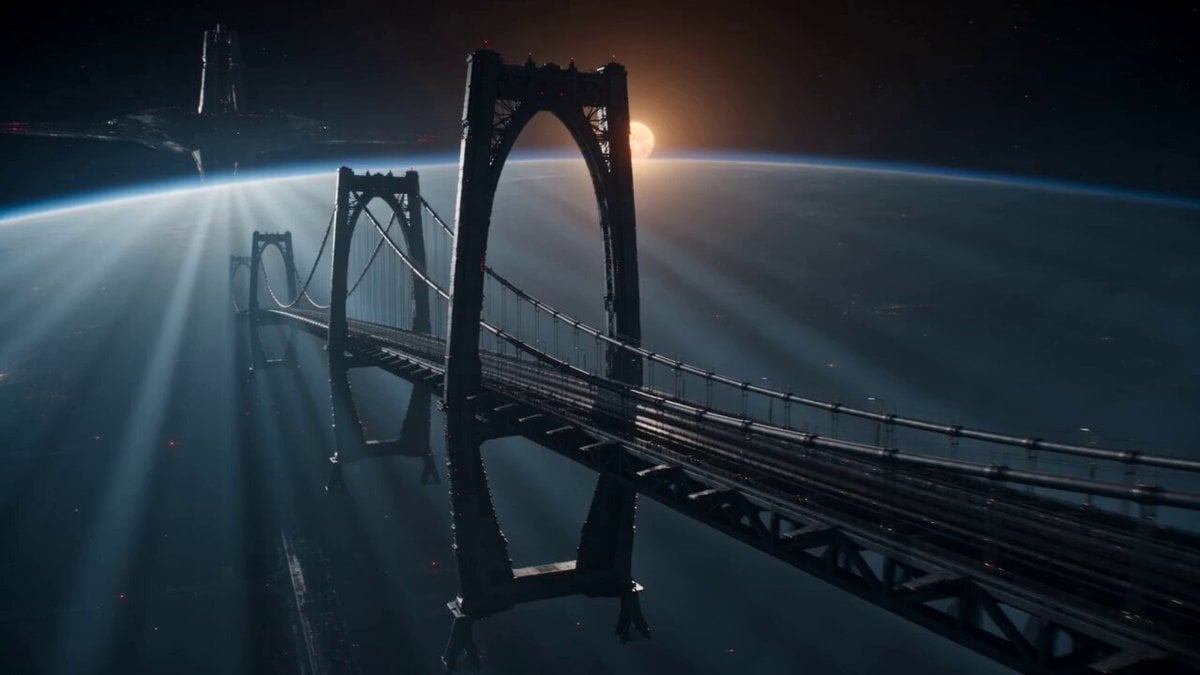
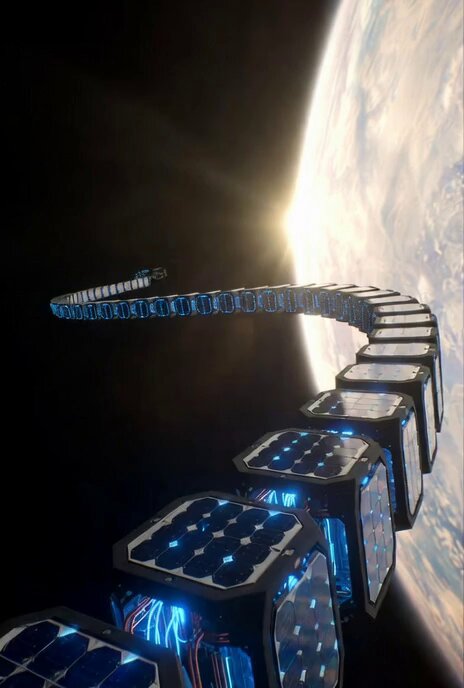
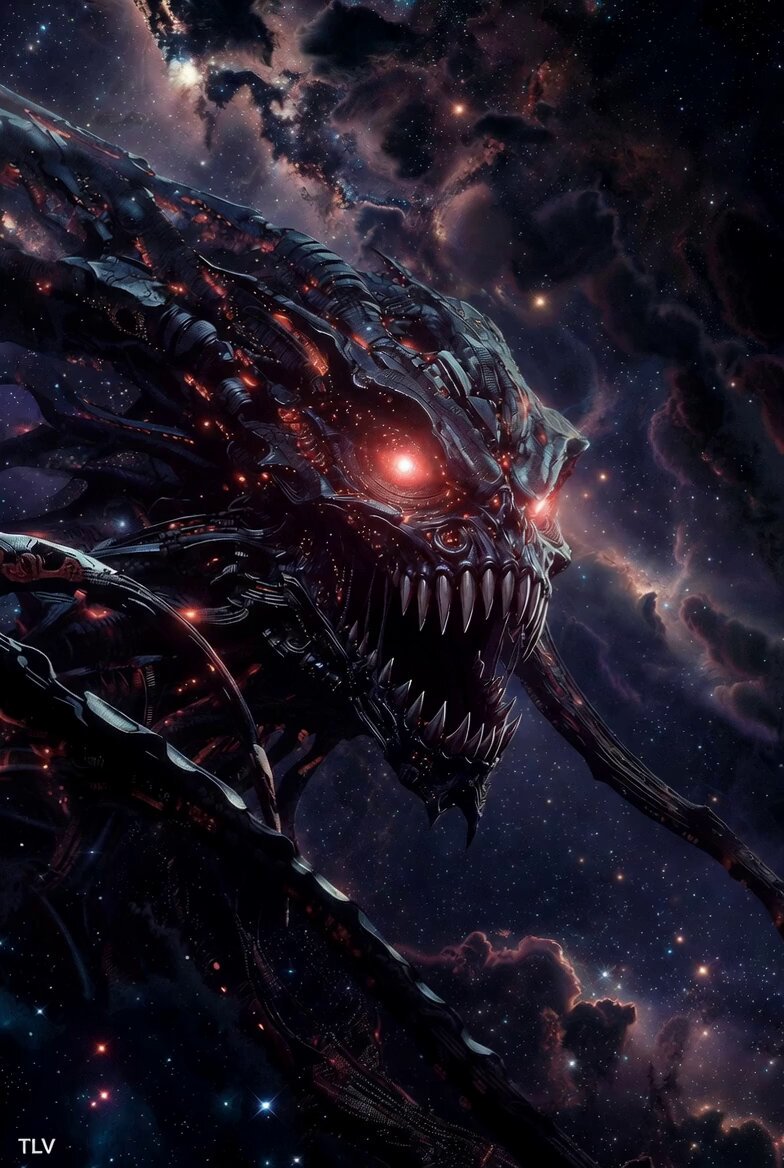
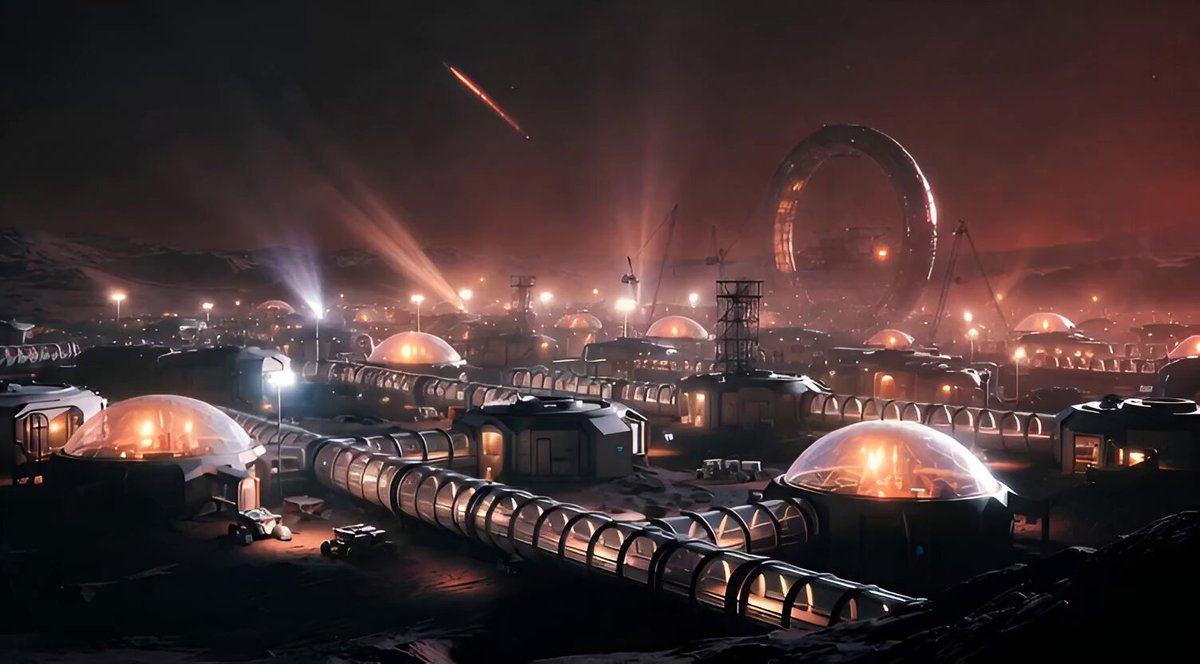
A cinematic video prompt for Seedance 2.0 depicting the mechanical failure and collision of a massive orbital construction system in space.
Colossal orbital construction system, synchronized assembly breaks down, turning massive moving parts into lethal, unpredictable motion. Wide shot: perfectly timed mechanical arms moving huge segments into place. Micro-delay: one segment arrives early, barely noticeable at first. Collision: misaligned parts slam together, throwing off timing across the system. Cascade: surrounding arms react too late, desynchronizing the entire structure. Hard dive: small ship enters the assembly zone as motion becomes chaotic. Near-crush: two massive plates slam shut just after the ship passes through. Timing gamble: pilot commits to a gap that’s already closing. Whip movement: a mechanical arm swings unpredictably across the path. Close scrape: ship rolls sideways, barely avoiding full impact. Moving maze: structure still assembling, but incorrectly, paths shifting constantly. Critical moment: a full segment drops into the escape vector. Last-second slip: ship squeezes through a narrowing gap as components collide behind. Rhythm collapse = danger, everything still moving with force but no coordination.
Colossal orbital construction system, synchronized assembly breaks down, turning massive moving parts into lethal, unpredictable motion. Wide shot: perfectly timed mechanical arms moving huge segments into place. Micro-delay: one segment arrives early, barely noticeable at first. Collision: misaligned parts slam together, throwing off timing across the system. Cascade: surrounding arms react too late, desynchronizing the entire structure. Hard dive: small ship enters the assembly zone as motion becomes chaotic. Near-crush: two massive plates slam shut just after the ship passes through. Timing gamble: pilot commits to a gap that’s already closing. Whip movement: a mechanical arm swings unpredictably across the path. Close scrape: ship rolls sideways, barely avoiding full impact. Moving maze: structure still assembling, but incorrectly, paths shifting constantly. Critical moment: a full segment drops into the escape vector. Last-second slip: ship squeezes through a narrowing gap as components collide behind. Rhythm collapse = danger, everything still moving with force but no coordination.
Edit the prompt in the box under the preview — the template's model and format are already selected — and press Generate. Your version appears right on this page.
Yes. You can change the subject, setting, lighting, mood, format, and available model controls before creating your video.
Opening and editing this template is free. Generating uses credits, shown on the Generate button when you are signed in.
Start with Seedance 2.0, which is the model associated with this template. You can compare another compatible model for a different finish.
Follow a topic to a crawlable collection of related PicX Studio templates.