How do I use the Colored Pencil Time-lapse Flower Field template?
Edit the prompt in the box under the preview — the template's model and format are already selected — and press Generate. Your version appears right on this page.
A detailed prompt for Seedance 2.0 to generate a creative time-lapse video showing the artistic process of drawing a vibrant flower field using colored pencils, starting from a blank page to a finished work of art.
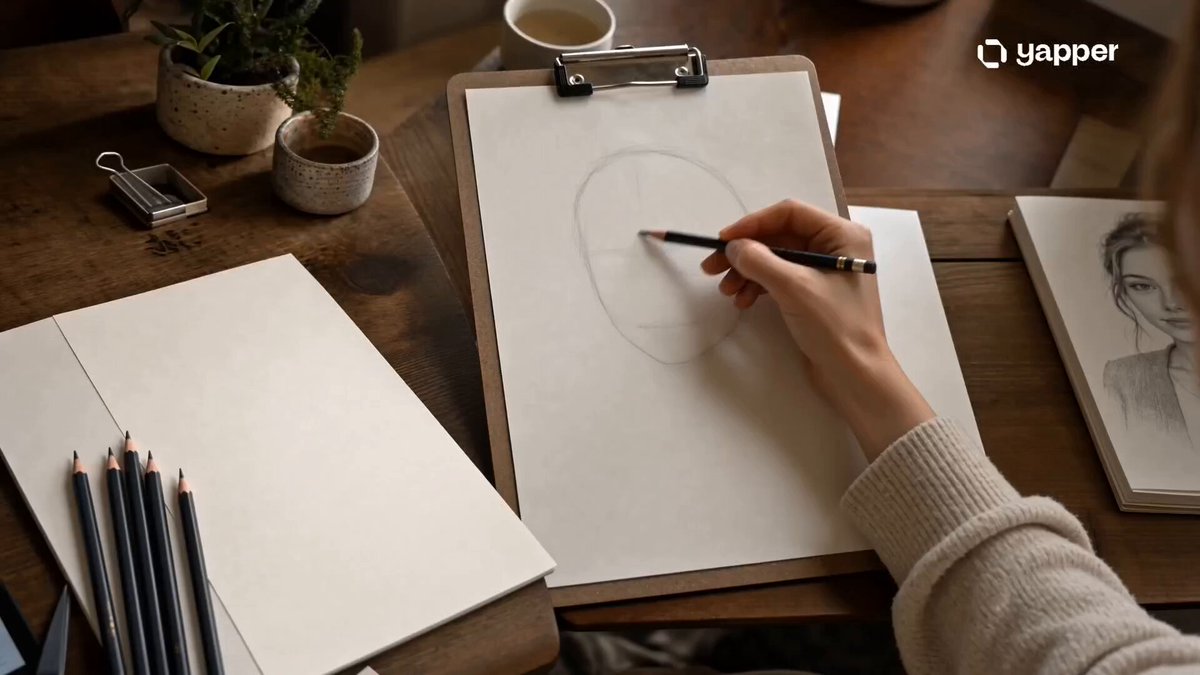
色鉛筆で緻密に描かれた幻想的なお花畑の風景、広がる色とりどりの花々(小さな花から大きな花まで密集して咲いている)、一本一本の花びらや葉が丁寧に描き込まれている 晴れた青空、柔らかい雲がゆっくり浮かぶ、深みのあるブルーのグラデーション、色鉛筆特有のストロークで表現された空の質感 多層的な色の重なり、繊細なクロスハッチング、細密な陰影、紙の質感がほんのり見える、筆圧の強弱による自然な濃淡、温かみのある発色 光が花畑に降り注ぎ、花びらがやわらかく輝く、風に揺れる自然な動き、奥行きのある構図(前景・中景・遠景がしっかり分かれている) アナログの手描き感、非常に高密度な描き込み、芸術作品のような完成度、静けさと生命力が共存する、美しく叙情的な風景 参照画像をエンドフレームにする。白いキャンバスから始まるシーン。最初は完全に無地の紙。やがて色鉛筆の繊細な線が現れ、ゆっくりと花畑の輪軌が描かれていく。下書きのような淡いグレーの線から始まり、徐々に色が重ねられていく。赤、黄色、ピンク、紫の花々が、色鉛筆特有の細かいストロークで丁寧に塗られていく。線は一本一本見えるように、手描きの質感を強調。塗り重ねるごとに色に深みと立体感が増していく。途中、部分的にズームして、紙の質感と色鉛筆のタッチ(ザラつき、重なり、筆圧の違い)がリアルに見える。背景の空は淡い青からグラデーションで広がり、柔らかい雲が軽く描き足される。最終的に、鮮やかで生命感のある花畑のイラストが完成する。完成直前はハイライトや影が追加され、全体が一気に引き締まる。光は柔らかく自然光、暖かい雰囲気。全体として「色鉛筆で丁寧に描き上げたアート作品」の制作過程を見せる映像。高精細、超精密ディテール、色鉛筆特有の繊細なシェーディング、紙のテクスチャ、アート作品、心地よい制作過程、ASMR的な描写 「ストロークが自動的に現れる(手は映さない)」 「時間経過を感じるタイムラプス風」
色鉛筆で緻密に描かれた幻想的なお花畑の風景、広がる色とりどりの花々(小さな花から大きな花まで密集して咲いている)、一本一本の花びらや葉が丁寧に描き込まれている 晴れた青空、柔らかい雲がゆっくり浮かぶ、深みのあるブルーのグラデーション、色鉛筆特有のストロークで表現された空の質感 多層的な色の重なり、繊細なクロスハッチング、細密な陰影、紙の質感がほんのり見える、筆圧の強弱による自然な濃淡、温かみのある発色 光が花畑に降り注ぎ、花びらがやわらかく輝く、風に揺れる自然な動き、奥行きのある構図(前景・中景・遠景がしっかり分かれている) アナログの手描き感、非常に高密度な描き込み、芸術作品のような完成度、静けさと生命力が共存する、美しく叙情的な風景 参照画像をエンドフレームにする。白いキャンバスから始まるシーン。最初は完全に無地の紙。やがて色鉛筆の繊細な線が現れ、ゆっくりと花畑の輪軌が描かれていく。下書きのような淡いグレーの線から始まり、徐々に色が重ねられていく。赤、黄色、ピンク、紫の花々が、色鉛筆特有の細かいストロークで丁寧に塗られていく。線は一本一本見えるように、手描きの質感を強調。塗り重ねるごとに色に深みと立体感が増していく。途中、部分的にズームして、紙の質感と色鉛筆のタッチ(ザラつき、重なり、筆圧の違い)がリアルに見える。背景の空は淡い青からグラデーションで広がり、柔らかい雲が軽く描き足される。最終的に、鮮やかで生命感のある花畑のイラストが完成する。完成直前はハイライトや影が追加され、全体が一気に引き締まる。光は柔らかく自然光、暖かい雰囲気。全体として「色鉛筆で丁寧に描き上げたアート作品」の制作過程を見せる映像。高精細、超精密ディテール、色鉛筆特有の繊細なシェーディング、紙のテクスチャ、アート作品、心地よい制作過程、ASMR的な描写 「ストロークが自動的に現れる(手は映さない)」 「時間経過を感じるタイムラプス風」
Edit the prompt in the box under the preview — the template's model and format are already selected — and press Generate. Your version appears right on this page.
Yes. You can change the subject, setting, lighting, mood, format, and available model controls before creating your video.
Opening and editing this template is free. Generating uses credits, shown on the Generate button when you are signed in.
Start with Seedance 2.0, which is the model associated with this template. You can compare another compatible model for a different finish.
Follow a topic to a crawlable collection of related PicX Studio templates.