
Battle Mage Lightning Spear Fantasy
A first-person POV fantasy prompt for a battle mage summoning lightning spears on a storm-lashed battlefield.
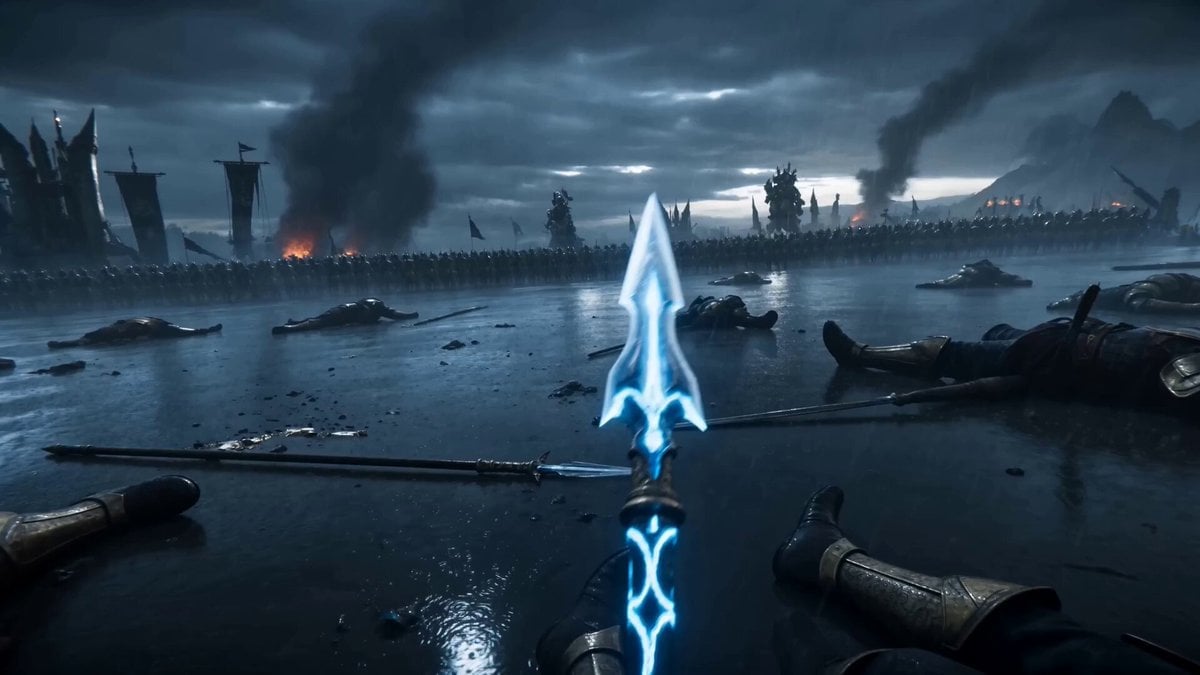
- Prompt included
- Model and format preset
- Premium template
The prompt behind this video
Copy the exact prompt behind Battle Mage Lightning Spear Fantasy, or open it in the studio and make it yours.
First-person POV cinematic shot of a battle mage standing on a rain-soaked battlefield under a raging thunderstorm, lightning illuminating broken armor and flooded terrain. A hand grips a glowing electrified spear tip crackling with intense blue-white energy. The spear tip is crushed, exploding into raw lightning that courses violently through the veins, illuminating the arm with pulsing electricity. The hand rises toward the storm as thunder roars overhead. Massive lightning-forged spears materialize in the sky and strike downward at blinding speed, detonating in bursts of electricity that chain across enemies and war machines. The ground pulses with electric currents and blinding flashes. A close, intimate ASMR whisper in Chinese is heard through the storm: “雷霆之矛,审判降临” (Spear of thunder, judgment descends), soft yet piercing, as if spoken directly into the listener’s ear. Ultra-realistic lightning simulation, cinematic storm lighting, high-speed impacts, intense camera vibration, epic fantasy war scene, 8k resolution, shot in cinematic style.
How to use Battle Mage Lightning Spear Fantasy in 3 steps
- 1
Open
The prompt is already in the box next to the preview, with the template's model and format selected.
- 2…a portrait of your subject in softgolden-hour light, 85mm…
Personalize
Edit the subject and creative details for your destination.
- 3Generate
Generate
Press Generate — your video is created in PicX Studio, so you can compare it with the original and refine one variable at a time.
More like this
Templates with the same subject, style or setup. Open one to see its prompt.
Swordsman vs Shadow Monster — Bamboo Forest Battle
Necromancer Battlefield Orbit
Ice Queen — Frozen Battlefield Time Control (Seedance)
Sea Serpent vs Crab Titan — Ocean Battle
Magic City Fantasy Battle Animation
Dragon Rider Cinematic Flight — Seedance 2.5
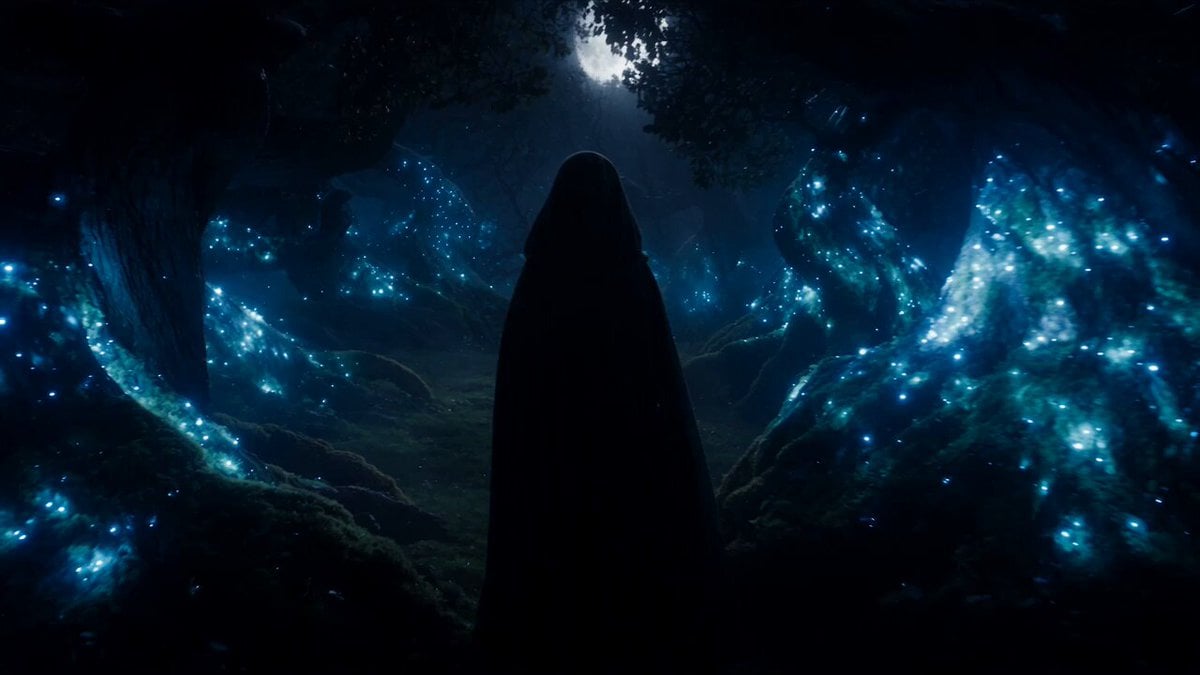
Forest Fantasy Girl Short Film
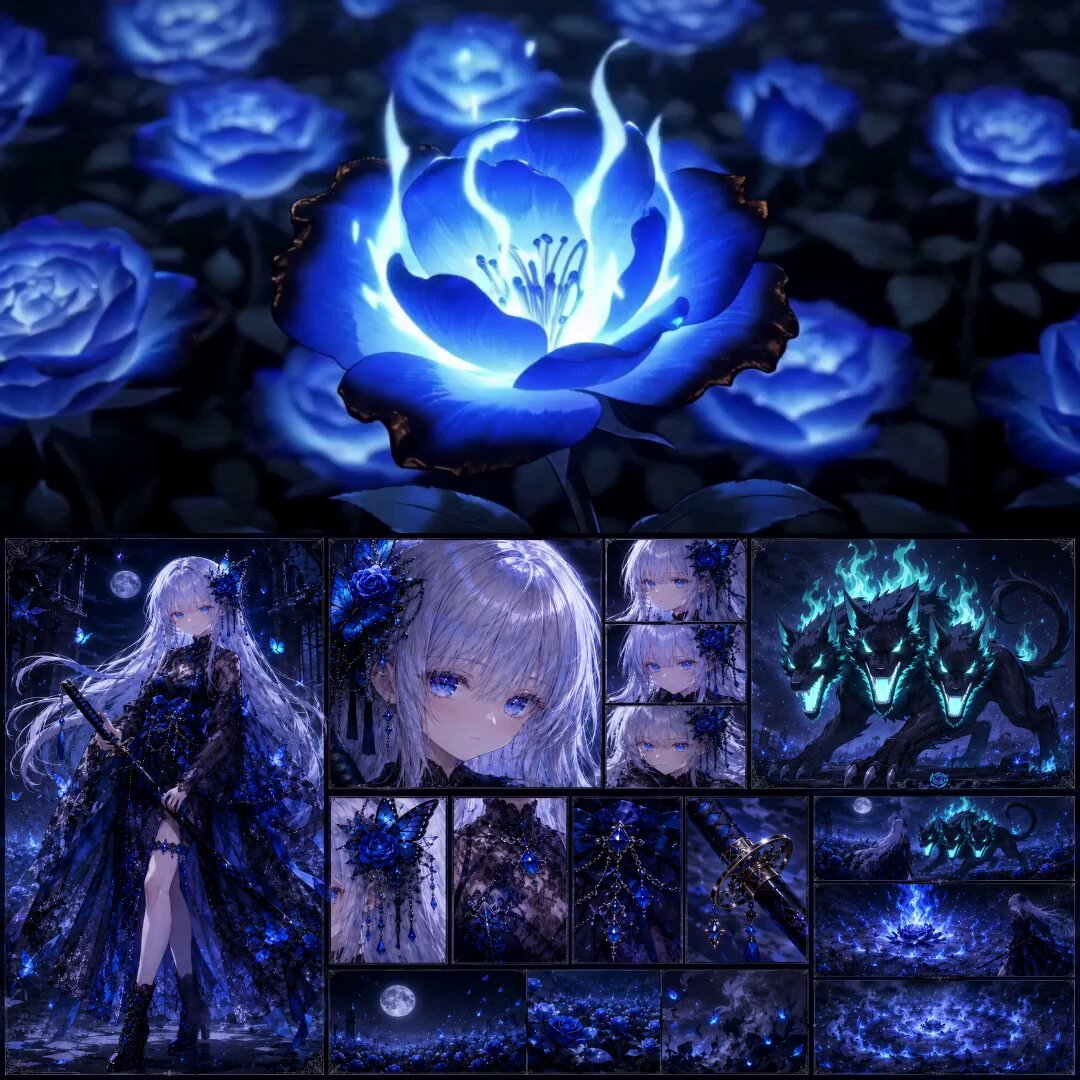
High-End Anime Dark Fantasy Cerberus Battle

Real-World Fantasy Ninja Battle Prompt
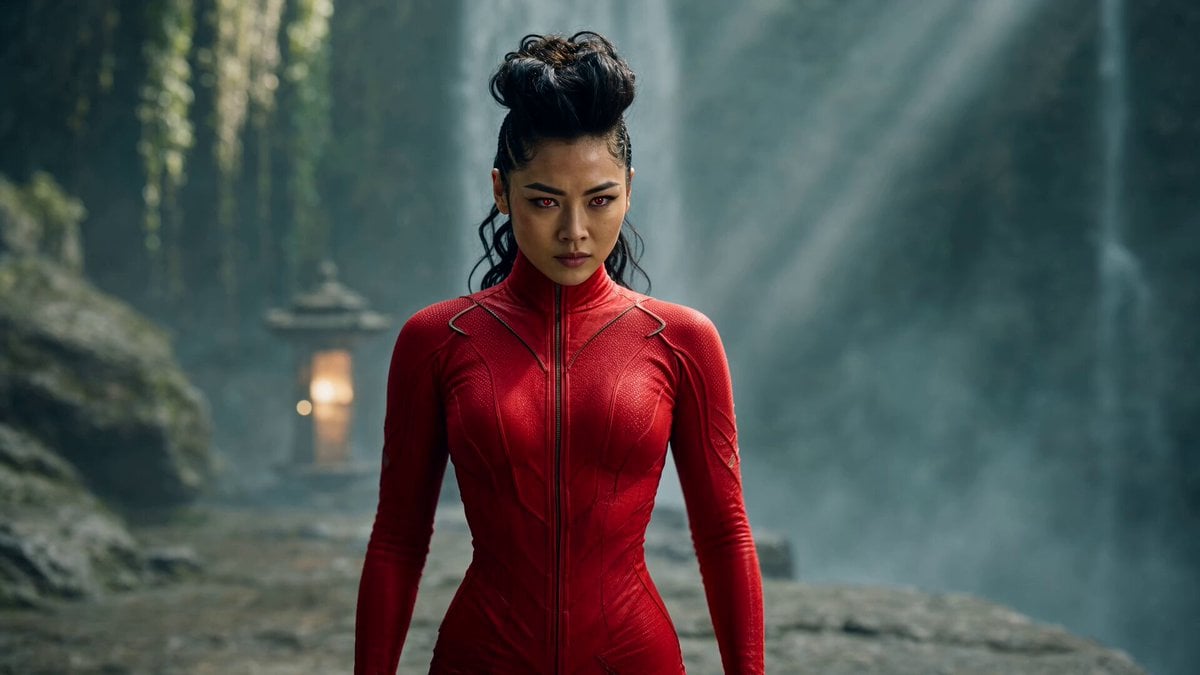
Cinematic Fantasy Transformation Battle
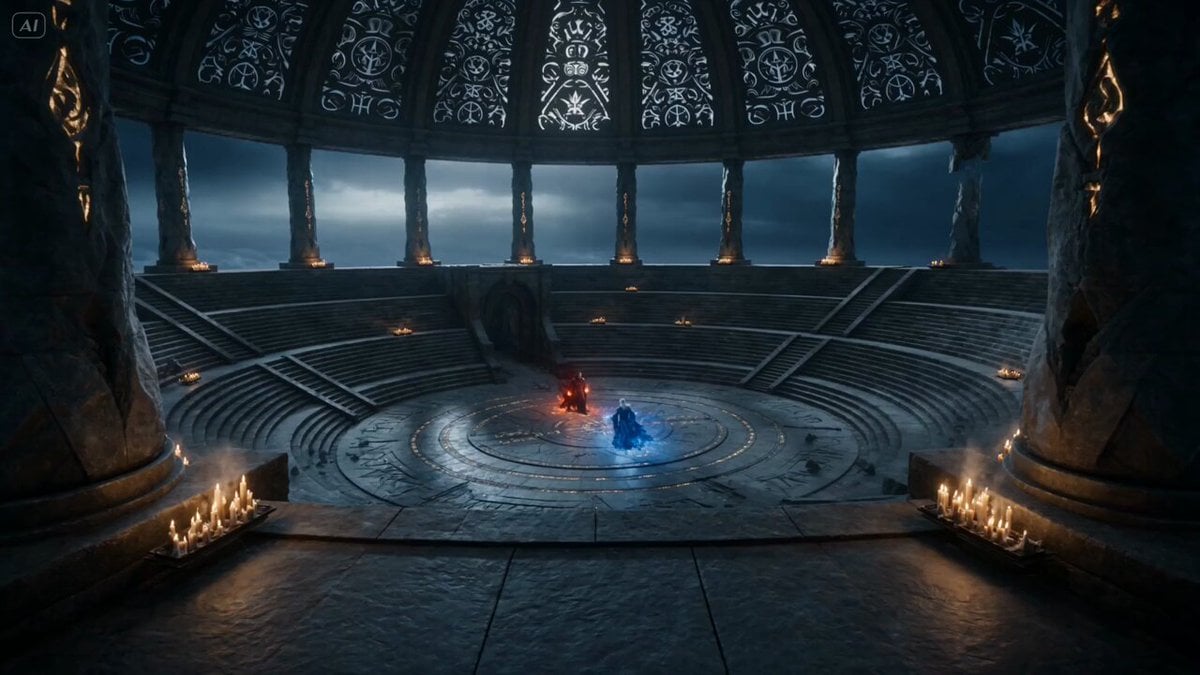
Dark Fantasy Mage Duel
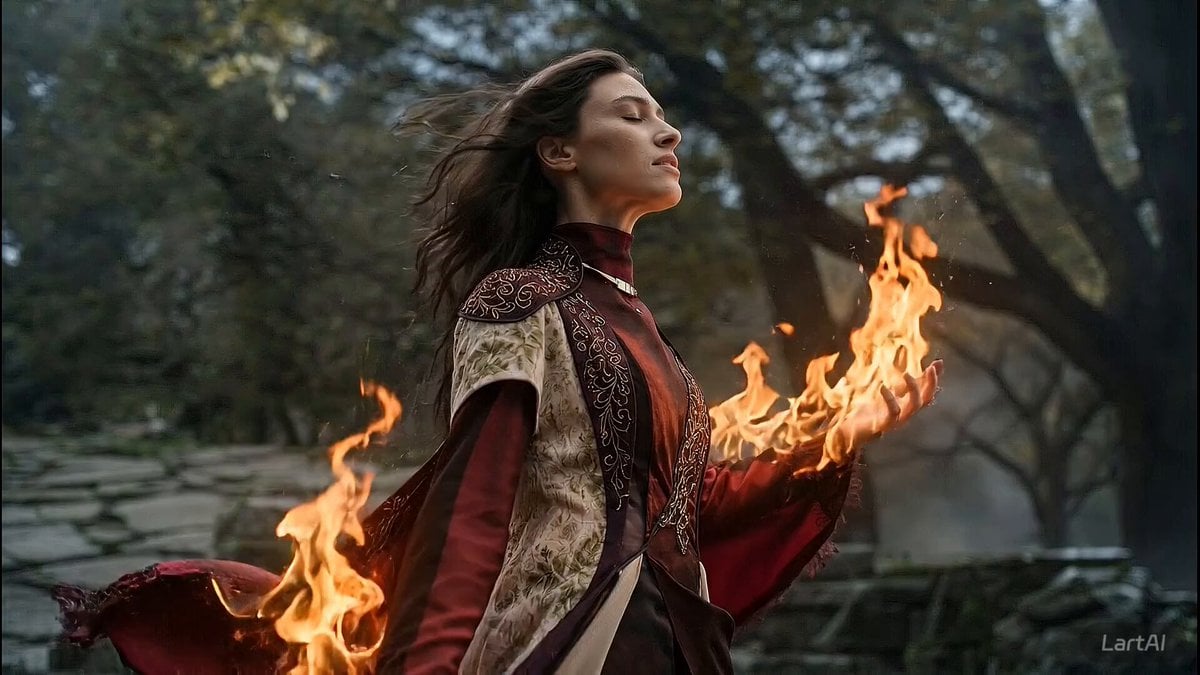
Cinematic Mage Battle Storyboard
Make it yours
Battle Mage Lightning Spear Fantasy works as-is. These are the safest ways to change it without losing the look.
Change one field
Copy a single group, rewrite it, and generate again so you can see what that field is doing.
Keep the frame, change the subject
Hold the composition and light of Battle Mage Lightning Spear Fantasy, then swap wardrobe, props or the person for a new take.
| If the result… | Why | Fix |
|---|---|---|
| The result drifts from the preview | Too many fields changed at once. | Reuse Battle Mage Lightning Spear Fantasy as-is first, then change one group — subject, light, or setting. |
| The model over-stylizes the scene | The prose prompt leaves finish and camera underspecified. | Add one camera or lighting sentence and stay on Seedance 2.0. |
More Seedance 2.0 templates
Other prompts made for Seedance 2.0.

Comical Martial Arts Punch Scene

Maglev Train Action Sequence

Martial Arts Fight Sequence

Wuxia Protection and Trust Script

Vintage Korean Arcade MiniDV Vlog

Mercedes 190 SL Luxury Ad

Rainy Night Supernatural Reverse Comedy Video Script

Amazon Civilization Discovery

Futuristic South Asian City Transformation

Cozy Luxury Cafe Commercial
More video prompts
Fresh picks from across the catalog.

Cinematic Portrait of a Japanese Woman
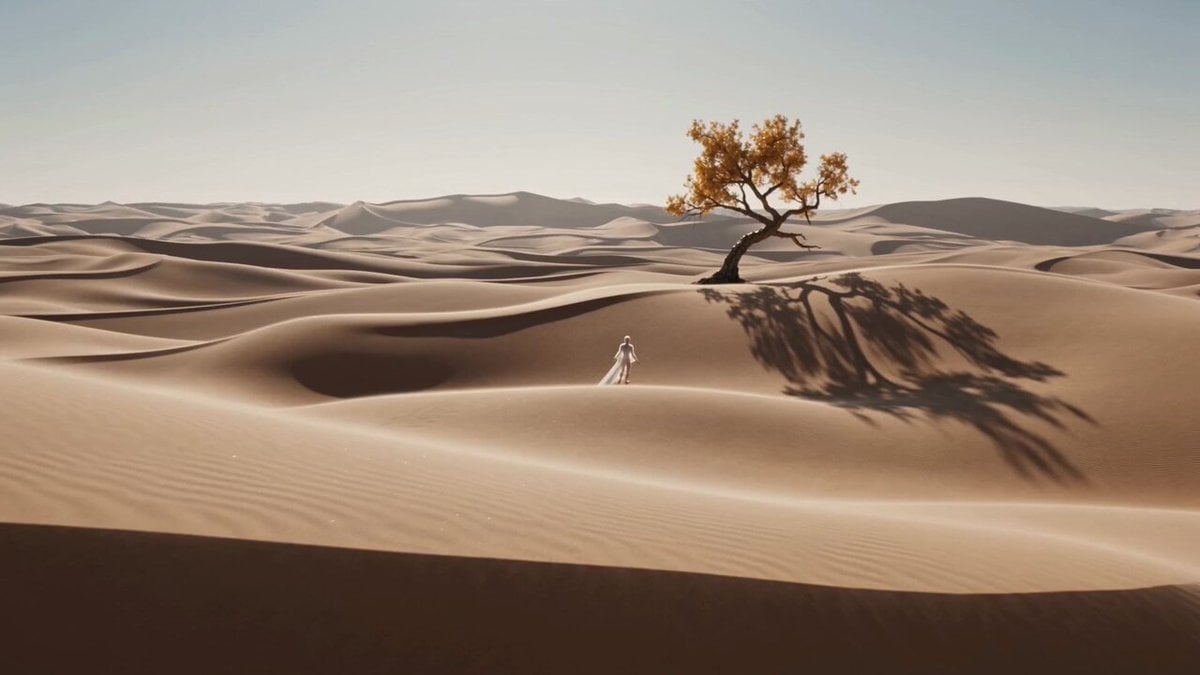
Dreamlike Surreal Desert figure

AI Agent Dancing on Motorcycle at Sunset
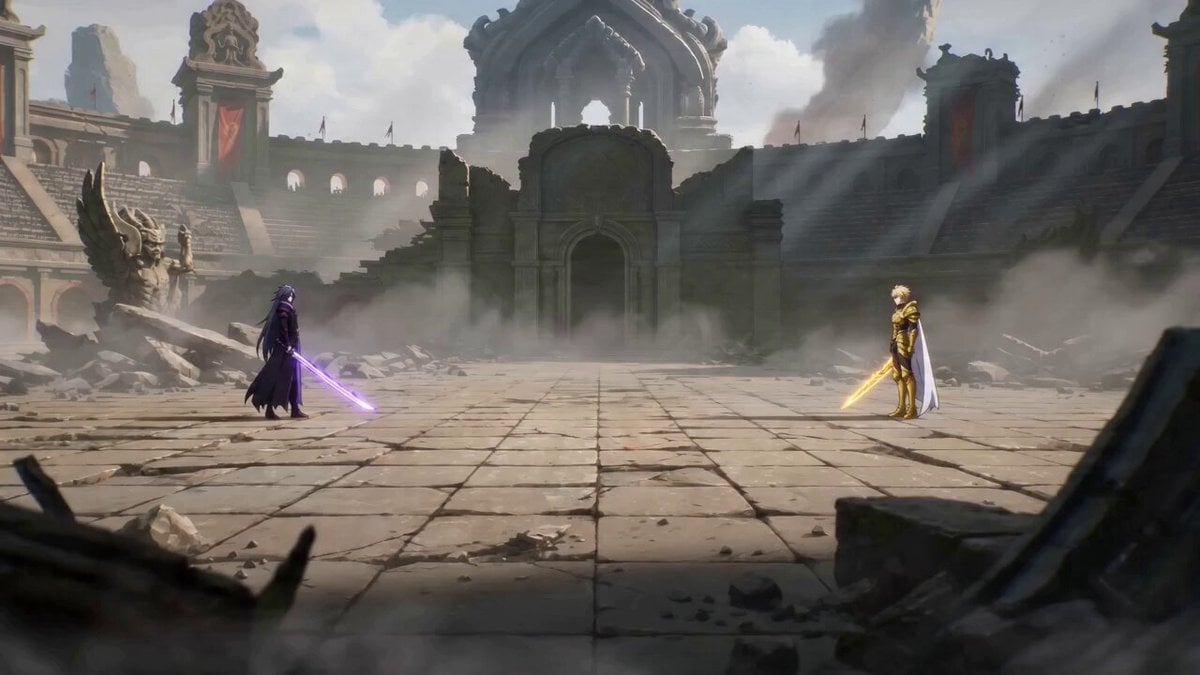
Detailed anime battle scene prompt for Seedance 2.0

Family Balloon Flight with Static Elements
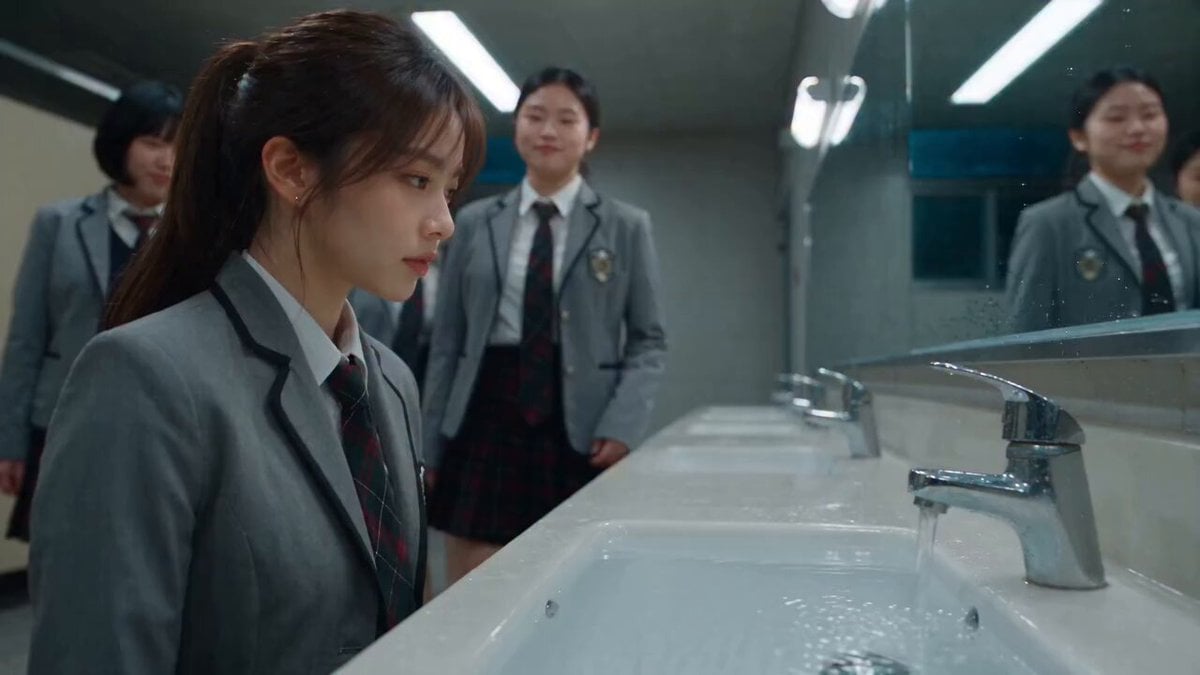
Dramatic School Bathroom Water Fight
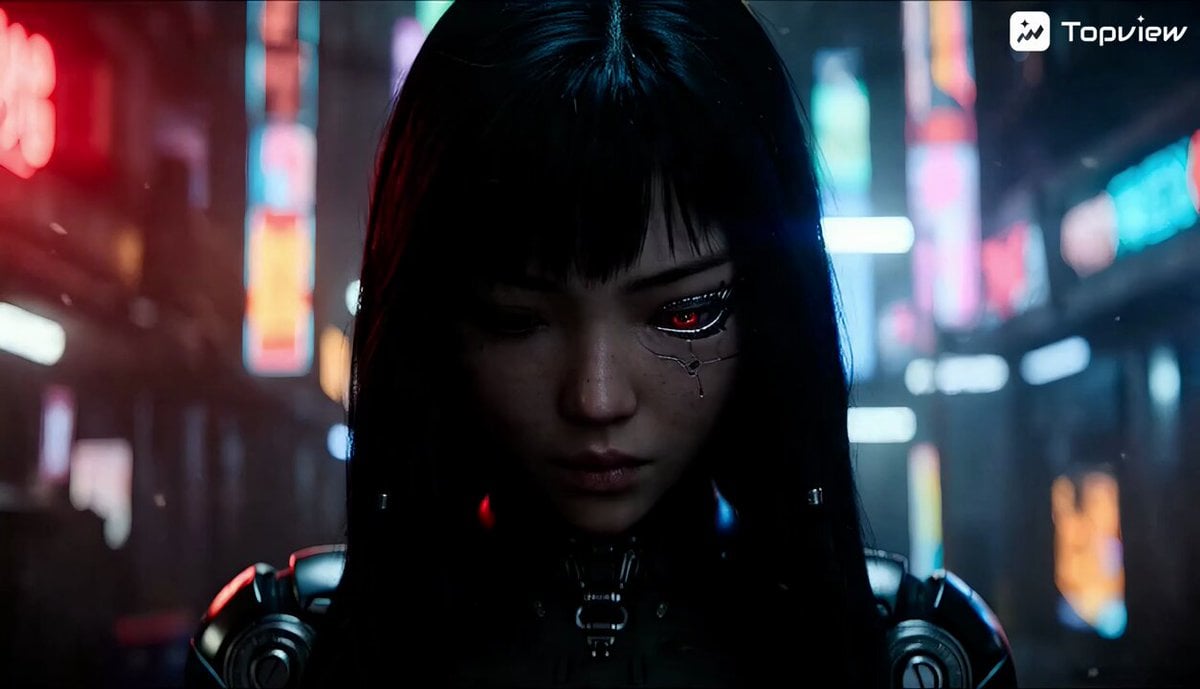
Cinematic Sci-Fi Action Video Prompt on Train Tracks
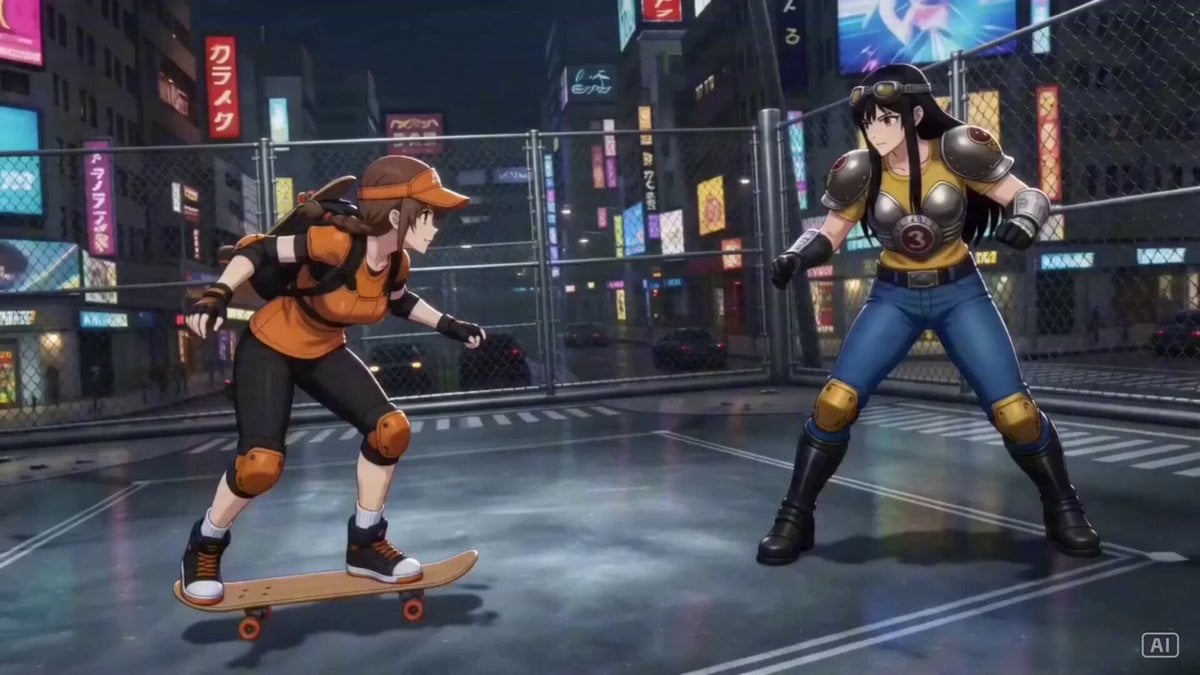
Industrial Ring Battle Environment

Global Fashion World Tour
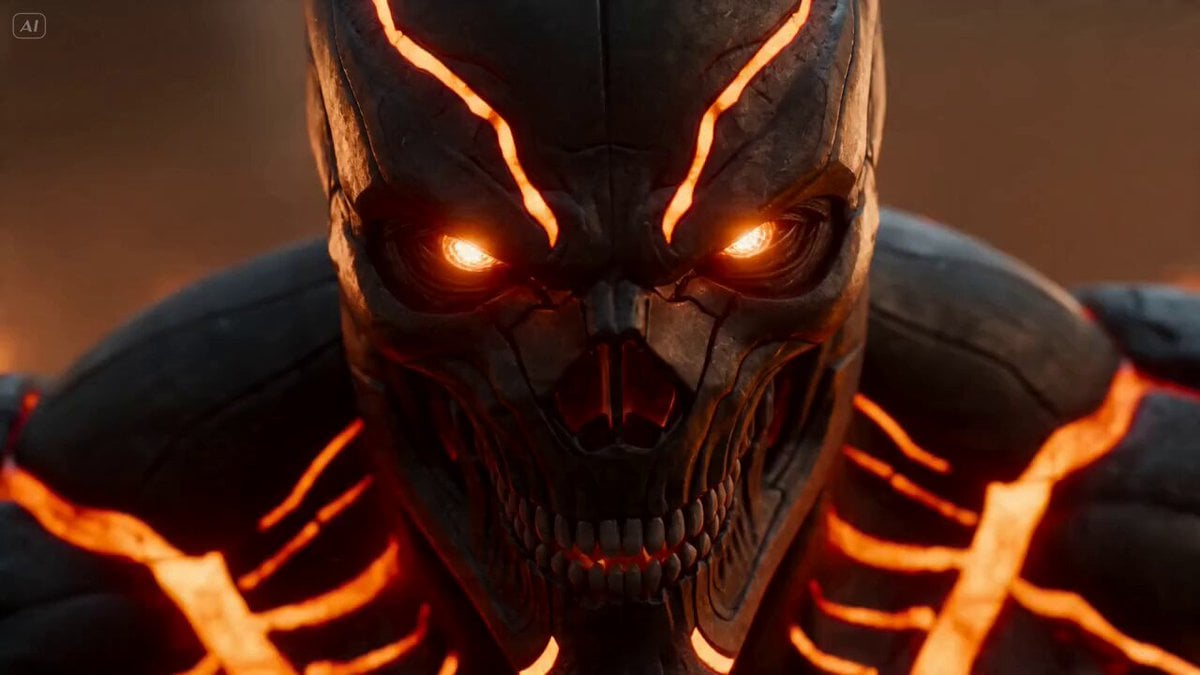
Cybernetic Berserker Battlefield Charge
Browse template categories
Battle Mage Lightning Spear Fantasy questions
How do I use the Battle Mage Lightning Spear Fantasy template?
Add your photo if the template asks for one, edit the prompt if you like — the template's model and format are already selected — and press Generate. Your version opens in PicX Studio.
Can I customize the Battle Mage Lightning Spear Fantasy template?
Yes. You can change the subject, setting, lighting, mood, format, and available model controls before creating your video.
Is the Battle Mage Lightning Spear Fantasy template free?
Opening and editing this template is free. Generating uses credits, shown on the Generate button when you are signed in.
Which AI model should I use?
Start with Seedance 2.0, which is the model associated with this template. You can compare another compatible model for a different finish.
Looking for something else? Browse all templates.

Your photo, any look
Thousands of ready templates for every top image and video model, from one credit balance.