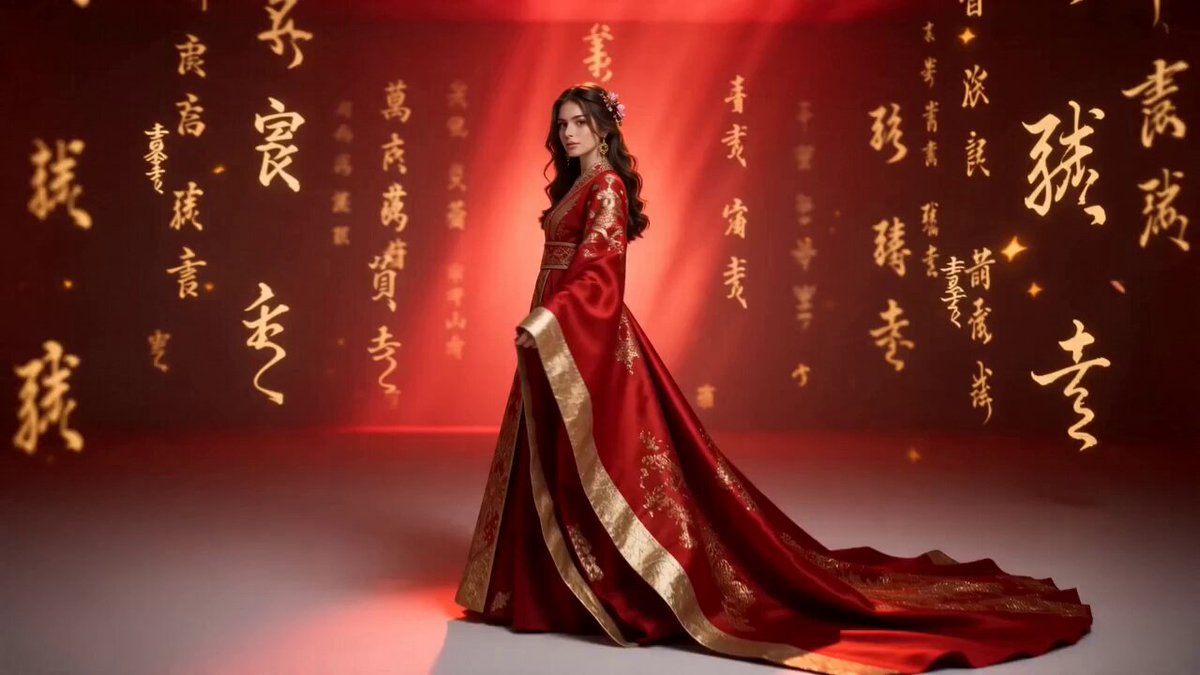
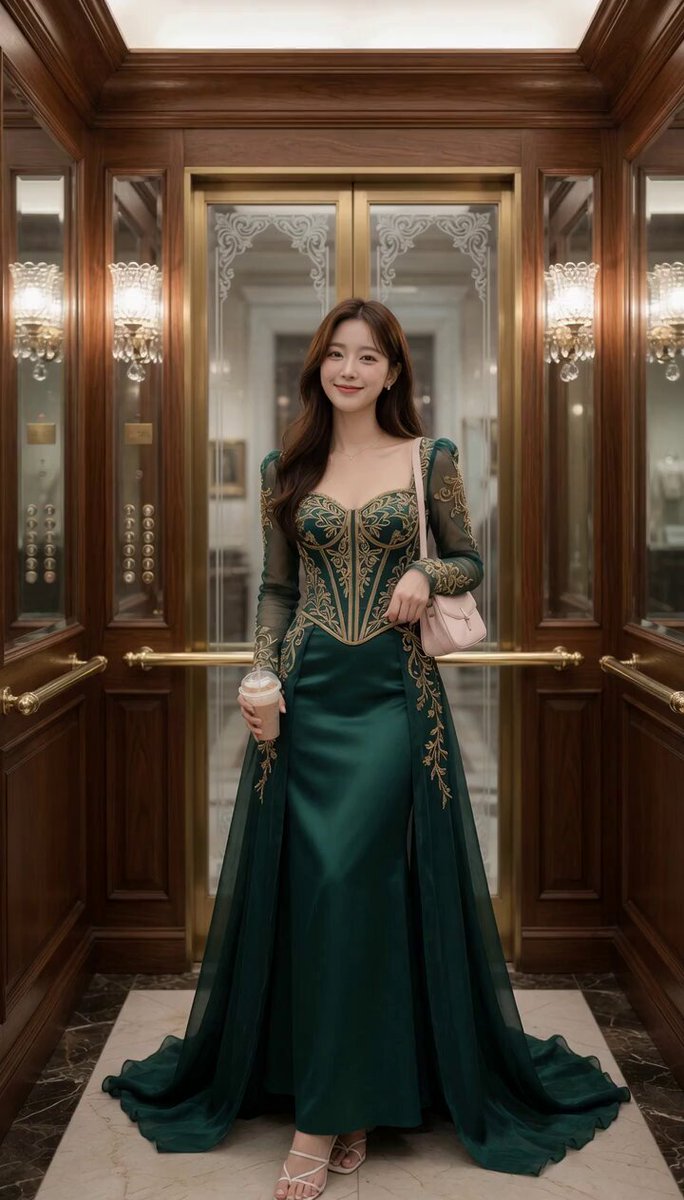
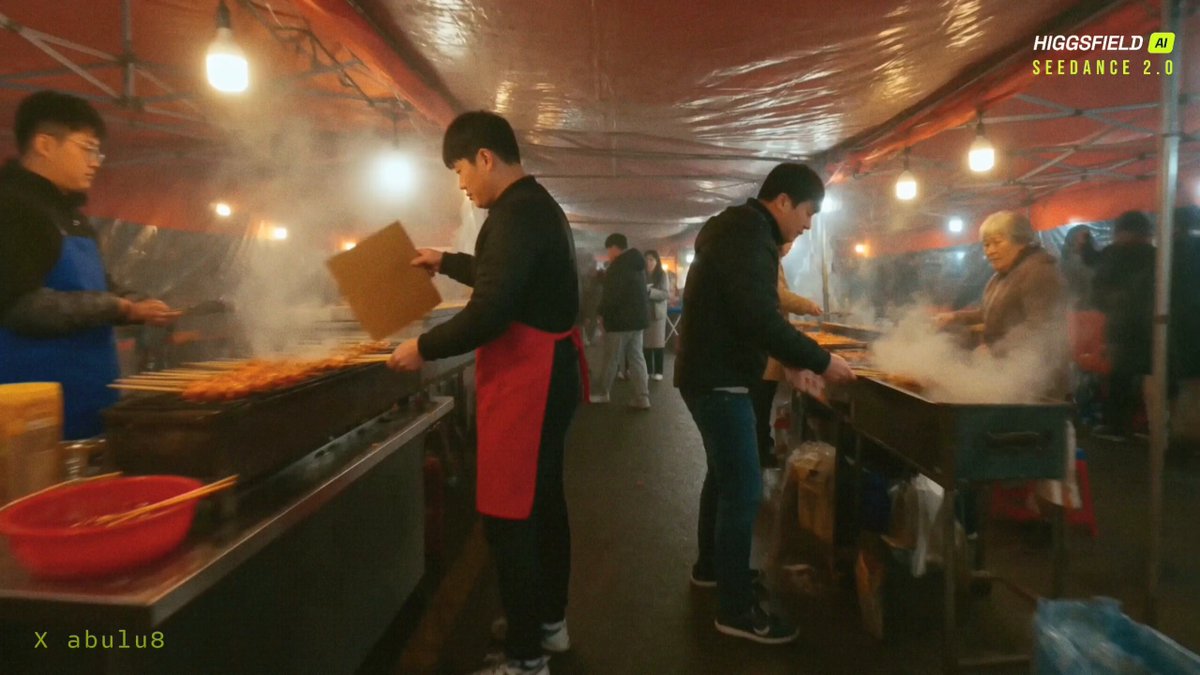
How do I use the Global Fashion World Tour template?
Edit the prompt in the box under the preview — the template's model and format are already selected — and press Generate. Your version appears right on this page.
An advanced transformation prompt that maintains character identity while transitioning through 10 global cities with matching local fashion and cinematic aesthetics.
Use uploaded reference image as the exact identity source. Keep the same man in every single scene with identical face, same skin tone, same facial structure, same hairstyle, same eyes, same jawline, same body proportions, no face change, no identity drift at all. Ultra-realistic cinematic travel transformation video, 15 seconds total, smooth walking transitions while changing across 10 different countries. The man keeps walking forward confidently and the environment transforms around him into different countries one by one. In every country, his outfit changes according to the local fashion and vibe while keeping him stylish, premium, and cinematic. Scene flow: 1. Paris, France — elegant black trench coat, luxury street, Eiffel Tower background 2. Dubai, UAE — rich white luxury outfit, Burj Khalifa skyline, golden sunlight 3. Tokyo, Japan — modern stylish streetwear, neon city lights, Shibuya crossing 4. New York, USA — sharp blazer and sunglasses, Times Square cinematic light 5. London, UK — classy formal coat, rainy street, luxury British aesthetic 6. Rome, Italy — fashionable casual luxury outfit, old architecture, warm sunlight 7. Istanbul, Turkey — stylish cultural fusion outfit, historic streets, cinematic depth 8. Bangkok, Thailand — trendy modern fashion, vibrant luxury street market lights 9. Sydney, Australia — relaxed premium beachwear, Opera House background 10. Switzerland — luxury winter outfit, snowy mountains, rich cinematic ending Camera style: smooth cinematic tracking shot, slow motion walking, dramatic luxury transitions, realistic body movement, ultra-detailed face, strong facial consistency, premium Netflix-level cinematic production, realistic lighting, depth of field, natural shadows, 8K quality, highly detailed textures, fashion editorial look, smooth transitions between countries, luxury lifestyle aesthetic, viral Instagram reel style, realistic environment transformation, powerful confident expression, cinematic ending shot. Negative prompt: no cartoon, no animation, no face distortion, no identity drift, no extra people focus, no low quality, no blurry face, no unrealistic motion, no duplicate person, no bad anatomy, no fake background, no inconsistent hairstyle
Use uploaded reference image as the exact identity source. Keep the same man in every single scene with identical face, same skin tone, same facial structure, same hairstyle, same eyes, same jawline, same body proportions, no face change, no identity drift at all. Ultra-realistic cinematic travel transformation video, 15 seconds total, smooth walking transitions while changing across 10 different countries. The man keeps walking forward confidently and the environment transforms around him into different countries one by one. In every country, his outfit changes according to the local fashion and vibe while keeping him stylish, premium, and cinematic. Scene flow: 1. Paris, France — elegant black trench coat, luxury street, Eiffel Tower background 2. Dubai, UAE — rich white luxury outfit, Burj Khalifa skyline, golden sunlight 3. Tokyo, Japan — modern stylish streetwear, neon city lights, Shibuya crossing 4. New York, USA — sharp blazer and sunglasses, Times Square cinematic light 5. London, UK — classy formal coat, rainy street, luxury British aesthetic 6. Rome, Italy — fashionable casual luxury outfit, old architecture, warm sunlight 7. Istanbul, Turkey — stylish cultural fusion outfit, historic streets, cinematic depth 8. Bangkok, Thailand — trendy modern fashion, vibrant luxury street market lights 9. Sydney, Australia — relaxed premium beachwear, Opera House background 10. Switzerland — luxury winter outfit, snowy mountains, rich cinematic ending Camera style: smooth cinematic tracking shot, slow motion walking, dramatic luxury transitions, realistic body movement, ultra-detailed face, strong facial consistency, premium Netflix-level cinematic production, realistic lighting, depth of field, natural shadows, 8K quality, highly detailed textures, fashion editorial look, smooth transitions between countries, luxury lifestyle aesthetic, viral Instagram reel style, realistic environment transformation, powerful confident expression, cinematic ending shot. Negative prompt: no cartoon, no animation, no face distortion, no identity drift, no extra people focus, no low quality, no blurry face, no unrealistic motion, no duplicate person, no bad anatomy, no fake background, no inconsistent hairstyle
Edit the prompt in the box under the preview — the template's model and format are already selected — and press Generate. Your version appears right on this page.
Yes. You can change the subject, setting, lighting, mood, format, and available model controls before creating your video.
Opening and editing this template is free. Generating uses credits, shown on the Generate button when you are signed in.
Start with Seedance 2.0, which is the model associated with this template. You can compare another compatible model for a different finish.
Follow a topic to a crawlable collection of related PicX Studio templates.