
Ancient Kingdom FPV Drone Shot
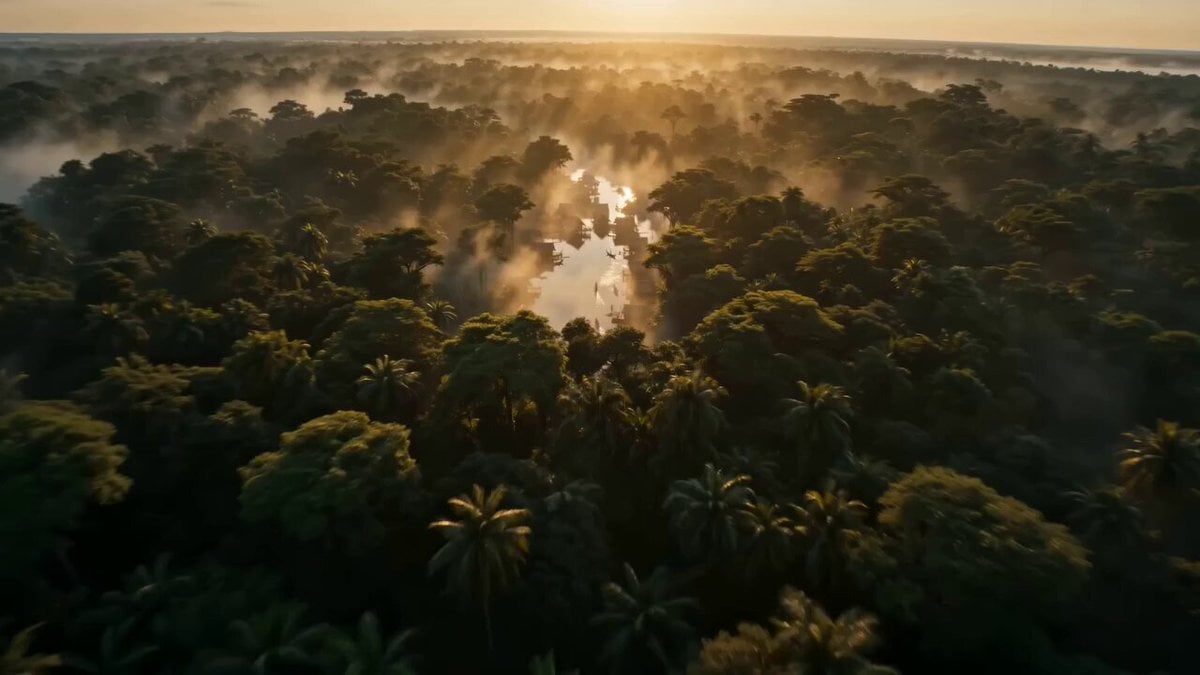
A highly cinematic FPV drone perspective flying through a fictional ancient Indian kingdom, featuring riverine forests, tribal markets, and royal courts in a single continuous shot.
- Prompt included
- Model and format preset
- Free template
The prompt behind this video
Copy the exact prompt behind Ancient Kingdom FPV Drone Shot, or open it in the studio and make it yours.
Extremely fast-paced cinematic FPV flying through the ancient Nishada kingdom, ultra-realistic. Begin above dense riverine forests at sunrise, diving rapidly over mist-covered rivers and wooden settlements on stilts. Weave through bustling tribal markets, hunters with bows, fishermen casting nets, and fire-lit camps. Rush past intricately carved wooden huts, tribal art, and boats along riverbanks. Transition into royal areas with a Nishada chieftain’s court, warriors training, and ritual gatherings with drums and chants. sharp turns, dramatic lighting, golden hour glow, volumetric fog, dust particles, water reflections. Ultra-detailed textures, cinematic depth of field, high contrast, realism, epic atmosphere, continuous one-take FPV shot
How to use Ancient Kingdom FPV Drone Shot in 3 steps
- 1
Open
The prompt is already in the box next to the preview, with the template's model and format selected.
- 2…a portrait of your subject in softgolden-hour light, 85mm…
Personalize
Edit the subject and creative details for your destination.
- 3Generate
Generate
Press Generate — your video is created in PicX Studio, so you can compare it with the original and refine one variable at a time.
More like this
Templates with the same subject, style or setup. Open one to see its prompt.
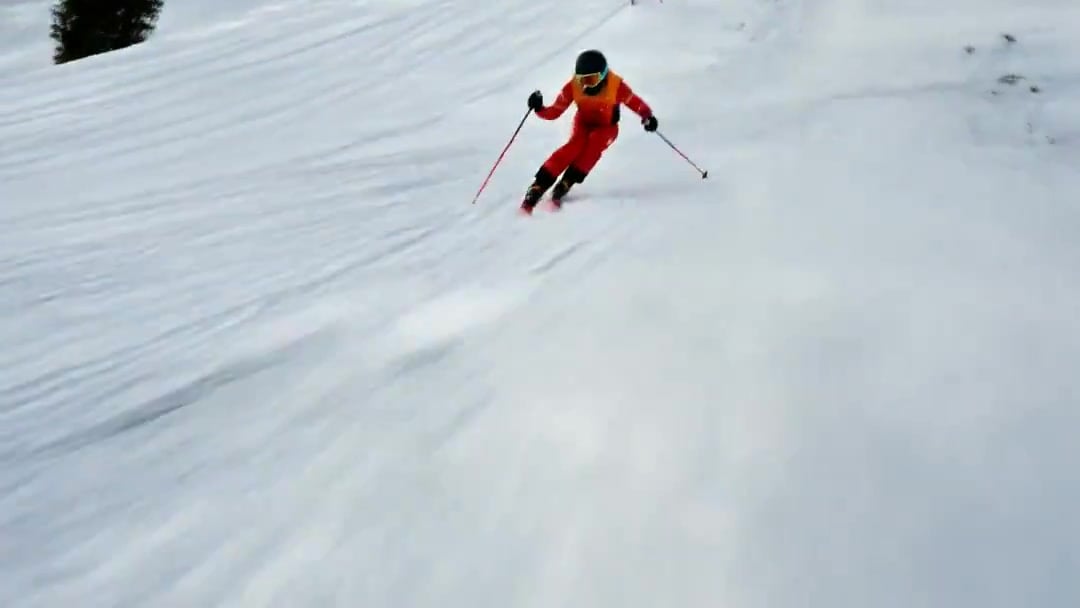
FPV Drone Skier Tracking — Kling 3.0 O3 Pro
Amazon FPV Drone Chase — Seedance 2.0
FPV Ancient Kuru Kingdom — Hastinapura Golden Hour (Seedance)
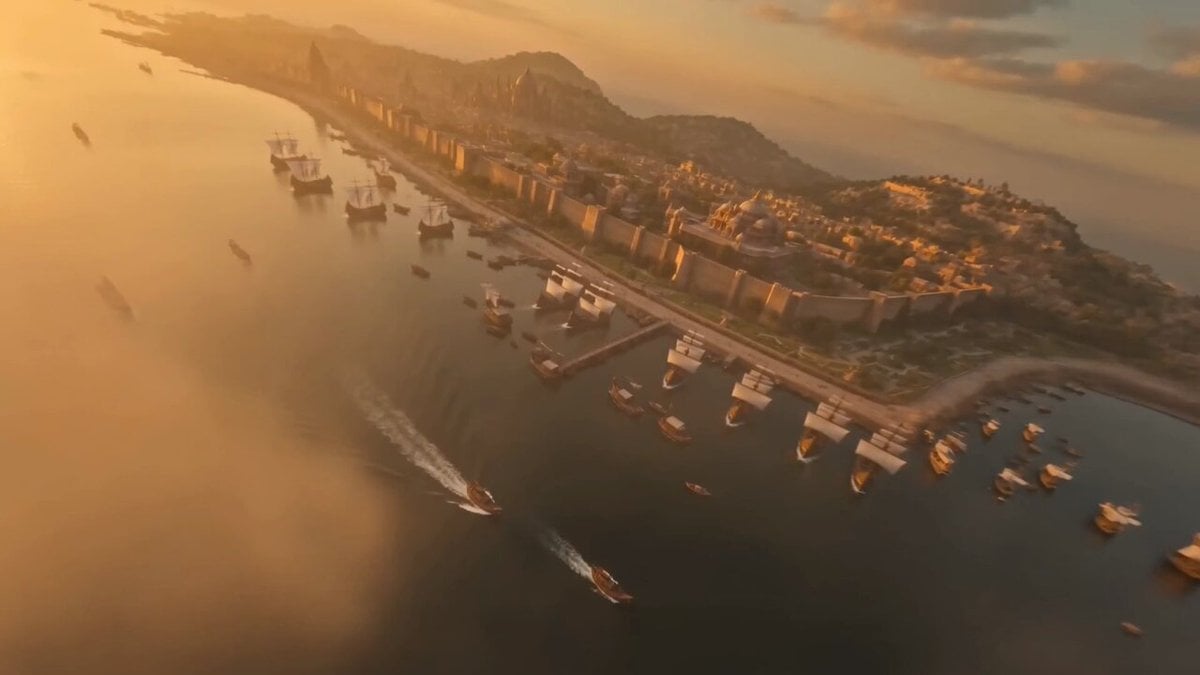
Ancient Indian Kingdom FPV Drone Shot
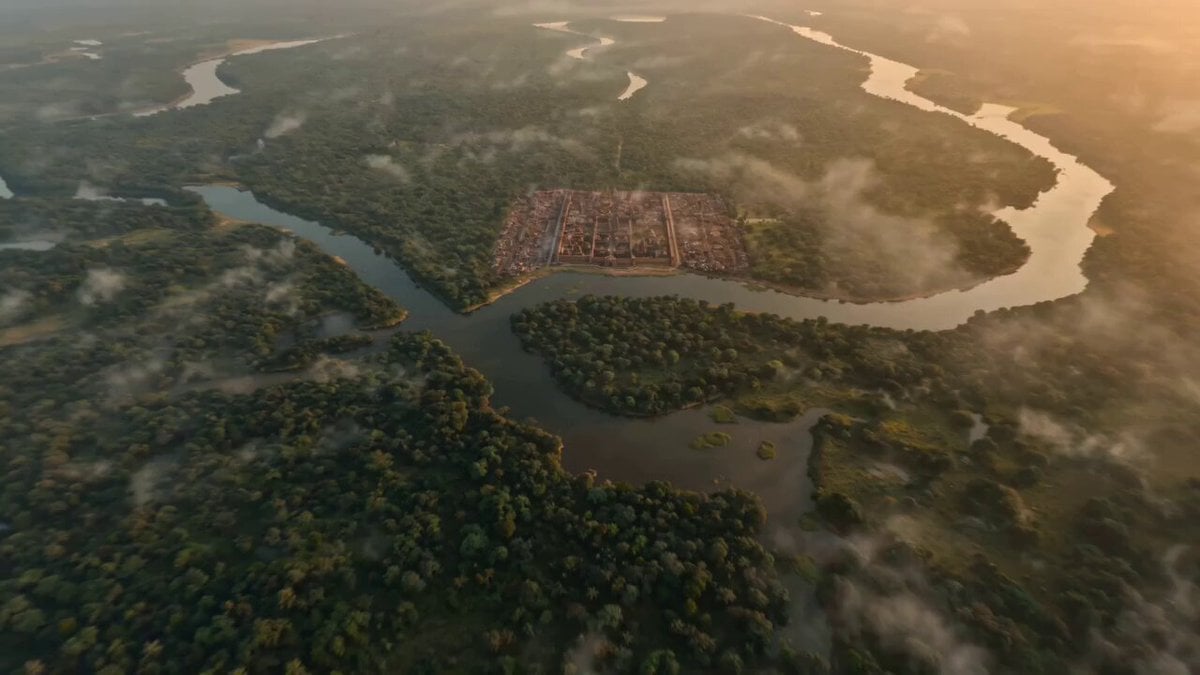
Ancient Indian Kingdom FPV Flyover
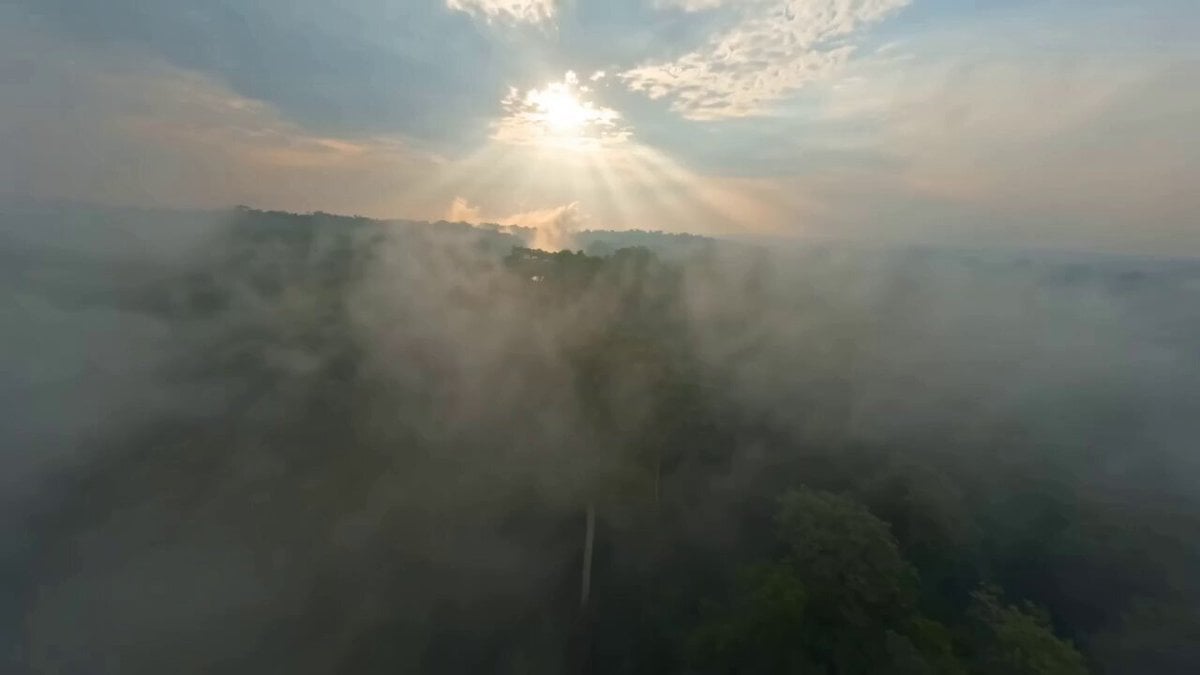
Ancient Indian Kingdom FPV Video
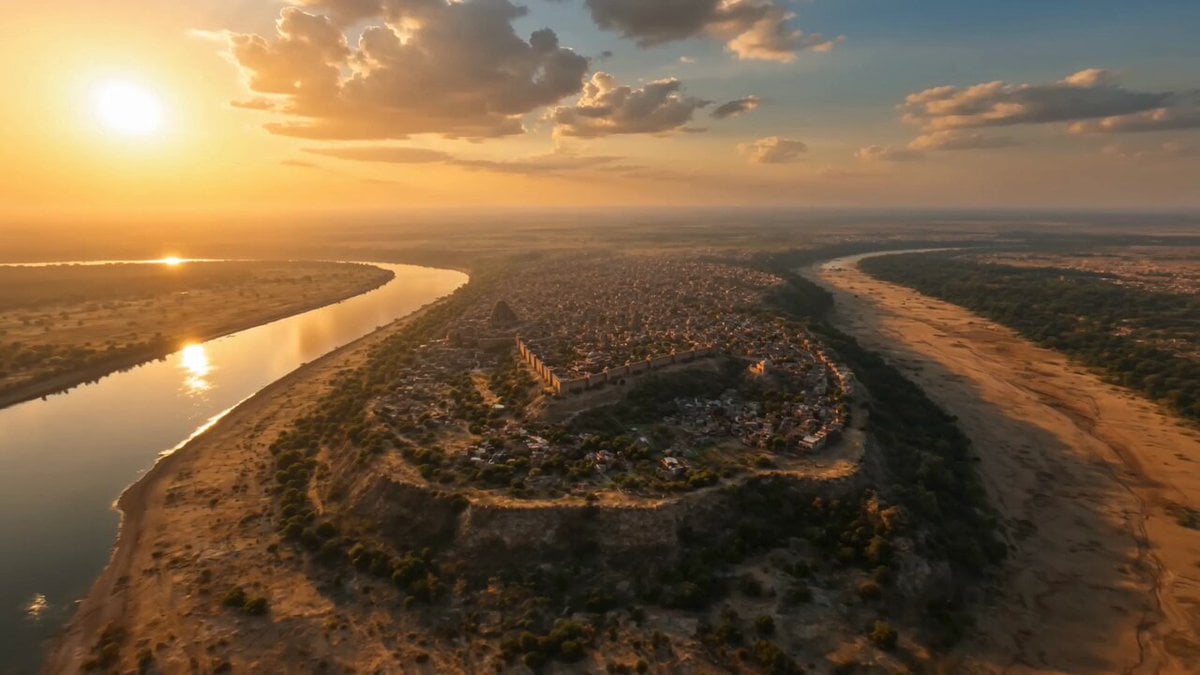
Ancient Sauvira Kingdom FPV
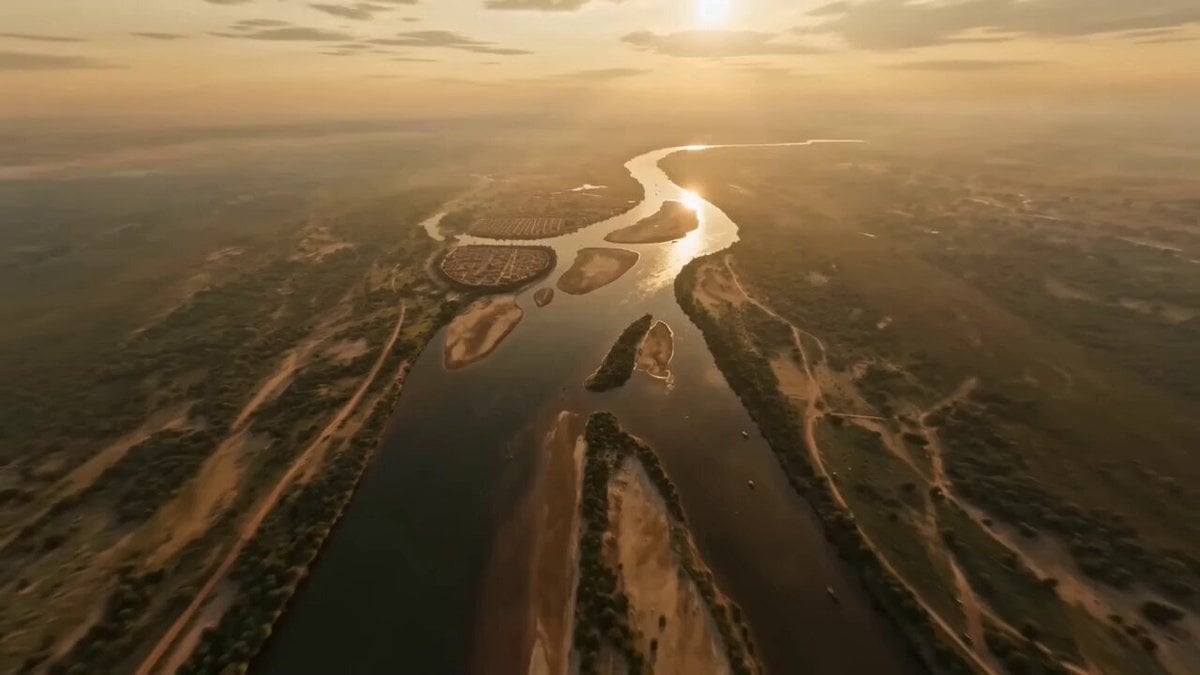
Ancient Indian Kingdom FPV
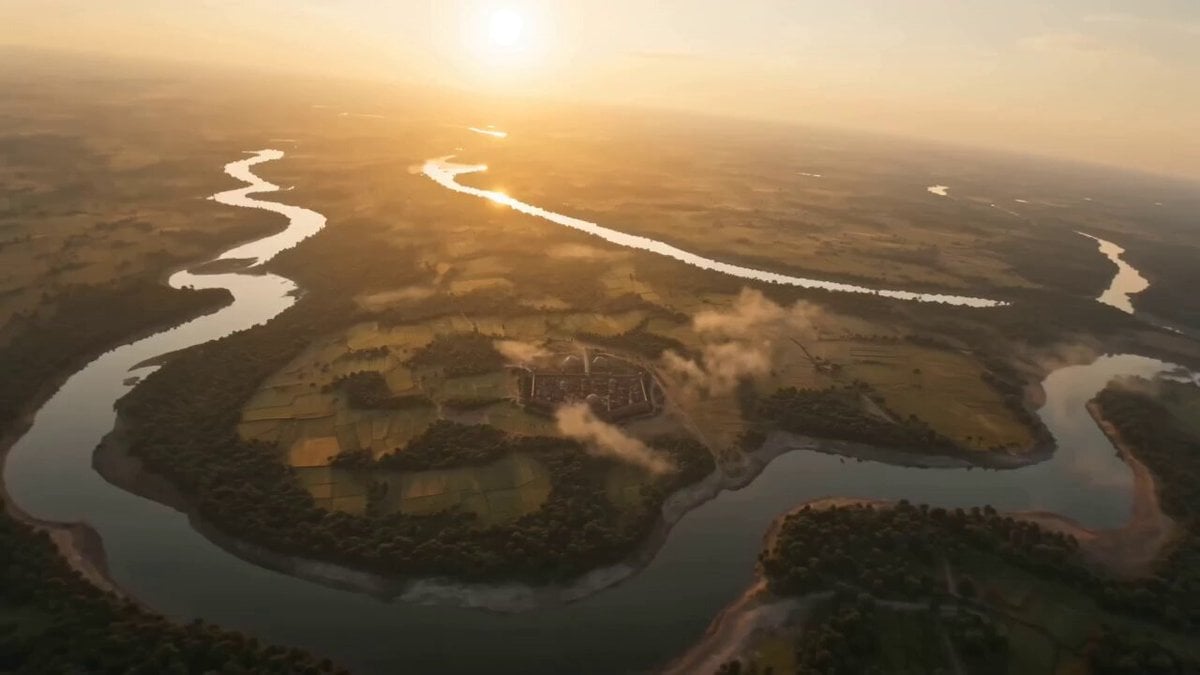
Ancient Indian Kingdom FPV

Ancient Indian Kingdom FPV
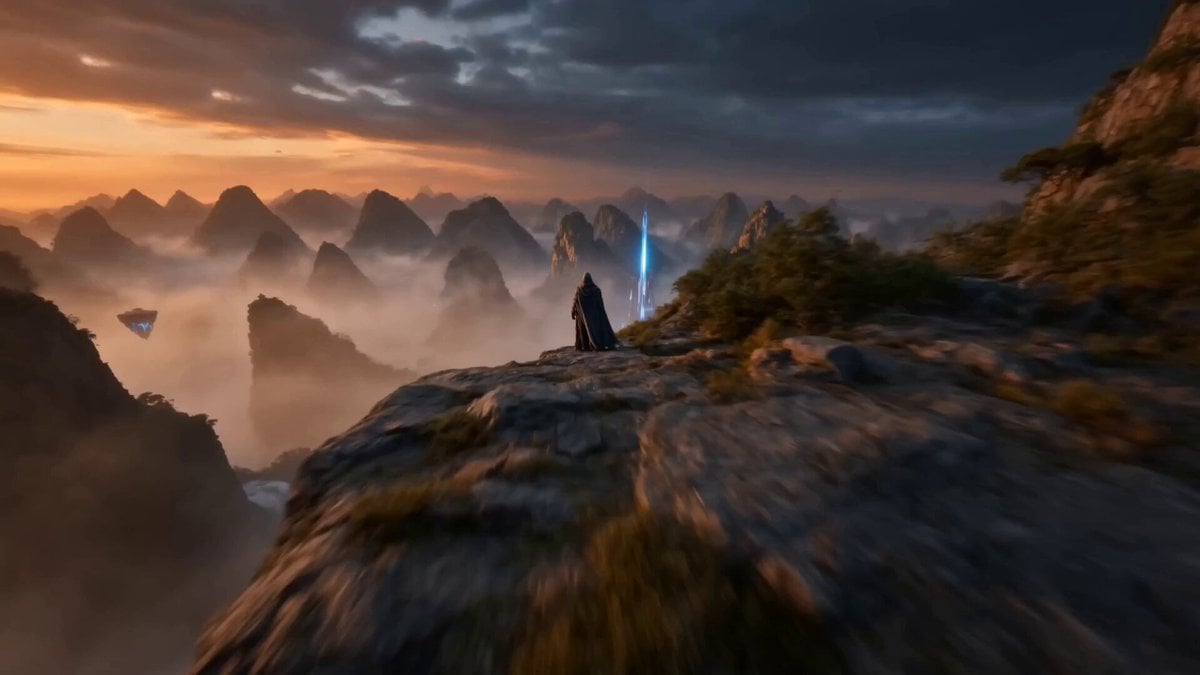
FPV Drone Fantasy Kingdom Flight
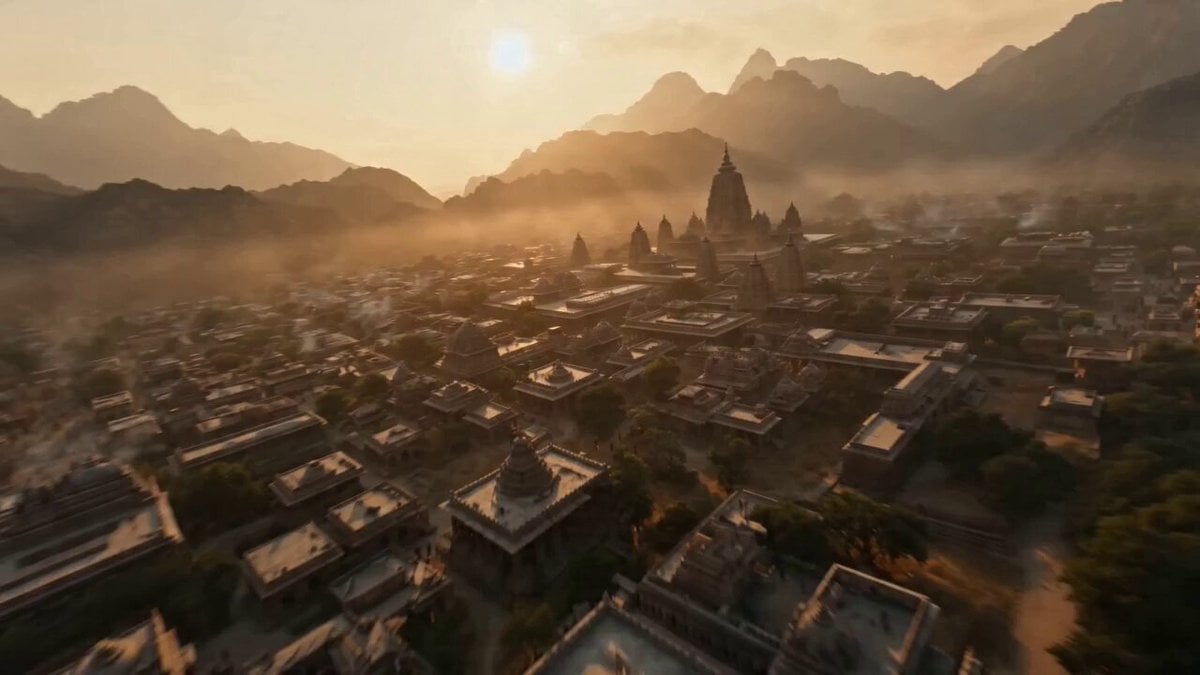
Ancient Kingdom FPV Flight
Make it yours
Ancient Kingdom FPV Drone Shot works as-is. These are the safest ways to change it without losing the look.
Change one field
Copy a single group, rewrite it, and generate again so you can see what that field is doing.
Keep the frame, change the subject
Hold the composition and light of Ancient Kingdom FPV Drone Shot, then swap wardrobe, props or the person for a new take.
| If the result… | Why | Fix |
|---|---|---|
| The result drifts from the preview | Too many fields changed at once. | Reuse Ancient Kingdom FPV Drone Shot as-is first, then change one group — subject, light, or setting. |
| The model over-stylizes the scene | The prose prompt leaves finish and camera underspecified. | Add one camera or lighting sentence and stay on Seedance 2.0. |
More Seedance 2.0 templates
Other prompts made for Seedance 2.0.

Comical Martial Arts Punch Scene

Maglev Train Action Sequence

Martial Arts Fight Sequence

Wuxia Protection and Trust Script

Vintage Korean Arcade MiniDV Vlog

Mercedes 190 SL Luxury Ad

Rainy Night Supernatural Reverse Comedy Video Script

Amazon Civilization Discovery

Futuristic South Asian City Transformation

Cozy Luxury Cafe Commercial
More video prompts
Fresh picks from across the catalog.
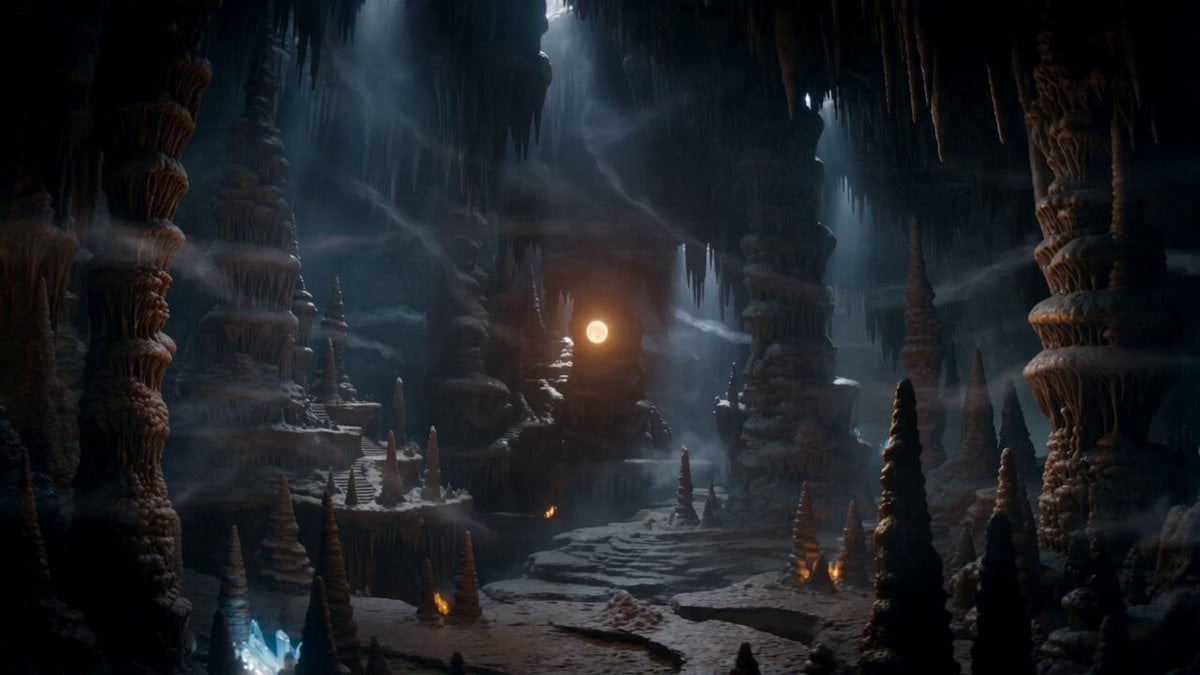
Magical Dragon Portal Cave
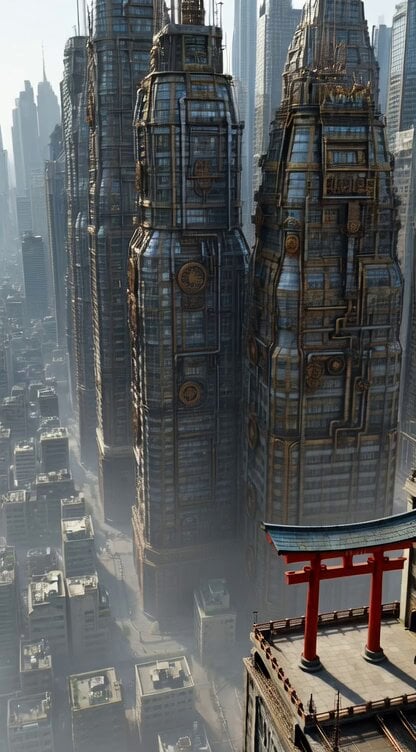
Steampunk Future City with Floating Buildings and a Small Torii Gate
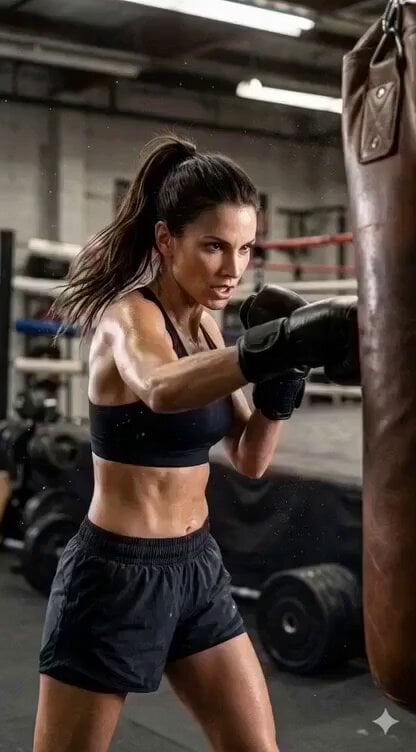
Image-to-Video Identity Lock for Athletic Expression
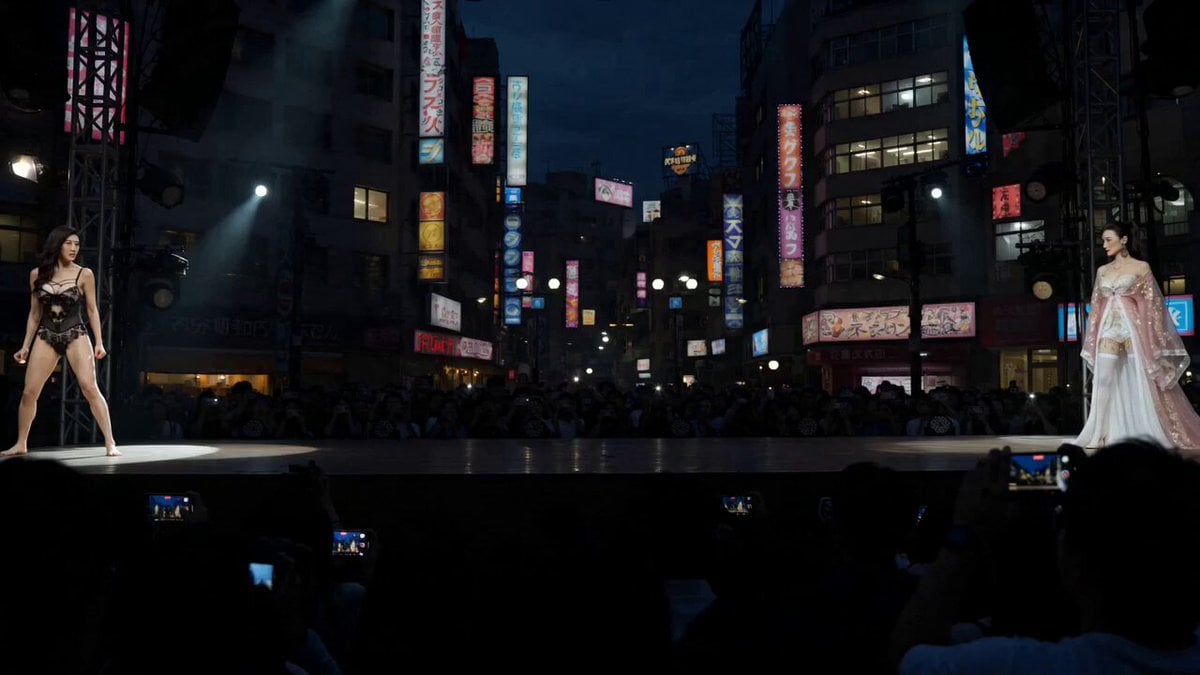
Anime Superhero Live Action Stage Battle
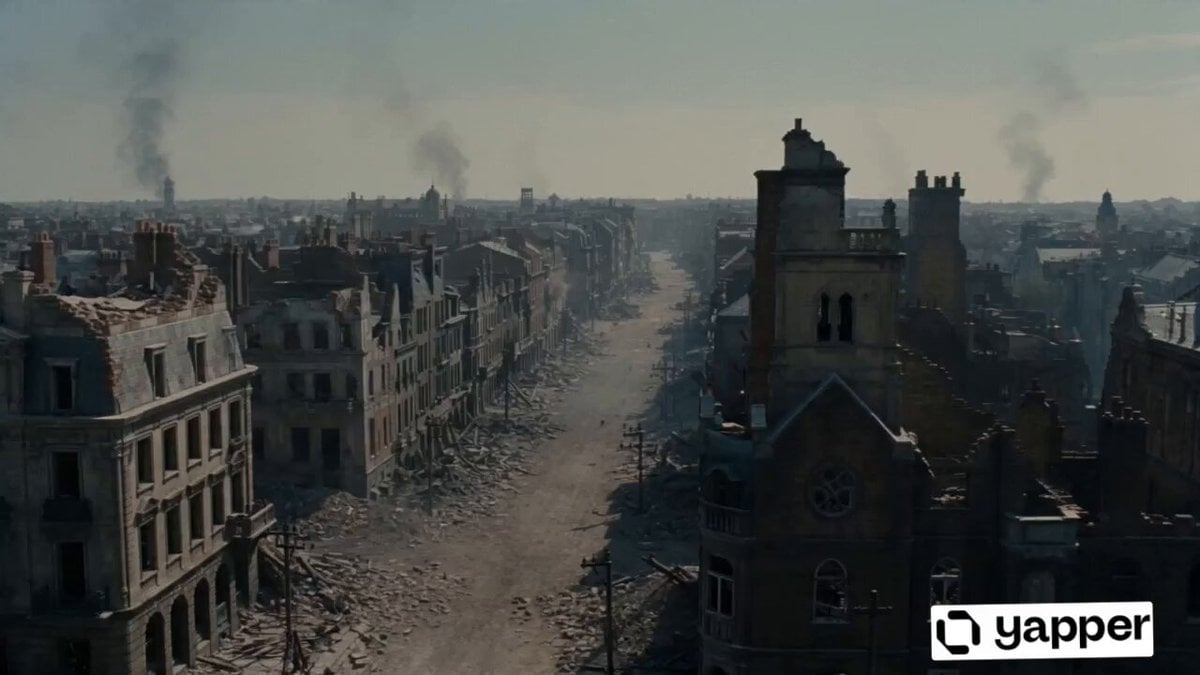
War-Torn Street Emotional Scene
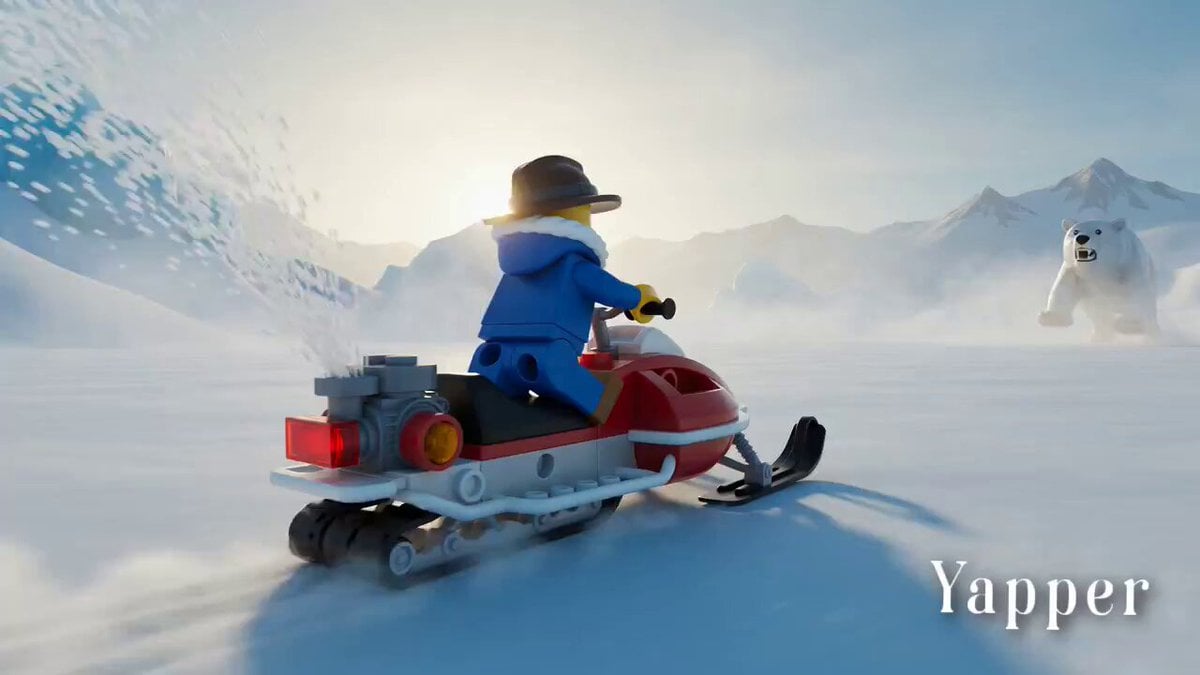
Lego Explorer Chased by Polar Bear
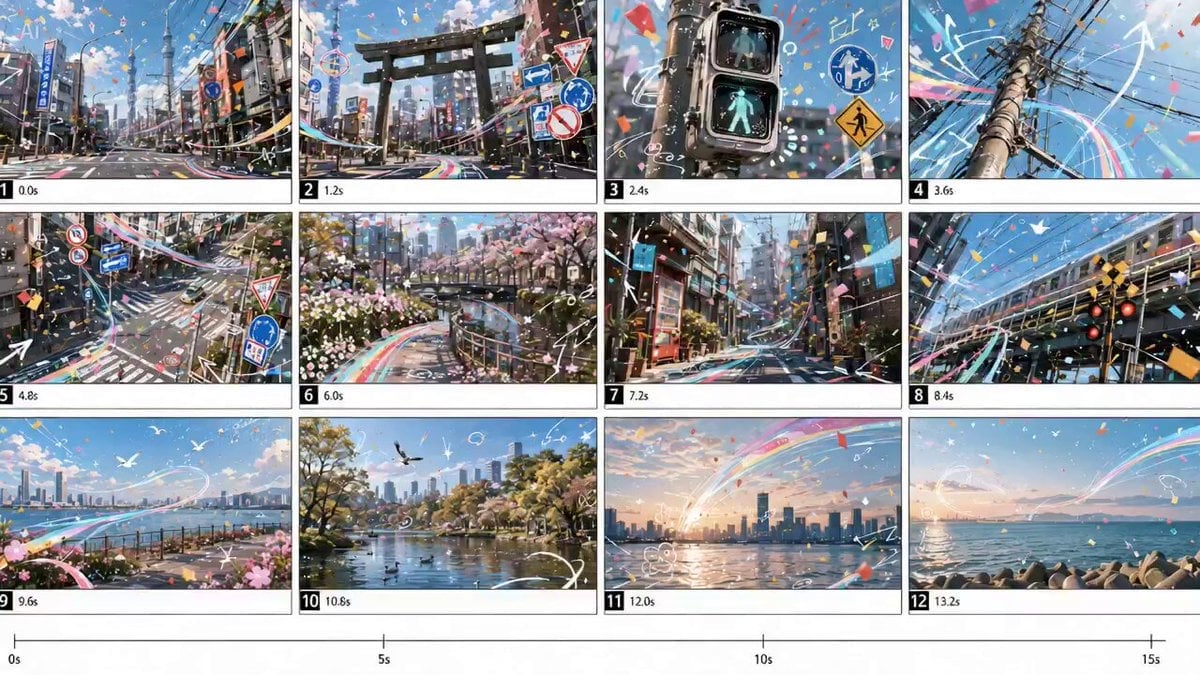
Cinematic Tokyo Montage with Motion Graphics
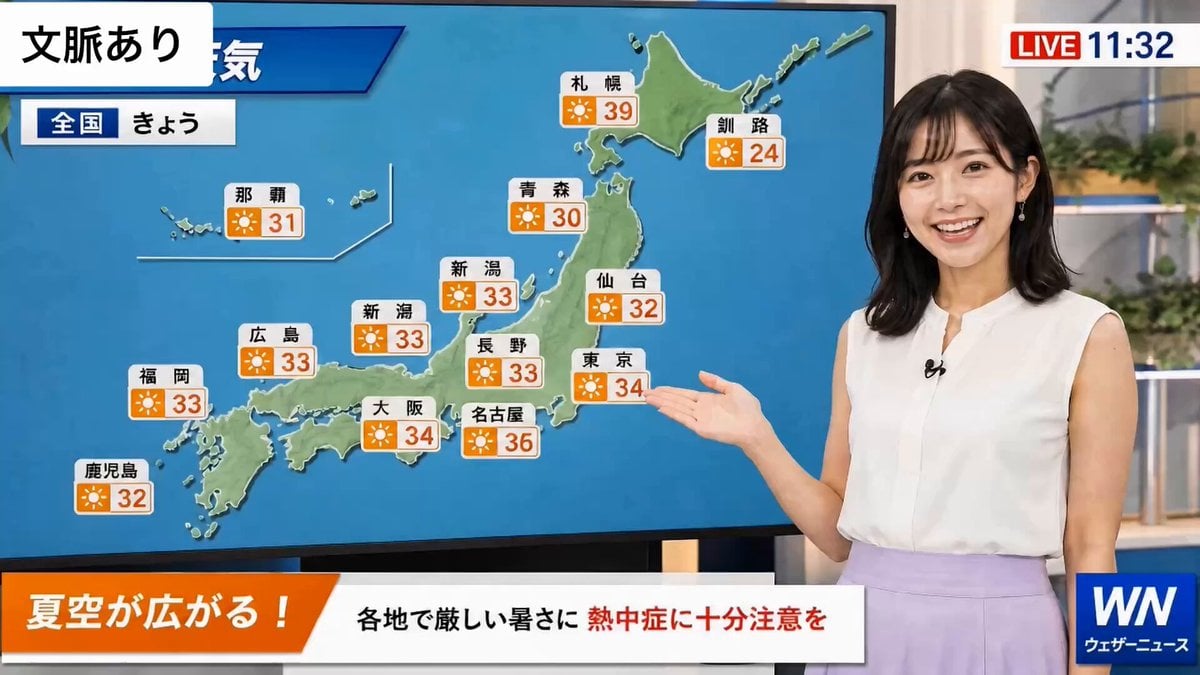
Weather Announcer Lip Sync
Couple watching shooting stars on a hill
Luxury Salon Beauty Transformation
Browse template categories
Ancient Kingdom FPV Drone Shot questions
How do I use the Ancient Kingdom FPV Drone Shot template?
Add your photo if the template asks for one, edit the prompt if you like — the template's model and format are already selected — and press Generate. Your version opens in PicX Studio.
Can I customize the Ancient Kingdom FPV Drone Shot template?
Yes. You can change the subject, setting, lighting, mood, format, and available model controls before creating your video.
Is the Ancient Kingdom FPV Drone Shot template free?
Opening and editing this template is free. Generating uses credits, shown on the Generate button when you are signed in.
Which AI model should I use?
Start with Seedance 2.0, which is the model associated with this template. You can compare another compatible model for a different finish.
Looking for something else? Browse all templates.

Your photo, any look
Thousands of ready templates for every top image and video model, from one credit balance.